Find a watch face and put it on my watch
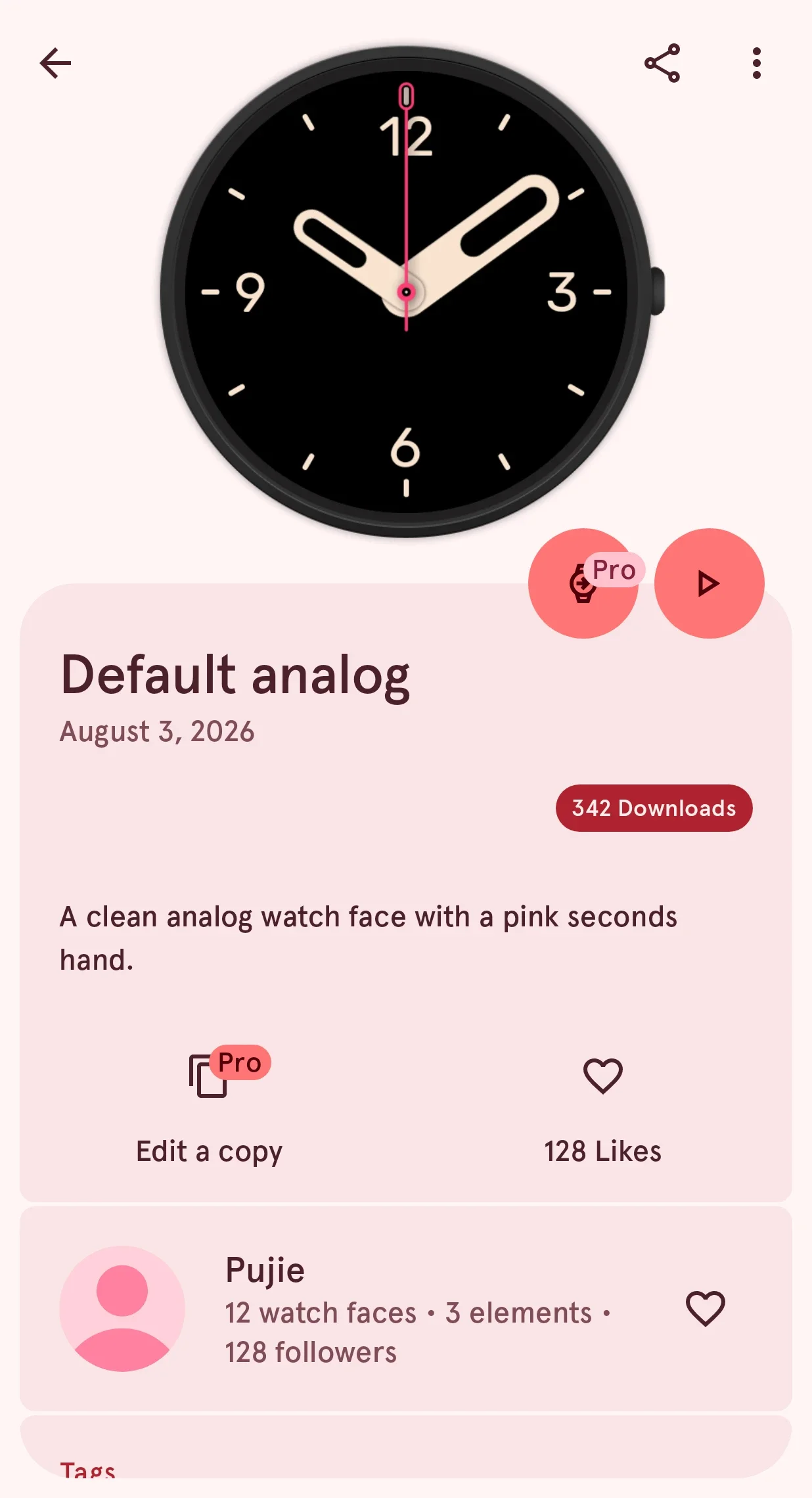
The Library has thousands of watch faces by the Pujie community. Apply one, then send it to your Wear OS 6 watch.

Pujie Watch Faces is where you design your own watch faces for Wear OS, find thousands more in the Watch Face Library, and send them to your watch. This is how all of it works.
Pick what you want to do; each card is a short reading path through the docs. Prefer to follow along screen by screen? The tutorials walk you through it.
The Library has thousands of watch faces by the Pujie community. Apply one, then send it to your Wear OS 6 watch.
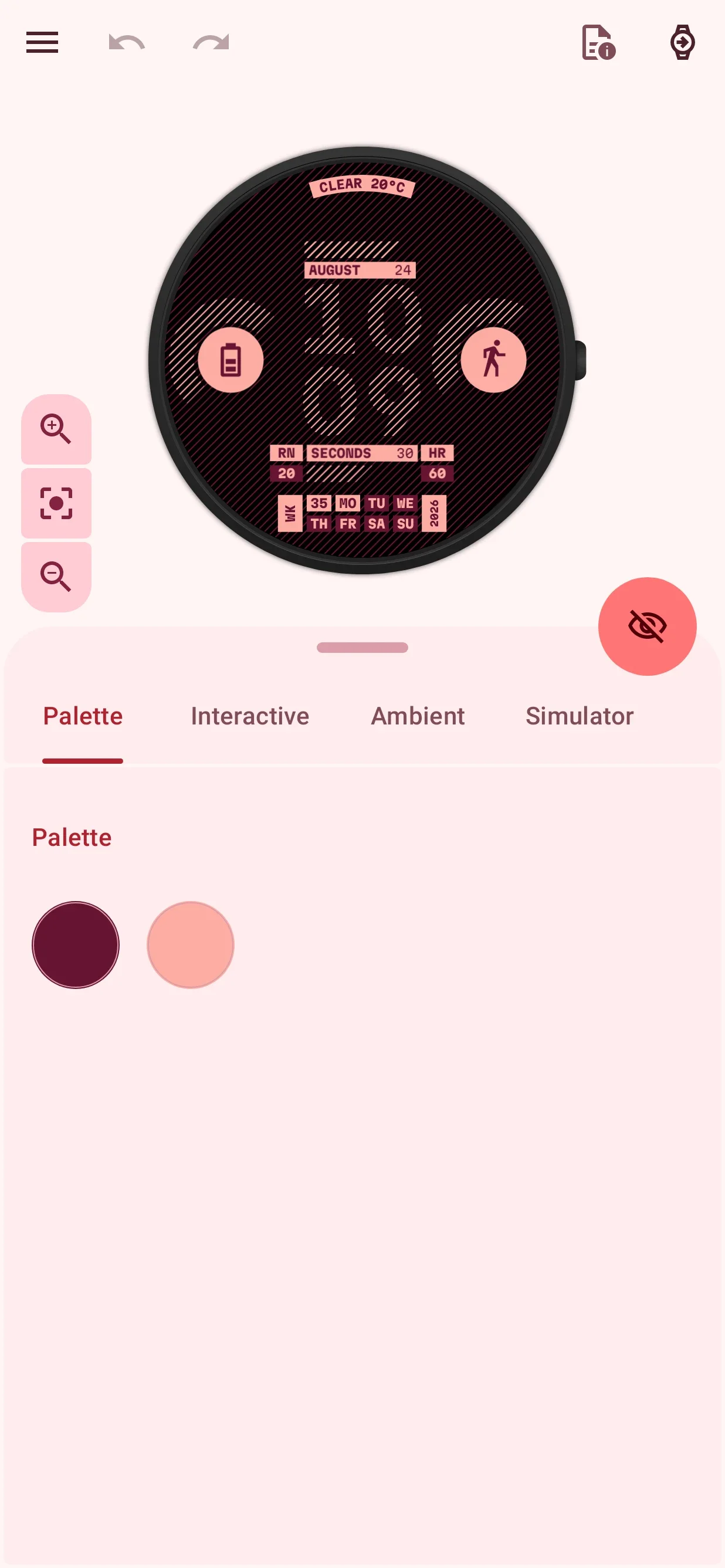
Put a watch face together from hands, indices, clocks, complications and more, and see it on the watch it will run on.
Draw a watch hand, an index or a dynamic element layer by layer, and make it respond to the time and your data.
Describe a watch face in your own words, or get help with a script, using an AI assistant of your own.
Every setting in the app, what it does, and which ones need Premium. It is made from the app itself, so it matches your version.
The most common problems have a ready answer in the FAQ. Still stuck? Tell us what happened.
Keep your watch faces and elements in the Library, privately or for everyone, on all your phones.
Four parts of the app, each with a manual that covers every button, tab and menu.
Find watch faces and elements made by the community, keep your own, and share them.
The first screen of the app: build a watch face from elements, place them and set them up.
Draw one element of a watch face, layer by layer, and make it move with the time and your data.
Describe a watch face in your own words and let Claude, ChatGPT, Gemini or another assistant build it in Pujie, on your phone.
How a watch face gets onto a watch with Wear OS 6 or newer, and what to check first.
ComplicationsShow data the wearer picks on the watch, from any app that offers it.
Data tagsThe time, battery, steps, weather and more, to put in text and automation.
Interactive and ambientThe two looks of a watch face, and the always-on display.
Saved slots on the free versionWhere your watch faces go when you edit without Premium.
SimulatorPreview another time, date, battery level or weather.
Changing a numberTap, hold or type: how every number setting works.
Help in the appThe help button in every sheet opens these docs at the part you are working on.
Accounts, free and PremiumWhat you can do without an account, and what Premium adds.
See what changed in each version in the changelog, and read the stories behind the bigger releases in the news.