
Draw your own element
Draw a watch hand, a dial or a gauge yourself, layer by layer, in the watch element designer.
Needs Premium Creating and editing your own elements needs Premium. Elements built into the watch faces you use stay available on the free version.
1. Open the element designer
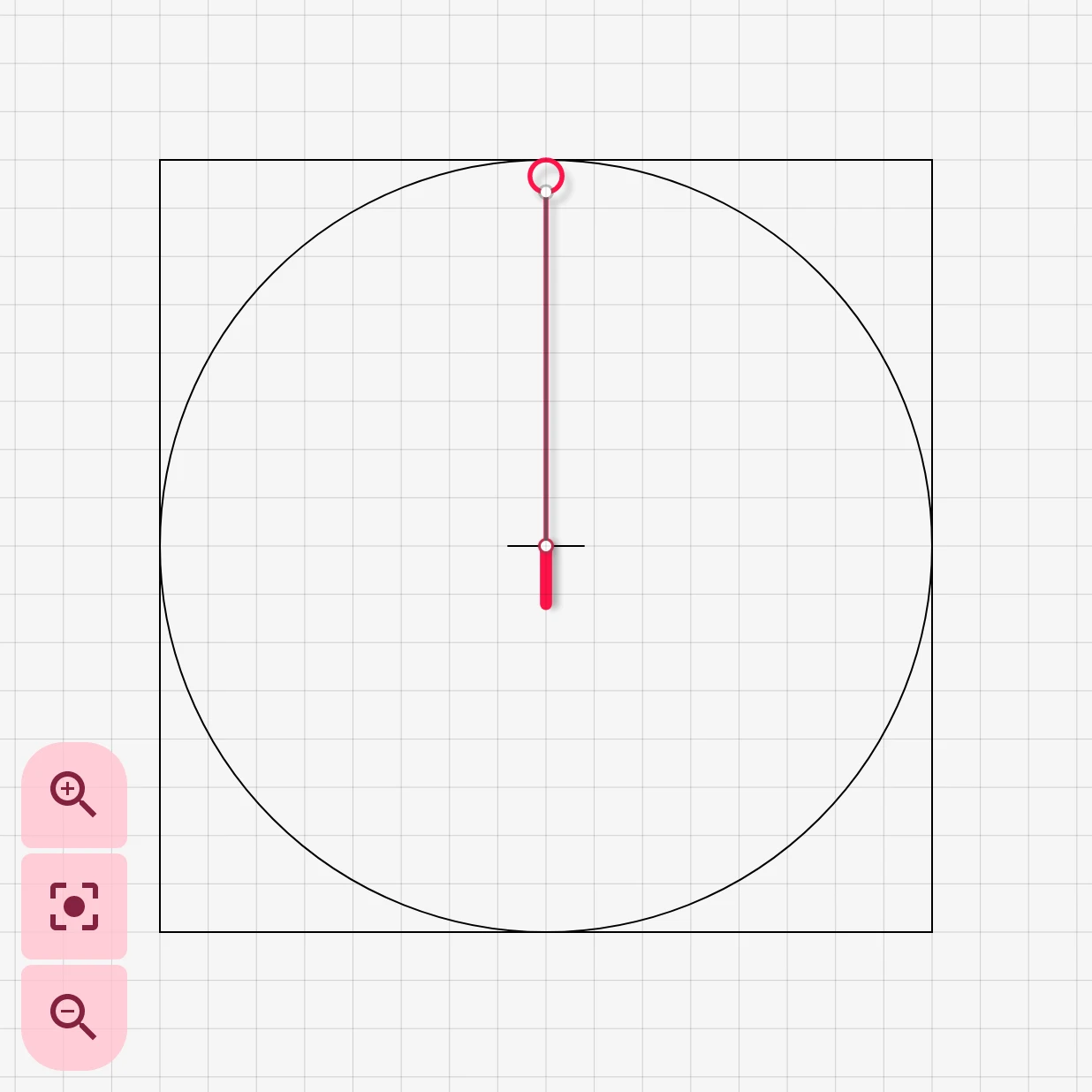
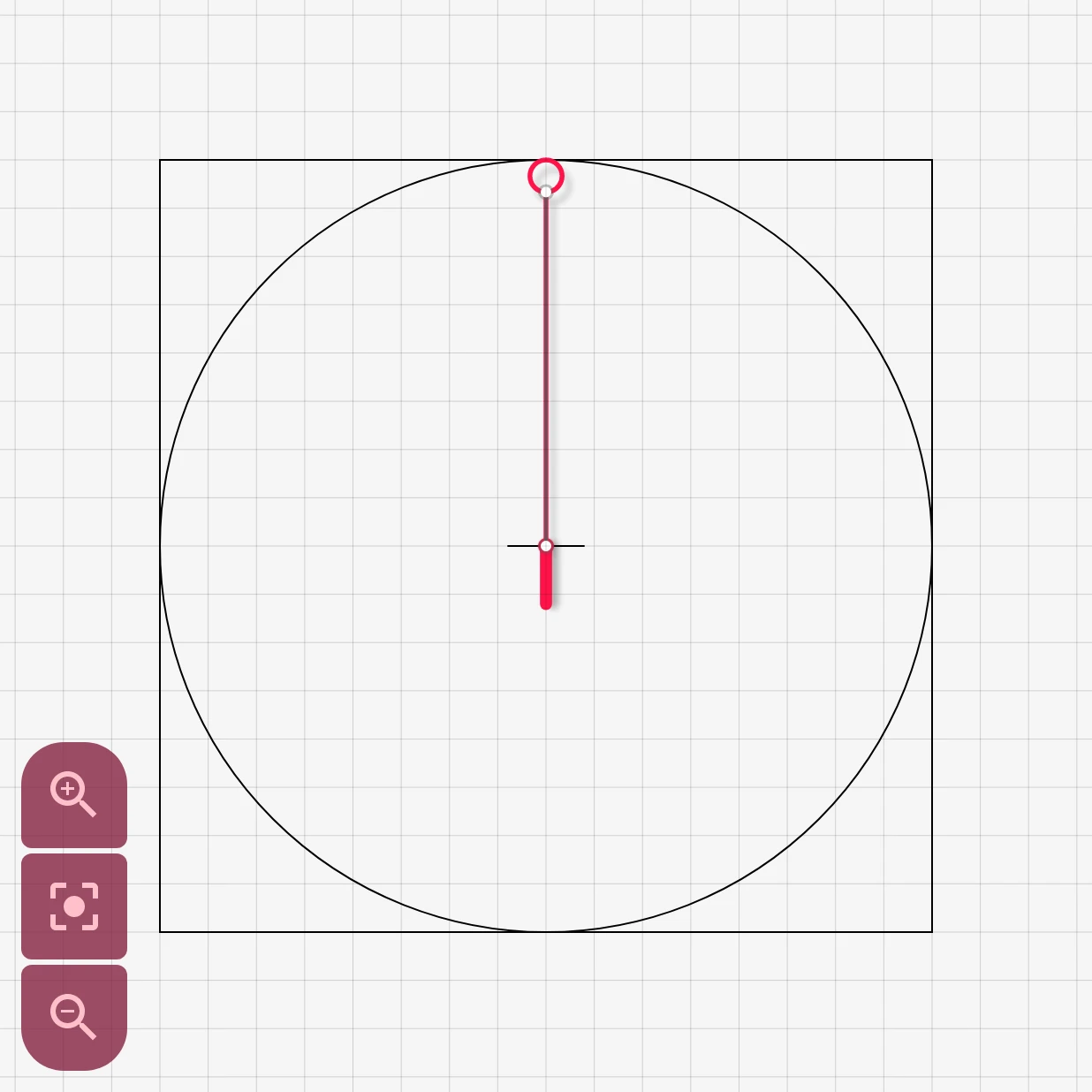
Section titled “1. Open the element designer”In the watch face designer, add an editable element (a watch hand, static element, index, dynamic element or complication) and pick New item, or tap the edit button on an element’s row. The element opens in the watch element designer:
2. Add layers
Section titled “2. Add layers”An element is a stack of layers: shapes, text, arcs, images and icons. Tap the add button in the tools row:


Pick a layer type:
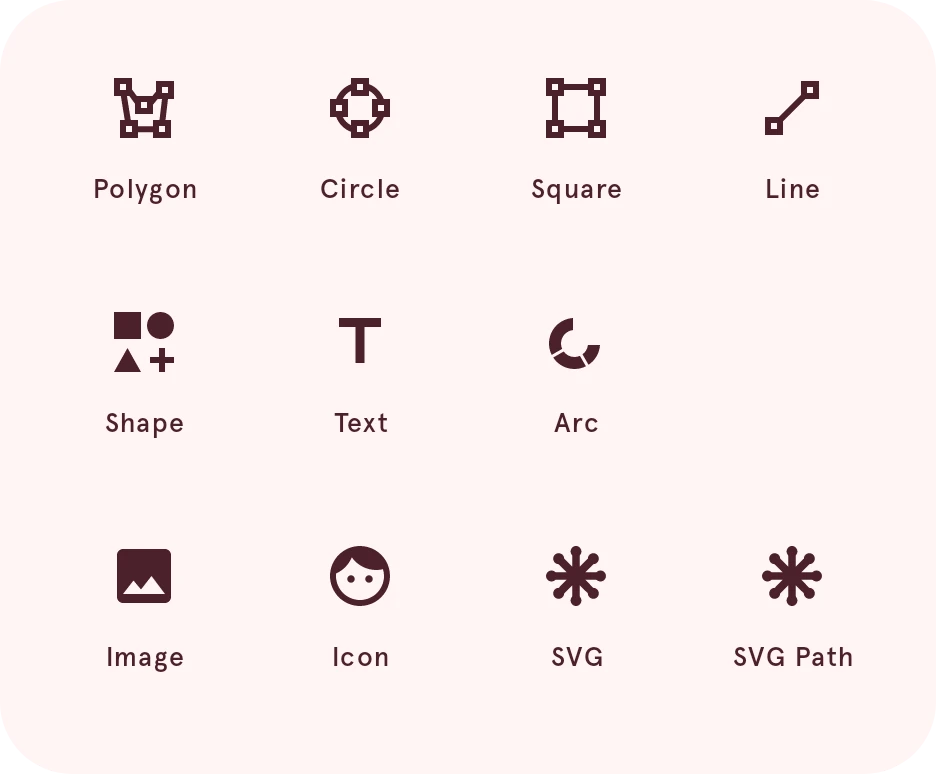
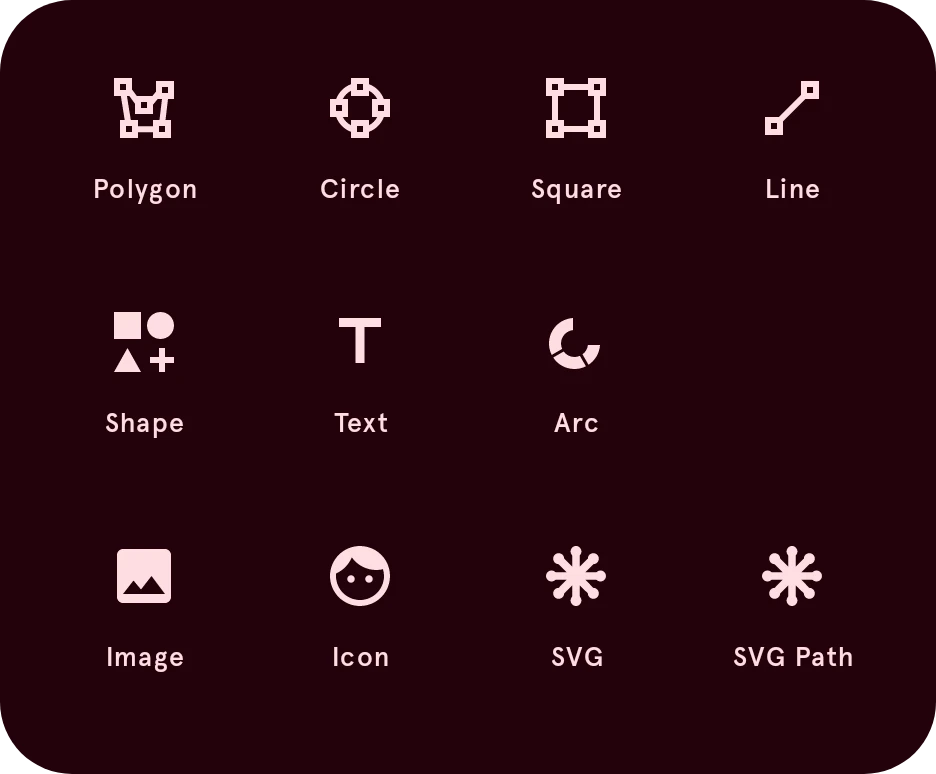
Move, scale and turn layers with the tools, and reorder them in the layer list. Give each its colors, outlines and gradients in its style.
3. Bring it to life
Section titled “3. Bring it to life”Select a layer and tap Automate to make it move with the time or with data, such as a gauge that turns with your battery level:
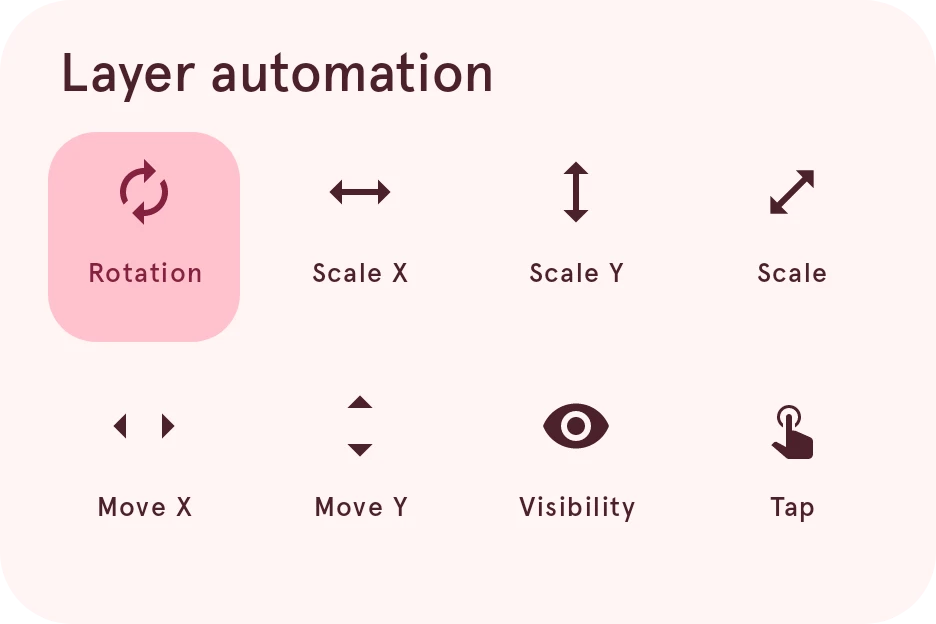
Automation uses expressions with
data tags, such as [bat_w] for the watch’s battery.
See Automation.
4. Done
Section titled “4. Done”Tap Done at the top left, and the element is back on your watch face.


Next: share it in the Library.