
Put Pujie on your watch
Install the Pujie app on your watch and pick Pujie as your watch face, with the phone app guiding you.
You need a watch with Wear OS 6 or newer, paired with your phone. Not sure? See which watches work.
1. Install Pujie on your phone
Section titled “1. Install Pujie on your phone”Get Pujie Watch Faces from the Play Store on your phone, and open it. The first time, the app walks you through setting up your watch. To run it again later, open Settings, then App behavior, and tap Install on watch/Onboarding.
2. Install the Pujie app on your watch
Section titled “2. Install the Pujie app on your watch”The app looks for your watch, and for Pujie on it. When Pujie isn’t there yet, tap Open the Play Store on your watch:
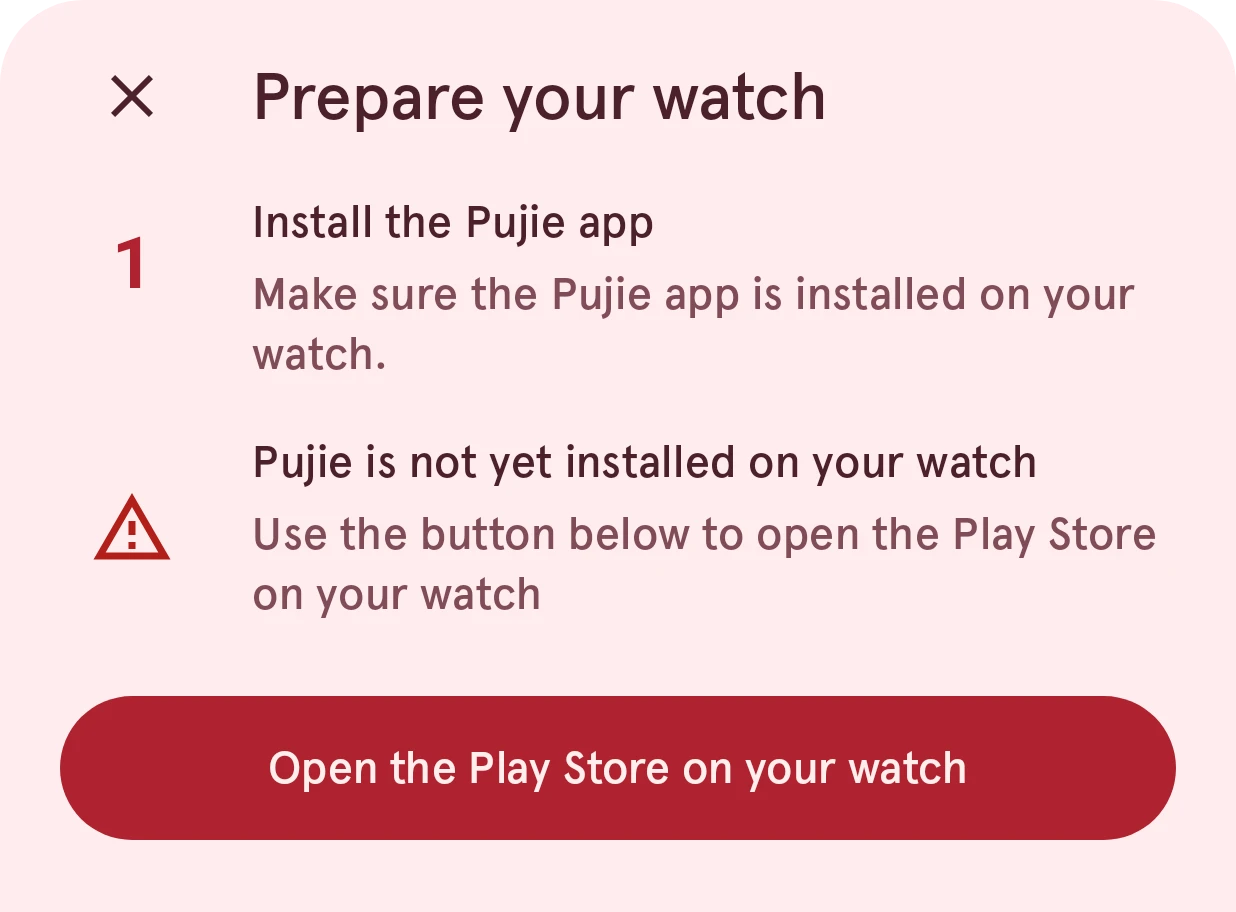
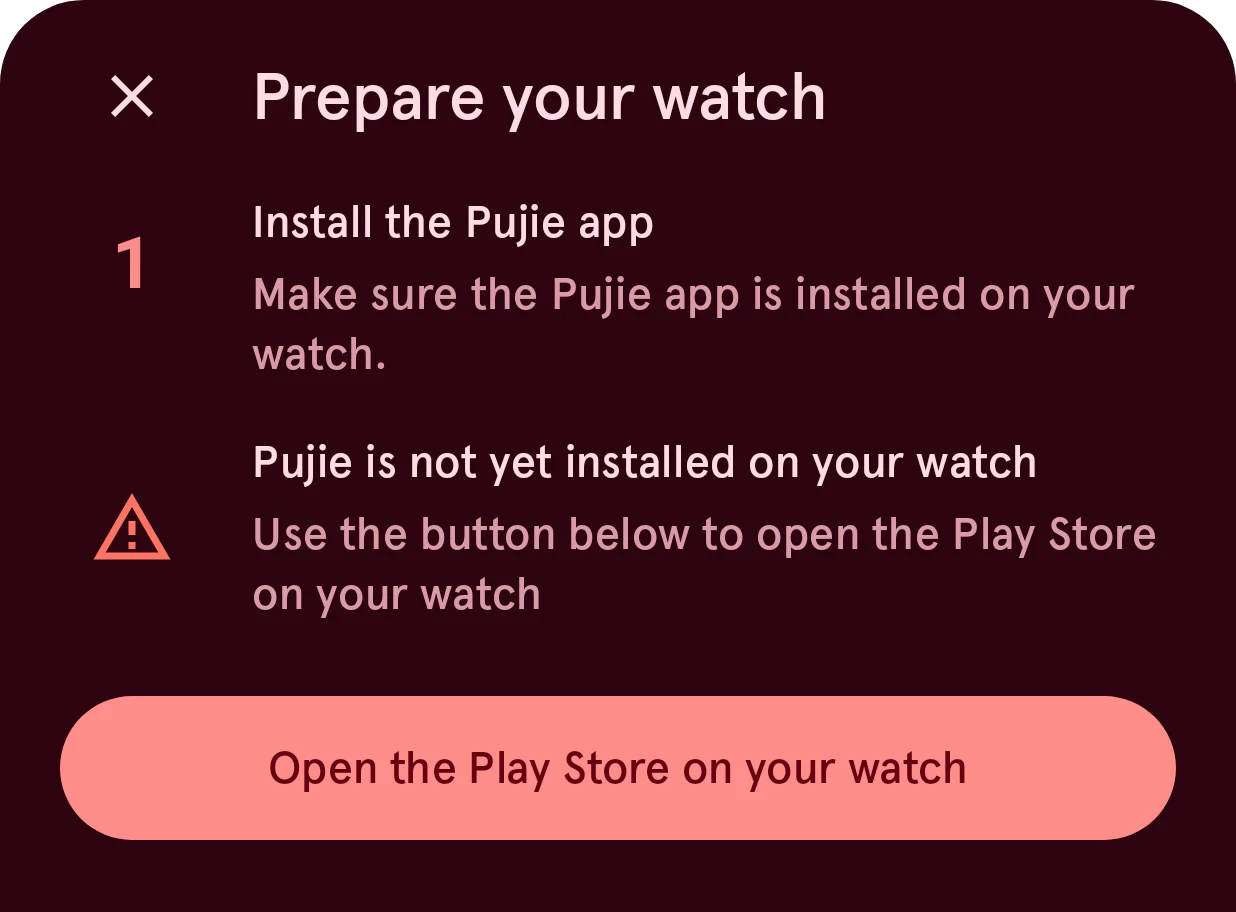
Now look at your watch: the Pujie listing is open in its Play Store. Press Install there. If the Play Store asks you to pay, don’t: check that your phone and watch use the same Google account, restart the watch and try again.
When it’s installed, open the Pujie app on your watch once, and tap Try again on your phone. The app finds it:
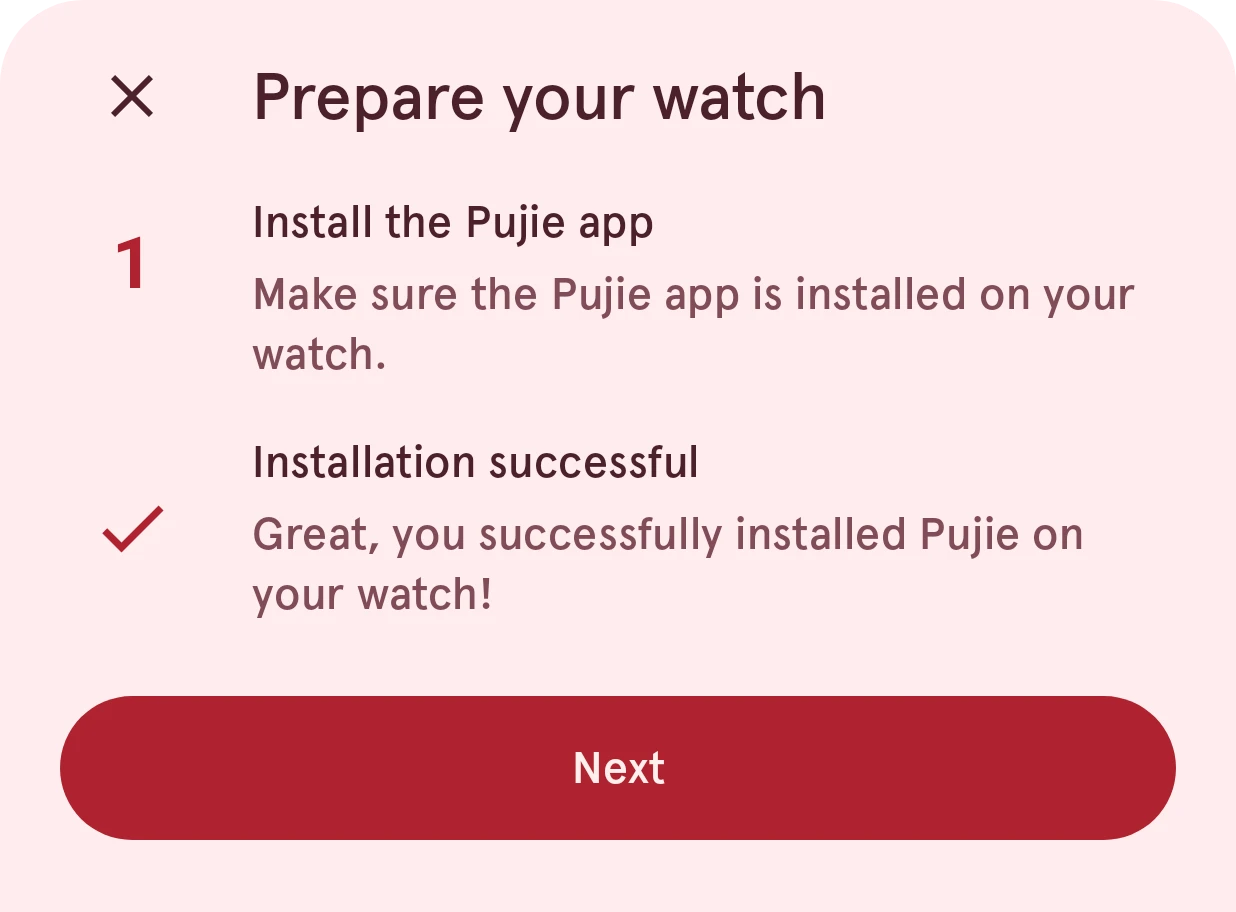
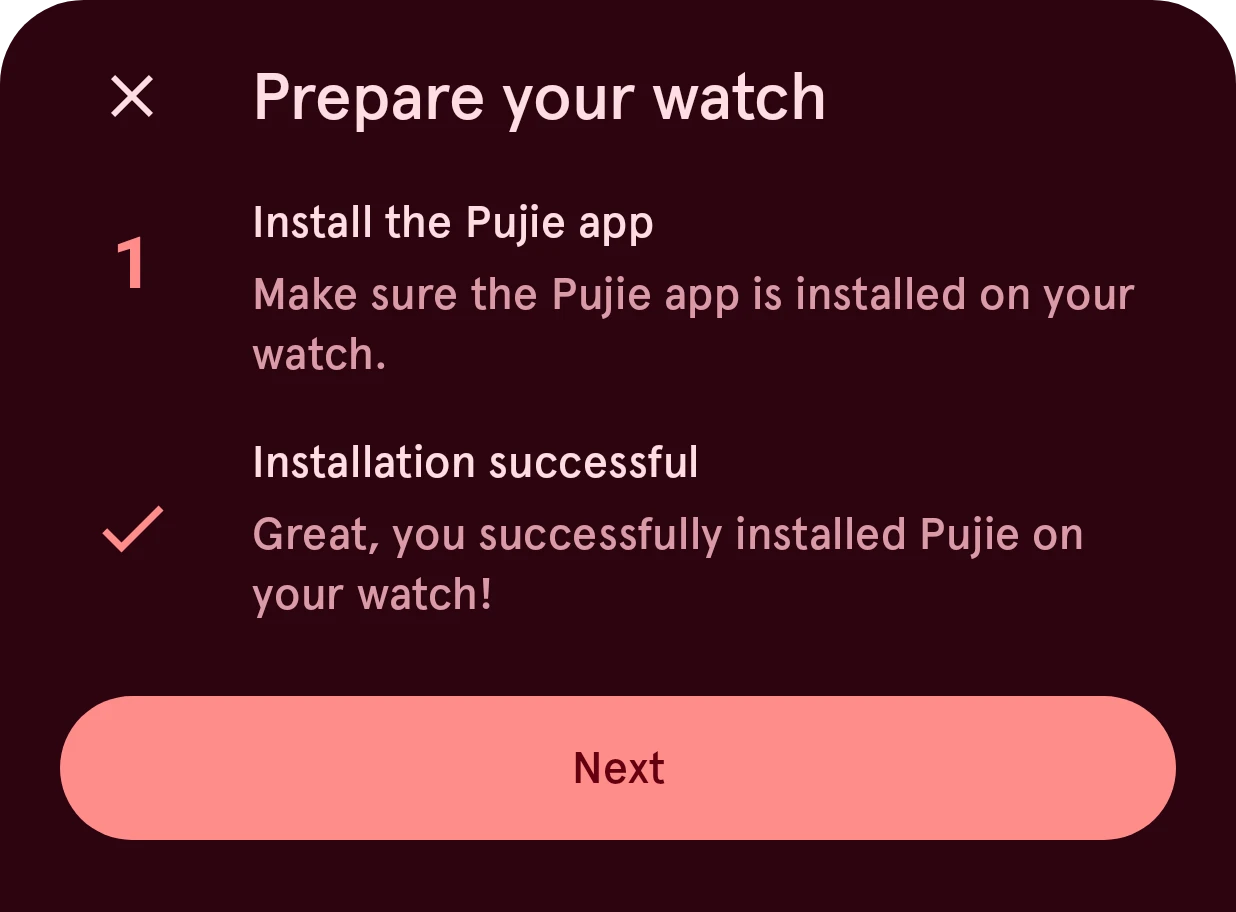
Tap Next.
3. Pick Pujie as your watch face
Section titled “3. Pick Pujie as your watch face”On your watch:
- Go to your current watch face and long press the screen. The watch face switcher opens.
- Swipe until you see Pujie Watch Faces. Not there? Tap Add new and keep swiping until you find it, then tap it.
The phone app checks that Pujie is now your watch face:
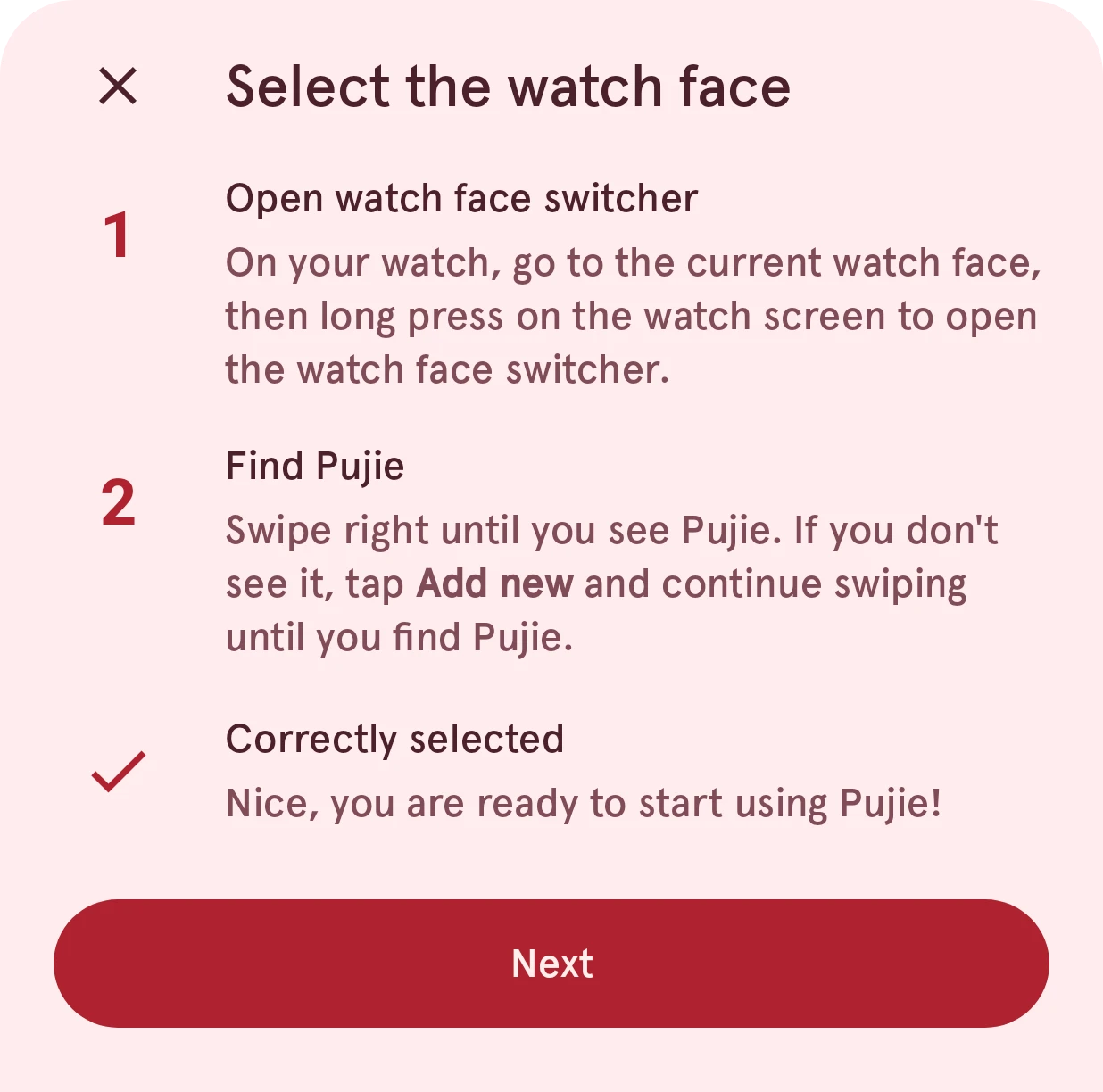
You’re set. Every watch face you send from now on replaces this one, and becomes your watch face by itself.
Something not working?
Section titled “Something not working?”- The app can’t find your watch, or says Pujie isn’t on it: Problems sending to your watch.
- The Play Store says your watch isn’t compatible: Compatible watches.
Next: design your first watch face.