
Pick your indicator
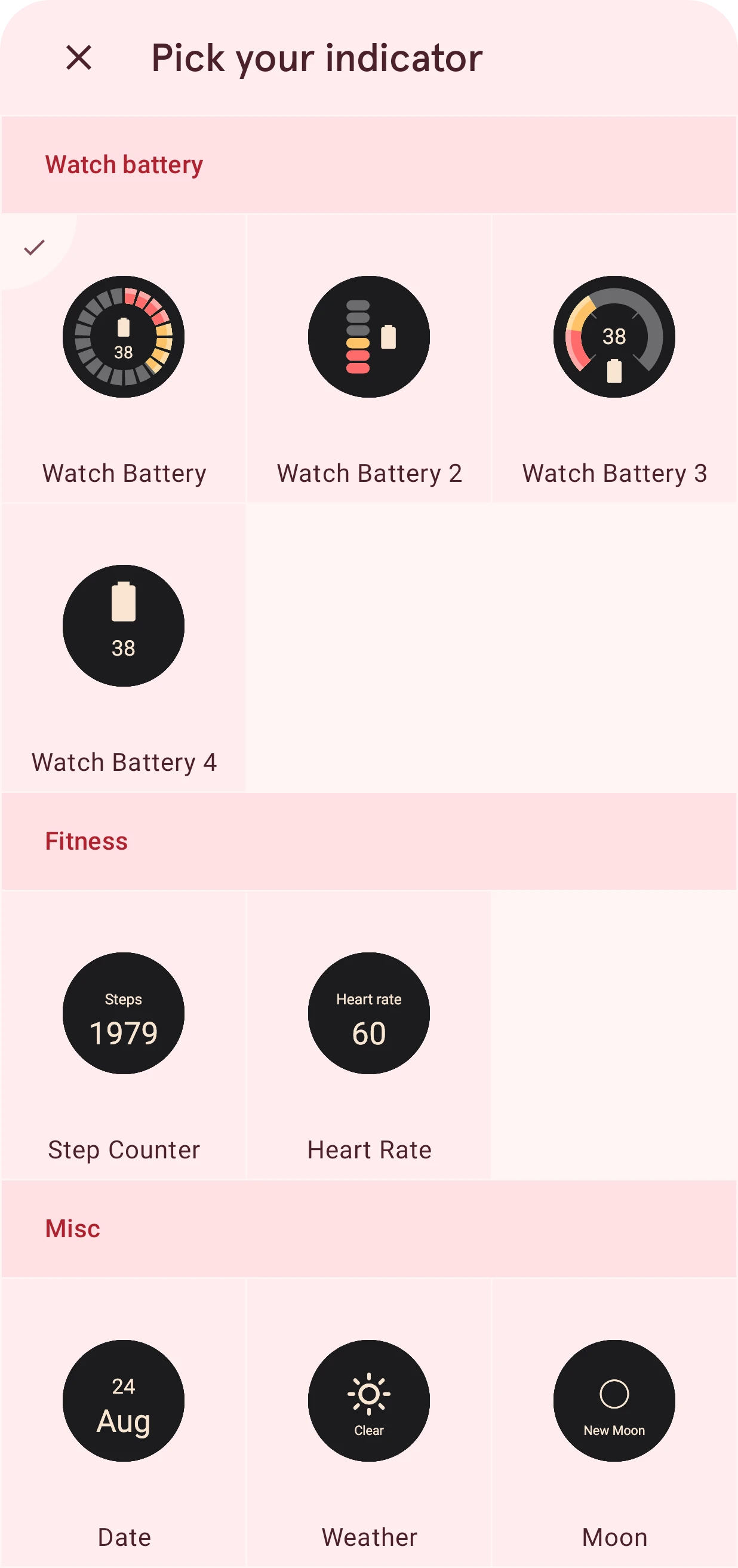
Choose what one indicator of an indicator group shows: the battery, steps, heart rate, the date, the weather or the moon.
An indicator group has four indicators, A to D. This sheet picks what one of them shows; it opens from the Indicator A to D rows of the group’s settings.
Close
Closes the sheet and keeps the indicator as it was.
Category
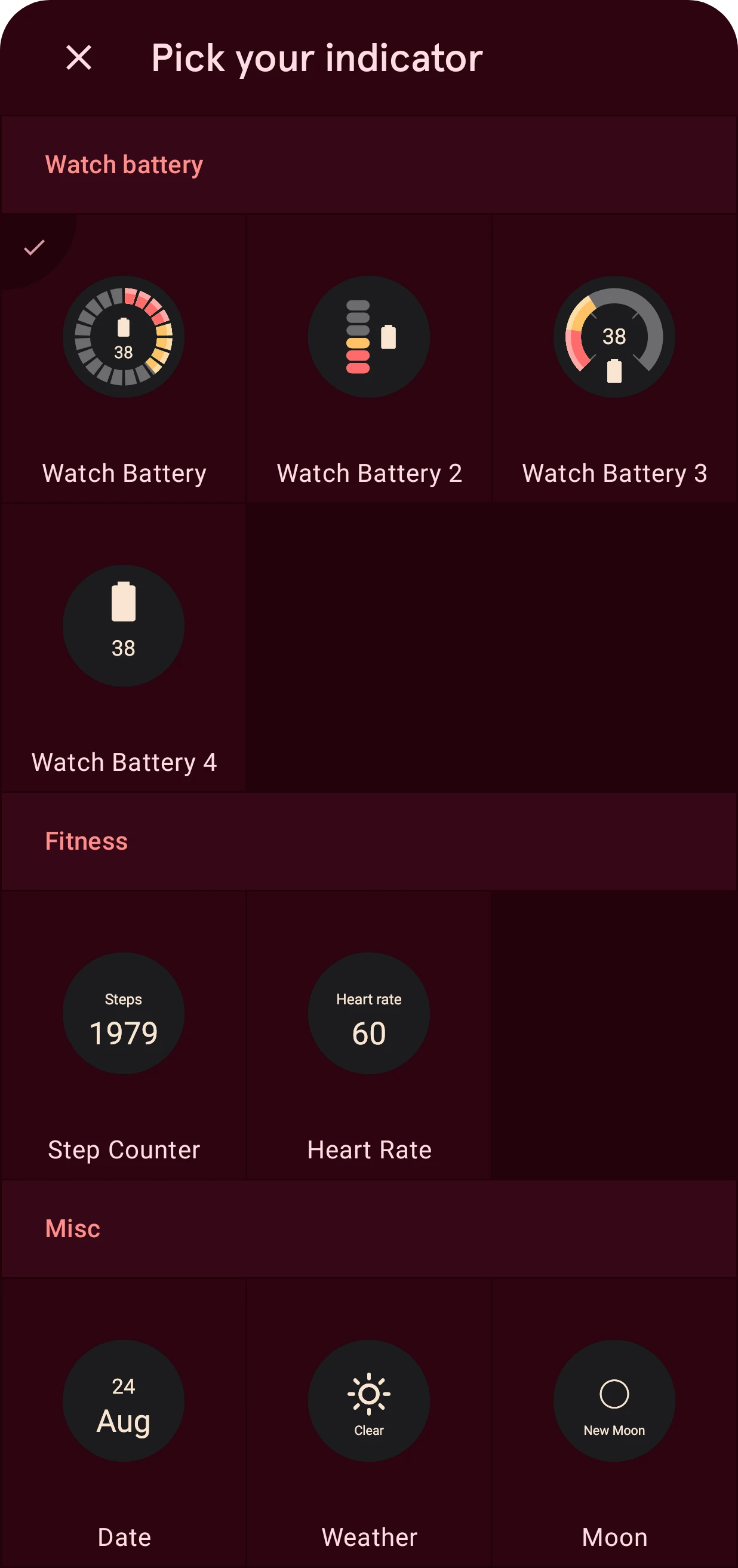
The indicators are grouped by what they show: the watch battery in four styles, Fitness (your steps and your heart rate), and Misc (the date, the weather and the moon phase).
Indicator
A live preview in the group’s style. Tap one to pick it; the sheet closes.
Selected
The check marks the indicator the group shows now.
To leave an indicator out, use the clear button on its row instead: it sets the indicator to None.