AI watch face designer
Design a watch face with AI.
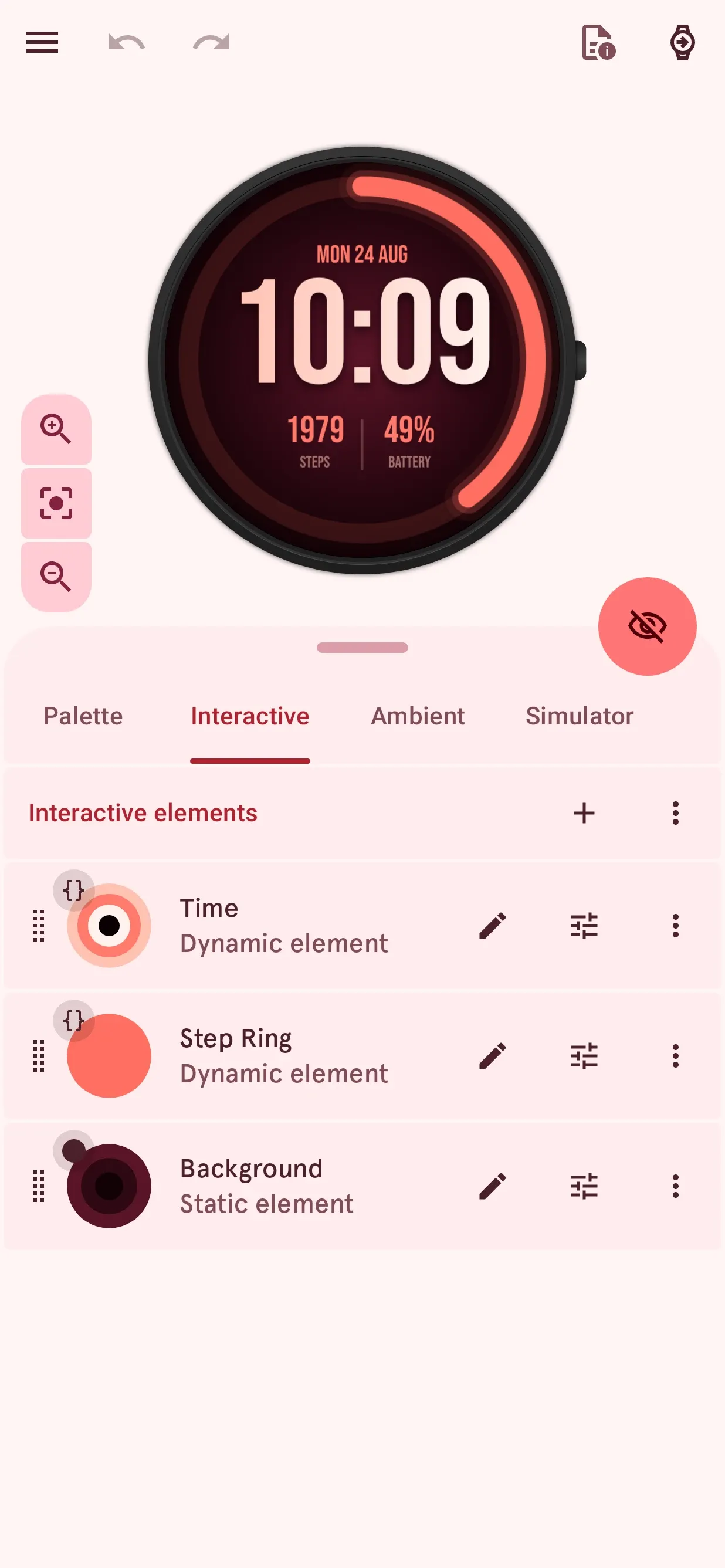
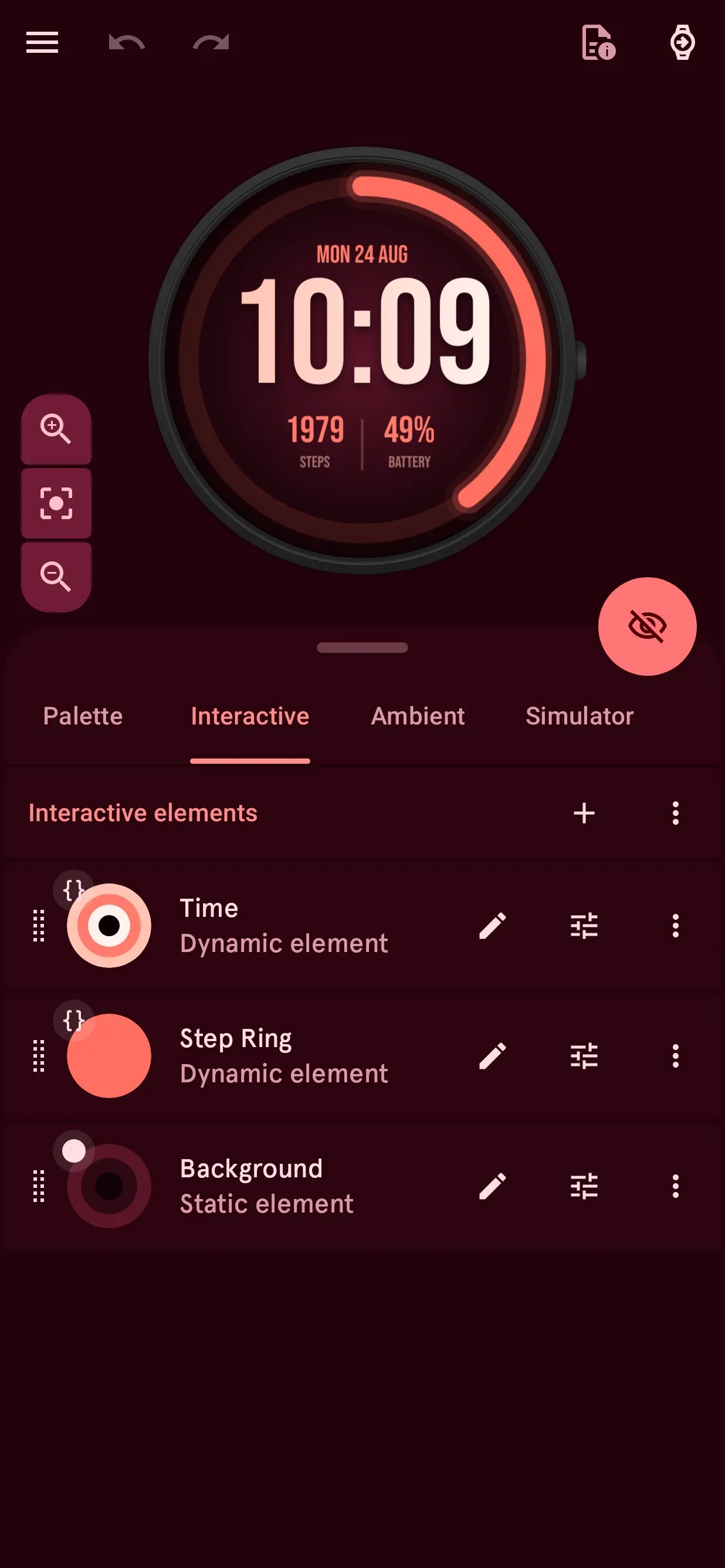
Describe the watch face you want to Claude, ChatGPT or Gemini, and it builds it in the Pujie app on your phone: it adds and styles the elements, looks at previews of the result and changes what you ask for. When you're happy, it saves the face to your Library or sends it to your Galaxy Watch, Pixel Watch or other watch with Wear OS 6 or newer.
Needs Pujie Premium and an AI assistant of your own: Pujie doesn't include an AI.
01 · How it works
Connect once, then just talk.
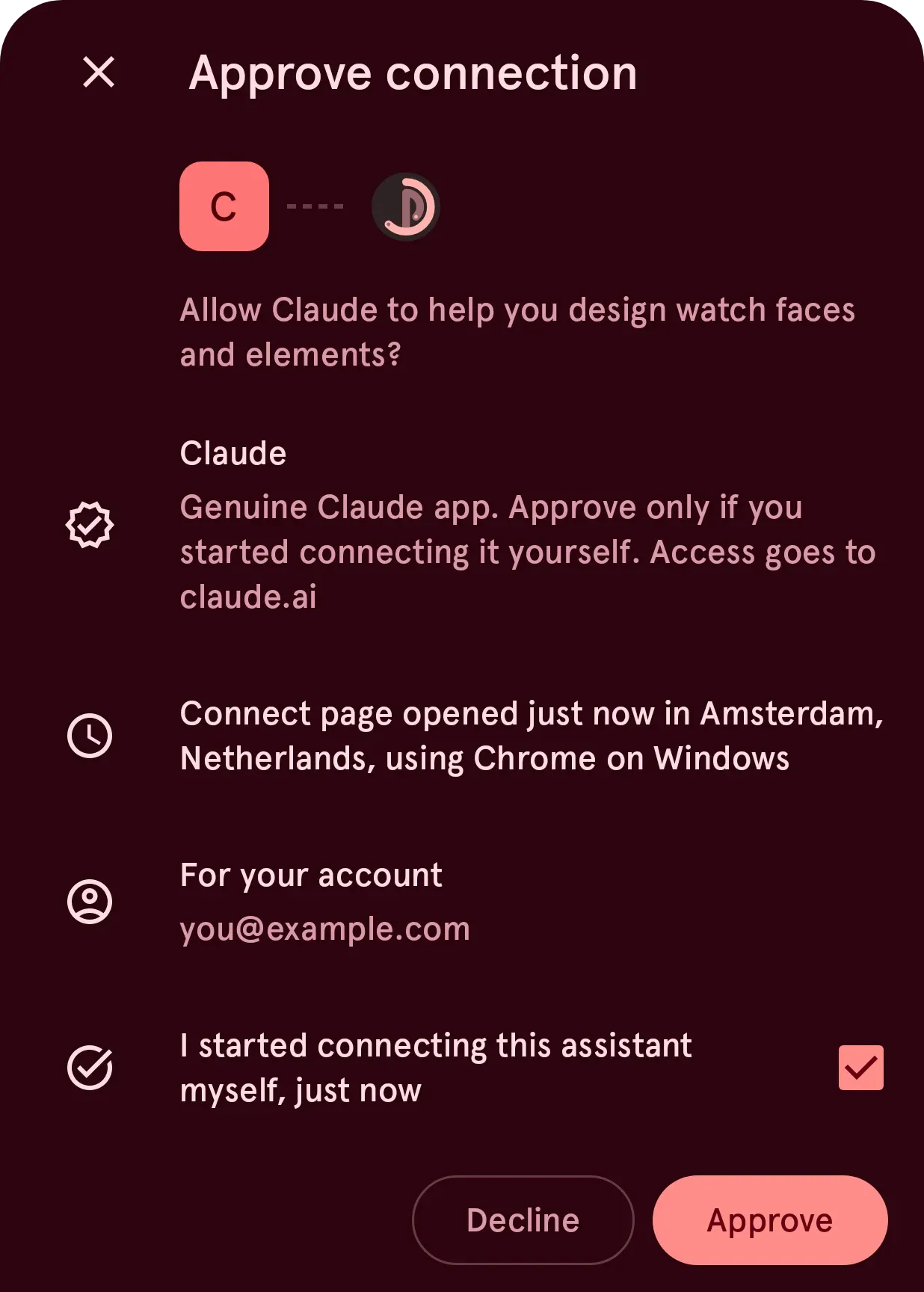
You add Pujie to your AI assistant once, with your phone and the assistant side by side. It takes a minute.
- 01
Turn it on
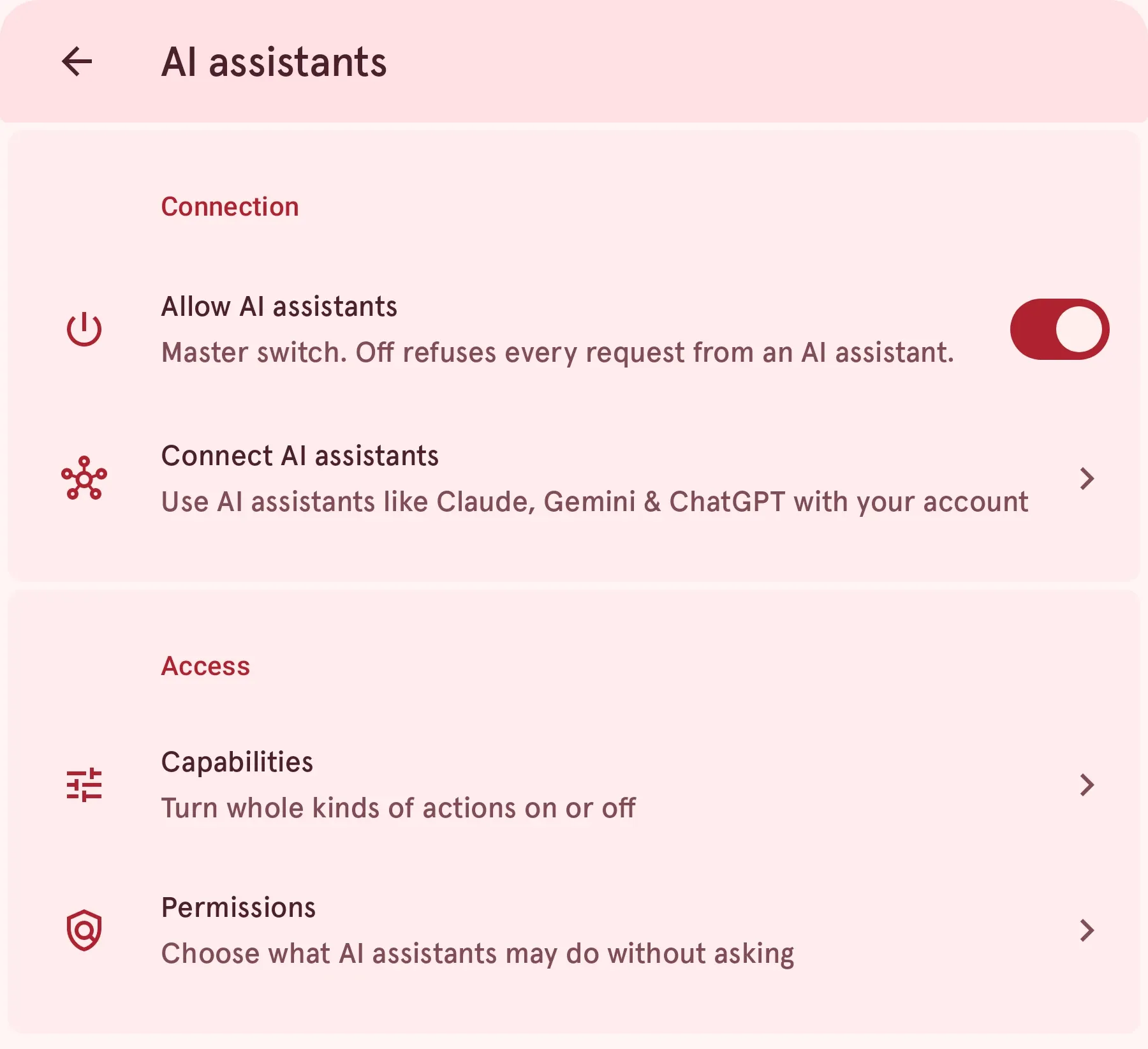
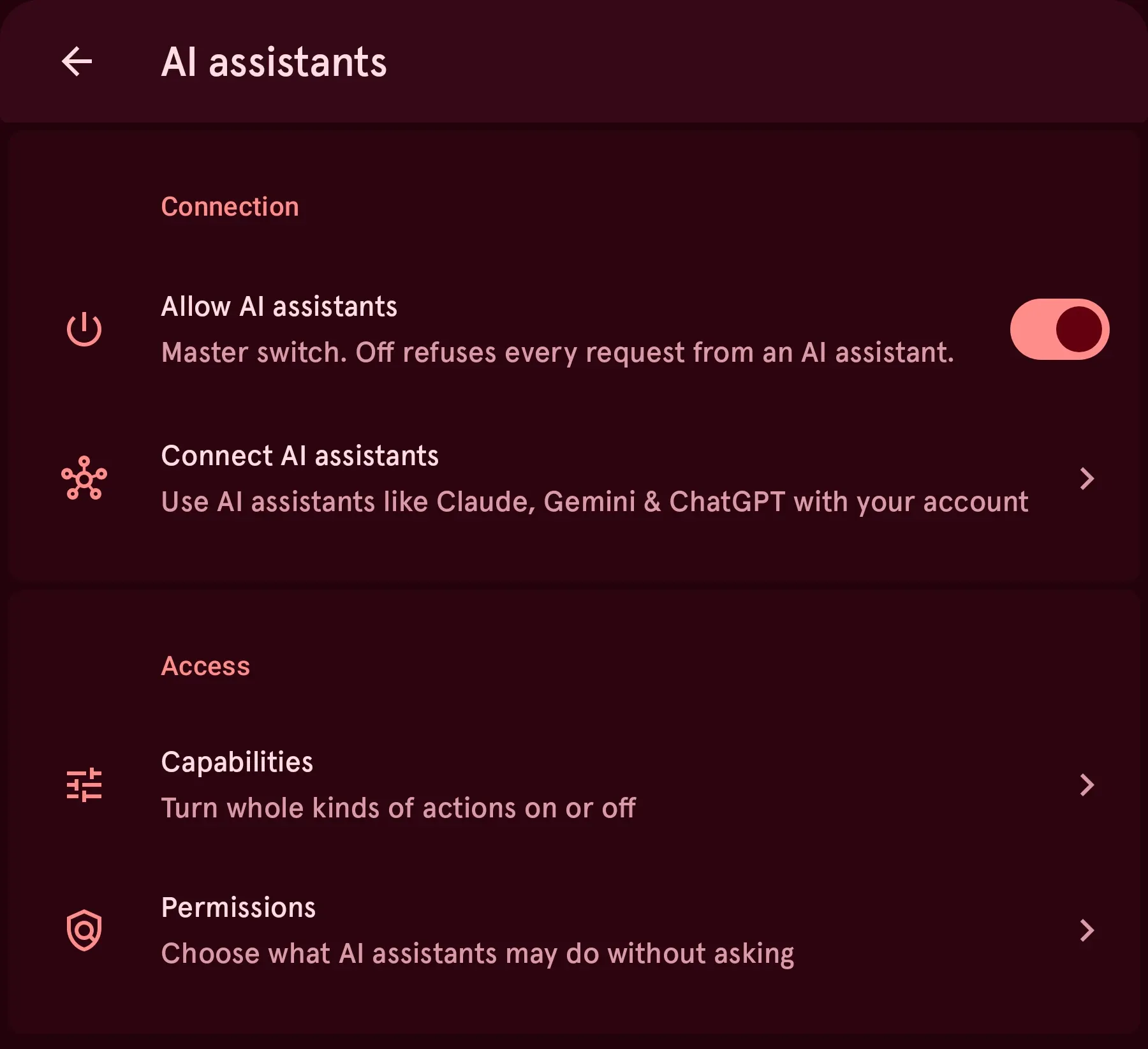
In Pujie on your phone, open Settings › AI assistants and turn on Allow AI assistants. It stays off until you do.
- 02
Connect your assistant
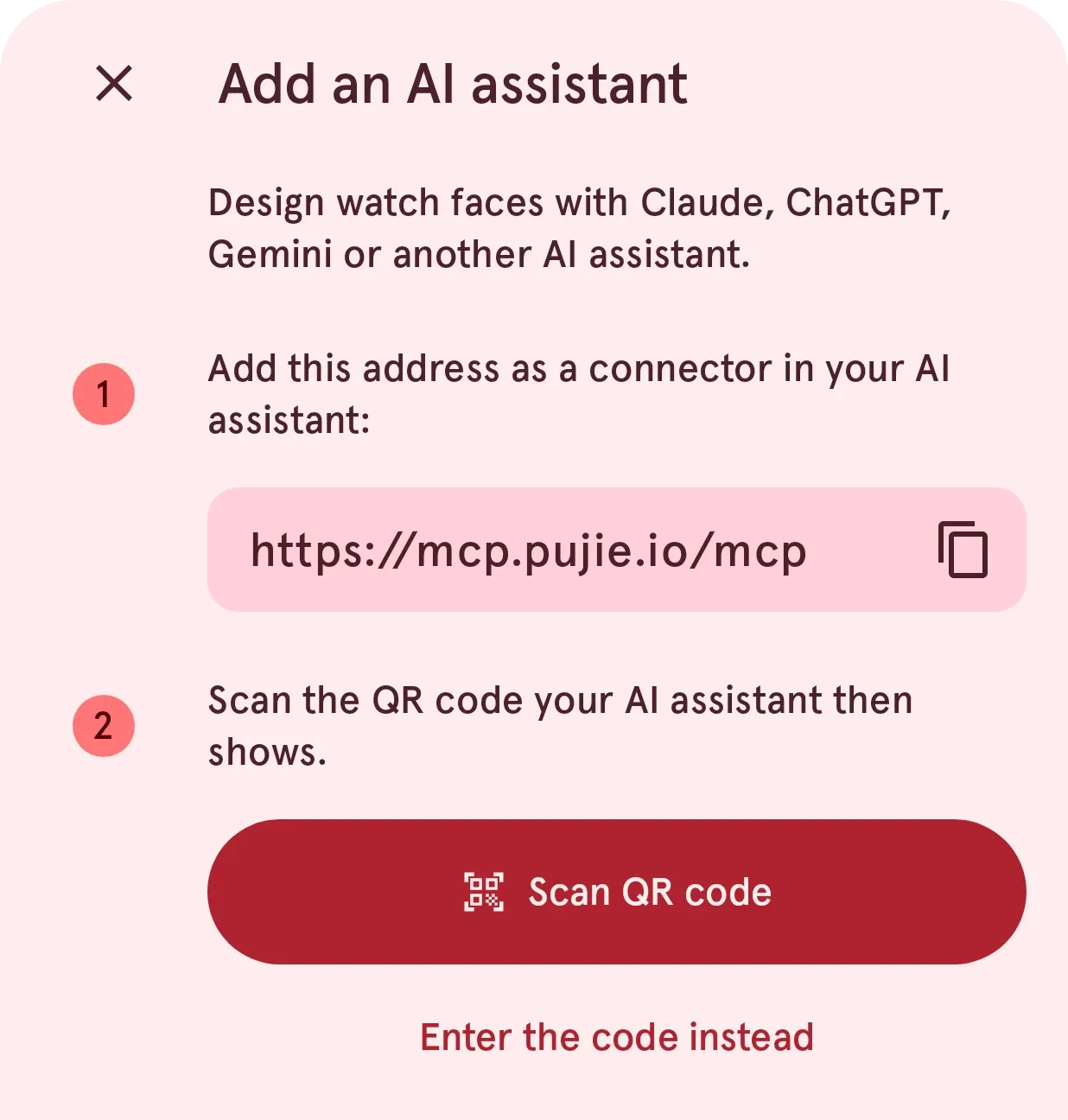
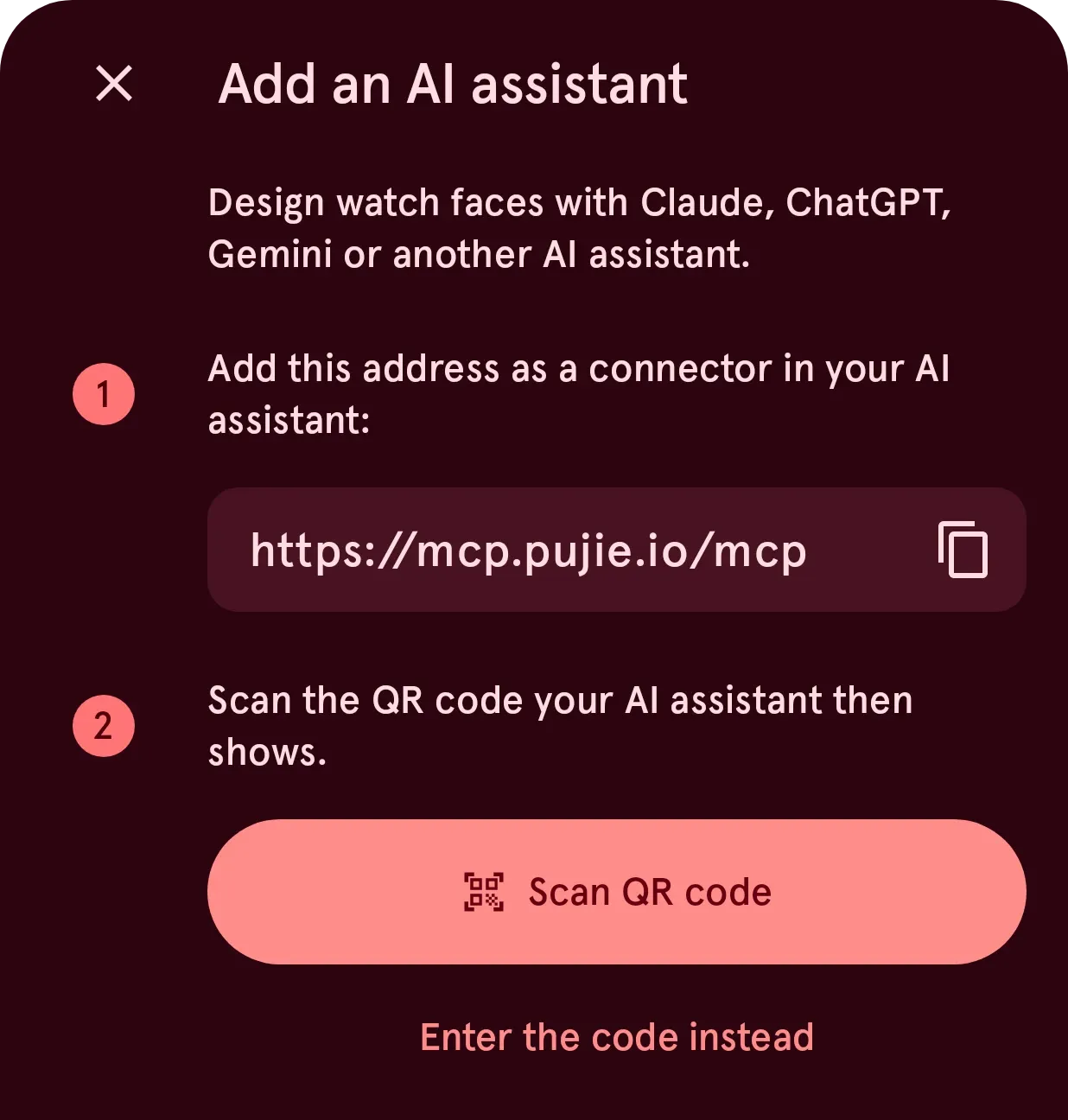
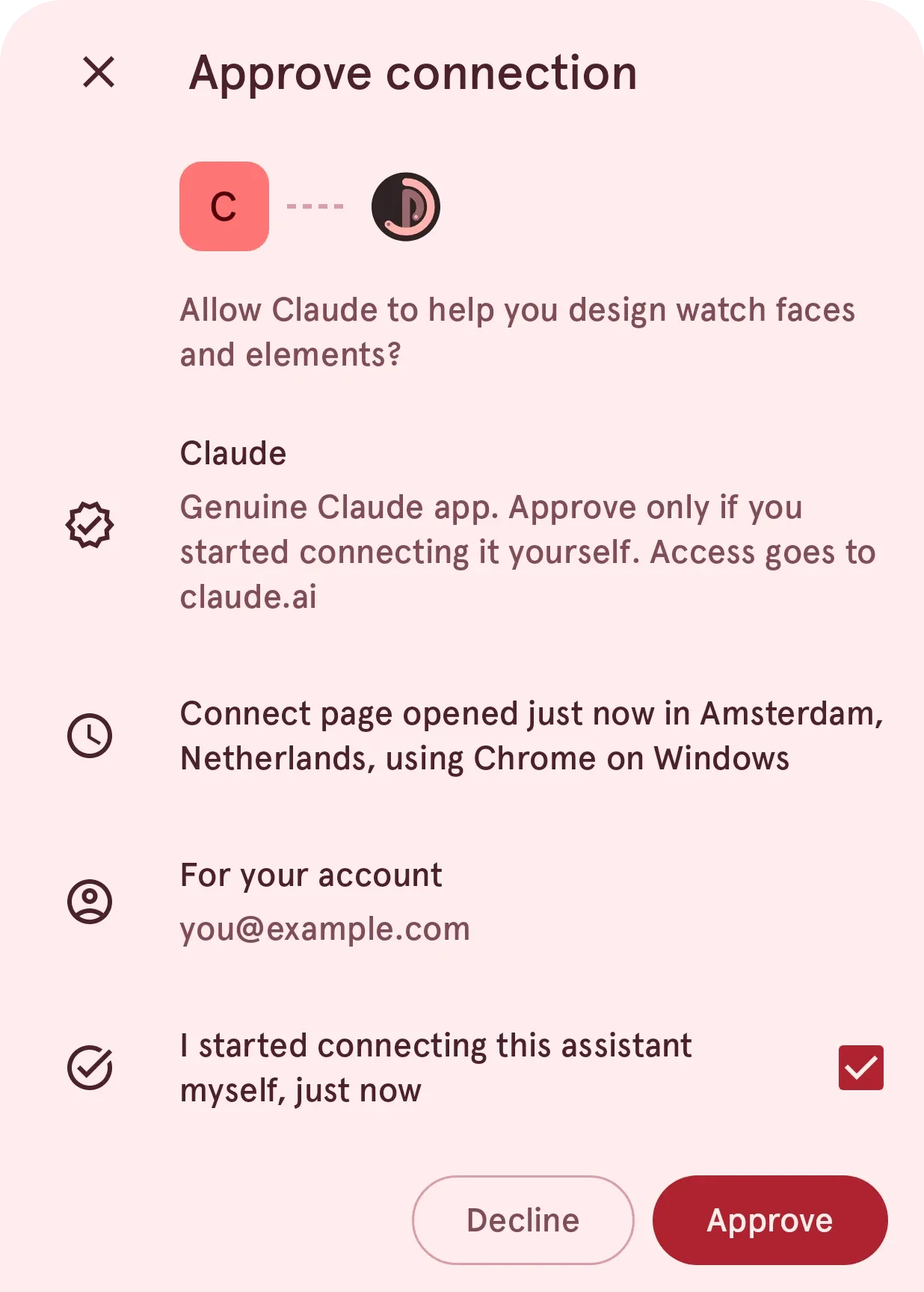
Add this address as a connector in your AI assistant, once. It shows a code, and you approve it in Pujie.
https://mcp.pujie.io/mcp - 03
Describe your watch face
Tell the assistant what you want in your own words. It builds the face in Pujie, and you fine-tune it together.
02 · See it work
One take, from idea to wrist.
Claude designs a watch face in Pujie on the phone, step by step, and sends it to the watch. One take, no cuts, sped up.
03 · What you can ask for
Design it in a conversation.
More than an AI watch face generator: you say what you want in your own words, the assistant builds it, and then you tell it what to change, as often as you like. With the designer open you see every change land, and you can edit things yourself in between.
- YouA minimal face with big numbers and the date, in greens.
- AssistantOn it. I'll build it in Pujie and check the preview.
- YouNice. Make the numbers a bit thinner and move the date up.
- AssistantDone: thinner numbers, and the date sits higher now.
- YouBetter. Try a darker green, and add the battery.
What your assistant can do
Design
- "Design a watch face from a description"
- "Add text, shapes and icons"
- "Use an SVG as a shape"
- "Add a complication"
- "Make a reusable element"
Change
- "Change the palette"
- "Restyle every element at once"
- "Resize and line up elements"
- "Combine shapes"
- "Undo a change"
Bring it to life
- "Show the battery as an arc"
- "Dim it at night"
- "Add tap actions"
- "Simulate the time and battery"
Scripts
- "Write a script"
- "Explain a script"
- "Fix a script"
Check
- "Check the contrast"
- "Compare with the original"
- "Explain how a face works"
Library and watch
- "Reuse elements from your library"
- "Search the Library"
- "Save to your library"
- "Send it to your watch"
04 · Which AI assistants work
Bring the assistant you already use.
Claude, ChatGPT and Gemini have their own guides, and other assistants can connect the same way. Each AI service sets its own conditions, and what the assistant does counts toward your plan there.

Claude
Any Claude plan; on the Free plan you can have one custom connector. Add it on claude.ai or in the desktop app, then chat from the phone app too.
The Claude guide →
ChatGPT
Any ChatGPT plan, Free and Plus included. Add Pujie as a custom MCP server in ChatGPT on the web.
The ChatGPT guide →
Gemini
A personal Google Account, 18 or over and in the US, with Gemini in English. Add Pujie as a custom app on the web, then use it in the Gemini app too.
The Gemini guide →Other assistants
Any AI assistant that can add a remote MCP server with sign-in (OAuth) can connect the same way.
What they need →
05 · You stay in control
You see everything it does.
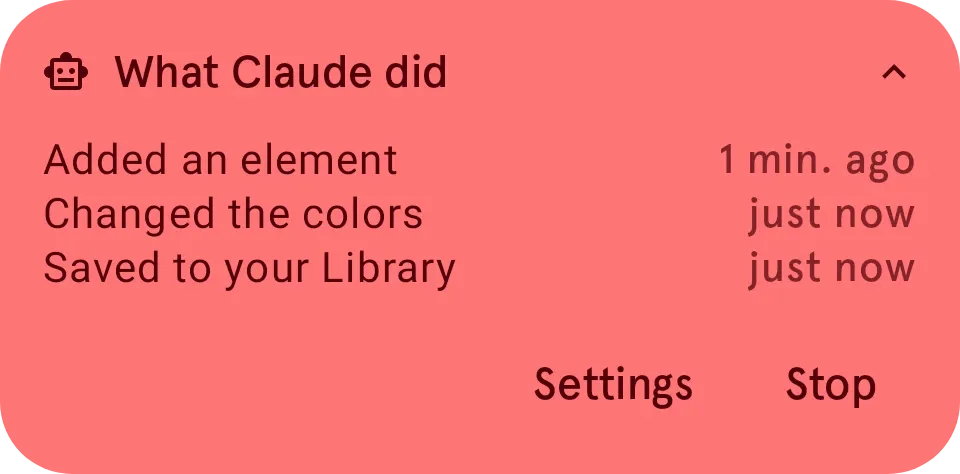
While an assistant works, a small pill floats over Pujie: tap it to see what it did. Pujie asks you on your phone before anything that throws work away, reaches into your Library or leaves the phone, and one tap on Stop turns AI assistants off until you turn them back on.
When Pujie asks, you answer on your phone: allow it once, for this session or always, or don't allow it, which refuses only that request. When Pujie isn't on screen, the question comes as a notification. Your assistant's own app may ask as well; both have to agree.
AI can make mistakes, so check the result: an assistant works with undo like you do. What it reads from Pujie, such as your design and its previews, goes to that AI service and falls under its terms. Choose what Pujie asks first.
06 · Prefer to design by hand?
Every control is still yours.
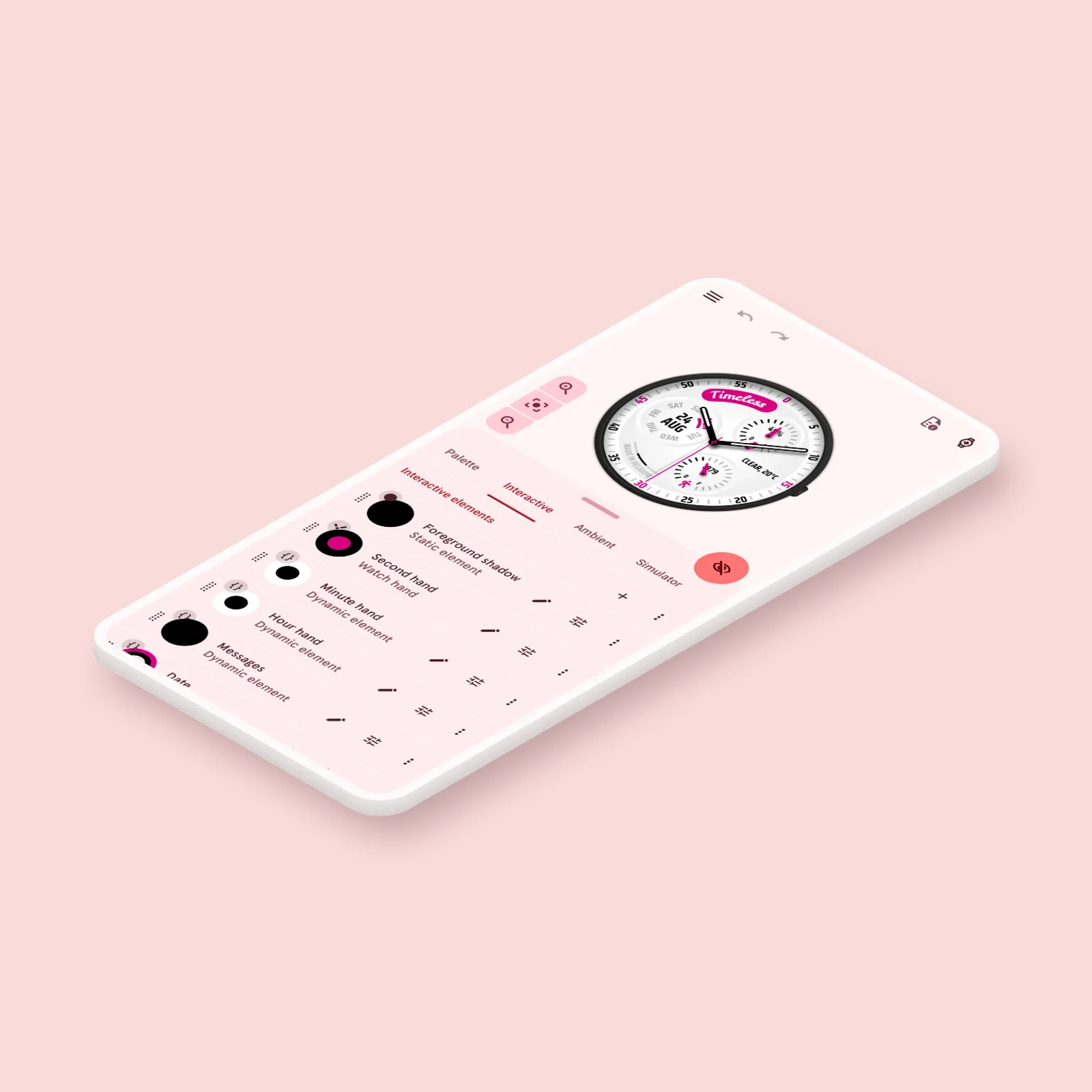
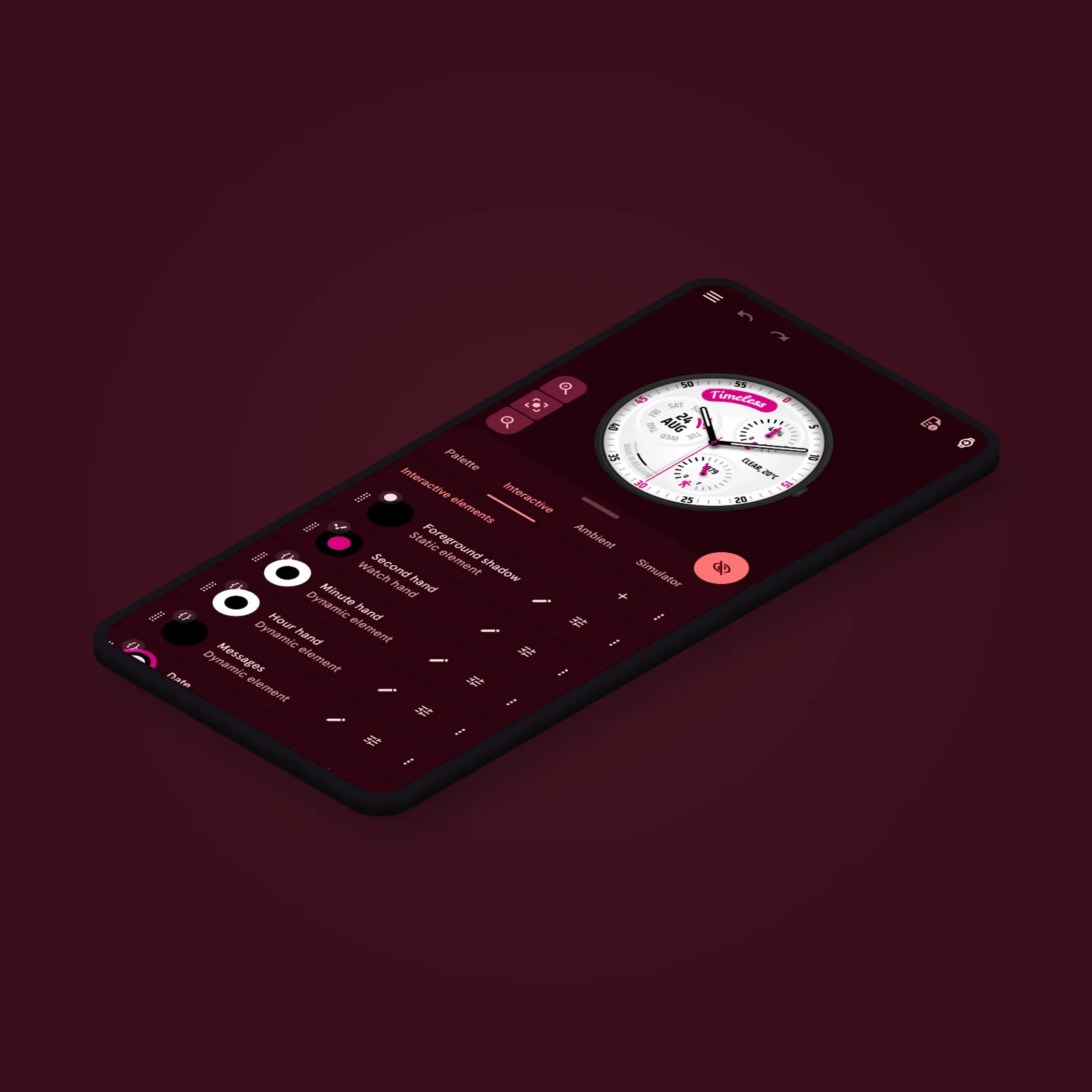
The assistant works in the same designer you do. Draw every hand, index and complication yourself, or let the assistant do the repetitive part and take over from there.
07 · Questions
Questions, answered.
What people ask about designing with AI. More in the AI assistants FAQ.
Can AI make a watch face for my Wear OS watch?
Yes. Pujie Watch Faces lets your own AI assistant design a Wear OS watch face from a description. Claude, ChatGPT or Gemini builds the face in the Pujie app on your phone, checks previews of the result, changes what you ask for, and can send it to your watch with Wear OS 6 or newer. It needs Pujie Premium and an AI assistant of your own.
Can ChatGPT, Gemini or Claude make a watch face?
Yes, through Pujie Watch Faces. You add Pujie to the assistant once (a custom connector in Claude, a custom MCP server in ChatGPT, a custom app in Gemini) and approve it in Pujie with a code. Then you describe the watch face and the assistant builds it in Pujie. Gemini custom apps are only available in the US.
Does designing with AI in Pujie cost extra?
Pujie doesn't include an AI. You need Pujie Premium and an AI assistant of your own, and what it does in Pujie counts toward your plan with that AI service, like your other chats. Some assistants need a paid plan to add a connector at all; ChatGPT works on any plan, Free included.
Can I design a watch face with AI from my phone?
All the work happens in Pujie on your phone. You usually add Pujie to your assistant once on the web, and then you can chat from the assistant's phone app; whether that works differs per assistant. Pujie has to be reachable while you chat, so keep it open or let it stay connected.
What happens to my data when an AI designs my watch face?
What the assistant reads from Pujie, such as your design and its previews, goes to that AI service and falls under its terms, including whether your chats are used to train its models. By default, Pujie asks you first before an assistant reaches into your Library or sends anything off the phone.
Can an AI assistant break my watch face?
AI can make mistakes, so check the result. In Pujie an assistant works with undo like you do, you can ask it to go back, and by default Pujie asks you first before anything that throws work away. One tap on Stop turns AI assistants off until you turn them back on.
Describe it. Wear it.
Get Pujie, then connect your AI assistant.