
Round corners
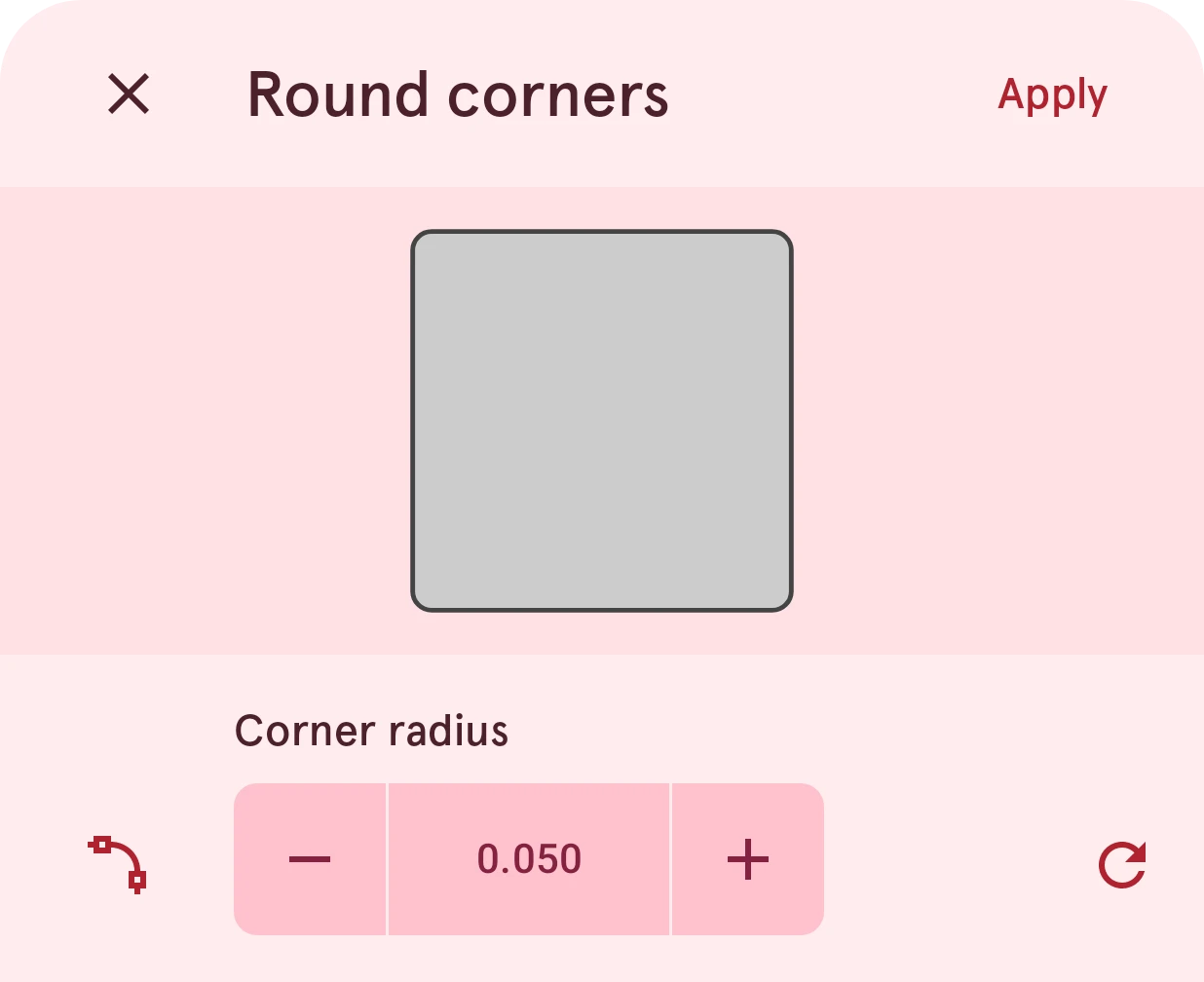
Round all the sharp corners of a shape at once by one radius, with a preview as you change it. To round a single corner, use the point actions instead.
Opened from
- Round corners, in a layer's actions
Rounds all the sharp corners of the selected shape by the same radius. To round one corner only, select its anchor point and use Round in its point actions.
Close
Closes the sheet and leaves the shape as it was.
Apply
Rounds the shape’s corners. Undo brings the sharp corners back.
Preview
The shape with its corners rounded, in its own style, redrawn as you change the radius.
Corner radius
How round the corners get, from 0 to 0.4 (the watch face is 2 wide). A corner never rounds further than its sides allow, so a large radius on a small shape stops where the sides run out. On a shape with curves, only the corners between two straight sides are rounded.