
Text editor
Write a text layer's text with data tags, such as the time or the battery level.
Opens from the Text row on a text layer’s content page while you design a dynamic element or a complication. In a watch hand or a static element, which can’t show live data, that row opens a plain text field instead.
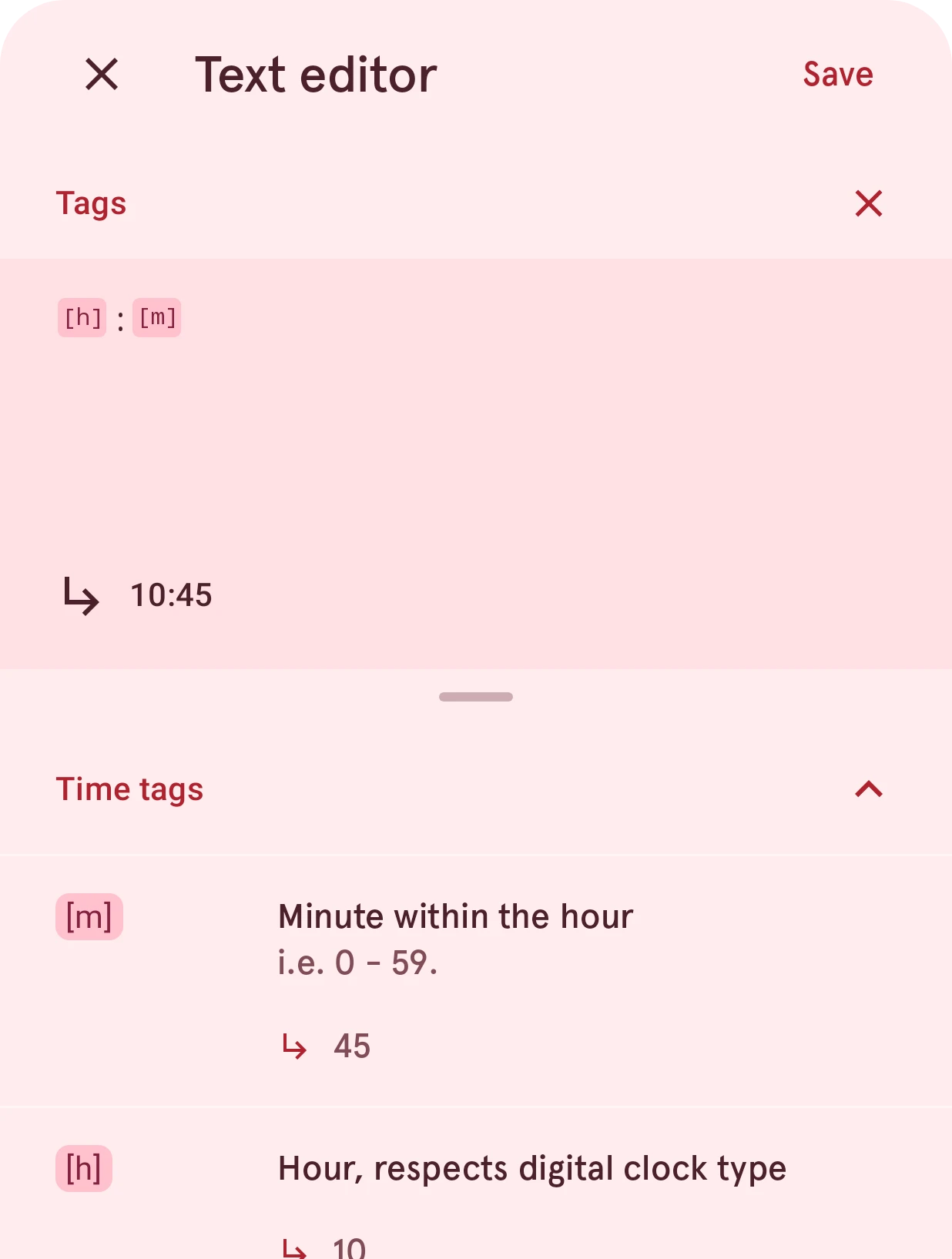
Edits a text layer’s text. Besides plain text, it can hold tags: placeholders the watch replaces with live
data, such as the time, the date or the battery level. Below, [h]:[m] shows the time as 10:45. It works
like the expression editor, with plain text
instead of a formula.
Close
Closes the editor. If you changed the text, it asks first whether to throw the changes away.
Save
Keeps the text.
Expression
Holds the text, with each tag shown as a chip.
Clear
Empties the field, after asking.
Result value
The text as it looks now, with the tags filled in.
Tags
Every tag a text can show, by category. Tap a tag to insert it at the cursor, so it’s always written correctly. Data tags describes them all, with what each one shows in text.
To work out a value instead of showing a tag as it is (for example the battery level as a bar), use an expression on a layer’s property.