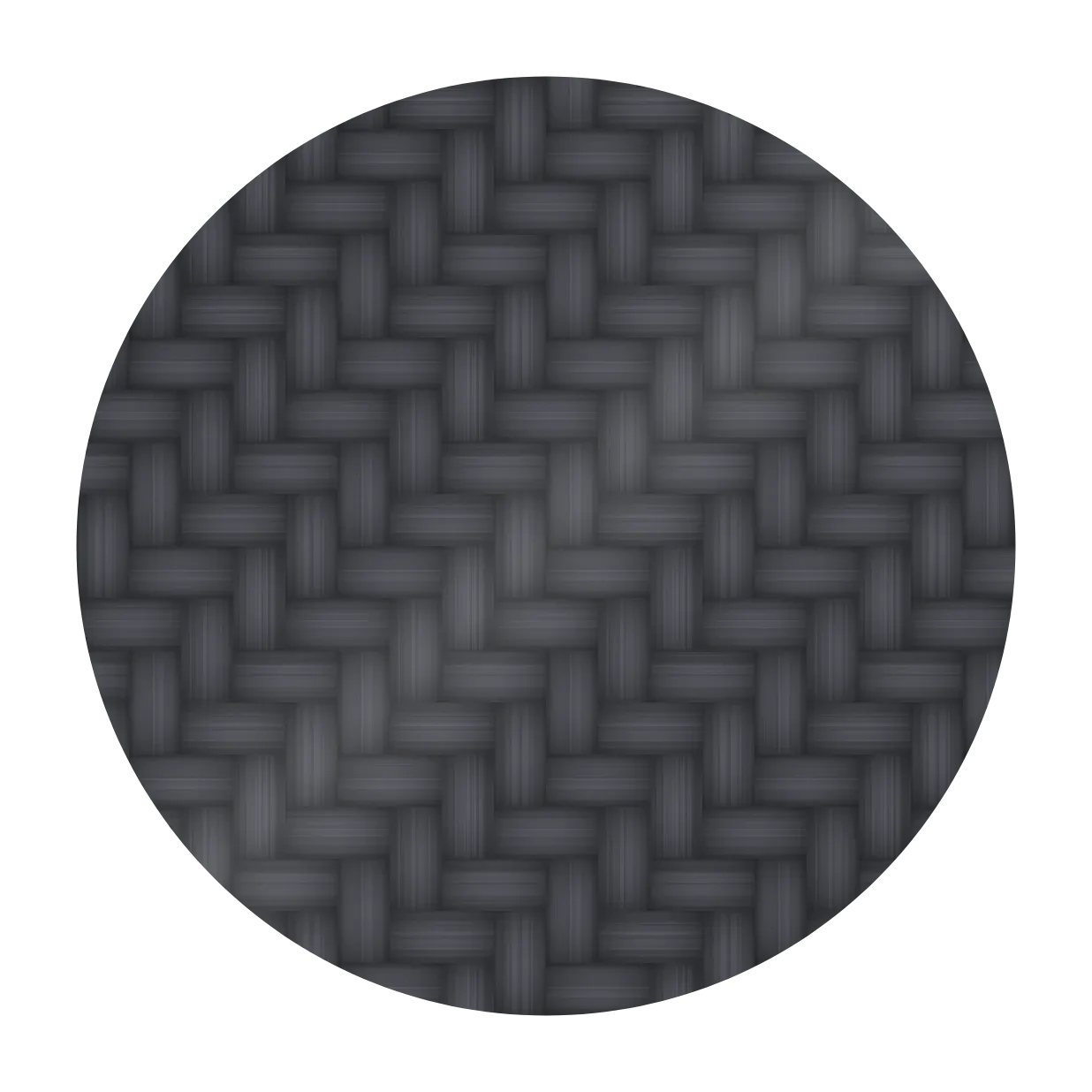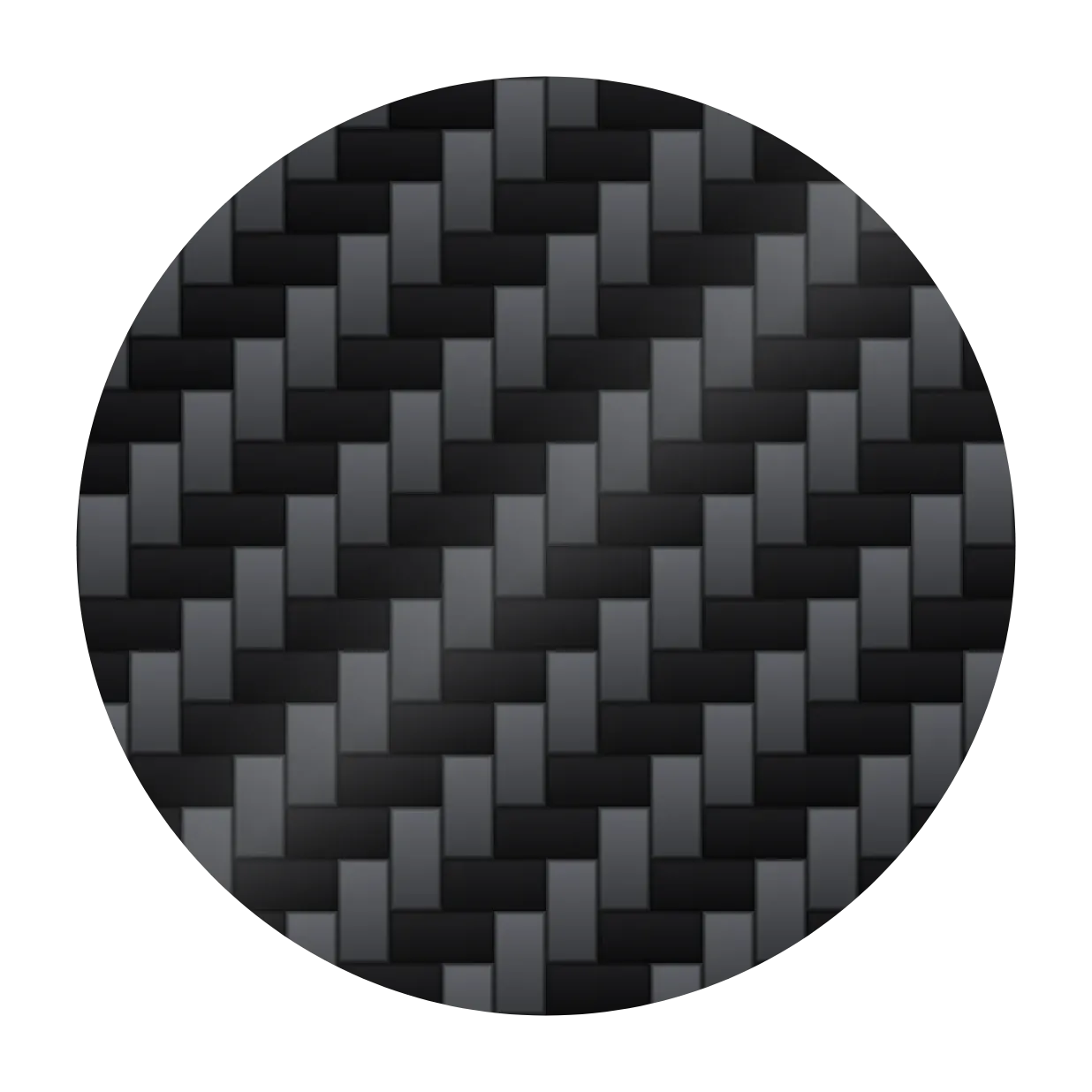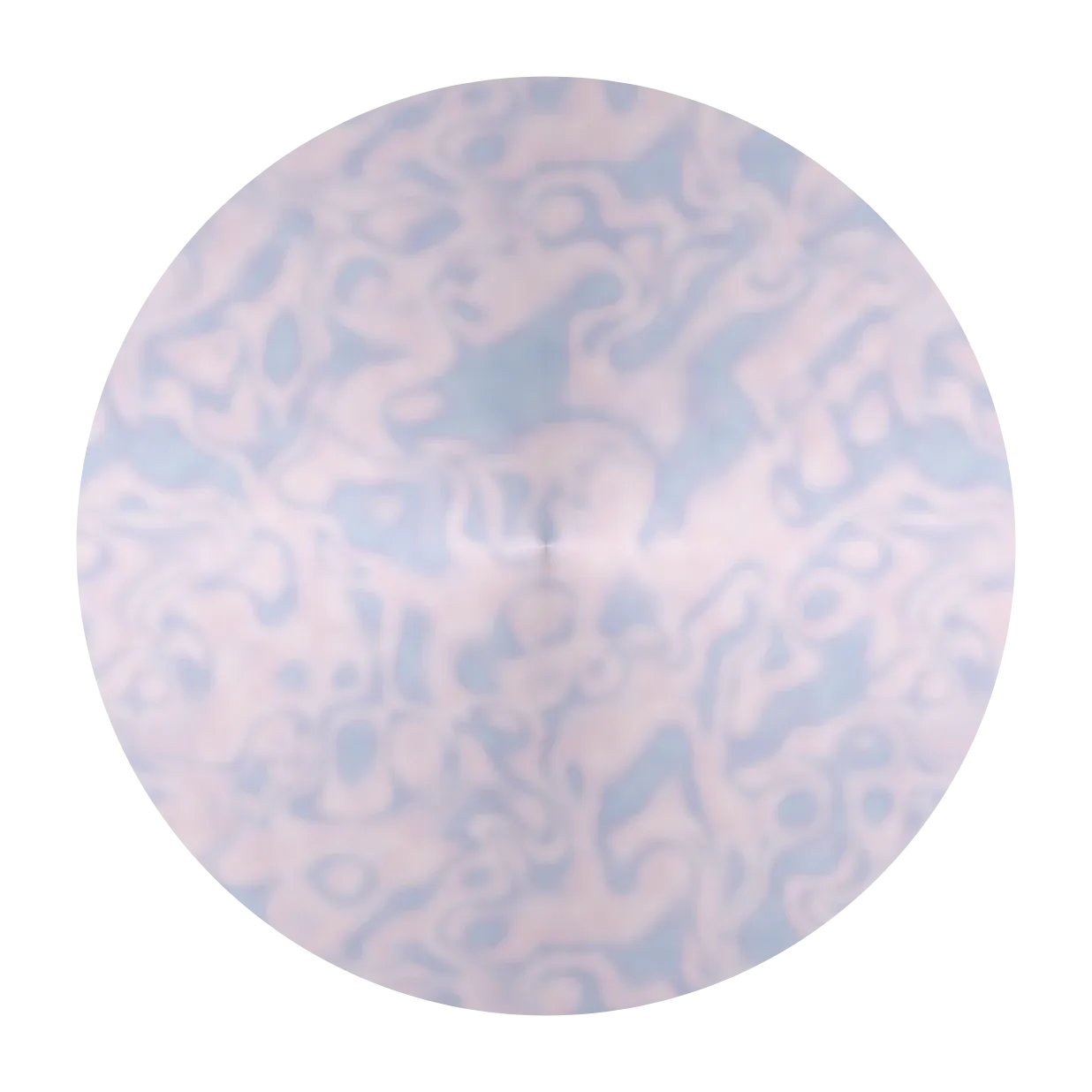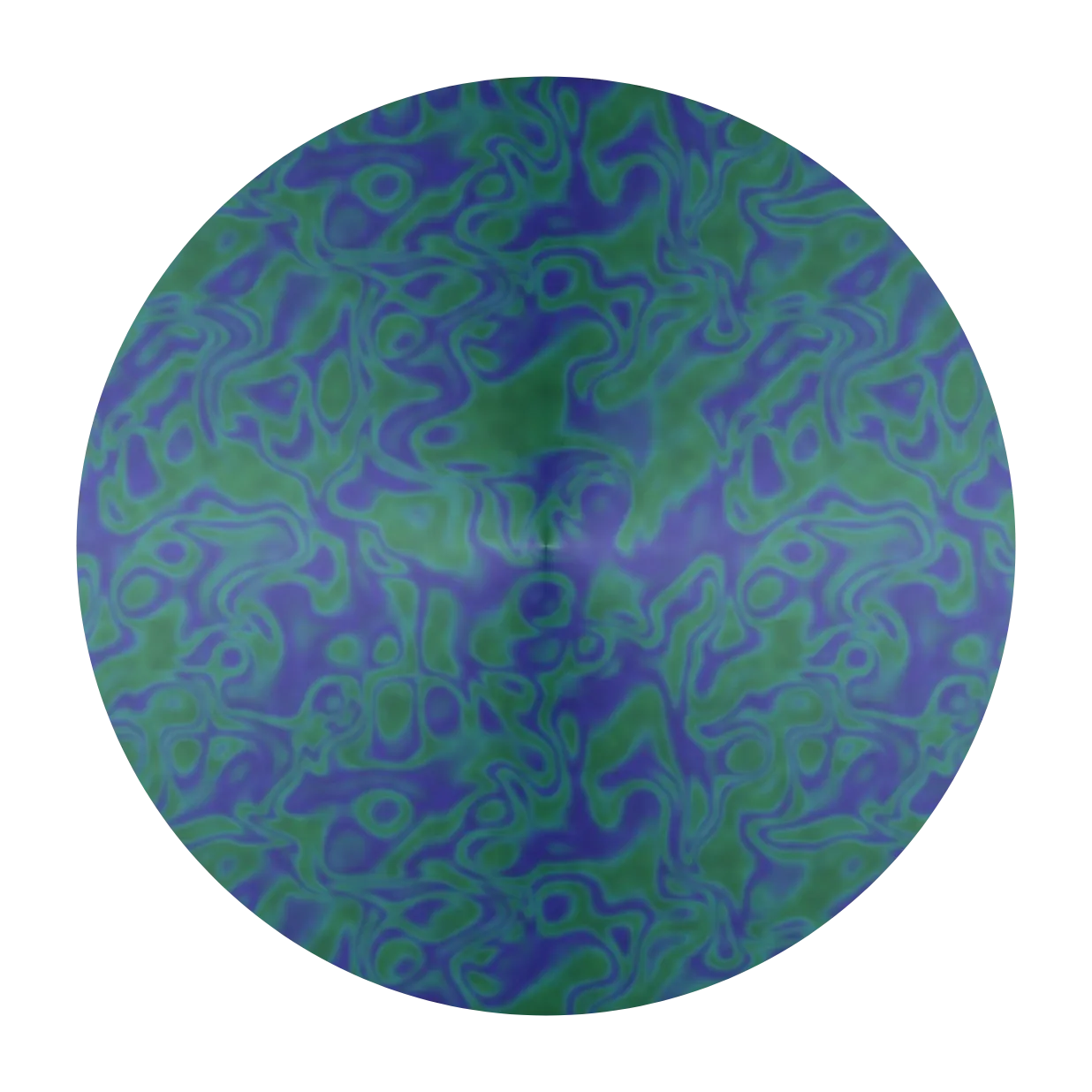










































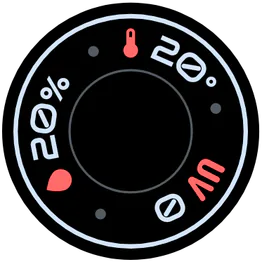




















Materials
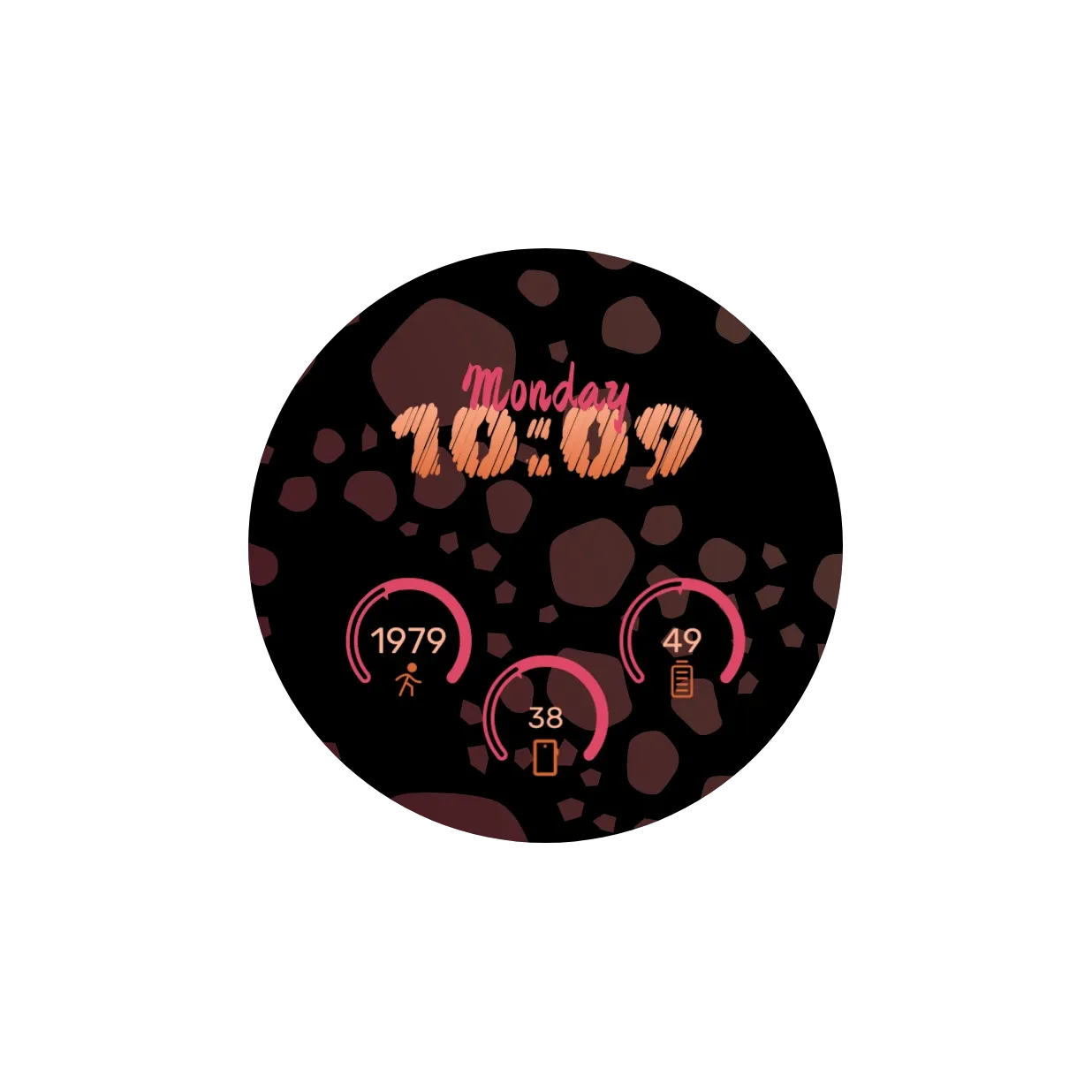
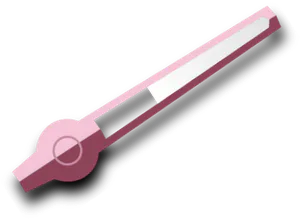
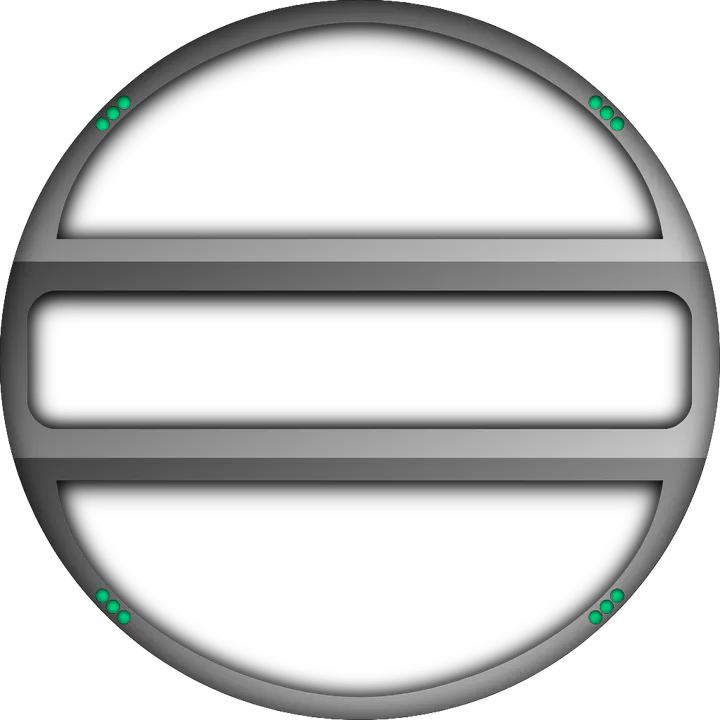
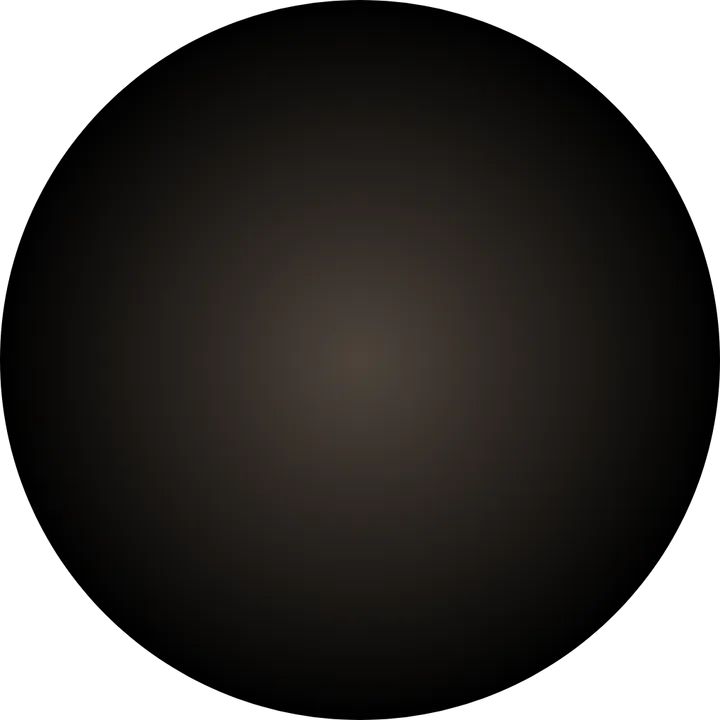
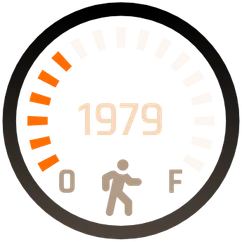
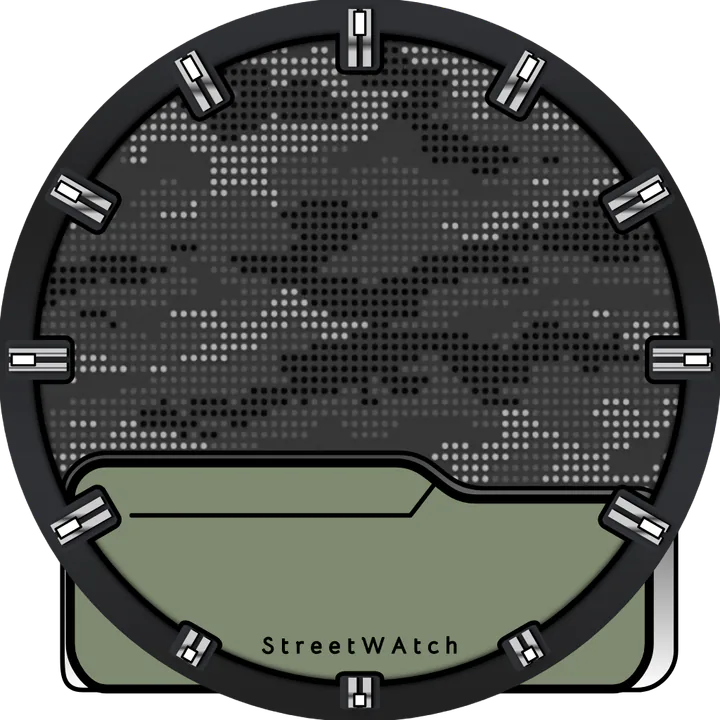
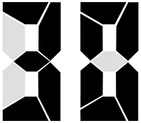
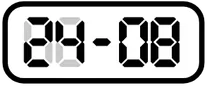
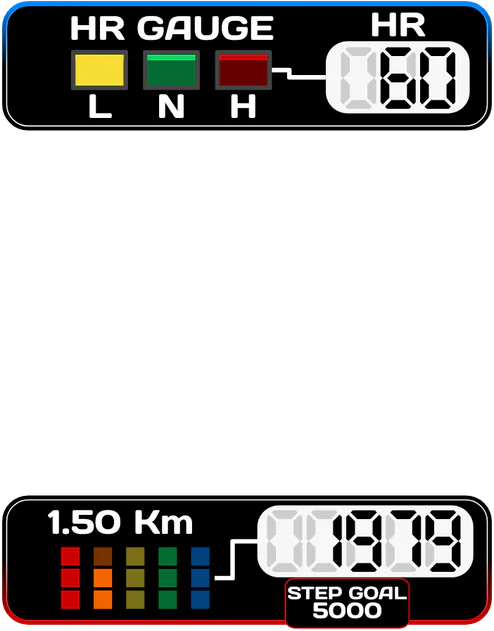
Fill shapes and text with metal, carbon, pearl and gradients, then add a bevel.
Watch your style
Pujie is an advanced watch face designer for Wear OS. Start from scratch, tweak a face you love, or pick one of thousands in the Library. It works on the Galaxy Watch 4 and newer, the Pixel Watch 2 and newer, and Wear OS 6 watches from OnePlus, OPPO, Motorola and Xiaomi.




News
A completely rebuilt app, with your own AI assistant as design partner, undo and auto-save and a full stack of effects.
Read the article →Latest version · 8.0.8
Welcome to Pujie Watch Faces 8.0, a completely rebuilt app. The Library is the new home screen, the Watch Face Designer gets undo, redo and auto-save, every element gets a full stack of effects, the watch element editor is rebuilt with new shape tools, you can design together with an AI assistant, Library sync is reliable on every device, and the app speaks 14 languages.
What changed →01 · Watch Face Library
Browse the Library, apply a face in one tap, or open it in the designer and make it yours. Search and filter watch faces and watch elements made by our amazing community, many of them free, and follow the designers you like.
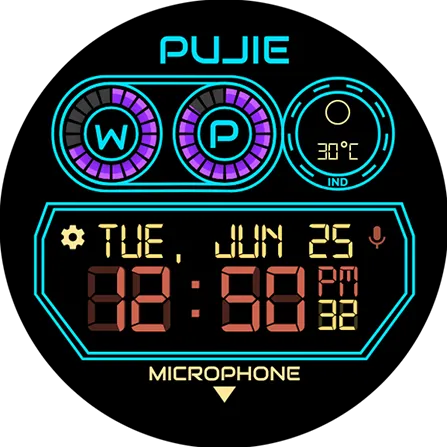 Black Lightby Dagoberto Ruiz
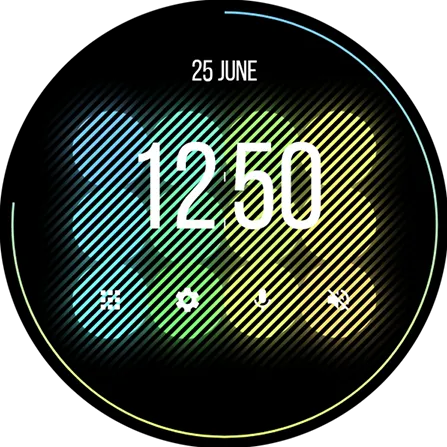 Blindsby Johan Agurén
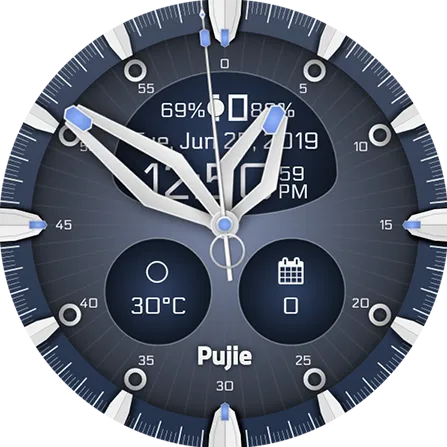 Blue Techby Brad Quillen
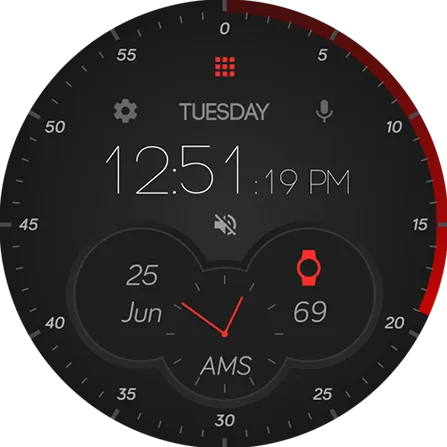 Dashboardby Jay Padua
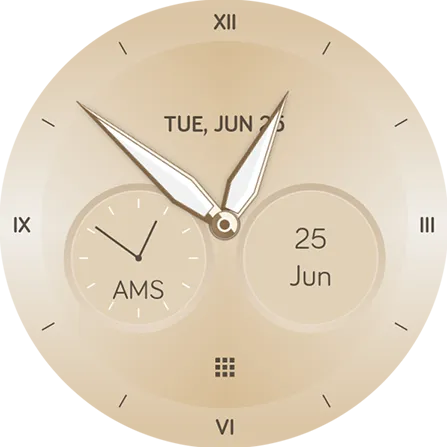 Goldfingerby Pujie
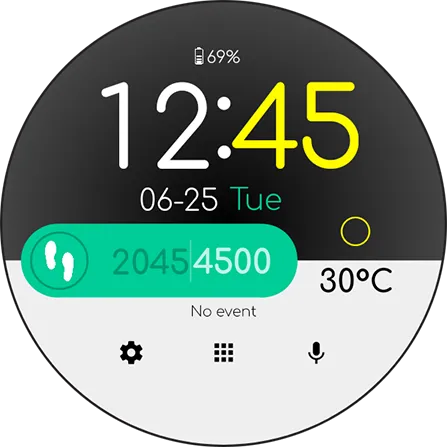 The Smartwatchby DRES
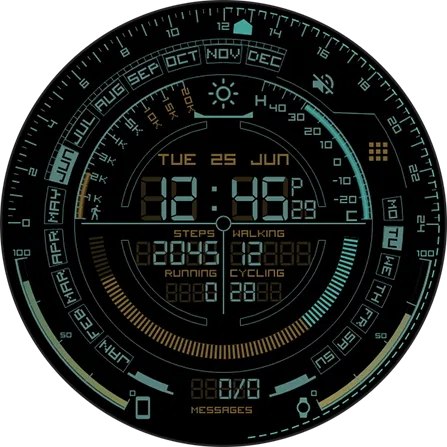 HUD Ringsby Austinio
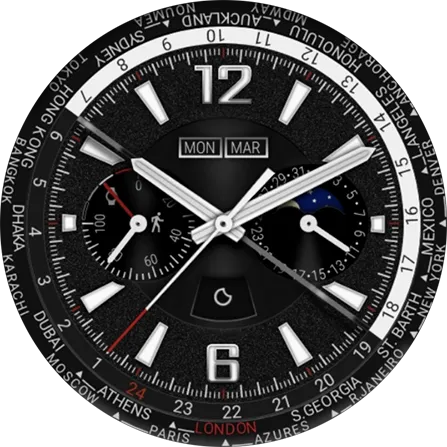 Automatic Worldby Austinio
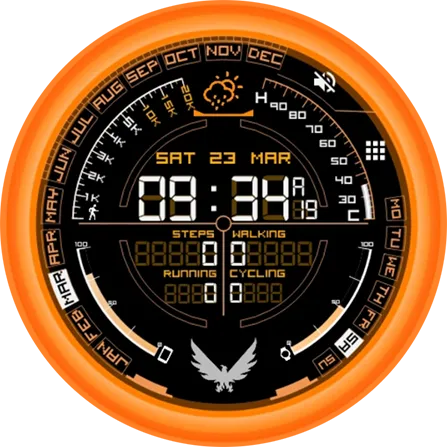 The Divisionby soulreaver
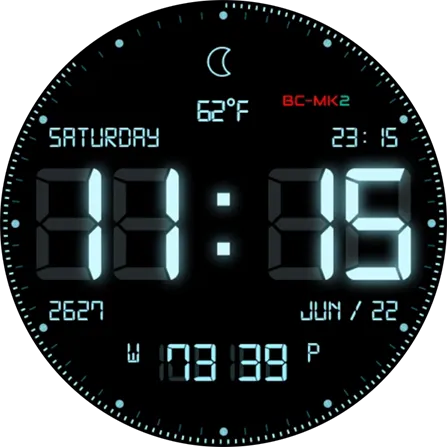 BC-1 (MK)by DRES
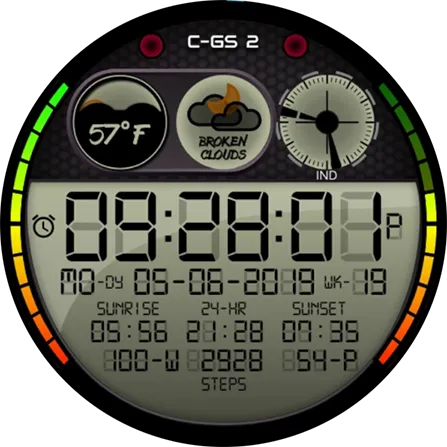 C-GS 2by DRES
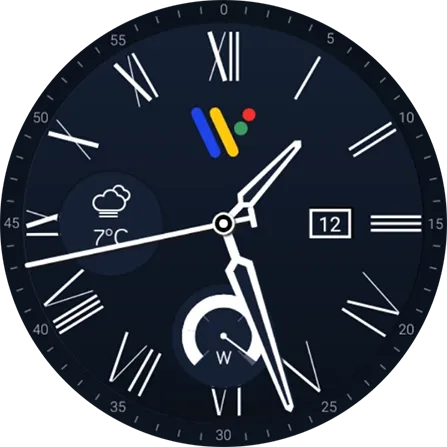 Roman Numeral Blueby Wahoux
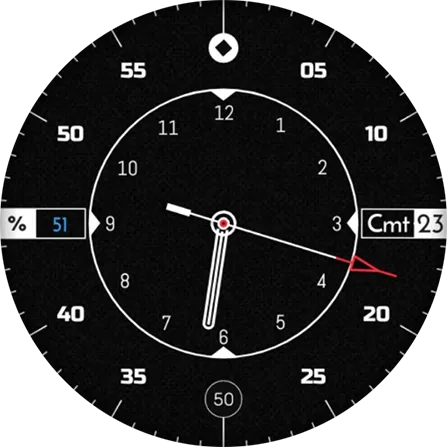 Circle#12by Yzz
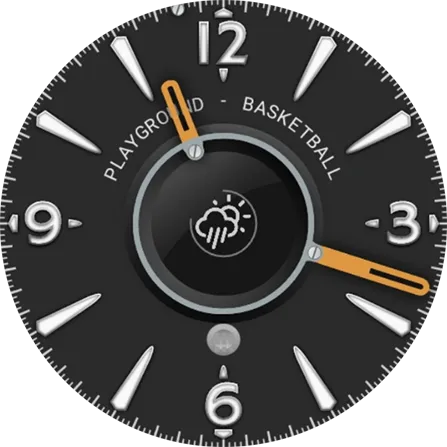 Ordinary Machineby Mantheo
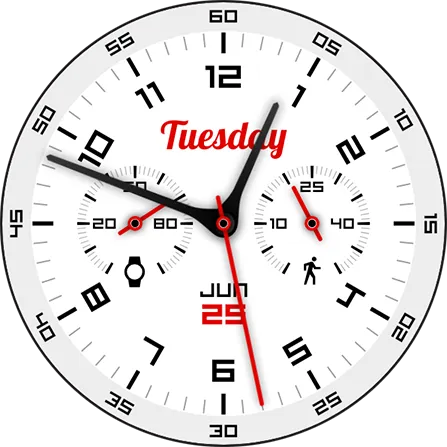 Chronometerby GF1973
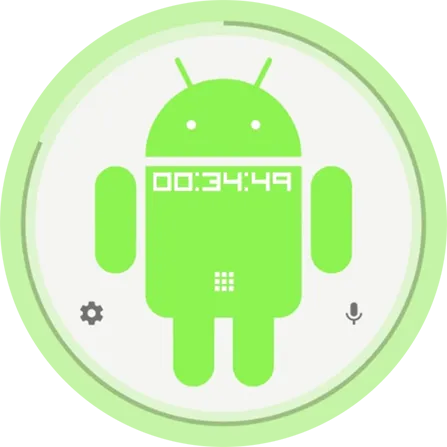 Androidby Pujie
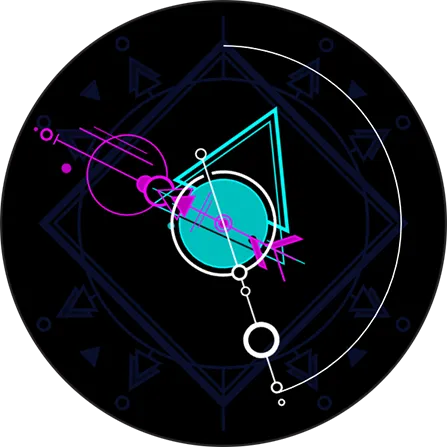 GeoMinimalby isrealmathew
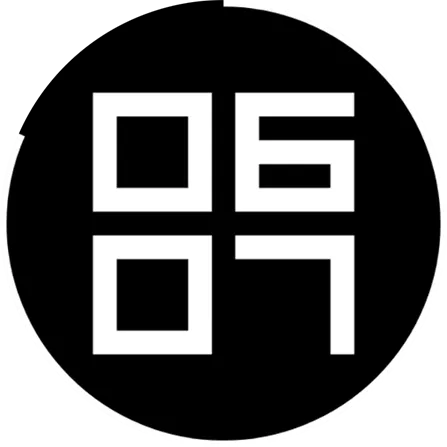 Big Numbersby Nydid
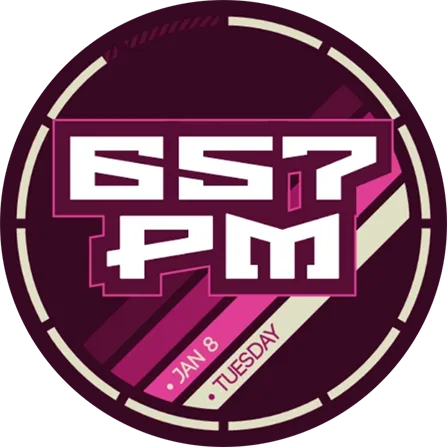 Brutalist IIby slashz
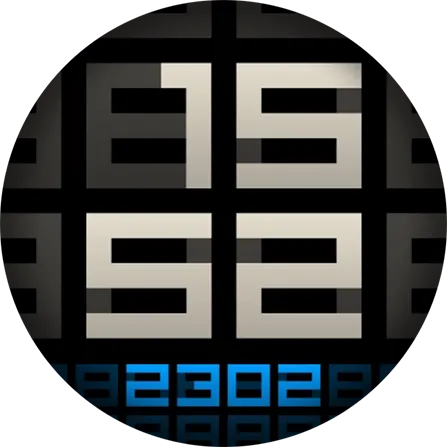 Visitorby GF1973
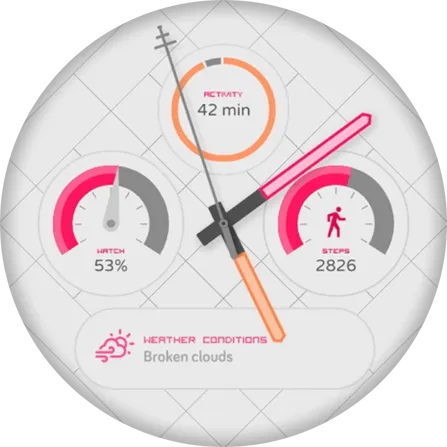 Complications Nationby Pujie
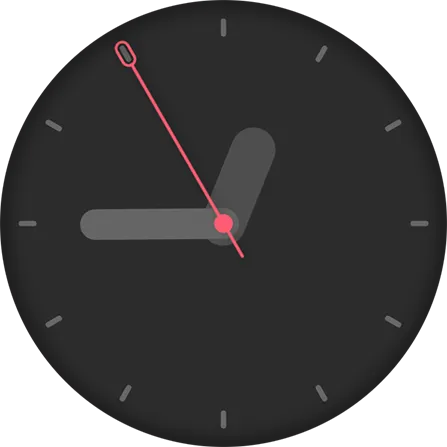 Flat Fatby Pujie
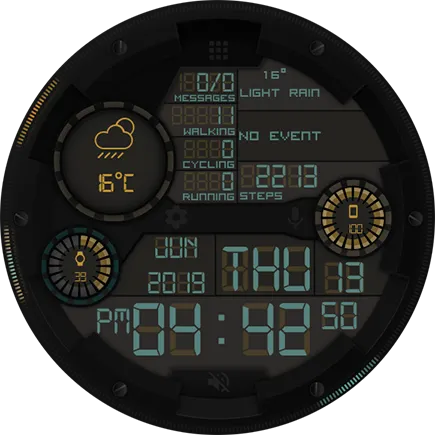 Liquid Crystal Desireby Austinio
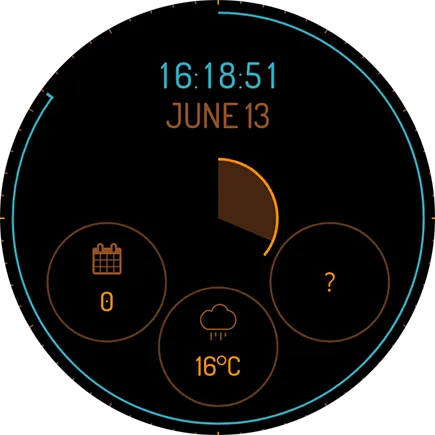 QCby Johan Agurén
02 · The designer
Create your own watch face from scratch on your phone: draw every hand, index and complication, bring them to life with live data, and send the face straight to your Galaxy Watch, Pixel Watch or other Wear OS watch.
Draw true vector graphics: shapes, text, arcs, icons and images, in layers, with the tools of a real vector editor.
Fill shapes and text with metal, carbon, pearl and gradients, then add a bevel.
Design your own complication styles and show data from any provider.
Drive any layer with live data and JavaScript: rotation, color, text, visibility.
Launch watch and phone apps or actions straight from your watch face.
Every Google Font, right inside the designer.
Faces adapt to round, square and rectangular watches.
Faces are converted to Google's Watch Face Format and installed on your Wear OS 6 watch.
03 · Gallery
A look around the app, from the designers to the Library. Tap a picture to see it up close and read what it does.
Put a watch face together from clocks, hands, complications and your own elements. Set its colors in one palette, design its always-on look, and test it with the simulator.
Choose how a movement speeds up and slows down, from a steady sweep to an elastic bounce, for animations and the seconds hand's tick.
Pick a color on the color square, by its hex value, or from the colors already in your design, with shades to match.
Thousands of watch faces from the Pujie community: trending, new and hot, curated collections and suggestions for you. Apply one in a tap, or open it in the designer.
Every Google Font, 900+ of them, with a live preview of your own time. Search by name, filter by language, and keep your favorites at hand.
Draw your own elements with real vector tools: shapes, text, arcs, icons and images, in layers, as in a desktop vector editor.
Fill a shape with polished, brushed or sunray metal, a ready-made gradient, or one of your own colors, in one tap.
Build a gradient from as many colors as you like: where each one sits, and how see-through it is.
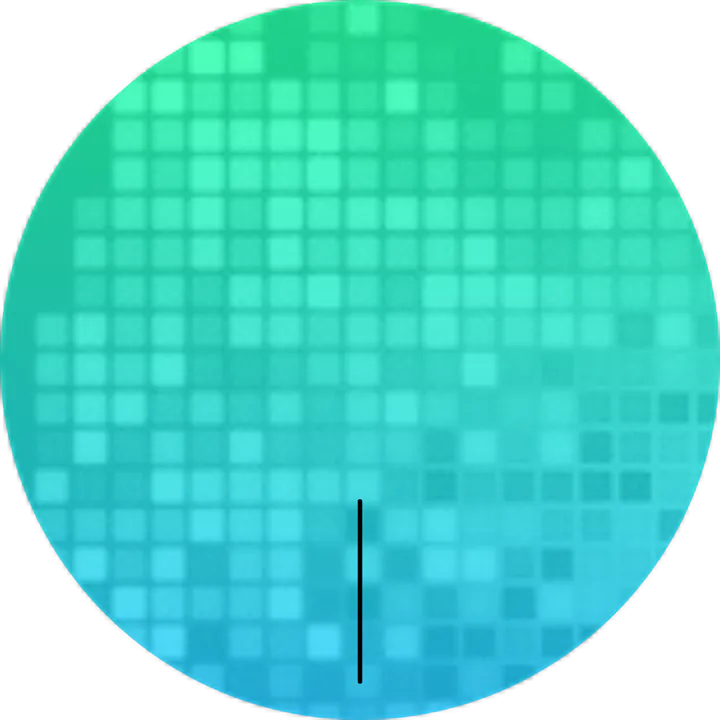
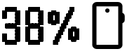
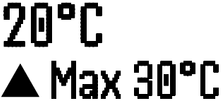
Bring any layer to life with live data and JavaScript: turn it with the minutes, color it by battery level, or show your steps.
Layer patterns, textures, lighting and bevels over a fill for depth that looks real on your wrist.
Follow the designers whose faces you like and find all their work in one place, or keep your own profile up to date.
Design hour, minute and seconds hands layer by layer, and they turn with the time on your watch.
Change the colors of one element without touching the rest of your watch face, with a live preview.
04 · Press
Since 2014, 16 tech sites have written about the Pujie Watch Faces app, from Android Police and Android Central to TechRadar.
“Out of all the watch maker applications on Android, Pujie Black is my favorite.”

“Another long-standing beacon of superb alternative watch faces, Pujie is a fully-fledged design platform and home to thousands of offerings.”
“…Pujie Black is hands-down one of the most polished, practical, and customizable Wear faces you’ll encounter.”


“…the top curated picks are great, and the complex watch face designer will let you make your own if you’re dedicated enough to try.”

“If analog watch faces are more your thing, Chronometer is one of my favorites I’ve found on Pujie.”
“…con Pujie Black puedes crear lo que te apetezca. Y desde el móvil, es nuestra preferida.”
“Pujie Watch Faces is an app that lets you create custom watch faces for Wear OS watches, and it’s now adding a clever ability to build tools like stopwatches and calculators directly into your watch face.”

“Pujie Black, easily one of our favorite watch face apps for Wear OS…”
“…these watch faces are super customizable and may satisfy even the most demanding customers…”

“Pujie Black is one of the best third-party watch face stores and it offers some truly incredible watch faces with practically endless customization options available…”
“Pujie Black is one of the best custom watch faces for Wear OS devices… It’s endlessly customizable…”
05 · Questions
What people ask before they install Pujie. More in the FAQ.
Pujie works on watches with Wear OS 6 or newer: every Galaxy Watch from the Galaxy Watch 4 on, the Pixel Watch 2 and newer, and Wear OS 6 watches from OnePlus, OPPO, Motorola and Xiaomi.
All compatible watchesYes, designing a watch face, editing it and sending it to your watch are free, and so are the free watch faces in the Library. The free version keeps three designs at a time and shows small ads. Premium adds every watch face in the Library, unlimited saved designs, publishing your own and no ads.
Free and PremiumNo. The whole designer runs in the Pujie app on your Android phone: draw the watch face, preview it on a round or square watch, and send it to your watch from there.
The watch face designerInstall Pujie on your phone and on your watch (the phone app walks you through it), select Pujie as your watch face, then tap Send to watch in the designer or on any watch face in the Library. Pujie converts it to Google's Watch Face Format, and your watch installs it and switches to it.
Sending to your watchOn a Wear OS 4 watch, our older app, Pujie Watch Faces - Wear OS 4-, keeps working. A watch that came with Wear OS 5 can use Pujie once it updates to Wear OS 6, so check for a system update on your watch.
Older watchesYes. With Premium, you can connect your own AI assistant (Claude, ChatGPT or Gemini) to Pujie and ask it to design or change a watch face while you watch in the app. Pujie doesn't include an AI: you use your own account with that service.
AI assistantsFree to try. The full Library and unlimited saves come with Pro.