
Custom animation target
Set the place, size and rotation an element moves to when the watch goes to the always-on face.
A custom target is a place and size of the element’s own, instead of an element on the other face: the element moves, scales and turns there while it fades as the watch dims. Pick Custom in the Animation target row of its settings to open this sheet.
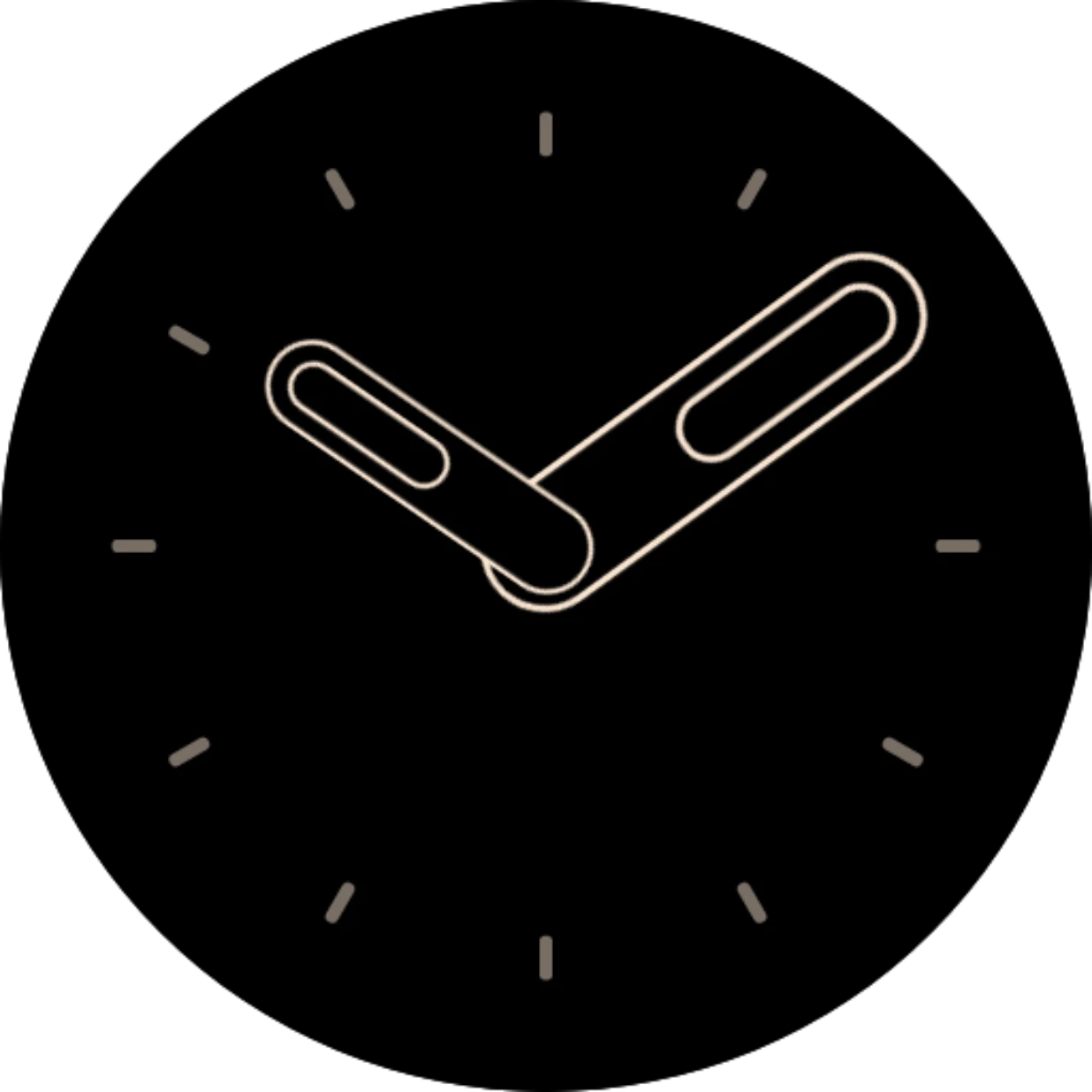
Here the seconds hand of the Default analog watch face has a custom target: shrunk into the center. The always-on face has no seconds hand, so this way it disappears into the middle instead of just fading.
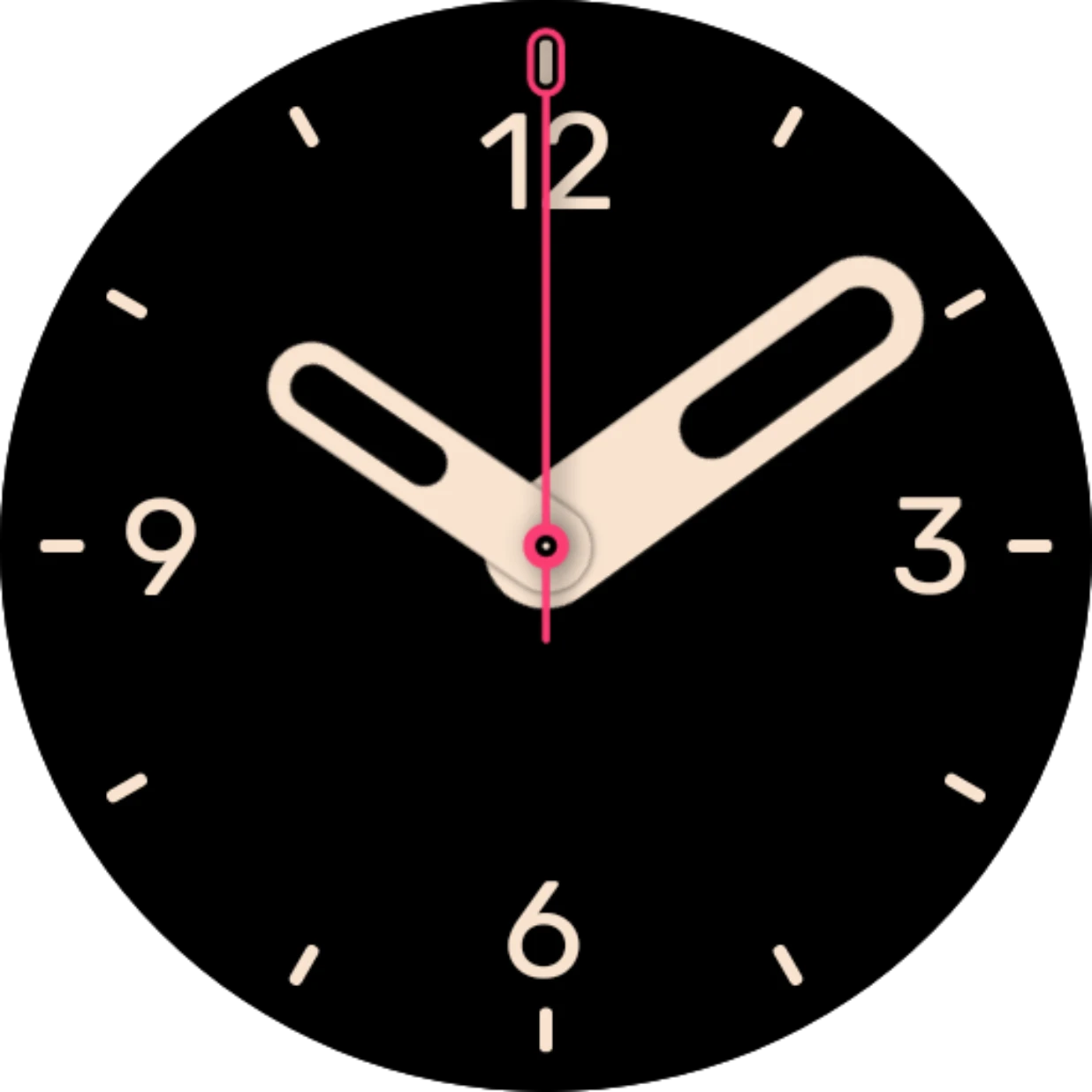
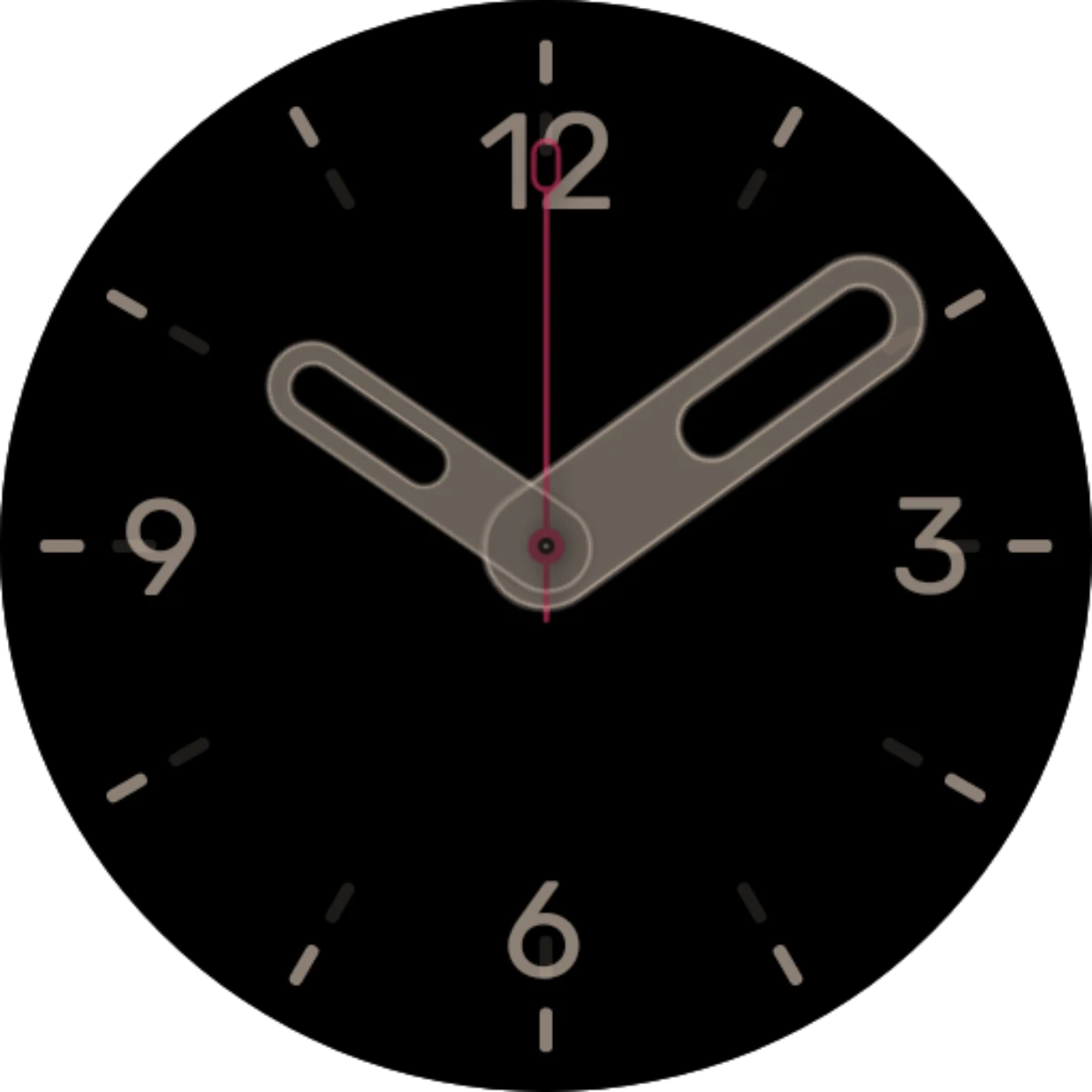
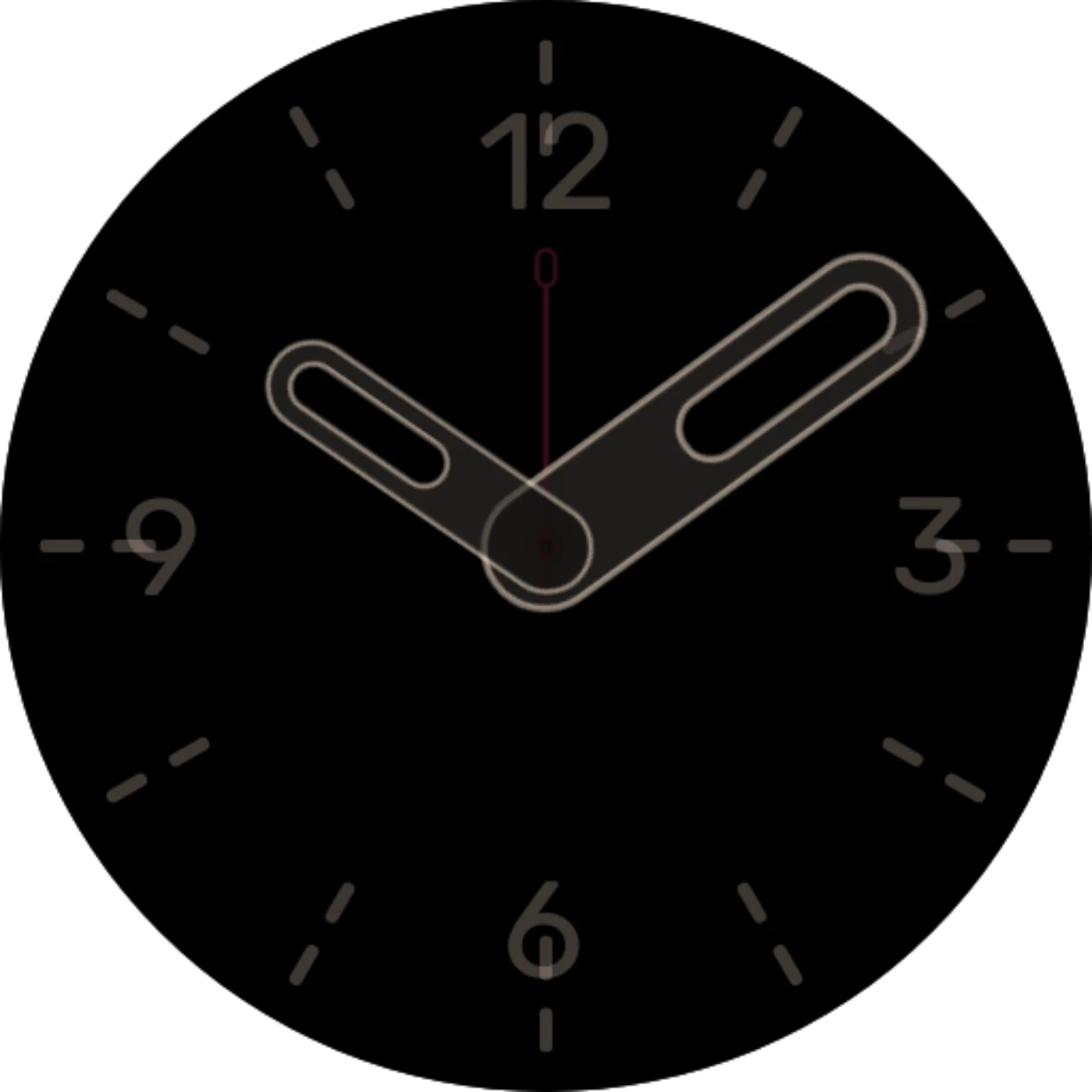
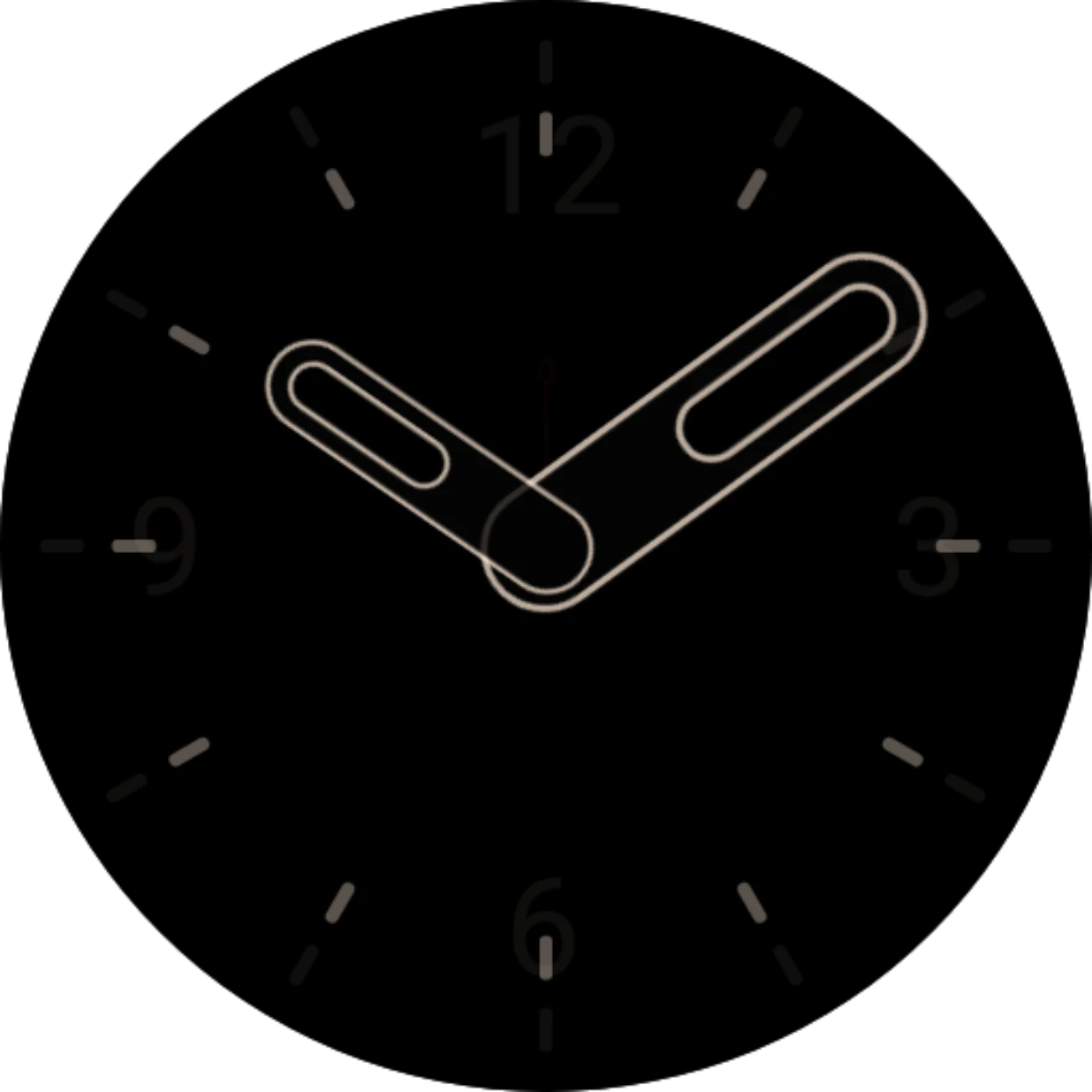
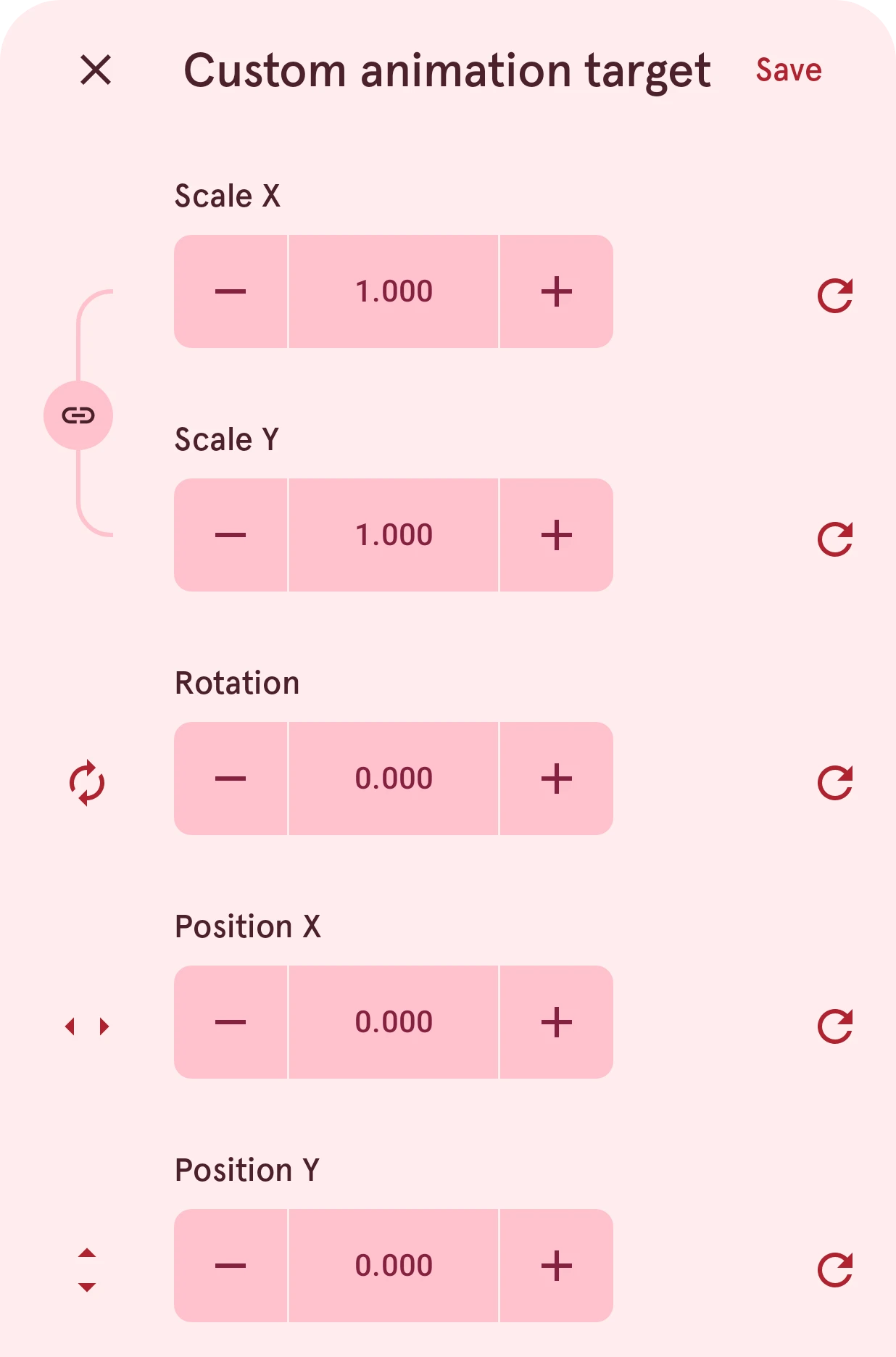
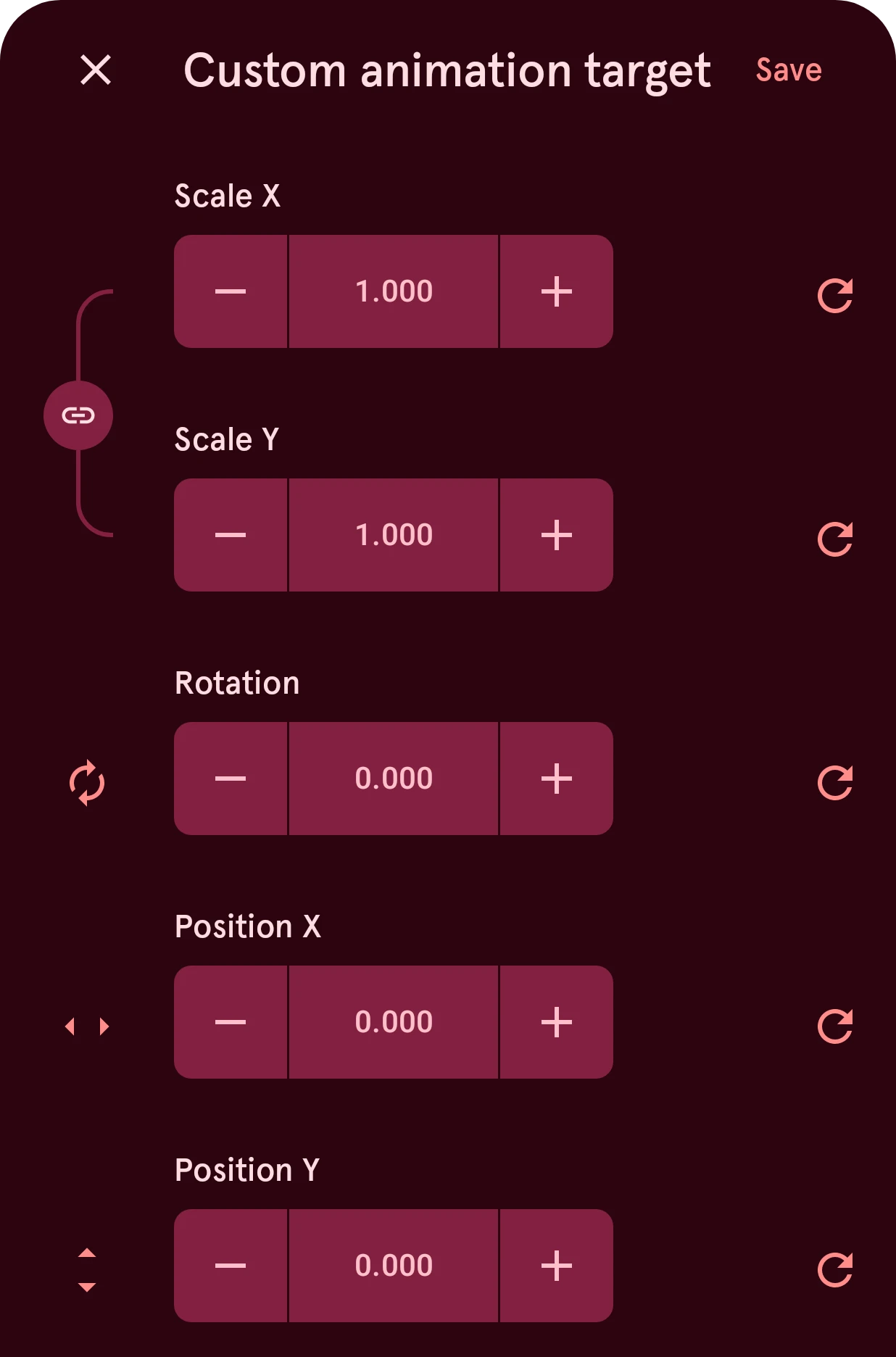
The rows are the element’s own position settings, with the usual number controls:
- Size, or Scale X and Scale Y for a watch hand (linked, so it keeps its shape), or a Radius for a round element: how big the element ends up.
- Rotation: how far it turns on the way. A watch hand can turn here even though its regular settings have no rotation.
- Position X and Position Y: where it ends up. 0 is the center.
While the sheet is open, the preview plays the movement over and over, so you see each change right away. Save keeps the target; closing the sheet any other way puts the old one back.
A new custom target starts at the center, at normal size, not where the element is now.