
Scaling properties
How a shape layer of a watch hand stretches when the hand gets longer or thicker.
Opened from
- Set scaling properties…, in a layer's actions
In the watch face designer a watch hand doesn’t have a size: it scales. Scale Y makes it longer or shorter and Scale X thicker or thinner. By default every layer of the hand simply stretches along with it, around the point the hand turns on. That is right for a long, thin blade, but a round hub would turn into an oval and a border would grow thick. These options set, per layer, how it follows the hand instead.
The dialog is offered for the shape layers of a watch hand, from the layer’s actions. Nothing changes until the hand is scaled in the watch face designer: at a scale of 1 every option draws the same.
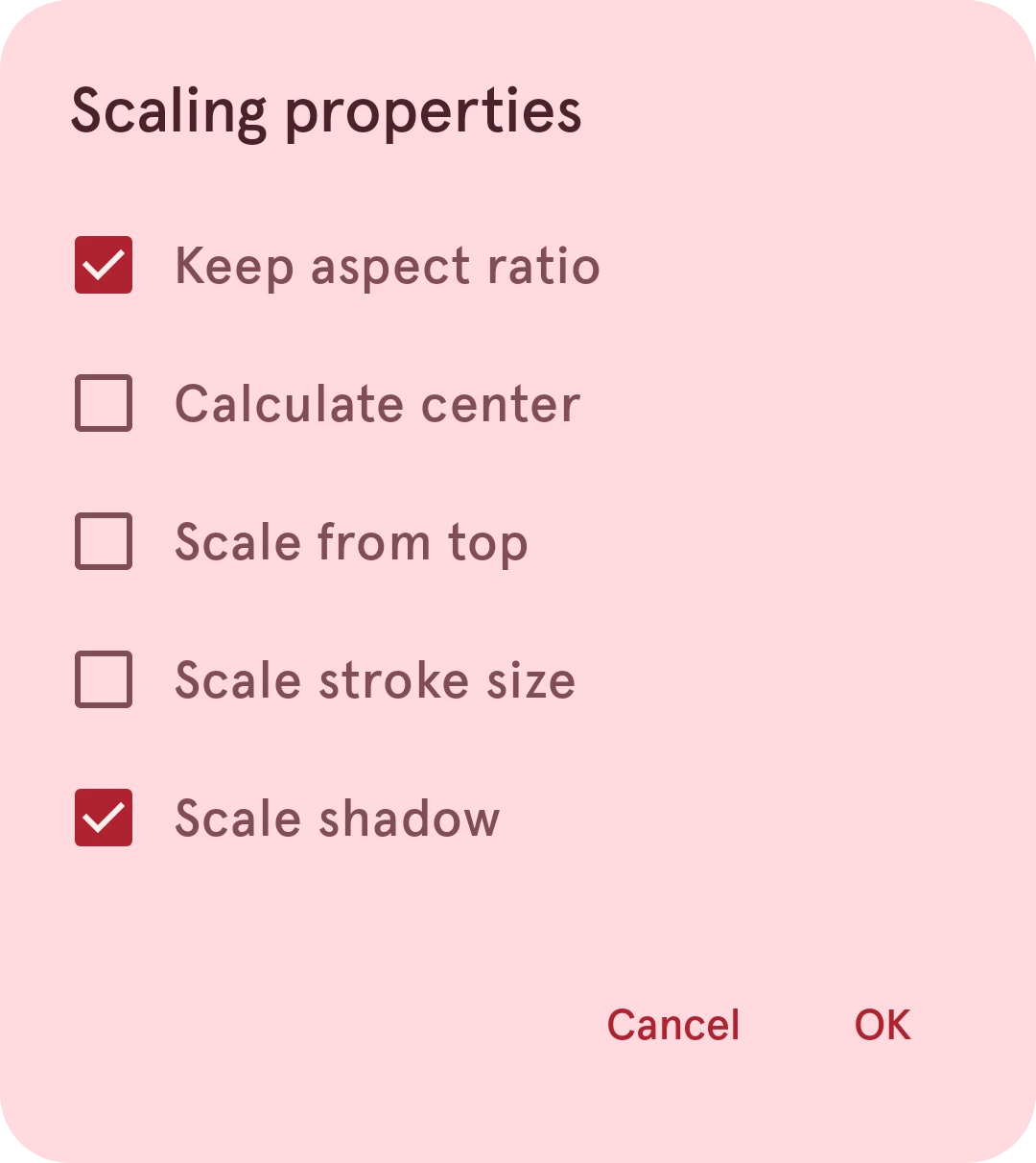
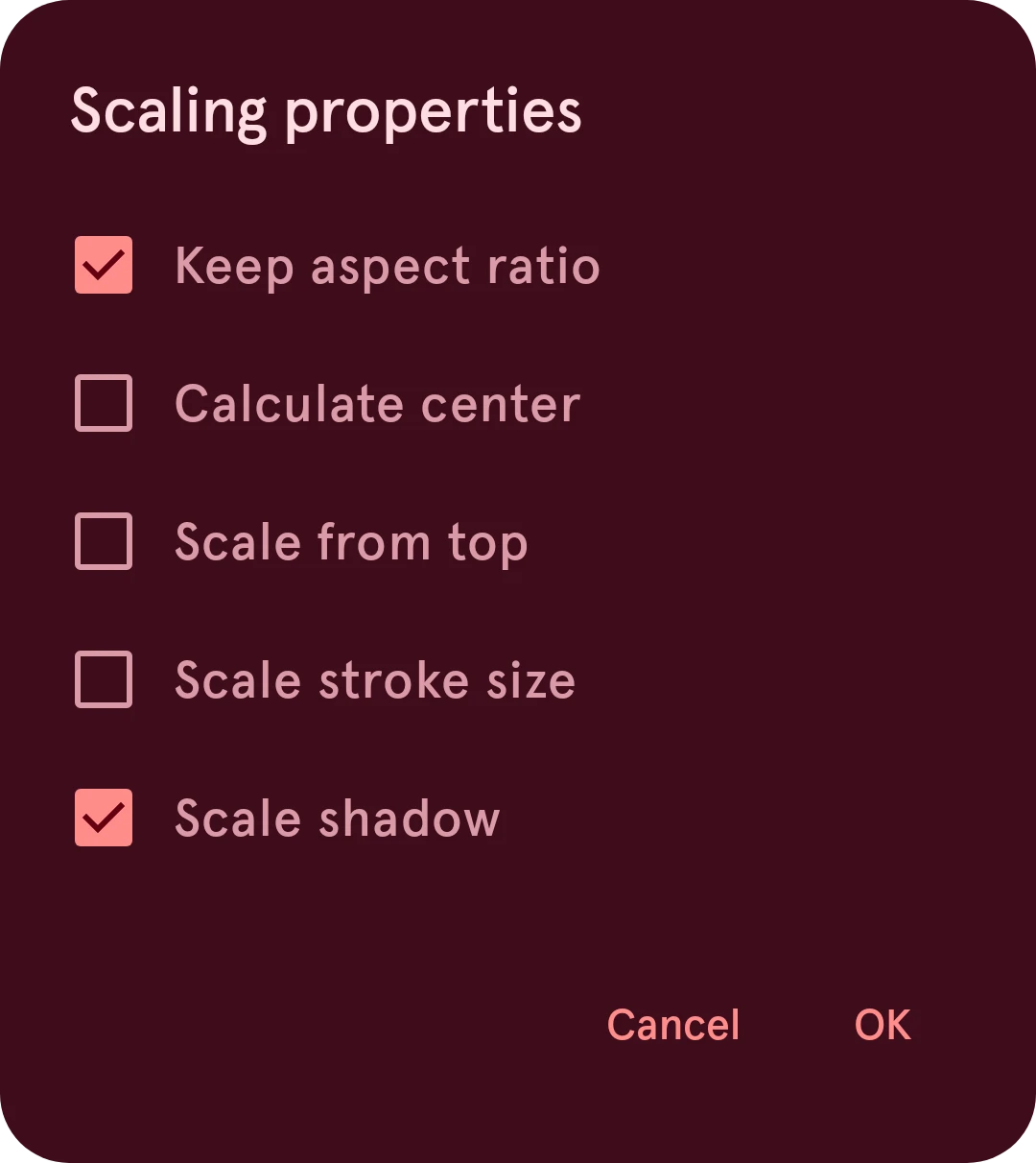
Keep aspect ratio
The layer grows and shrinks by the same amount in both directions (the hand’s thickness), so it keeps its shape. It still moves with the stretched hand: a round hub halfway up a longer hand stays round and moves out with it.
Calculate center
The layer scales around the center of what it draws, instead of around the point the hand turns on. A dot near the tip then grows in place instead of moving out.
Scale from top
The layer stretches lengthwise from the top of the hand (its highest point) instead of from the point the hand turns on.
Scale stroke size
The layer’s stroke gets wider and narrower with the hand’s thickness. Off, the stroke keeps its width.
Scale shadow
The layer’s shadows grow and shrink with the hand’s thickness. Off, they keep their size.
Cancel
Leaves the layer as it was.
OK
Applies the options you checked.
The options come along when the face is sent to a watch: each version of the hand (interactive and ambient) is drawn at its own scale there, so it looks the same as in the app.