
Icons
Pick an icon from one of the icon fonts, such as Material Design Icons or Weather Icons. Icons stay sharp at any size and take the layer's style like text.
Opened from
- Icon, in the add menu
The icons come from icon fonts, so an icon stays sharp at any size and takes the layer’s style like text does.
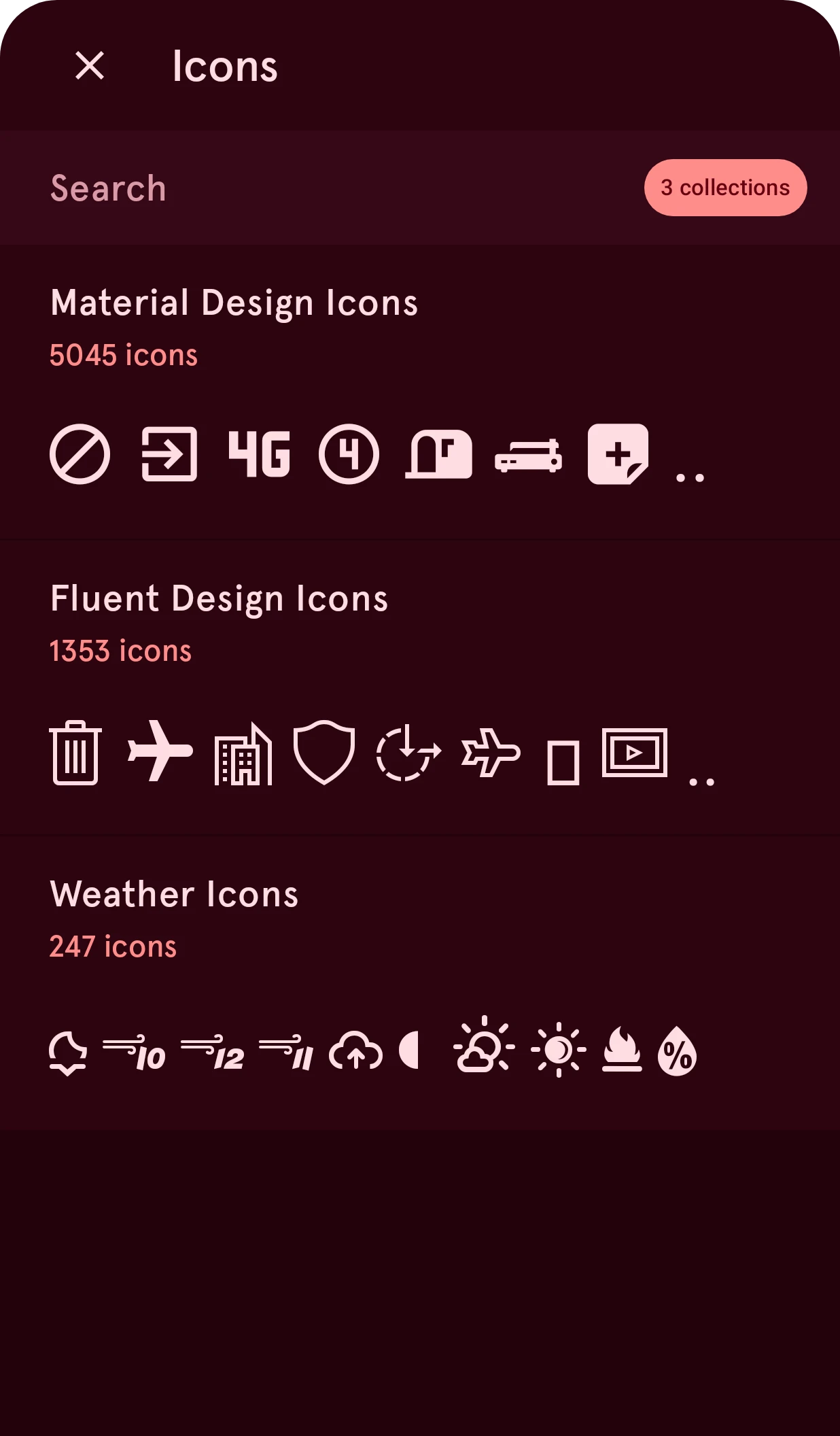
Collections
Section titled “Collections”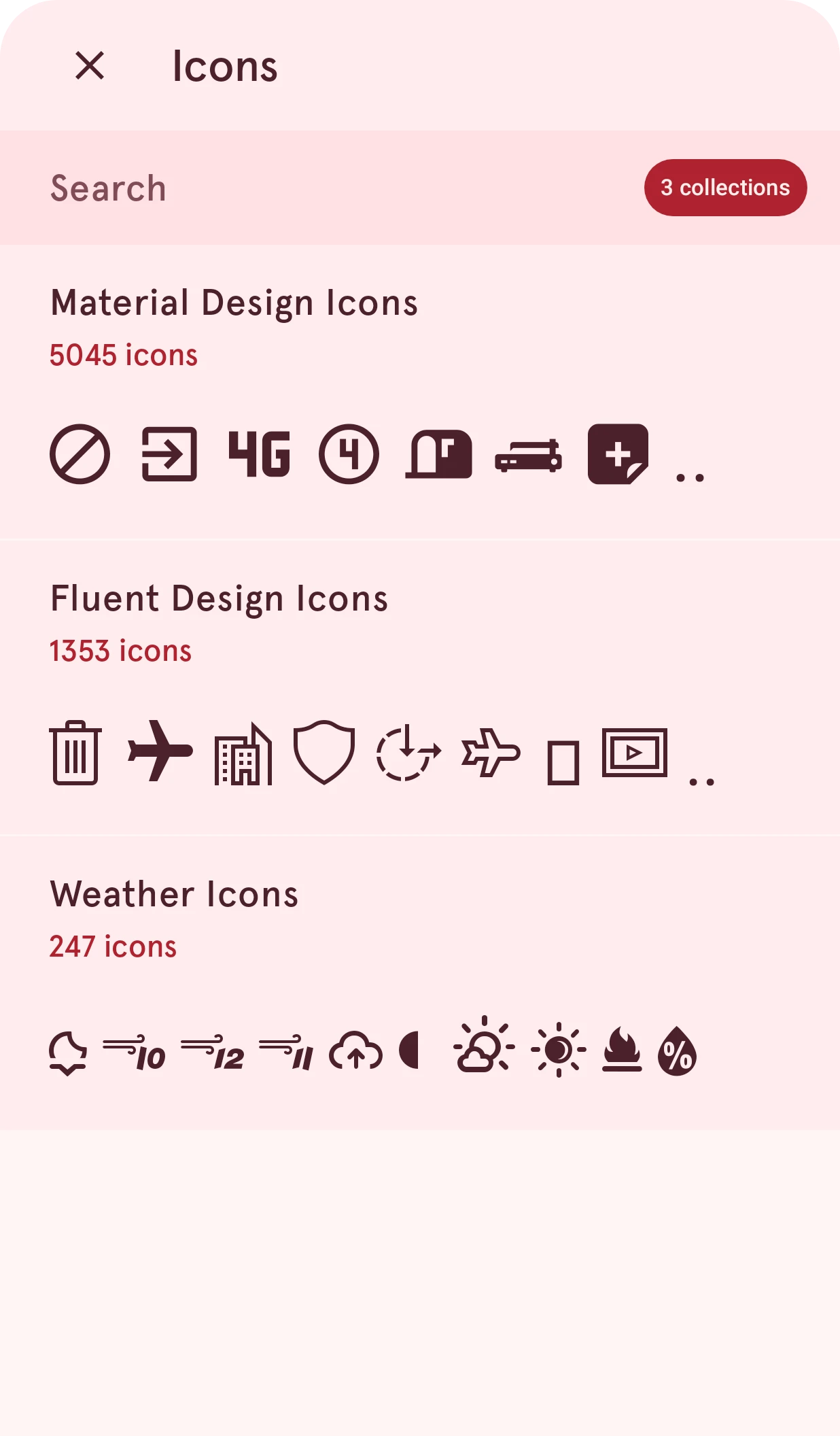
Close
Closes the sheet and keeps the current icon.
Search
Type to search every collection at once. The list then makes way for all matching icons, each with the name of its collection; tap one to use it.
Icon collection
One icon font, with its number of icons and a few of them. Tap it to see all its icons.
Offline, only the collections already on your phone are listed, and a note above the list says so.
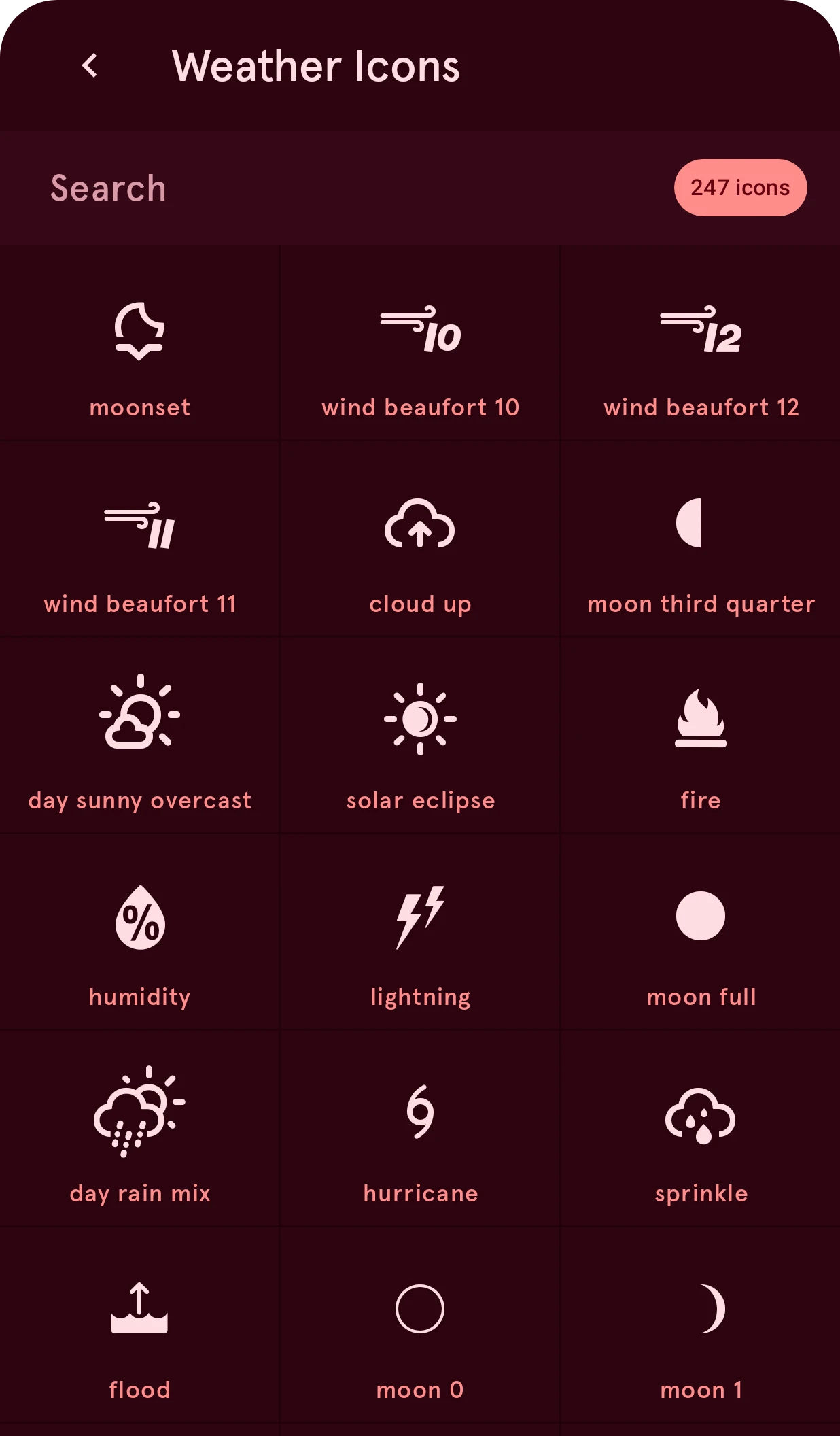
A collection’s icons
Section titled “A collection’s icons”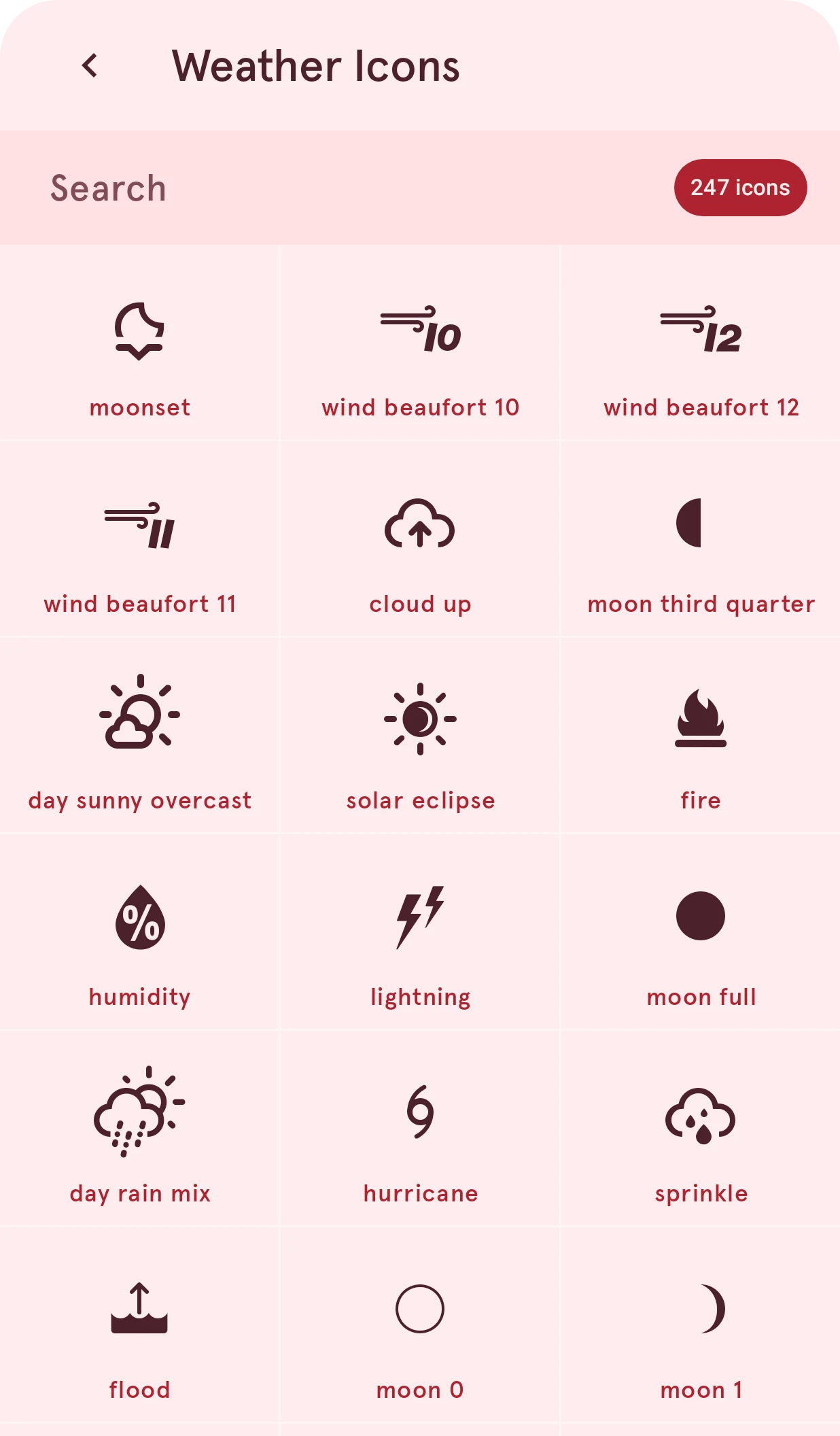
Back
Back to the list of collections.
Search
Type to find icons in this collection by name.
Icon
Tap an icon to use it. A collection with several weights, such as Phosphor, has a row of style chips above the grid (thin, light, regular, bold, fill); the icon keeps the style you pick.