
Enter a new value
Tap a value above the canvas to type an exact x or y position, rotation or corner radius. The allowed range is shown, and values outside it are refused.
Opened from
Opened by tapping a value in the readout above the canvas. Its title says what you’re changing (the x or y coordinate, the rotation, or a corner radius).
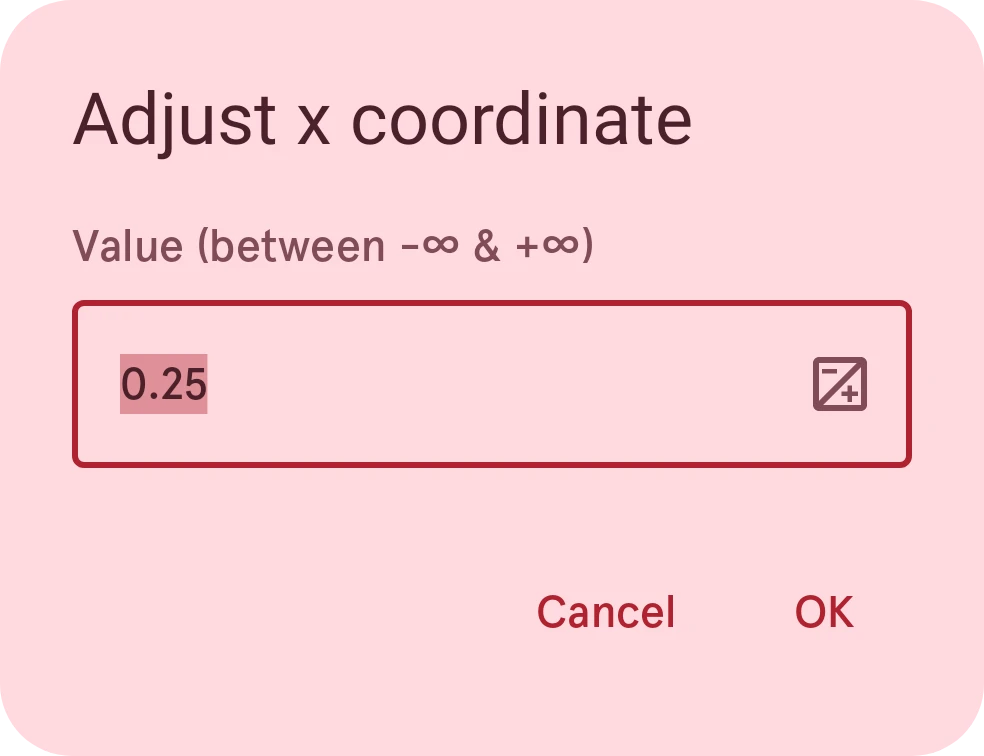
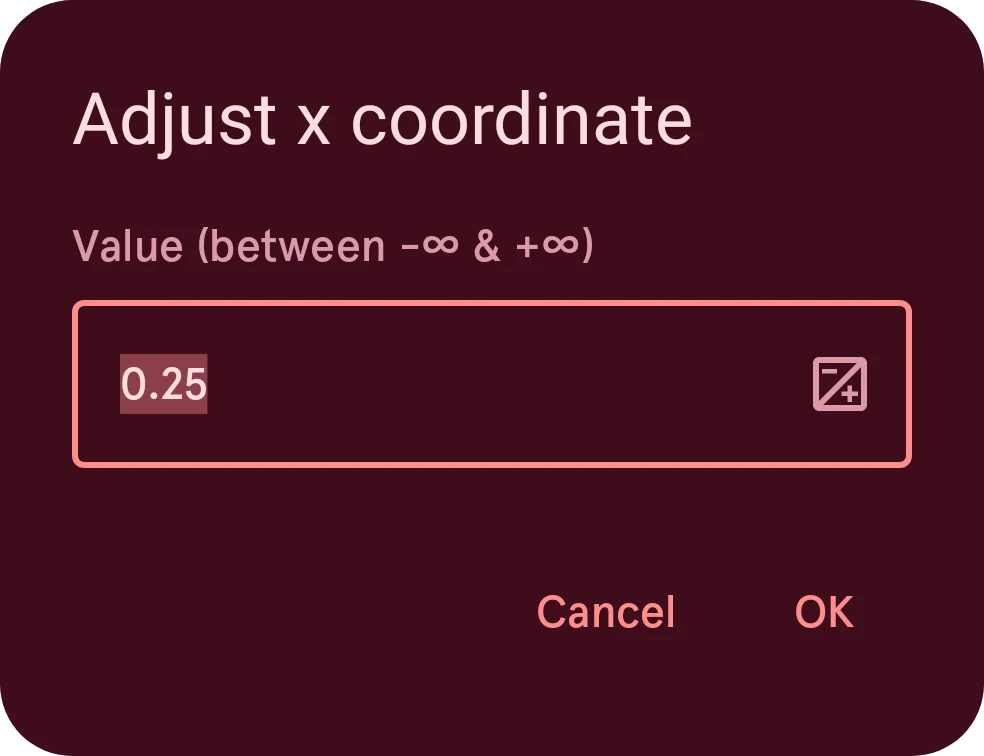
Value
Type the number here. The line above it shows the allowed range.
Switch between positive and negative
Switches the value between positive and negative, for keyboards without a minus key. It only shows when the value may be negative.
Cancel
Closes the dialog and keeps the value as it was.
OK
Sets the value. It can’t be tapped while the number is outside the allowed range.