
Watch hands
Hands that turn with the time, and how to make the hour, minute and seconds hand of a watch face.
A watch hand is a drawing that turns around the center of the watch face with the time. An analog watch face usually has three: one for the hours, one for the minutes and one for the seconds. Each is its own element, so each can look different.
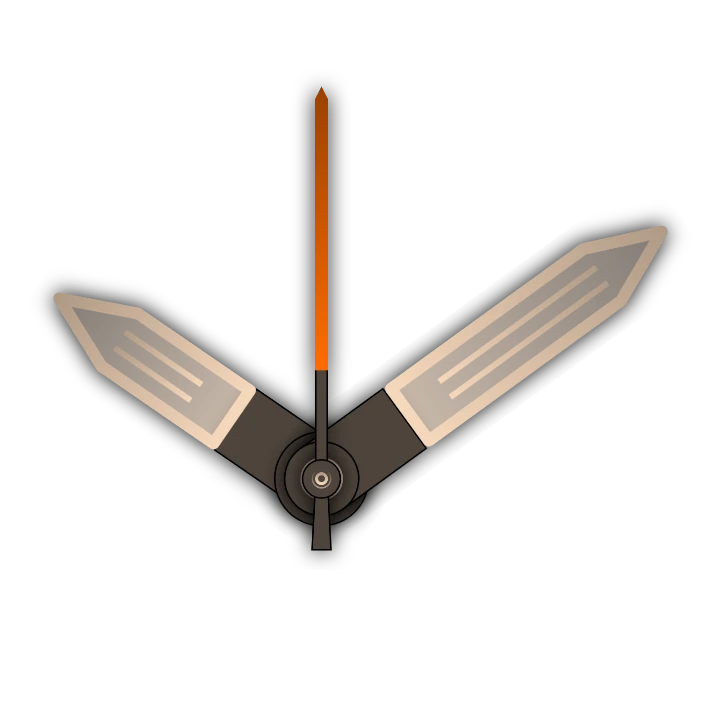
Here are the three hands of Revalia by GF1973 on their own, without the rest of the watch face, at 10:09:
Adding a watch hand
Section titled “Adding a watch hand”- Tap the add button above the element list and pick Watch hand.
- Pick New item to draw one yourself, or From the watch face library to start from a hand someone else made.
- A new hand opens in the watch element designer. Draw it pointing to 12 o’clock: the center of the canvas is where it turns.
- Back in the watch face designer, open the hand’s settings and pick which time it shows.
Make one hand, then duplicate it for the other two and change their Interval: it saves drawing the same style three times.
Settings
Section titled “Settings”Interval
ChoiceWhich time the hand shows: Seconds goes round once a minute, Minutes once an hour, 12 hours is the usual hour hand, and 24 hours goes round once a day (for a 24-hour dial).
- Seconds
- Minutes
- 12 Hours
- 24 Hours
Seconds easing
Only for a seconds hand: how it moves from one second to the next. With none it jumps once a second, like a quartz watch; Linear sweeps it steadily round; the other curves move it quickly and let it settle on the mark, some with a little overshoot. See seconds easing.
Opens the easing picker.
Not available on the ambient face.
Below these are the position and animation cards every element has. A hand scales instead of having a size, so it keeps its shape.
Seconds easing
Section titled “Seconds easing”A seconds hand moves six degrees every second, and its easing sets how it covers them. Try them here: pick an easing as you would in the app, and Revalia’s seconds hand moves exactly as it does on the watch.
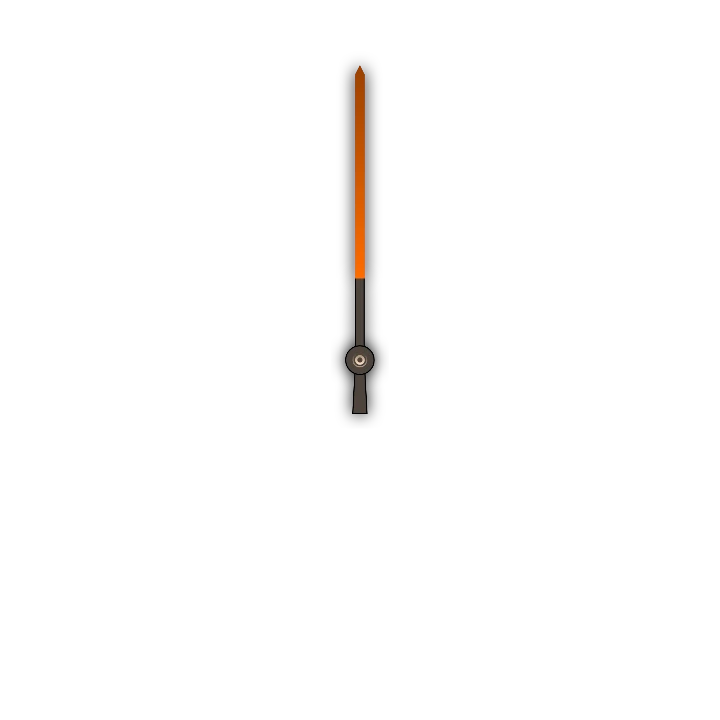
- None: the hand stands still and jumps to the next second at once, like a quartz watch.
- Linear: a steady sweep, like a mechanical watch.
- Stepped: the second split into a number of small jumps (Steps, 2 to 10).
- Ease out curves (Quadratic, Cubic, Quart, Quint, Circular, Exponential, Sine): the hand moves at once and slows into the next mark, a soft tick. From Sine to Exponential the move gets quicker. Ease in waits and then hurries to the mark; Ease in and out does both.
- Elastic: the hand overshoots the mark and springs back. Period sets how fast it swings: shorter periods wobble more.
In the picker, Custom also lets you draw your own curve. Back and Bounce aren’t offered for Wear OS 6 watch faces: the watch can’t show them.
Easing only shows on the interactive face: the always-on face updates once a minute.
Good to know
Section titled “Good to know”- The order in the element list is the drawing order: the first element is drawn on top. Put the seconds hand first, then minutes, then hours, so the thinnest hand stays visible.
- The always-on face only updates once a minute, so leave the seconds hand off the ambient face.