
Gradient
Set up a gradient: its colors, where each one sits, and how see-through it is.
Opens from the swatch of a layer’s fill or stroke once its style is set to a gradient.
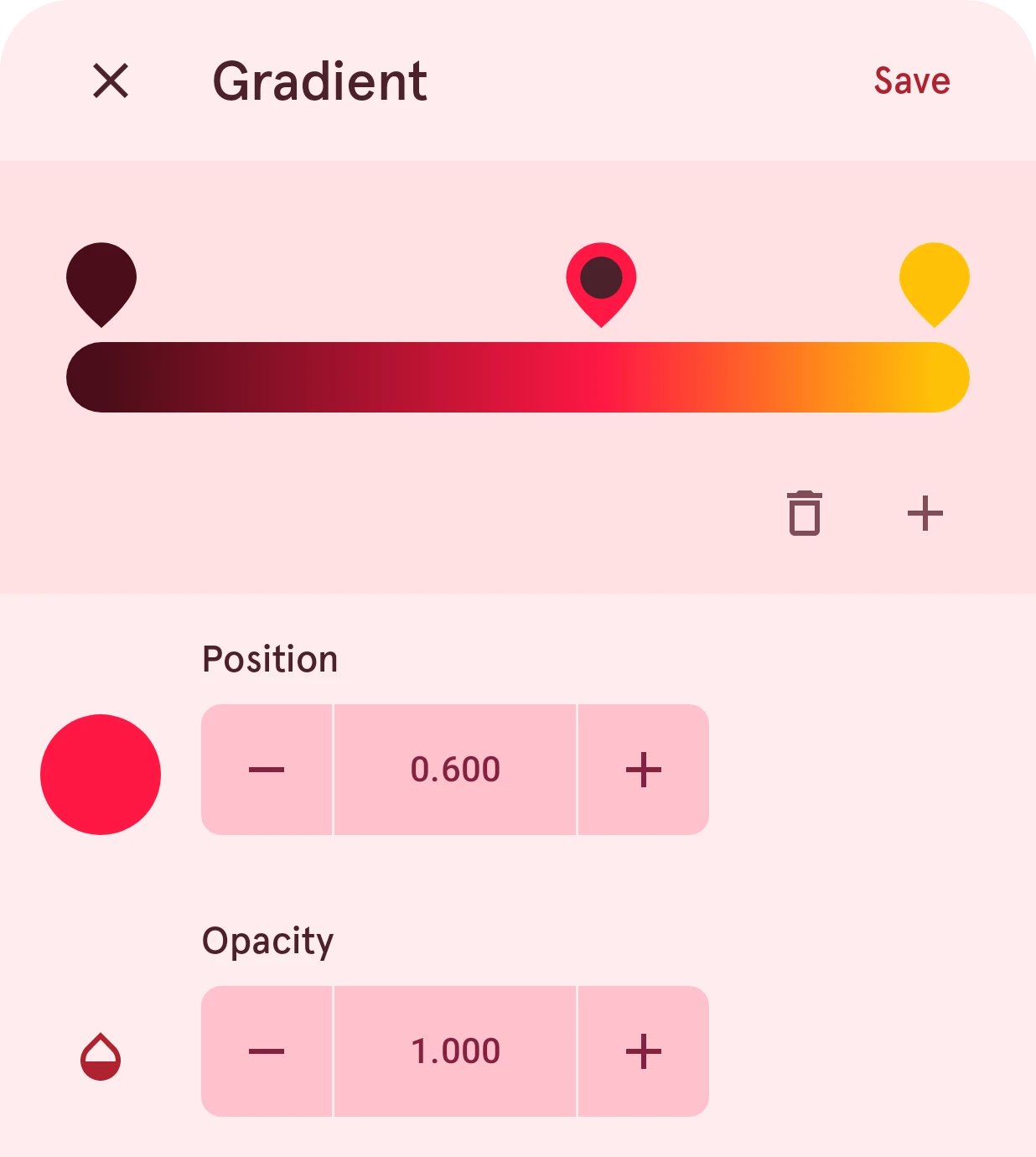
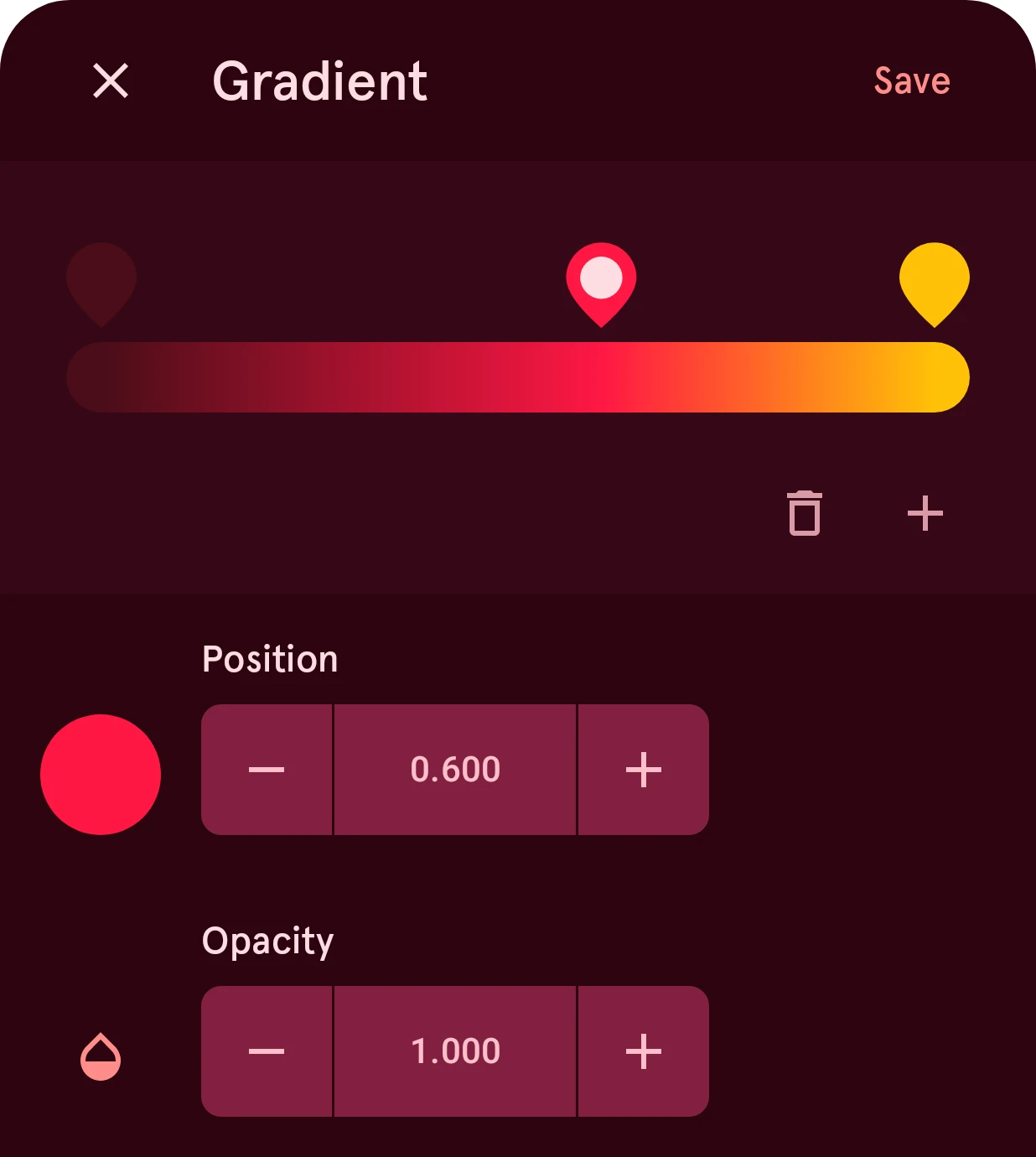
Sets up the colors of a gradient. Each color is a stop on the bar; the gradient blends from one stop to the next. The settings below the bar are for the selected stop.
Close
Closes the sheet and keeps the gradient as it was.
Save
Keeps the gradient.
Gradient
The gradient with its stops. Tap a stop to select it, and drag it along the bar to move it.
Delete stop
Removes the selected stop. A gradient keeps at least two.
Add stop
Adds a stop in the widest gap between the stops.
Color
The selected stop’s color. Tap it to change it in the color picker, which also offers the gradient’s other colors.
Position
Where the selected stop sits, from 0 (the start of the gradient) to 1 (the end).
Opacity
How solid the selected stop’s color is, from 0 (see-through) to 1 (solid), so a gradient can fade out.