
Trash
What you deleted from the Library, kept for 10 days so you can restore it.
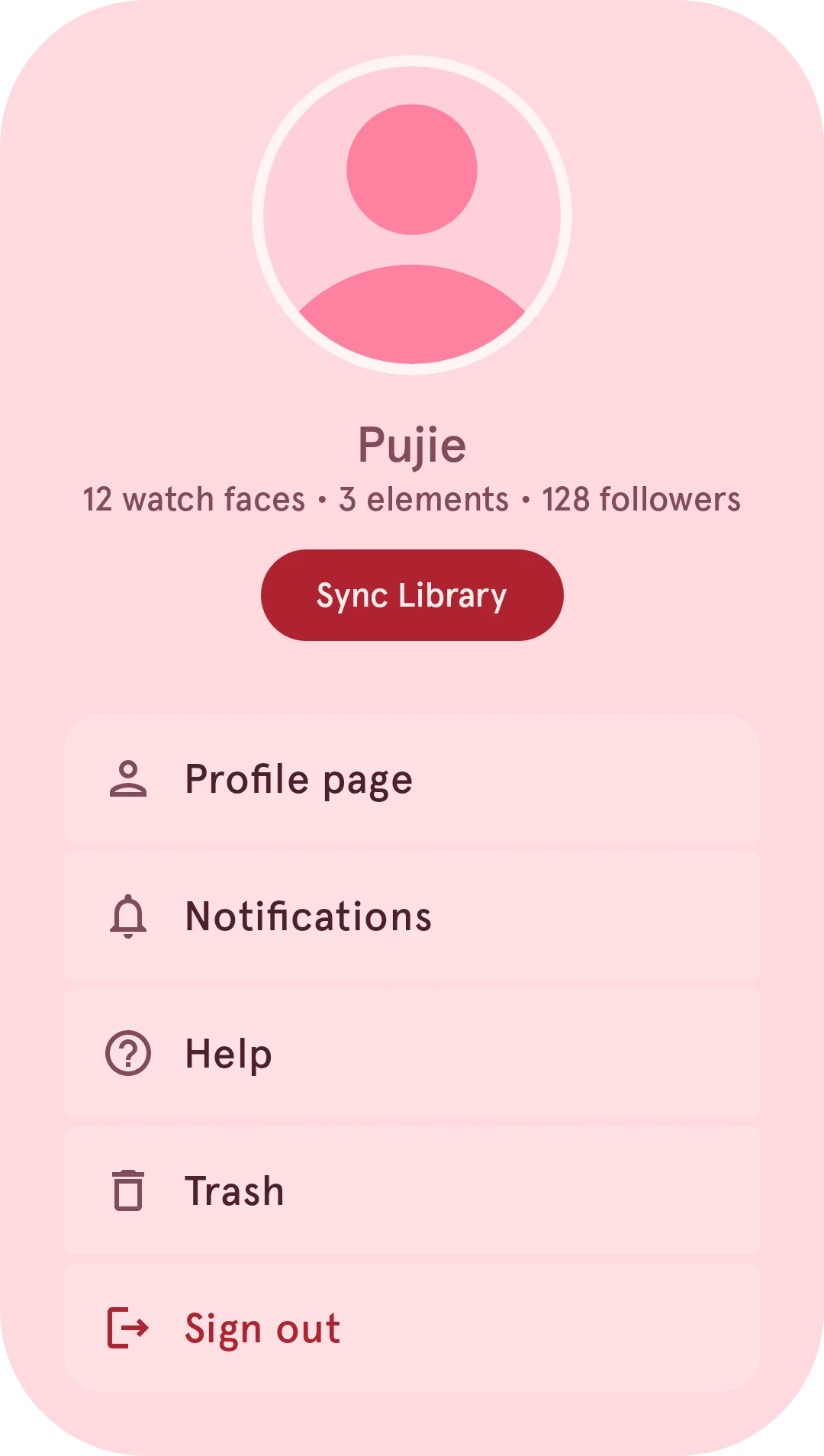
When you delete one of your items from the Library, it isn’t gone right away: it goes to the trash and stays there for 10 days. Open it from your account menu (your profile picture, top right); you need to be signed in.

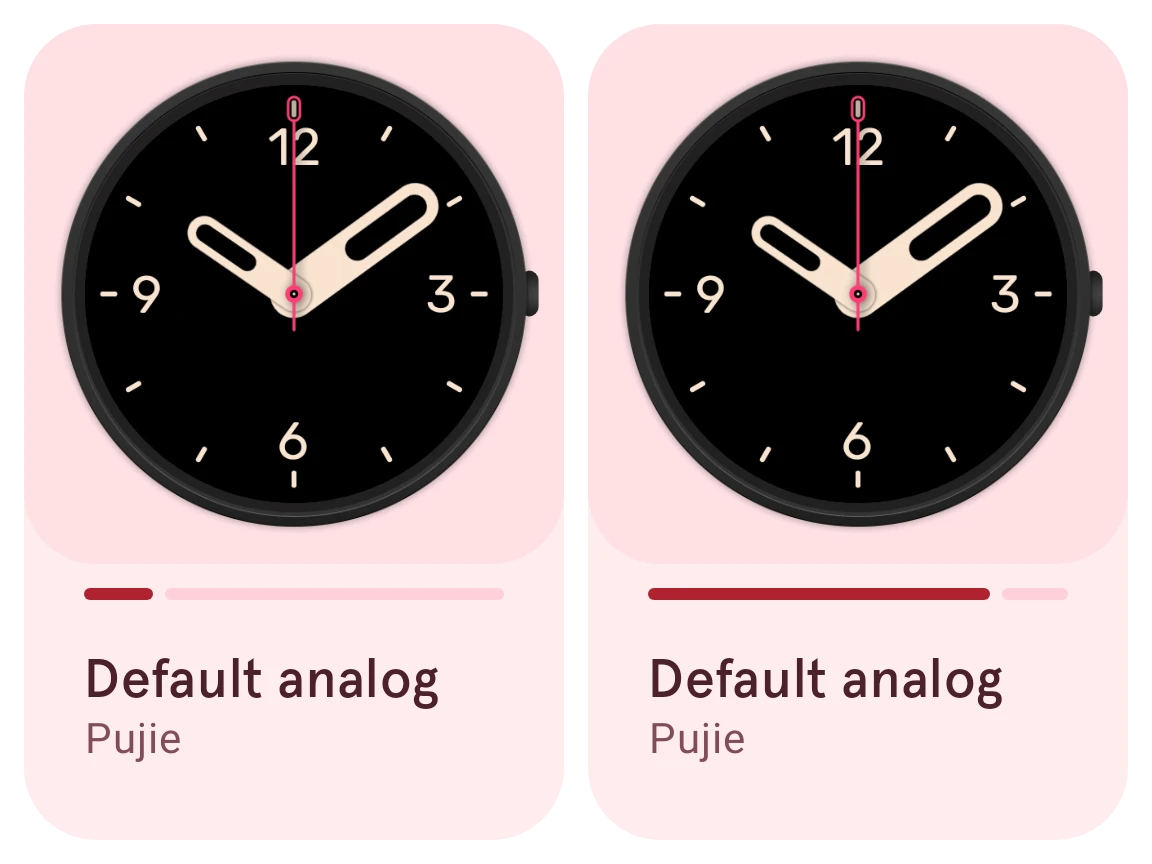
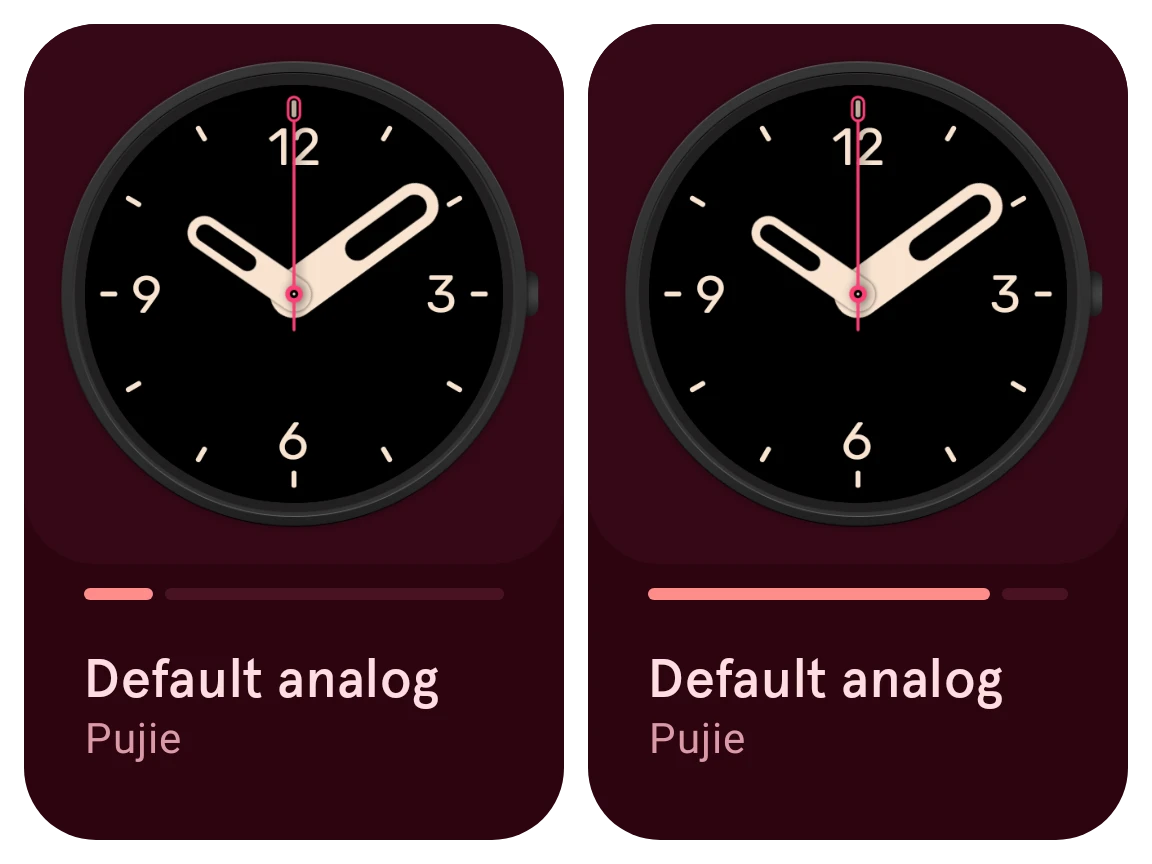
The trash lists your deleted items as cards. The bar on each card fills up as its 10 days run out: the first card here was deleted recently, the second goes soon.
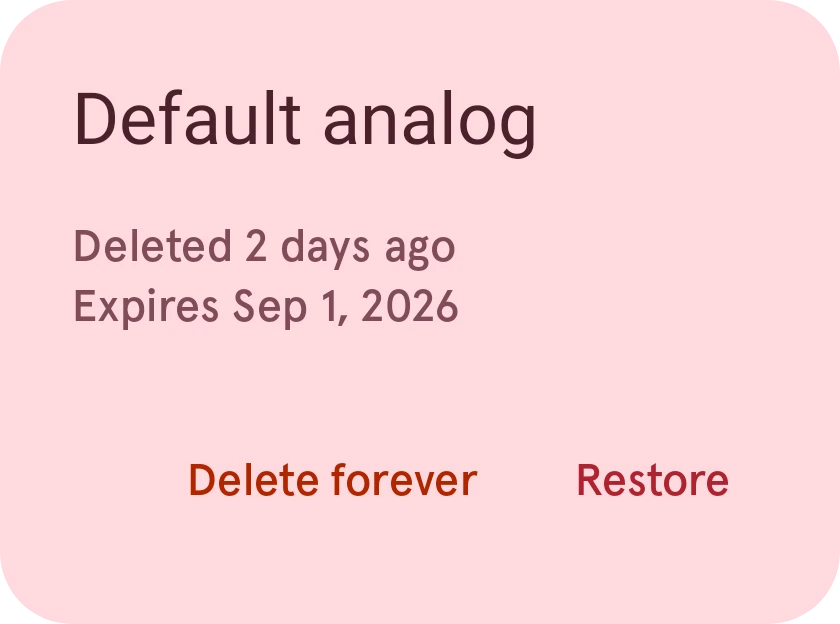
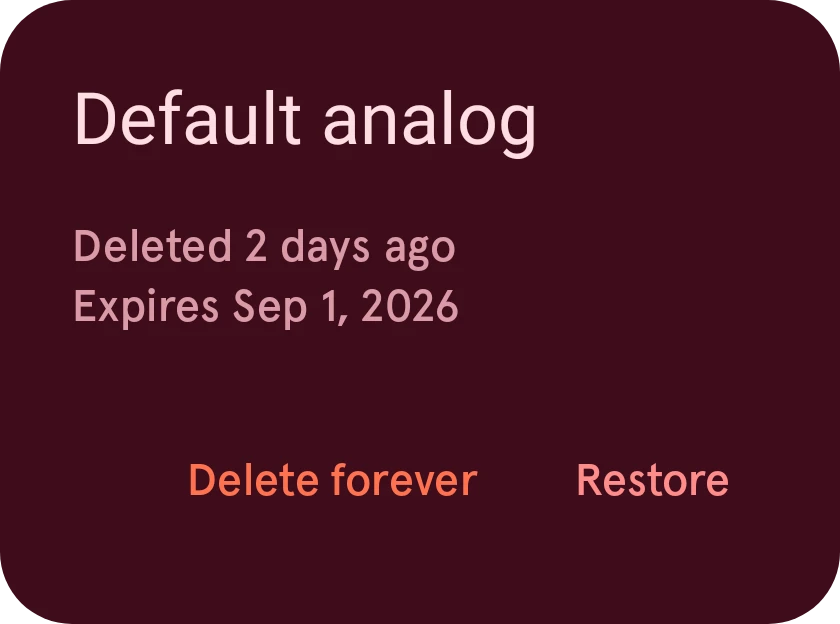
Tap an item for when it was deleted and when it expires, and to:
- Restore it: it’s back in the Library as it was.
- Delete forever: gone for good, which can’t be undone.
Removed by the Library
Section titled “Removed by the Library”Sometimes the Library itself takes an item out, because its data couldn’t be downloaded any more. It goes to your trash too, with that reason, and a check whether its data is still there: if it is, you can restore it as usual.
When you open one of your items whose data is missing, its details offer Move to trash, so it stops showing up broken (and stays restorable for 10 days).