
Save to my library
Keep an element of your watch face in your own library, to use it again on other faces.
Needs Premium Save to my library… in an element’s actions keeps a copy of the element in your own library: a watch hand, a static element, an index, a dynamic element or a complication you’re proud of, ready to add to your next watch face with From the watch face library. Saving elements of your own needs Premium.
The app first checks your library: if the exact same element is already there, it says so and stops. Otherwise it asks for a name, with a suggestion filled in:
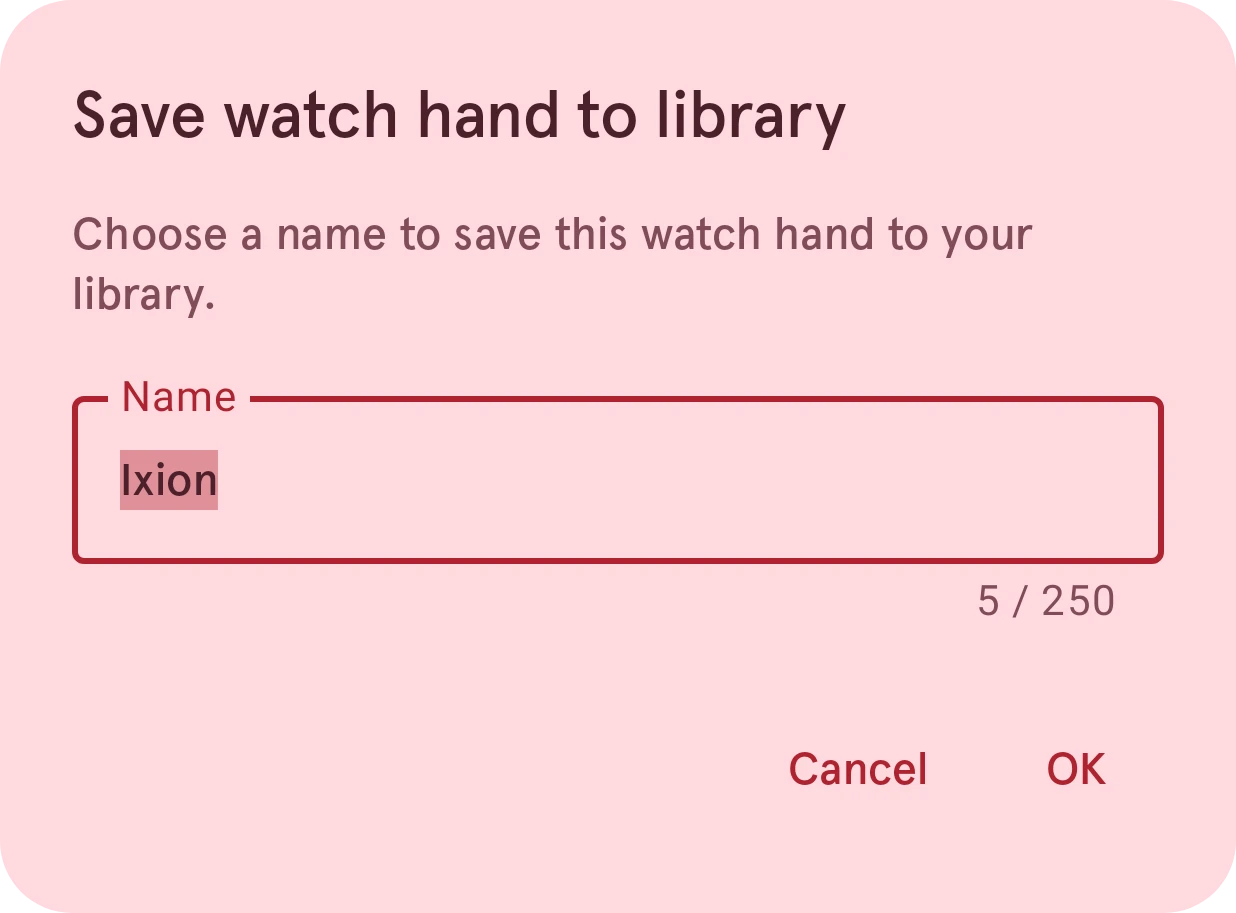
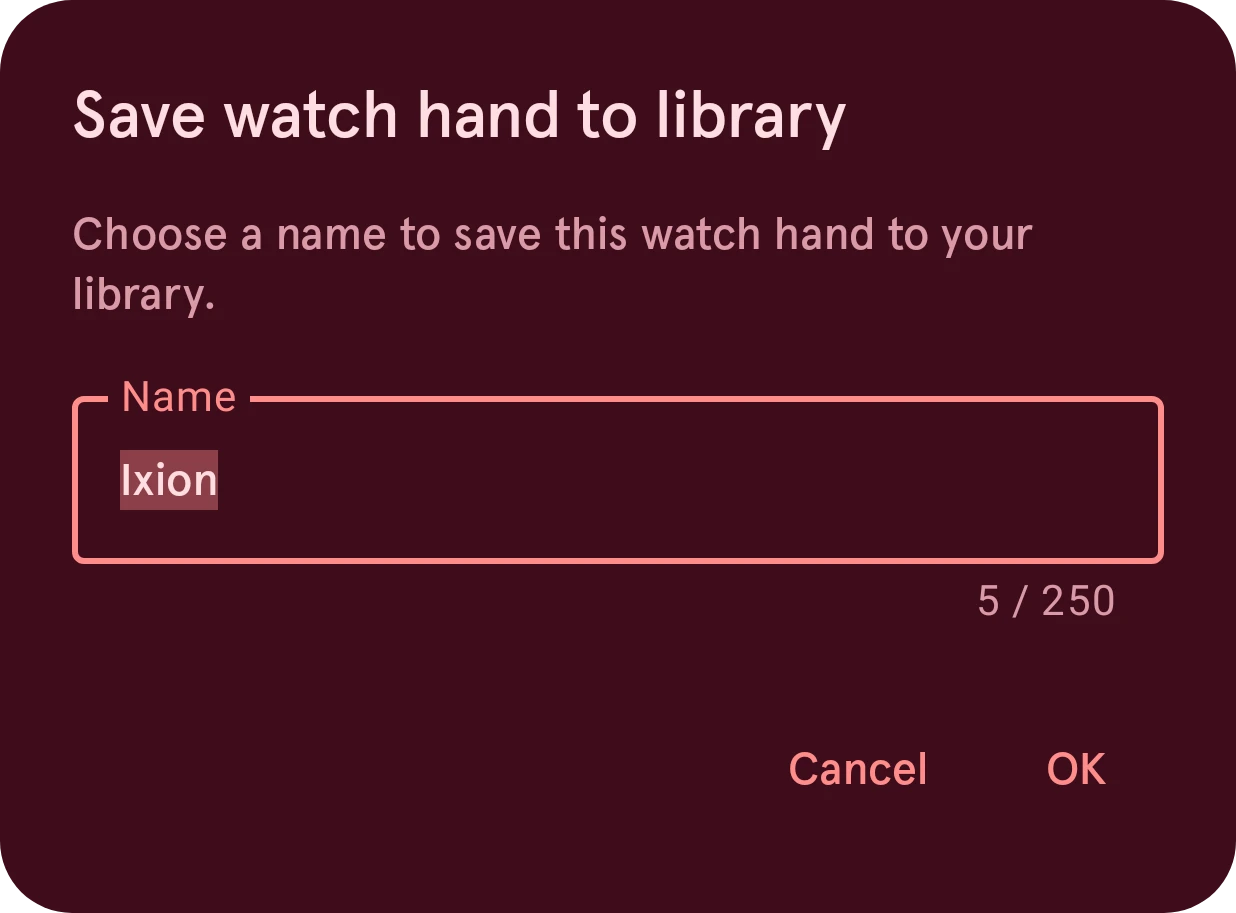
Name
The element’s name in your library. A name can’t be empty, and some characters (like
/or:) can’t be used in it; the dialog says which.Cancel
Closes the dialog without saving.
OK
Saves the element. If you already have an element with that name, the app asks whether to overwrite it.
When it’s saved, the element is in My items, as a local item: on your phone. Upload it to have it on your other phones too, or to share it.