
Stroke dashes
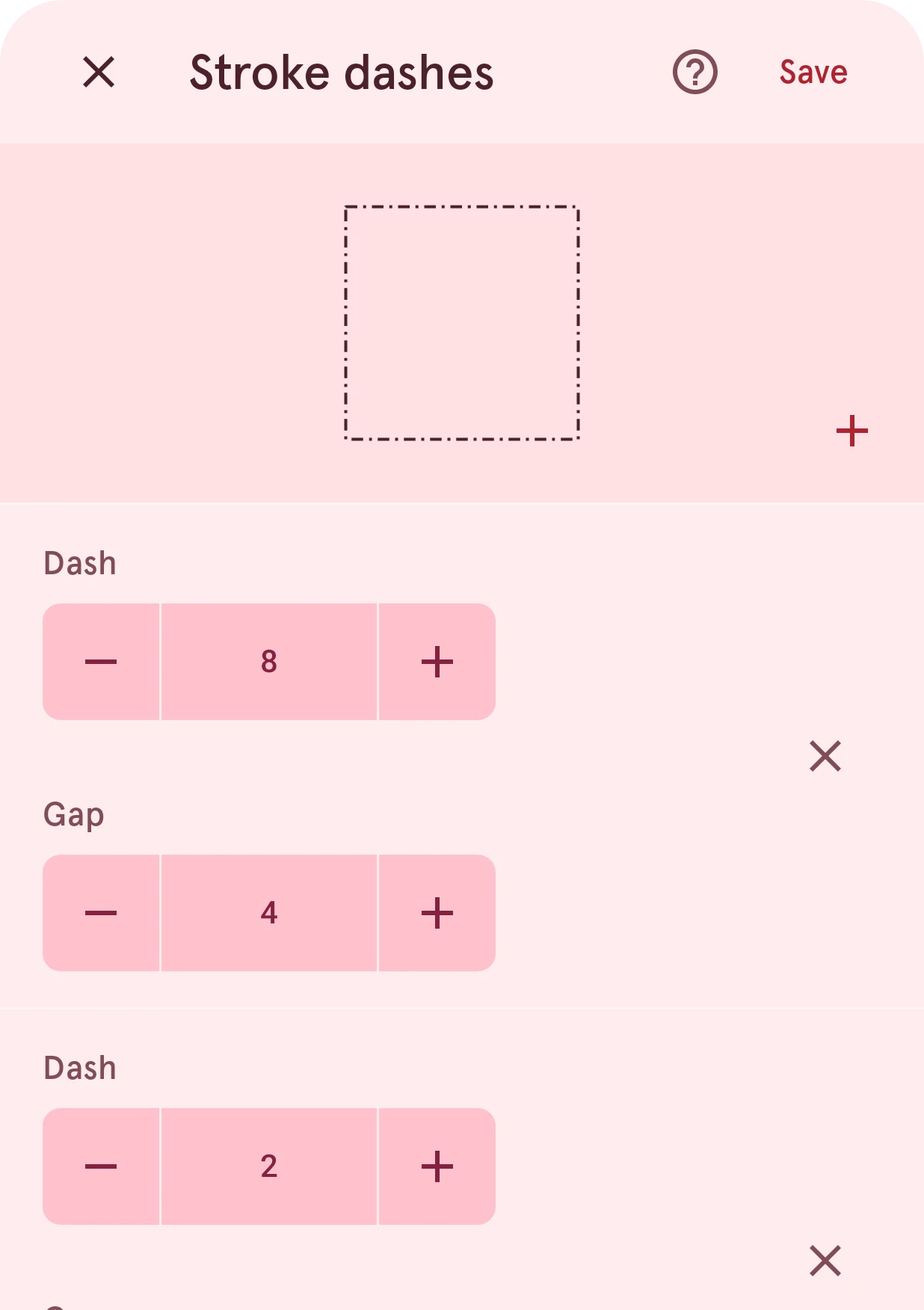
Turn a layer's border into a dashed line. Each pair sets a dash and the gap after it, and the pairs repeat along the border, so two make a dash-dot line.
Opens from the dashes button on a layer’s Stroke page. The dashes only show where the layer has a border, so turn on the border there first.
Turns the layer’s border into a dashed line. Each pair is a dash and the gap after it; the pairs repeat in order along the border, so two pairs (a long dash, then a short one) make a dash-dot line like the one above.
Close
Closes the sheet and keeps the border as it was.
Save
Keeps the dashes. With no pairs left, the border is a solid line again.
Preview
The layer’s outline with the dashes, redrawn as you change them.
Add dash
Adds a dash and gap pair at the end of the pattern.
Dash
How long this dash is.
Gap
How long the gap after it is.
Delete
Removes this pair from the pattern.