
Help in the app
The help button in every sheet and settings page, and the help sheet it opens: these docs, at the part you're working on.
Most sheets have a help button in their header, left of Save, Add or Apply (or at the right end when the sheet has none of those). Tap it and these docs open in the app, at the section about that sheet:
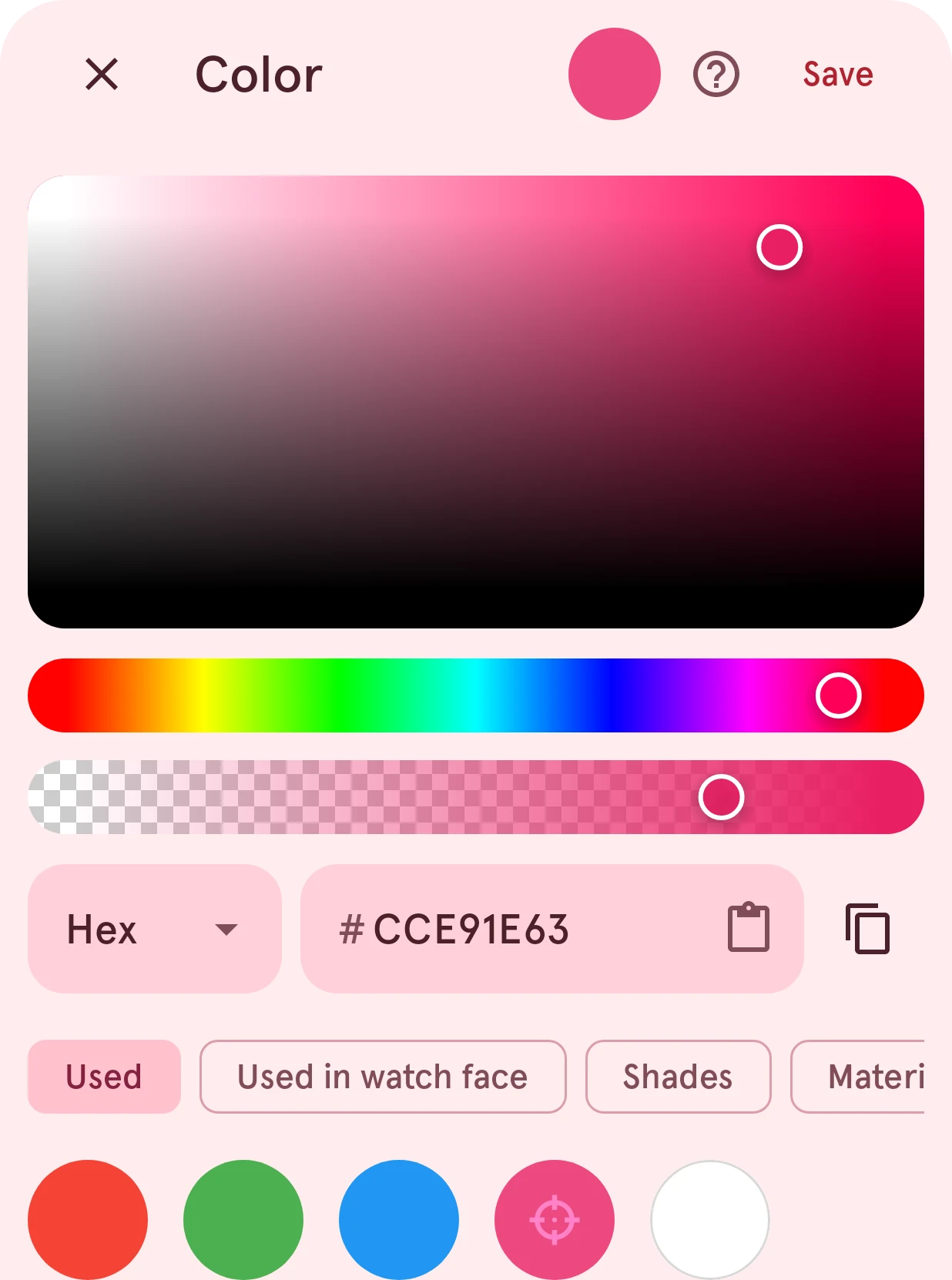
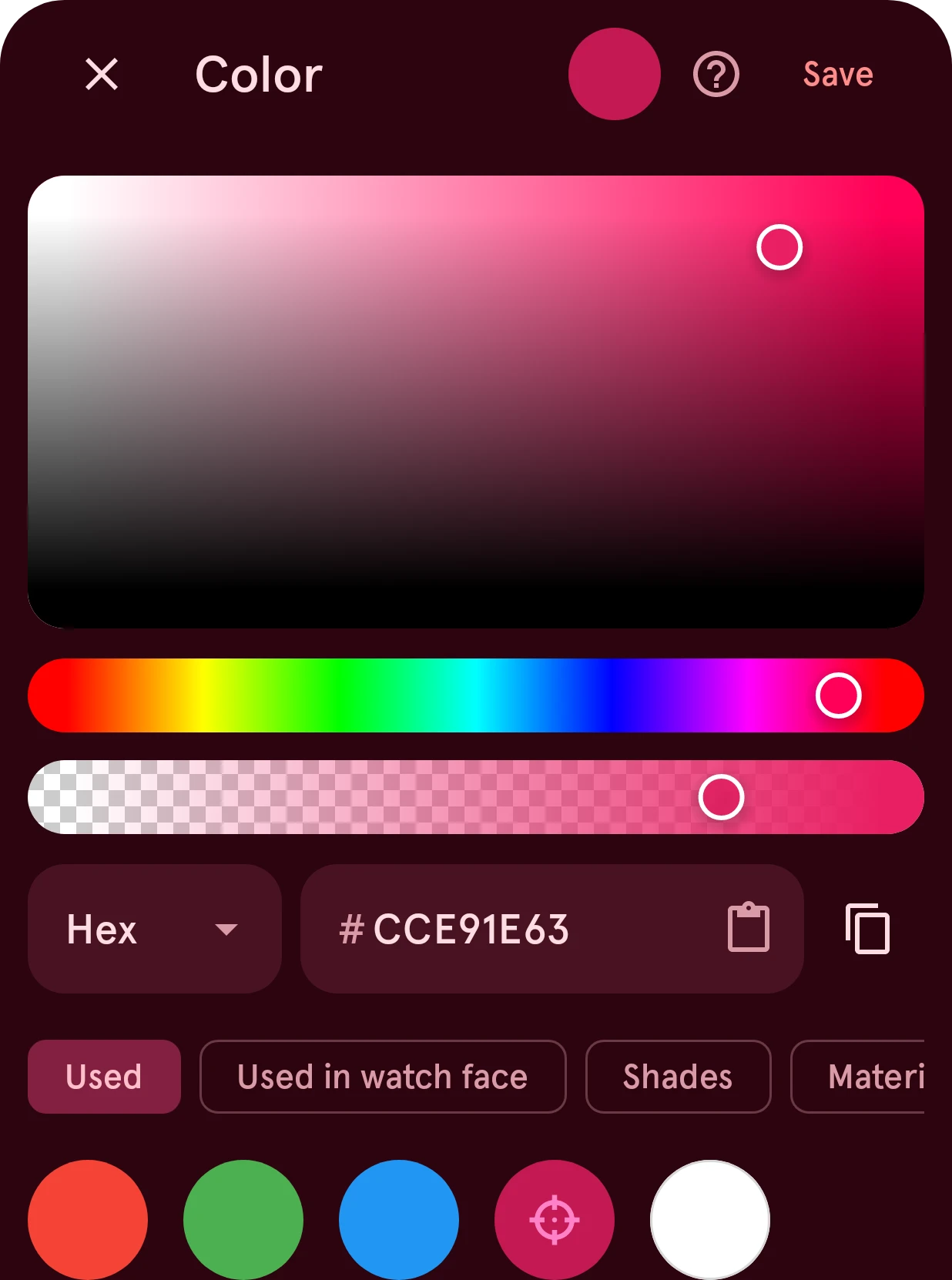
The settings pages have one too, at the right end of their title bar: it opens that page of the settings reference.
Help links in dialogs and screens work the same way: Help when you make a face public, How to lower the OPR?, Why is this required? on the Wear OS 6 notices, the help in the Library’s top bar, in the element designer’s More menu and next to the expression editor’s field.
The help sheet
Section titled “The help sheet”The help opens in a sheet over what you were doing. Close it and you’re back where you were, with your changes still there.
- The page is the one on this site, in the app’s language and colors, showing just that page: no site menu or search, so the part you asked about is all there is. A page that isn’t translated yet shows the English text.
- Open in browser, the button at the top right, opens the page you’re on in your browser, in the app’s colors, and closes the sheet. Handy to keep a page open while you work, or to read it on a bigger screen.
Longer reading, such as the FAQ, support, the changelog and the legal pages, opens in your browser straight away.