
Start from a watch face in the Library
Find a watch face made by the Pujie community, put it on your watch, or make a copy your own.
1. Open the Library
Section titled “1. Open the Library”Open the app’s menu and tap Watch face library. It has four tabs; start with the Gallery:


2. Find a watch face
Section titled “2. Find a watch face”The Gallery shows what’s new and popular, collections we picked, and suggestions for you:


Looking for something specific? The Catalog tab has everything, to search, sort and filter. See Catalog and search.
3. Open it
Section titled “3. Open it”Tap a watch face to see its details: a large preview, who made it, likes and comments.
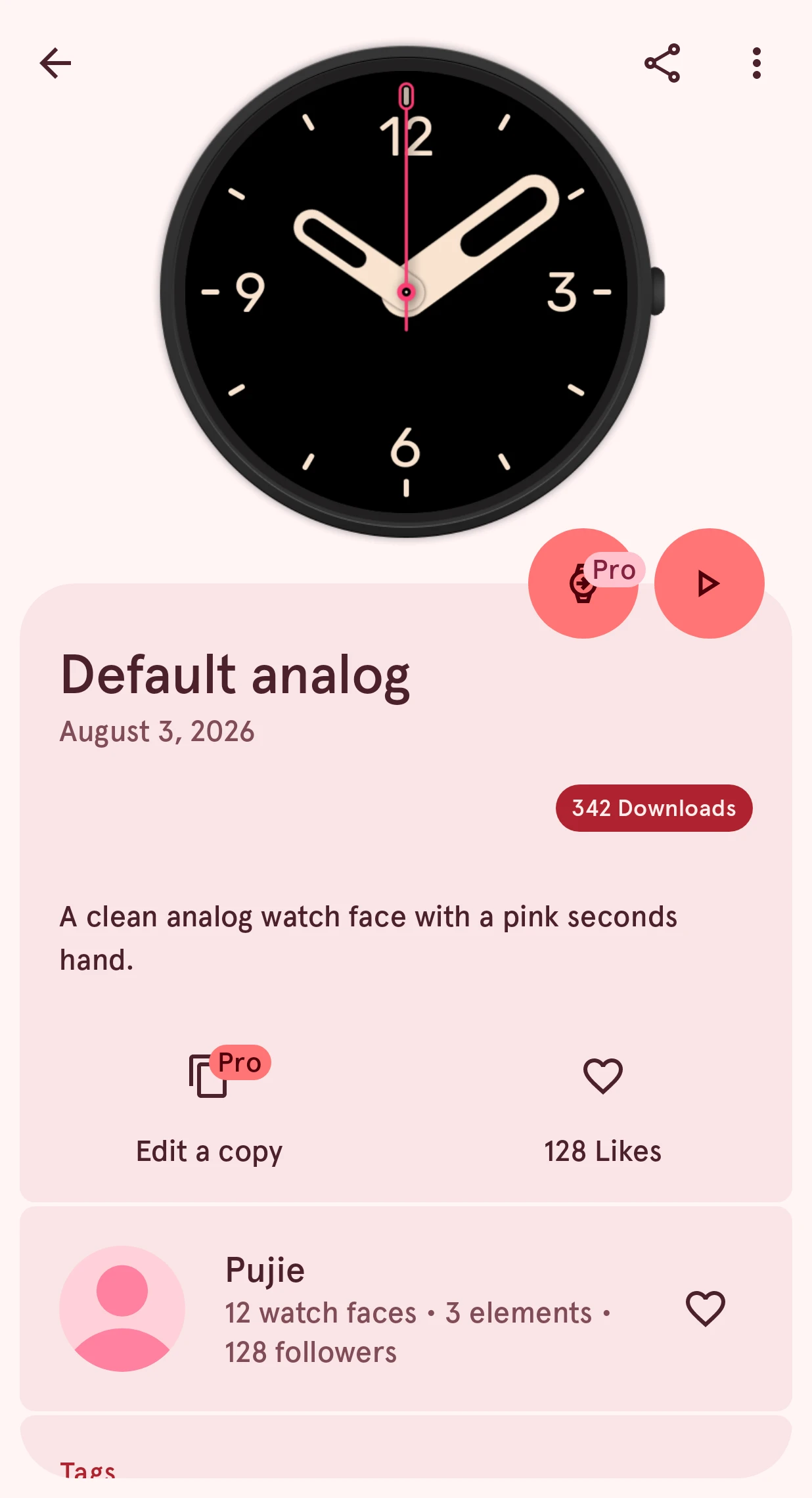
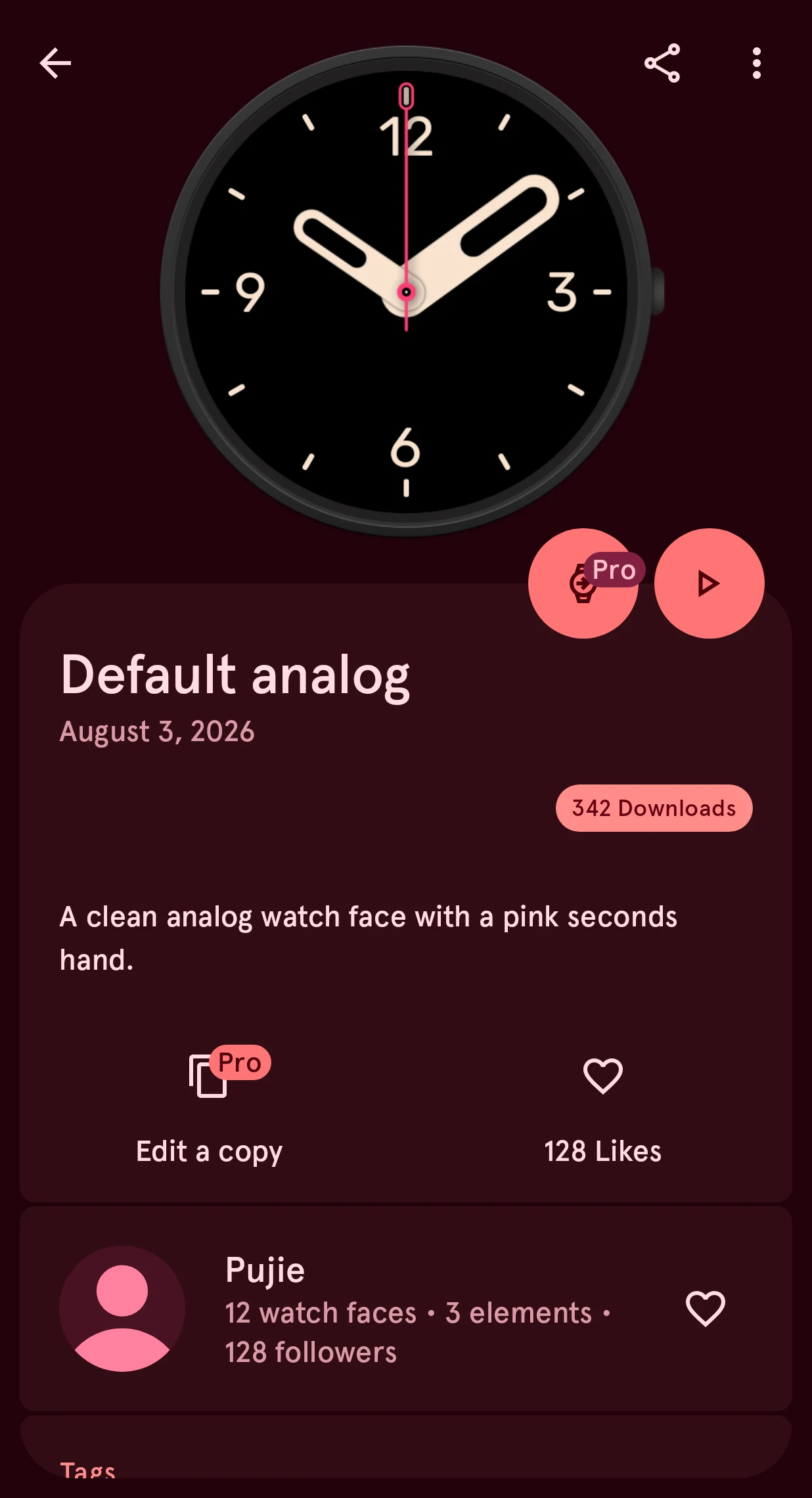
From here you can send it to your watch as it is, or tap Edit a copy to make it your own: it opens in the designer as a design of yours. On the free version, the copy goes into one of your saved slots.
Free watch faces carry a free badge. The others need Premium to send or edit; see Free and Premium.
4. Keep what you like
Section titled “4. Keep what you like”Tap the heart to like a watch face, and follow its designer from their profile: their new designs then show up for you. See Favorites and designers.