
Easing
Choose how a movement speeds up and slows down: the curve of an animation or a seconds hand's tick.
Easing is how a movement speeds up and slows down along the way. A linear movement goes at one speed from start to end, which looks mechanical. Real things ease: they start slowly, or slow down at the end, or overshoot and settle. The curve shows it: time runs from left to right, the movement from bottom to top.
The sheet opens from two rows in an element’s settings:
- Animation easing, on every element: how it moves between the interactive and the always-on face.
- Seconds easing, on a seconds hand or a seconds ring: how it moves from one second to the next.
Here are a few of the shapes:
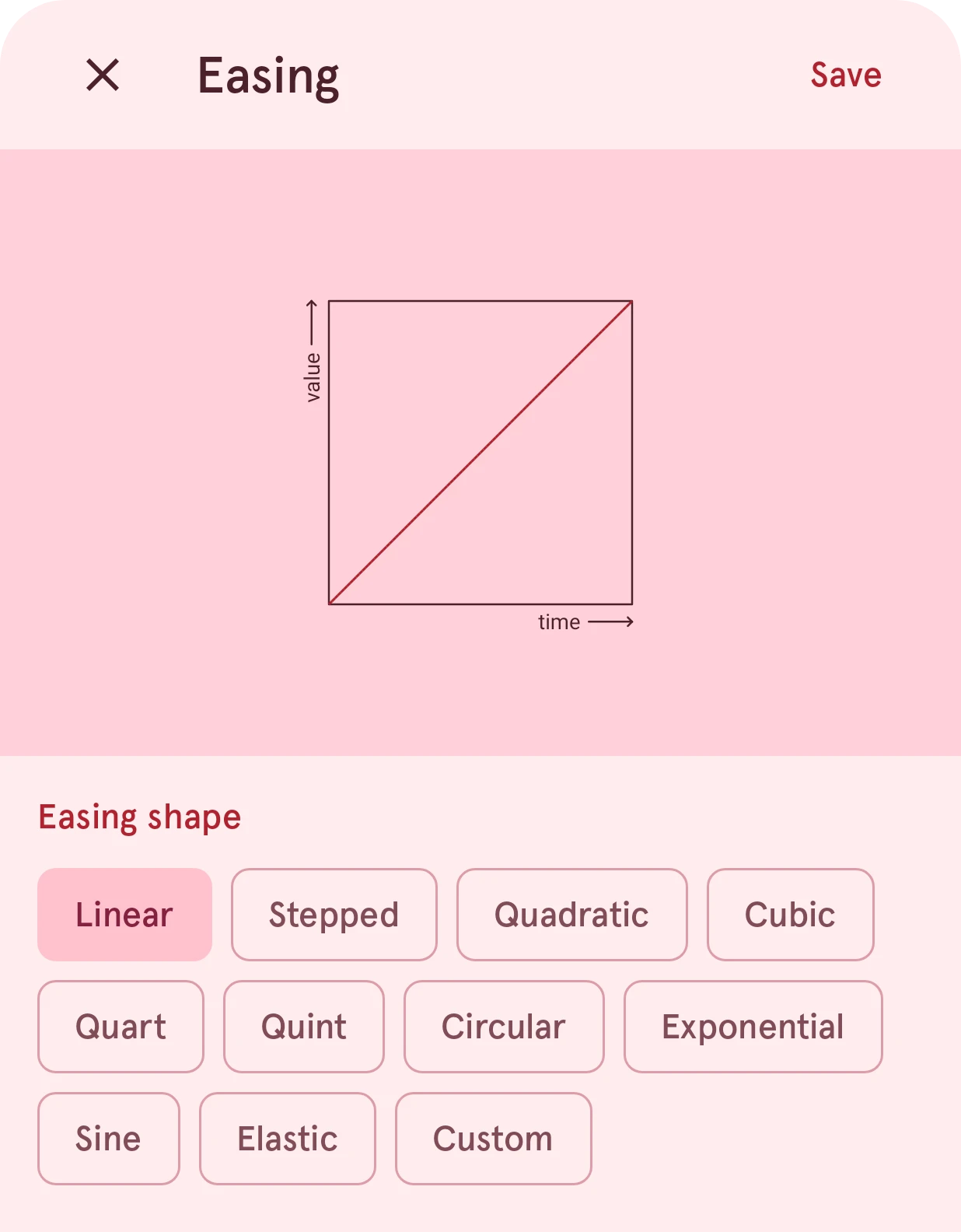
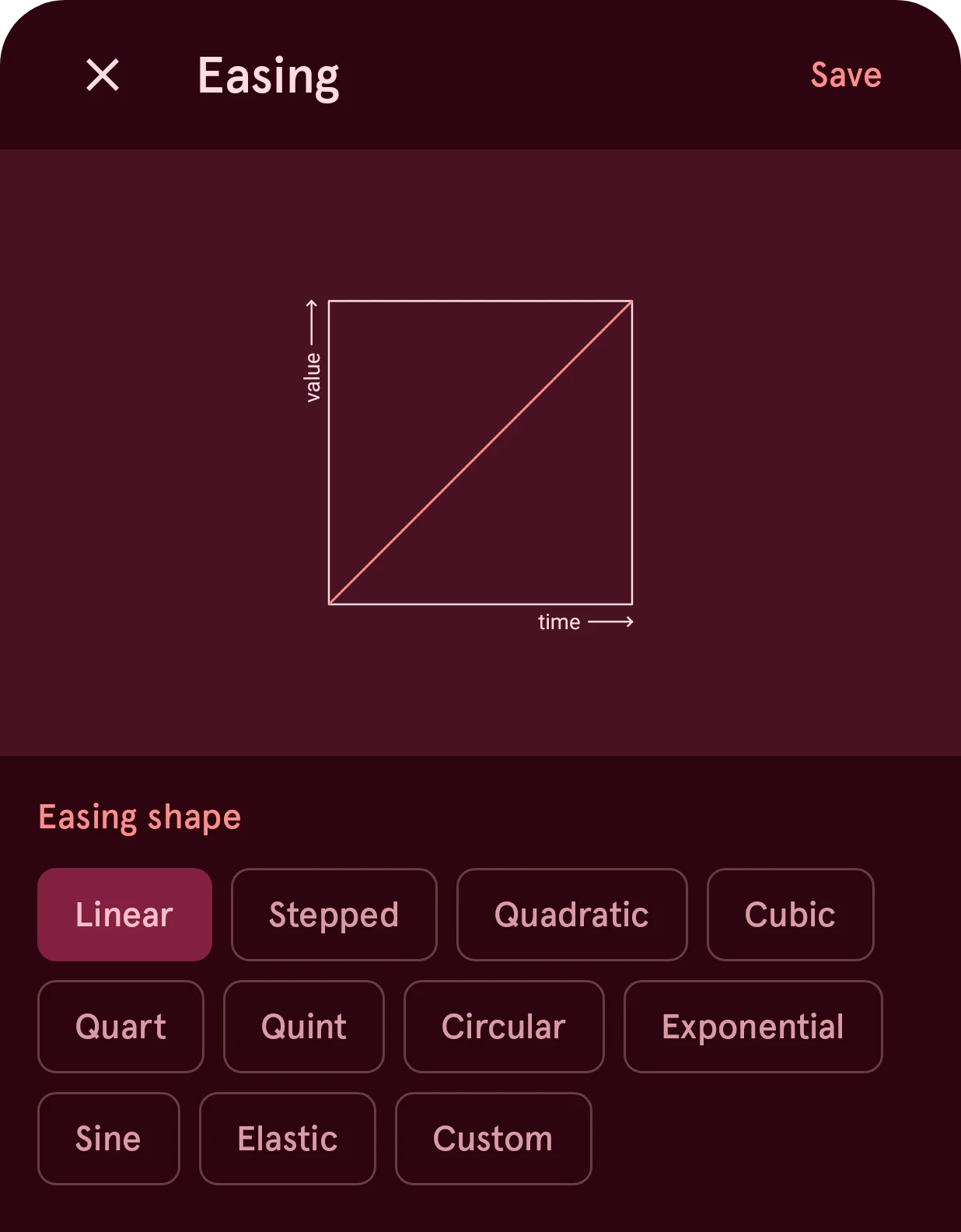
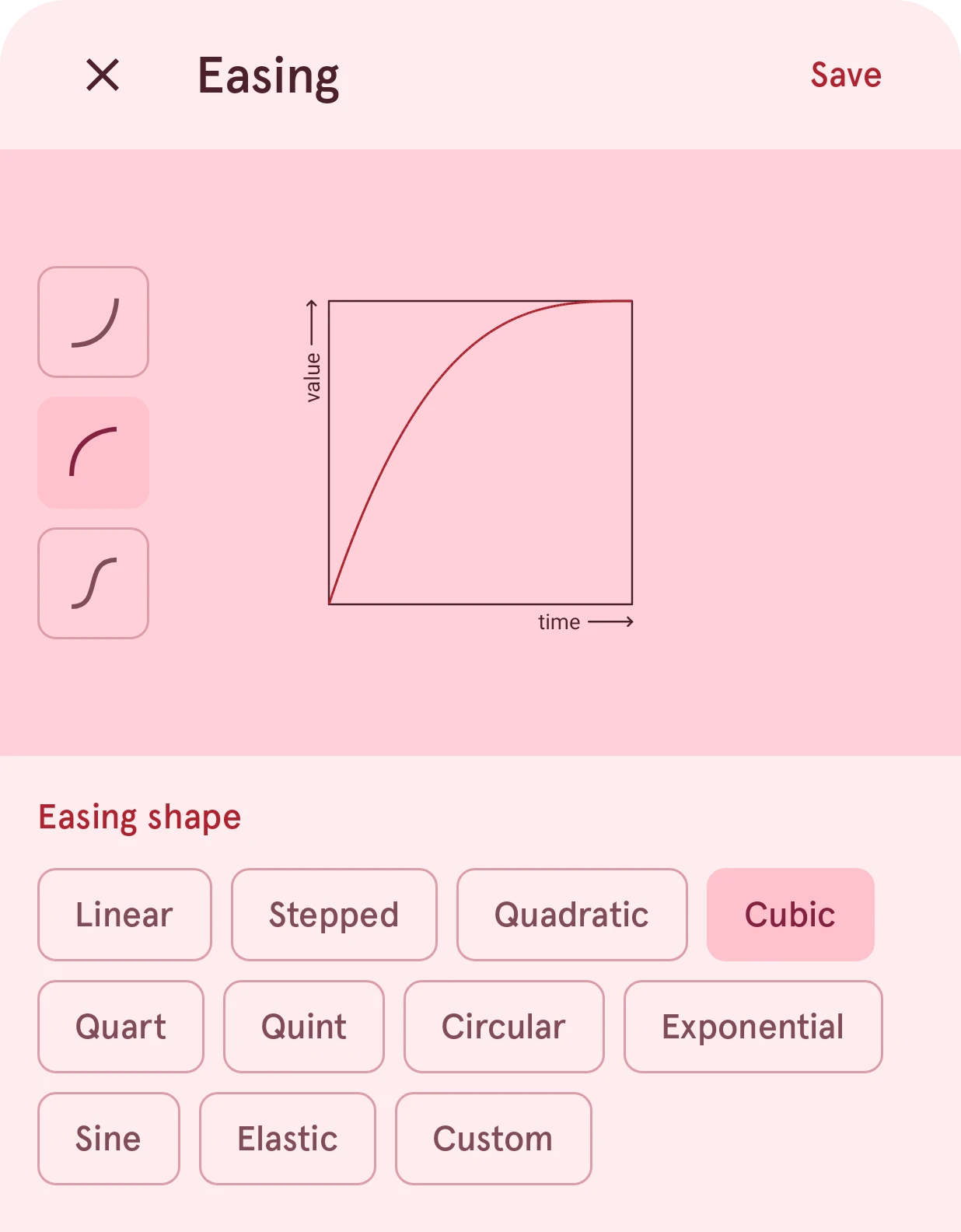
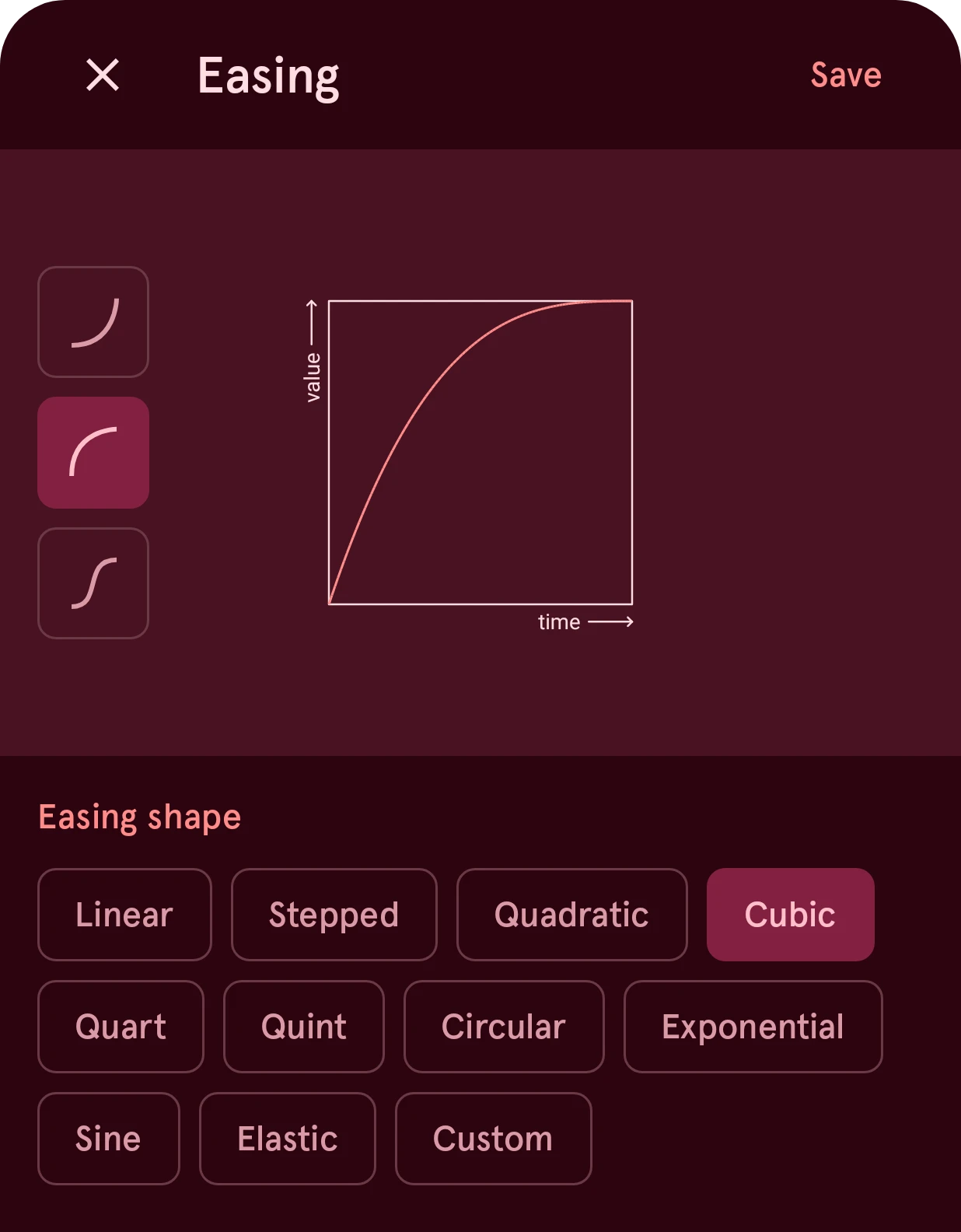
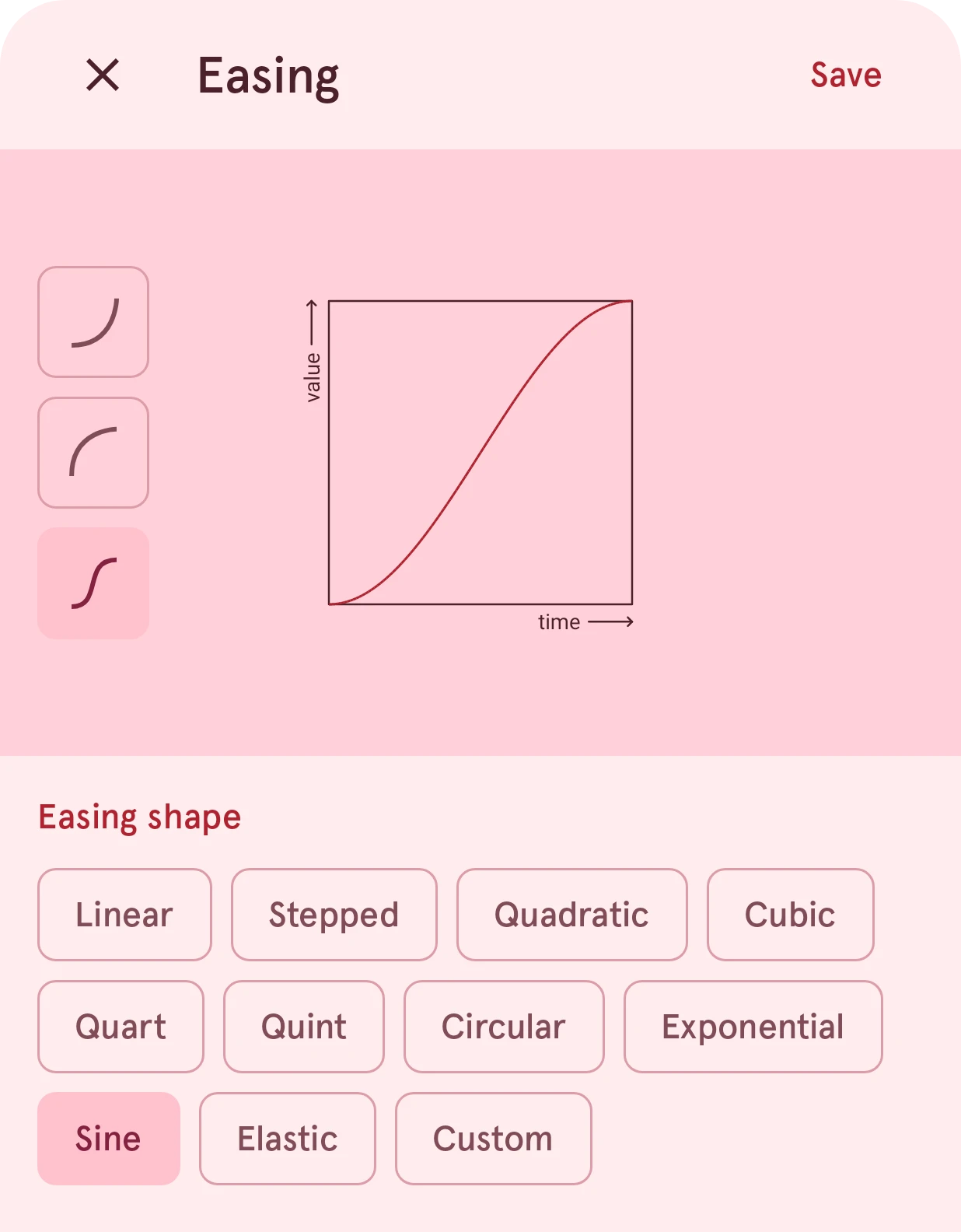
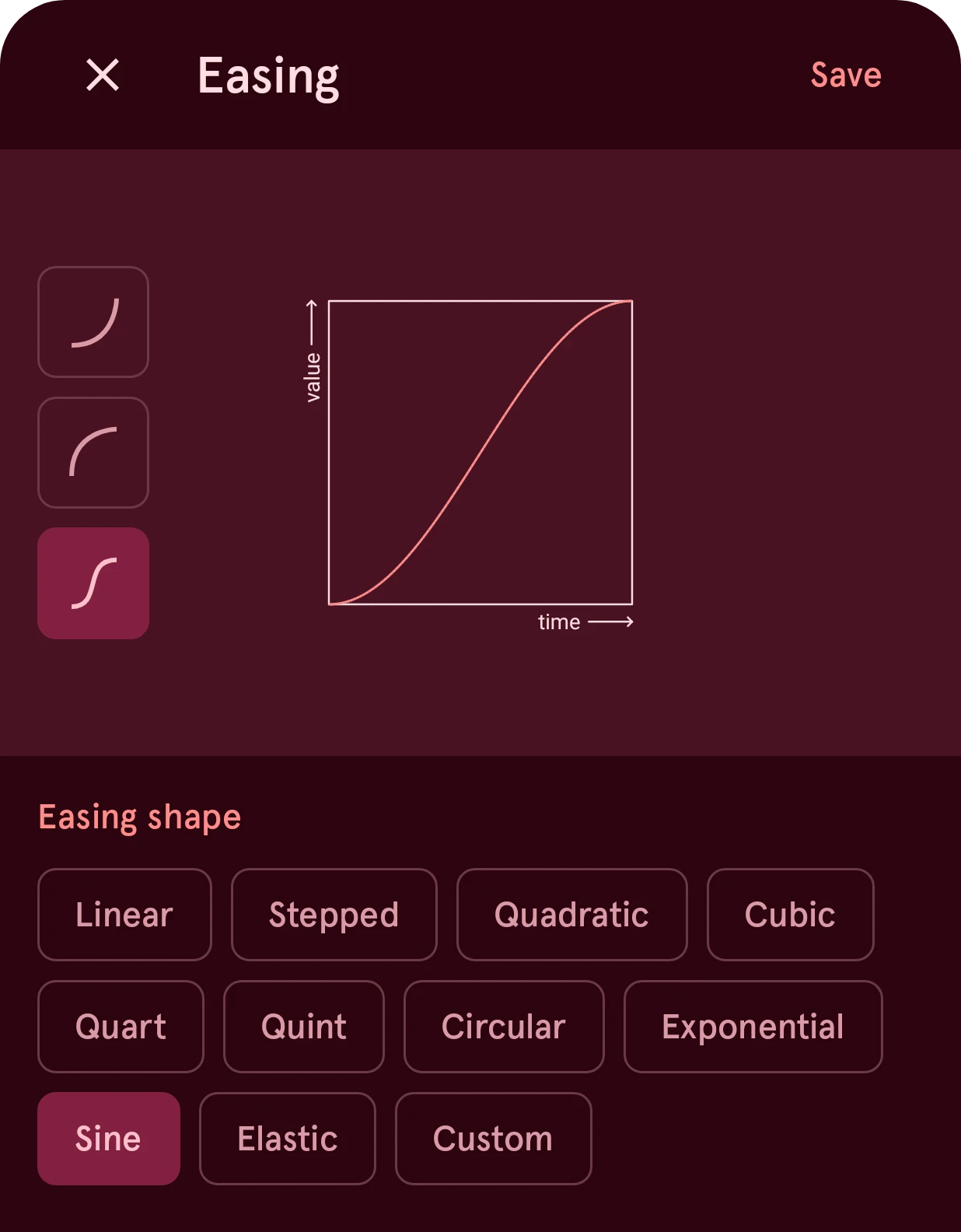
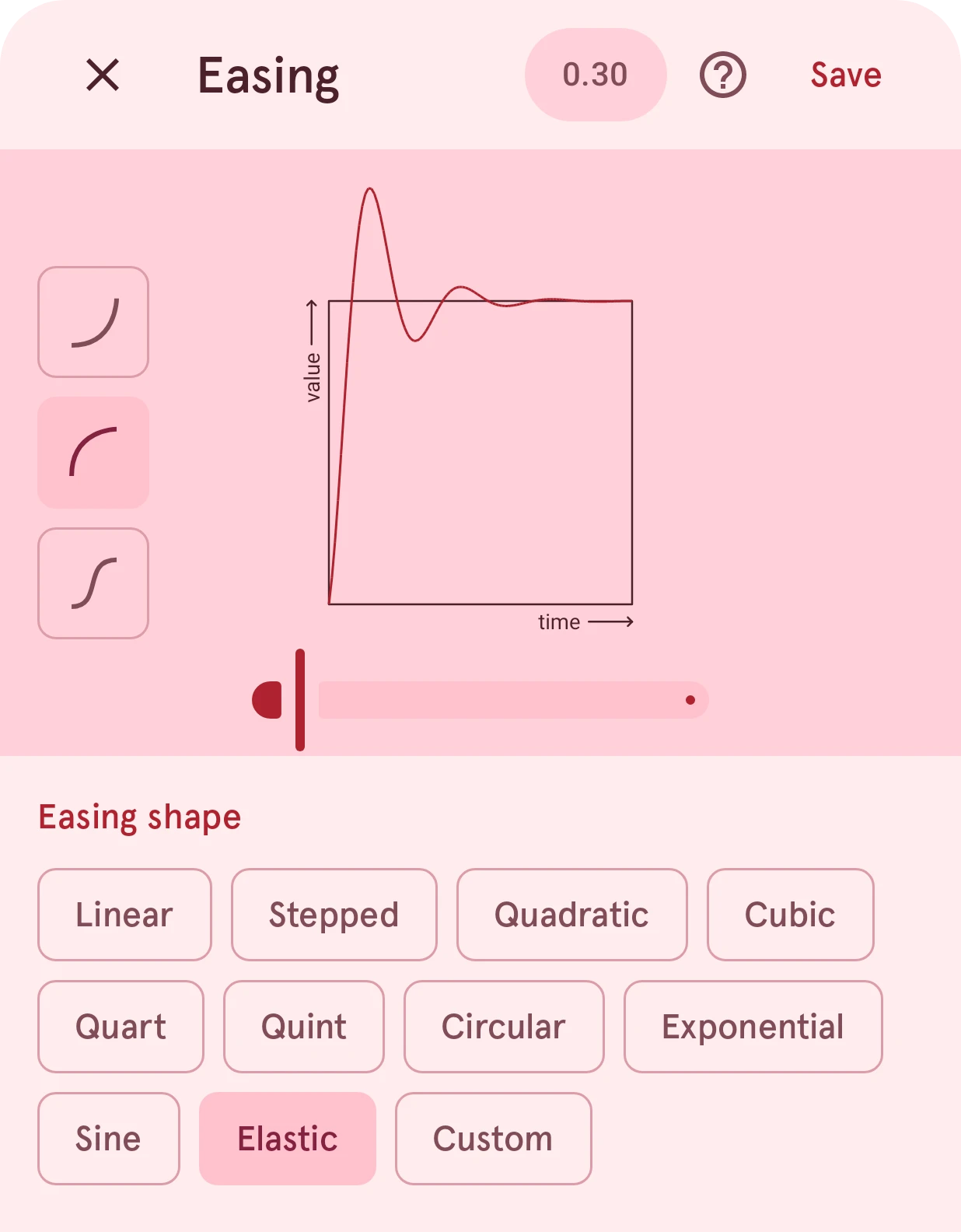
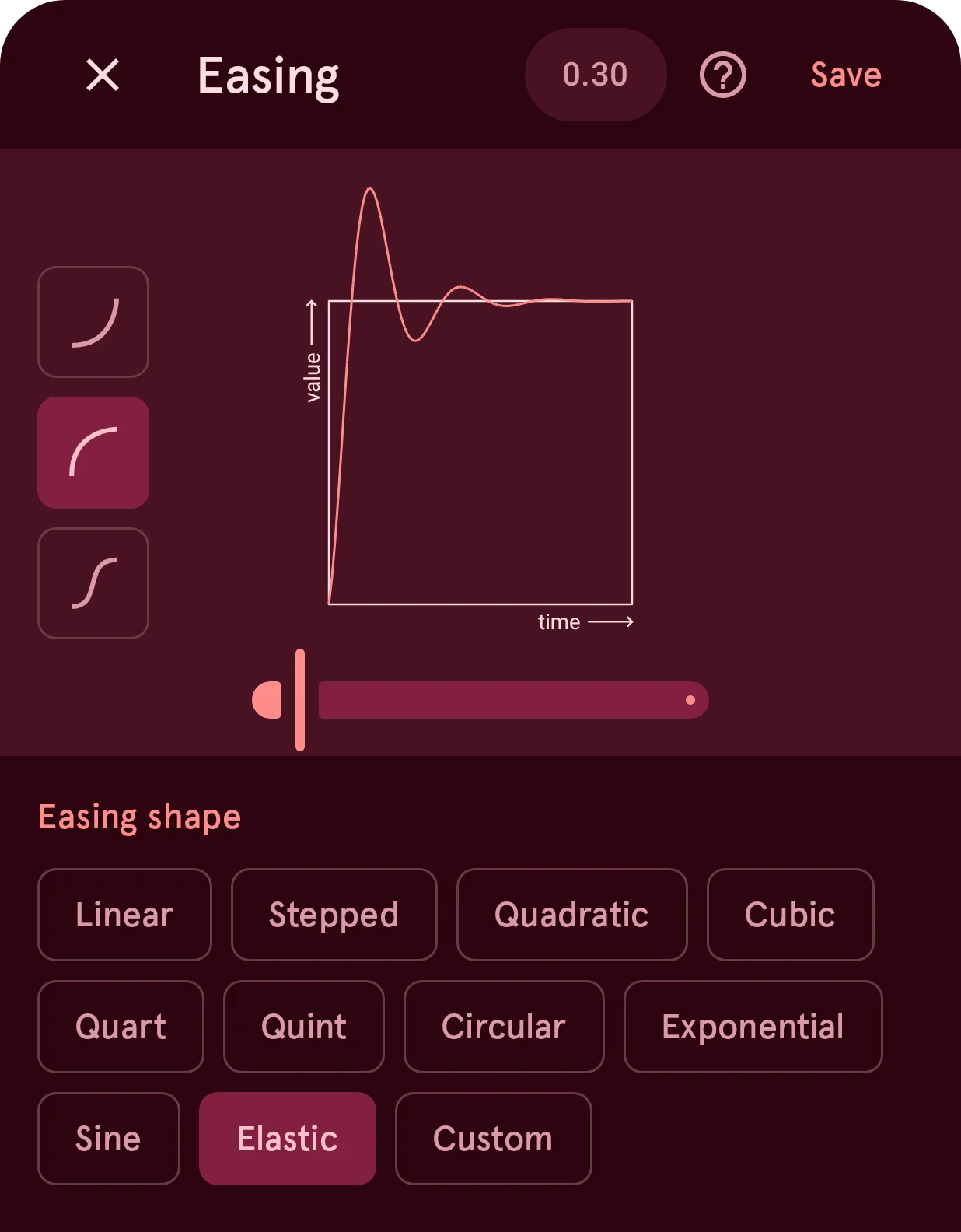
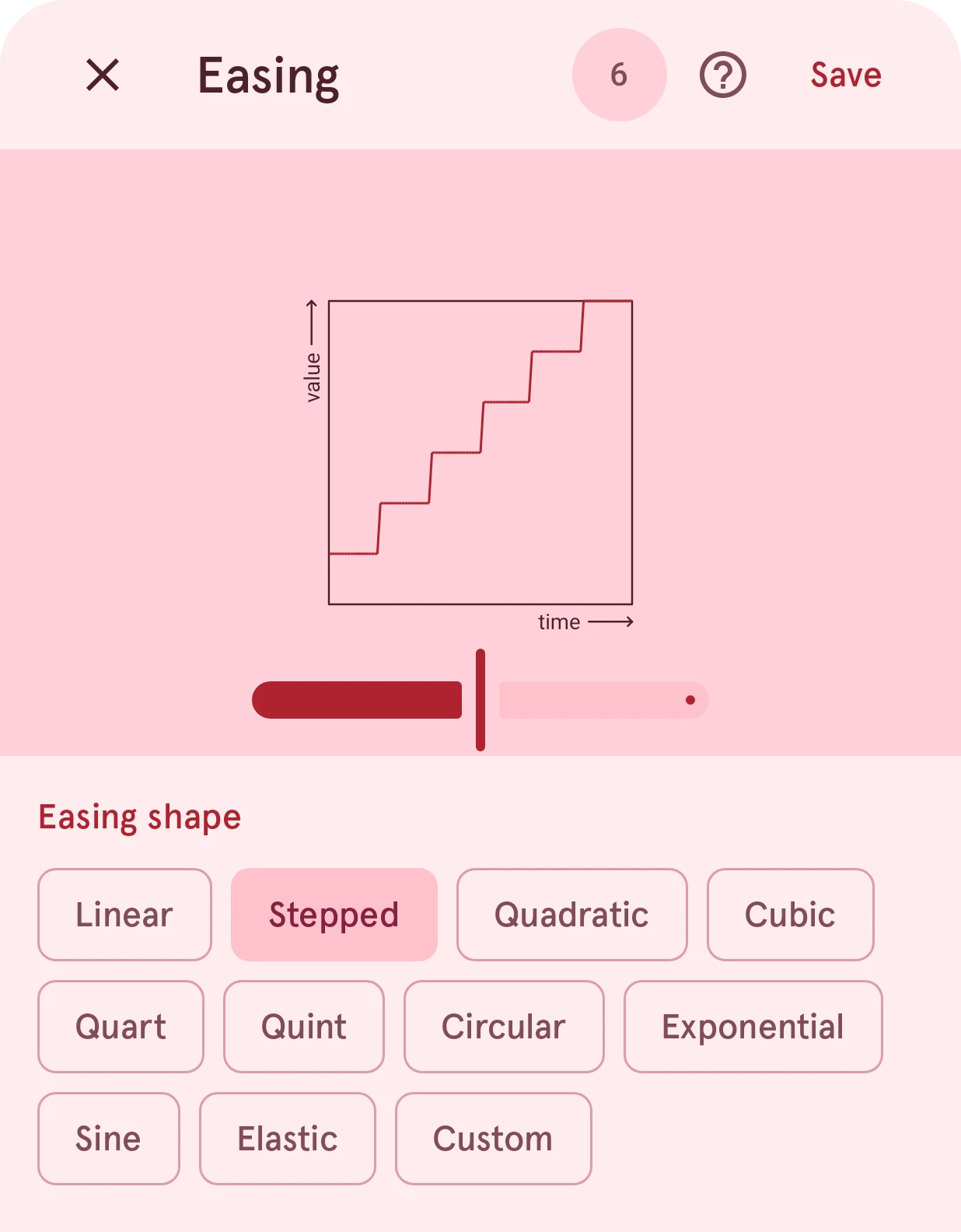
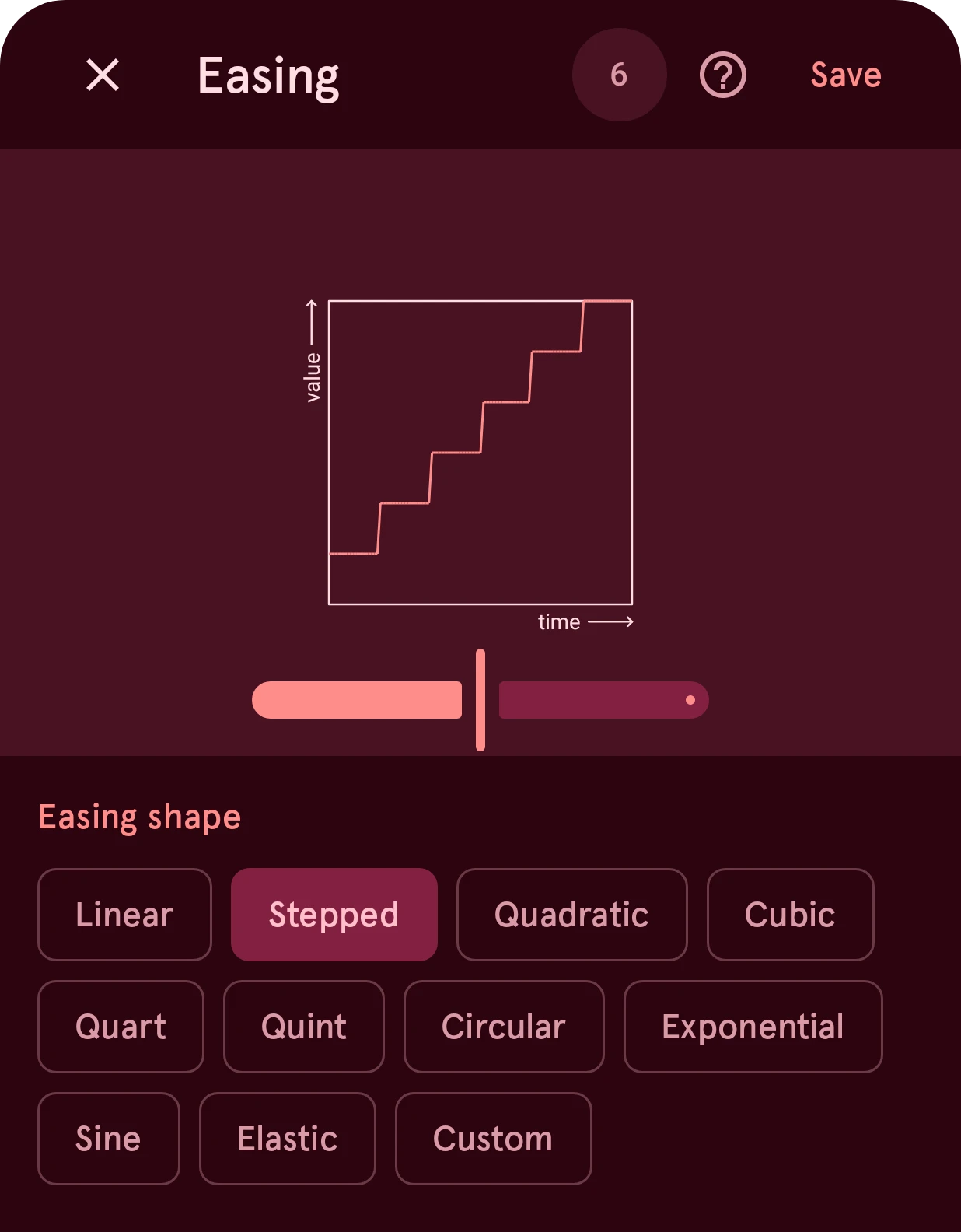
Close
Closes the sheet without changing anything. The sheet can’t be swiped away.Period
The setting of the shapes that have one (Elastic, Stepped, Custom). Tap it to type a value. For Custom it holds the curve’s four control points, x1;y1;x2;y2.
Save
Keeps the curve.Easing
The movement over time. For Custom, drag the two handles to shape the curve yourself.
Ease in and out
Where the shape’s easing happens: at the start (ease in), at the end (ease out), or both (ease in and out). Linear, Stepped and Custom have no direction.
Period
The shape’s setting: how springy Elastic is (its period), or how many jumps Stepped makes.
Easing shape
The kind of curve. Quadratic, Cubic, Quart and Quint are ever stronger versions of the same smooth curve; Circular, Exponential and Sine are other smooth ones; Elastic wobbles past the end; Stepped jumps.
Which one to pick
Section titled “Which one to pick”- For an element moving to the always-on face: a smooth ease out (Cubic or Sine). It starts quickly and settles gently, which looks natural.
- For a ticking seconds hand: Elastic, ease out, with a short period, gives a real-watch tick with a little bounce. Linear gives a smooth sweep.
- For a jumping effect: Stepped.
Watch faces for Wear OS 6 can’t use the Back and Bounce shapes, so the sheet leaves them out.