
Simulator
Try the element with other data: another time, battery level, steps, weather and more.
Opened from
- Simulator, in the app bar
The simulator sets the values the canvas uses instead of your real data, so you can see how the element looks in situations you can’t easily wait for: another time of day, a low battery, a lot of steps, rain. Change a value and the canvas redraws right away. Each number has a reset button that puts it back to its default.
The simulated values only affect the designer, never the watch. On a very wide screen the simulator is open all the time, as a third column next to the canvas.
Time, units and language
Section titled “Time, units and language”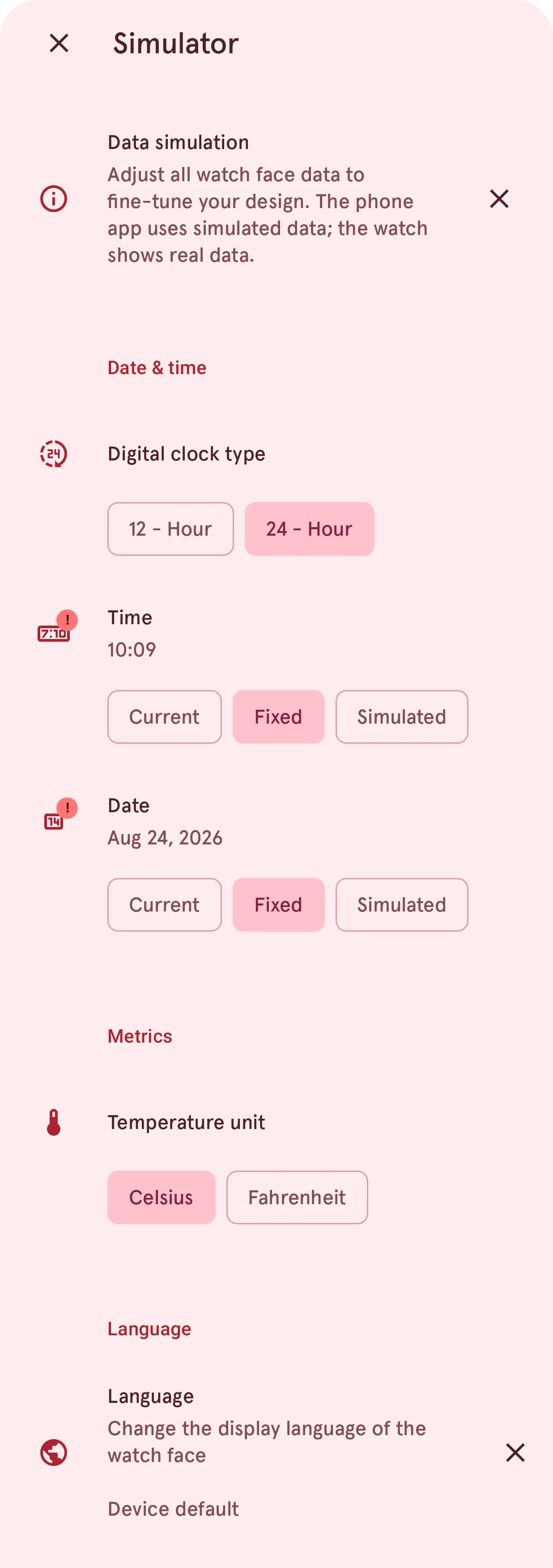
Close
Closes the simulator. Your changes are already in use; there is nothing to save.
Data simulation
What the simulator is for. Tap the X to hide it for good.
Date & time
The clock type (12 or 24 hours), the time and the date. Time and date each have three modes: Current follows your phone’s clock, Fixed opens a picker and holds the time or date you choose, and Simulated runs the clock fast, at a speed you set, to watch hands turn or the date roll over. A badge on the icon shows the time or date isn’t the current one.
Metrics
Celsius or Fahrenheit, for the temperatures in the weather data.
Language
The language of the watch face’s text, such as day and month names. Tap it to pick a language; tap the X to go back to the device’s language. It doesn’t change the language of the app.
Fitness, battery and more
Section titled “Fitness, battery and more”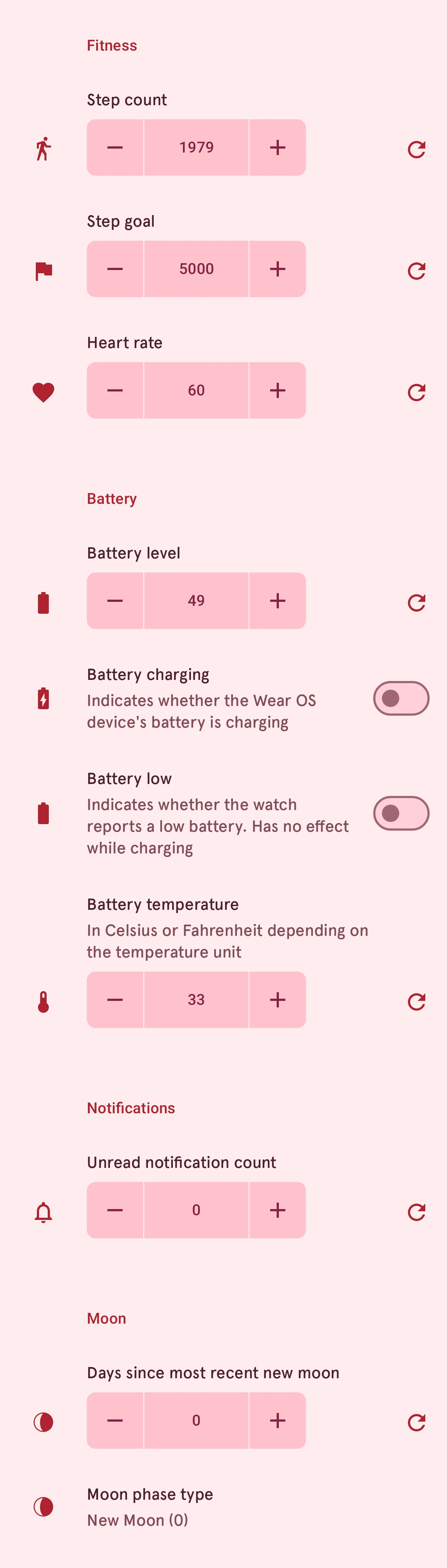
Fitness
Steps, the step goal and the heart rate.
Battery
The watch’s battery level, whether it’s charging, and its temperature (in the unit chosen above).
Notifications
The number of unread notifications.
Moon
The days since the last new moon. The phase below it follows from that number.
Weather
Section titled “Weather”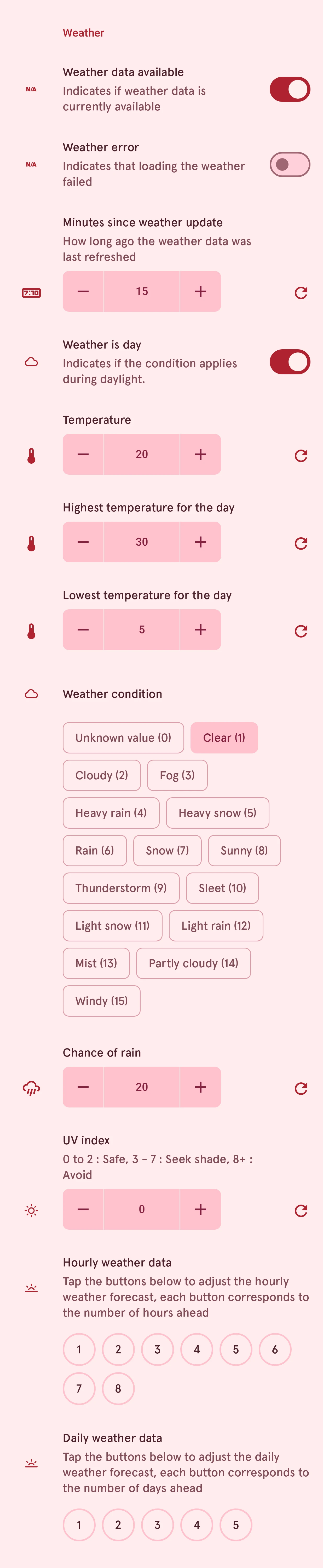
Weather
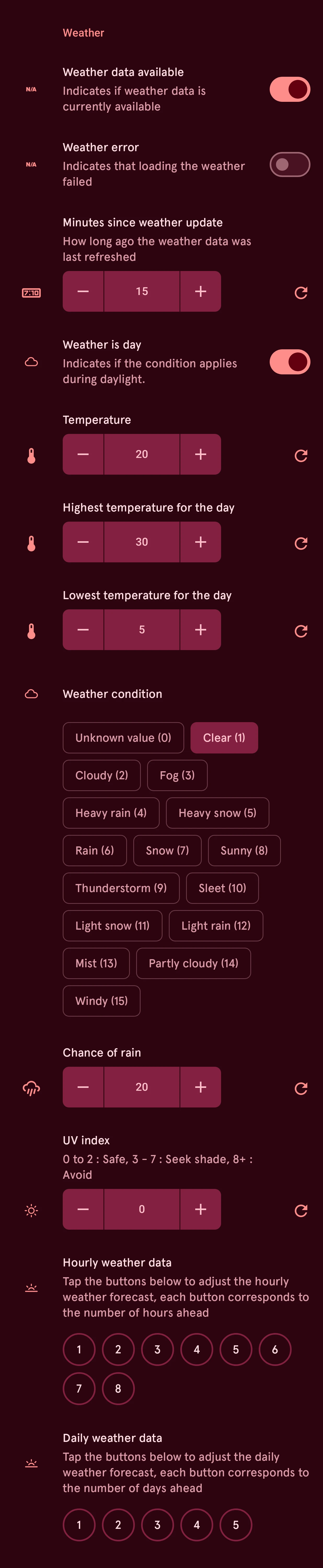
The current weather: whether there is weather data at all, day or night, the temperature and the day’s high and low, the condition, the chance of rain and the UV index. Turn off Weather data available to see how the element looks without weather. The numbered buttons at the bottom are the forecast: tap one to set the weather that many hours or days ahead.