
Indices
The marks and numbers around the dial, drawn once and placed on every position you pick.
An index is the set of marks or numbers around the dial. You draw one mark, and the app places a copy on each of the hour and minute positions you choose, turned to face the center. Change the drawing once and every copy changes with it.
One mark, placed for you
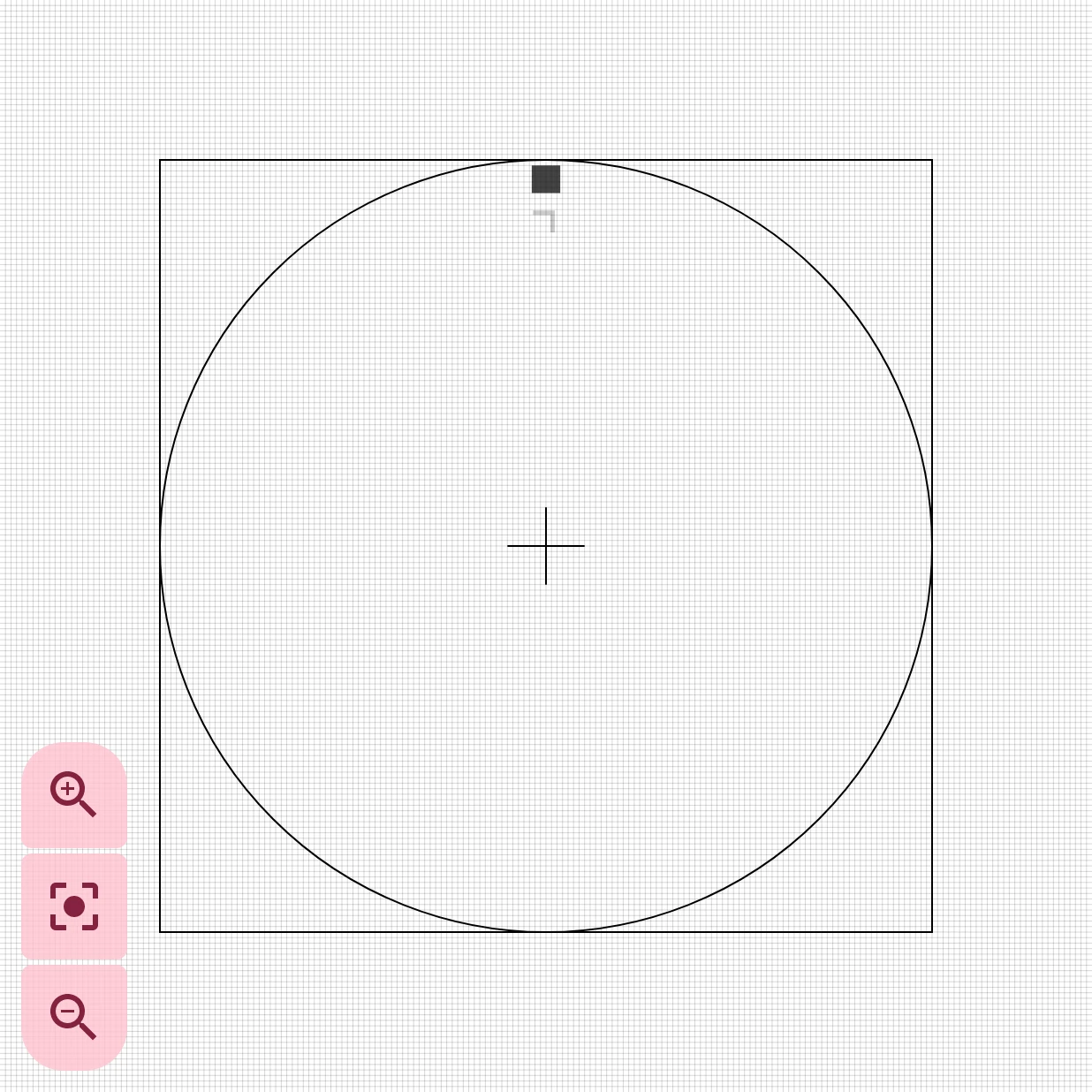
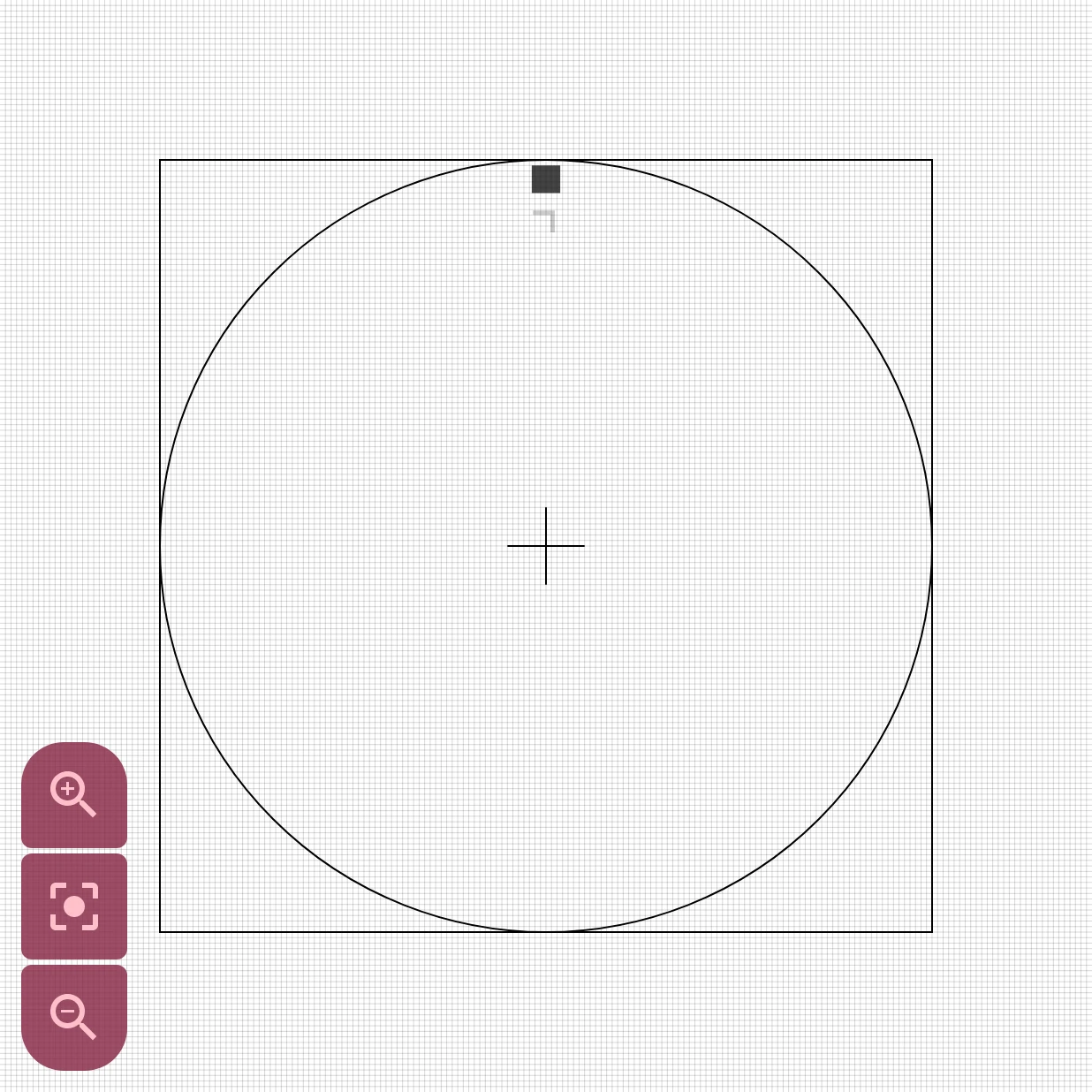
Section titled “One mark, placed for you”In the watch element designer you only design the one mark, at the 12 o’clock position. This is Tick-n-Number from the Library: a small square with a number under it. The number says 7 here, but that doesn’t matter: on the watch face, each copy shows the number of its own position.
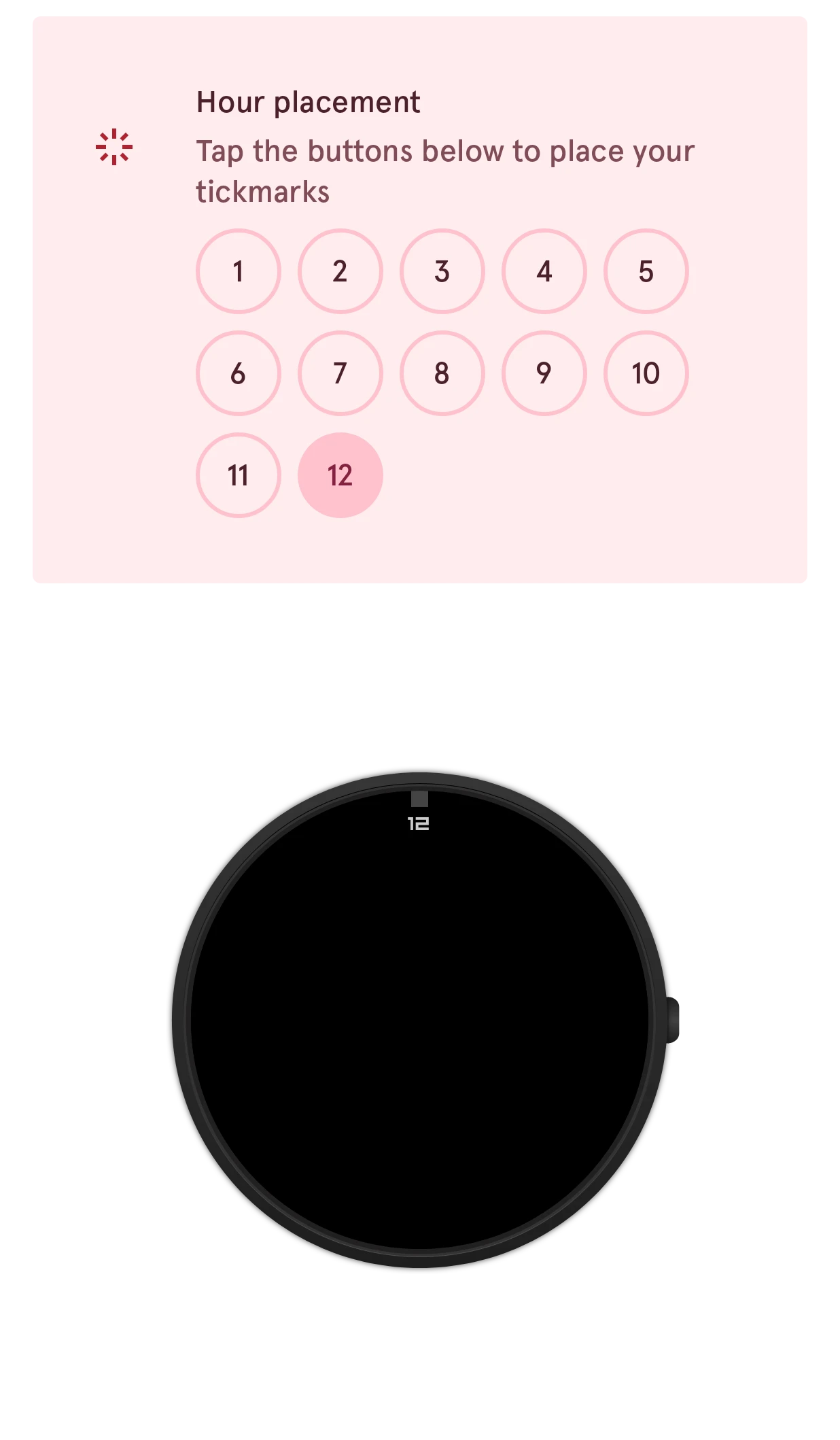
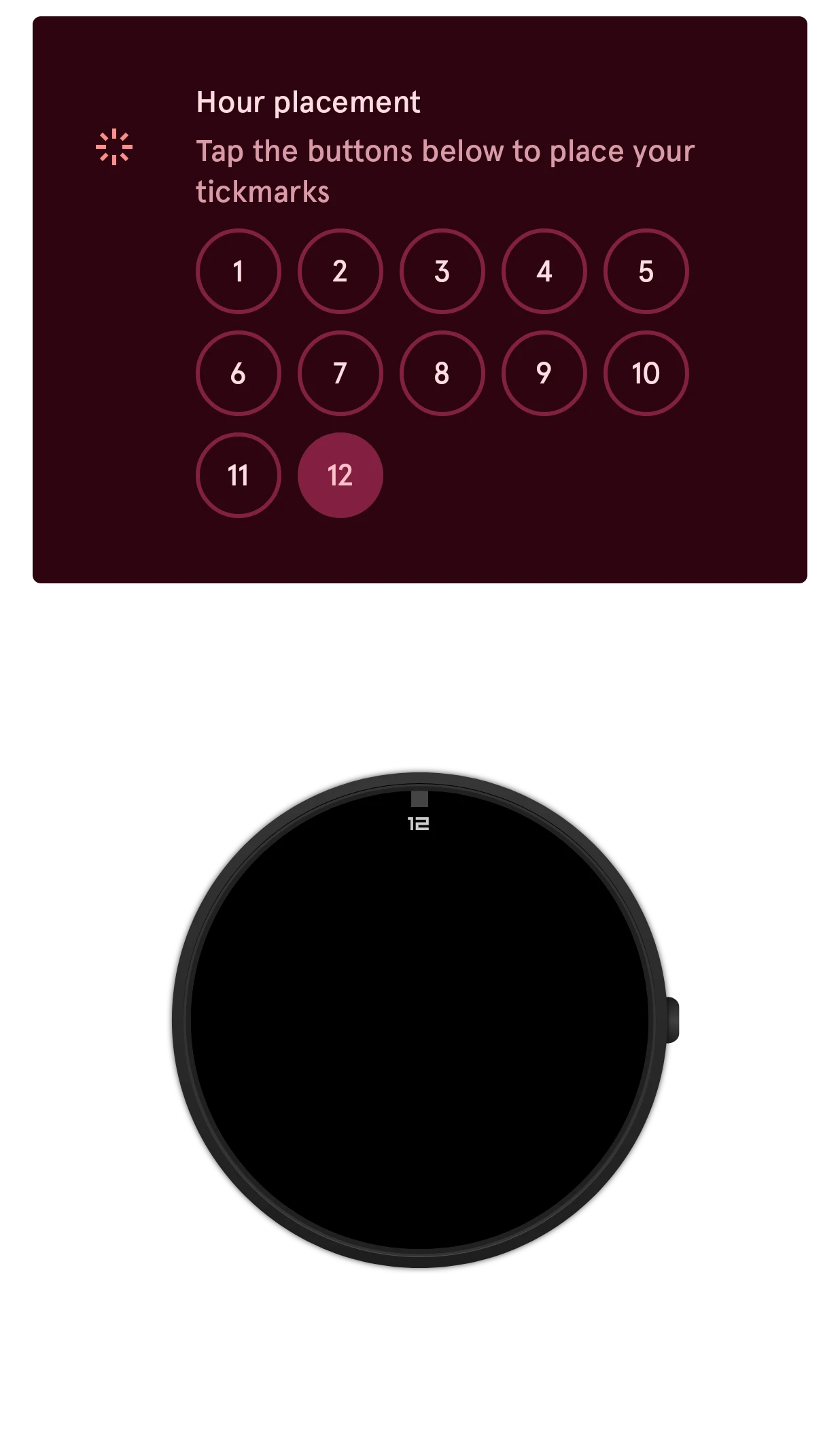
On the watch face you pick the positions:
- Tap the settings button on the index’s row in the element list.
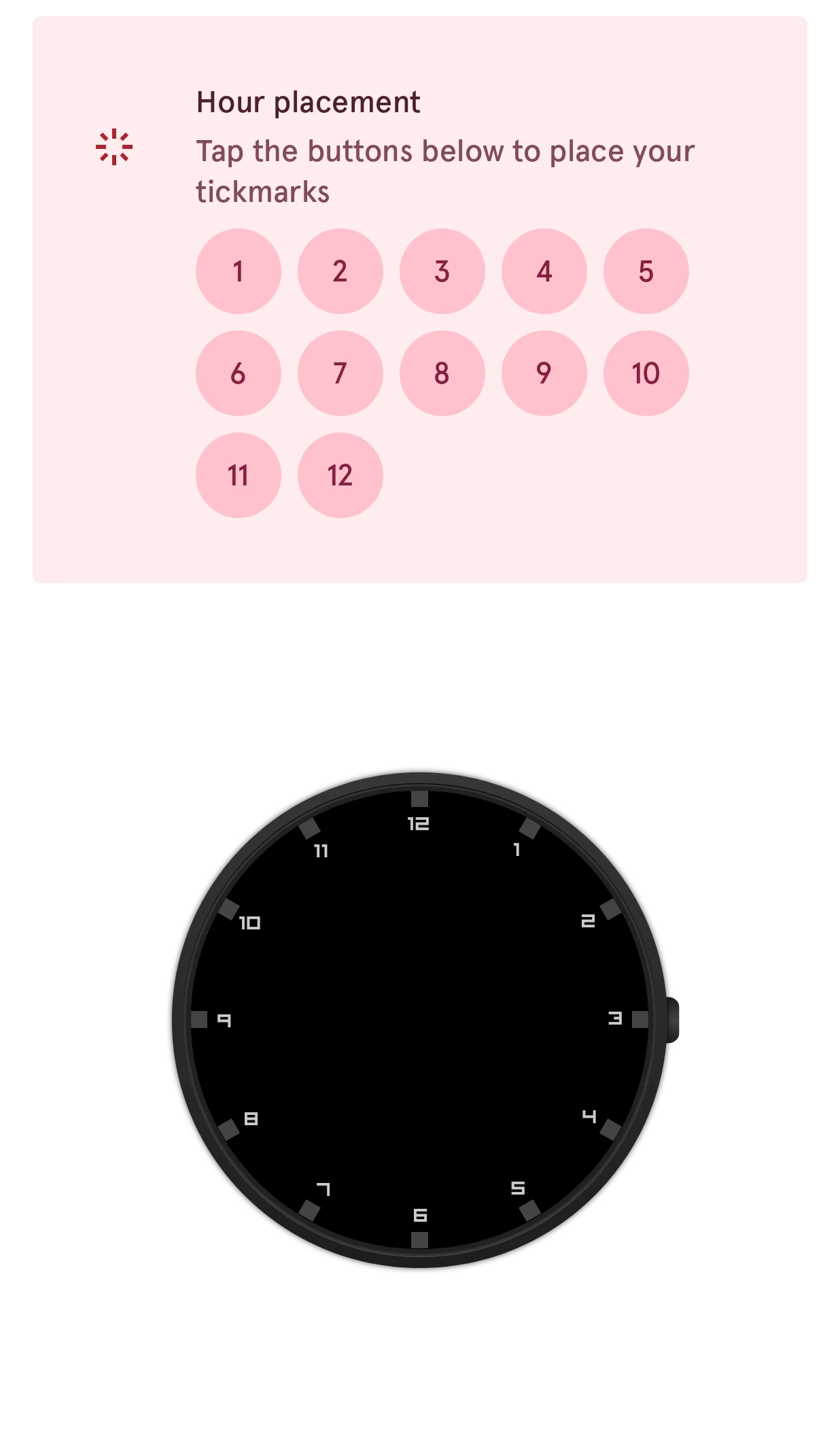
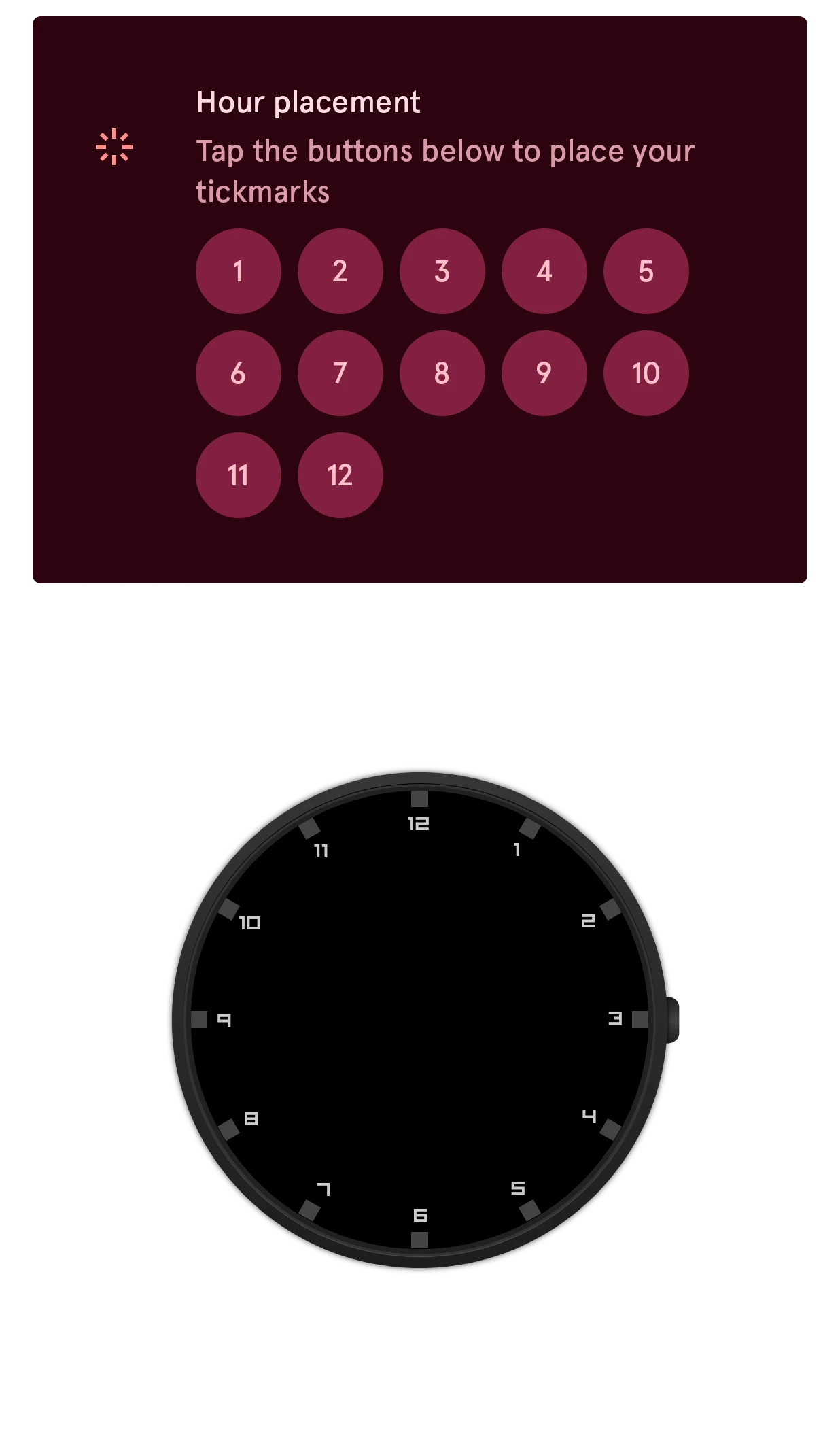
- Under Hours, Hour placement has a button for every hour. Tap a number to put a copy there; tap it again to take it away.
- For minute marks, Minute placement under Minutes works the same way.
Here the same mark goes on 12, then on 12 and 6, then on the quarters, then on every hour:
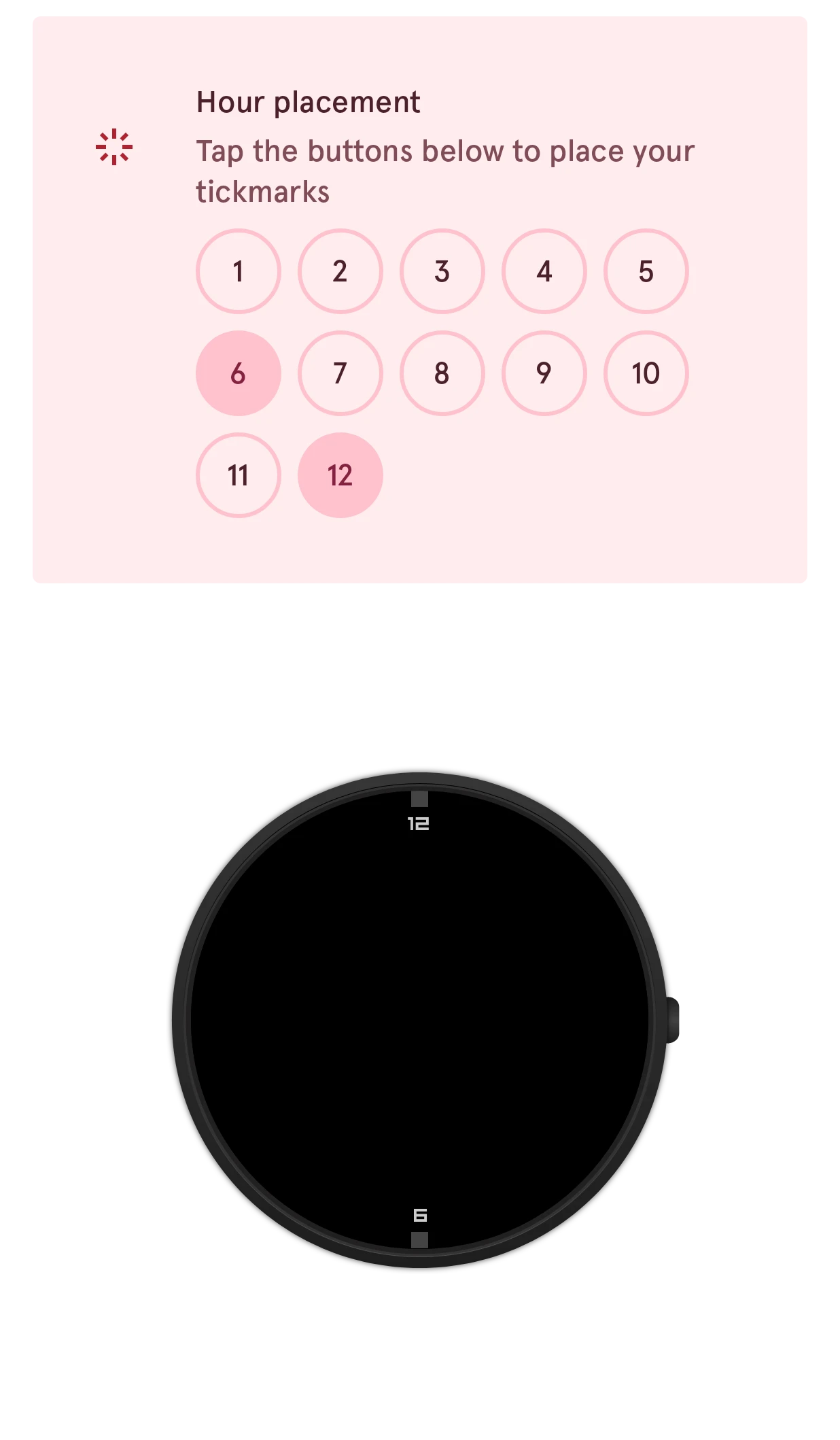
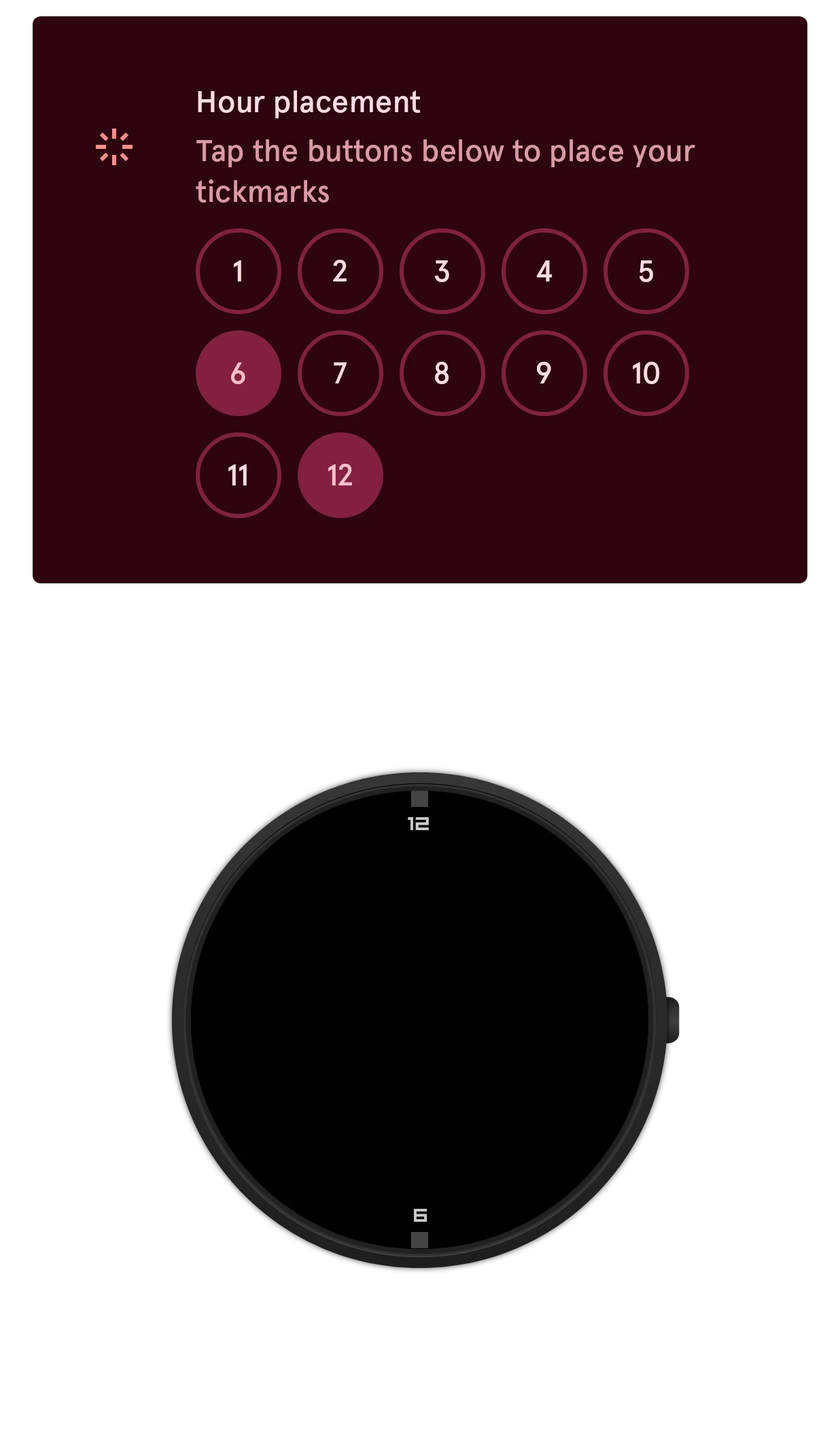
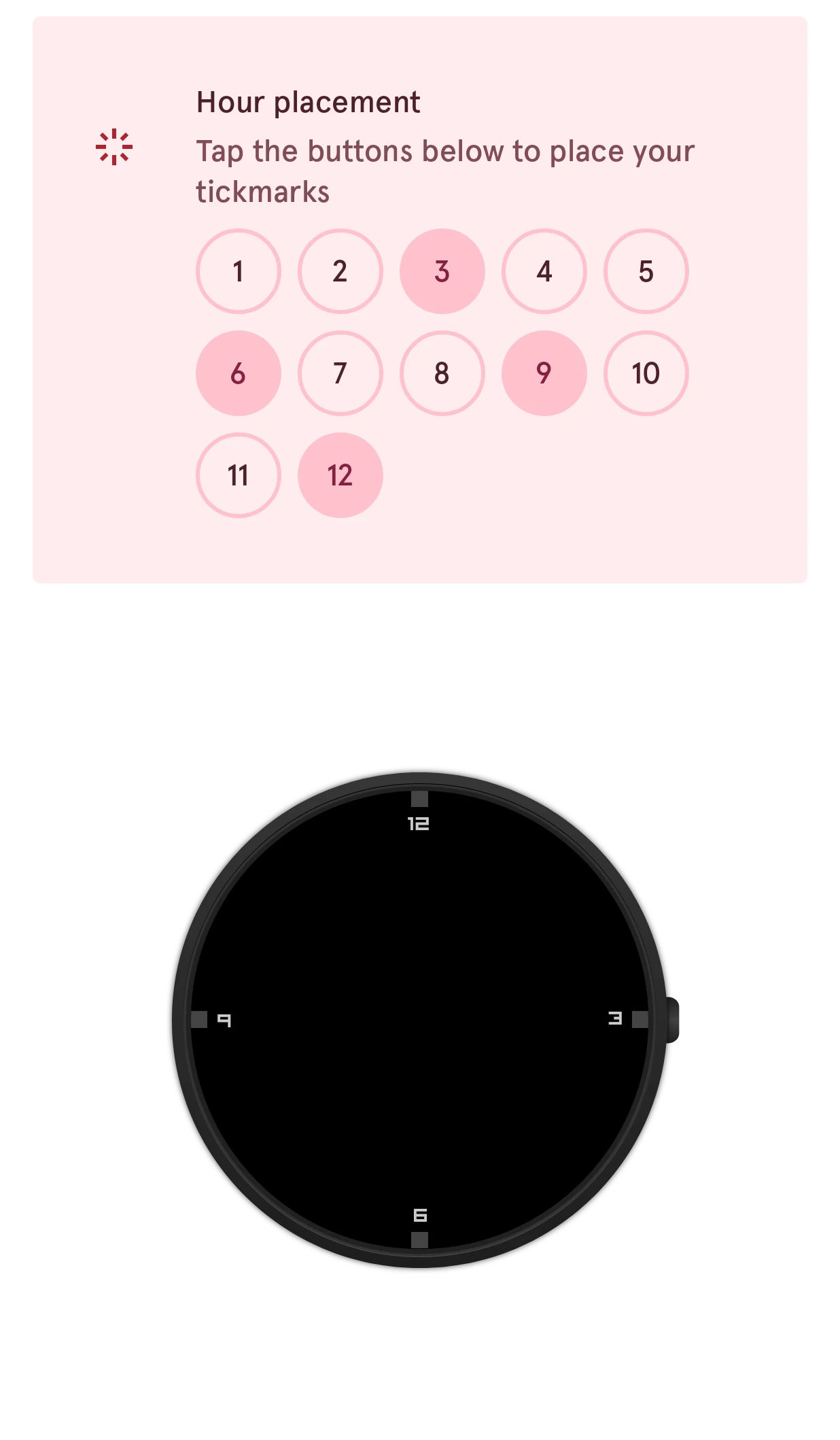
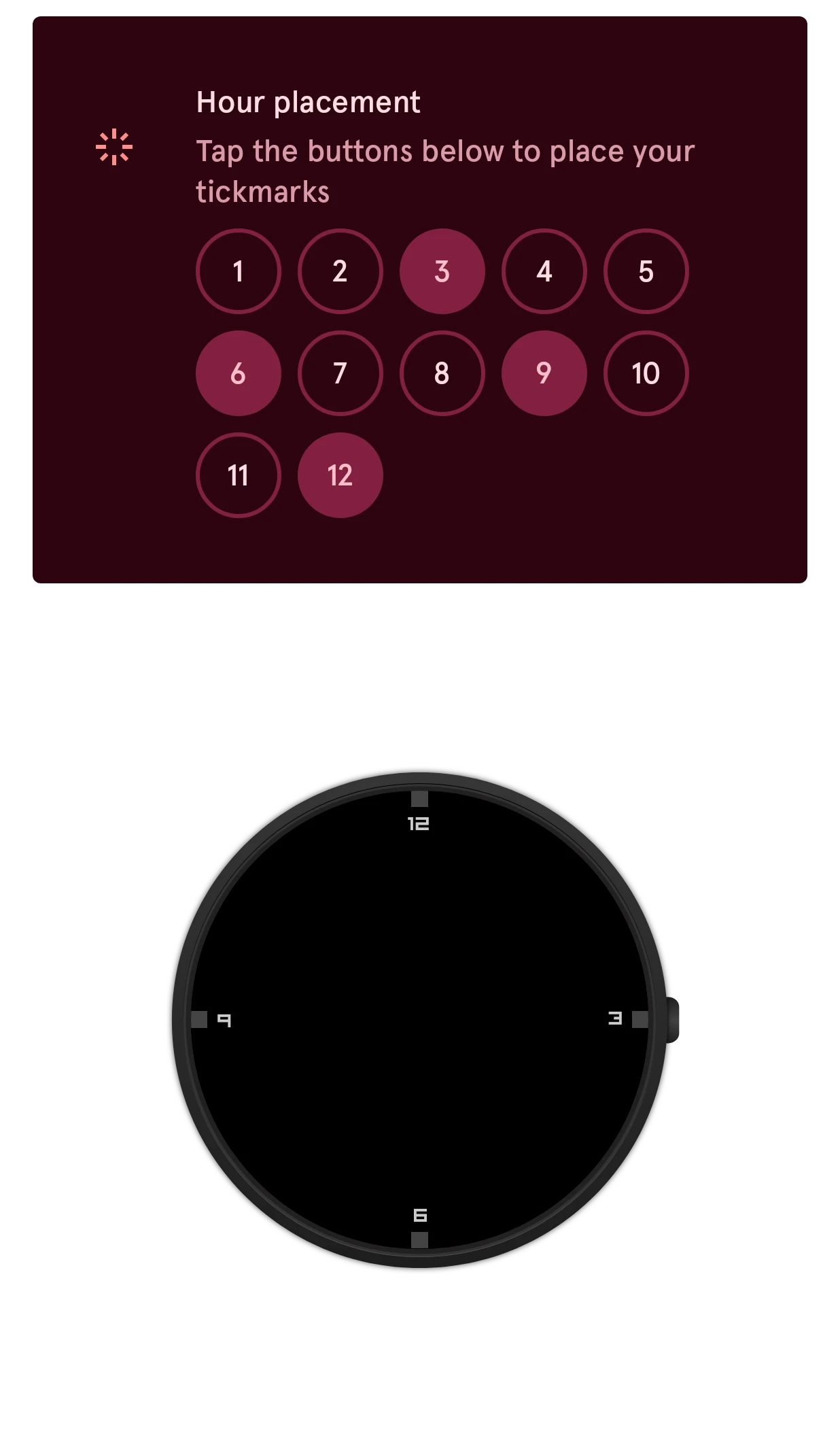
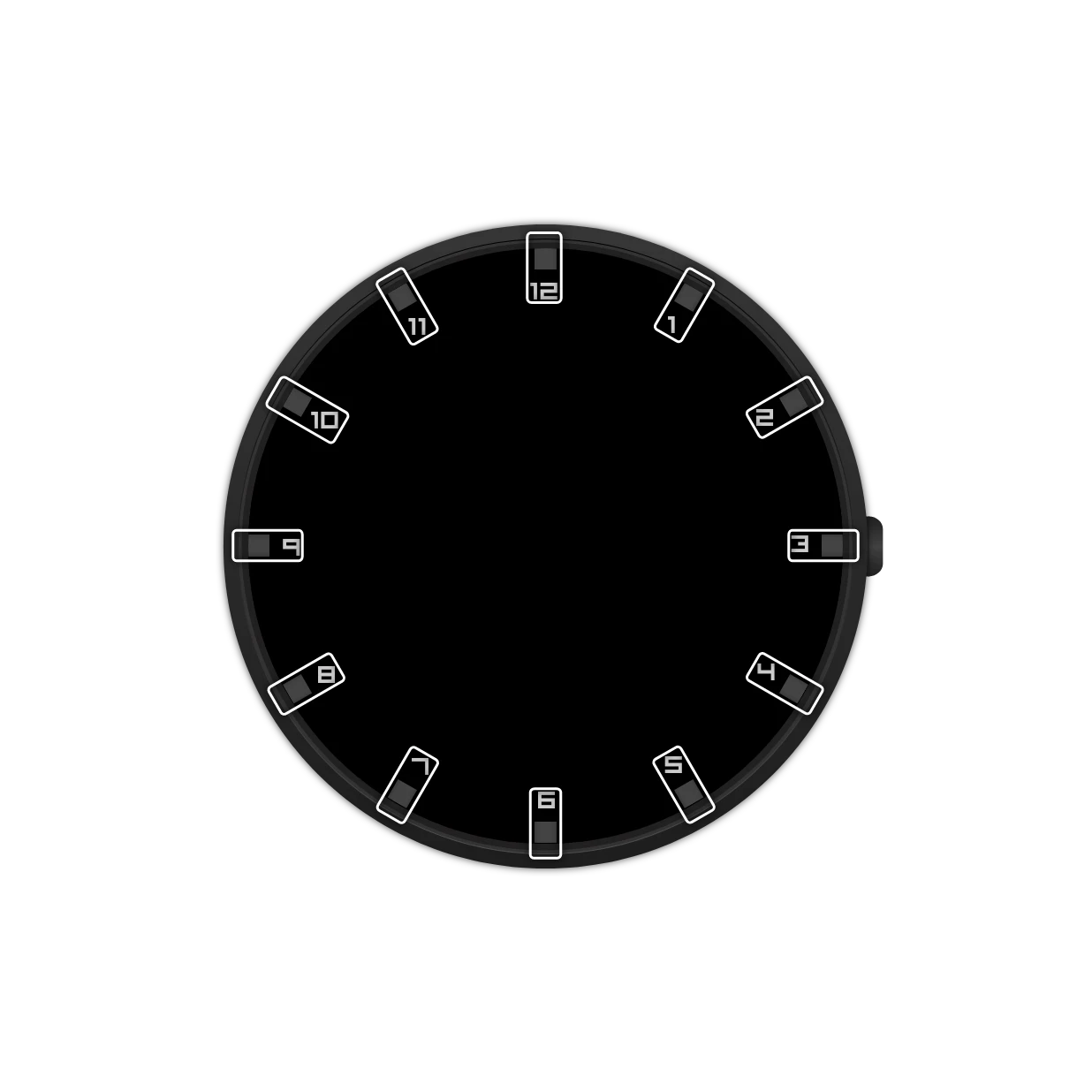
When you select the index in the element list, the preview outlines every copy:
Adding an index
Section titled “Adding an index”- Tap the add button above the element list and pick Index.
- Pick New item to draw one, or From the watch face library to start from someone else’s.
- In the watch element designer, draw the mark for the 12 o’clock position, horizontally centered inside the helper shape.
- Back in the watch face designer, open the index’s settings and pick its positions.
Numbers: put a text layer in your mark, like the 7 in Tick-n-Number. Whatever it says, each copy shows the number of its own position instead: 12, 1, 2 and so on for the hours. On an index, the text layer’s style page sets the number it shows.
A watch face often has more than one index: numbers, bold marks for the hours, small ones for the minutes.
Settings
Section titled “Settings”Hours
Hour placement
SetTap the buttons below to place your tickmarks
The hour positions that get a copy. Tap a position to turn it on or off: all twelve, only the quarters, or everything except where the date goes.
1 to 12, steps of 1
Hour style
ChoiceHow numbers are written: Regular (1, 2, 3) or Roman (I, II, III).- Regular
- Roman
Hour style
SwitchLeading zero
Writes the hours with two digits: 01, 02, 03.Hour rotation
ChoiceHow each copy is turned. Rotated turns it with the dial, like the marks on a real watch. Countered turns it with the dial and then back, so numbers stay readable. Upright keeps every copy standing straight up.
- Rotated
- Countered
- Upright
Minutes
Minute placement
SetTap the buttons below to place your tickmarks
The minute positions that get a copy, like the hour positions.0 to 59, steps of 1
Minutes style
SwitchLeading zero
Writes the minutes with two digits: 05, 10, 15.Minute rotation
ChoiceHow each minute copy is turned, like the hour rotation.- Rotated
- Countered
- Upright
Options
Layout
ChoiceThe shape the marks follow: a Round circle, a Square, an Oval, or Auto, which follows the shape of the watch.
- Round
- Square
- Auto
- Oval
Keep the light direction
SwitchShadows, bevels and lighting fall the same way on every tick
Turns each copy’s shadow with it, so the light seems to fall from the same side on every mark.
Keep the surface direction
SwitchGradients, patterns and textures keep one direction on every tick
Turns each copy’s gradient with it, so every mark is shaded the same way relative to the center.
Below these are the position and animation cards every element has. An index has a radius: how far from the center its marks sit.