
Position and animation
The settings every element has, for where it sits and how it changes for the always-on face.
Every element, whatever its type, ends its settings with the same cards: where it sits and how big it is, and how it changes when the watch goes to the always-on face.
Which size settings an element gets depends on its type. A round element (an index or a progress circle) has a radius, a watch hand scales so it keeps its shape, and most others have a size. These are a static element’s.
Positioning & sizing
Interactive to ambient animation
Animation target
Opens the animation target picker.
Animation easing
Opens the easing picker.
Animate transparency
Switch
From interactive to ambient
Section titled “From interactive to ambient”When the watch dims to the always-on face, an element can move there instead of just switching:
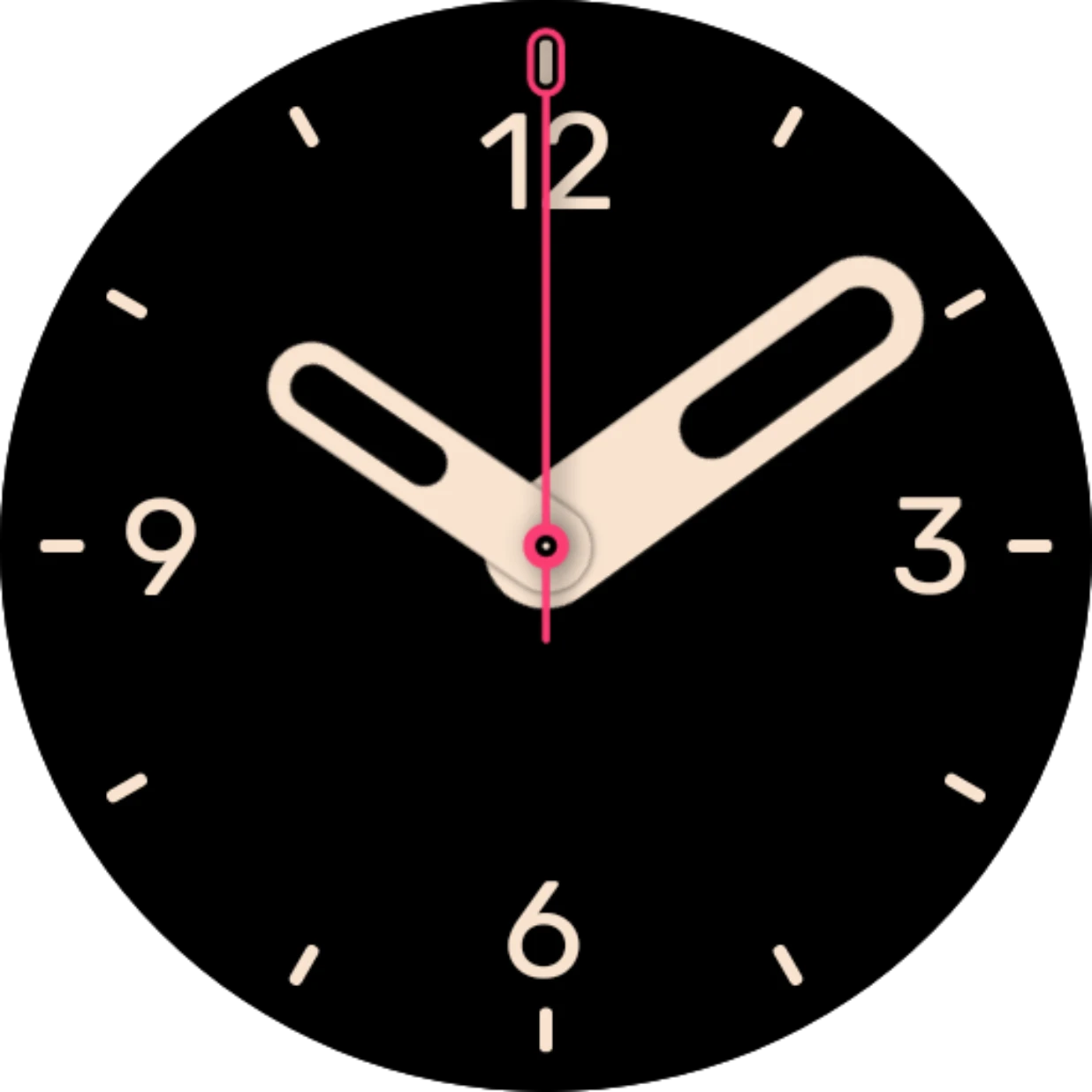
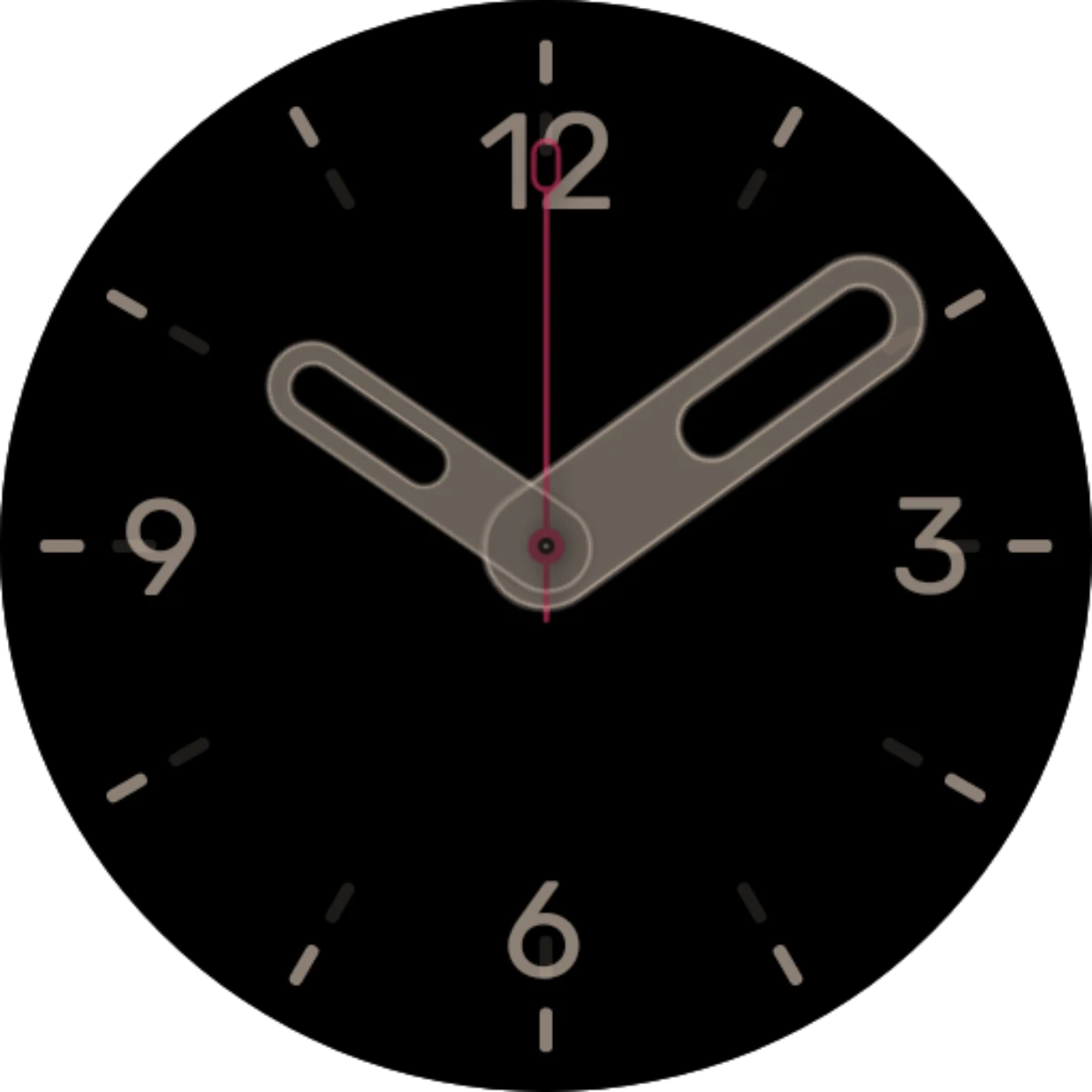
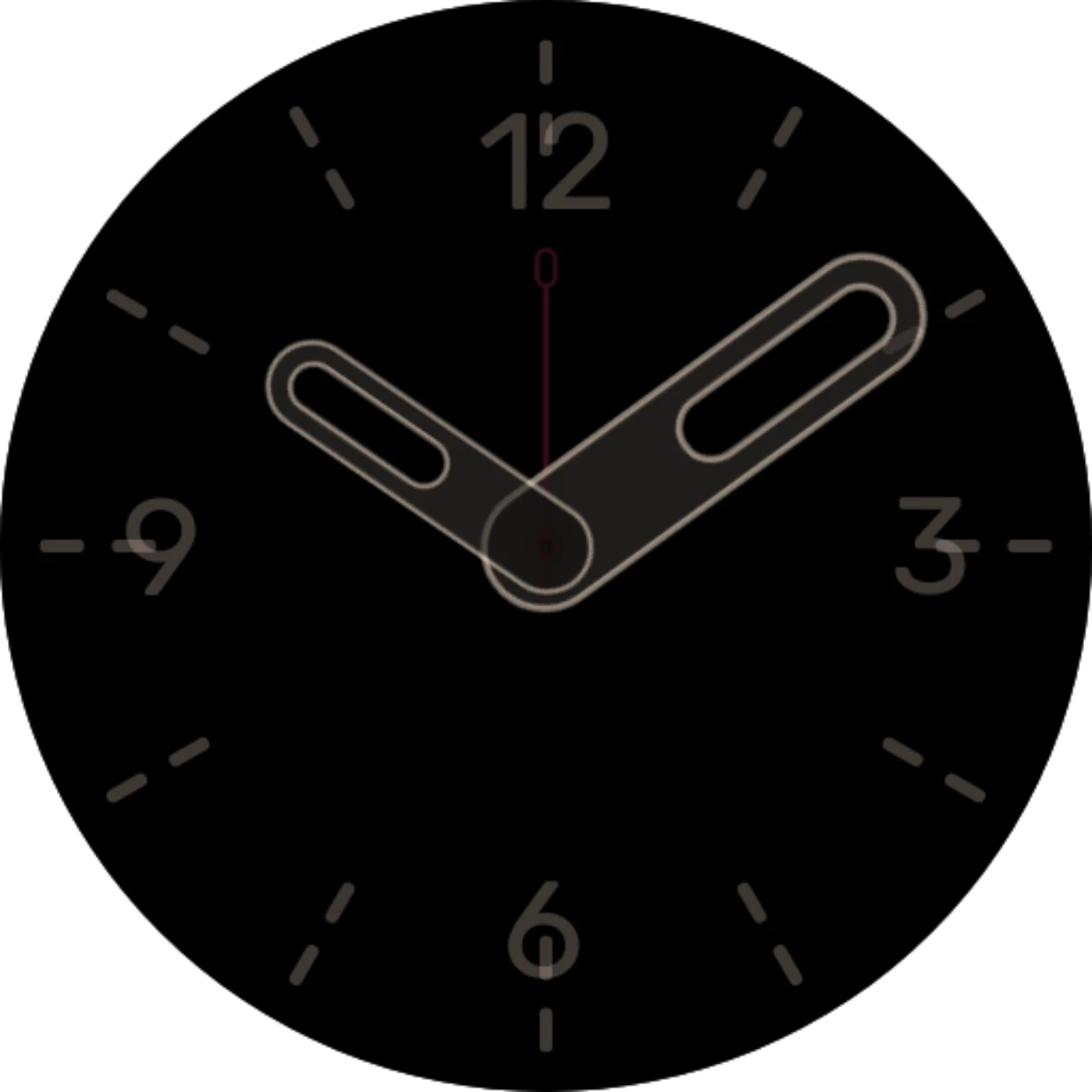
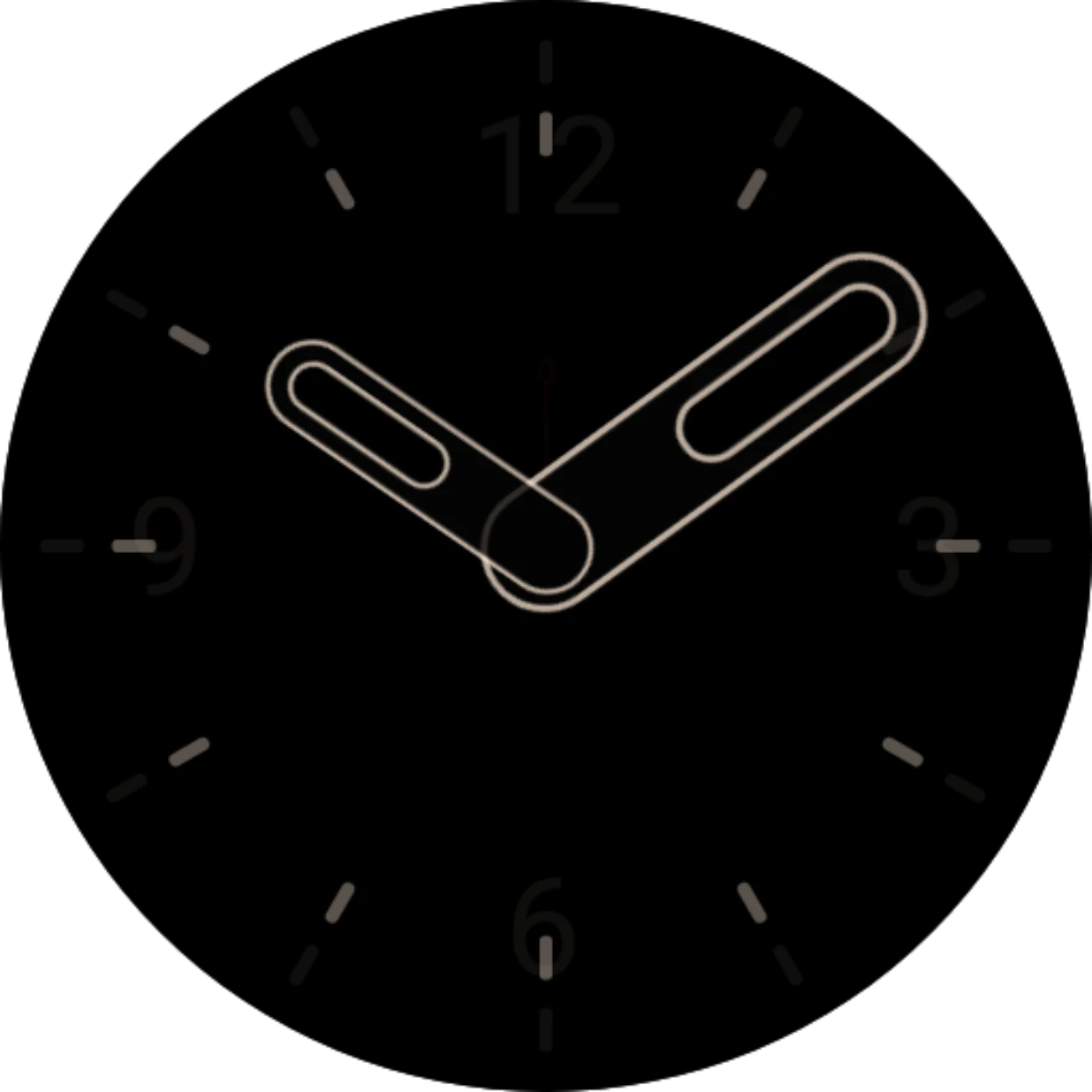
- Animation target: where it goes: an element on the other face (the same hand on the ambient face, say), or a place and size of its own. With no target it stays where it is. See Animation target and Custom animation target.
- Animation easing: how the move feels: steady, or slowing down at the end. See Easing.
- Animate transparency: fades the element in or out while it moves, instead of switching at once.