
Fonts
Pick a font for a text layer, a digital clock or a date label. Every font shows your own text; search by name, filter by language or type, and keep favorites.
Opens from the Font row on a text layer’s content page in the watch element designer, and from the font row in the settings of a digital clock, a date label or an indicator group.
Every font shows the layer’s own text, so you see how your design looks in it. Fonts are downloaded the first time you use them.
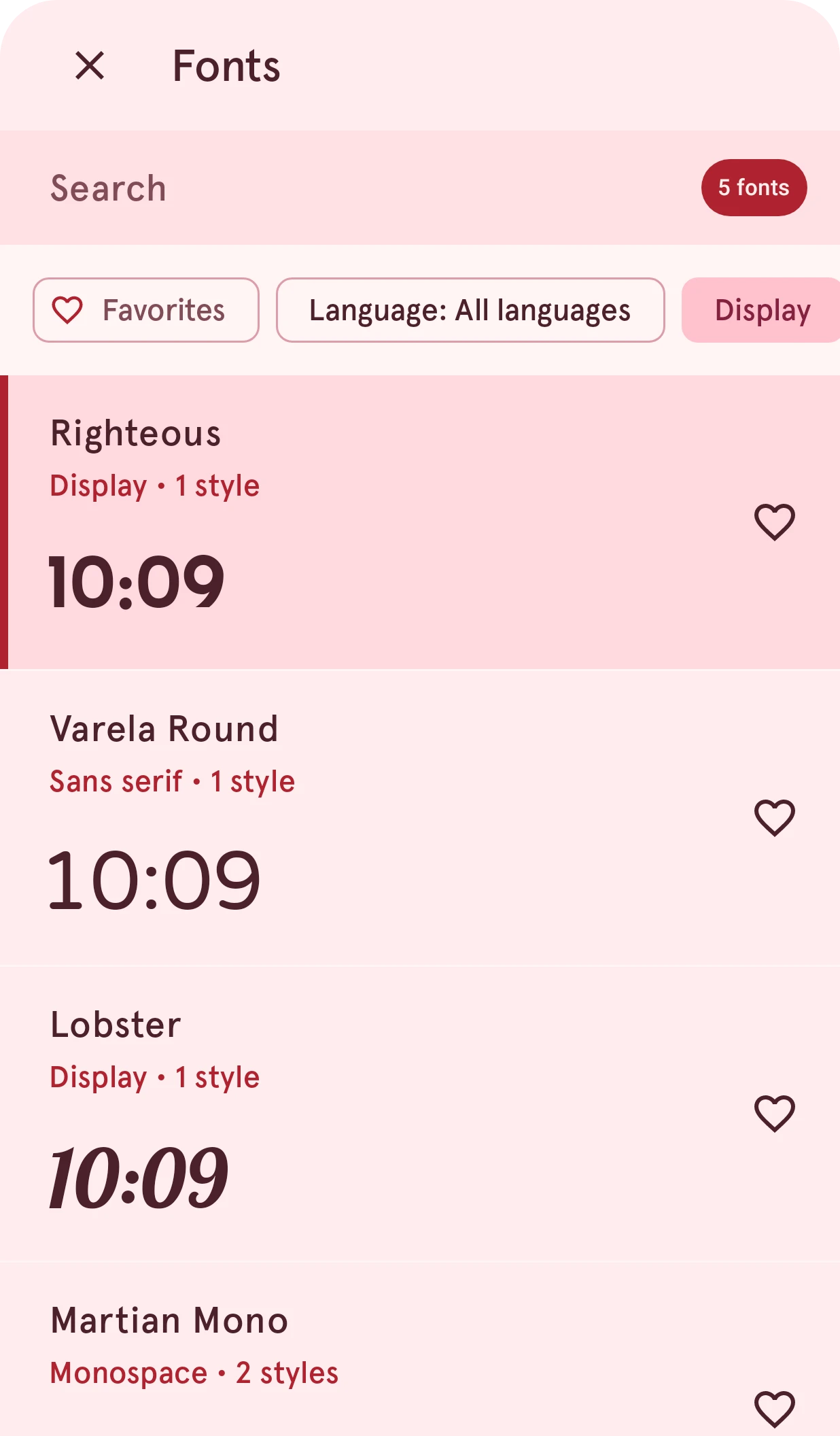
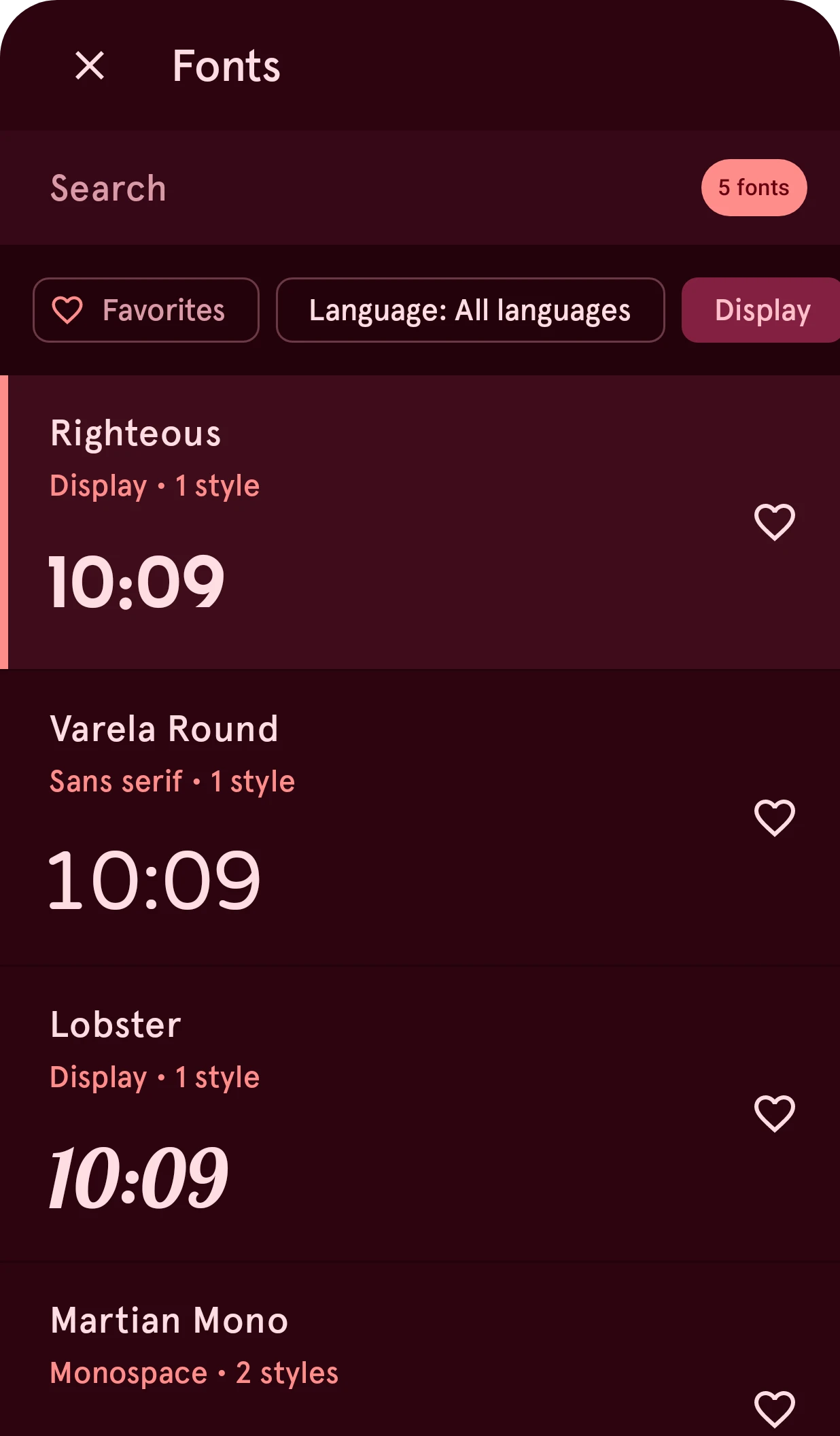
Close
Closes the sheet and keeps the current font.
Search
Type to find a font by name. The pill counts the fonts that match.
Favorites
Shows only your favorite fonts.
All languages
Shows only fonts that support a language’s characters, such as Cyrillic or Greek.
Font types
One chip per type of font (display, handwriting, monospace and more). Tap one to hide or show that type. While any filter is on, a button at the end of the row clears them all.
Font
Tap a font to open its page (below). The bar on the left marks the font the layer uses now. A font whose sample didn’t load shows a message instead; tap it to try again.
Toggle favorite font
Adds the font to your favorites, or removes it. All styles of a favorite font are kept on the phone, so they work offline.
Offline, the list only shows the fonts already on your phone, and a note above it says so.
A font’s page
Section titled “A font’s page”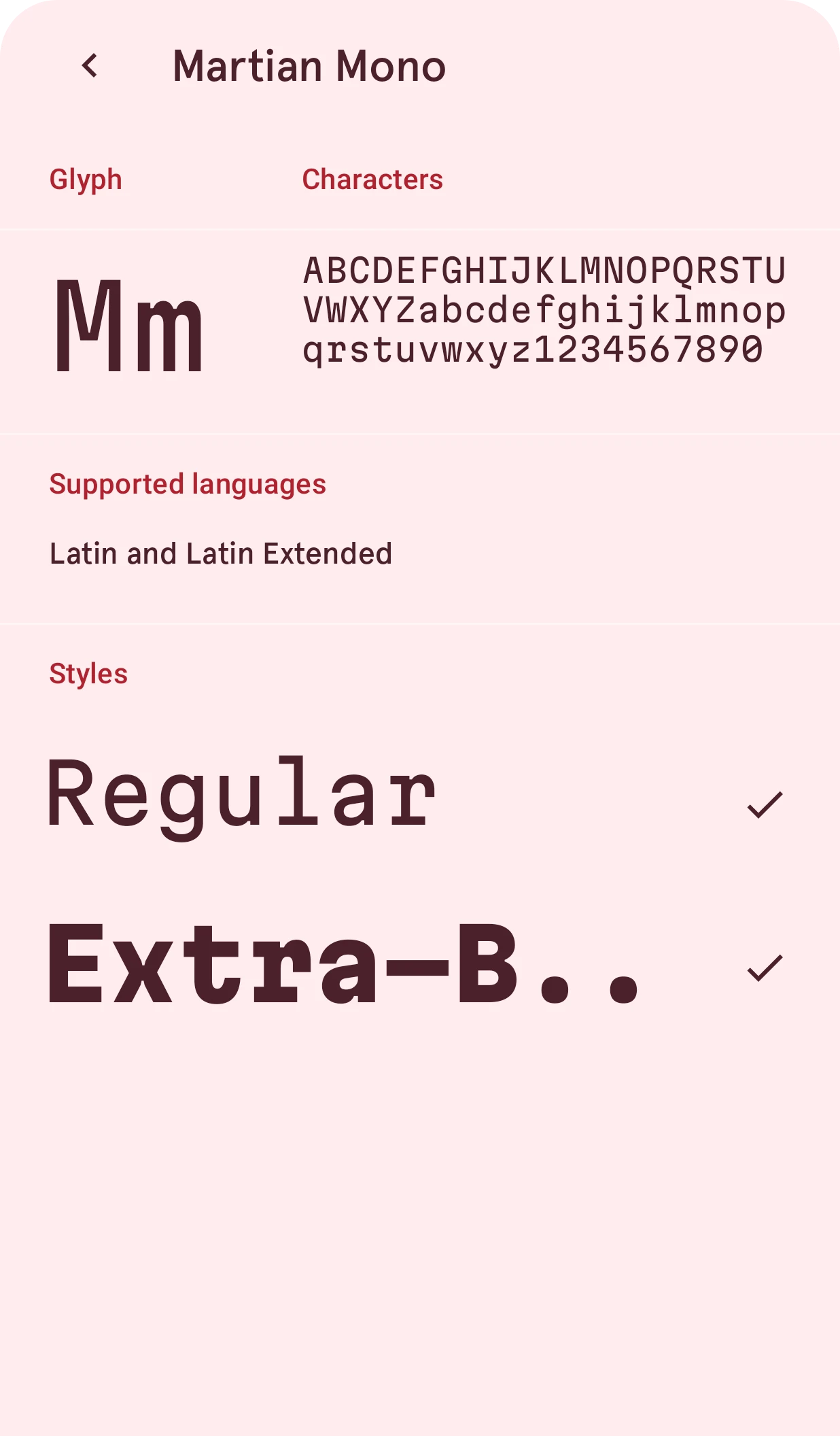
Back
Back to the list of fonts.
Characters
The font’s first letter, large, and its alphabet and digits, to judge how it reads.
Supported languages
The scripts the font has characters for. Check it when the watch face shows day or month names in another language.
Styles
Each style the font comes in, such as bold or italic, written in that style. Tap one to use it in the layer. Offline, only the styles already on your phone are listed.