Watch Face Library
Thousands of faces. One tap to your wrist.
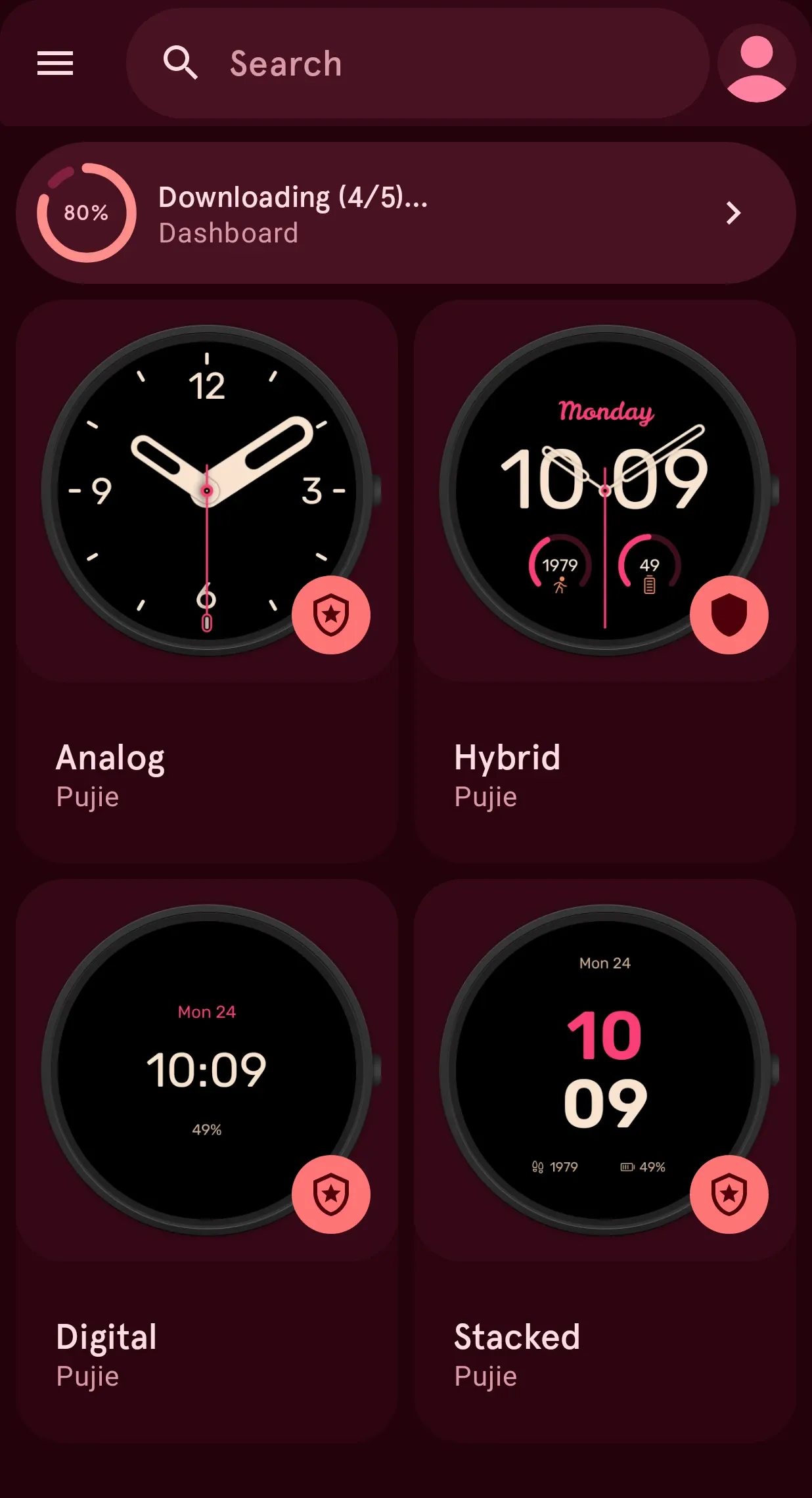
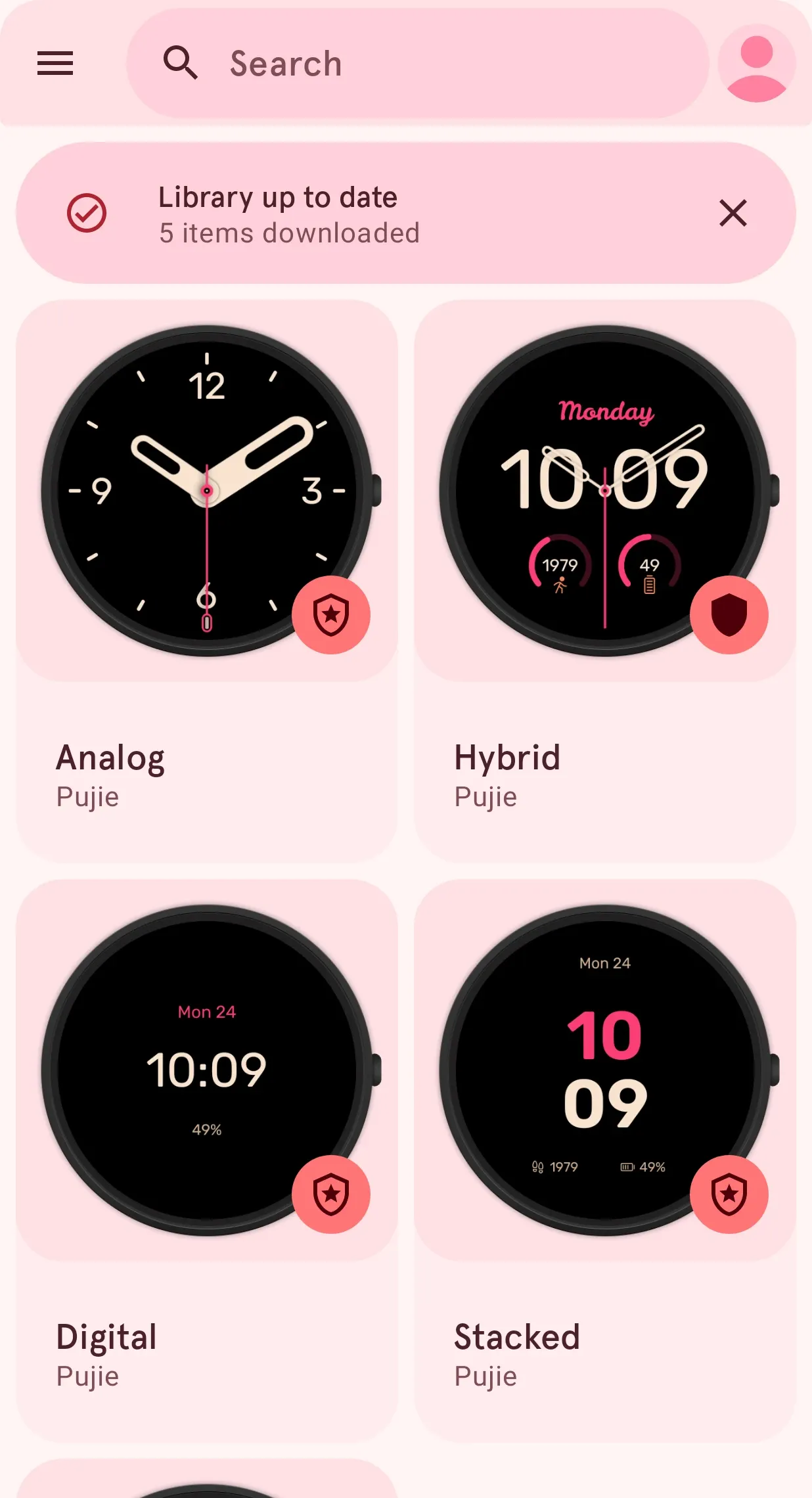
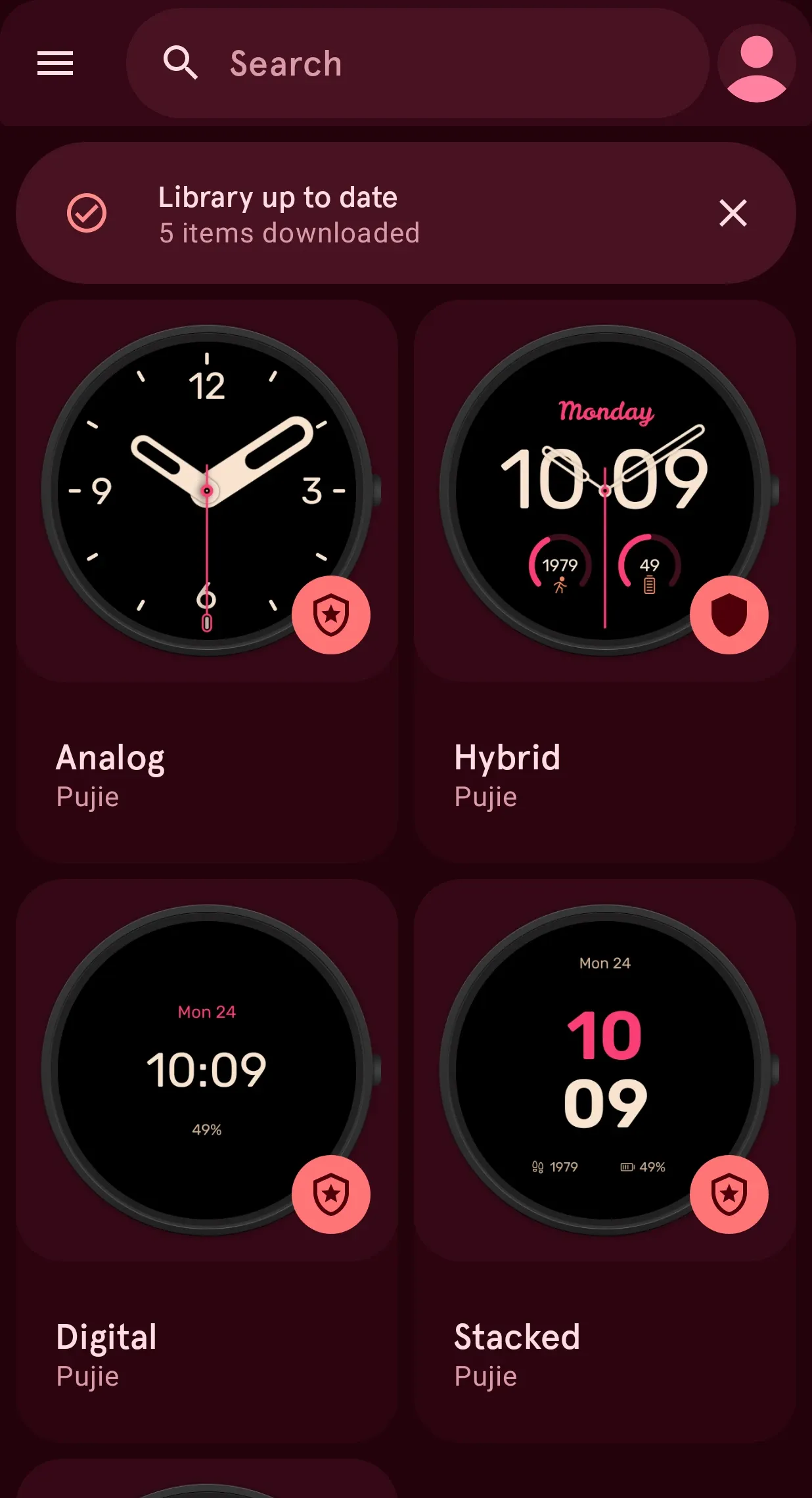
Browse the faces the Pujie community designs, send one to your watch in a tap, or open it in the designer and make it yours.
- Wear OS 6 faces
- 0
- Elements
- 0
- Members
- 0
01 · New & hot
Fresh faces, every day.
See what the community loves this week and what just landed, find the one for you, and pick up the elements to build your own.
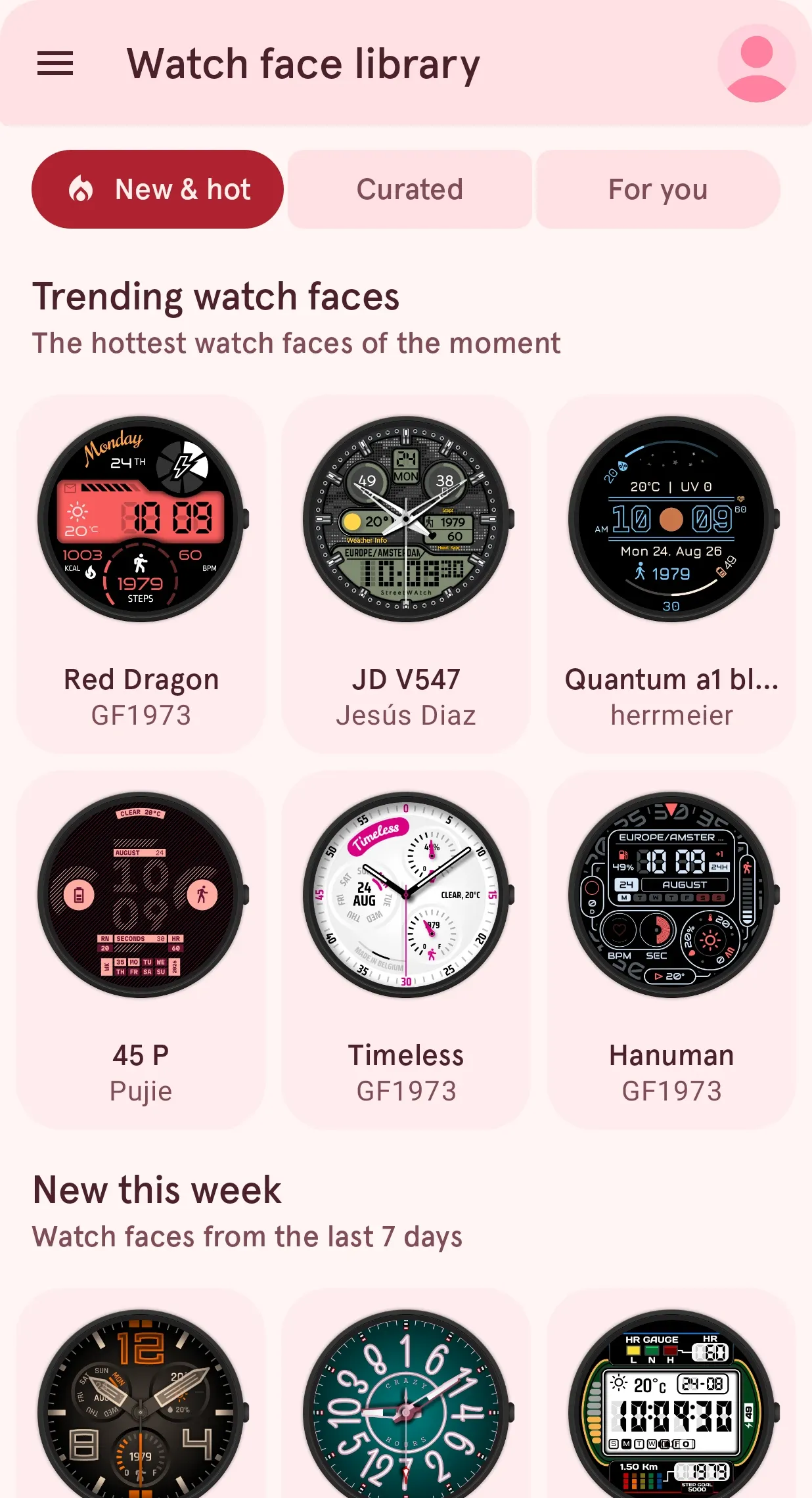
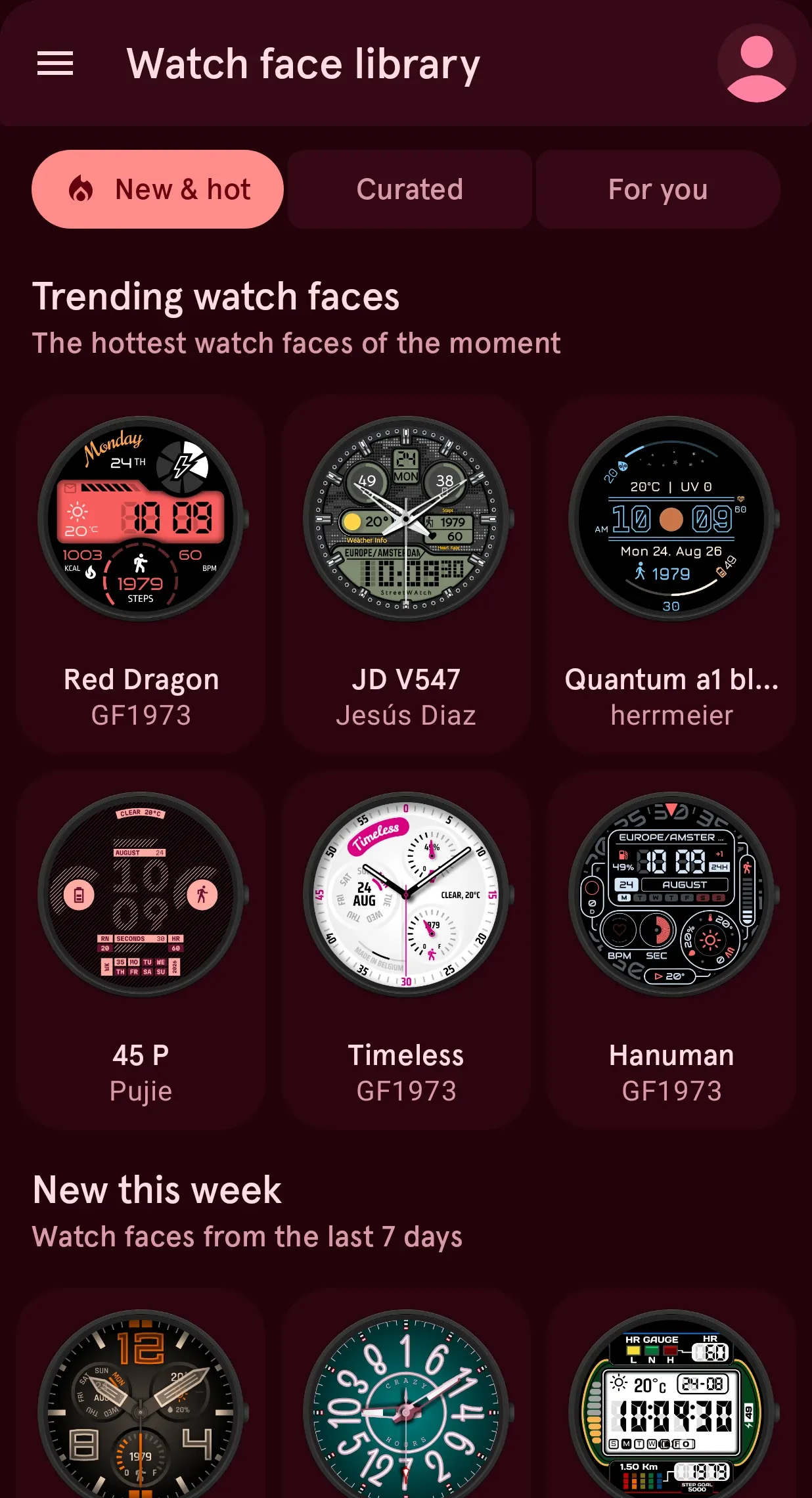
Trending now: the faces the community loves this week.
New & hot opens the Library with the faces getting the most likes and downloads right now, updated all day.
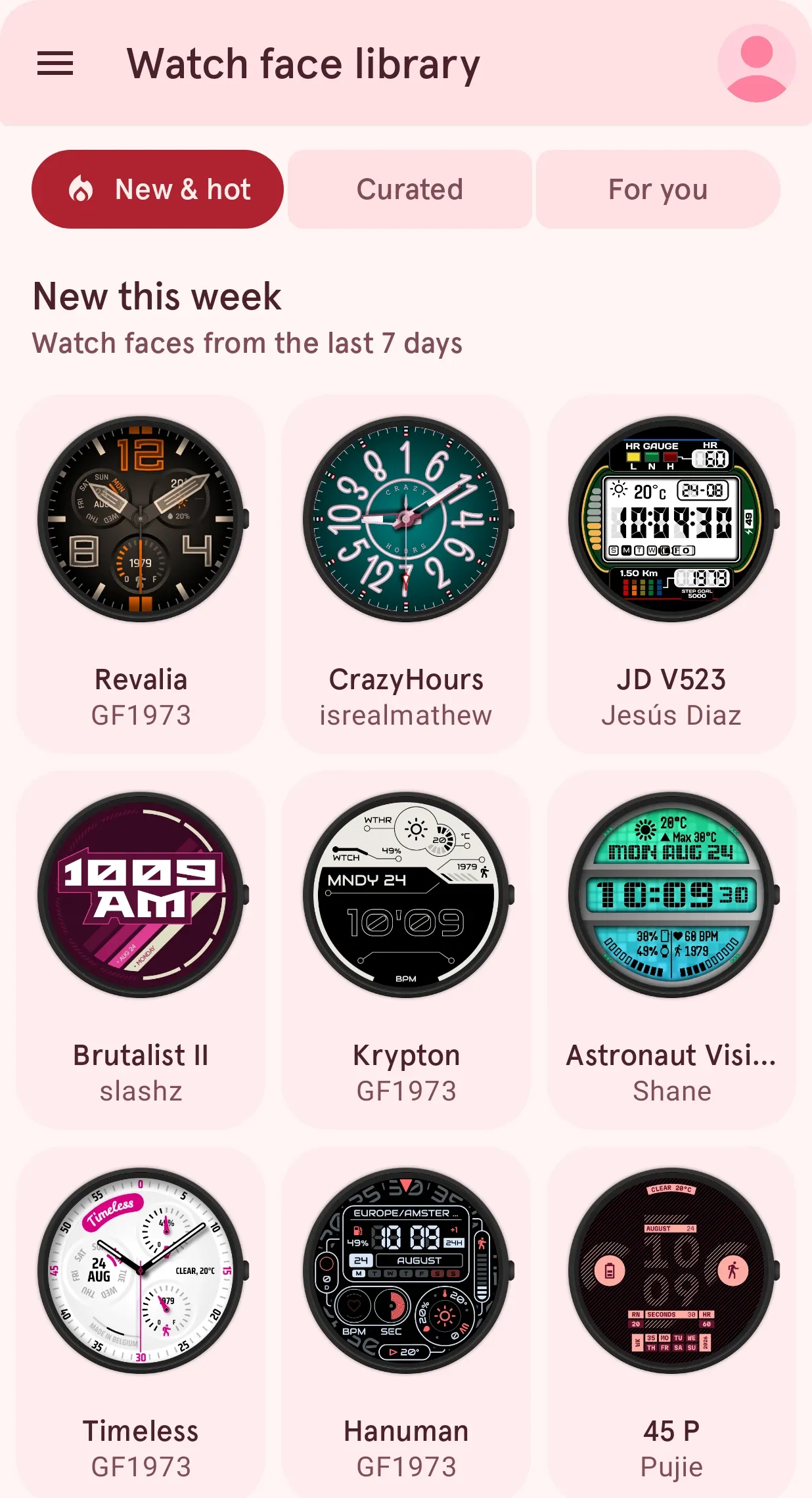
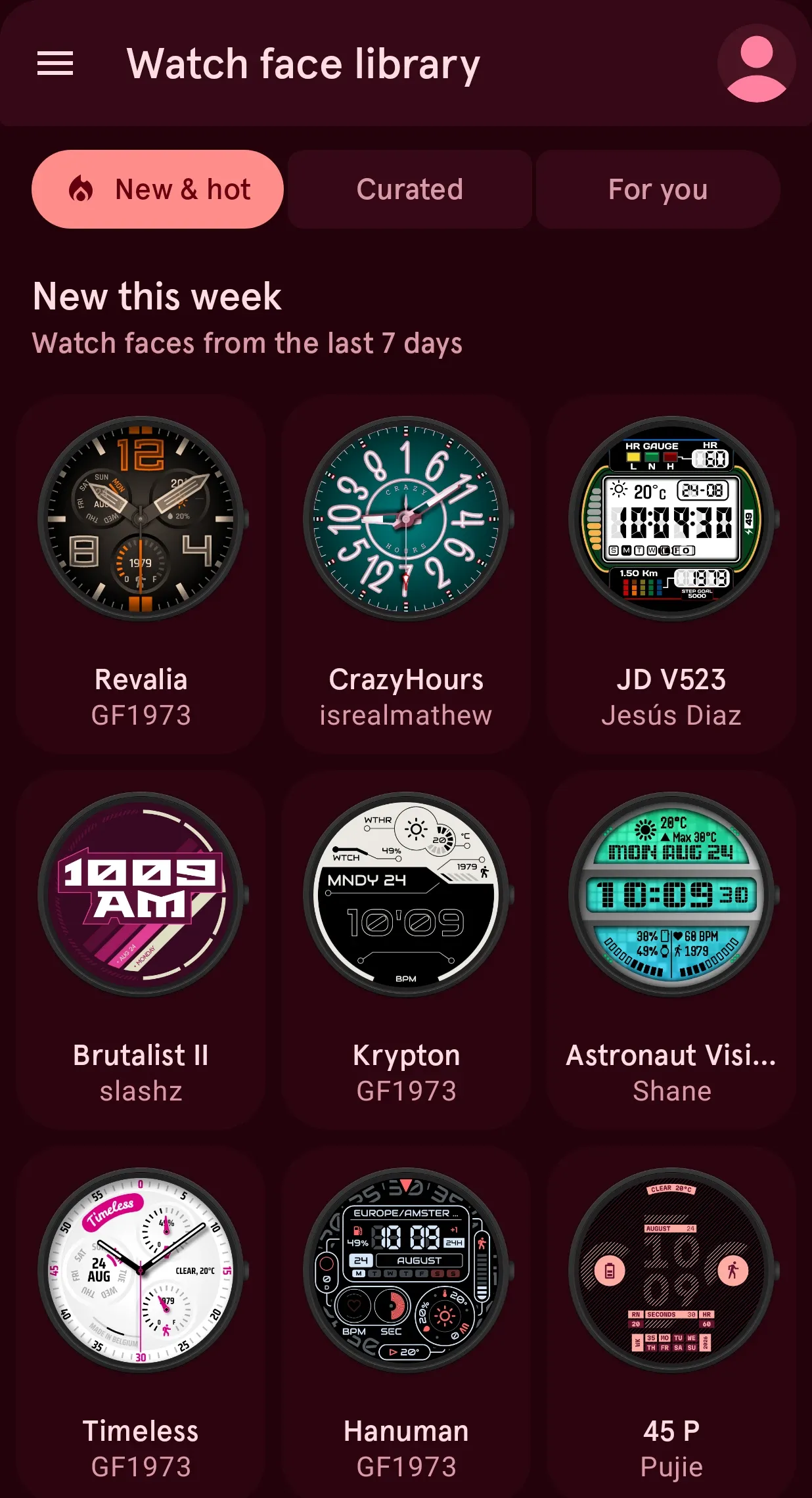
New faces every day, from designers all over the world.
Every face published in the last week, newest first, so you see what just landed before anyone else.
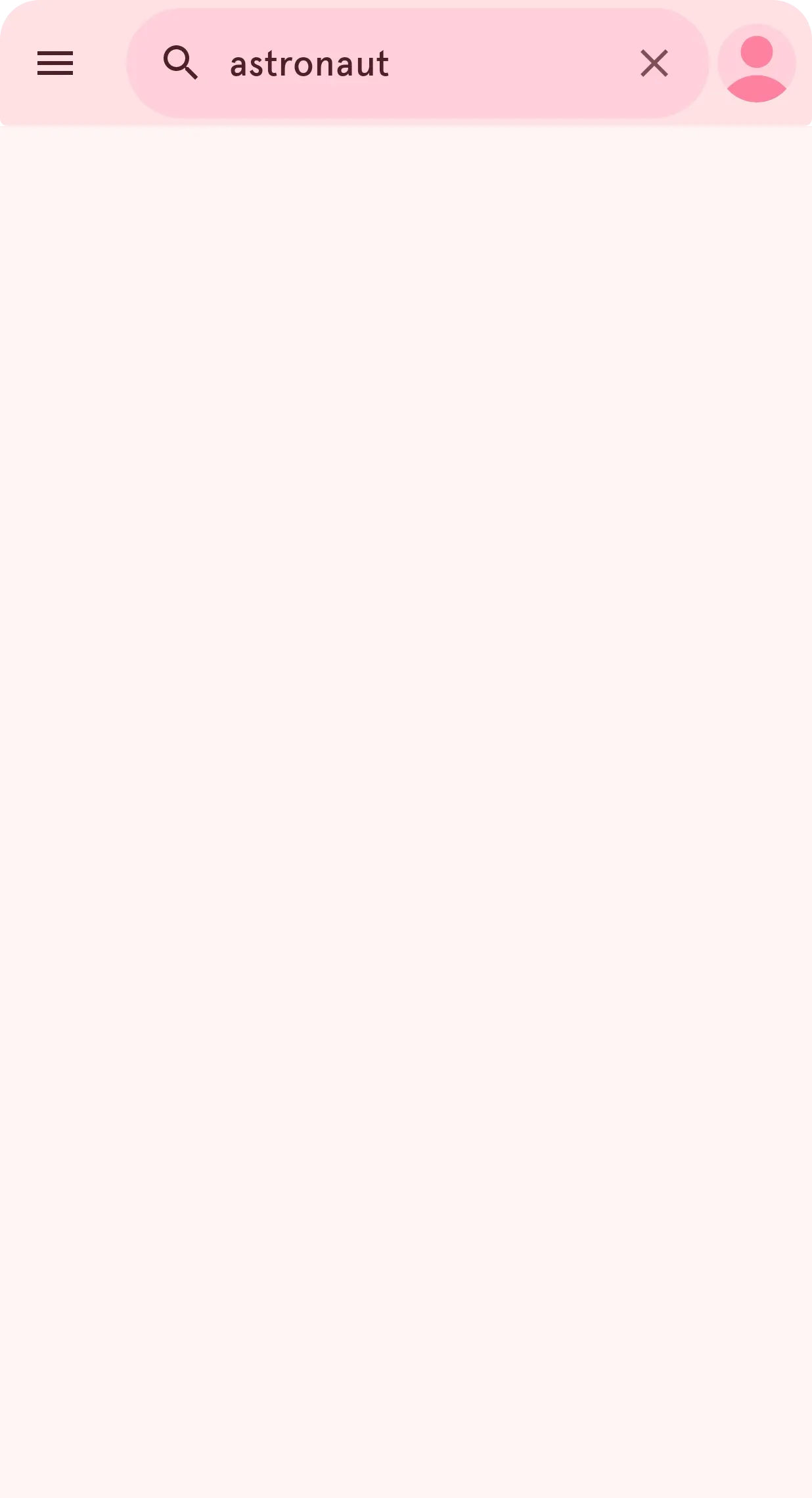
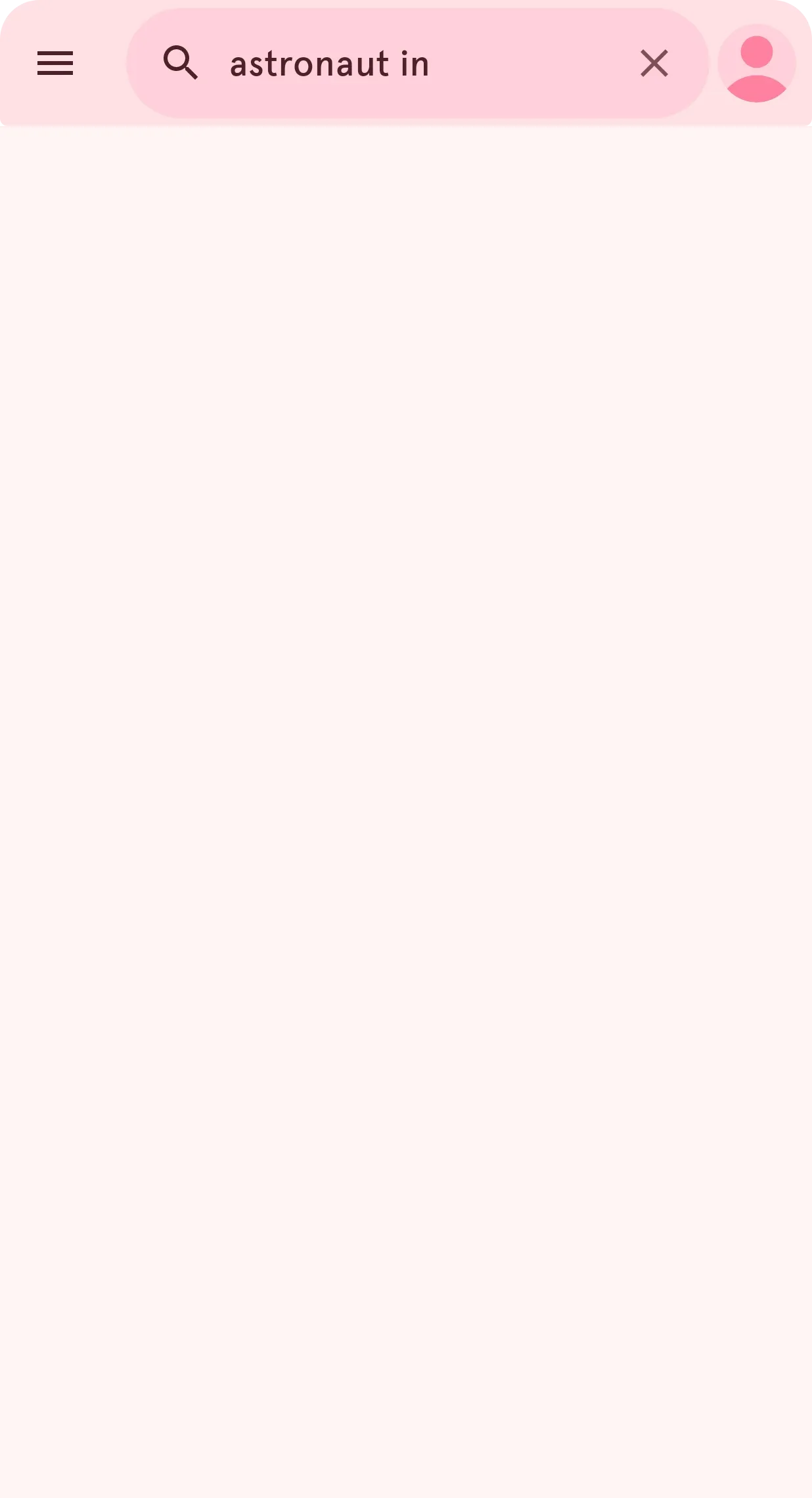
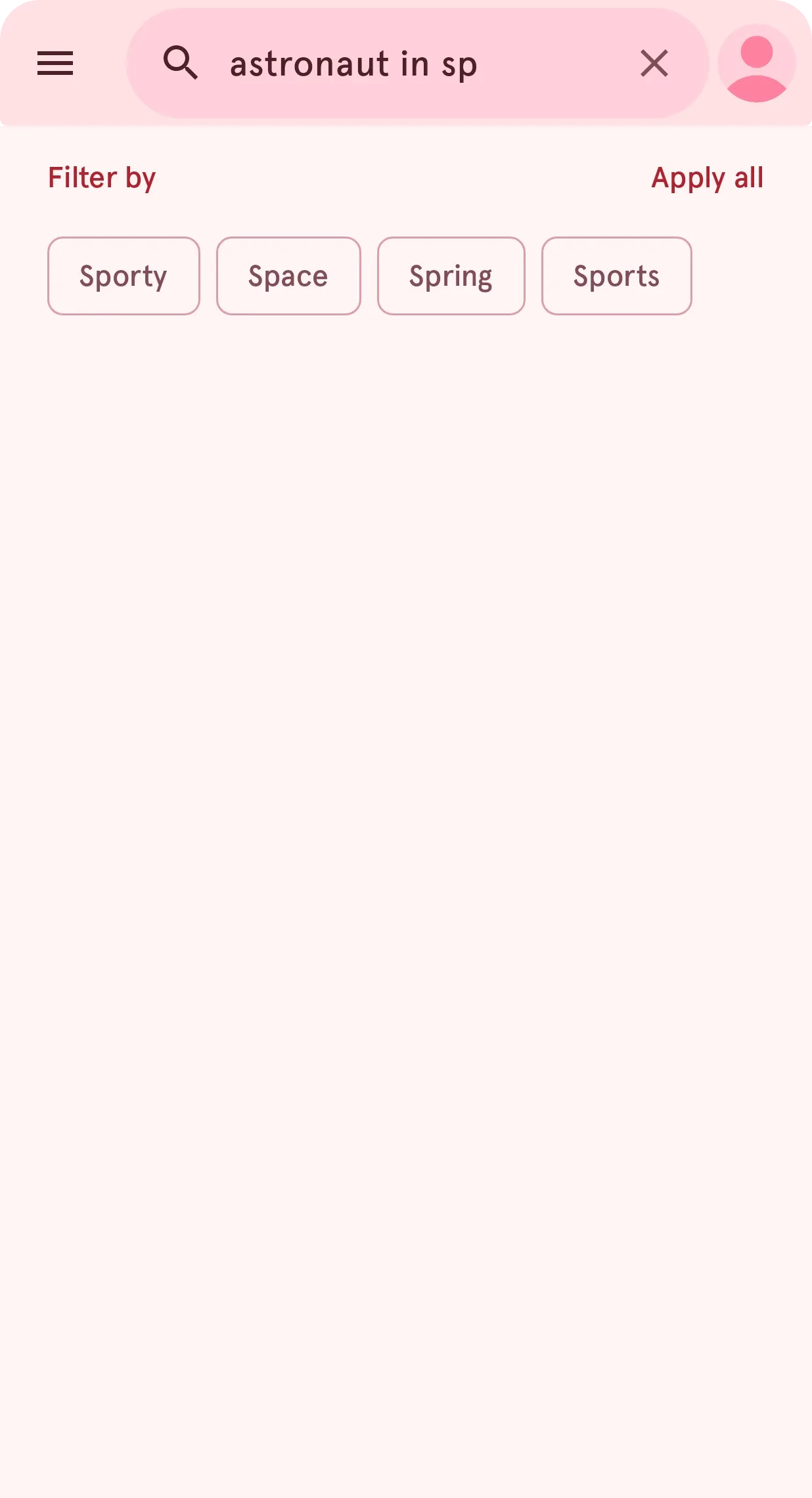
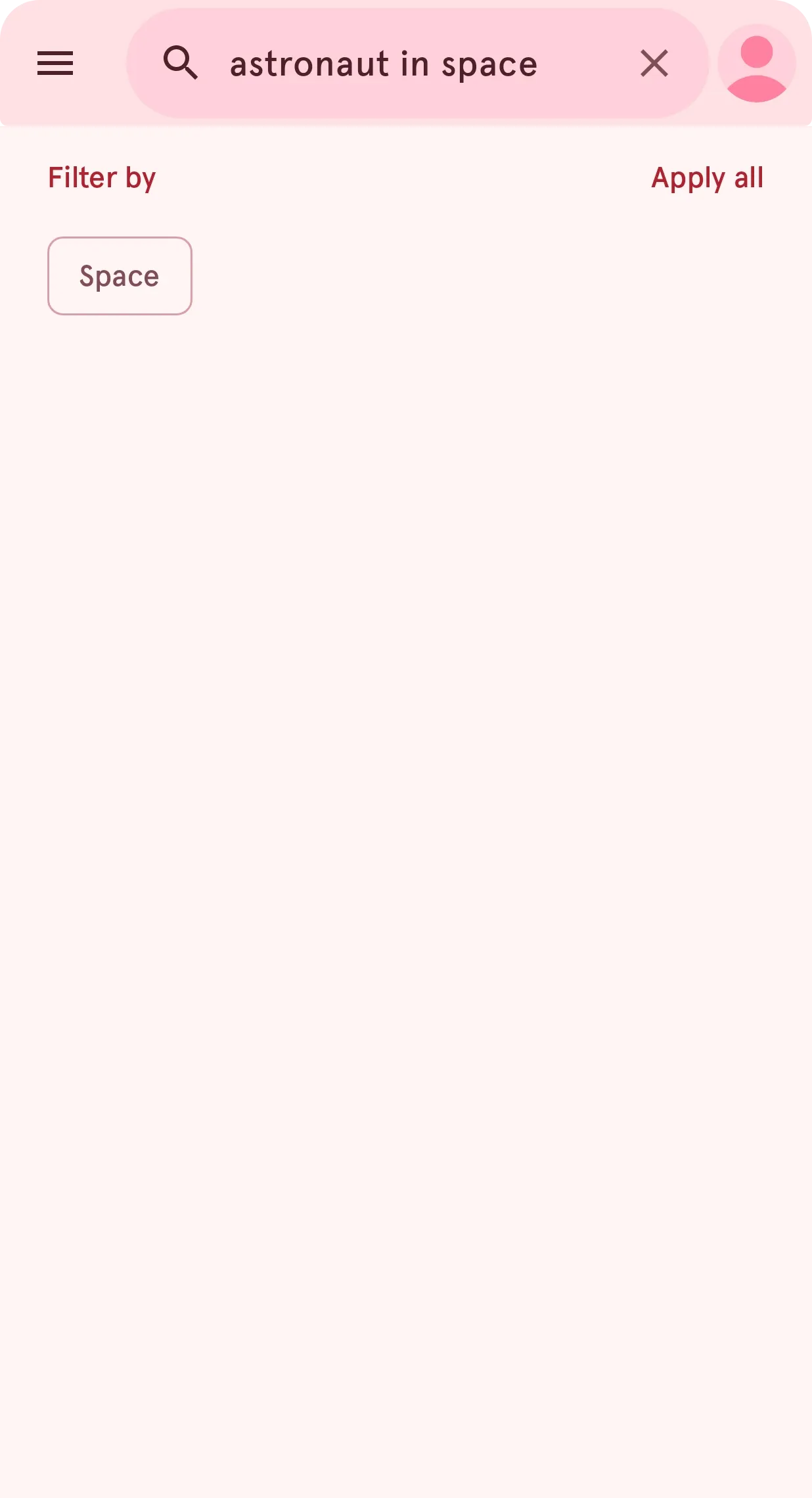
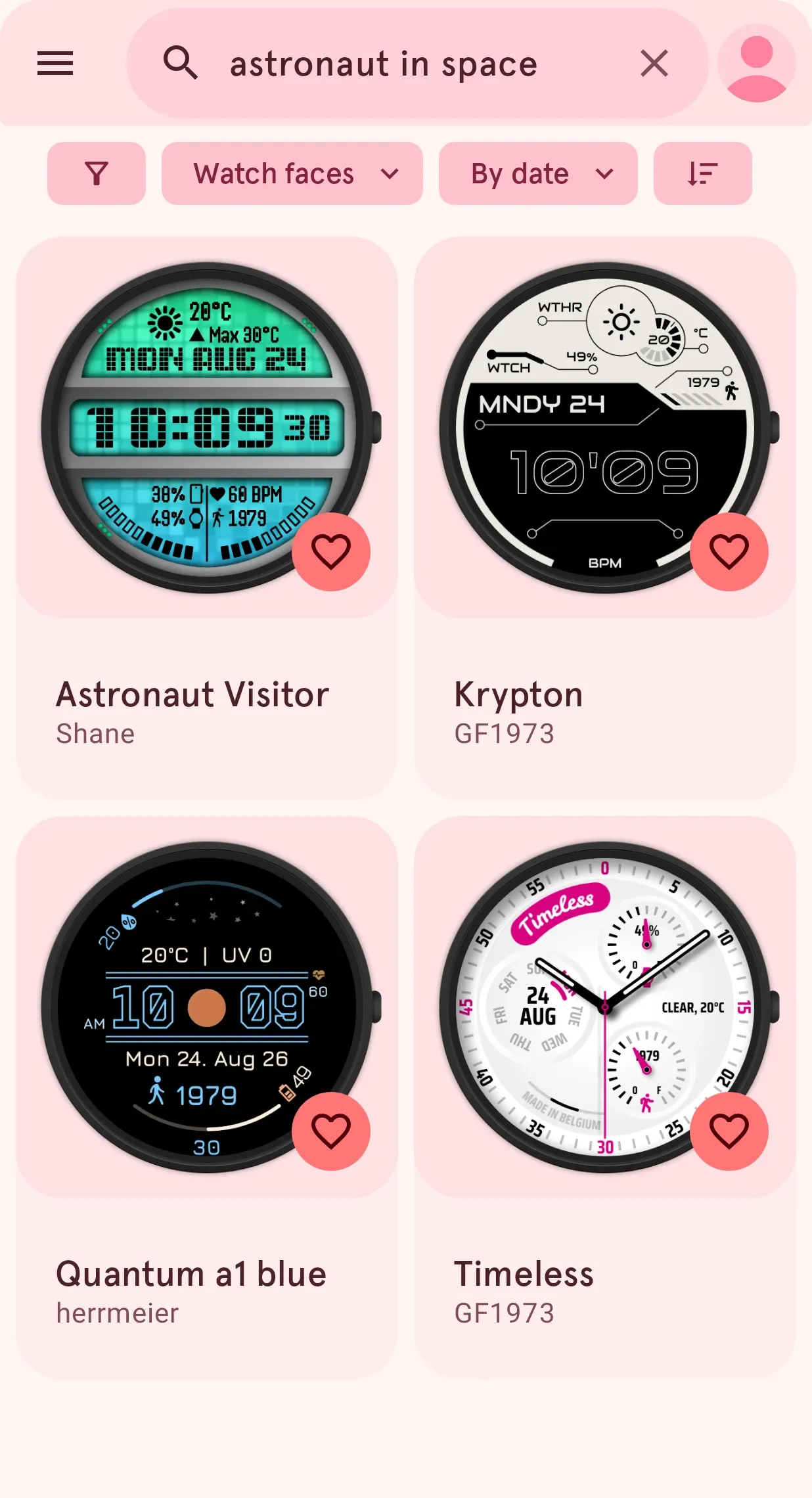
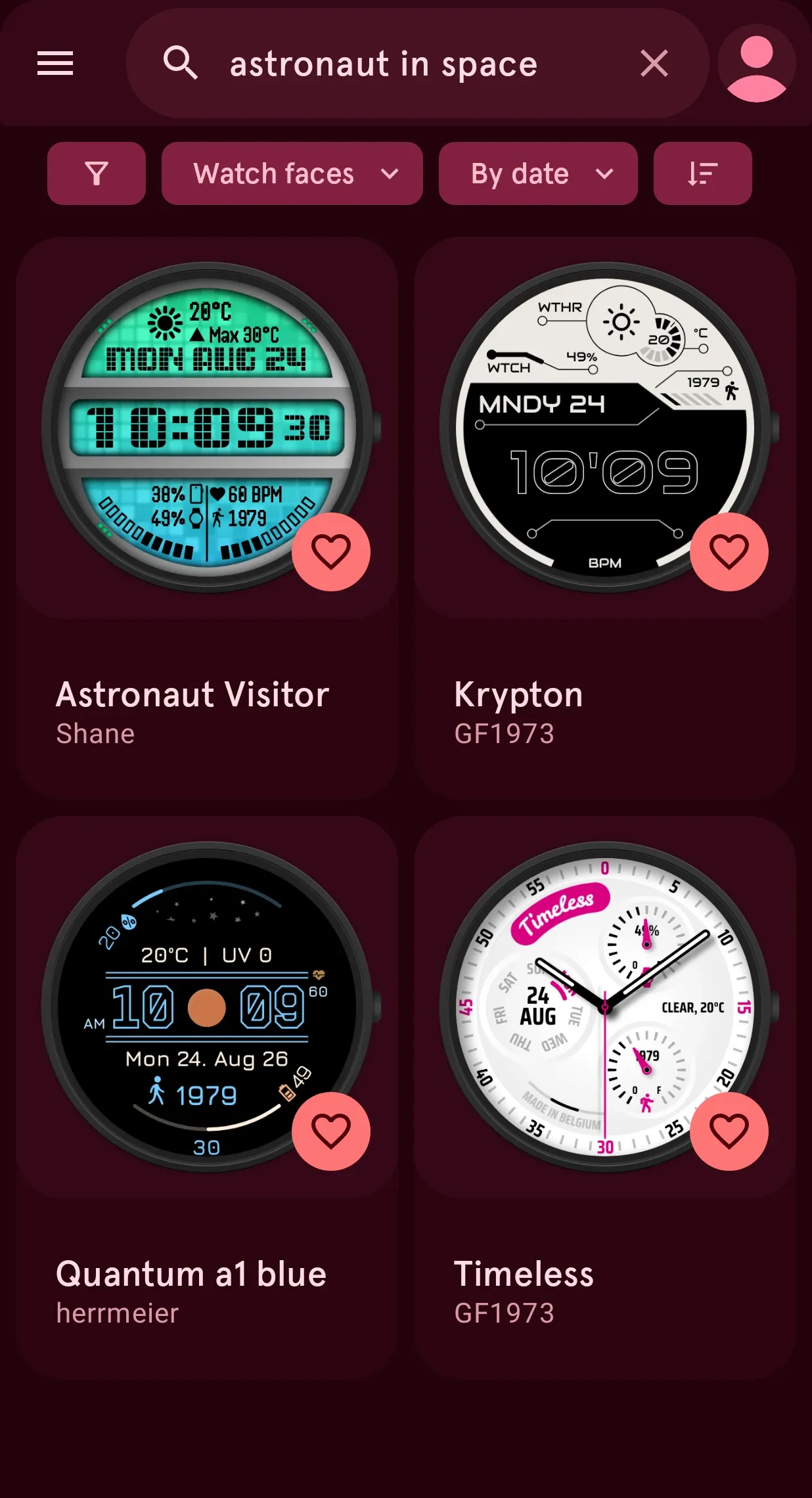
Describe the face you want. Search knows what you mean.
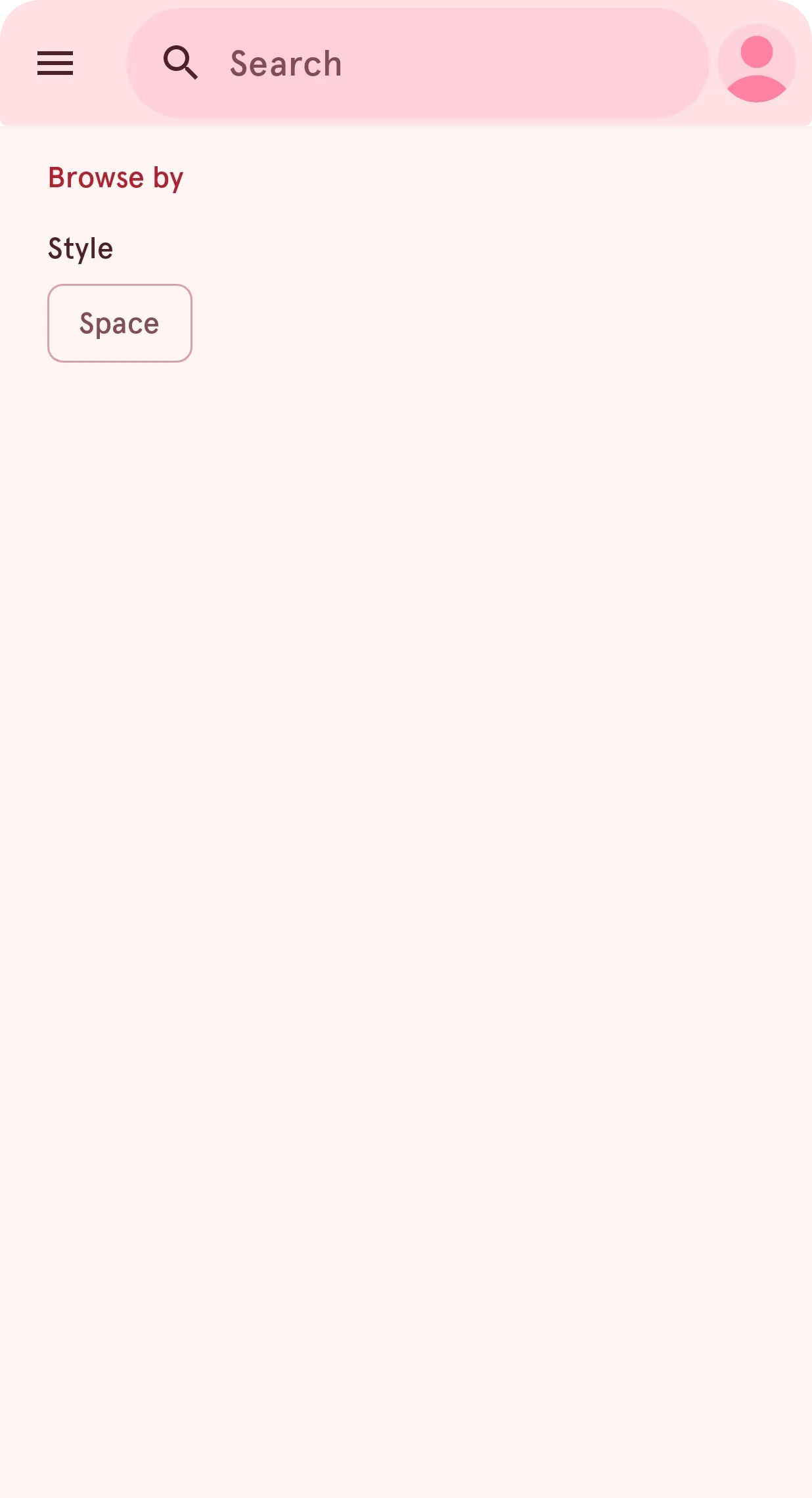
No need to know its name: type what you have in mind, like "astronaut in space". Search reads the meaning, finds the faces that fit, and offers words like "space" as filters.
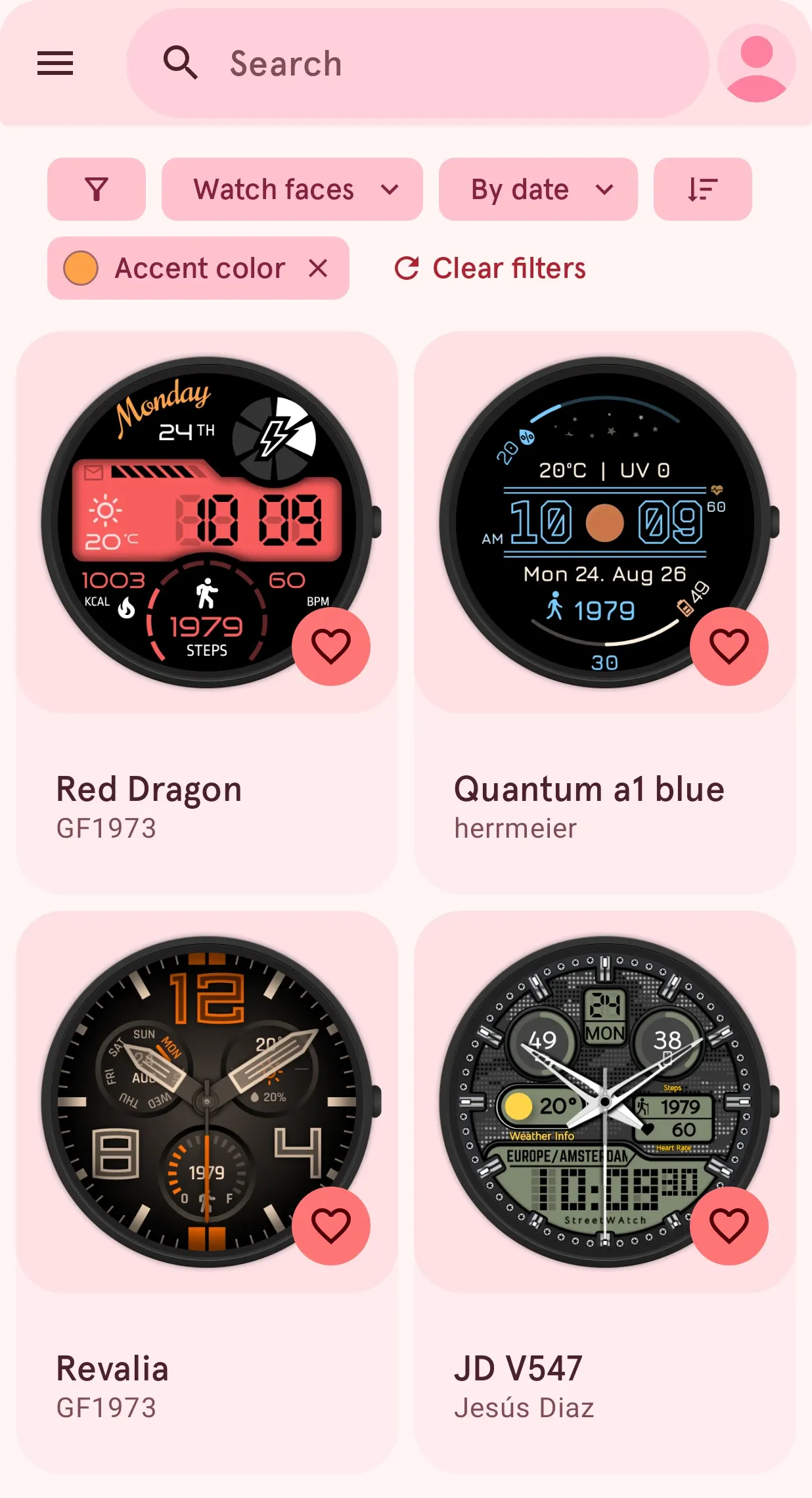
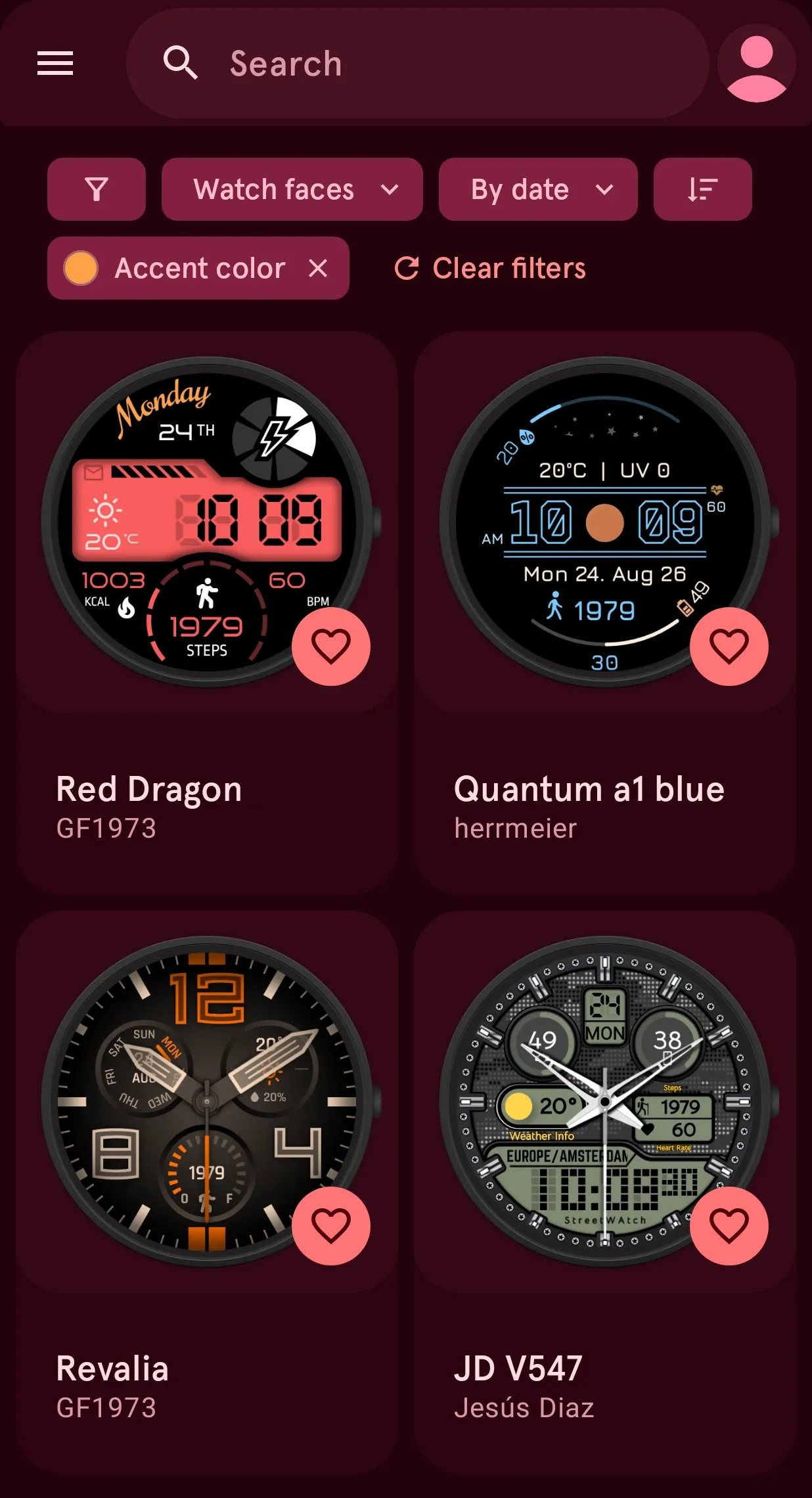
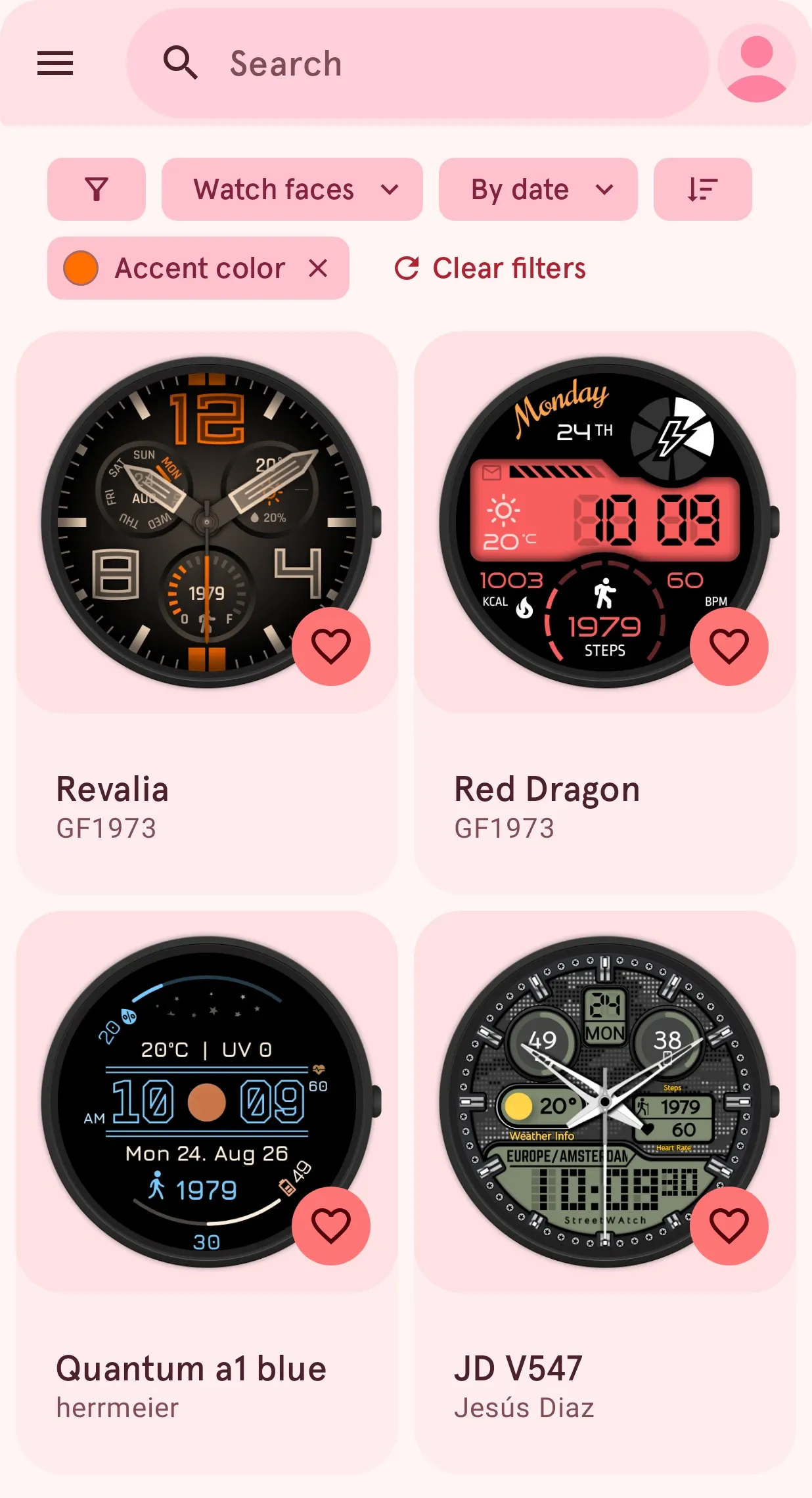
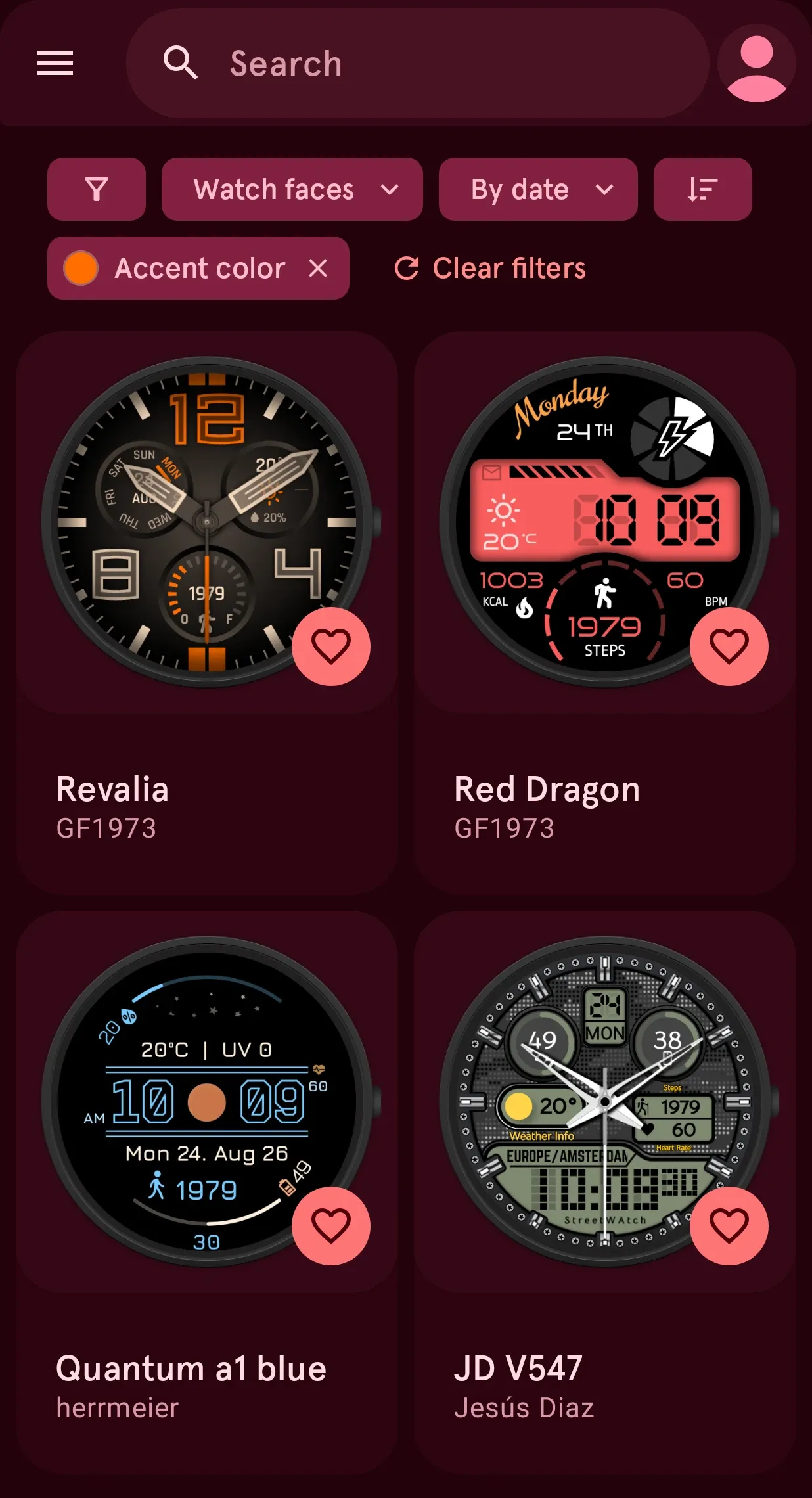
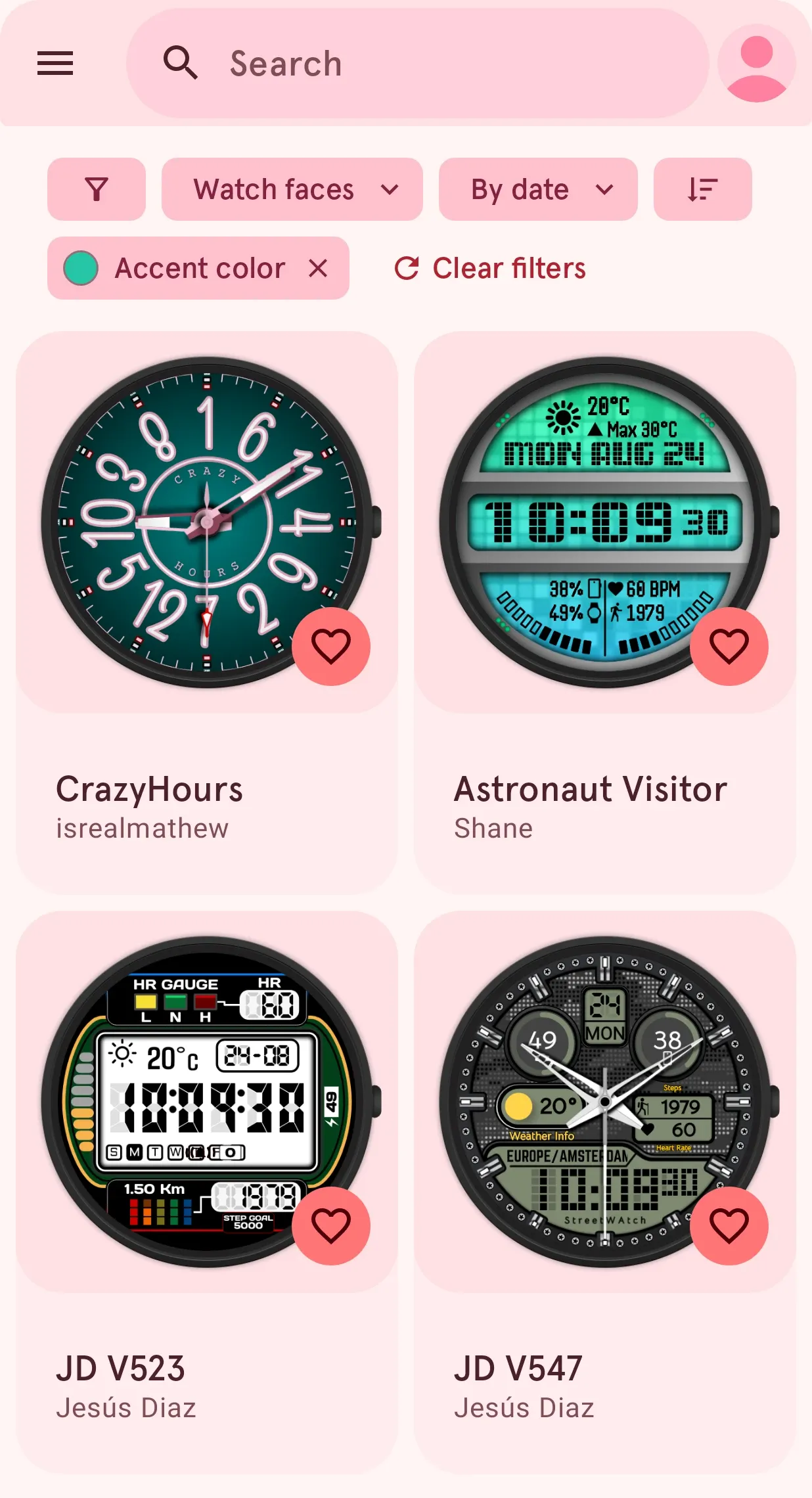
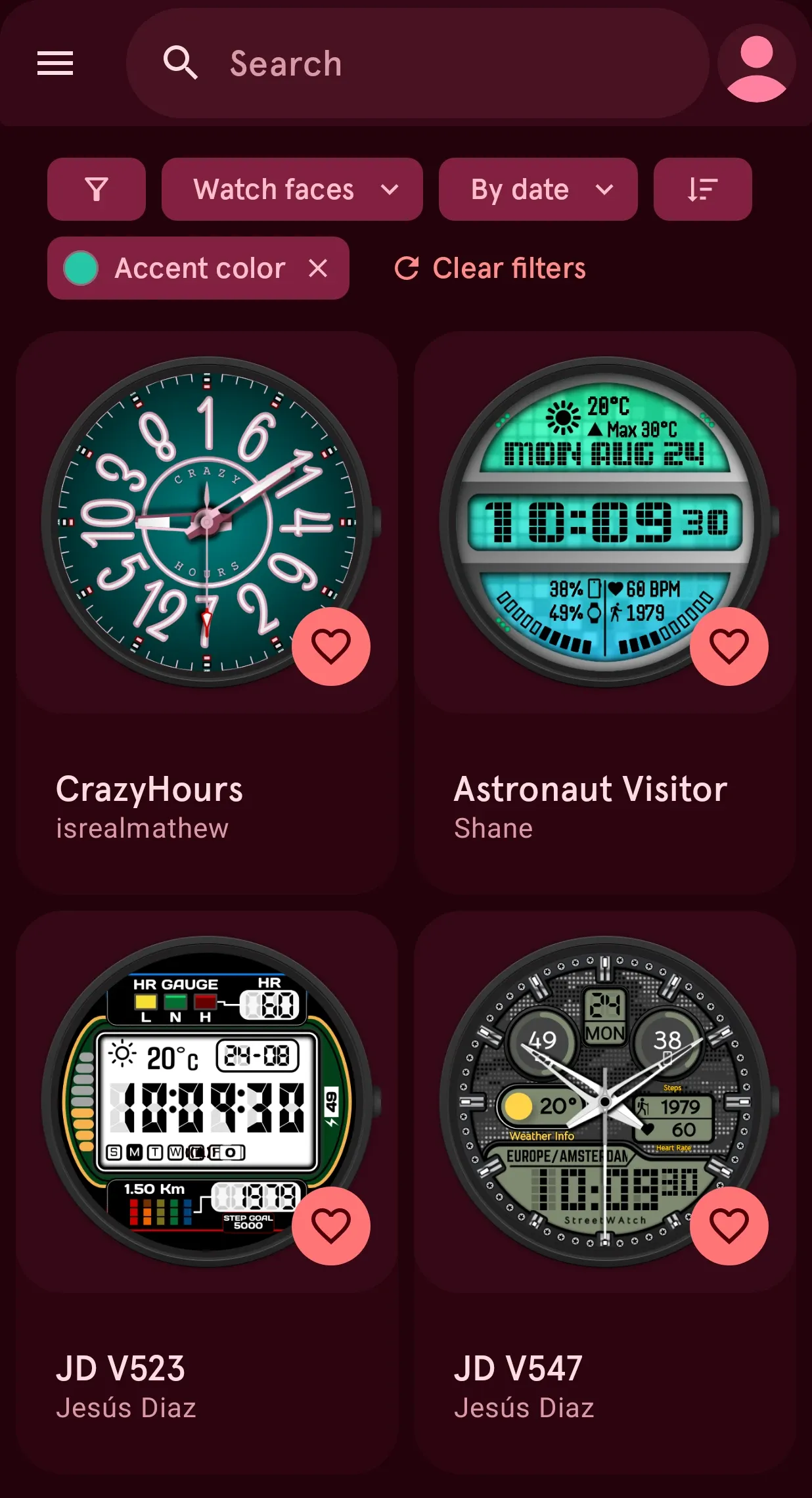
Looking for a color? Filter the whole Library by it.
Pick a color in the filters and the Library shows only the faces in it, to match a strap, a dial or an outfit.
Not just faces: elements to build your own.
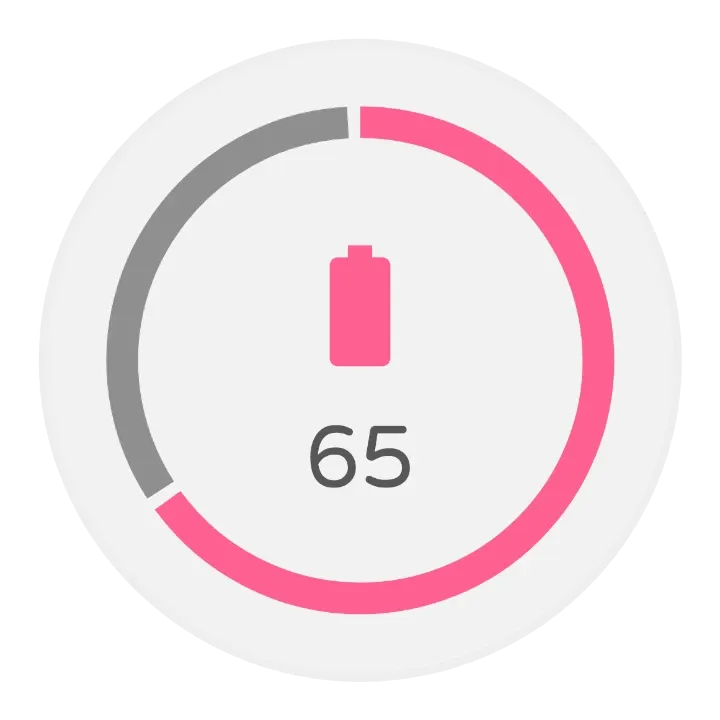
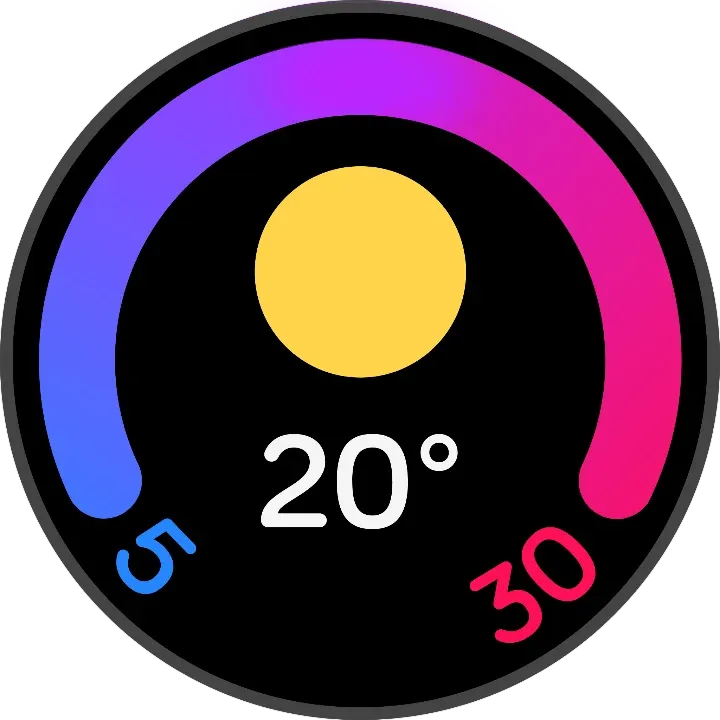
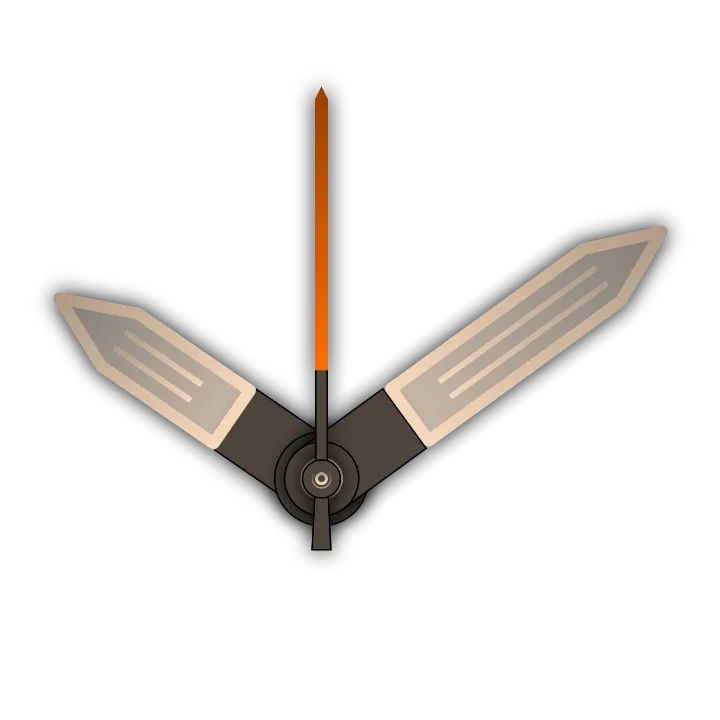
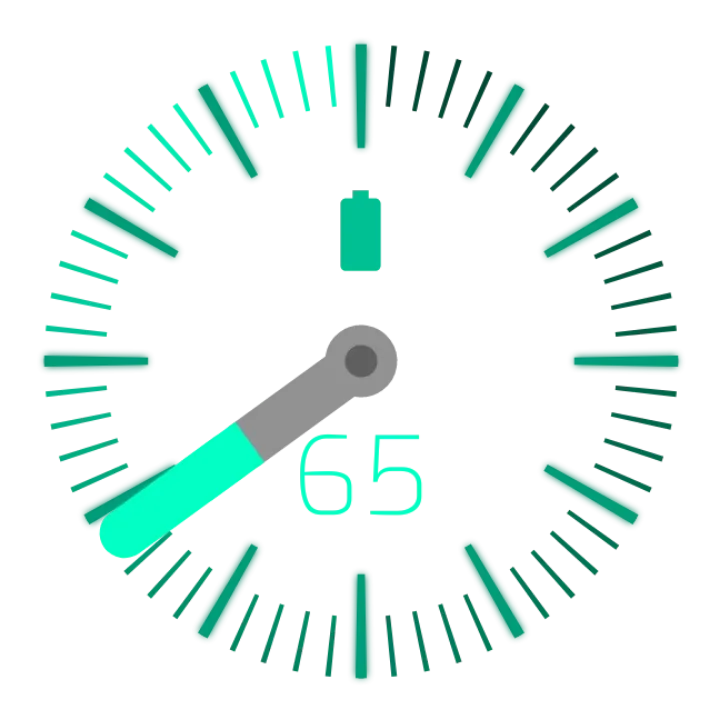
Complications, dynamic elements and watch hands, each bringing its design and live data. Drop one into any face in the designer.









03 · For you
Picked for your taste.
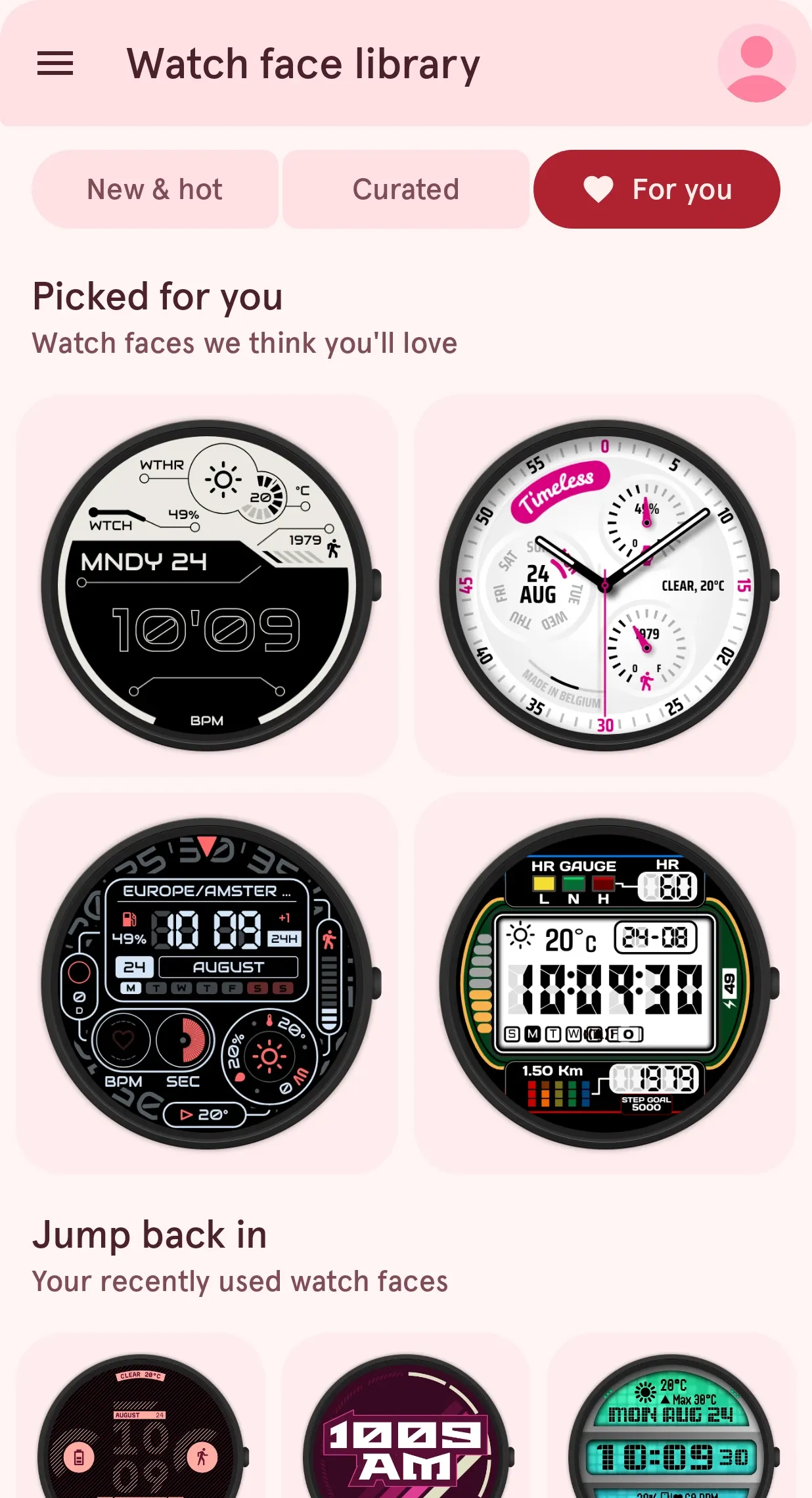
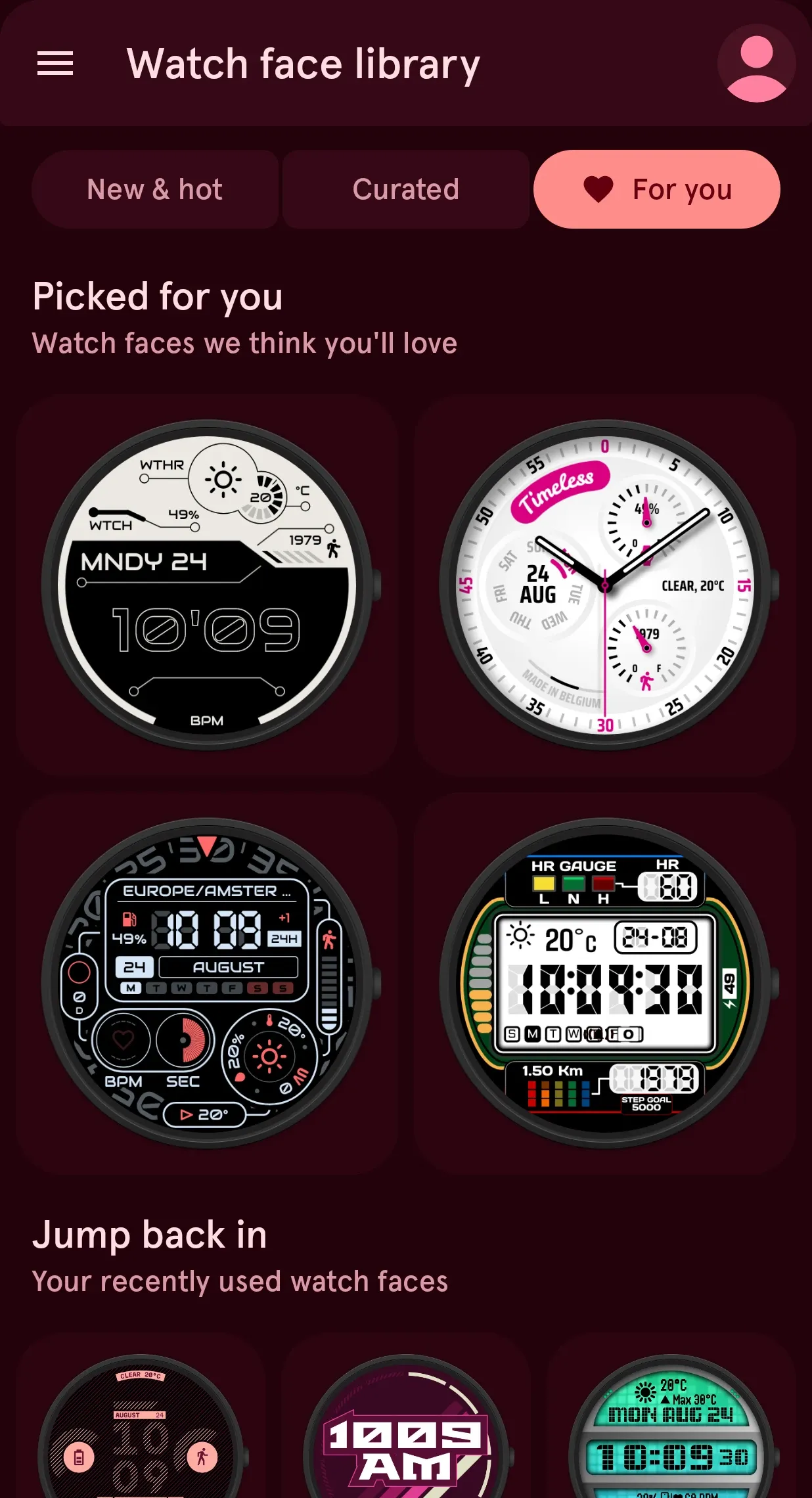
The more you like, the better it gets: For you turns your likes into recommendations you won't find by browsing.
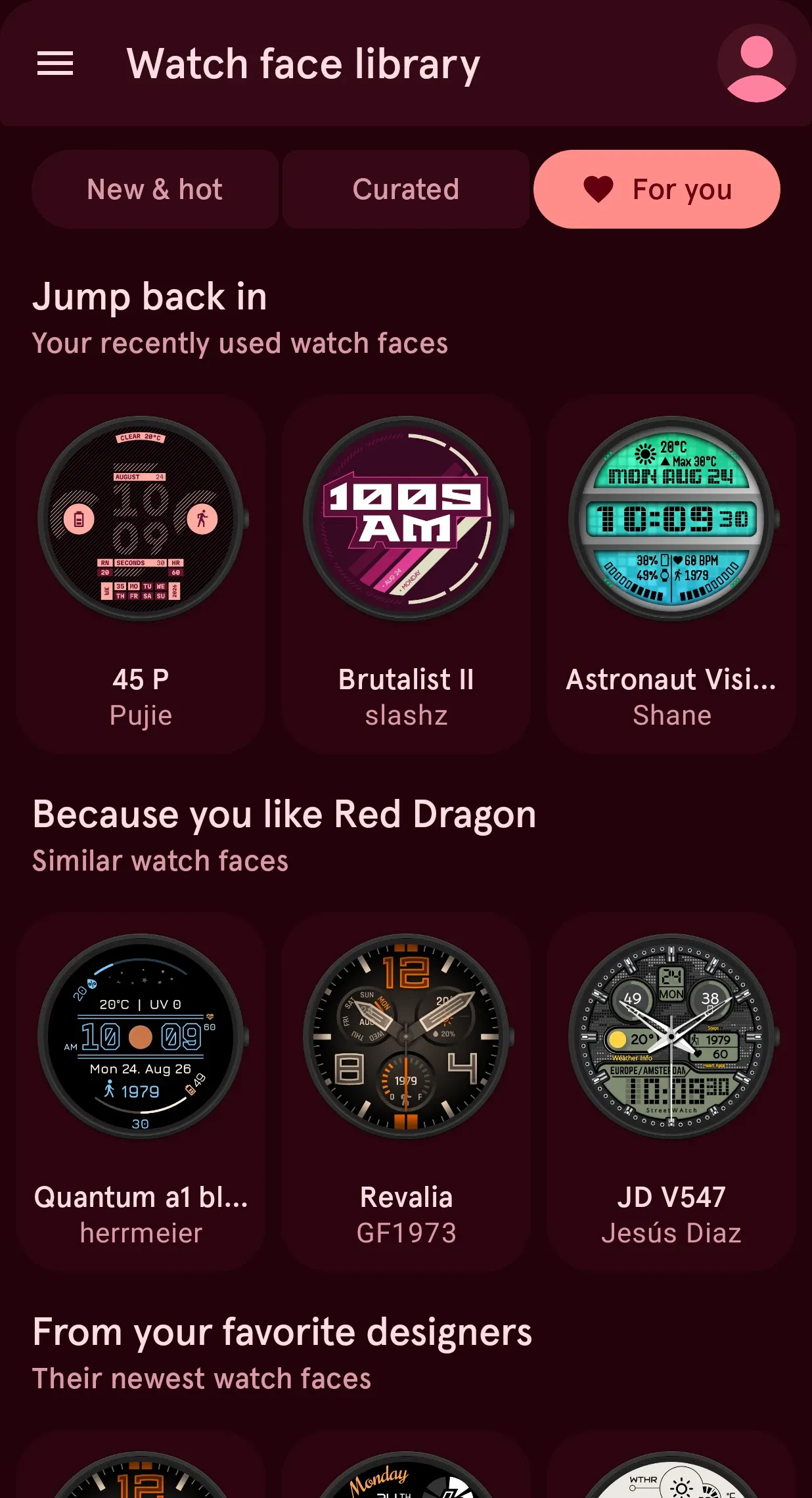
Picked for you, from what you like and use.
For you learns your taste from the faces you like and wear, and fills a grid with faces it thinks you will love.
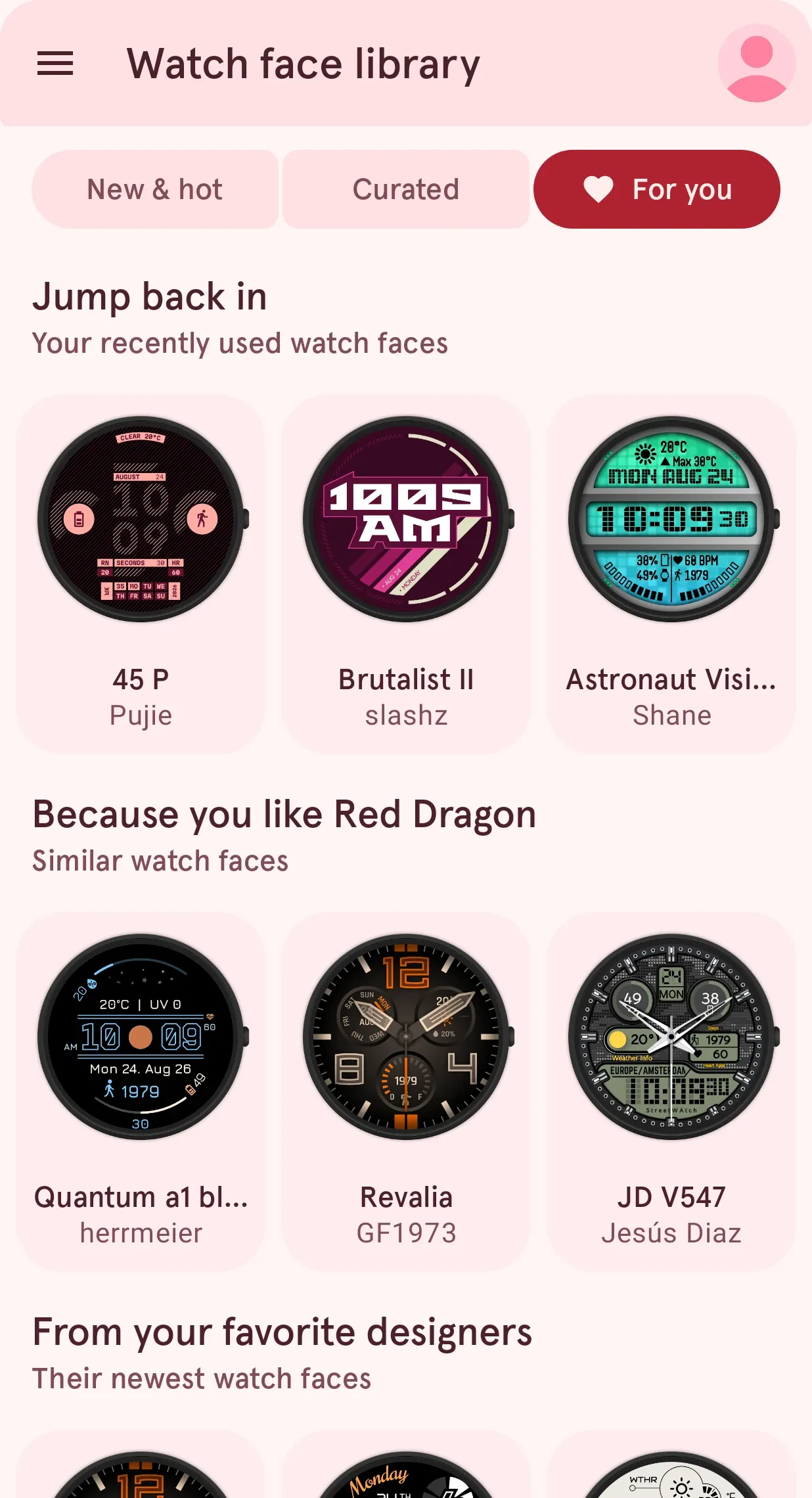
Jump back in to the faces you wore lately.
The faces you used recently stay one tap away, so switching back for the weekend or the office is quick.
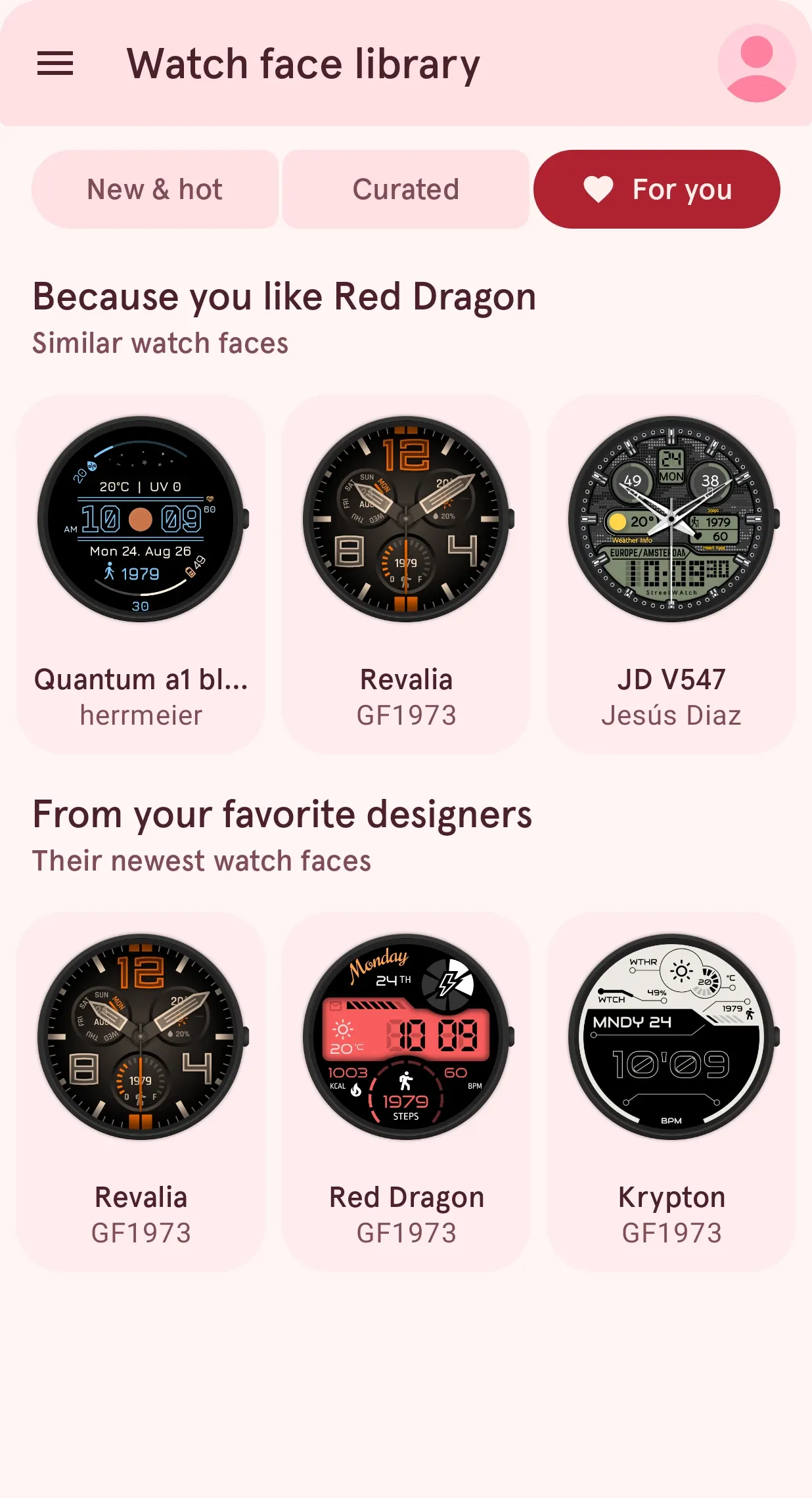
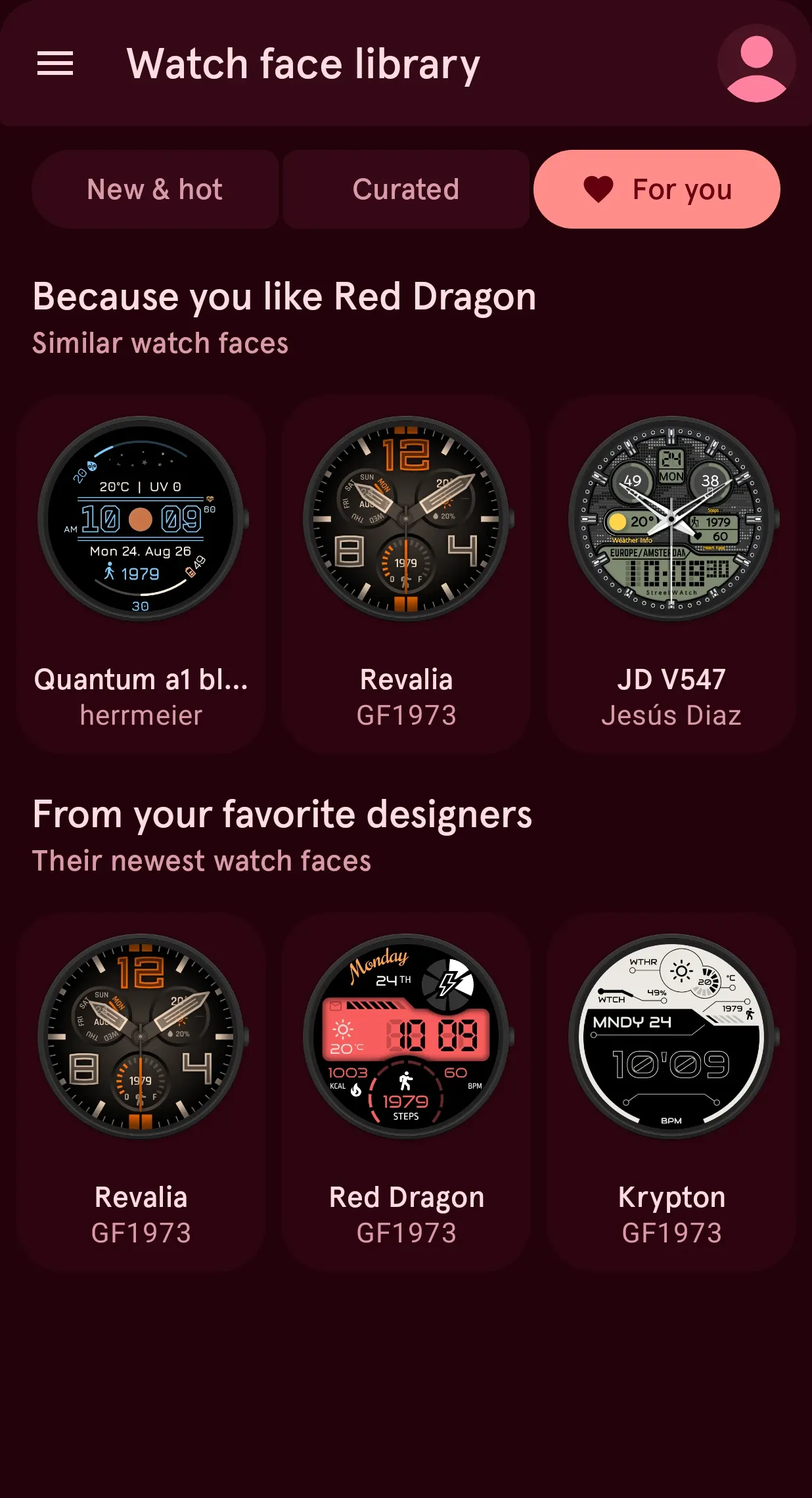
Liked one? Here are more like it.
Every face you like gets its own row of faces with the same look and feel, often by designers you did not know yet.
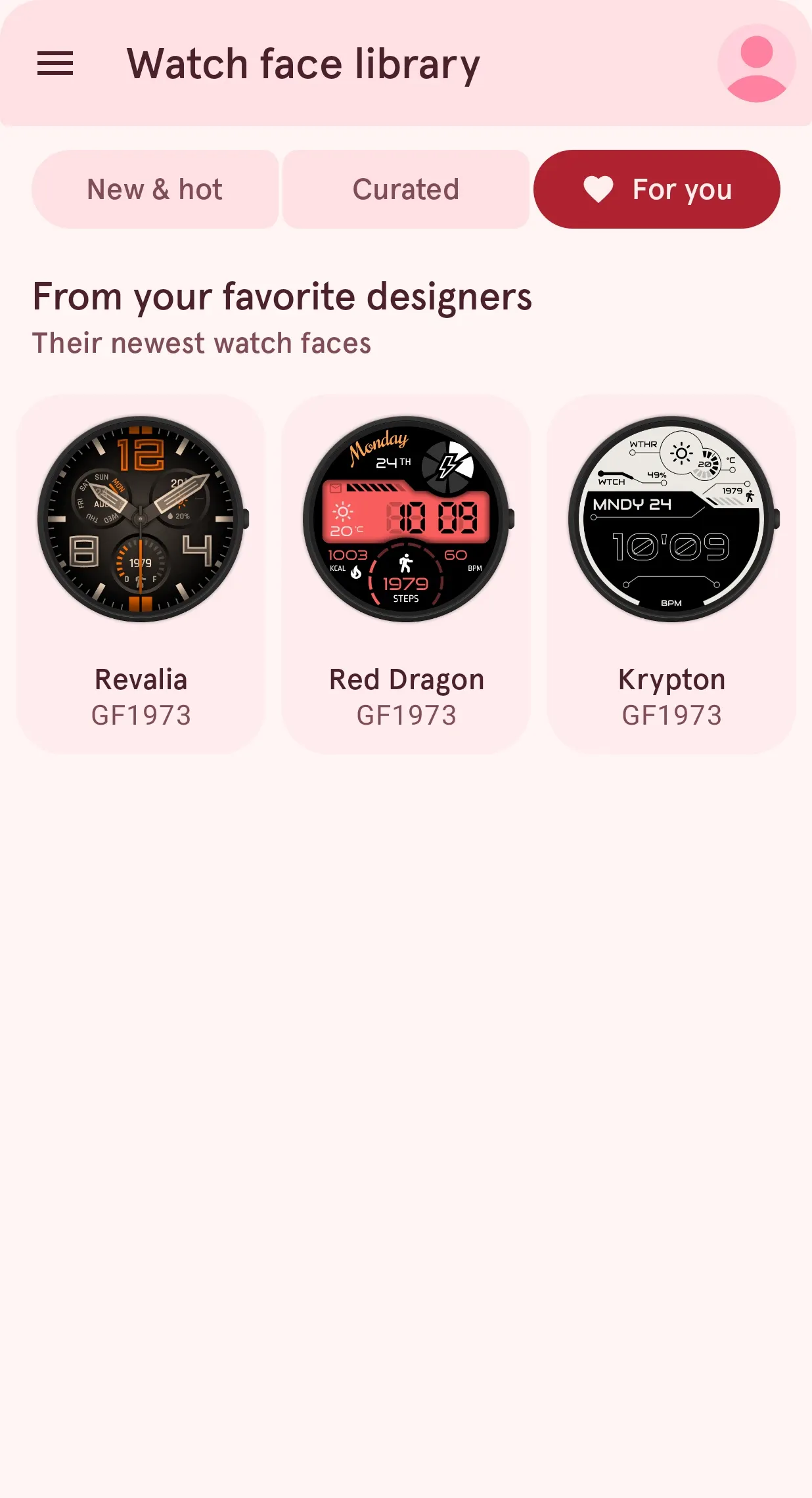
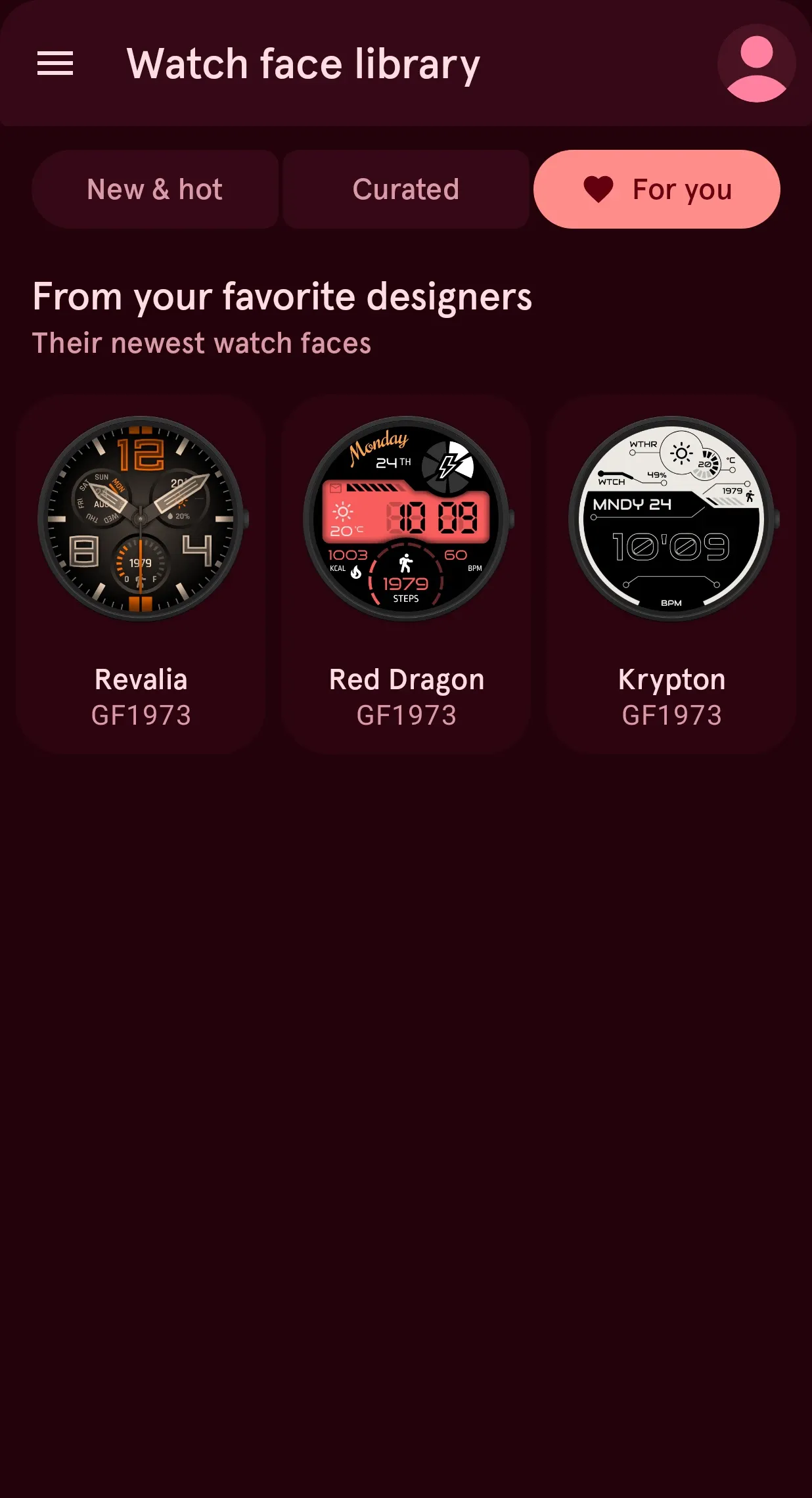
Follow a designer, never miss a new face.
The newest faces from the designers you follow show up here as soon as they publish them.
04 · Your designs
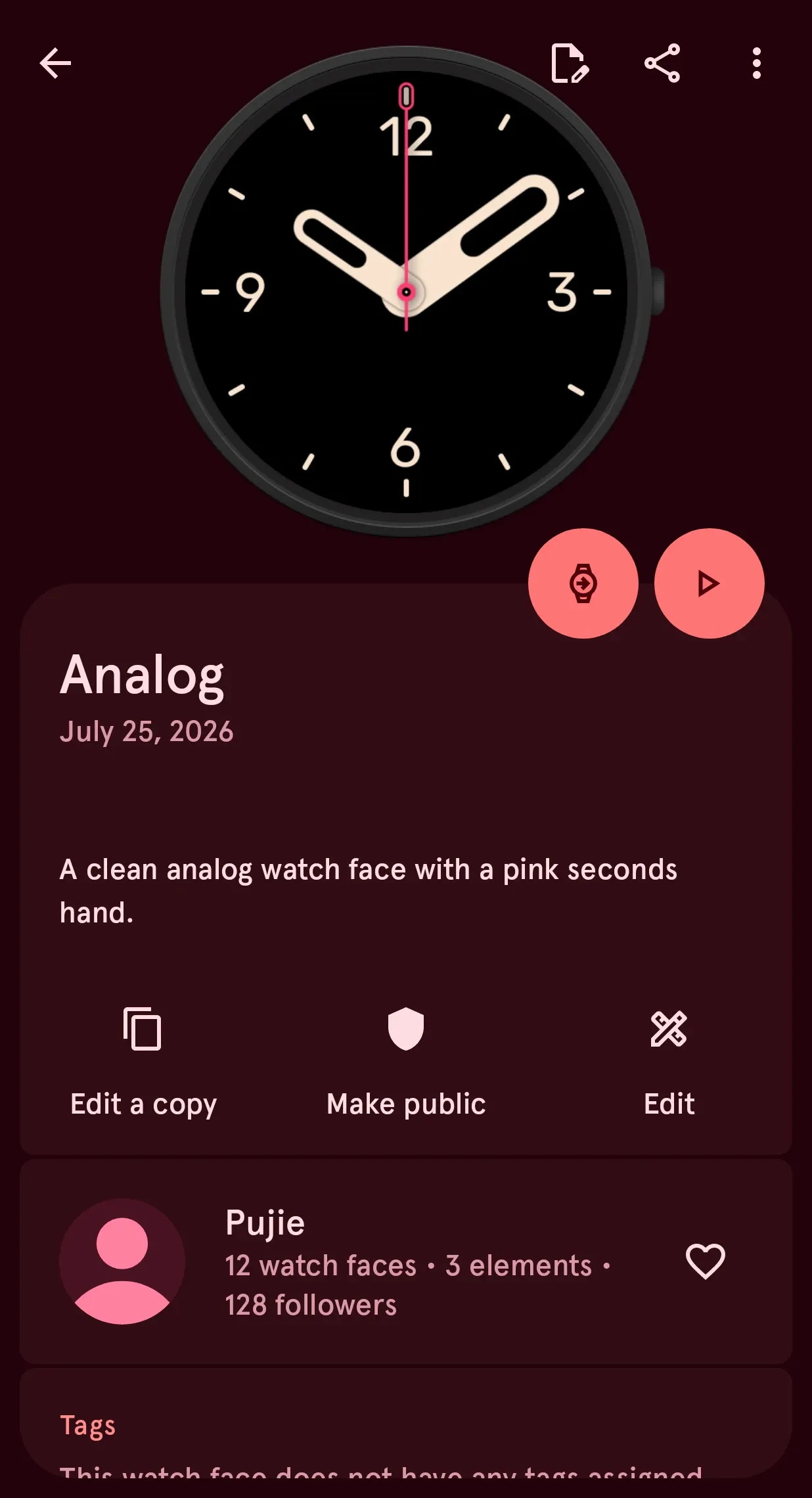
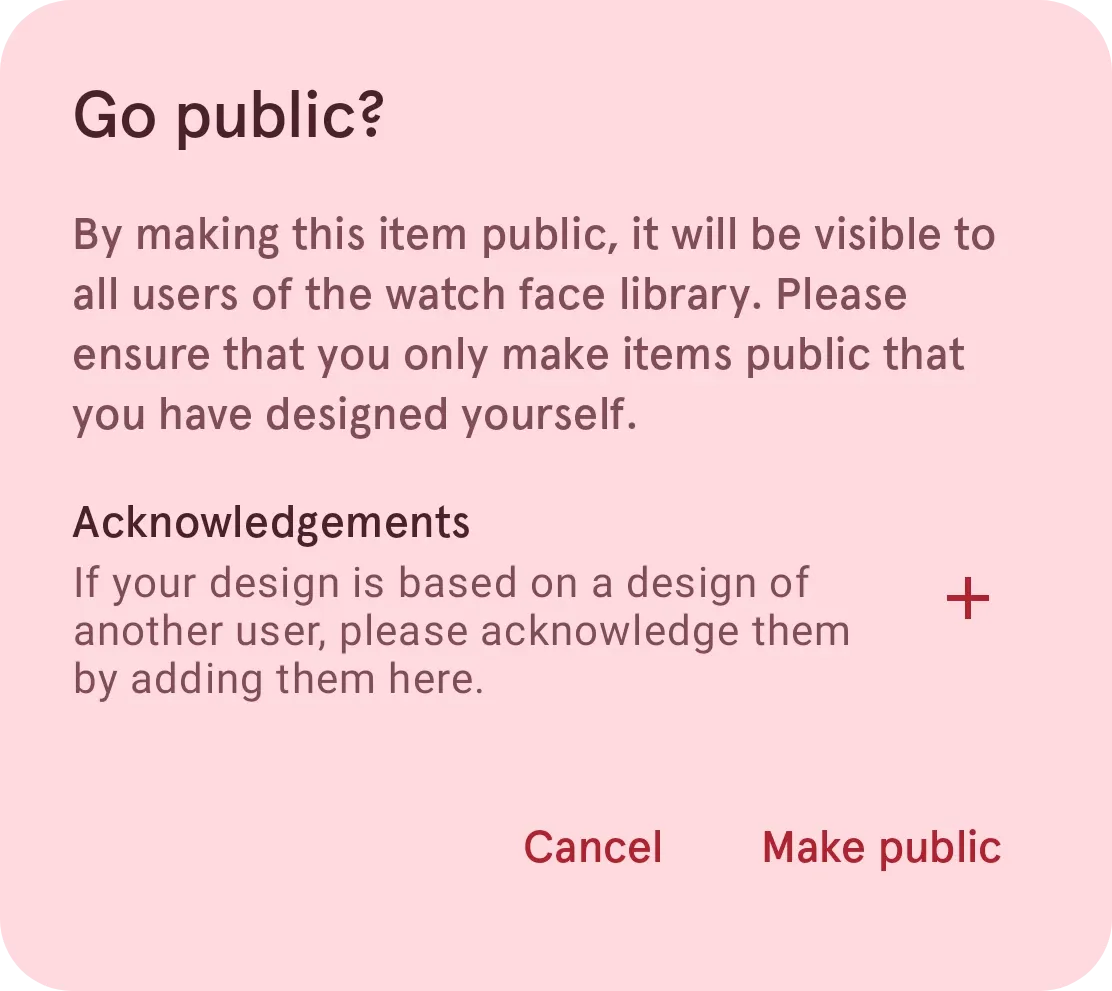
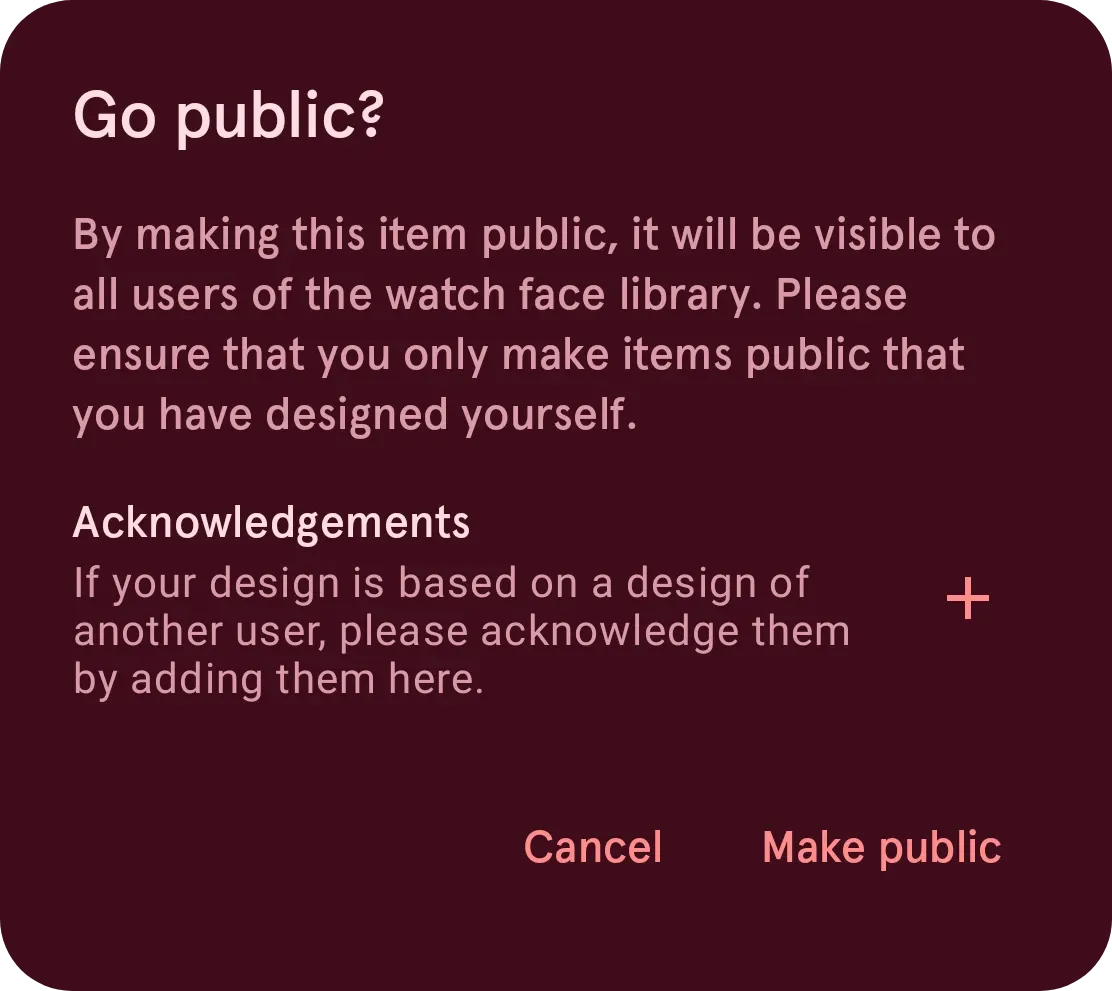
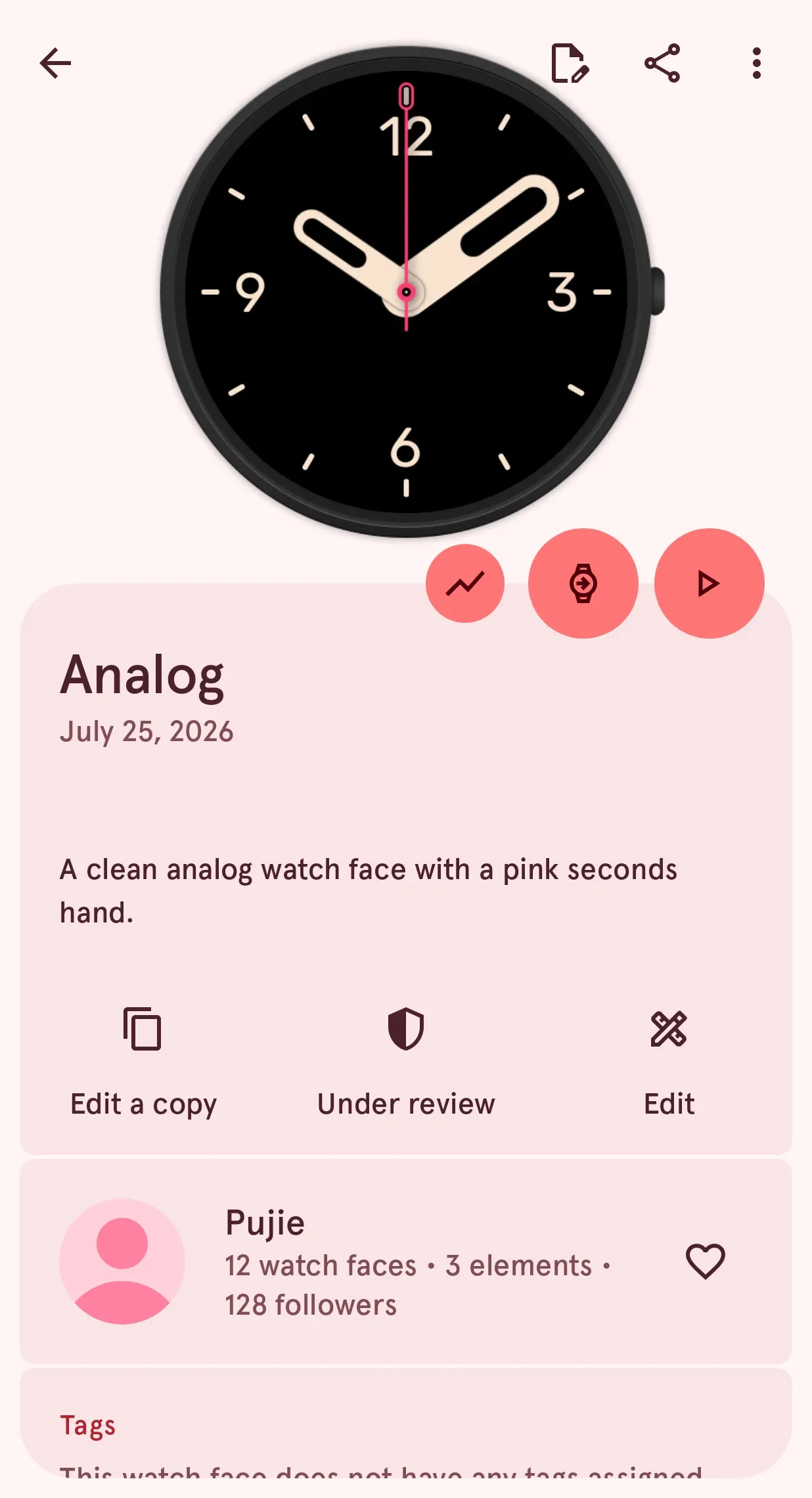
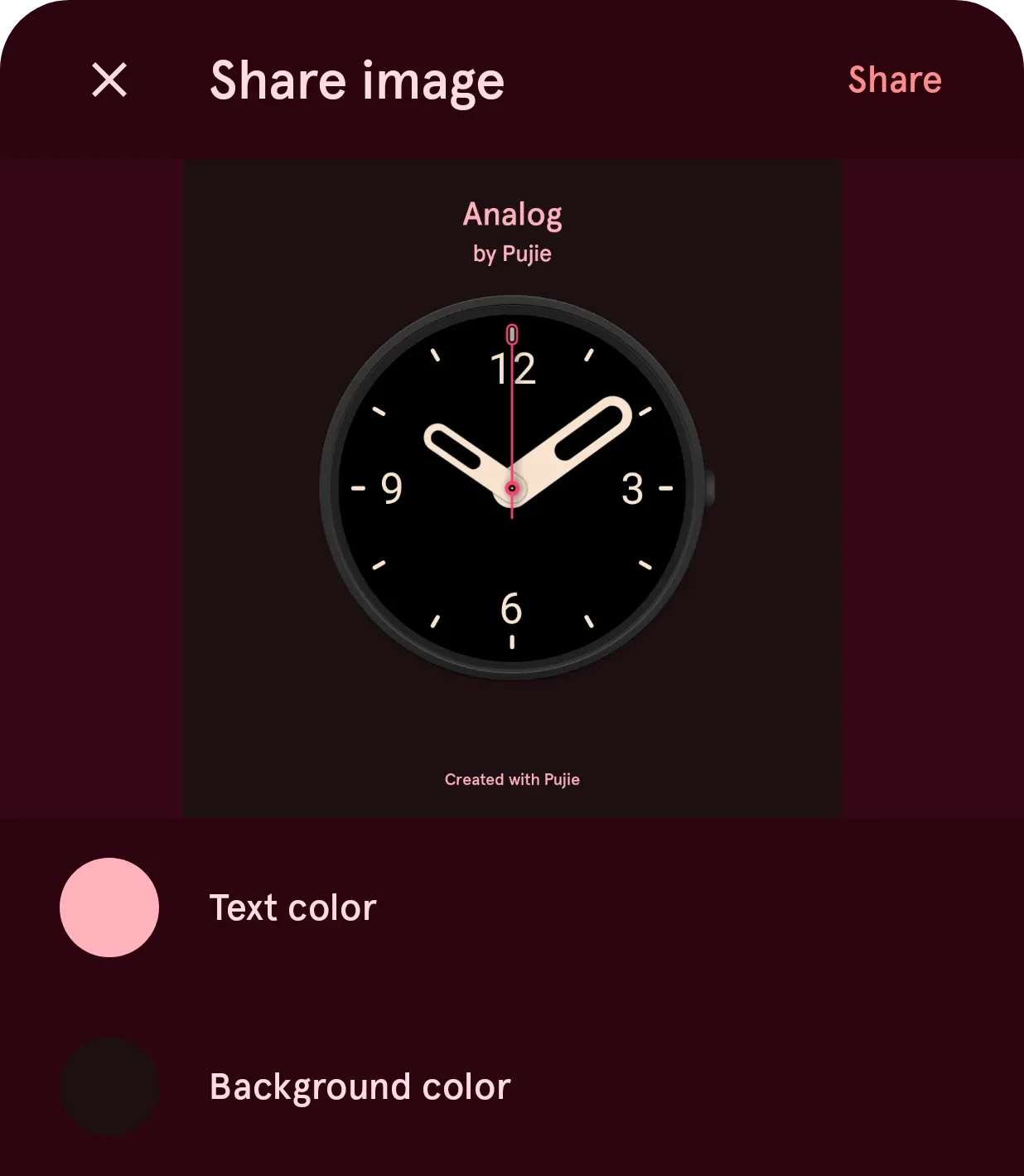
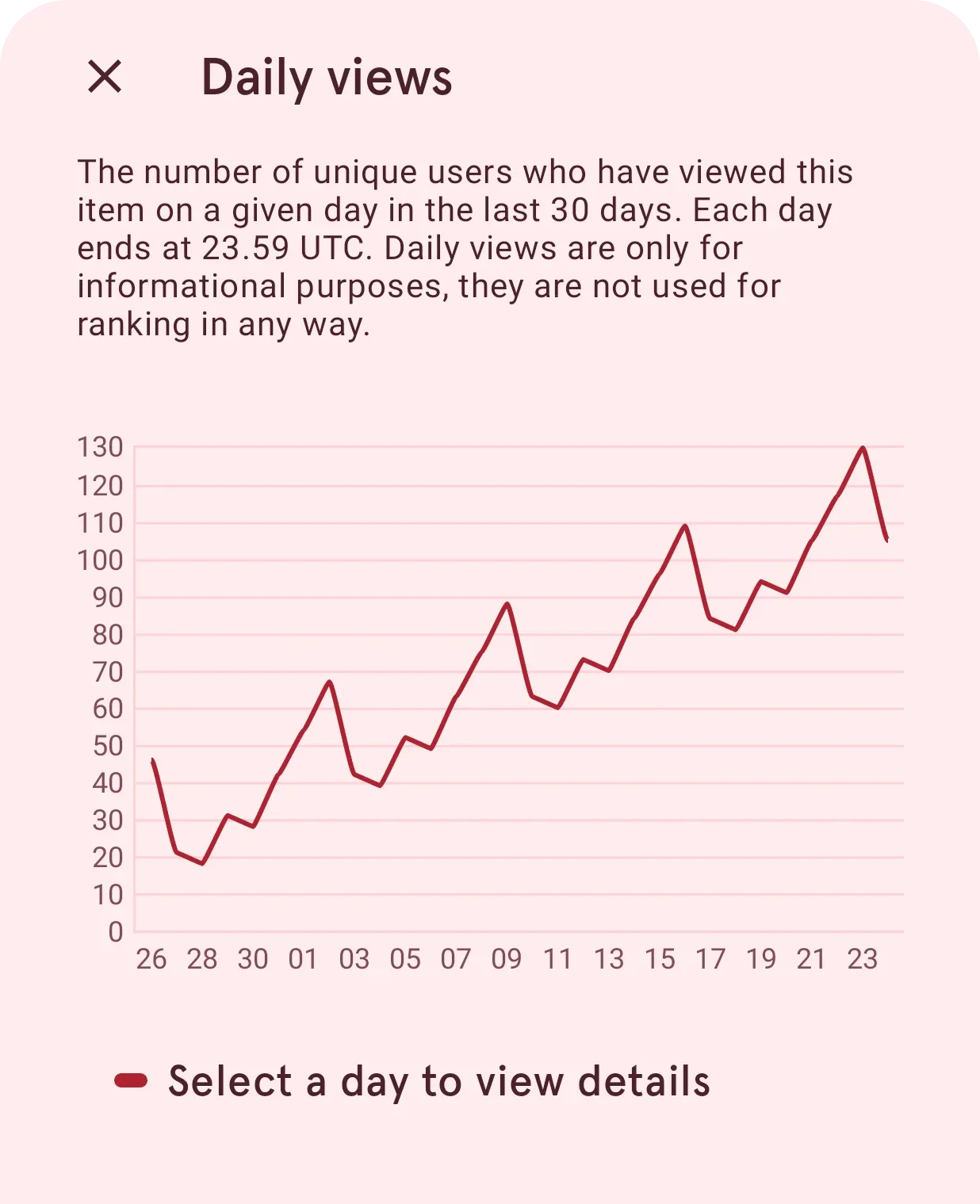
Your designs, out in the world.
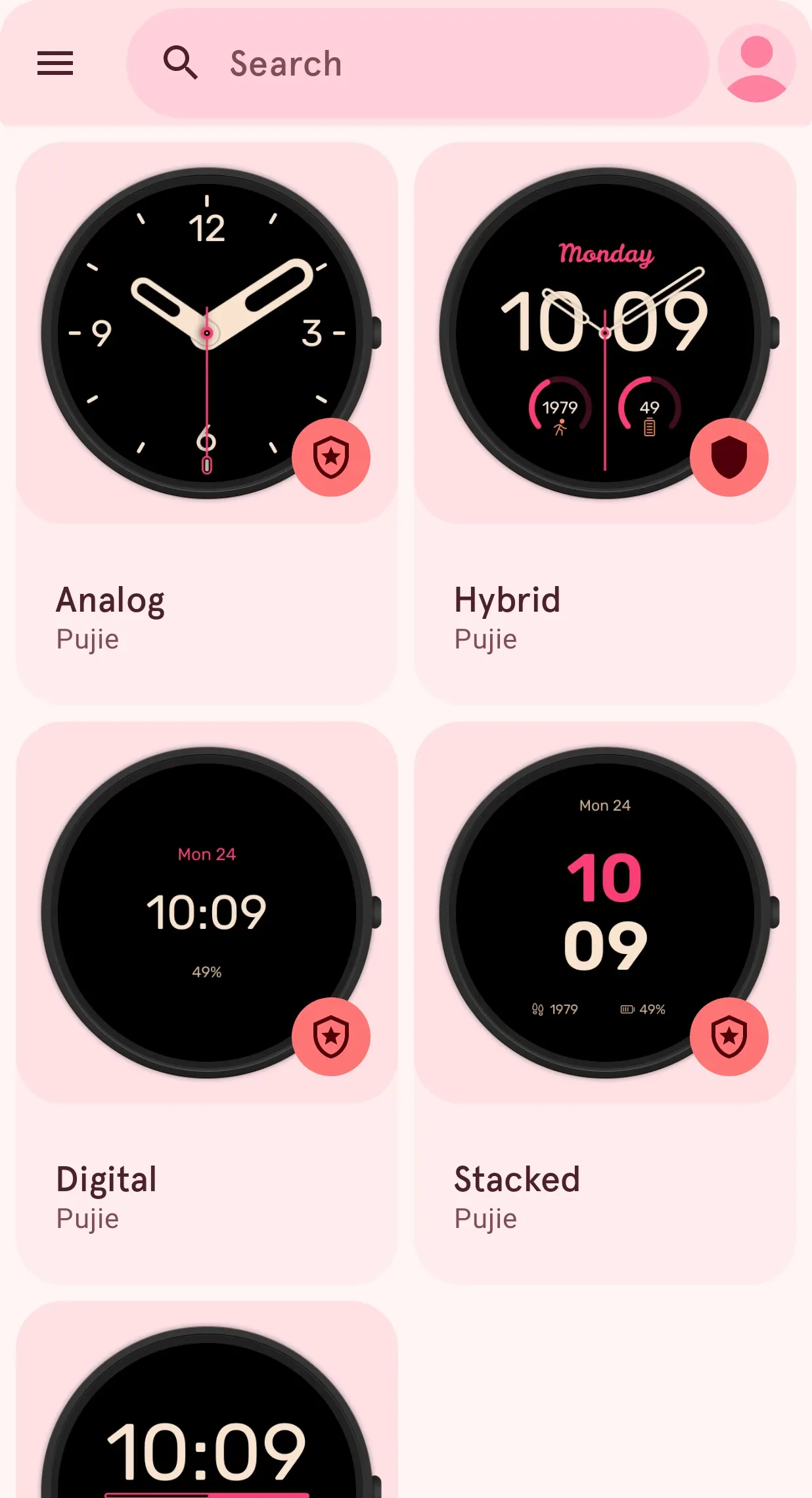
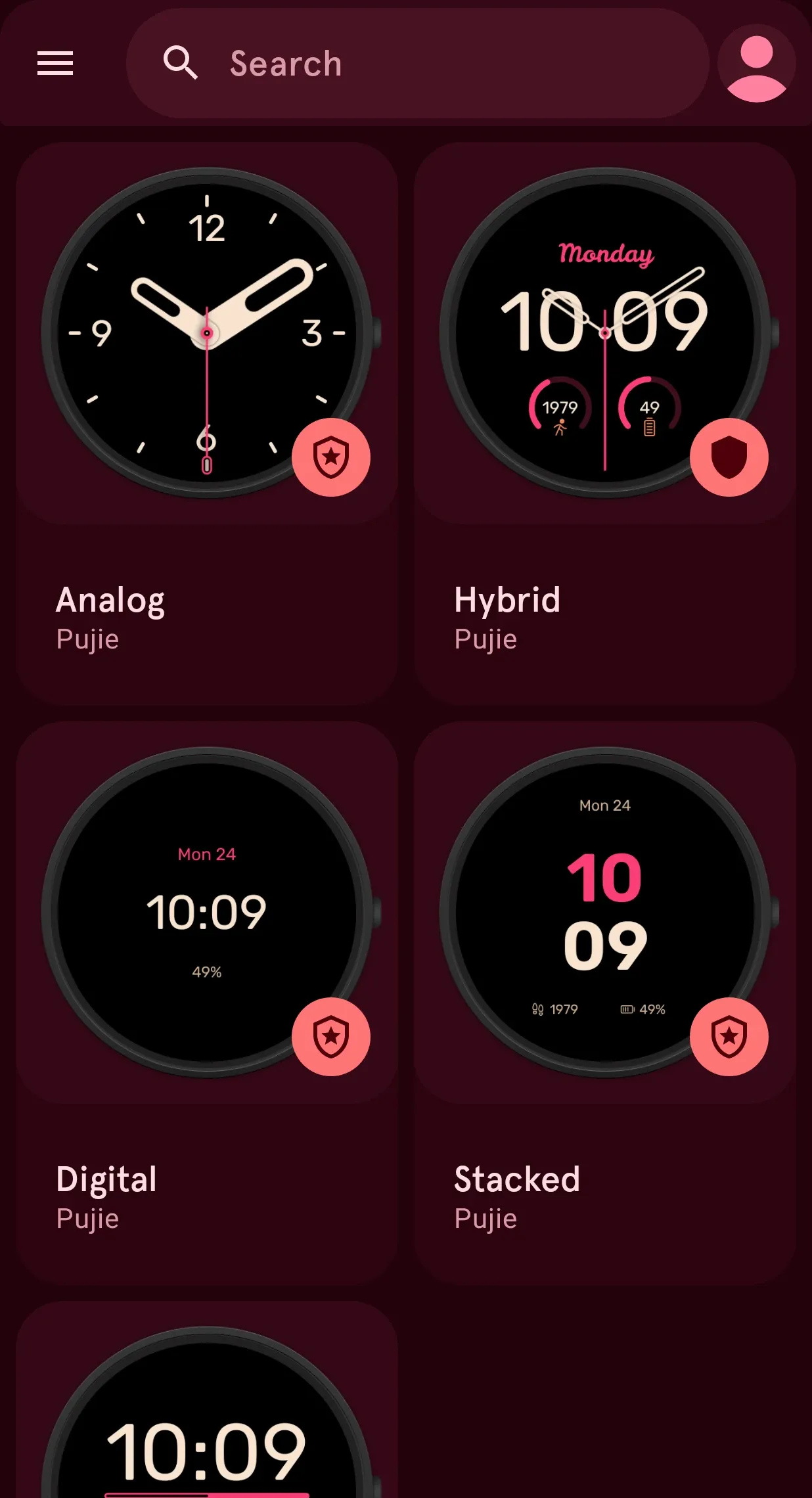
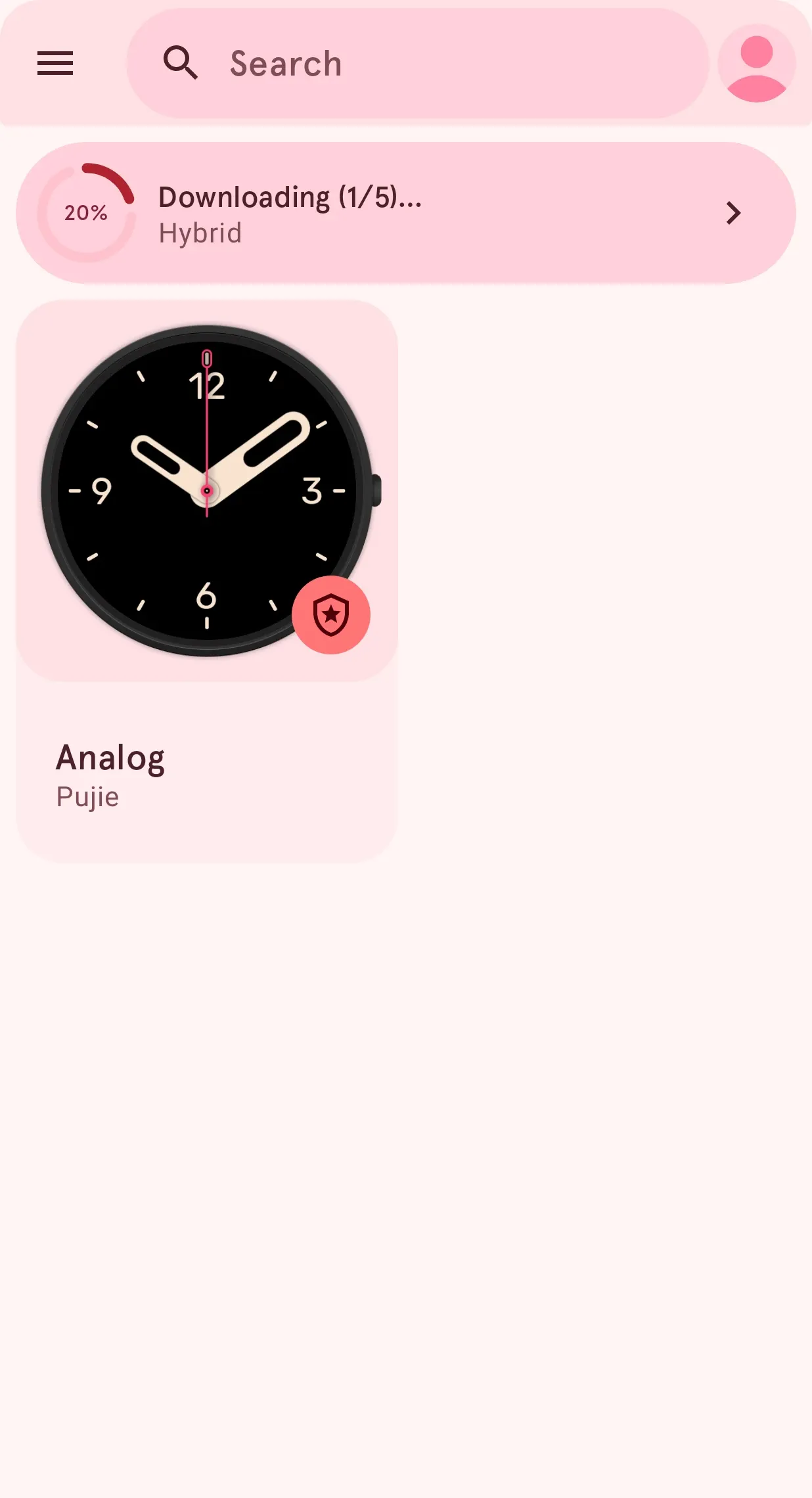
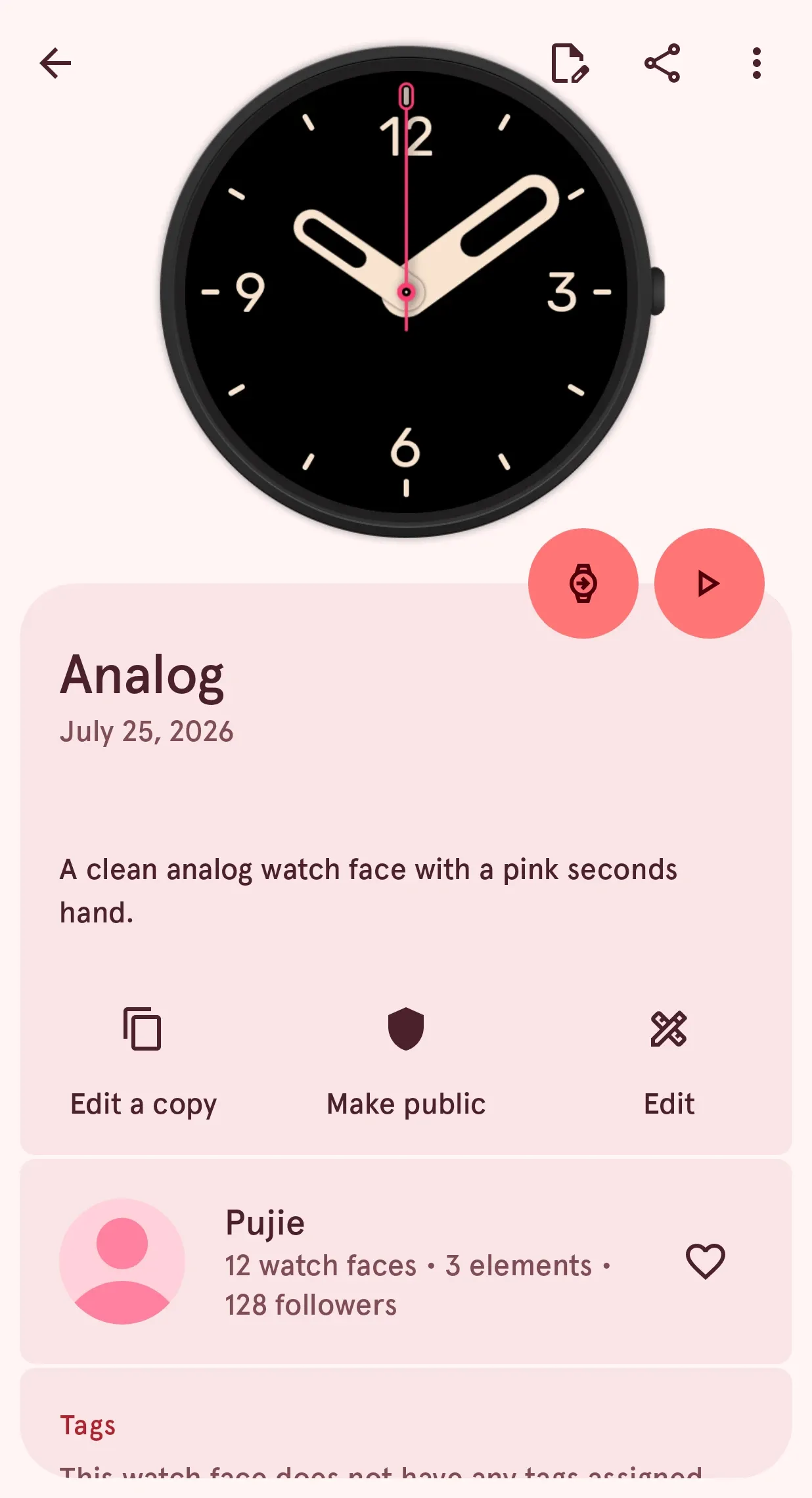
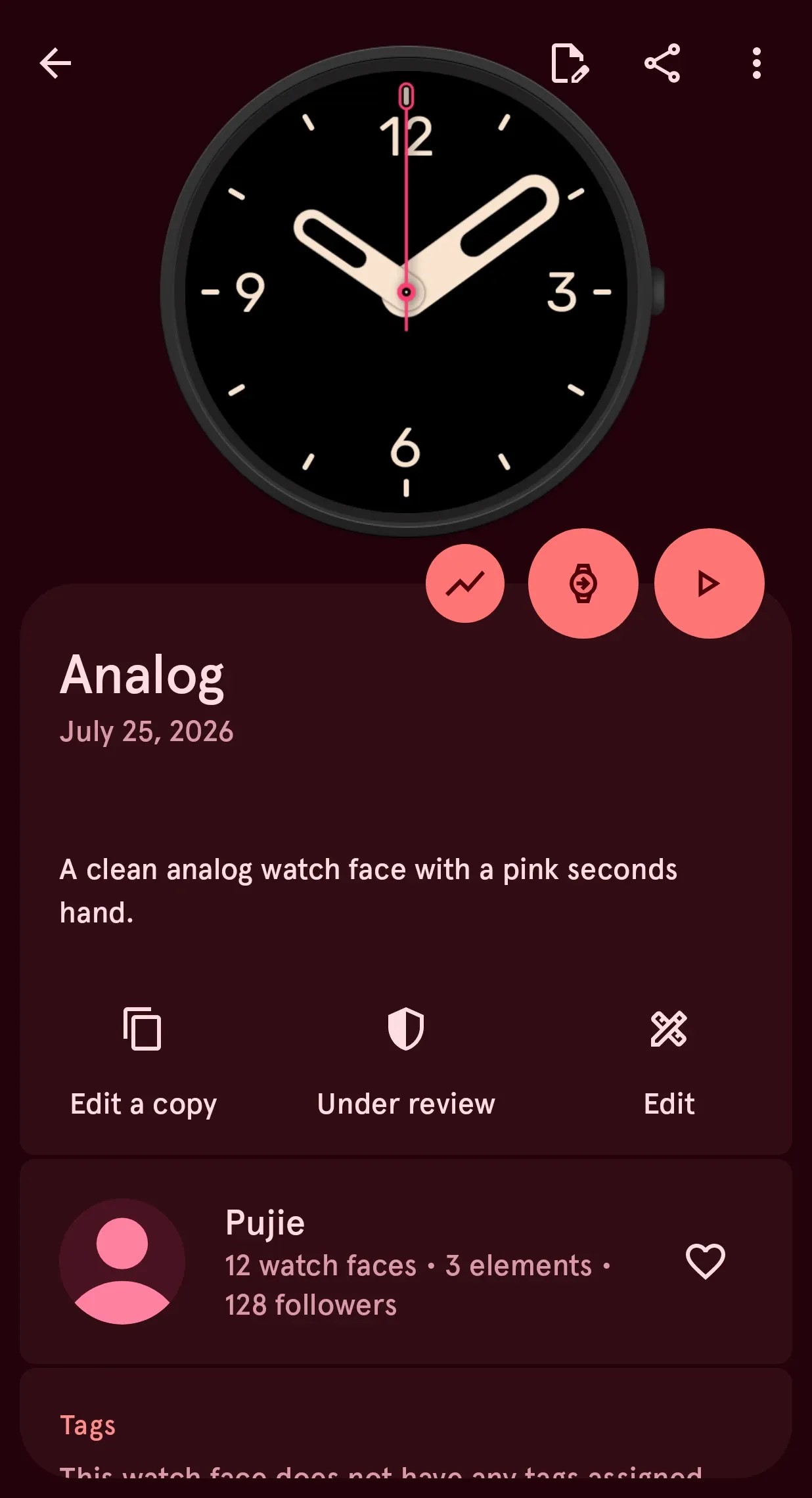
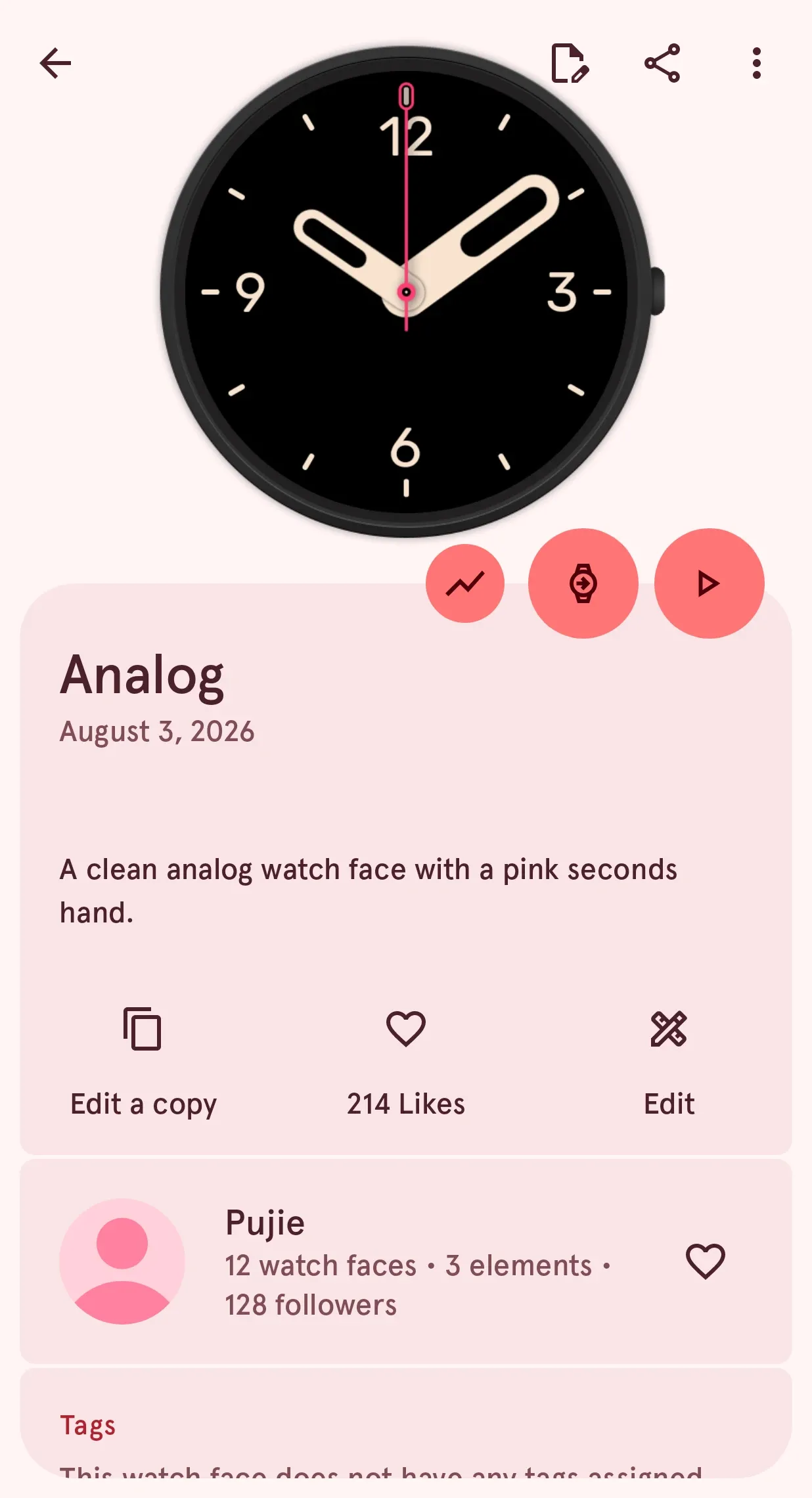
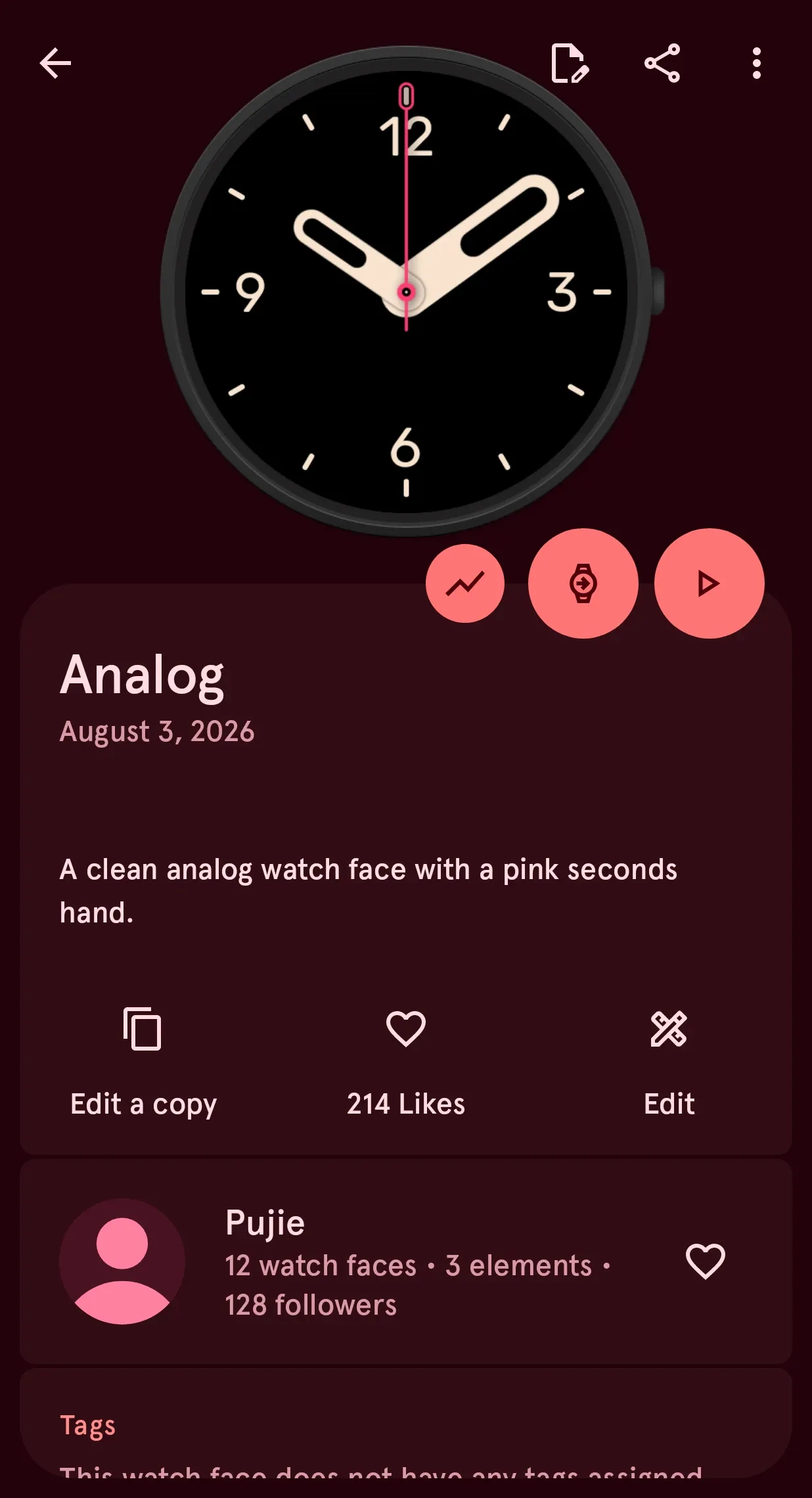
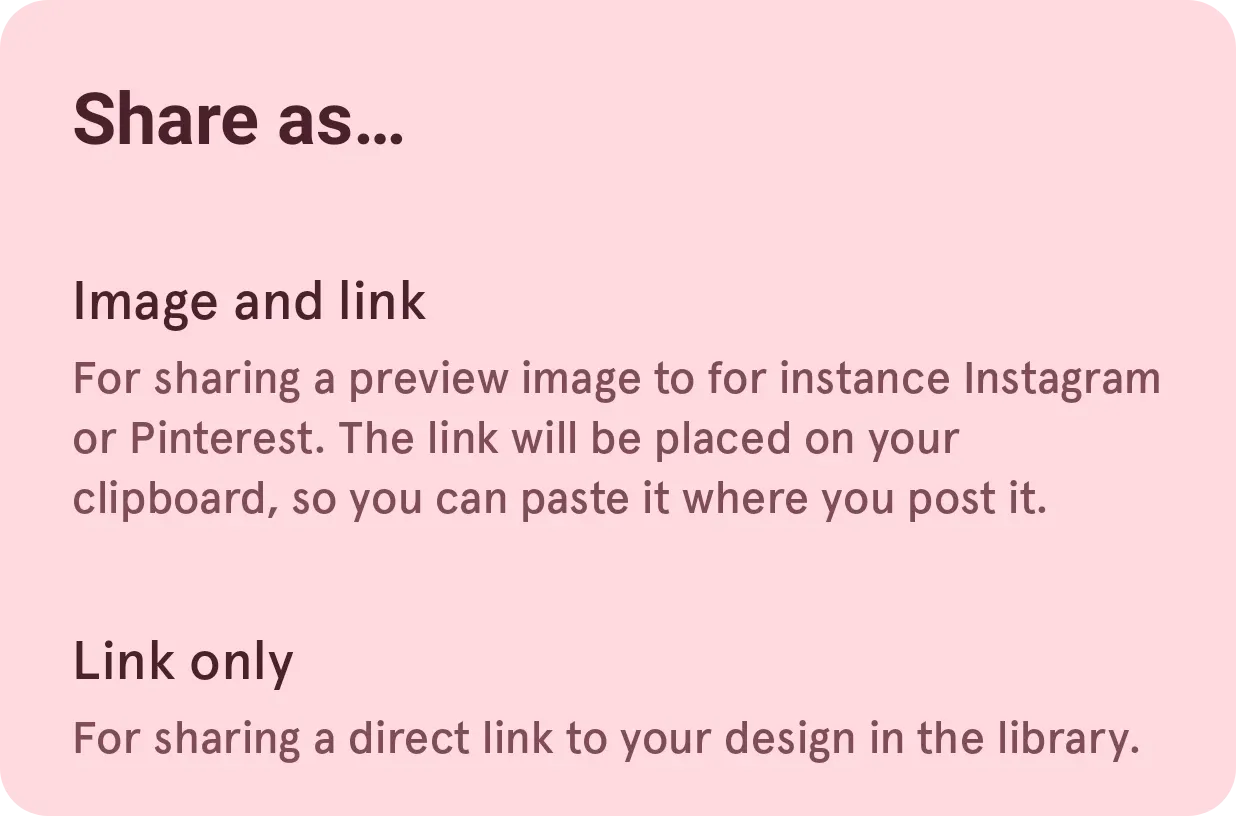
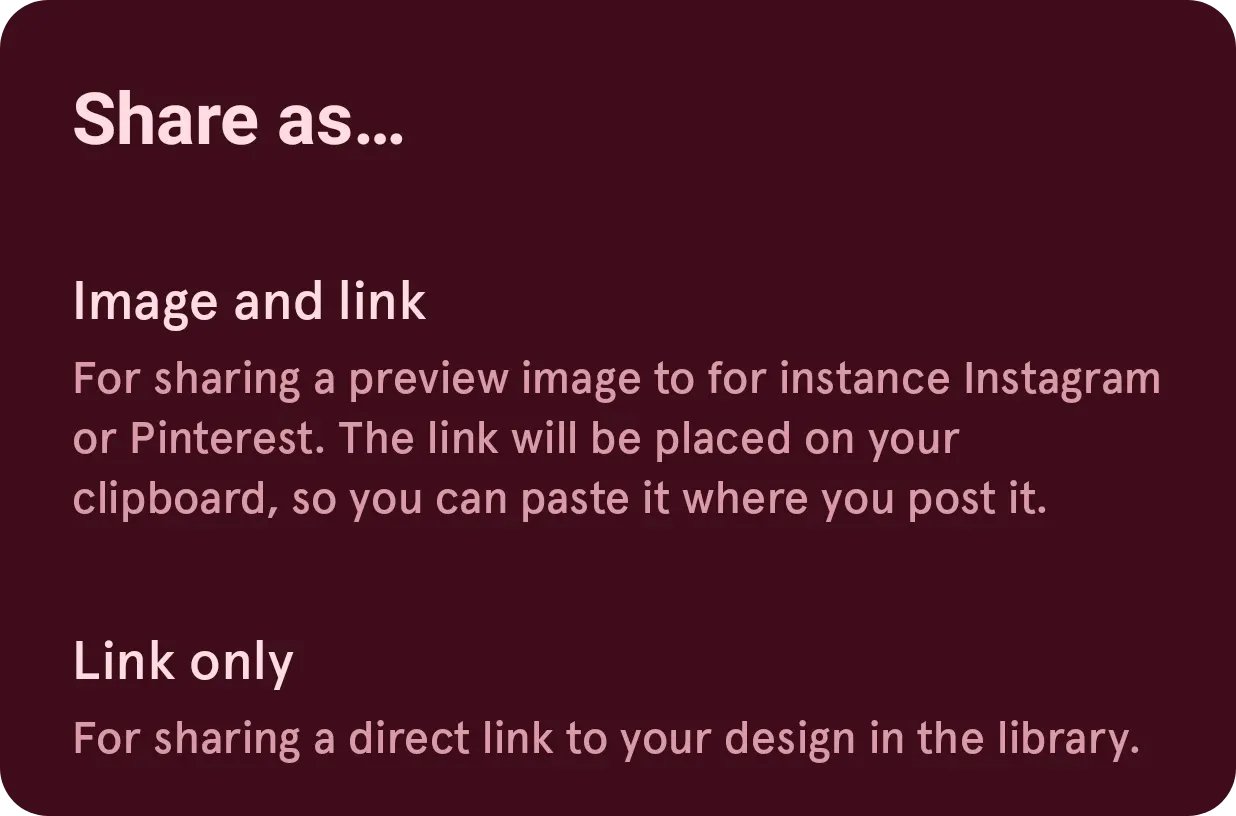
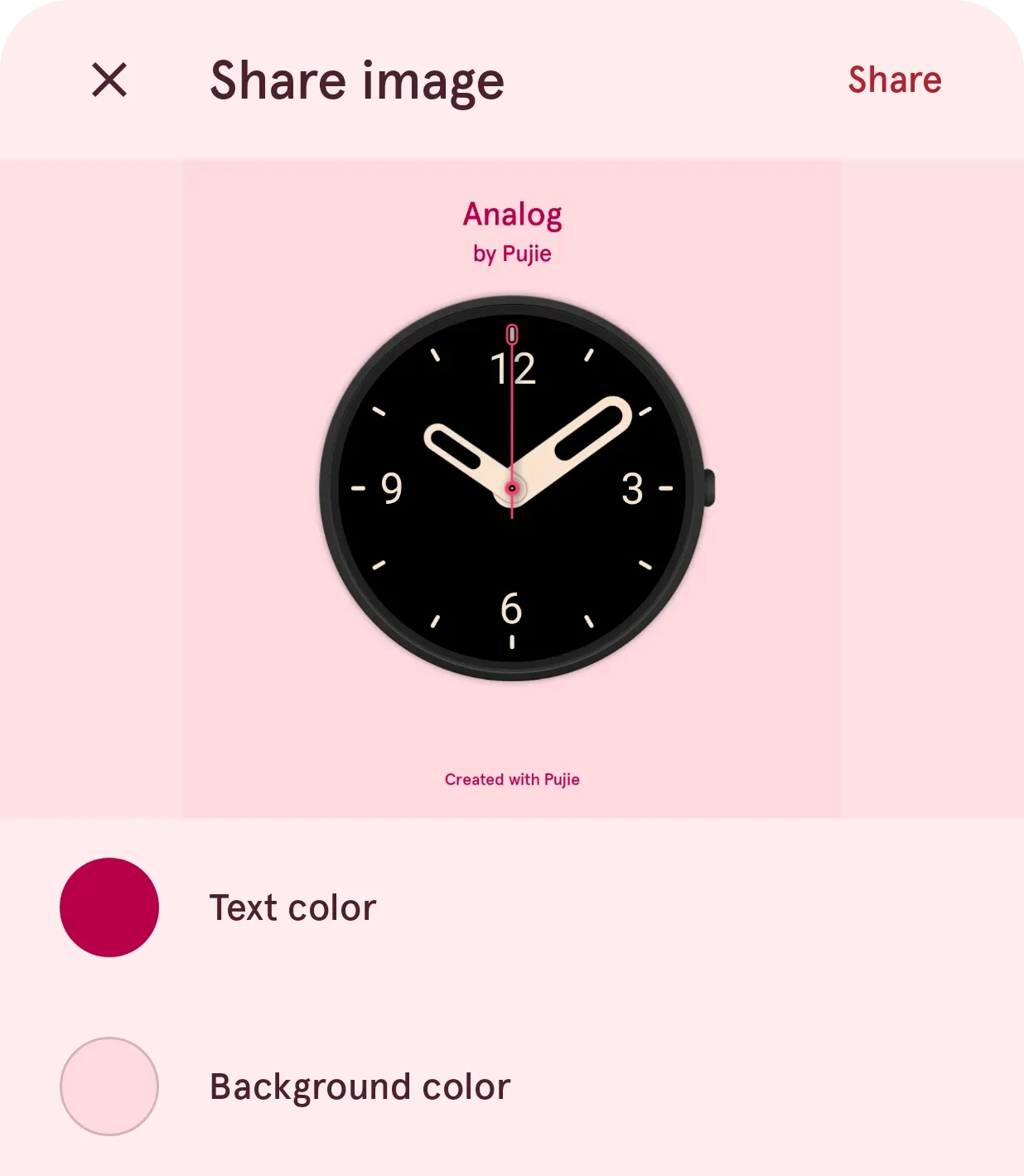
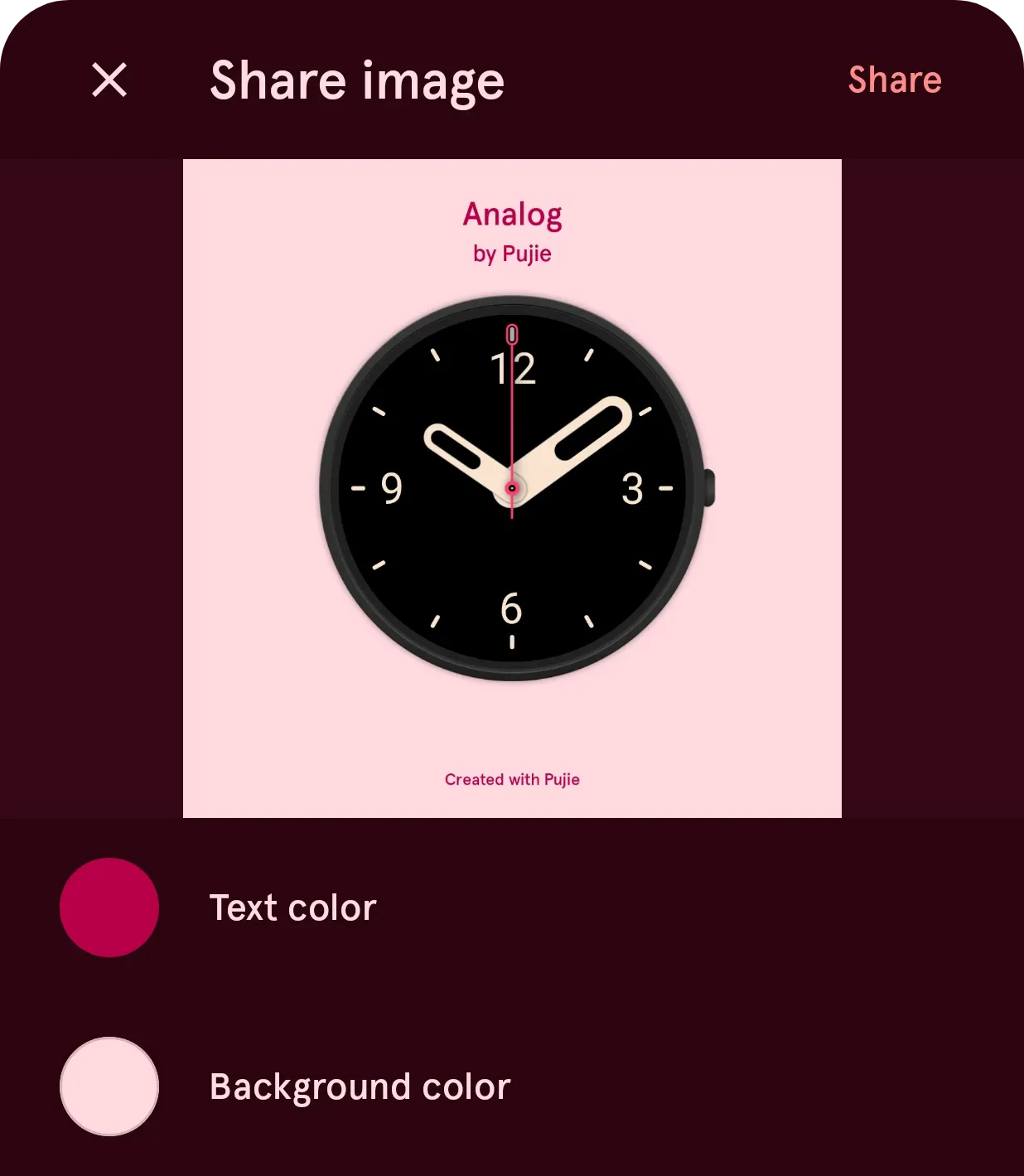
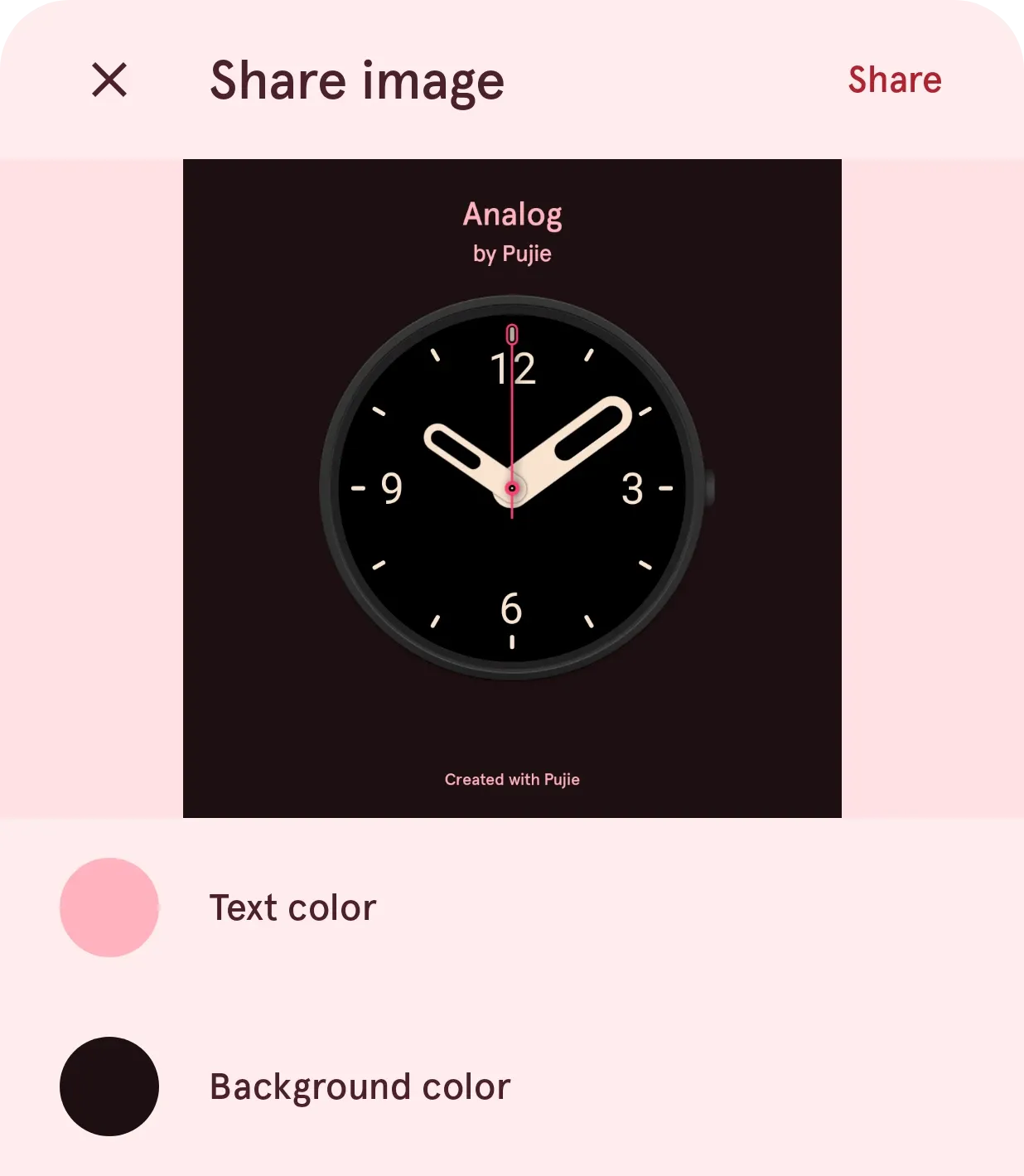
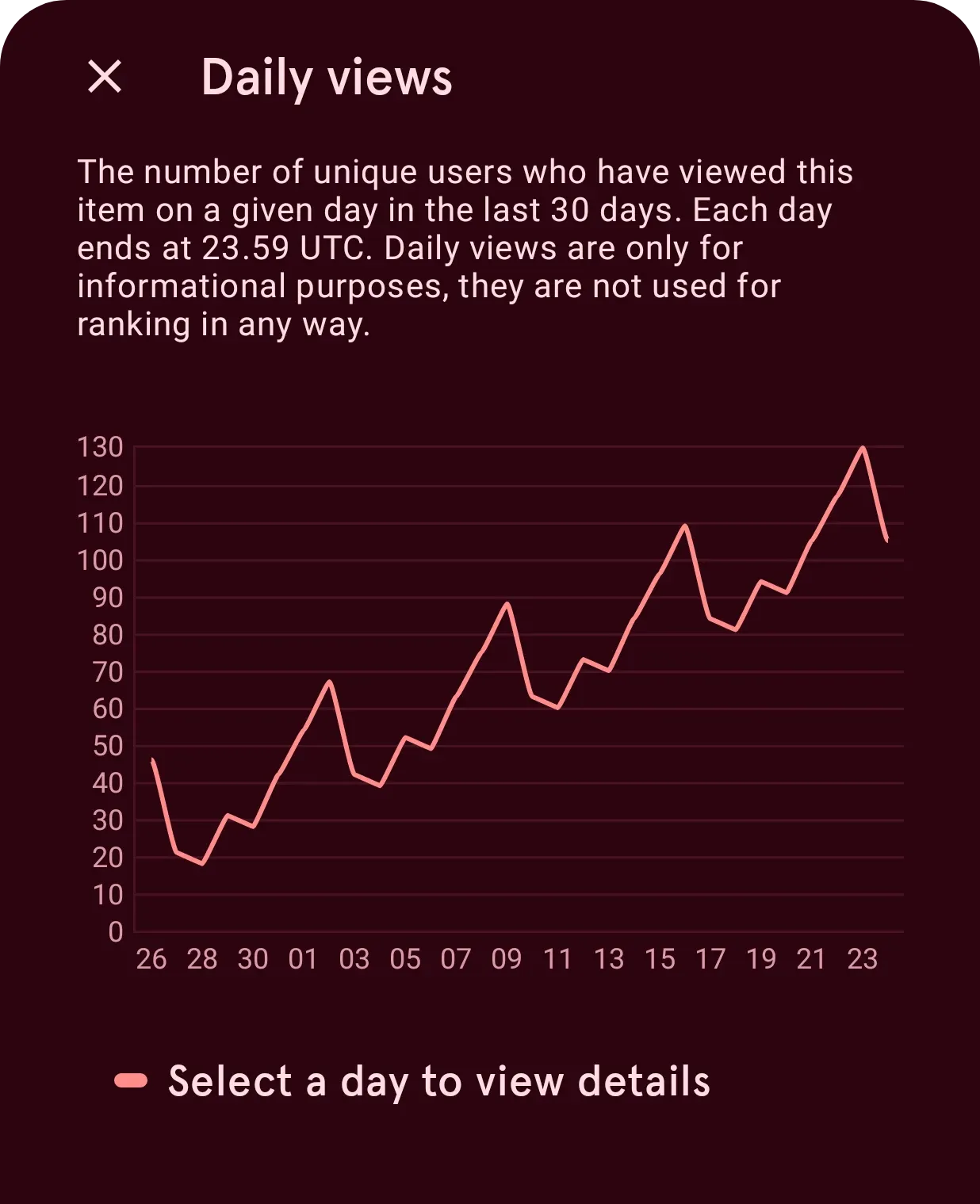
What you design is yours to keep: on every phone, with a friend, or published to the Library for everyone, where you can watch it travel.
05 · How it works
Find it, wear it, make it yours.
- 01
Find a face
Browse collections, search, or follow your favorite designers in the Library tab of the app.
- 02
Put it on your watch
Send a face to your watch in one tap. The free faces are free; Pro opens the whole Library.
- 03
Make it yours
Open any face in the designer and change it. With Pro, save as many as you like and publish your own.
Your next face is in here.
Get Pujie and open the Library.