
Progress circles
A ring that fills up with the time: each minute, each hour, or the day.
A progress circle is a ring that fills up clockwise from 12 o’clock and starts again: once a minute, once an hour, or once every 12 or 24 hours. Use it as a seconds ring around the dial, or to show how far the day is.
A few progress circles at 10:09, as the add button makes them and with other settings:
 As it's addedFills once an hour: at 10:09 it is a short arc from 12 o'clock.
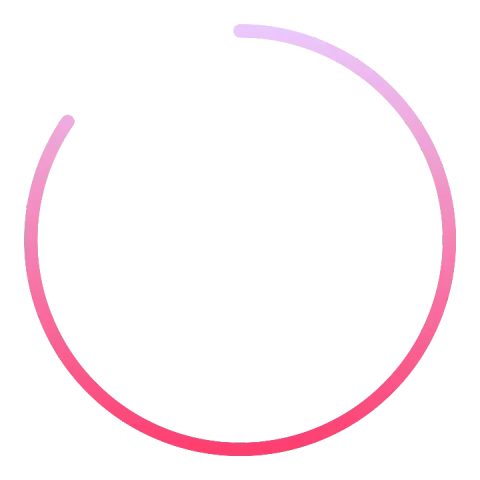 Rounded ends, 12 hoursFills once in 12 hours, thicker, with rounded ends.
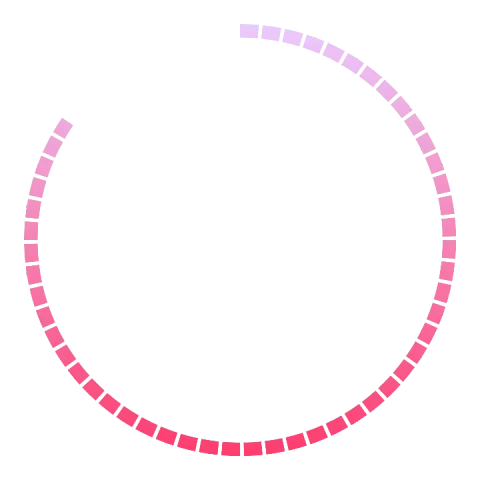 Parts L, 12 hoursThe same ring split into parts.
Adding one
Section titled “Adding one”Tap the add button above the element list and pick Progress circle. It’s added right away, with settings that work: open its settings with the settings button on its row to make it yours. There’s nothing to draw.
Settings
Section titled “Settings”Interval
ChoiceHow long one round takes: Seconds fills the ring once a minute, Minutes once an hour, and 12 hours or 24 hours once in that time.
- Seconds
- Minutes
- 12 Hours
- 24 Hours
Progress style
ChoiceHow the ring looks: a flat Regular ring, Rounded ends, or split into Parts (L, XL and XXL have fewer, bigger parts).
- Regular
- Rounded ends
- Rounded ends exact
- Parts L
- Parts XL
- Parts XXL
Below these are the position and animation cards every element has. A progress circle has a radius: how far from the center the ring runs.
Showing data instead of the time
Section titled “Showing data instead of the time”A progress circle only follows the time. For a ring that fills with your steps or the battery level, use a dynamic element with an automated arc, or a complication with the ranged value type.