
Name your design
On the free version: give your watch face a name and keep it in one of your saved slots.
On the free version you keep your designs in a few saved slots. This sheet puts the watch face you’re designing into one. After that, every change saves by itself while you edit.
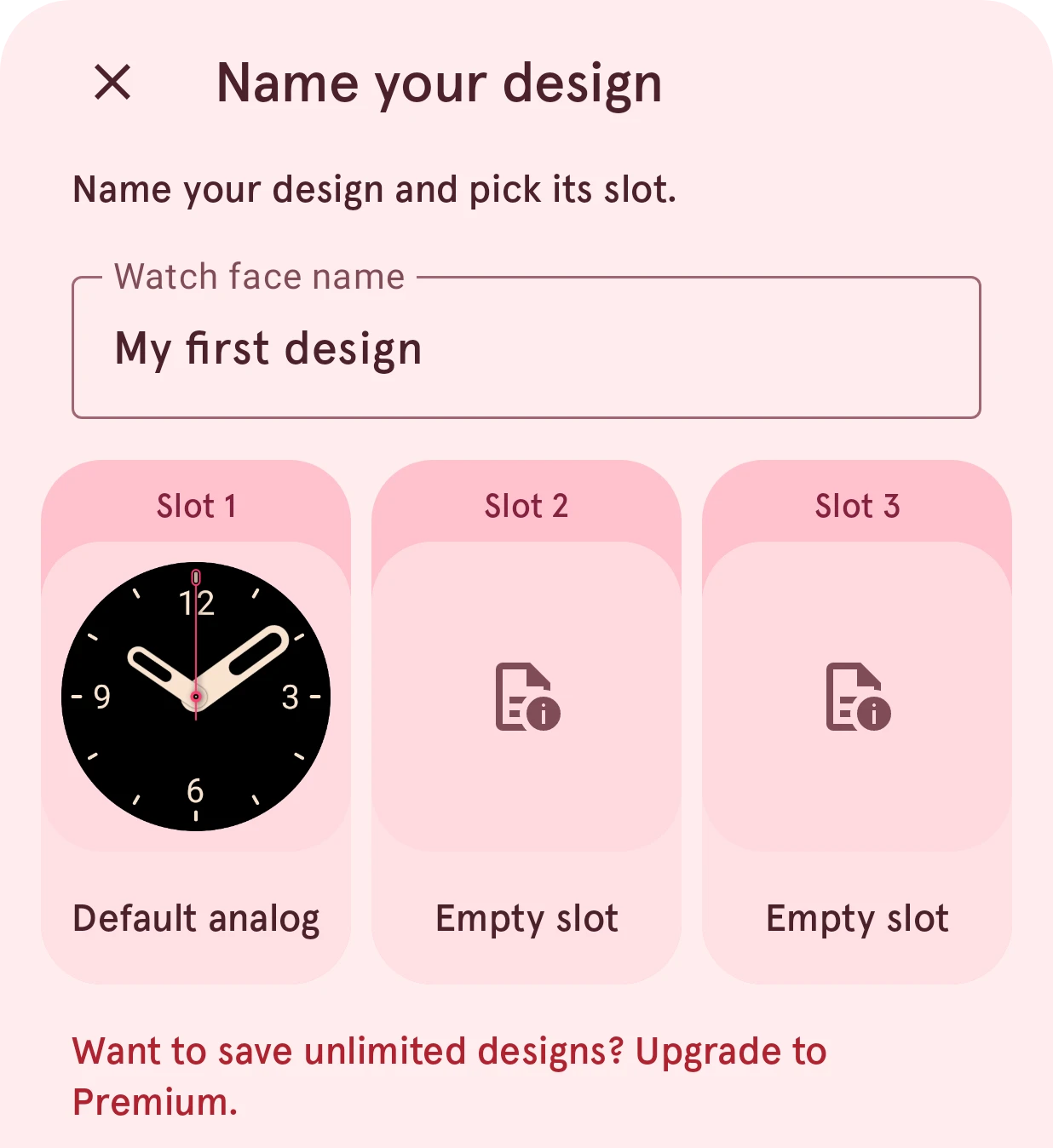
Type a name, then tap a slot.
Close
Closes the sheet without saving.
Watch face name
The watch face’s name. It must be new: a name another of your watch faces already has is refused.
Replace
A slot that holds a design. Tapping it asks first: replacing it deletes that design for good.
Empty slot
An empty slot takes the design right away.
Upgrade to Premium
Shows what Premium adds. With Premium there are no slots: every design is saved to your own library, as many as you like.
When it opens
Section titled “When it opens”- When you tap the save status in the toolbar while the design isn’t in a slot yet (it shows a padlock then).
- After your first change to a new design, the app asks whether to save it: Save to a slot, or Just try it to play without saving.
- When you open another watch face while this one isn’t saved: Save to a slot or Discard.
- Save as in the watch face info.