
Share it in the Library
Upload a design to the Library, make it public for everyone, and hear how people like it.
Needs Premium Uploading and publishing need Premium, a sign-in and an internet connection. Your design also needs a Wear OS 6 version: if it isn’t ready yet, see validation.
1. Upload it
Section titled “1. Upload it”Open the Library’s My items tab and tap your design. A design that’s only on your phone is local: tap Local item to upload it.
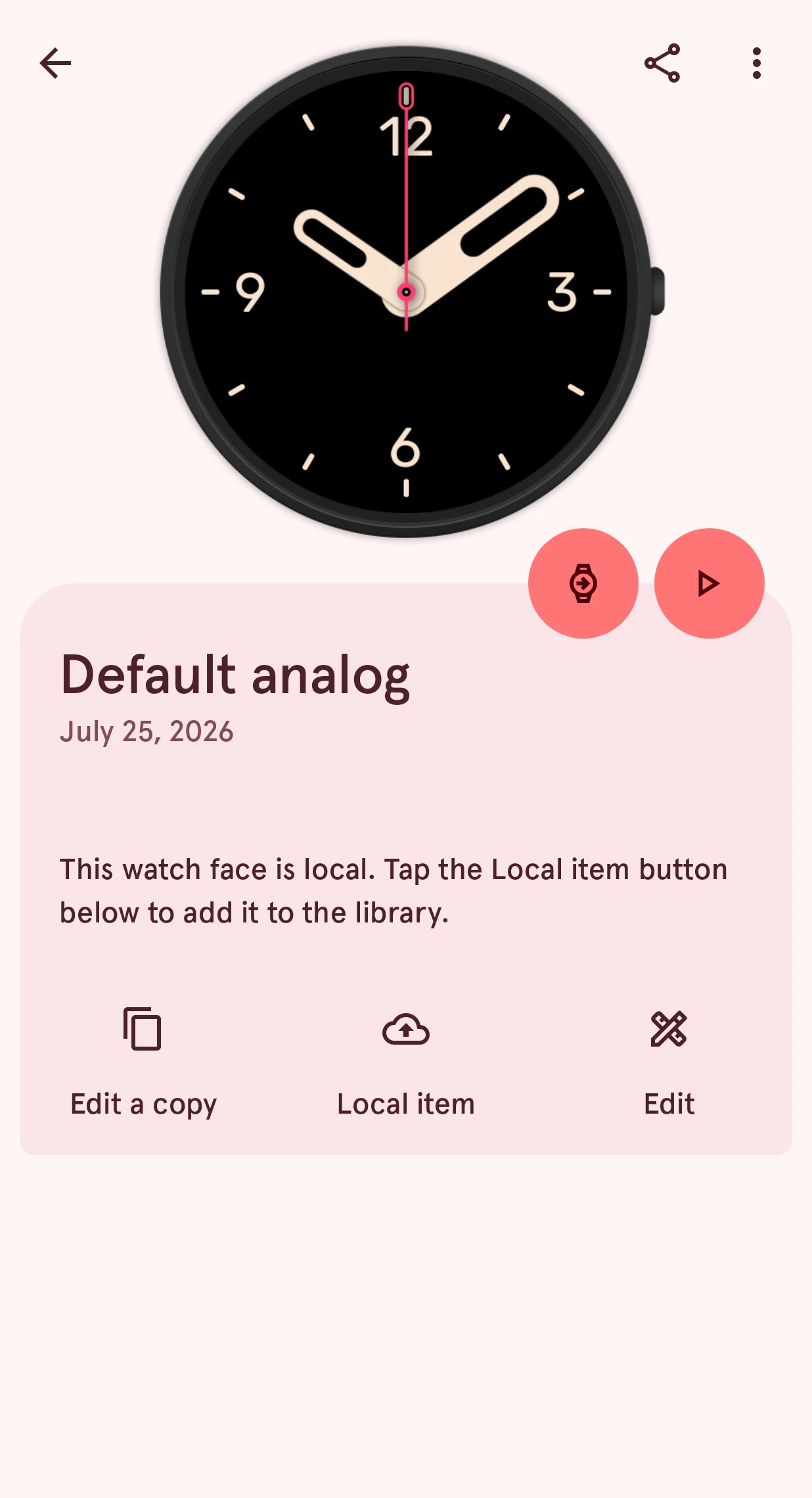
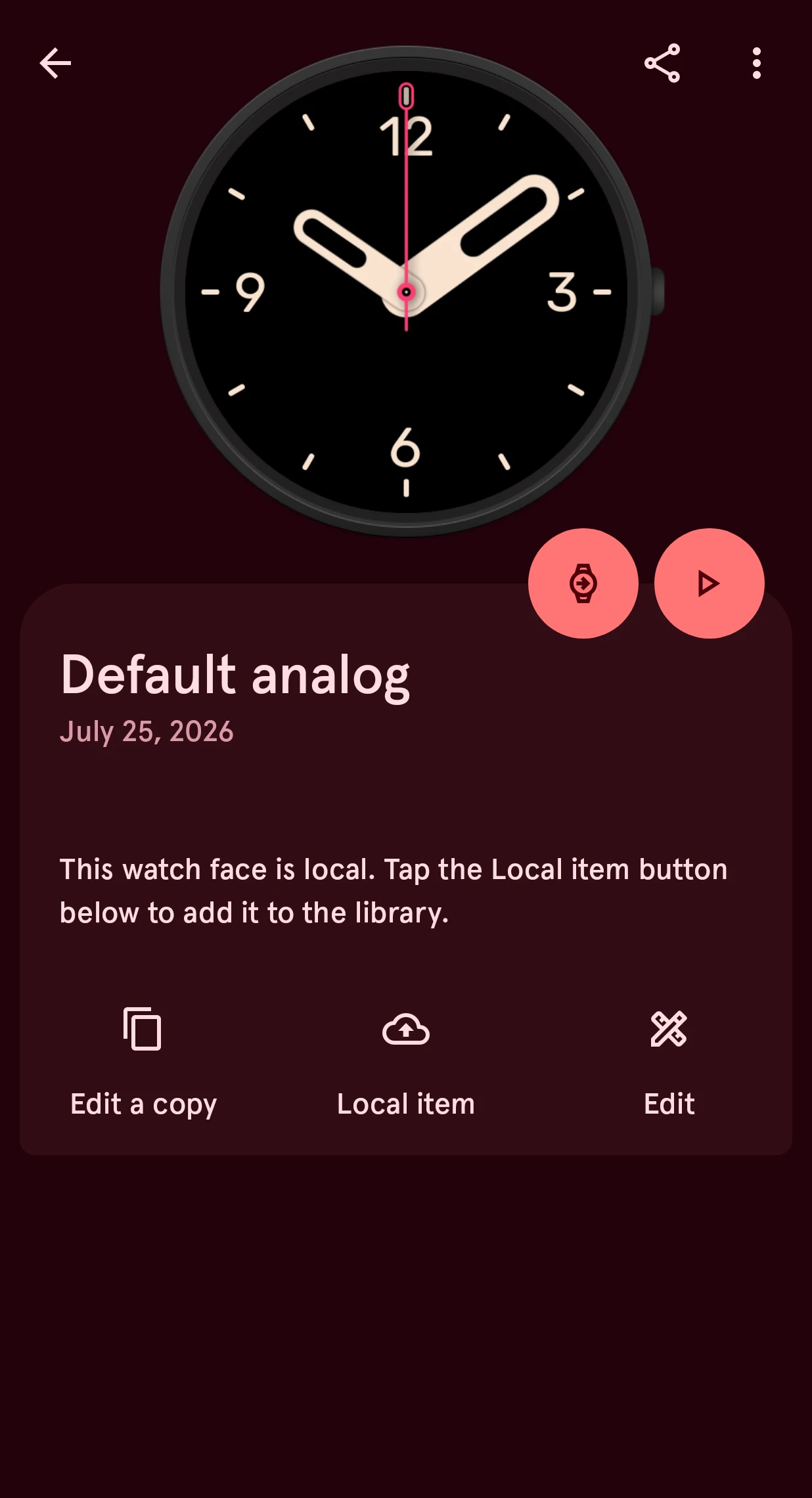
It’s now in the Library as a private item: safe, and on all your phones, but only you see it.
2. Make it public
Section titled “2. Make it public”On the private item, tap Make public:
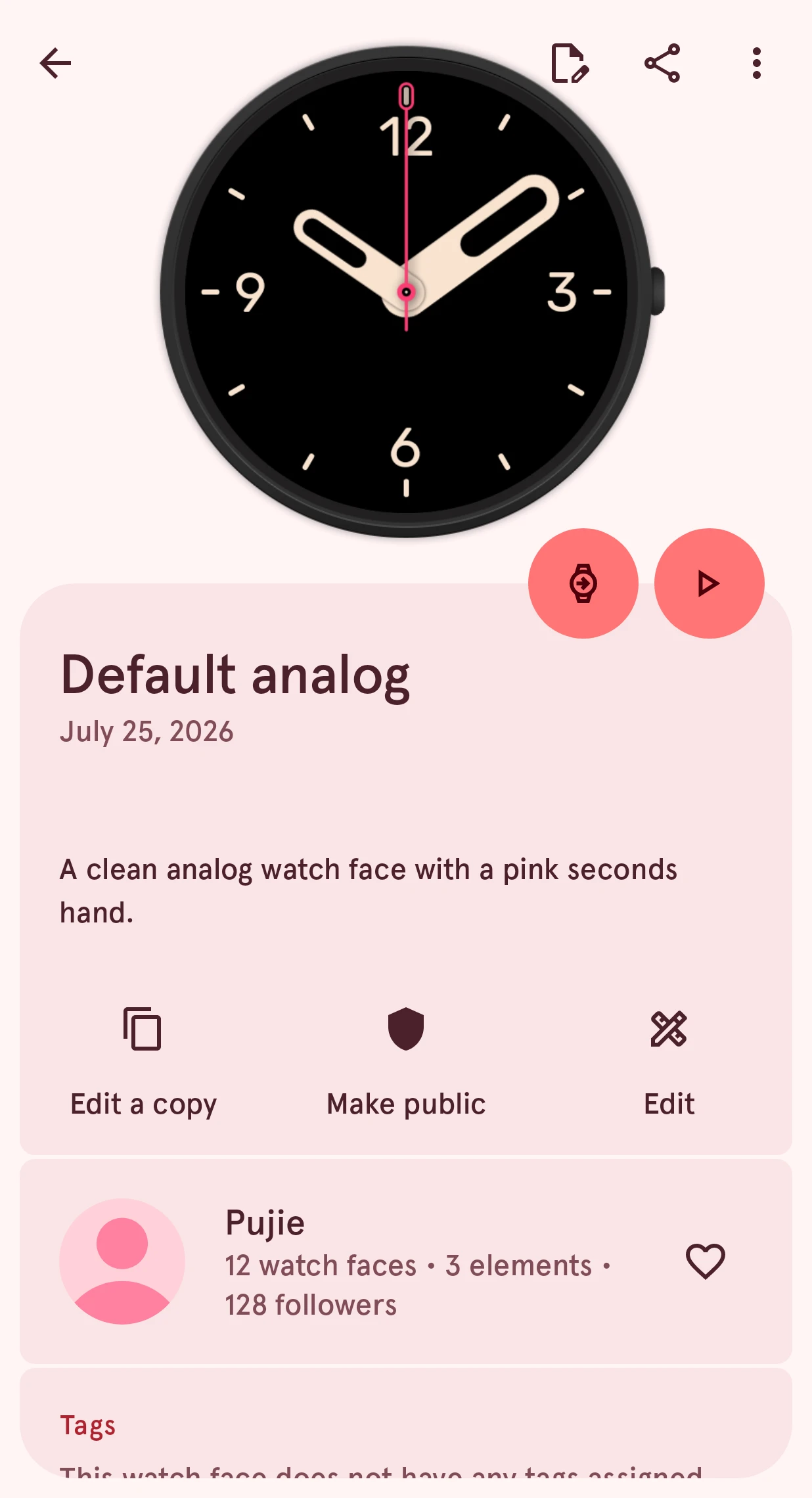
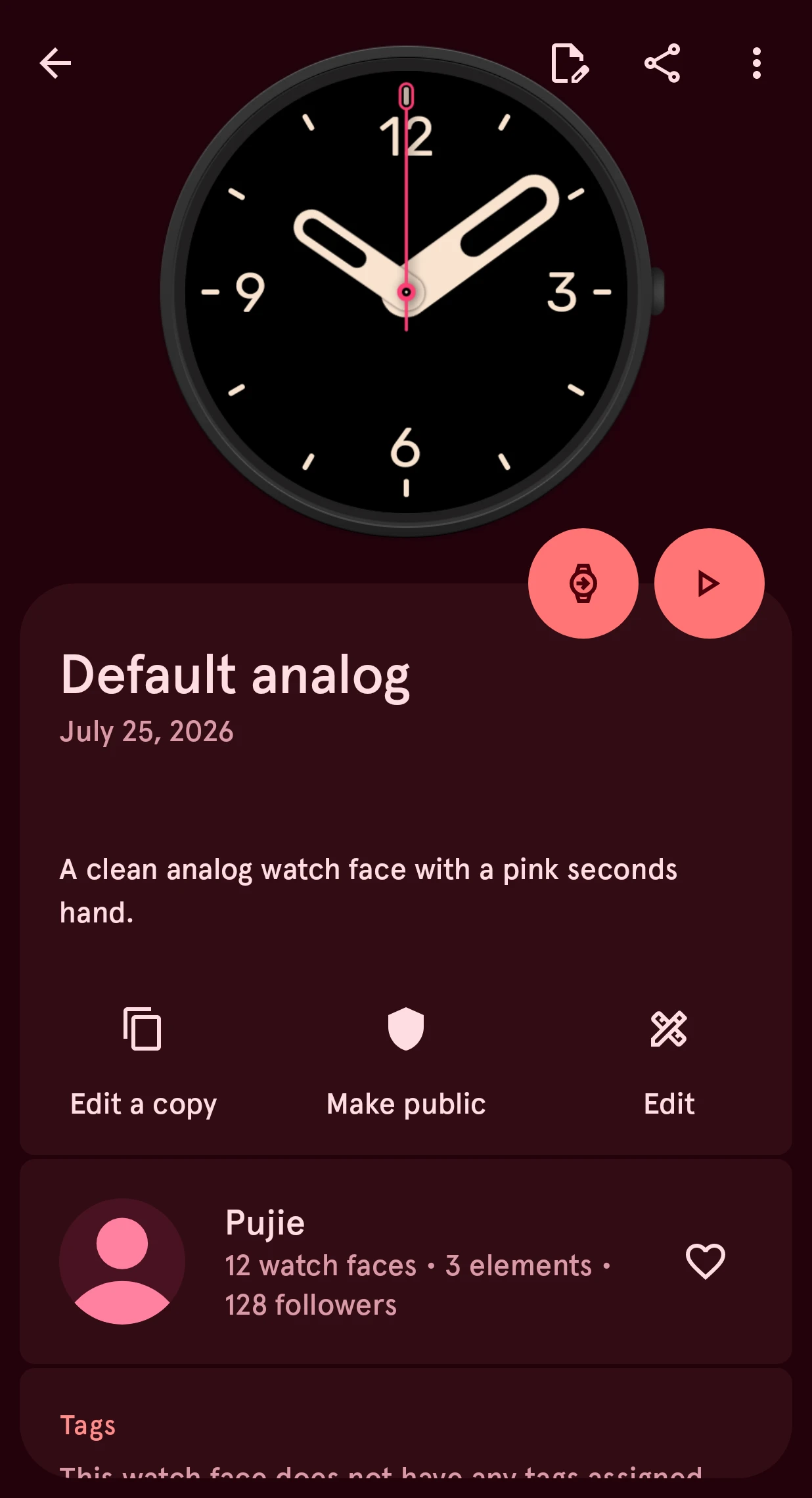
Only share designs you made yourself. If yours builds on someone else’s, add them under Acknowledgments. Tap Make public, and everyone can find your watch face.
3. Hear how people like it
Section titled “3. Hear how people like it”When people like your design, comment on it or follow you, you get a notification:
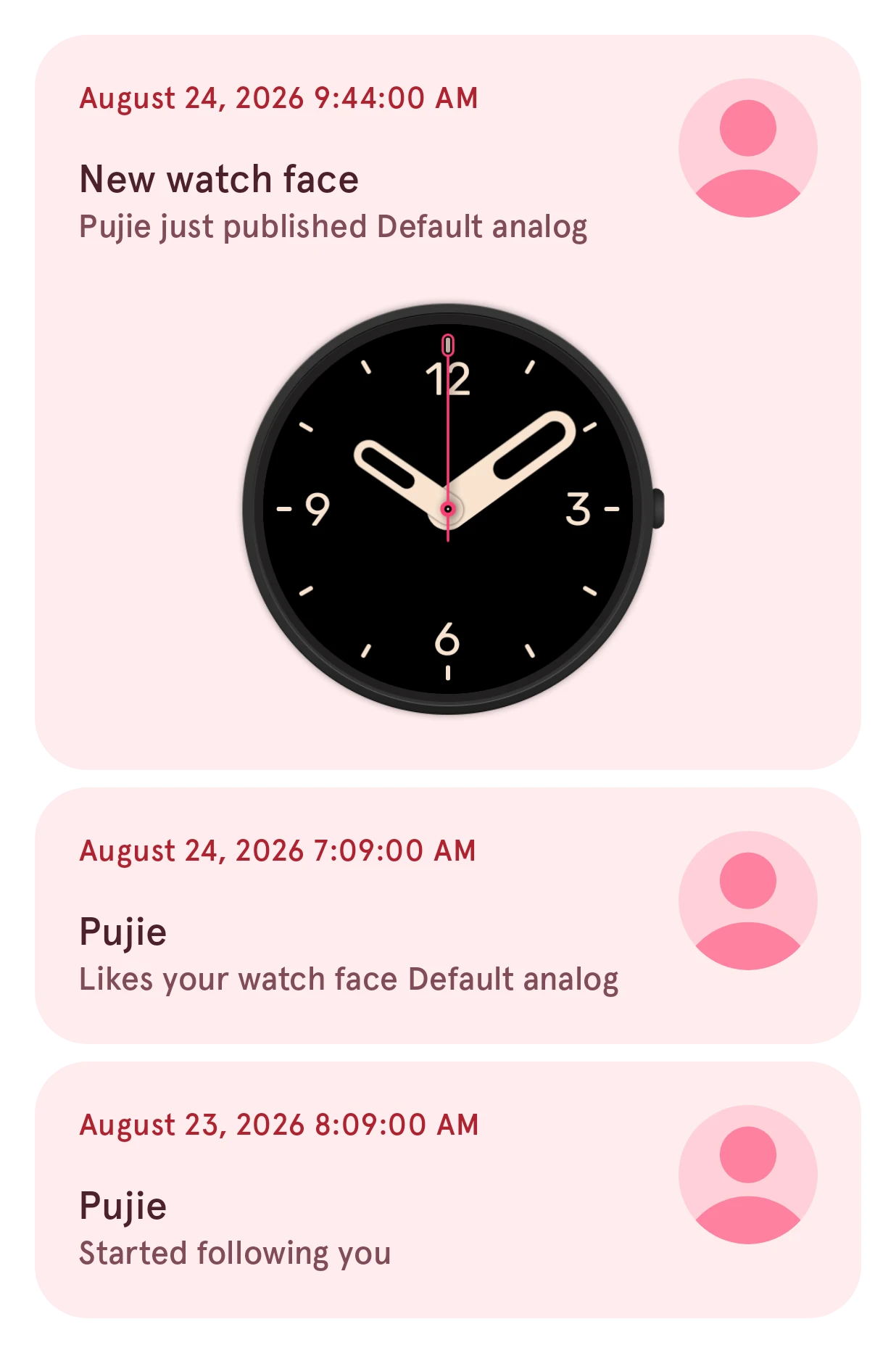
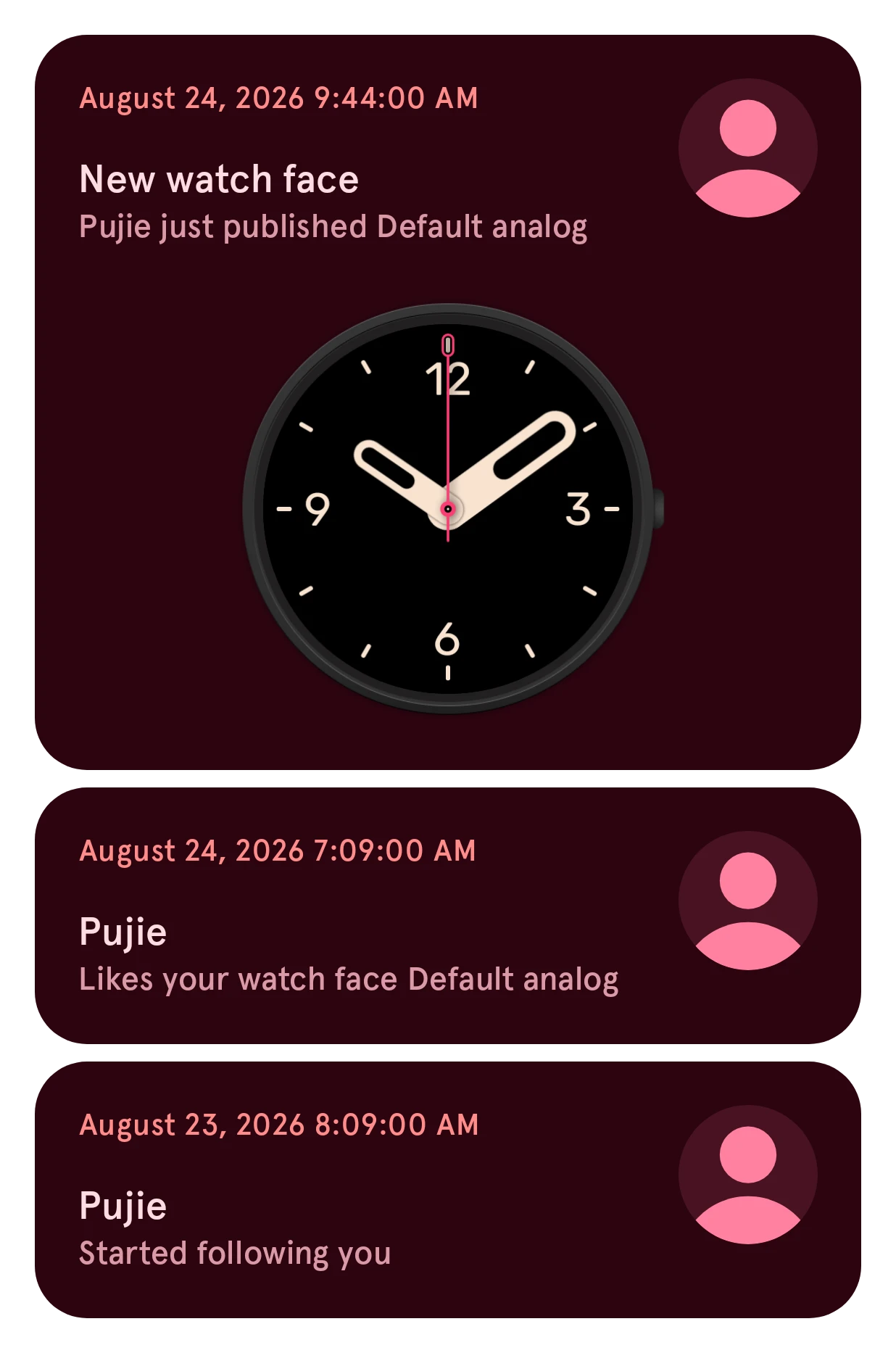
The app offers to turn notifications on after you publish. See Notifications.
4. Share a link
Section titled “4. Share a link”Tap Share on your item to send someone a link to it. More on share links, and on changing or removing a published design.
That’s the whole tour. Questions? See the frequently asked questions.