
Not yet compatible
Why a layer shows a warning: the style settings, expressions or data it uses that a Wear OS 6 watch face can't show, and what to fix before you send it.
Opened from
It’s opened by tapping the warning on a layer row.
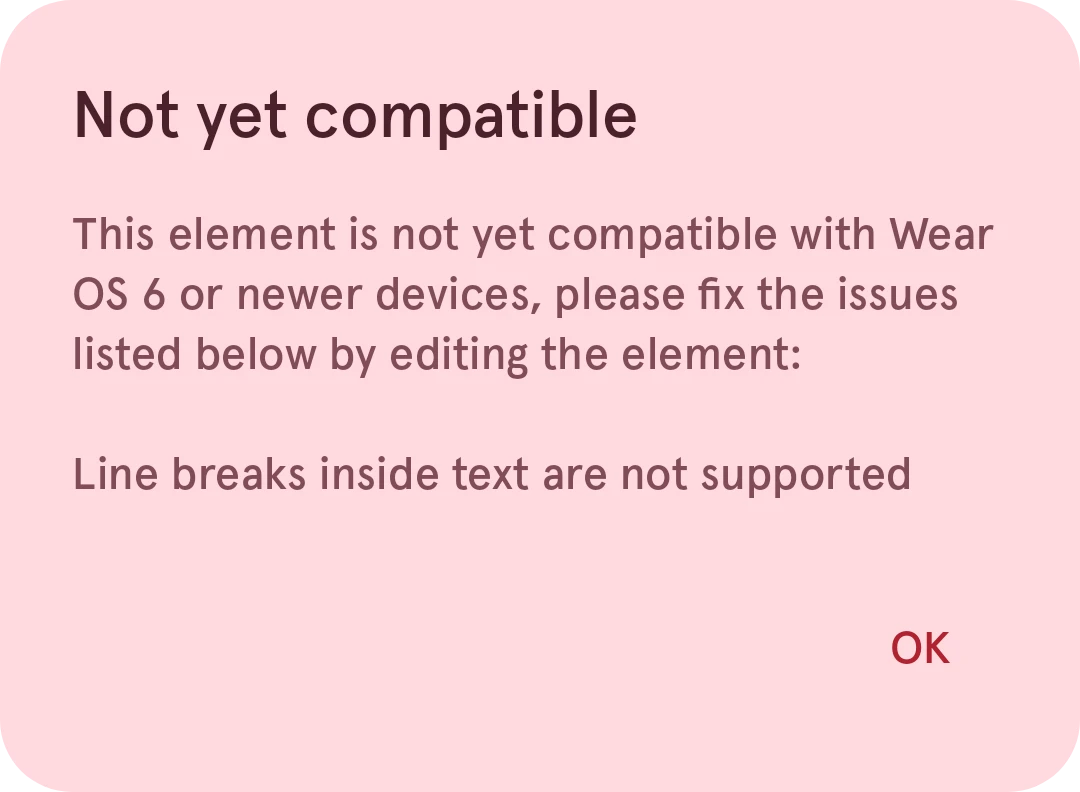
Not yet compatible
Lists what keeps the layer from showing the same on a Wear OS 6 watch: a style setting, an expression or a kind of data that the Watch Face Format doesn’t support. Fix or remove those parts, and the warning on the layer row goes away.
OK
Closes the message.