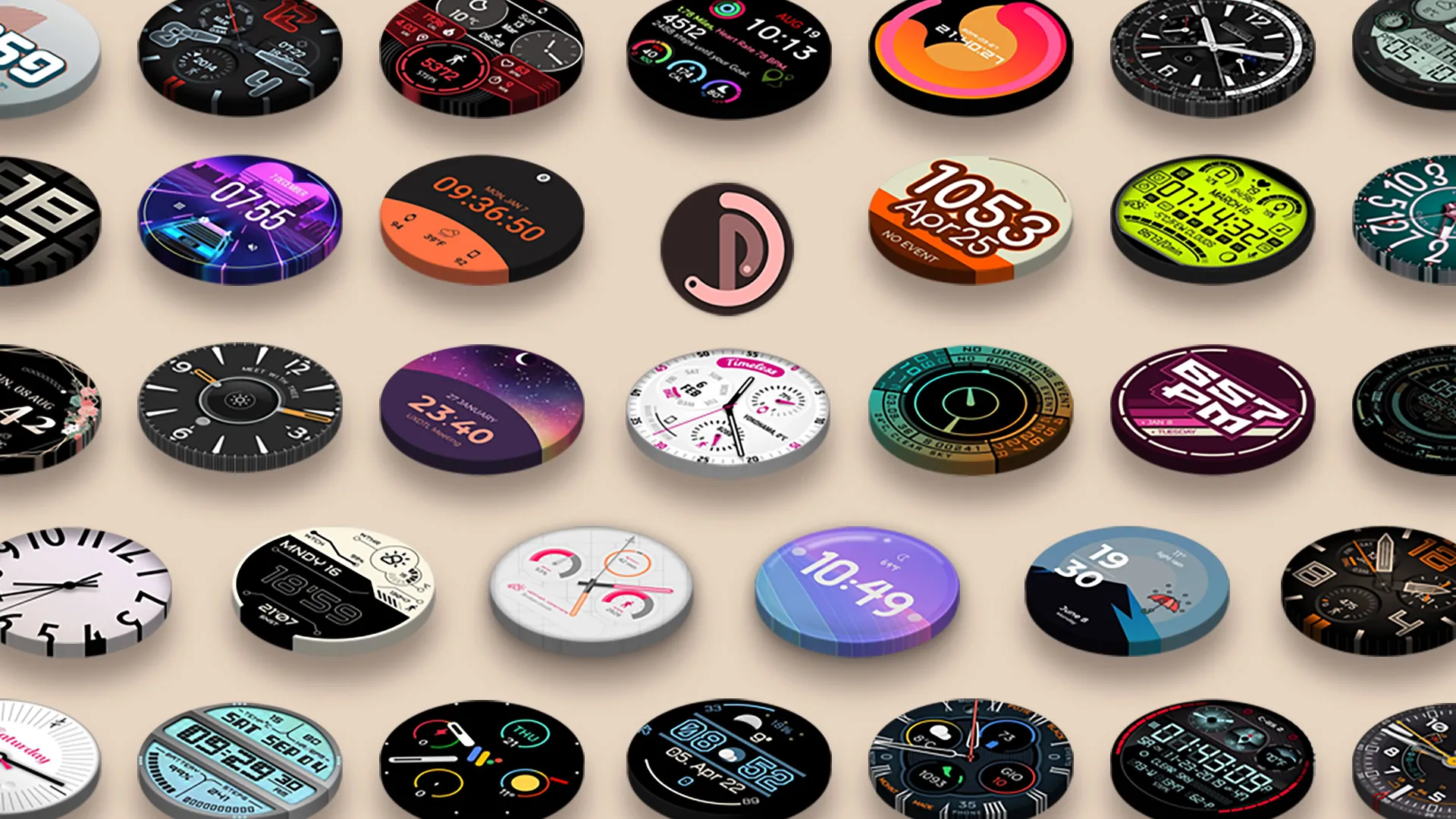
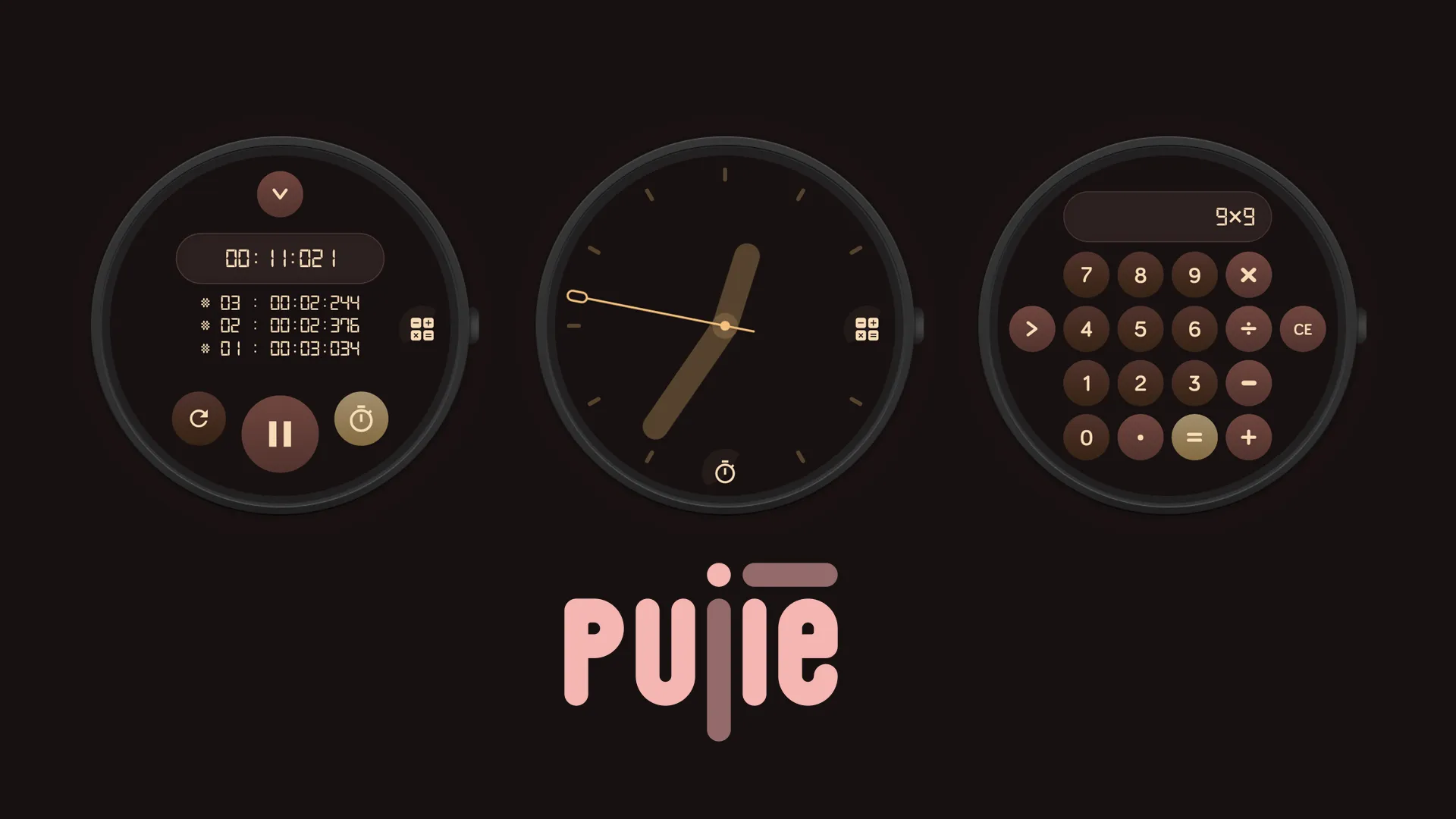
Pujie Watch Faces 8.0: Rebuilt, with your AI as design partner
Pujie Watch Faces 8.0 is here, and it's a whole new app!
Pujie Watch Faces 8.0
Pujie Watch Faces is the app to design your own watch faces for Wear OS, on your phone. With 7.0 we brought Pujie to Wear OS 6. With 8.0 we rebuilt the phone app itself, from the ground up. Everything you design with has been redone: faster, smoother, and ready for phones, tablets and foldables alike. In short, this is what’s new:
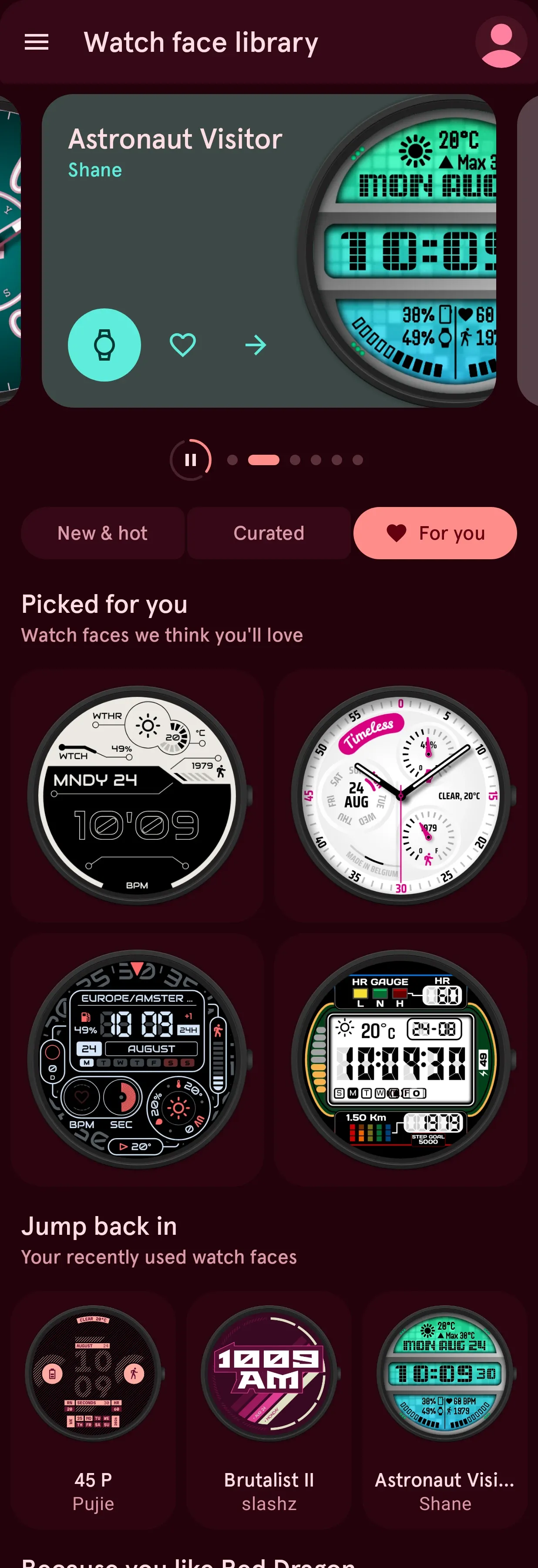
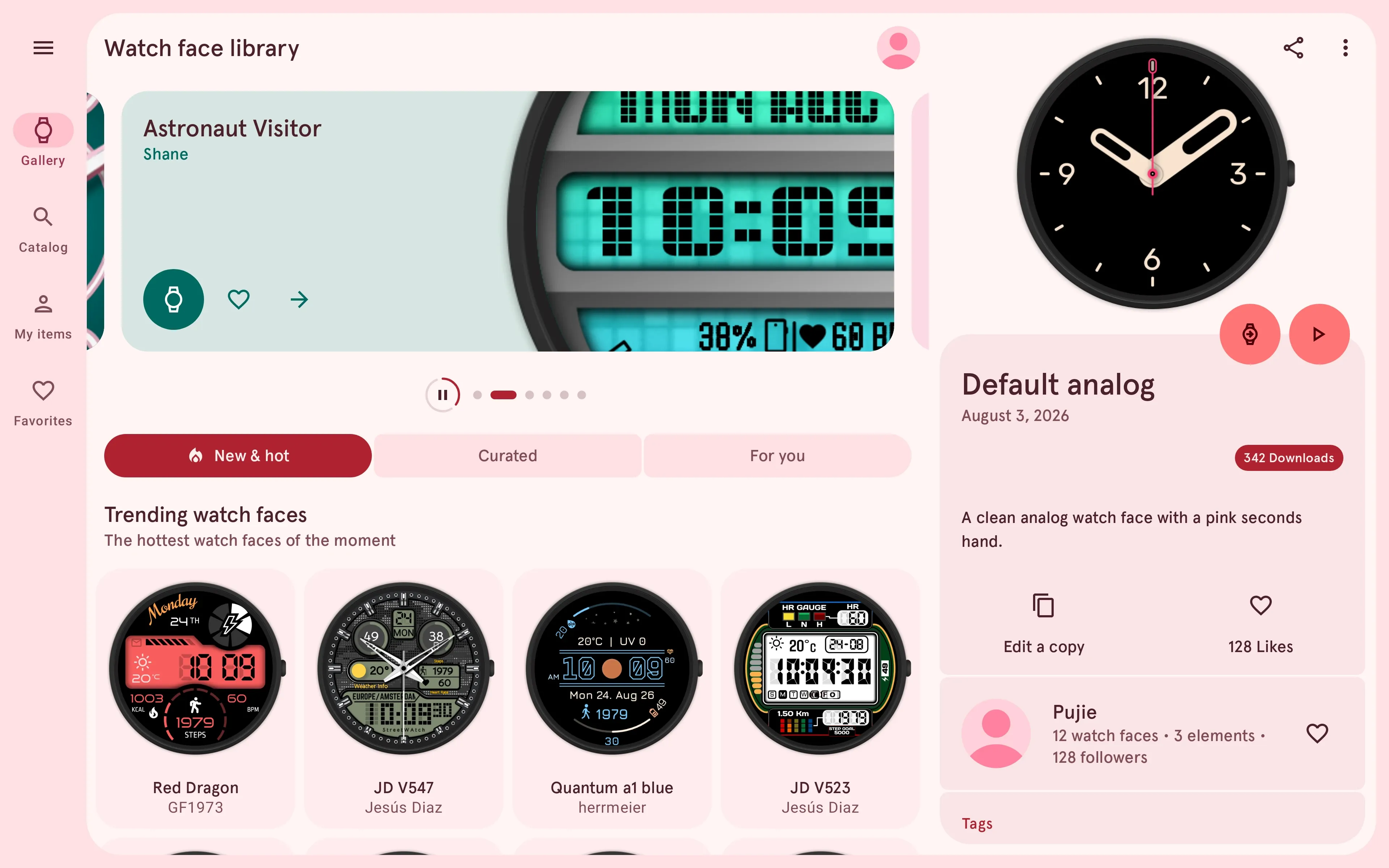
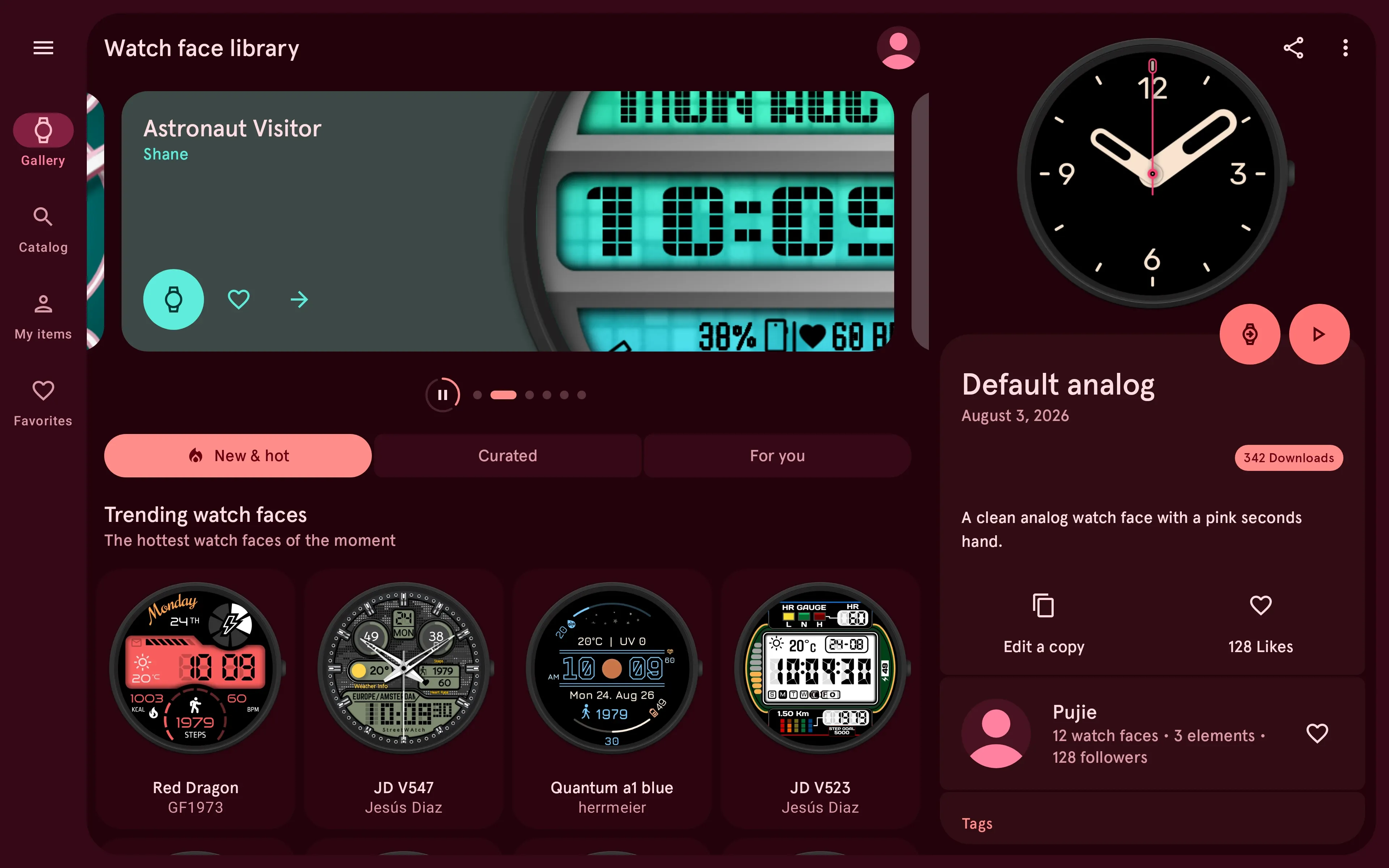
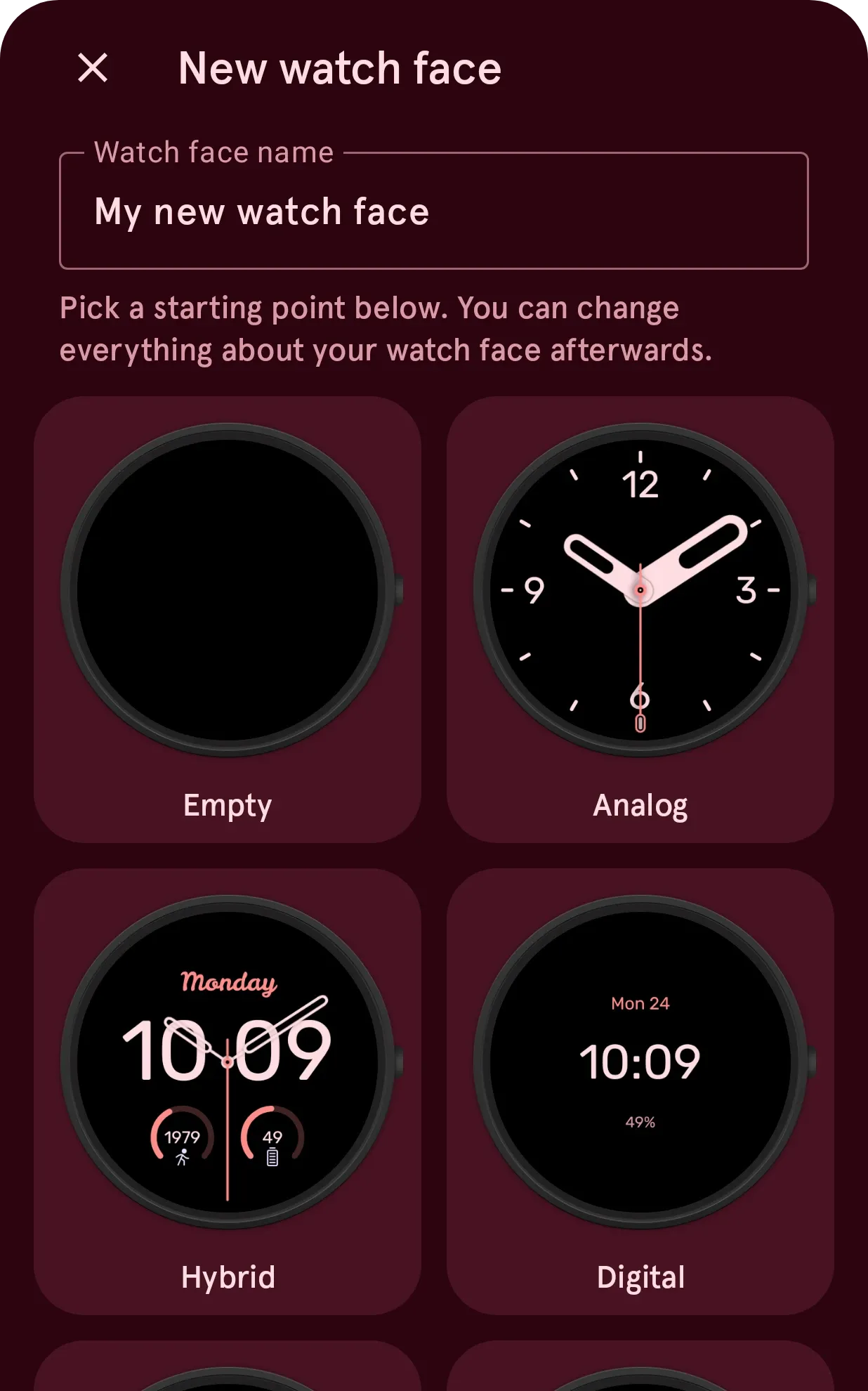
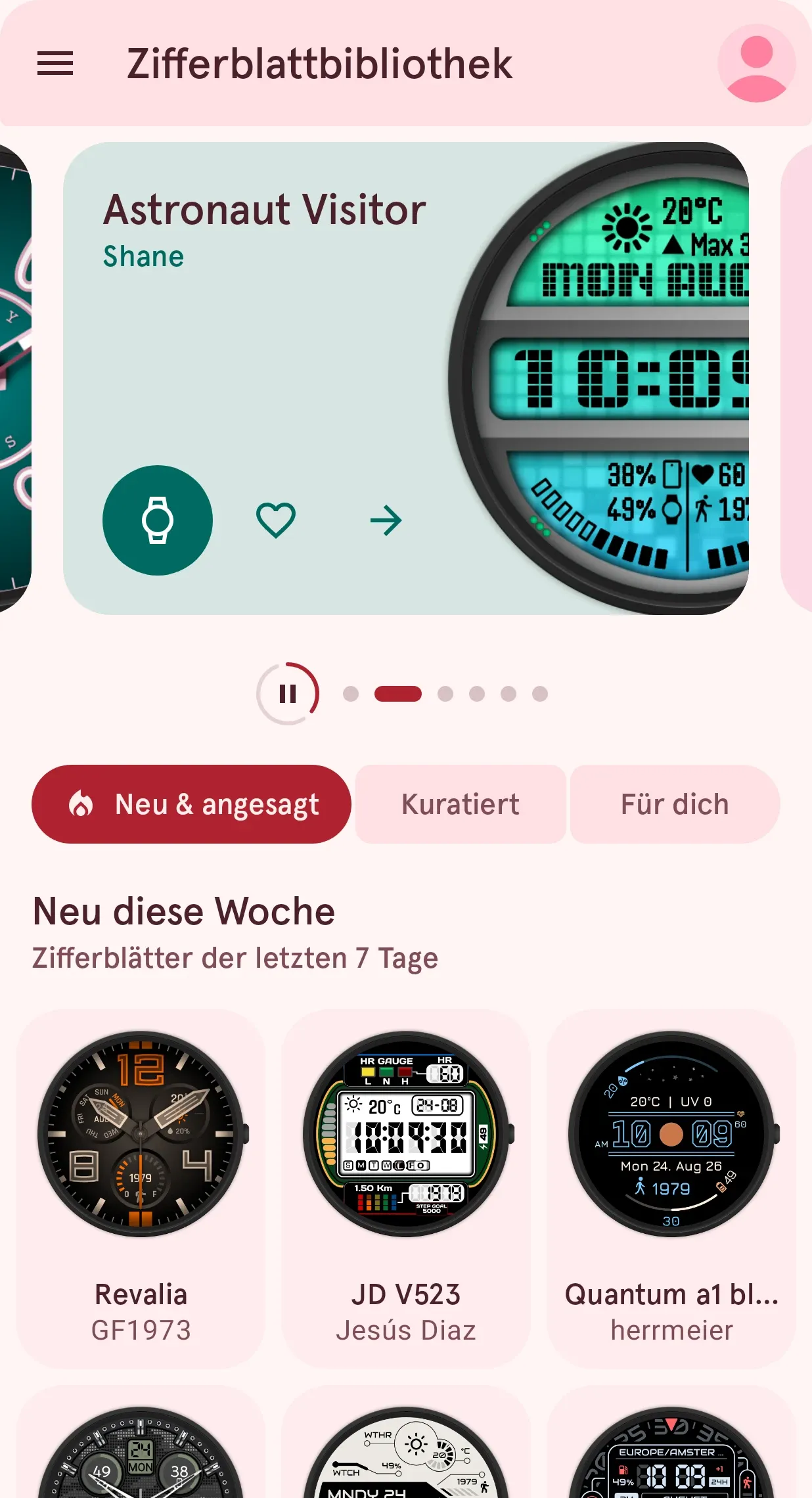
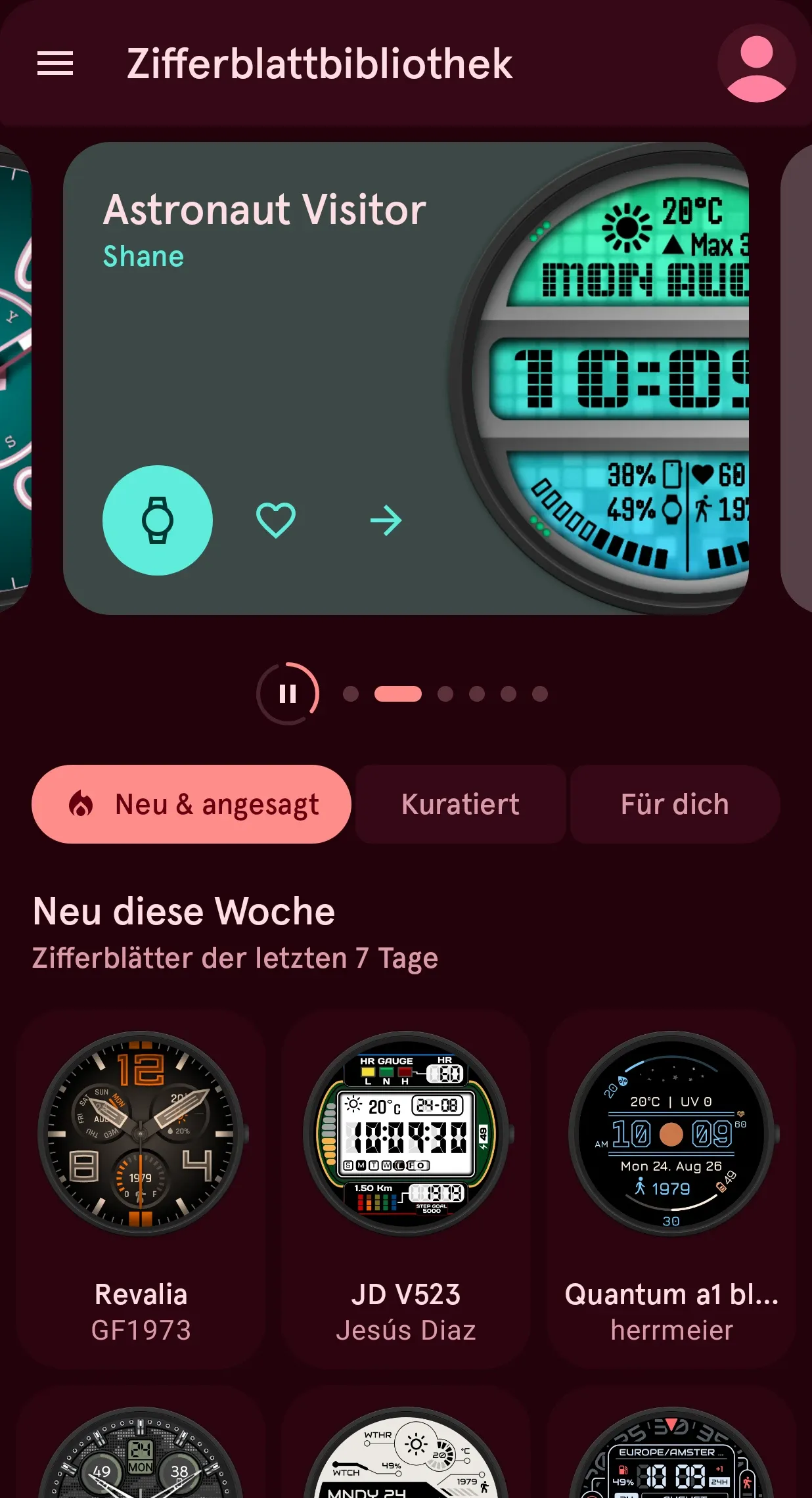
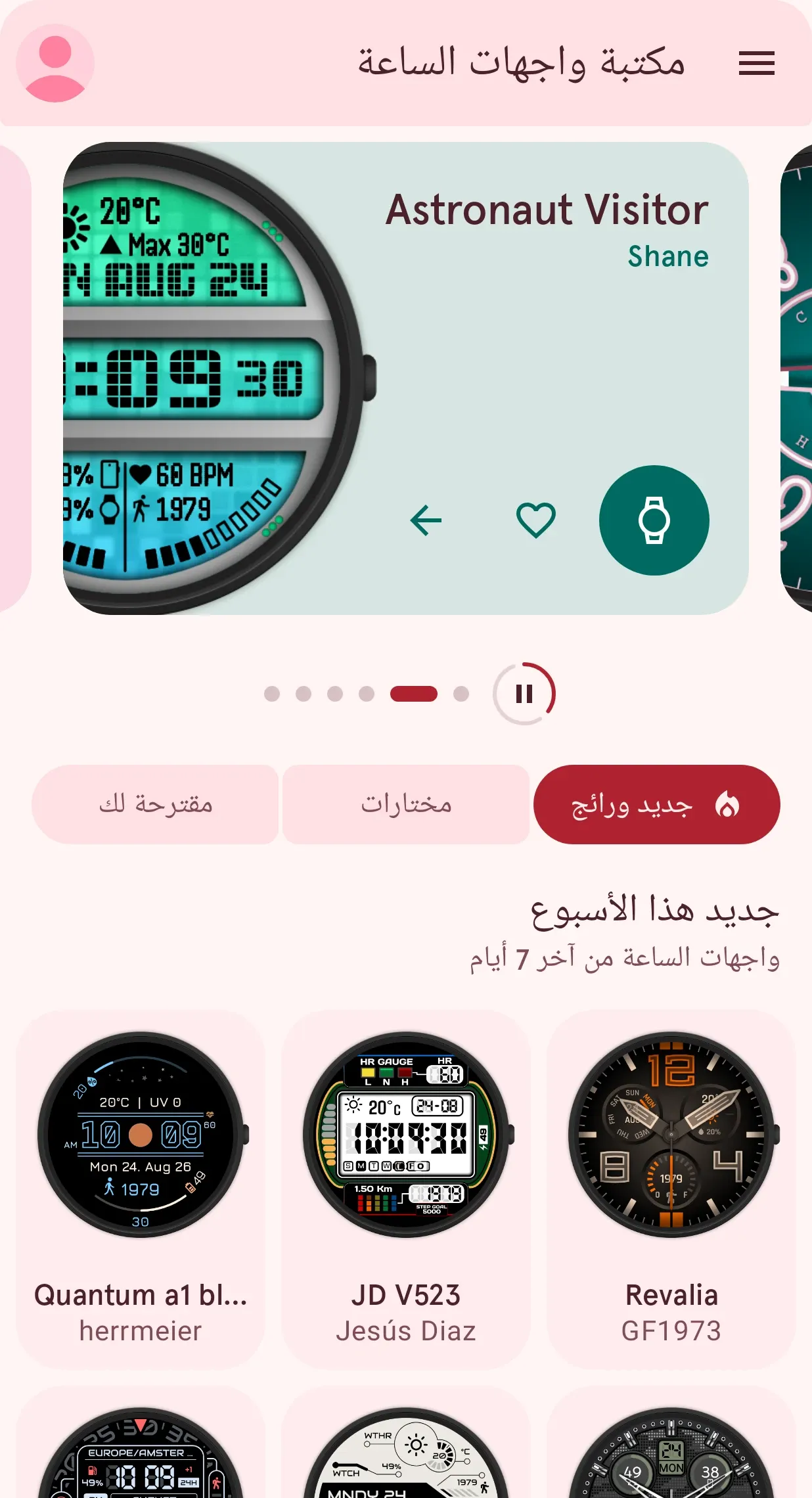
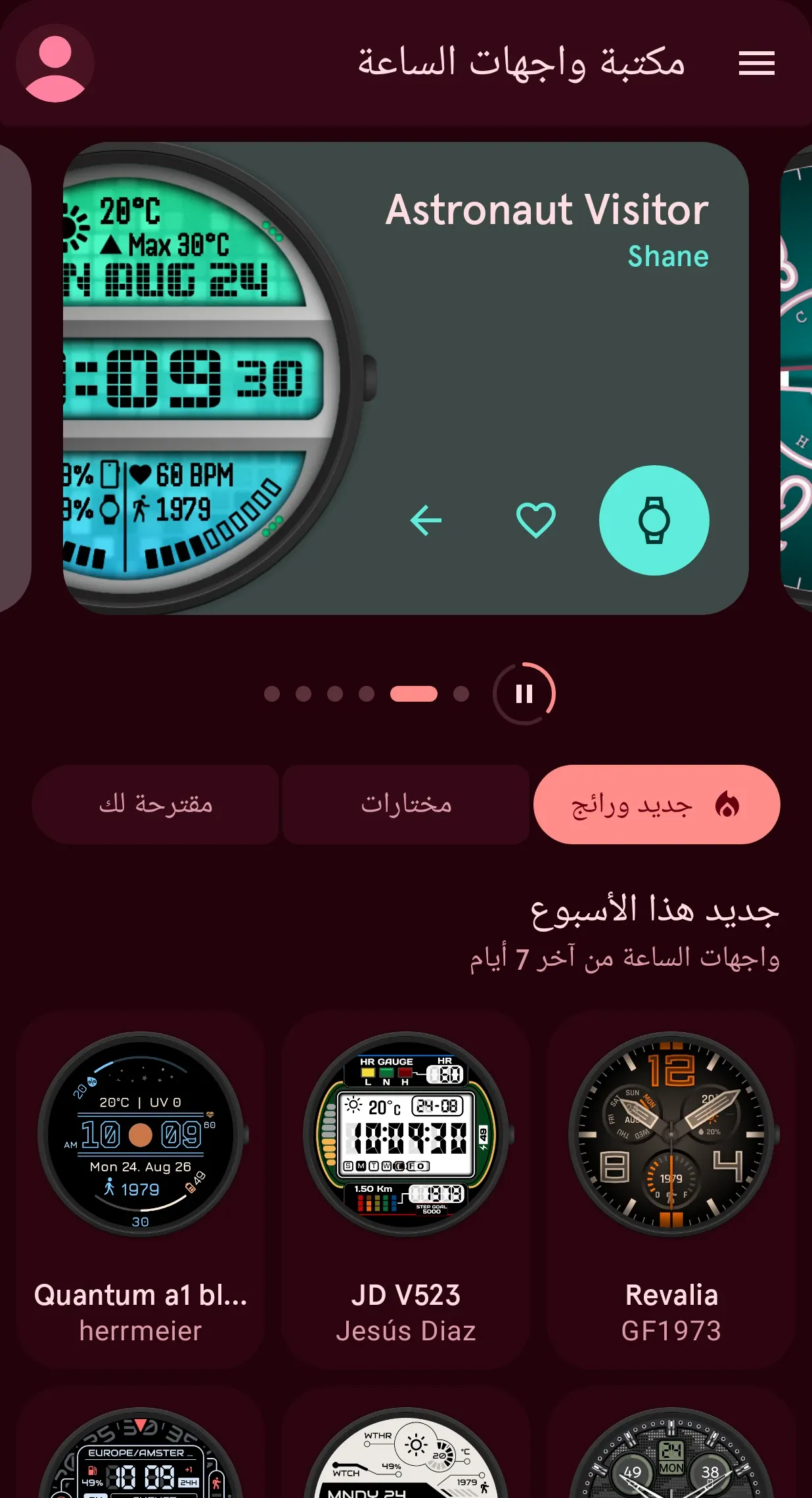
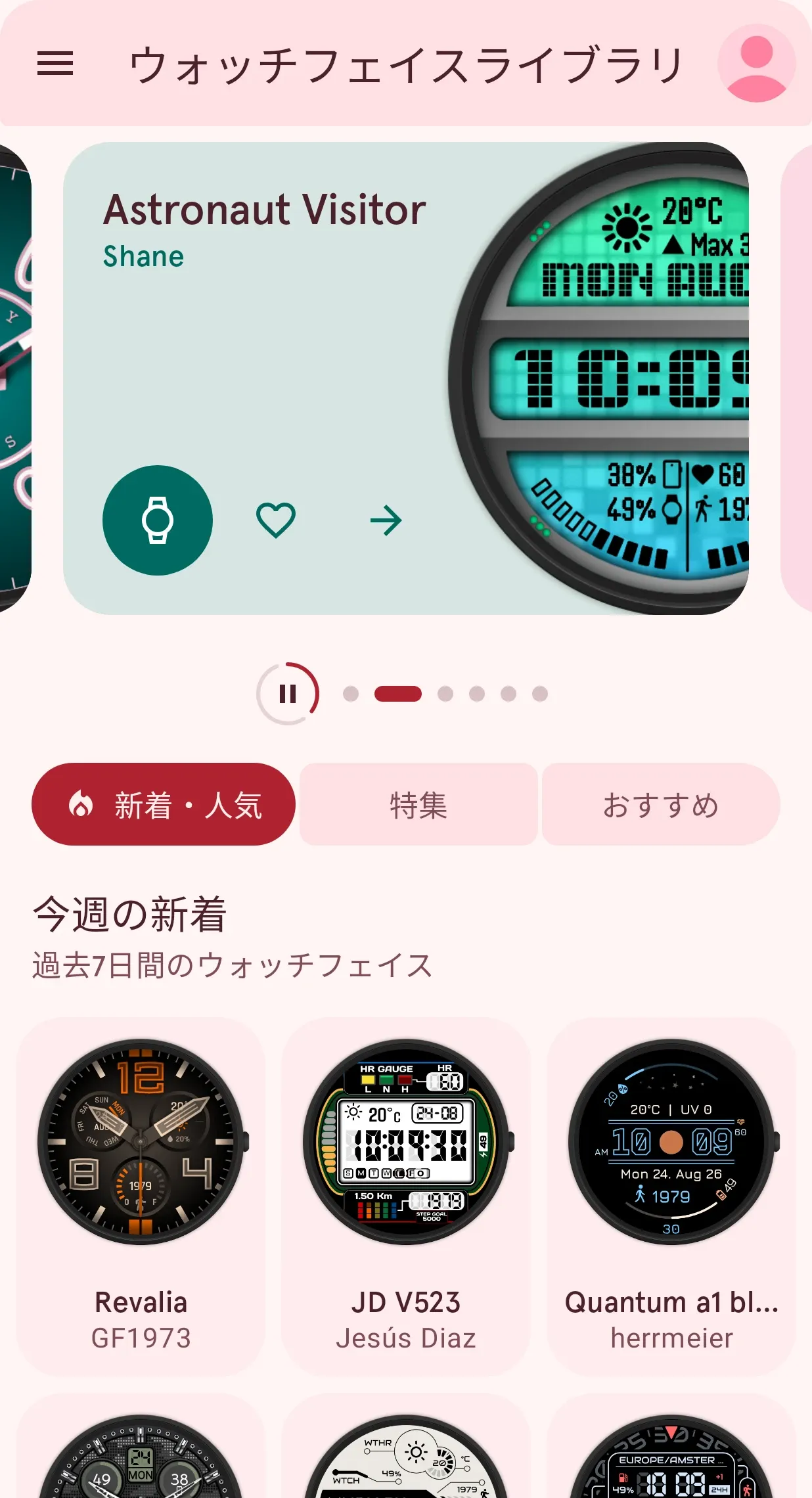
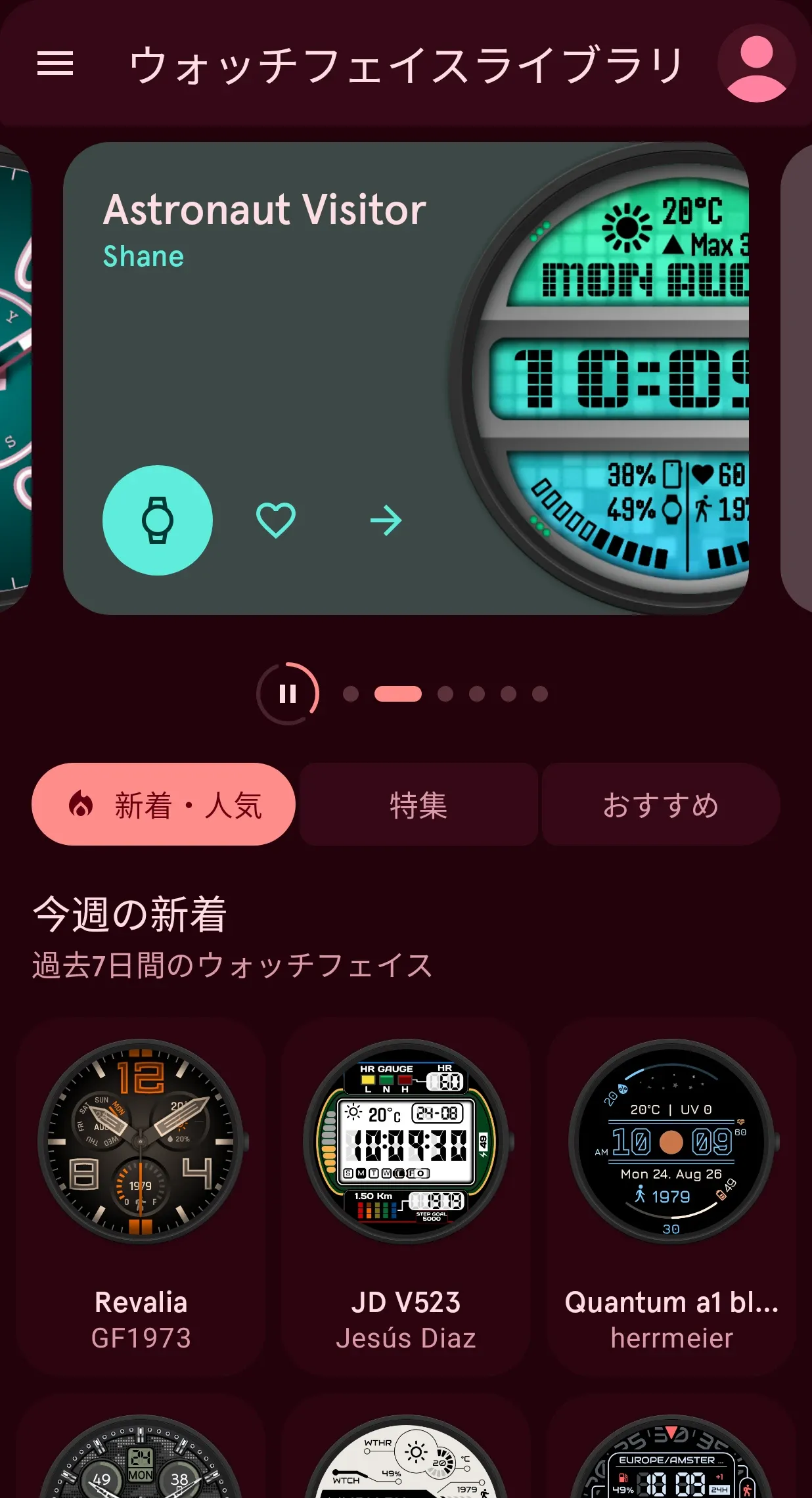
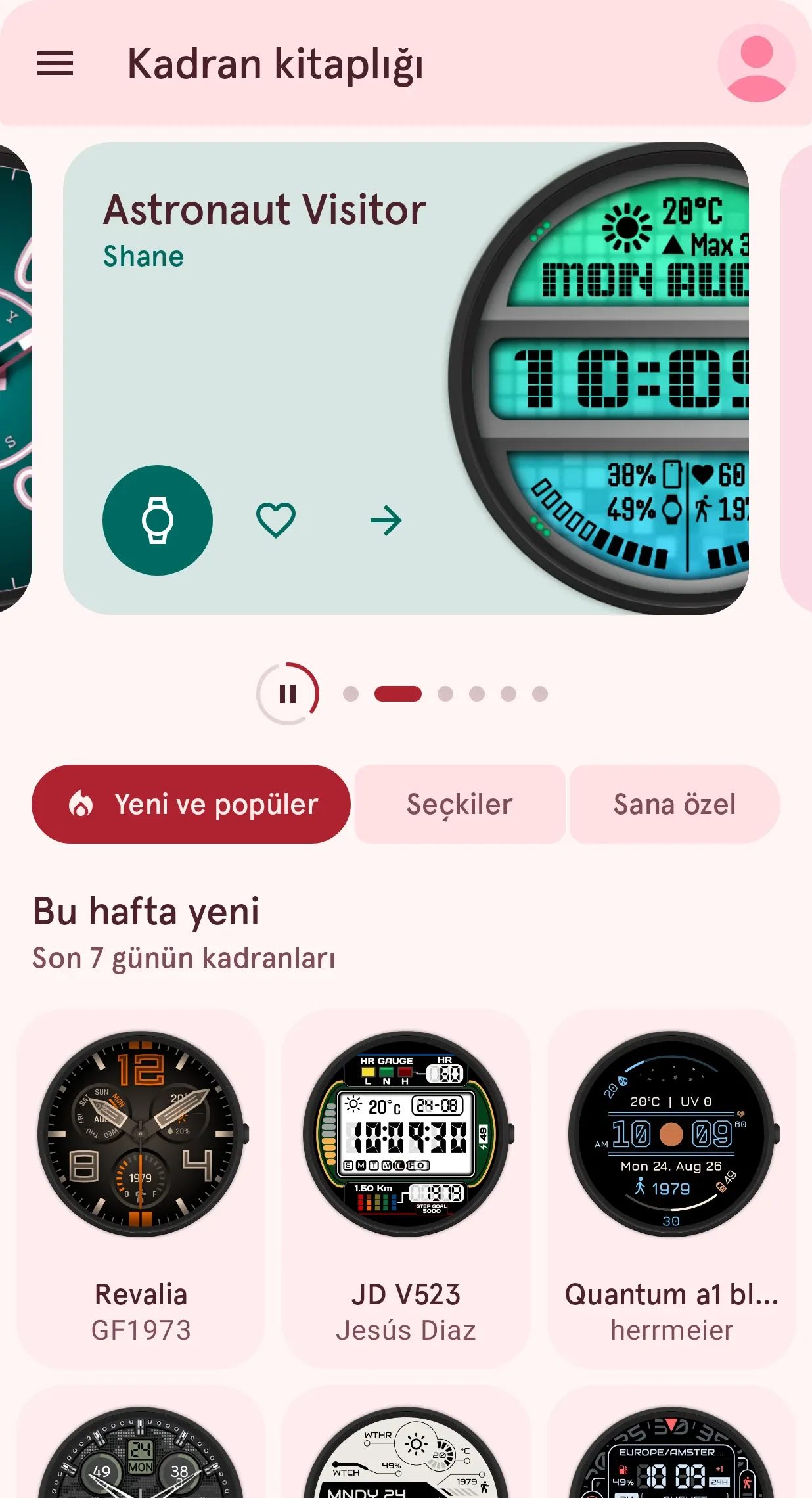
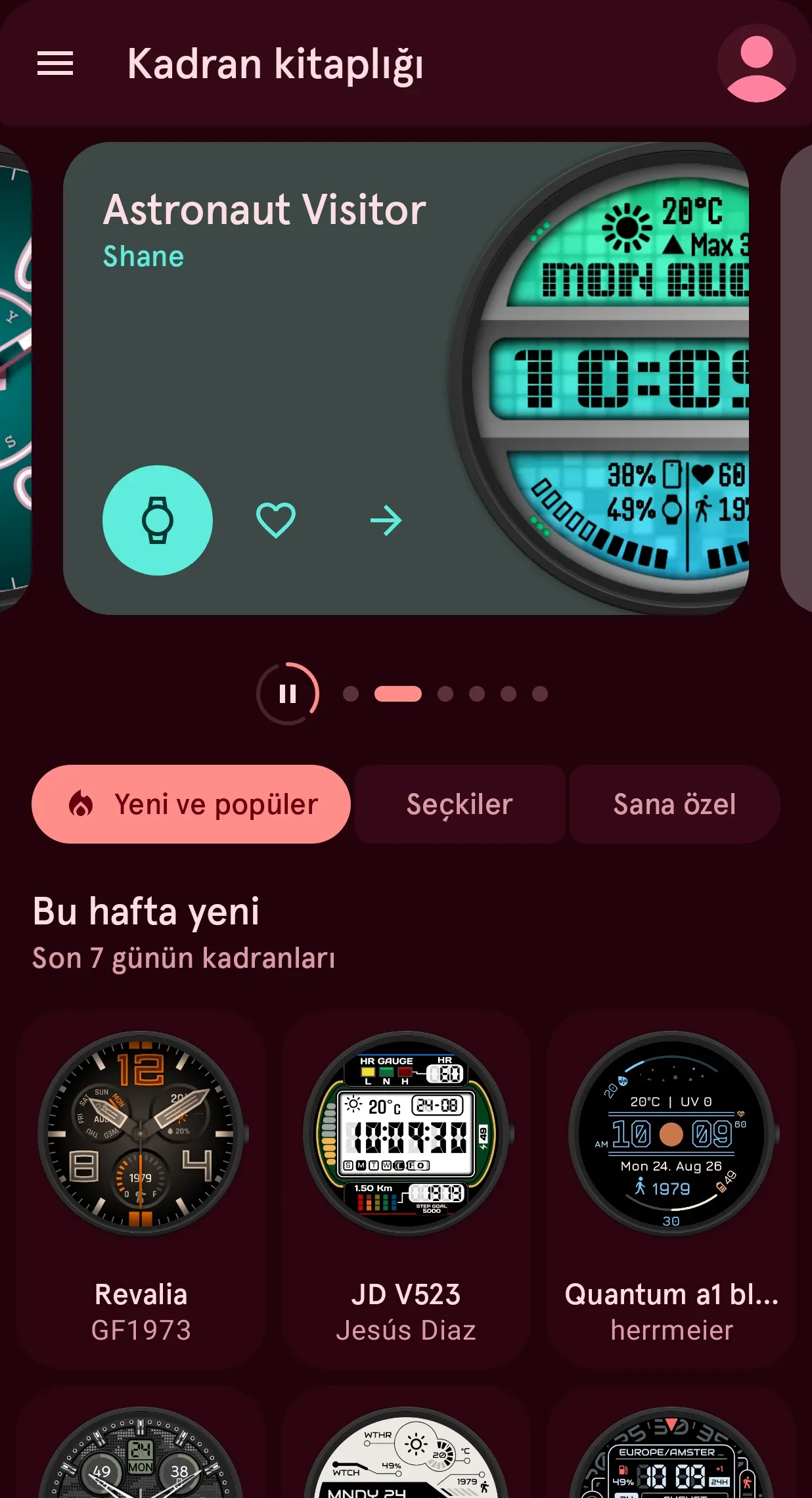
- A completely rebuilt app. The Library is your new home screen, the app works great on tablets and foldables, and it speaks 14 languages.
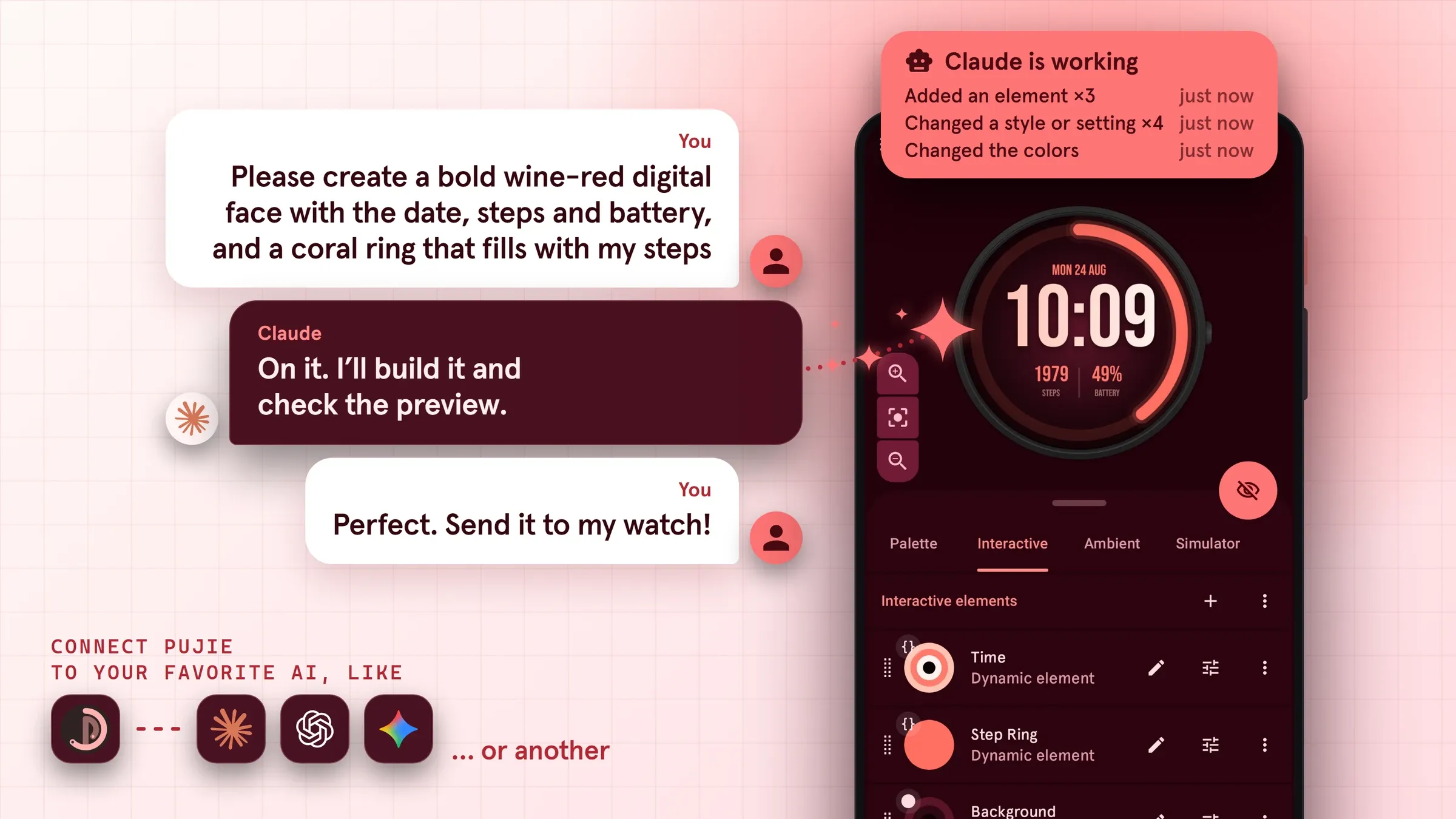
- Bring your own AI assistant. Claude, ChatGPT or Gemini can now design Wear OS watch faces with you and help with your scripts.
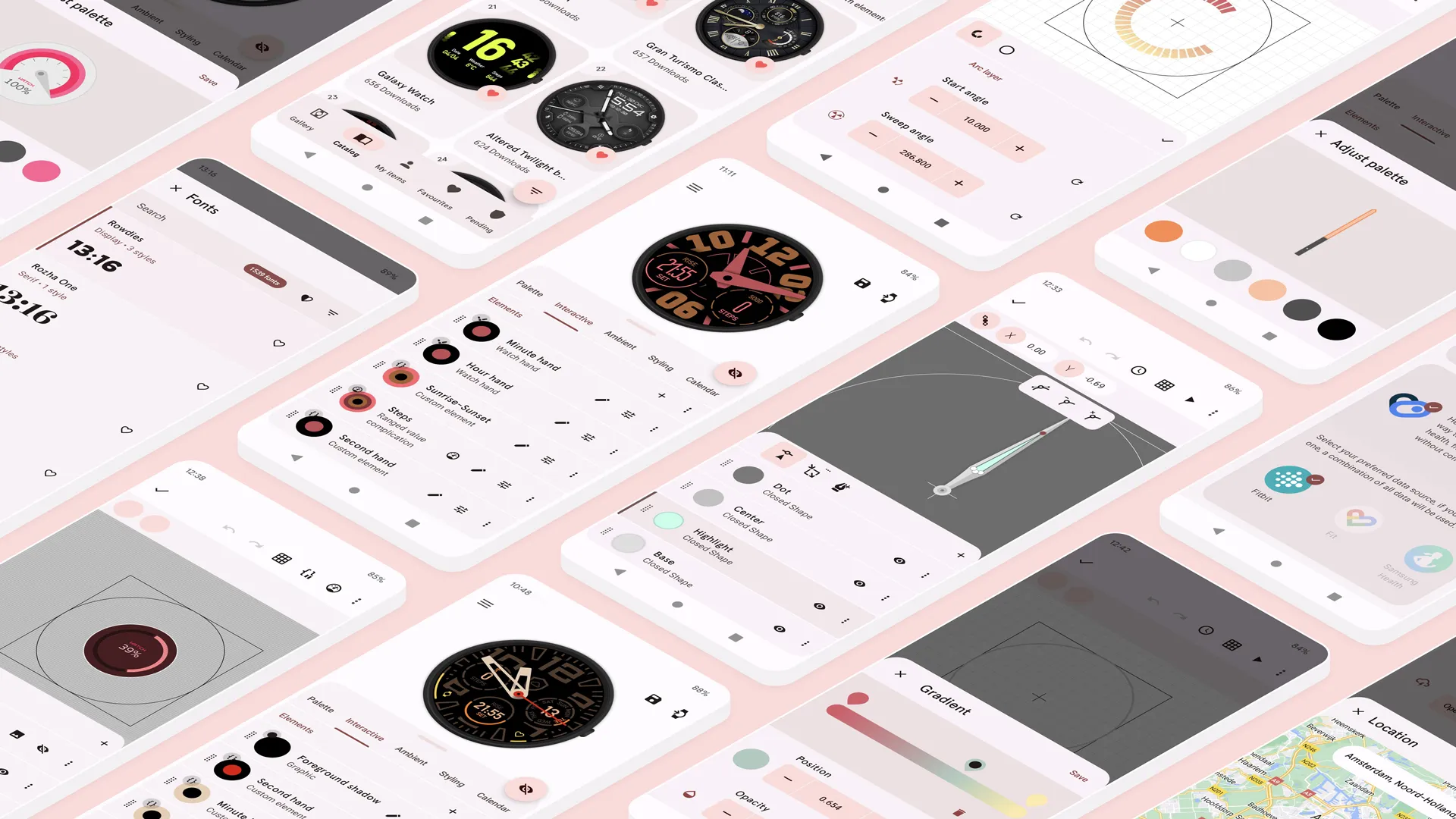
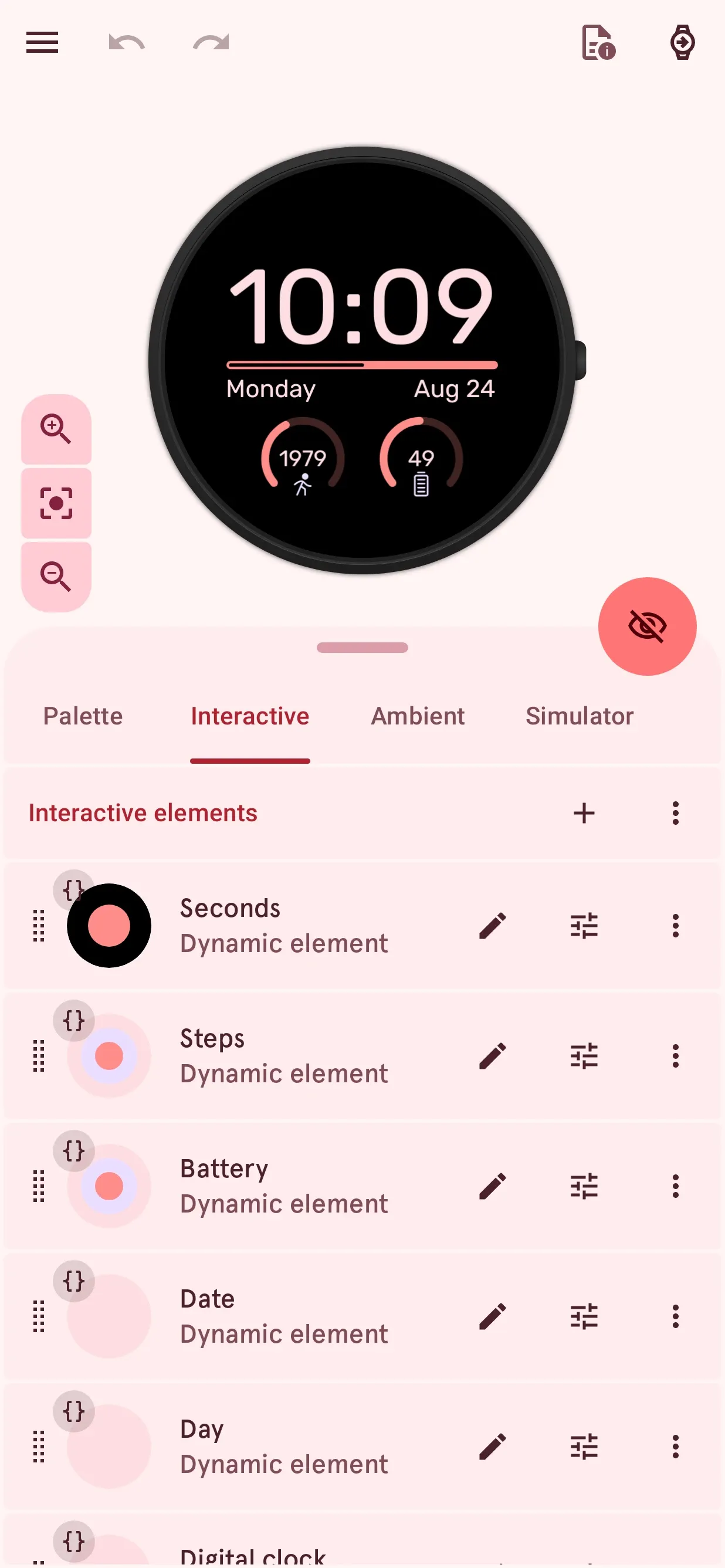
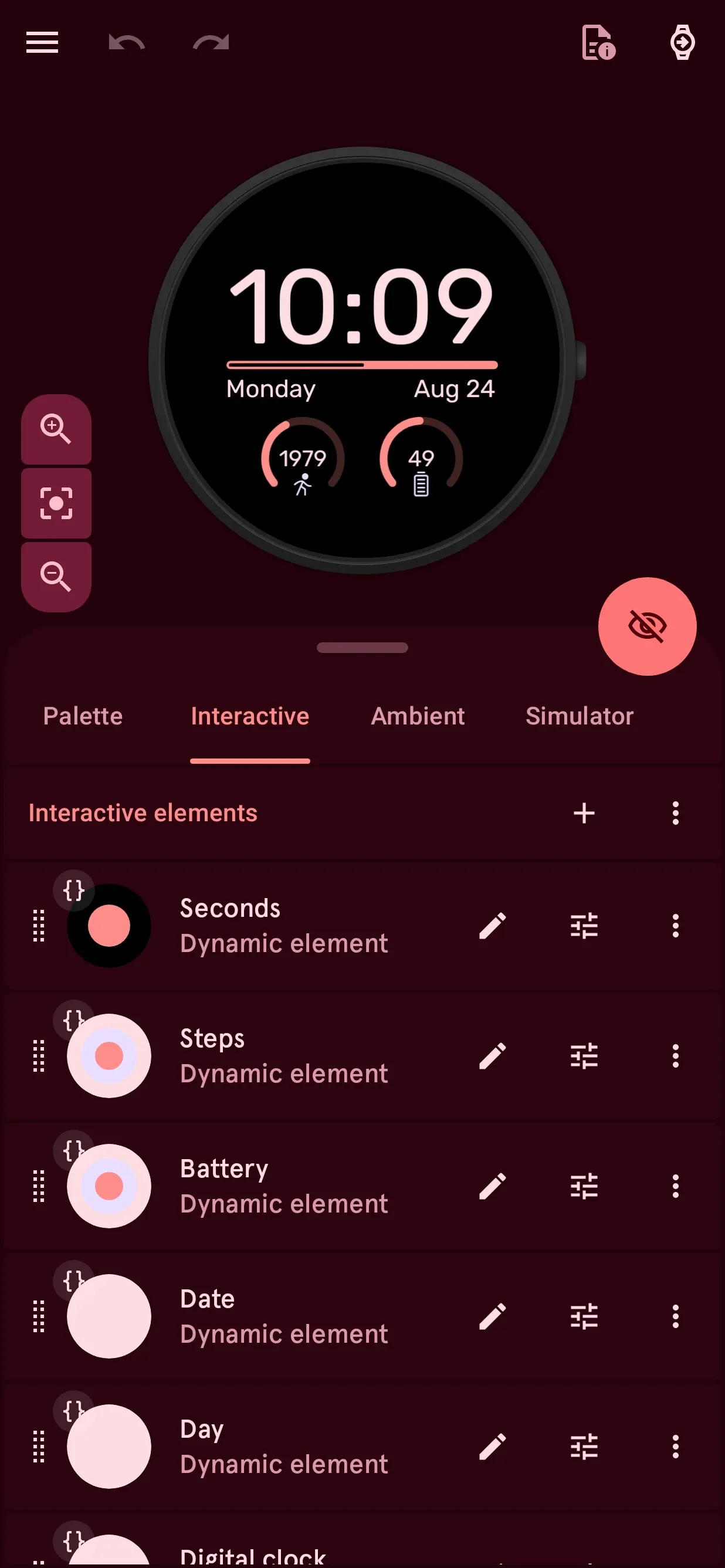
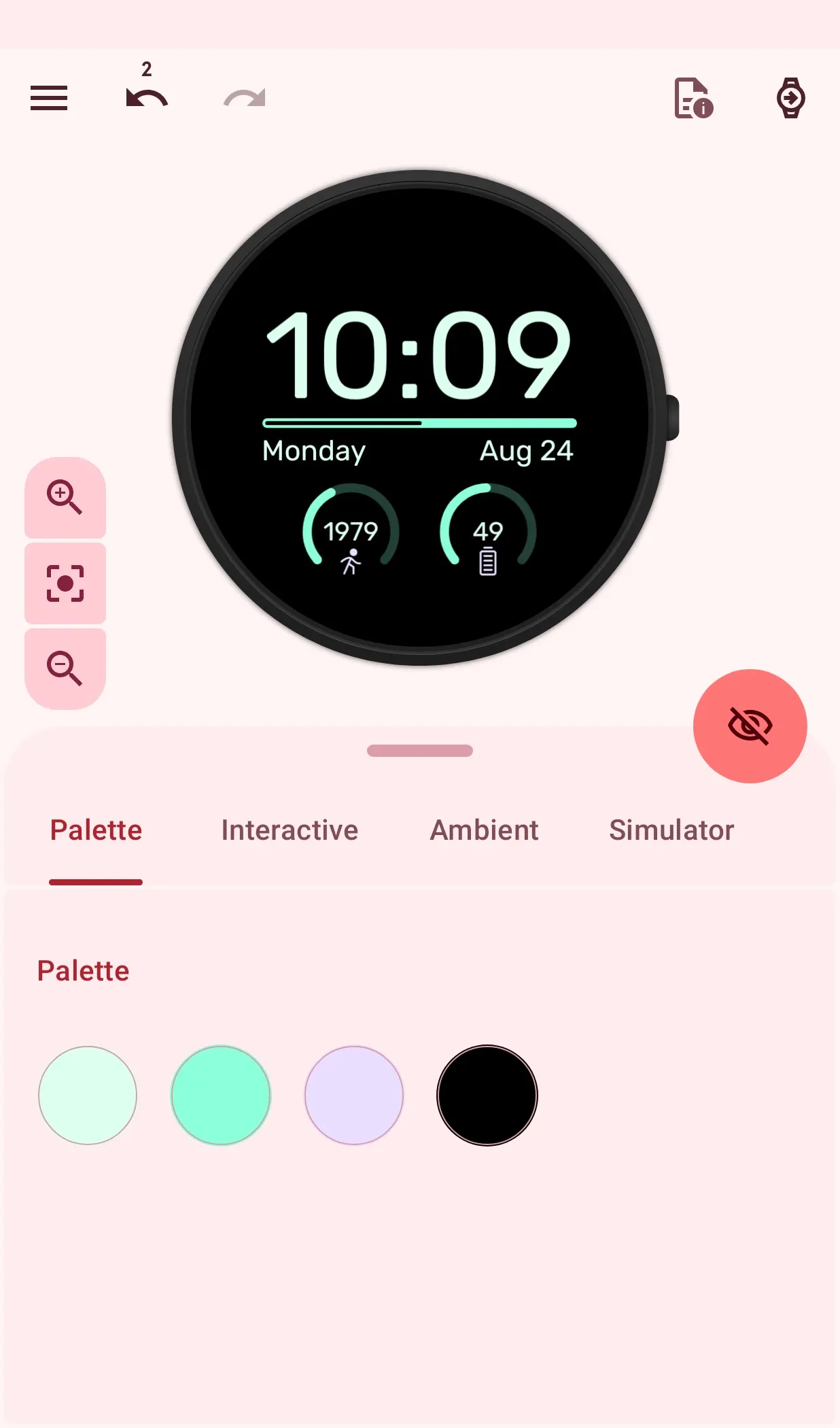
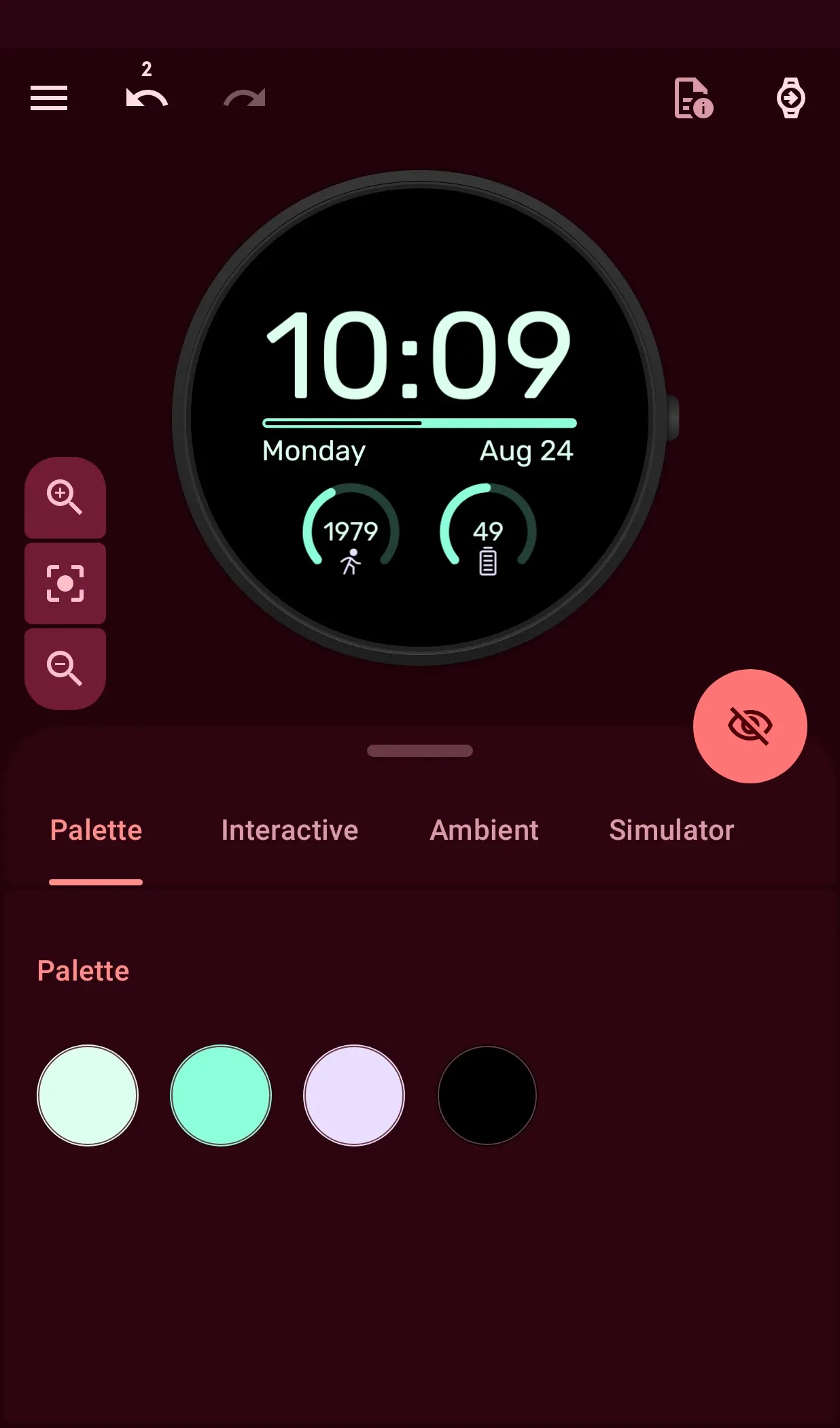
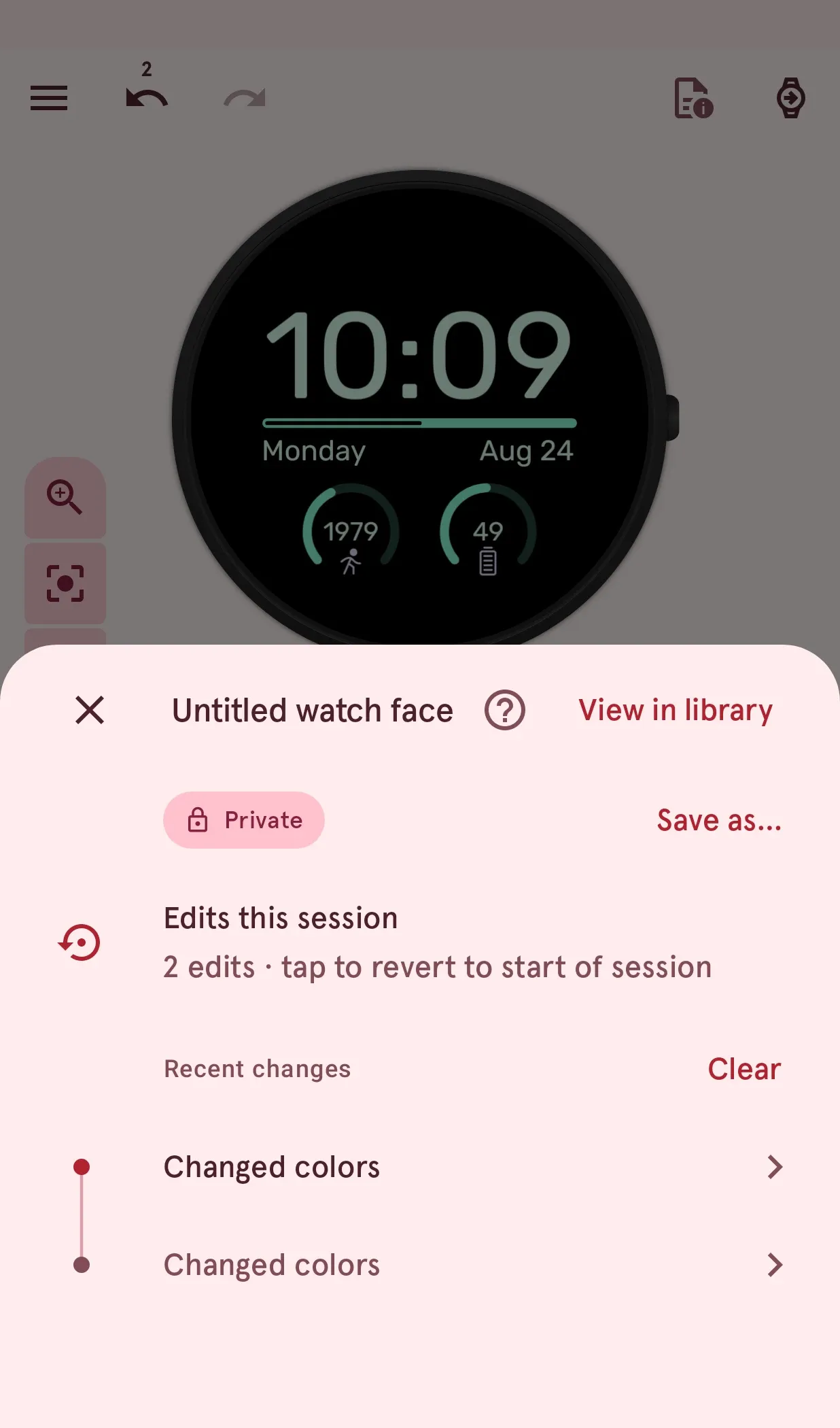
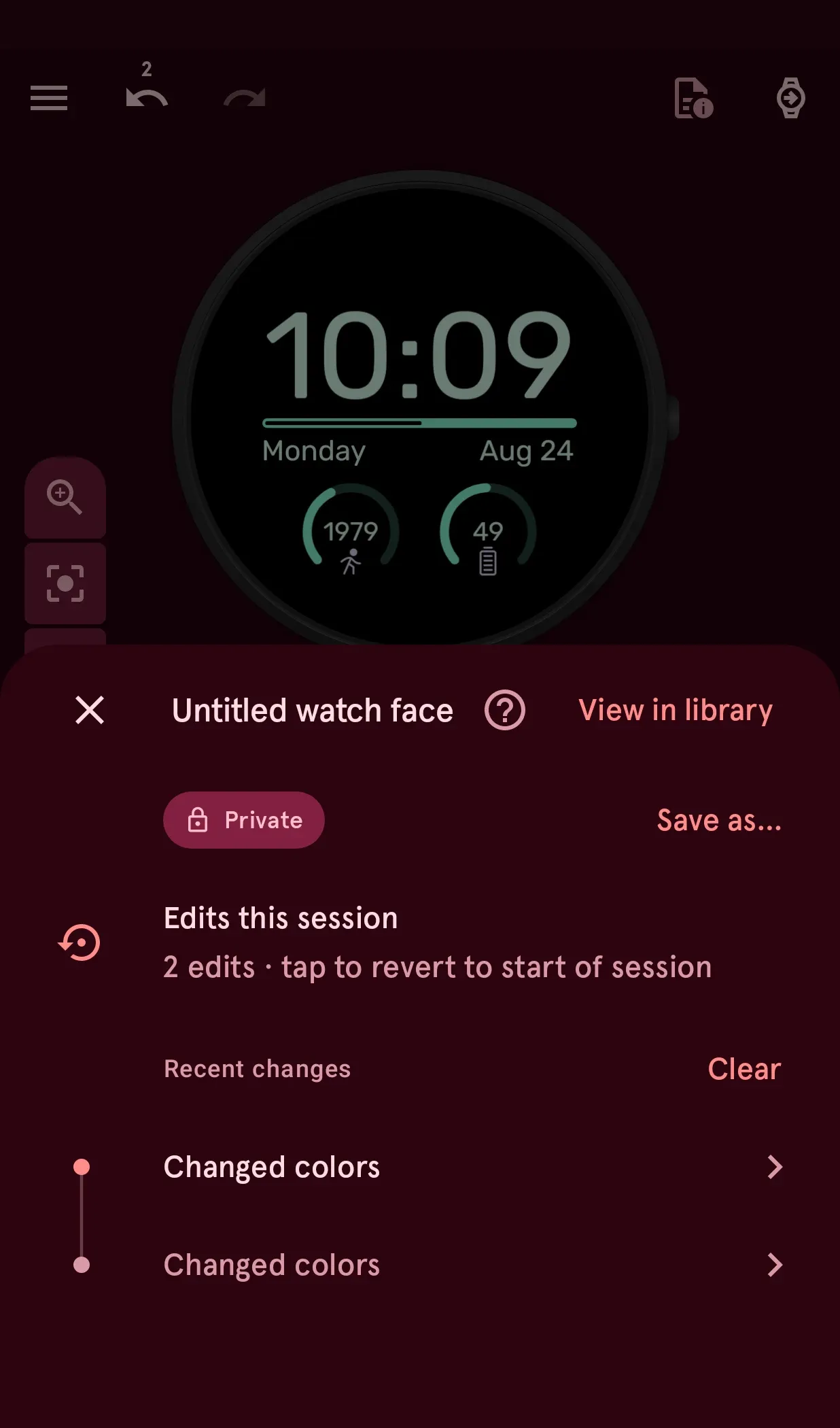
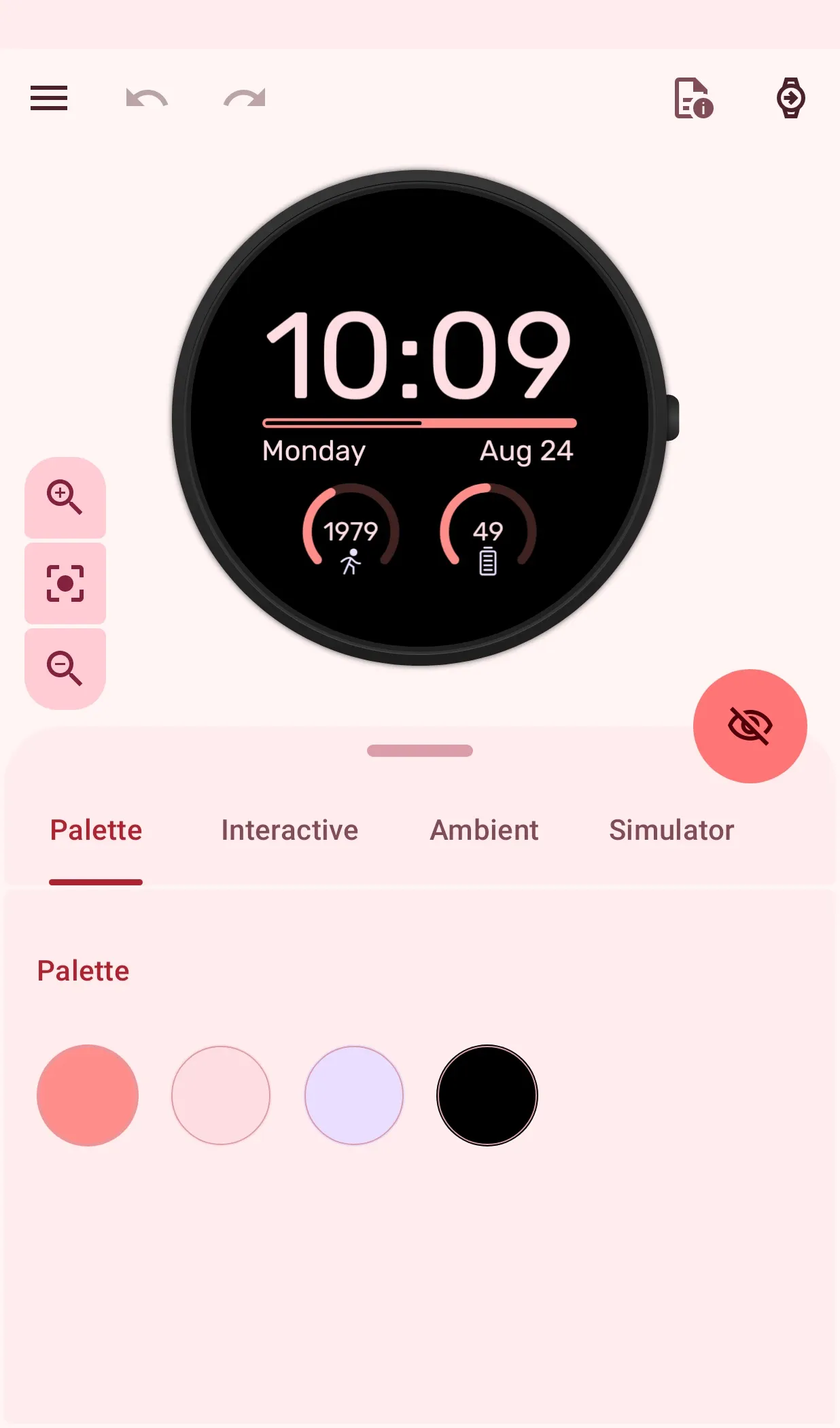
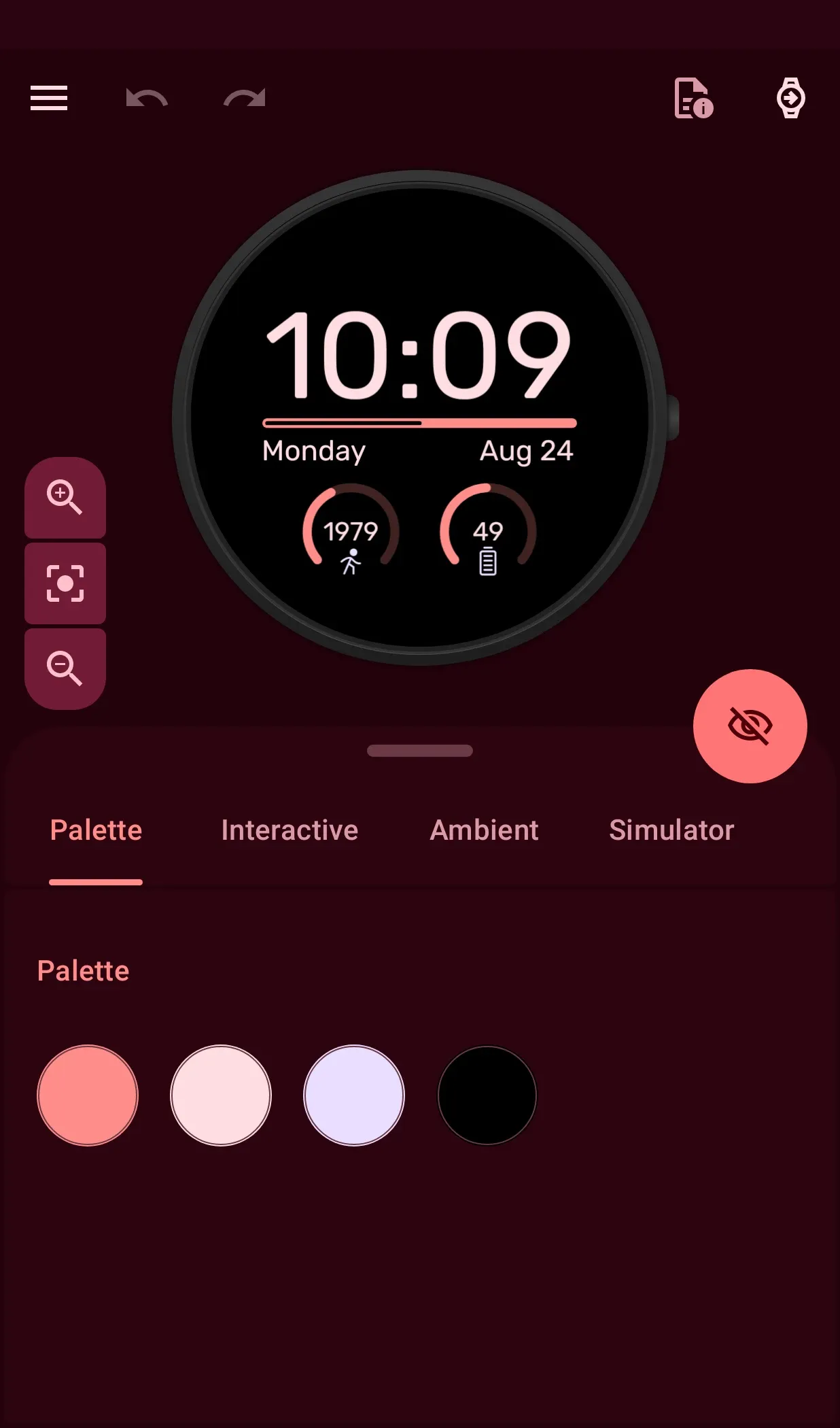
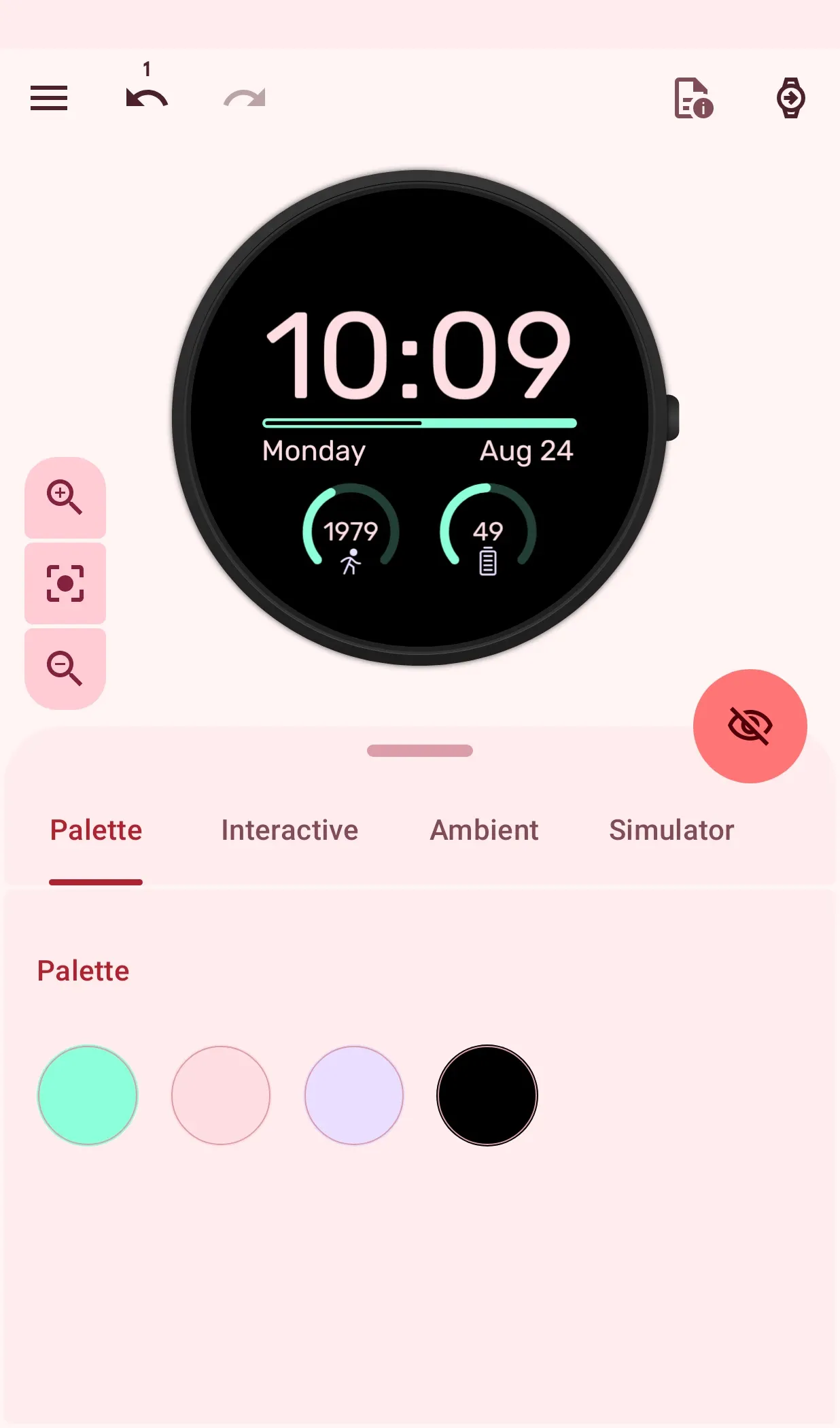
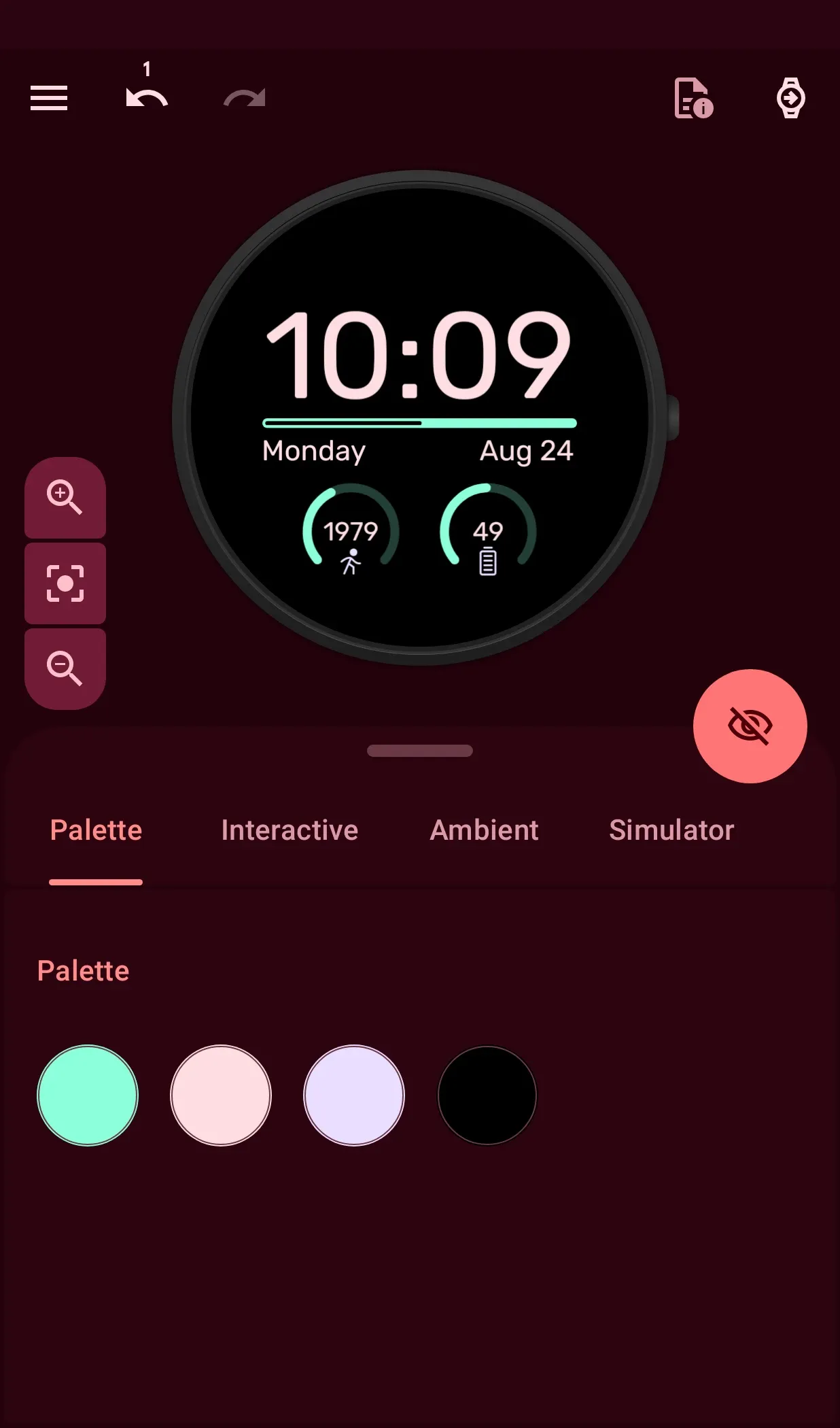
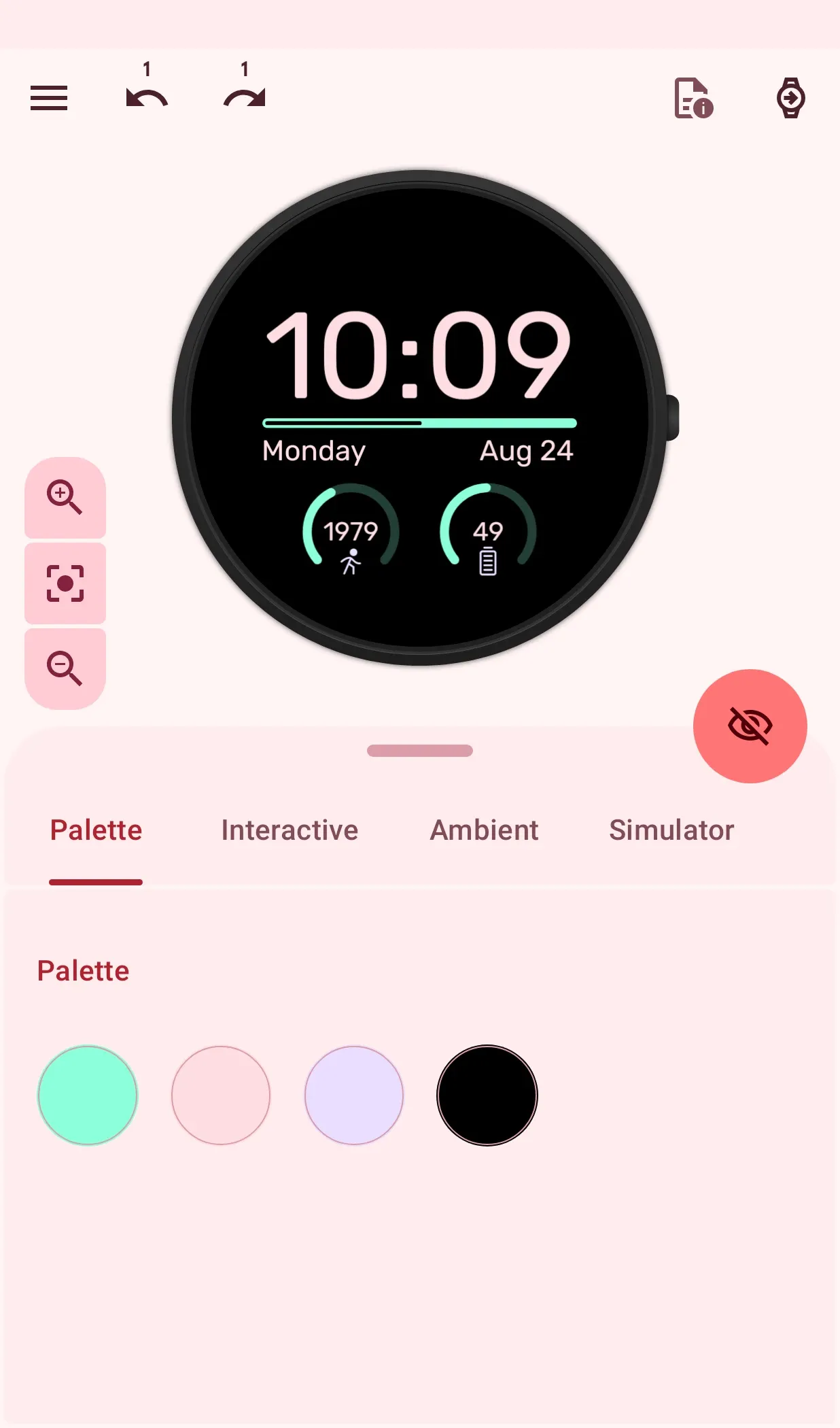
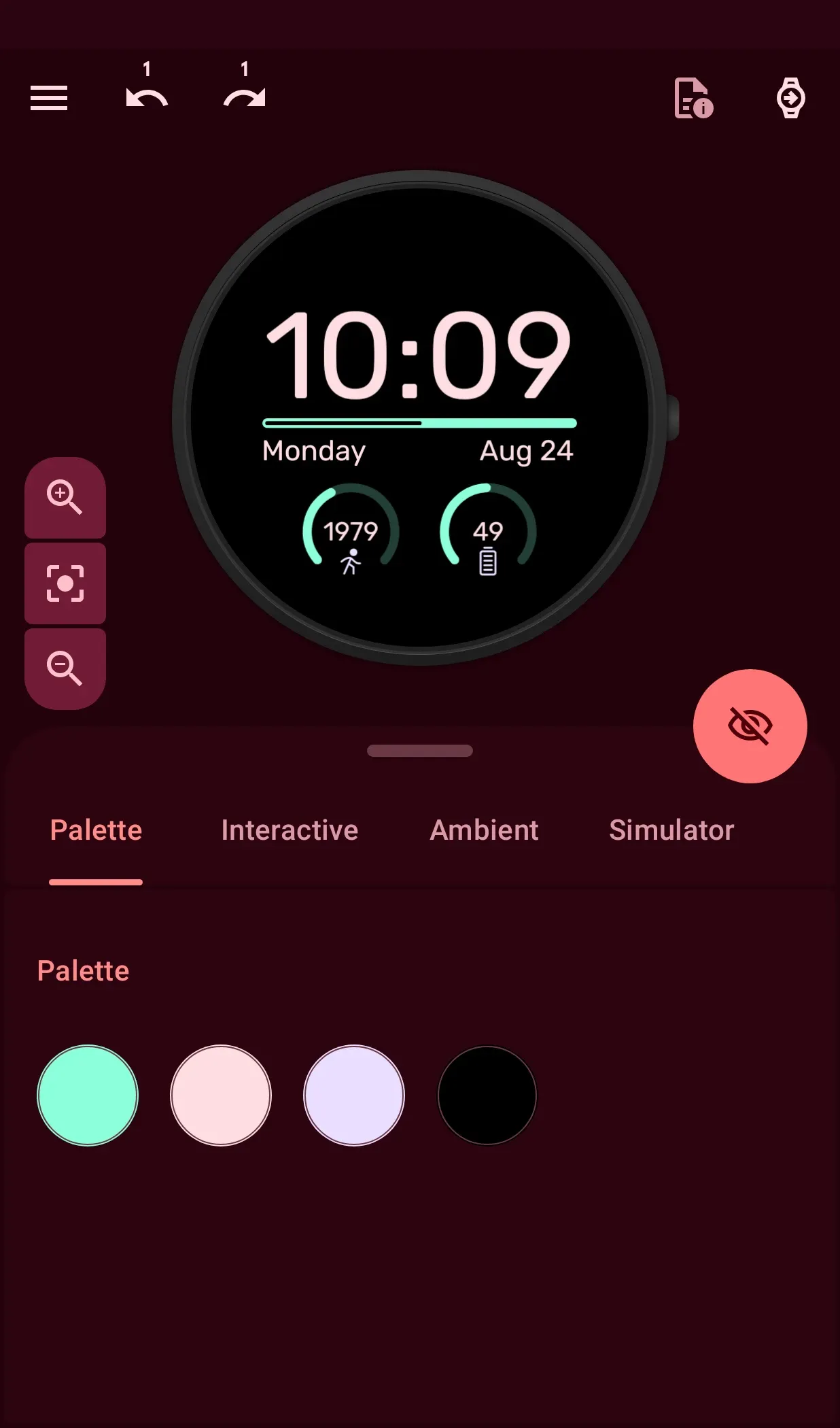
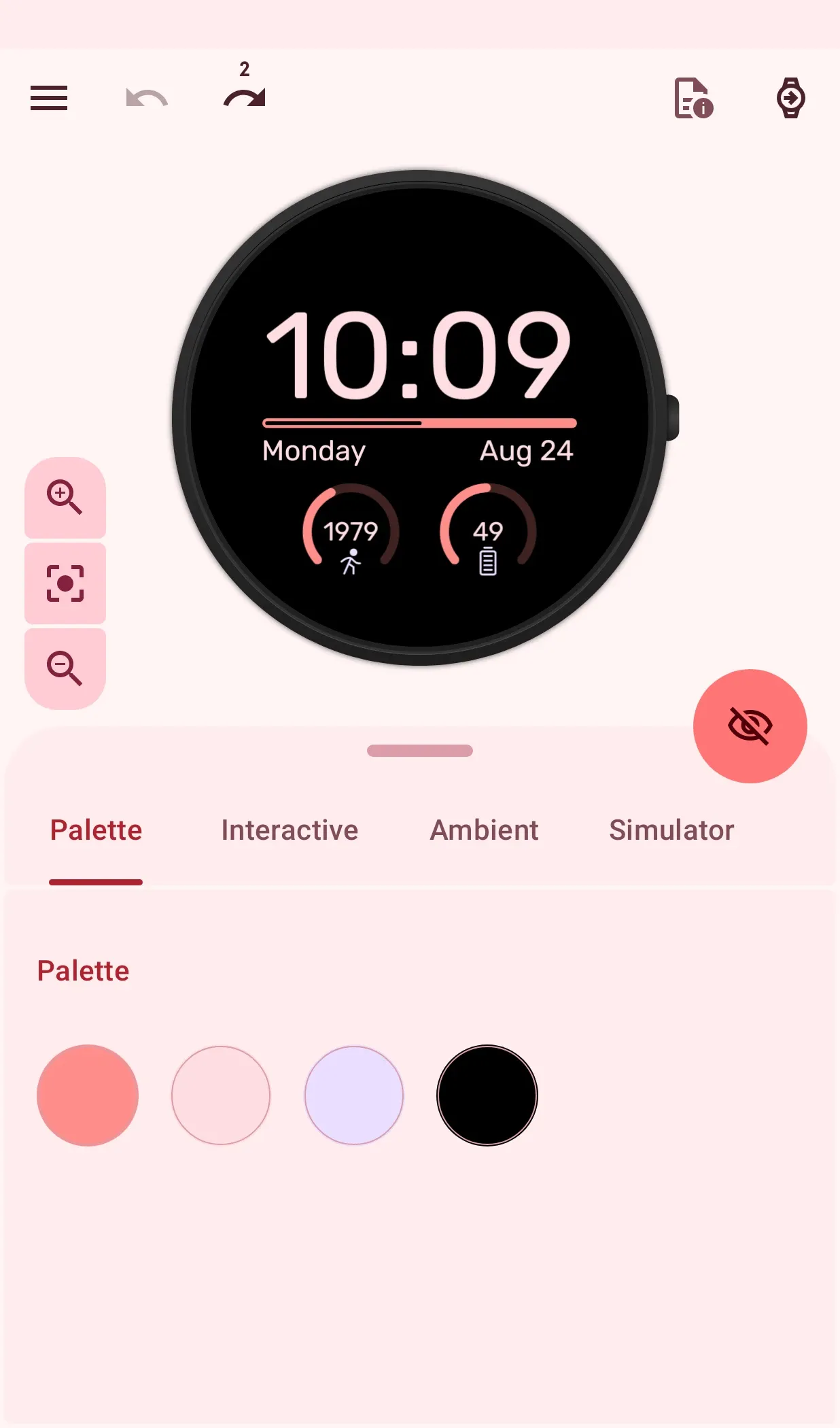
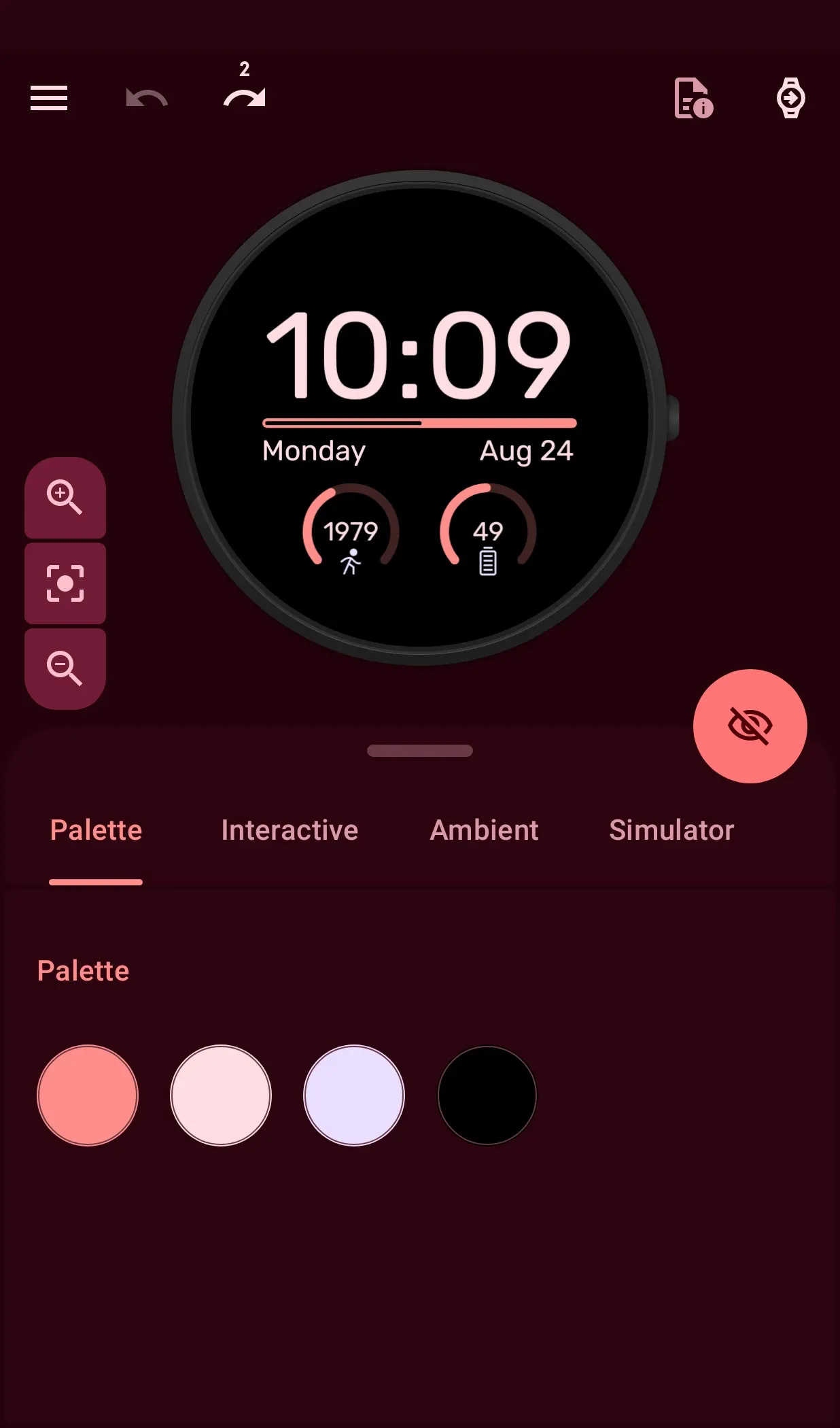
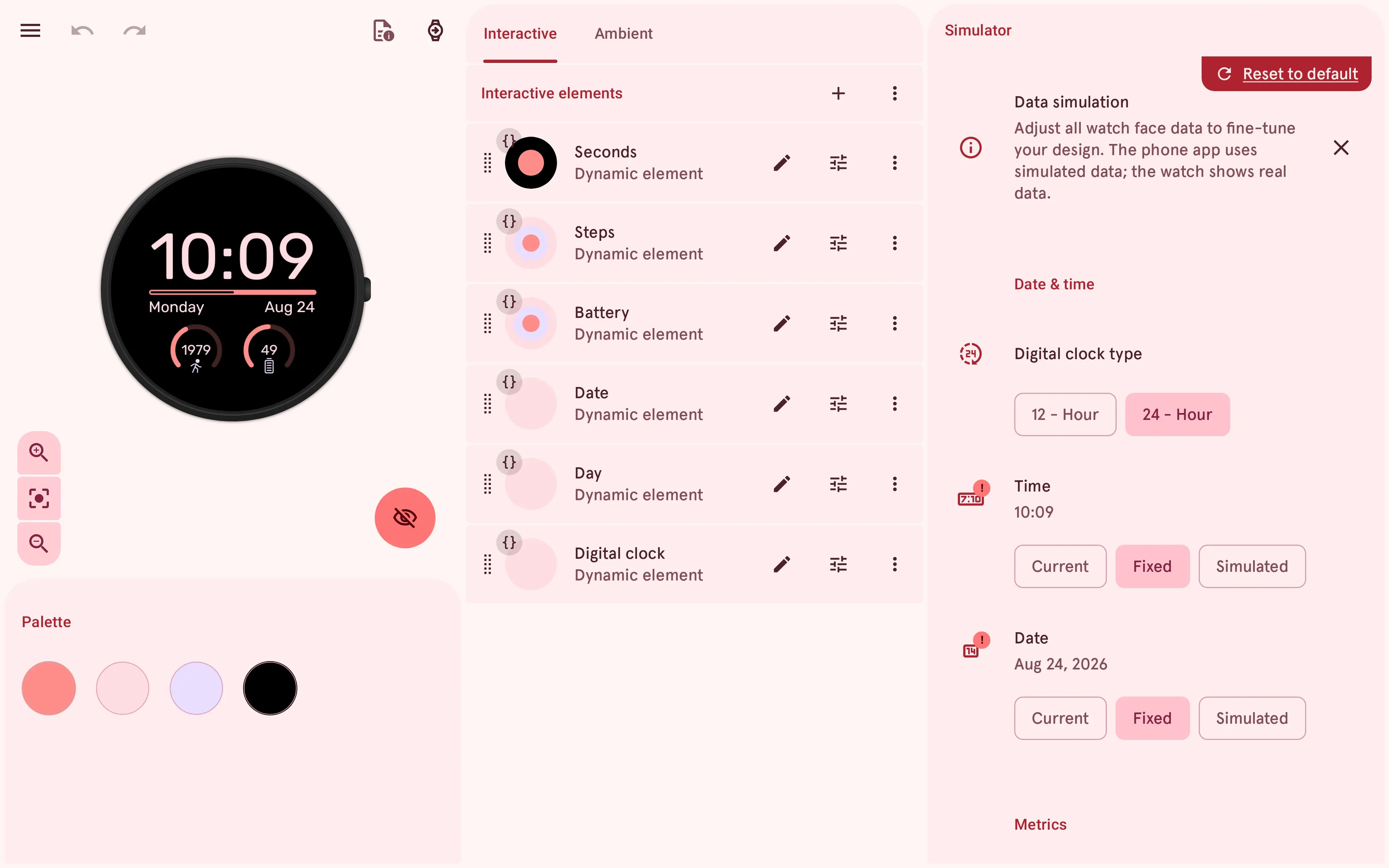
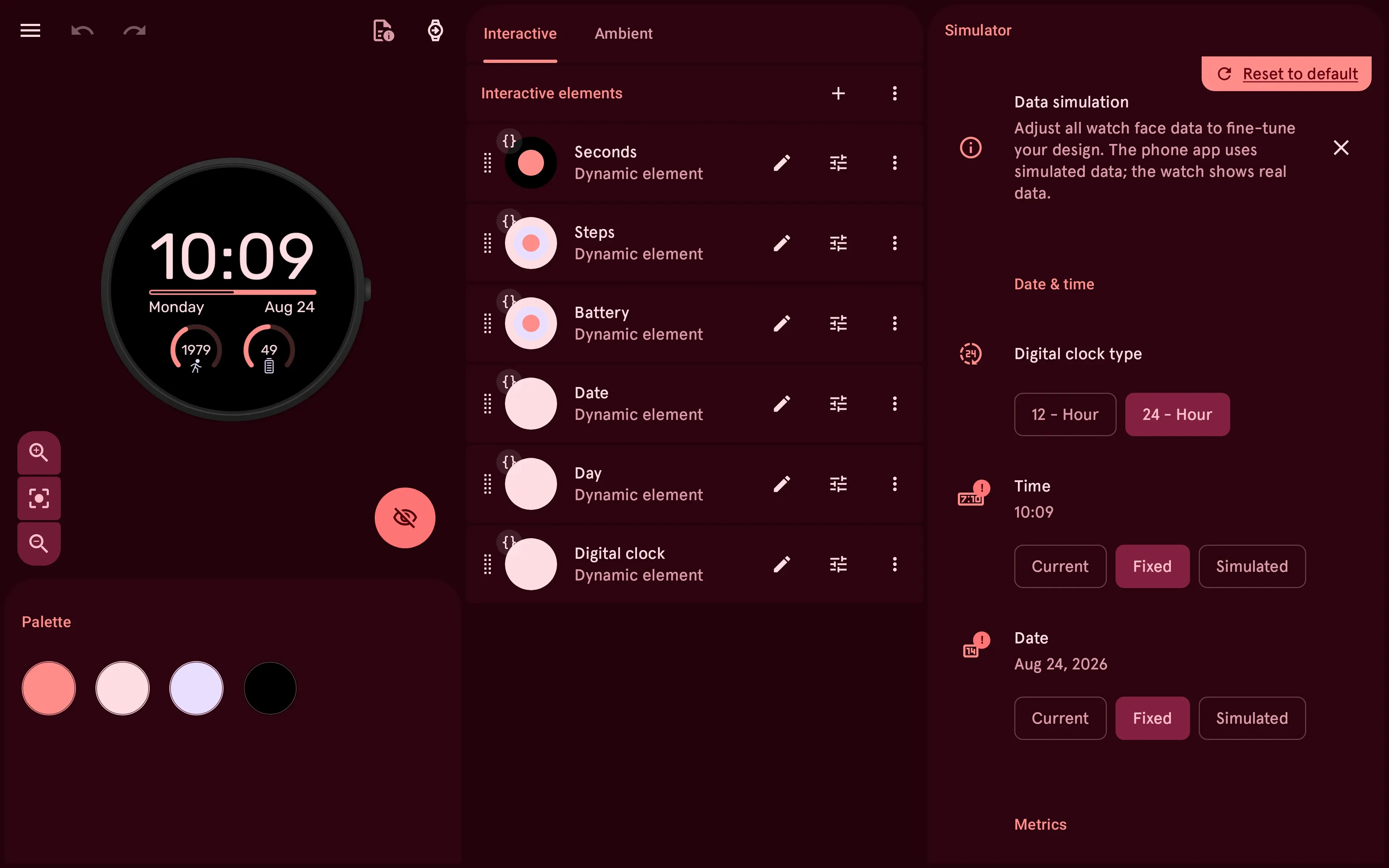
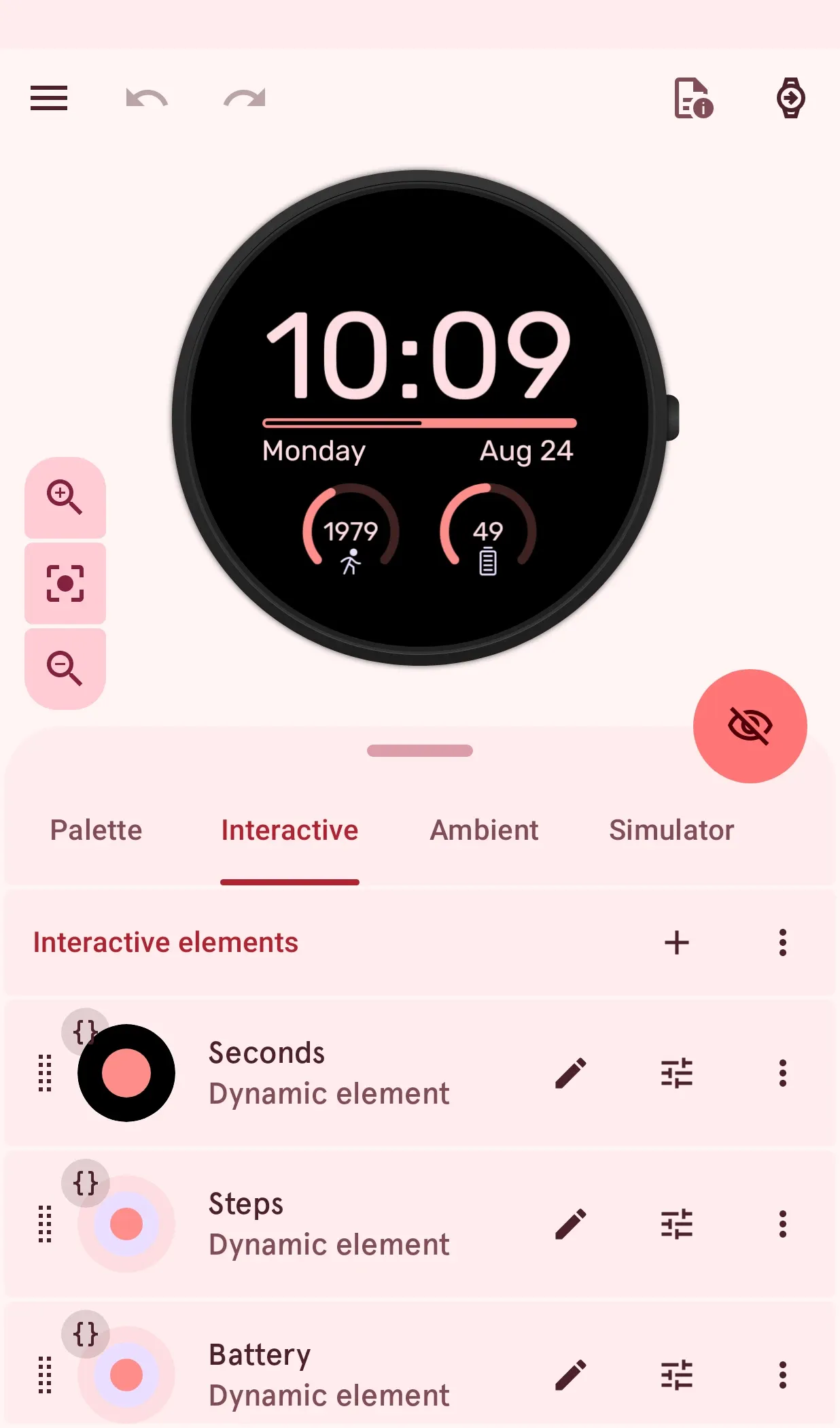
- A better Watch Face Designer. Undo and redo, a list of your changes, auto-save, a layout for big screens, and zoom and pan.
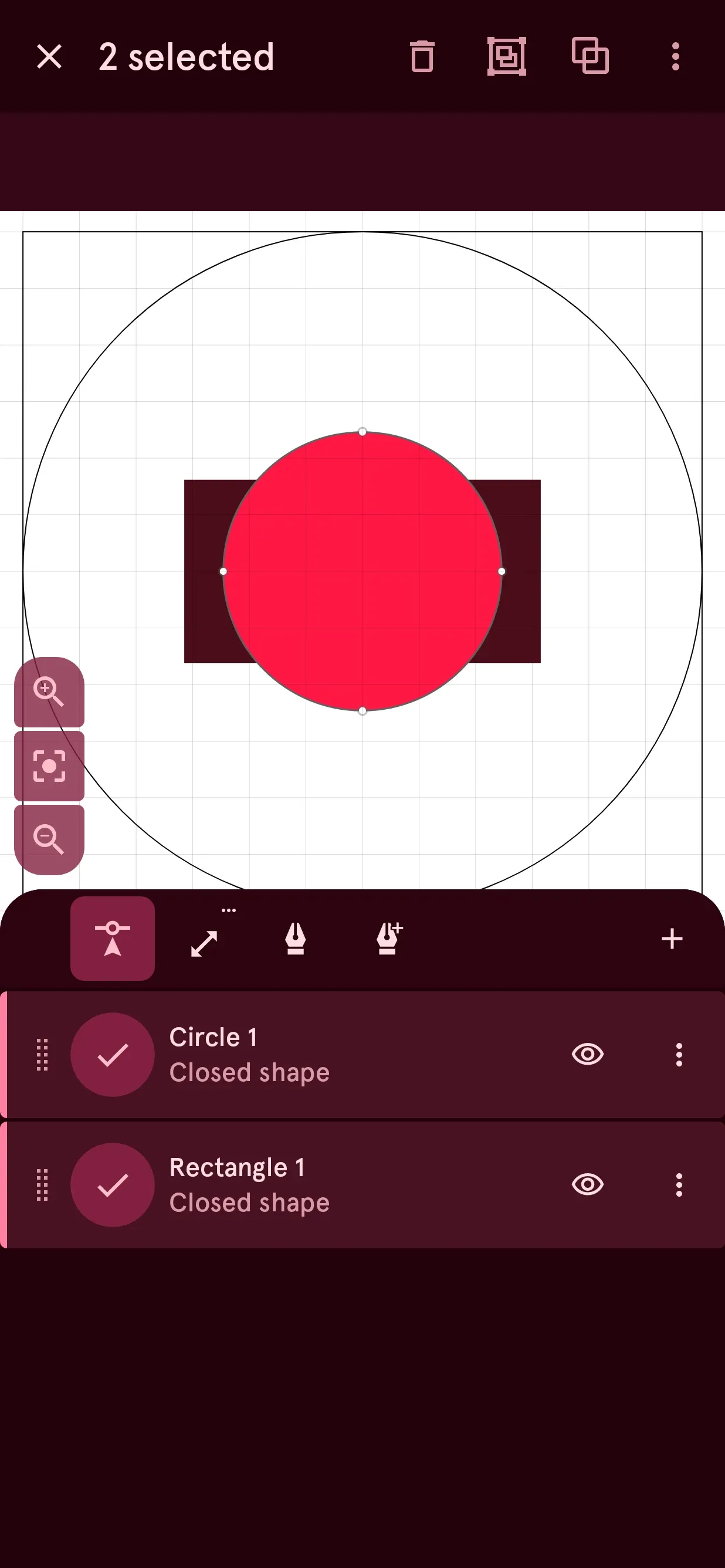
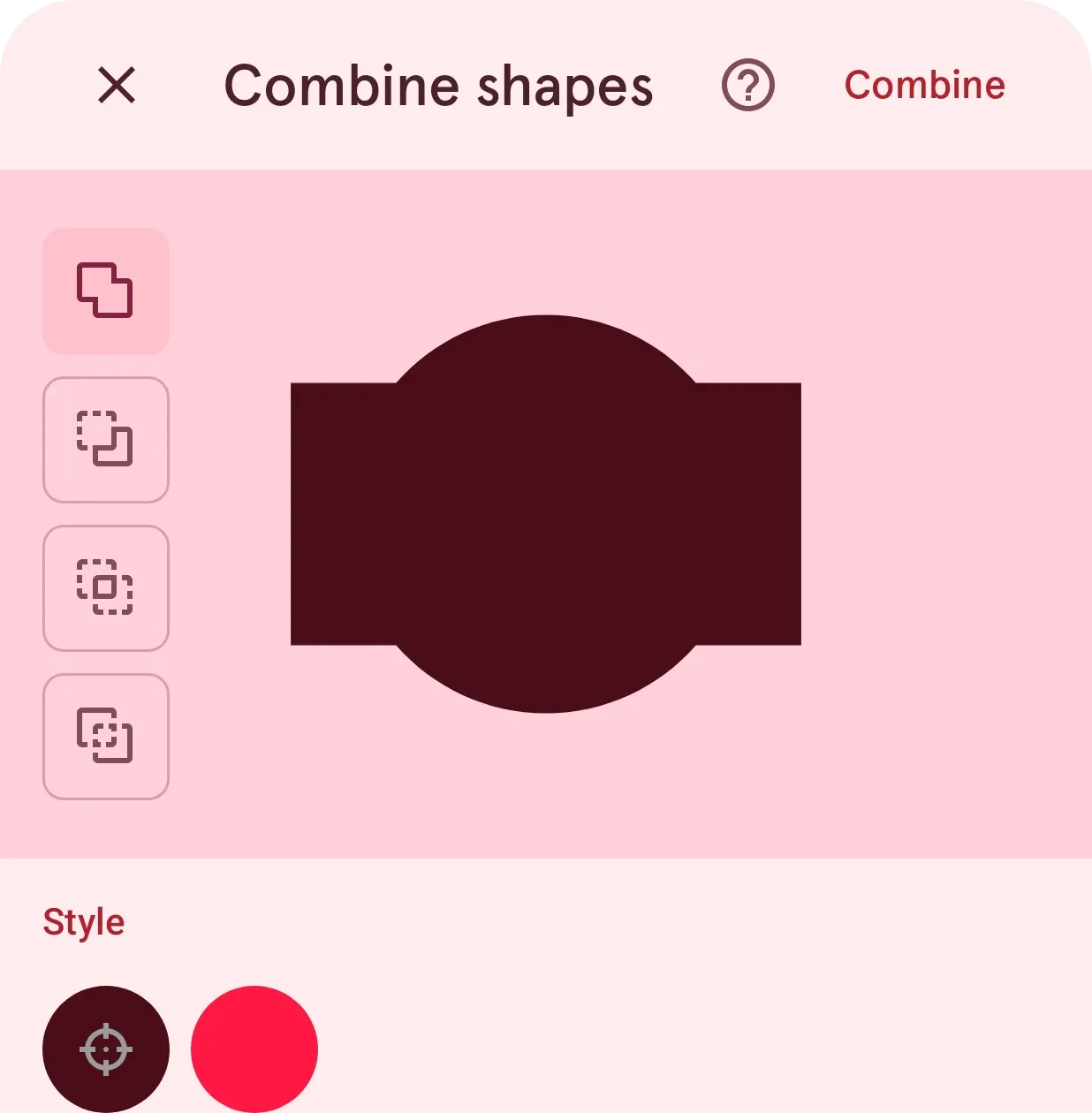
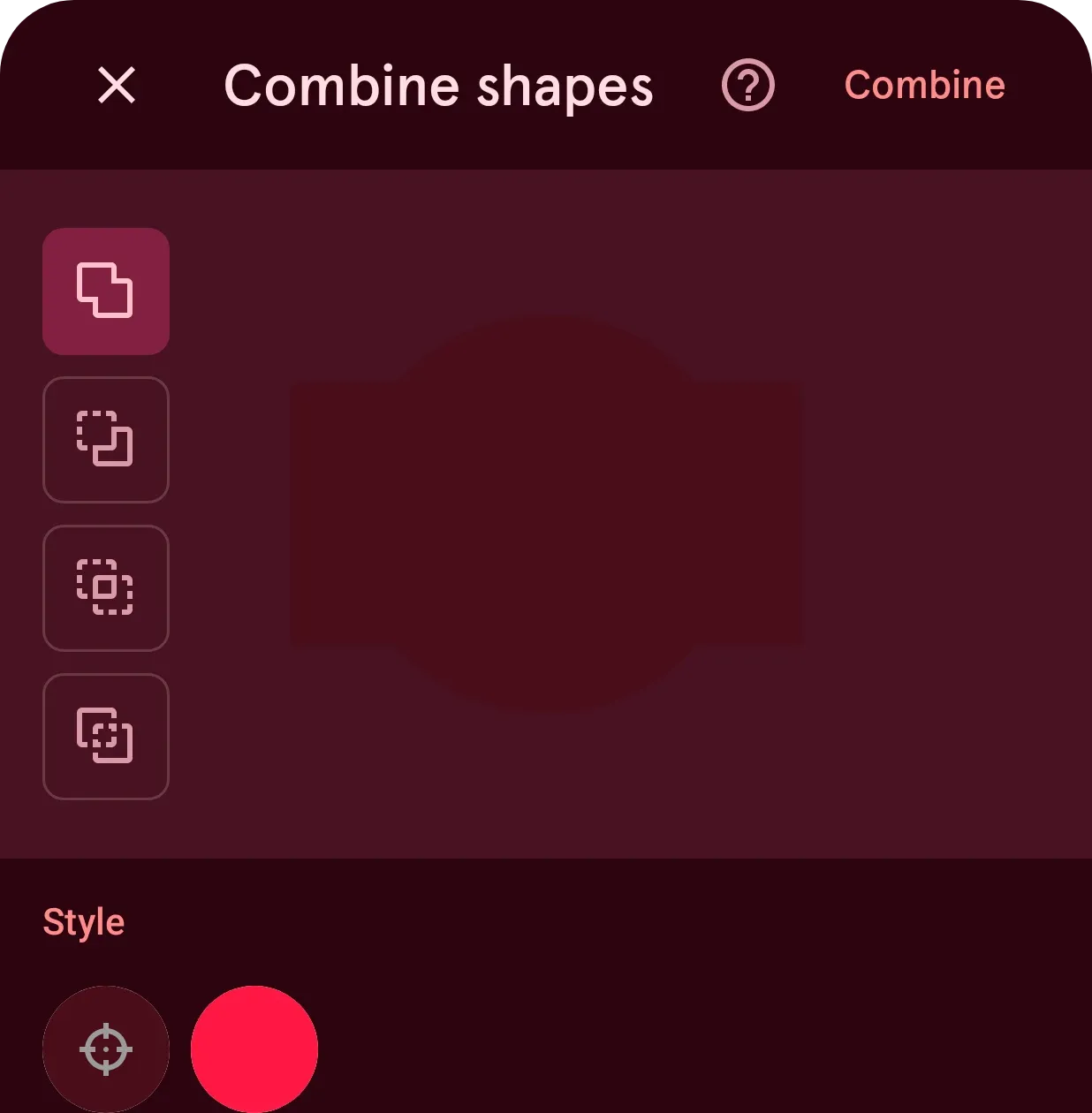
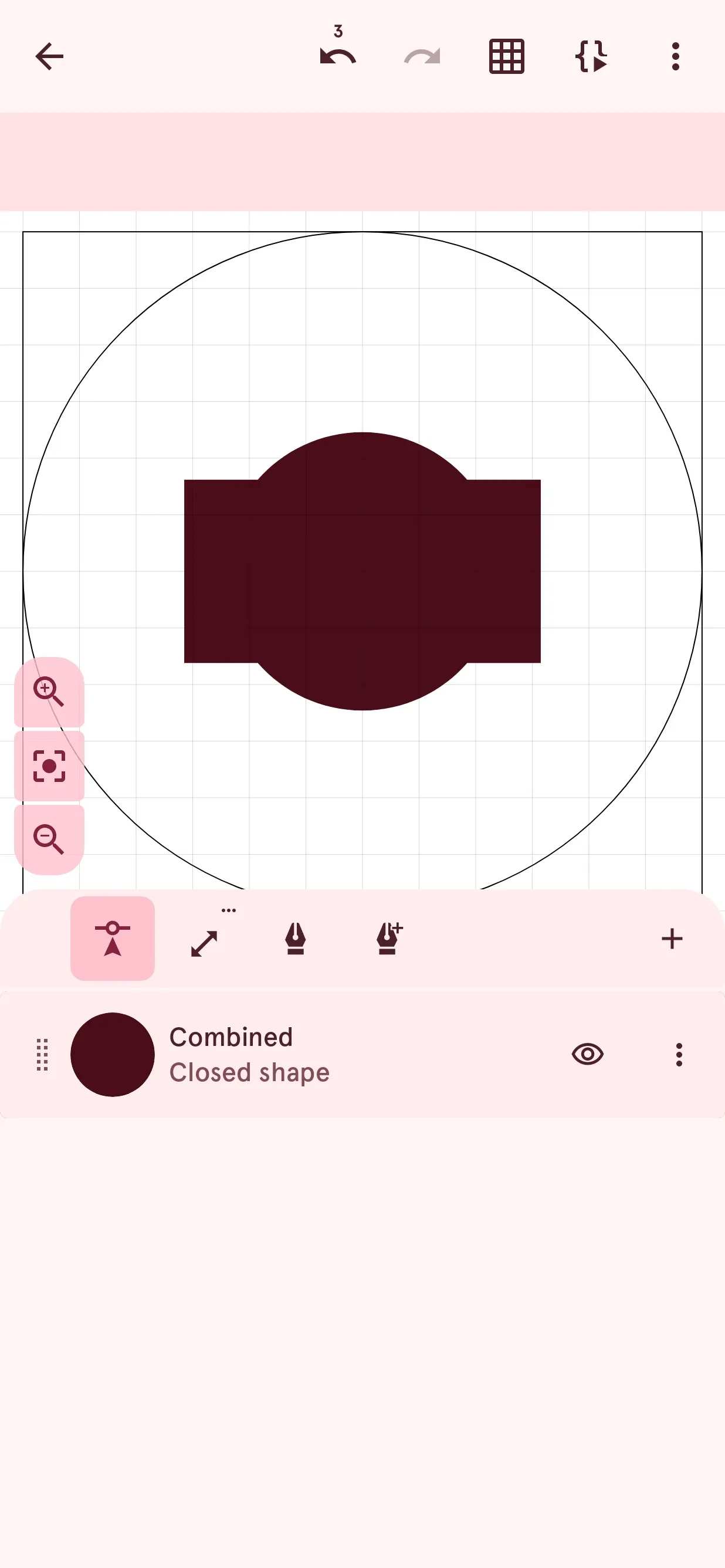
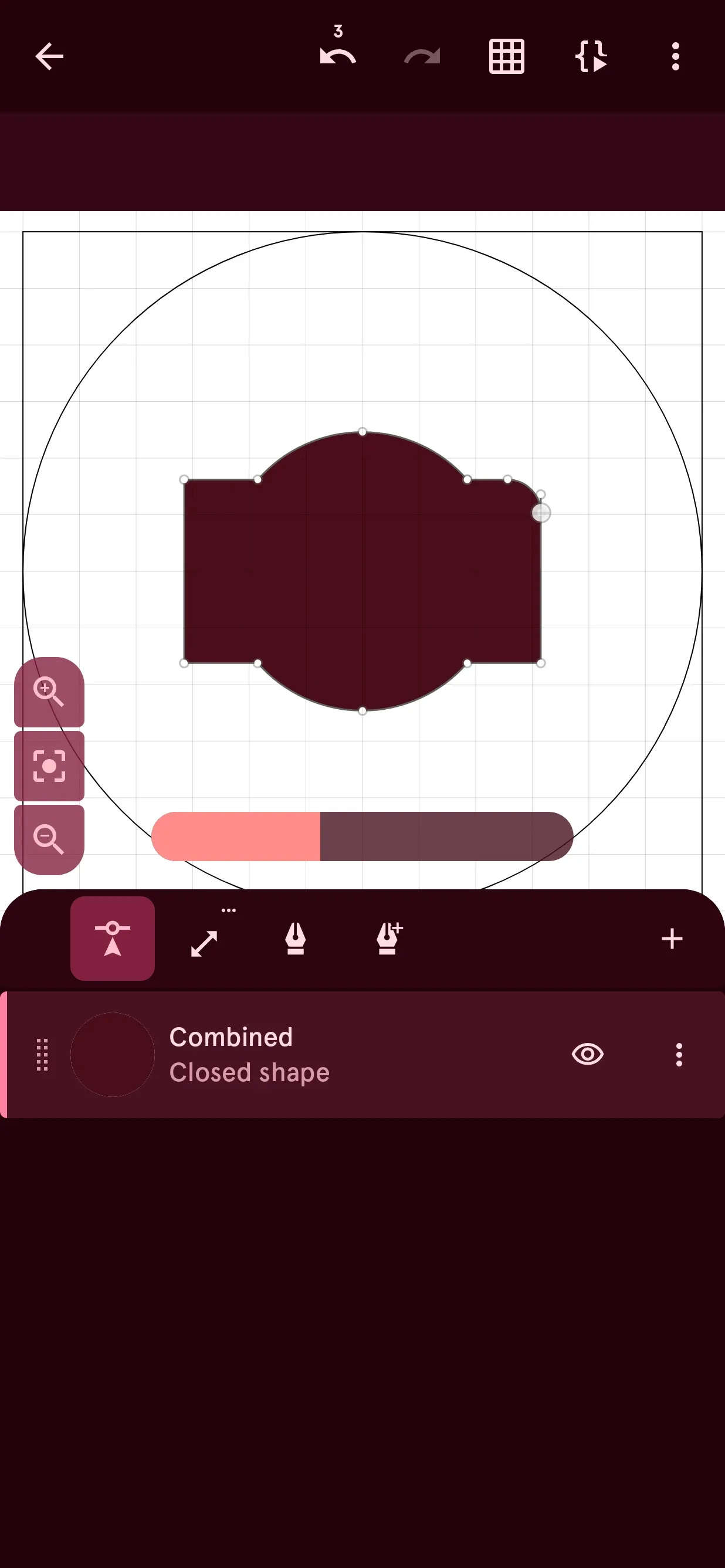
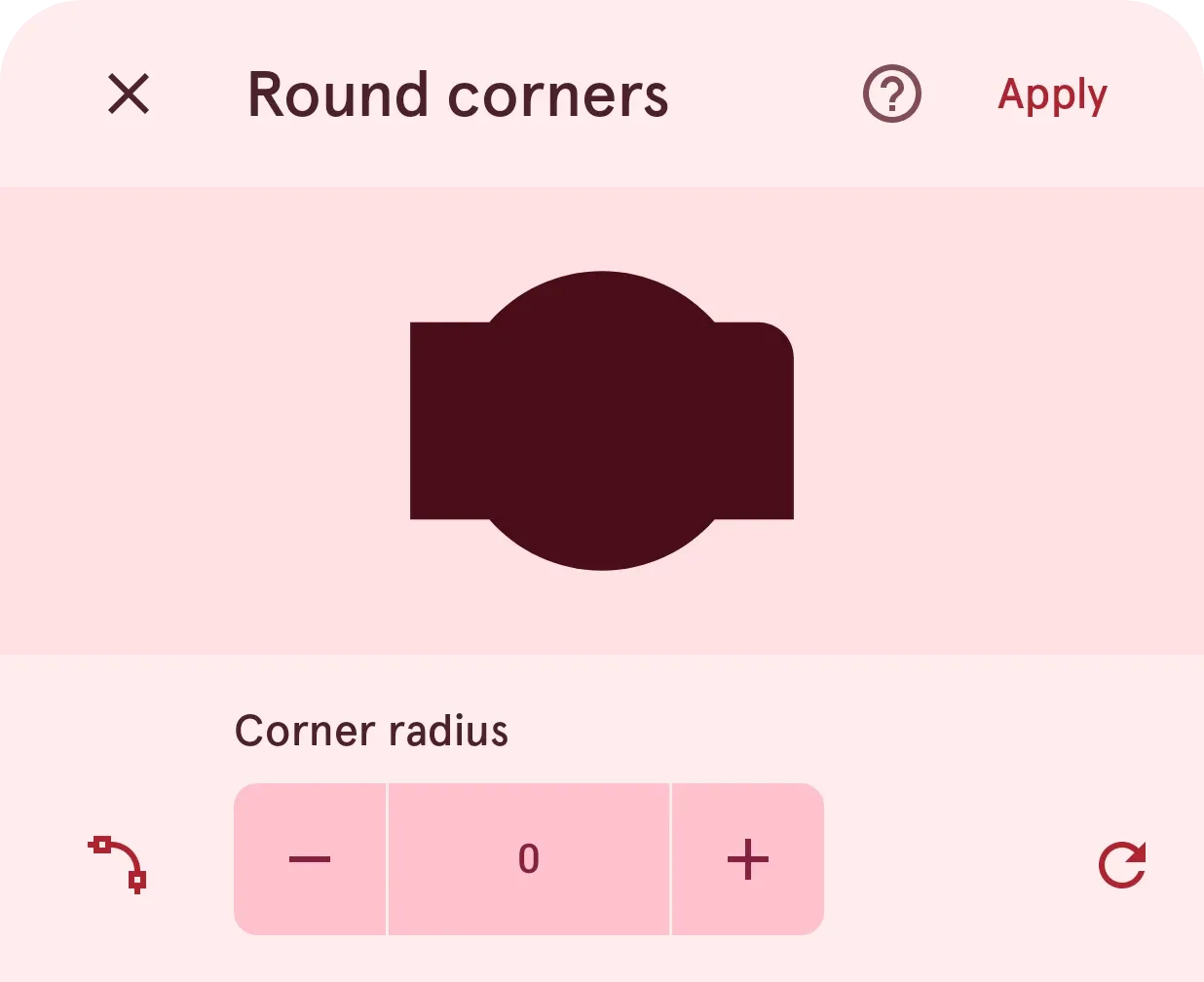
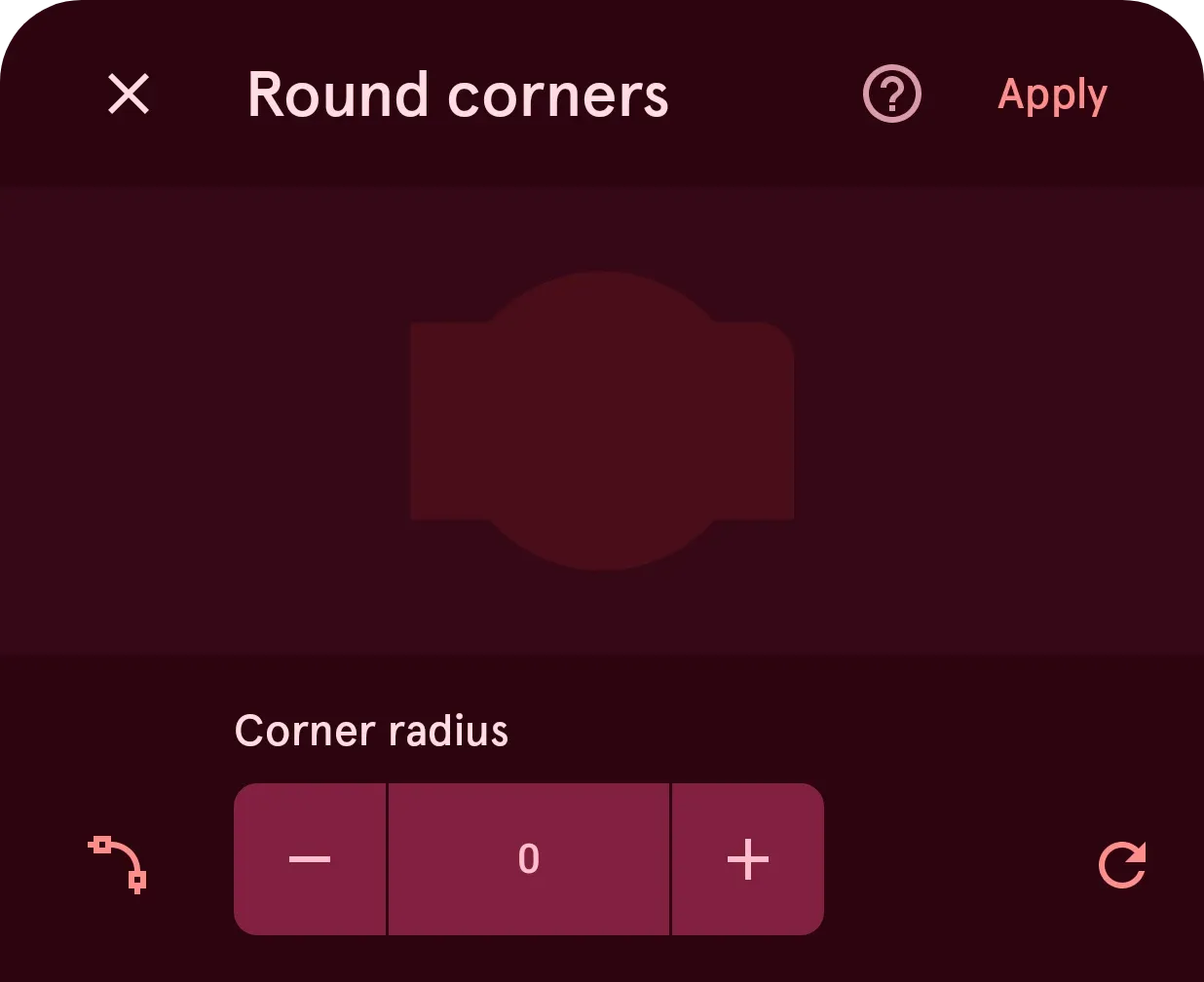
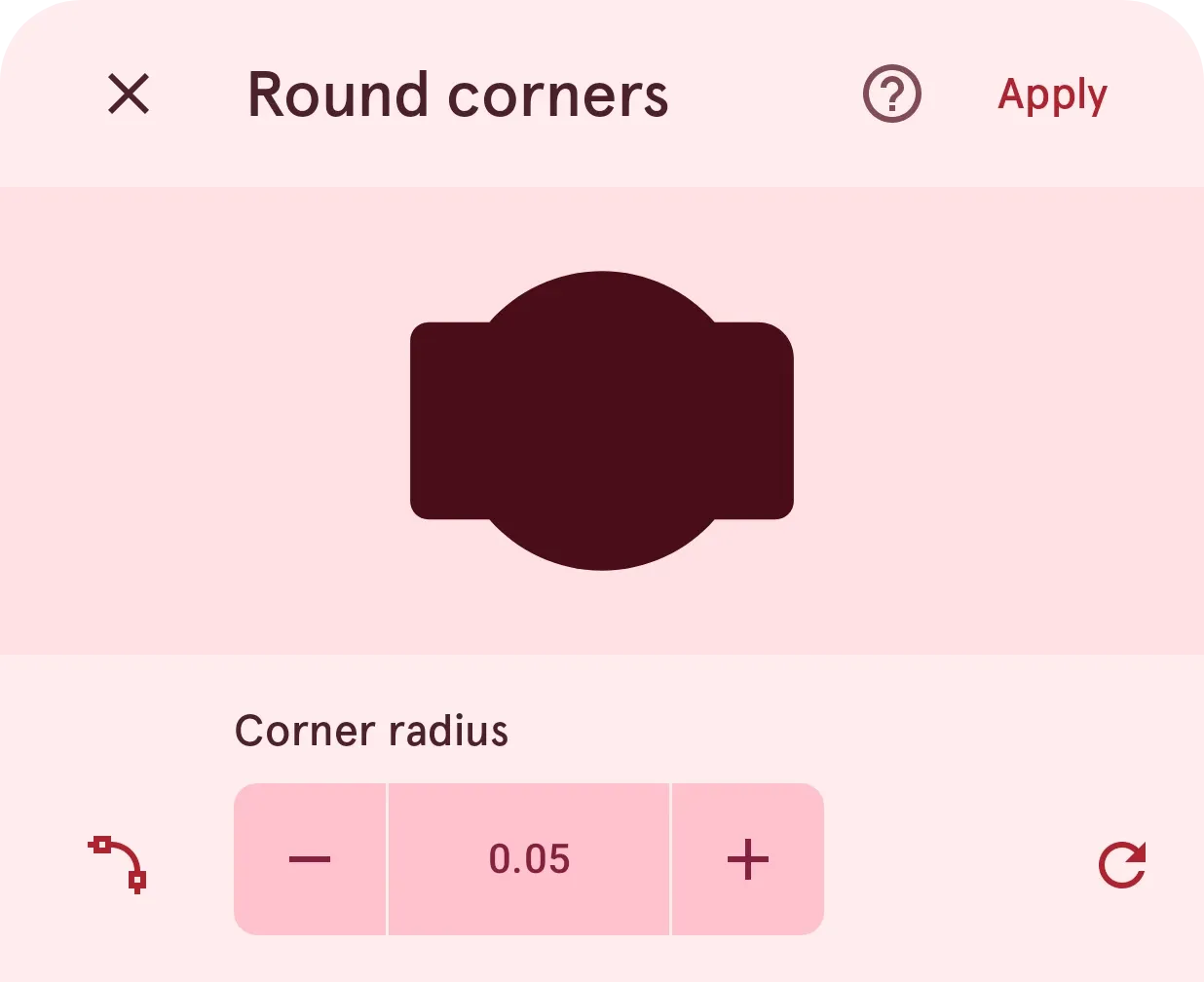
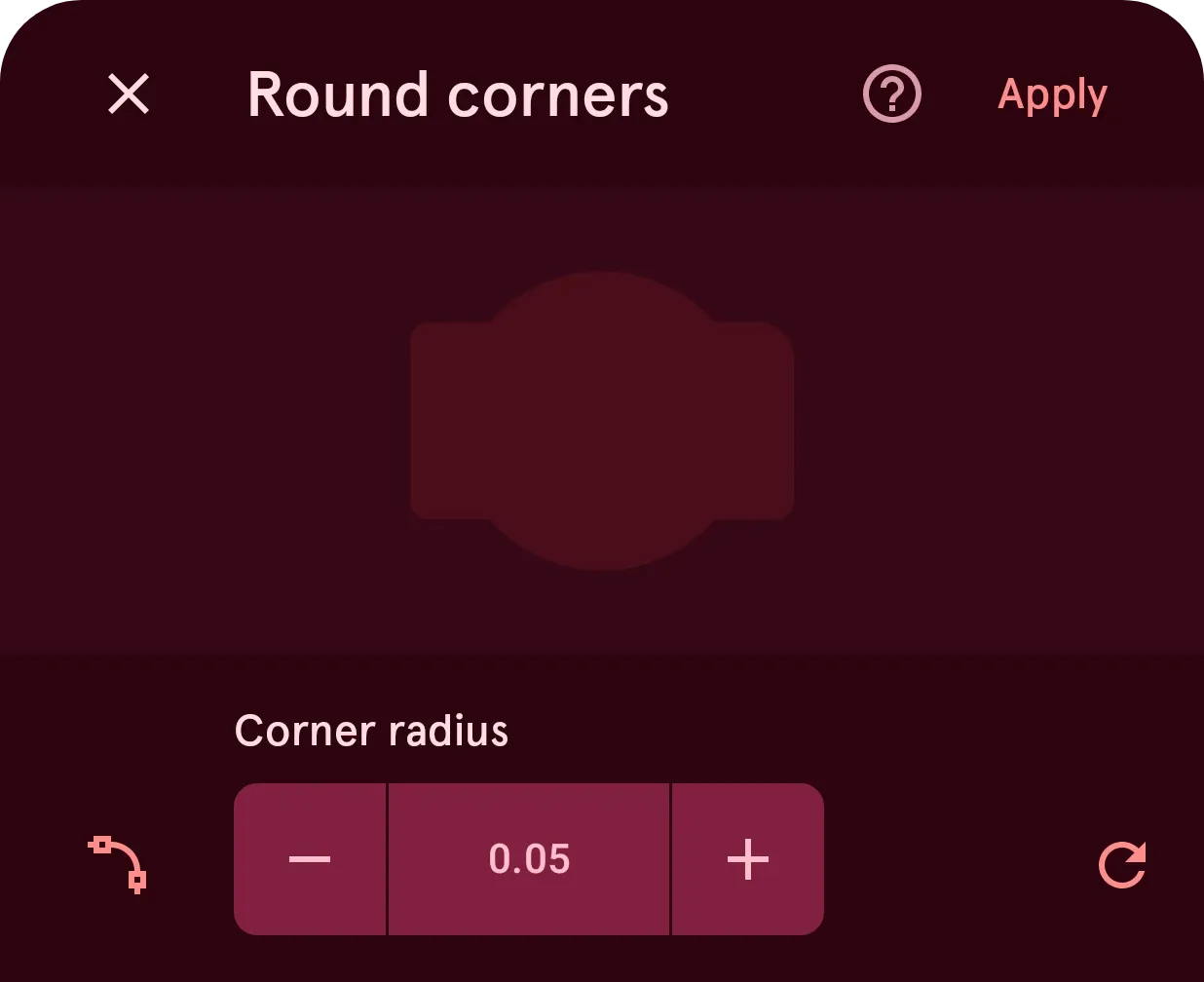
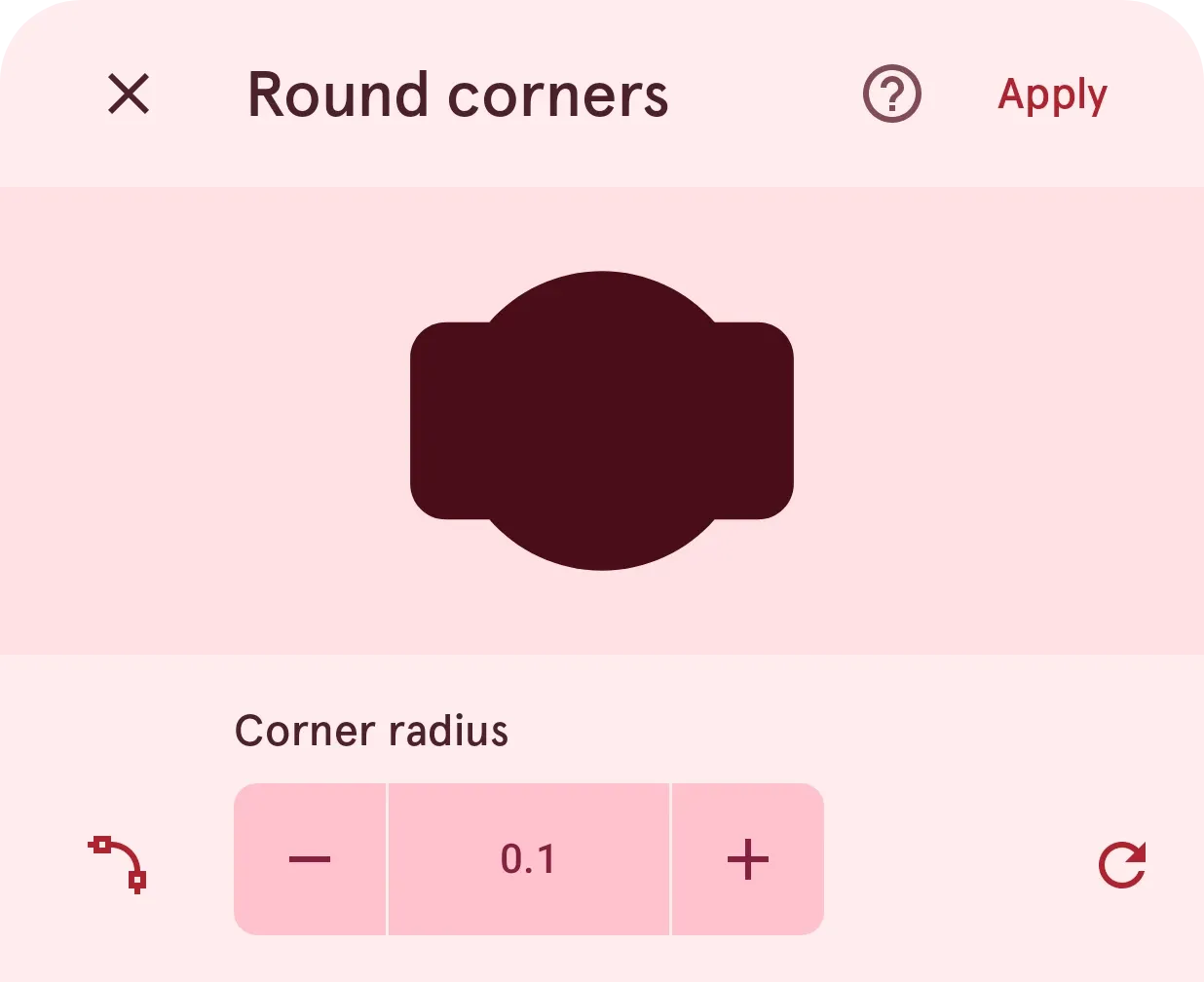
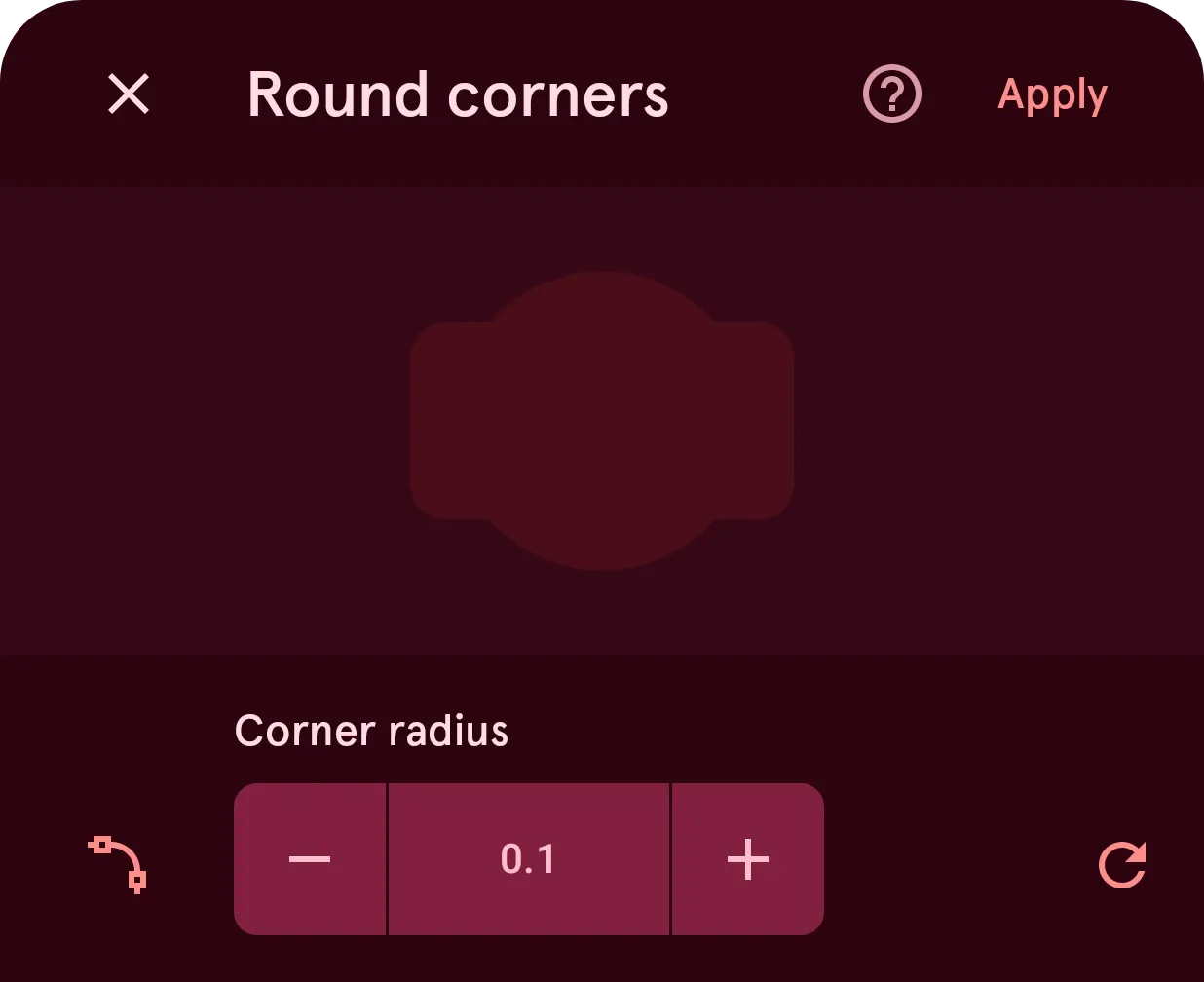
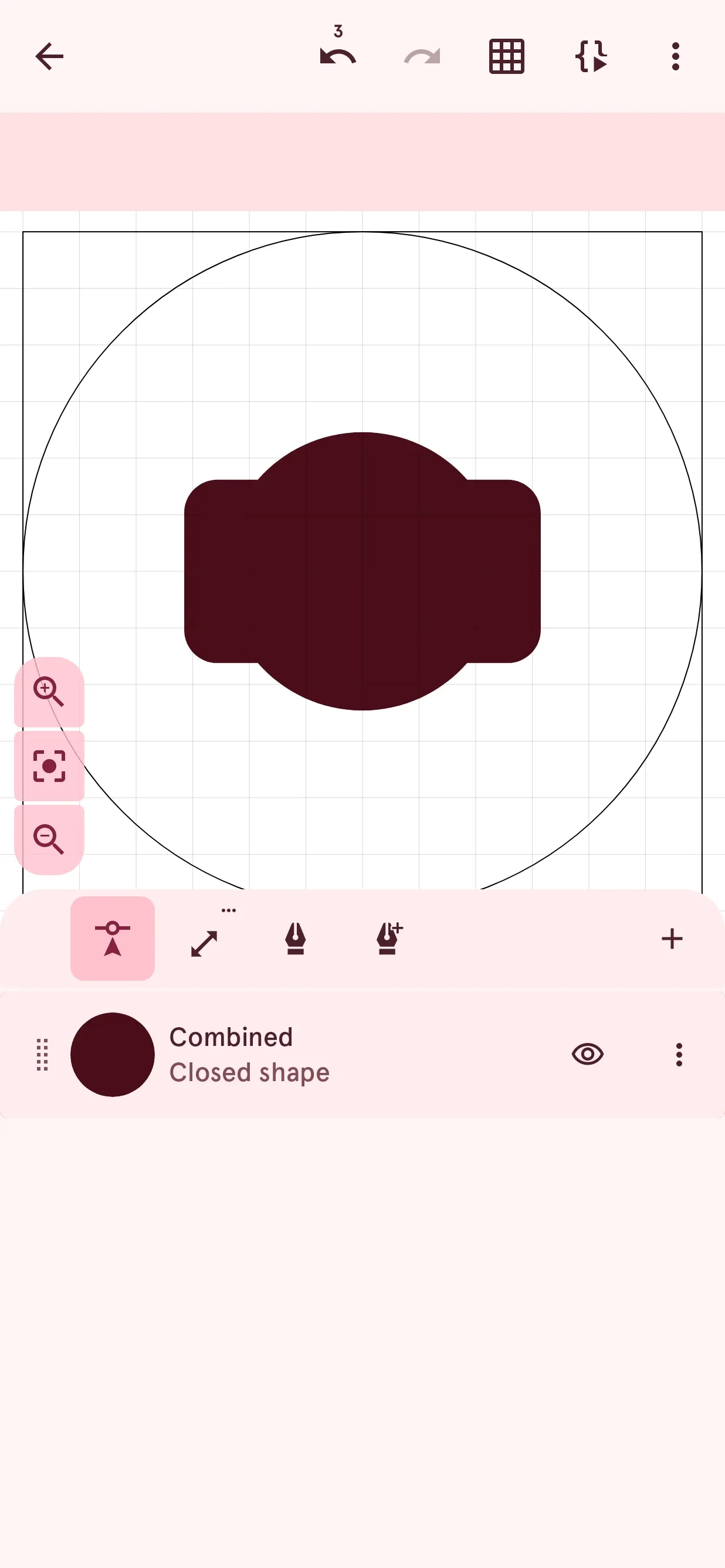
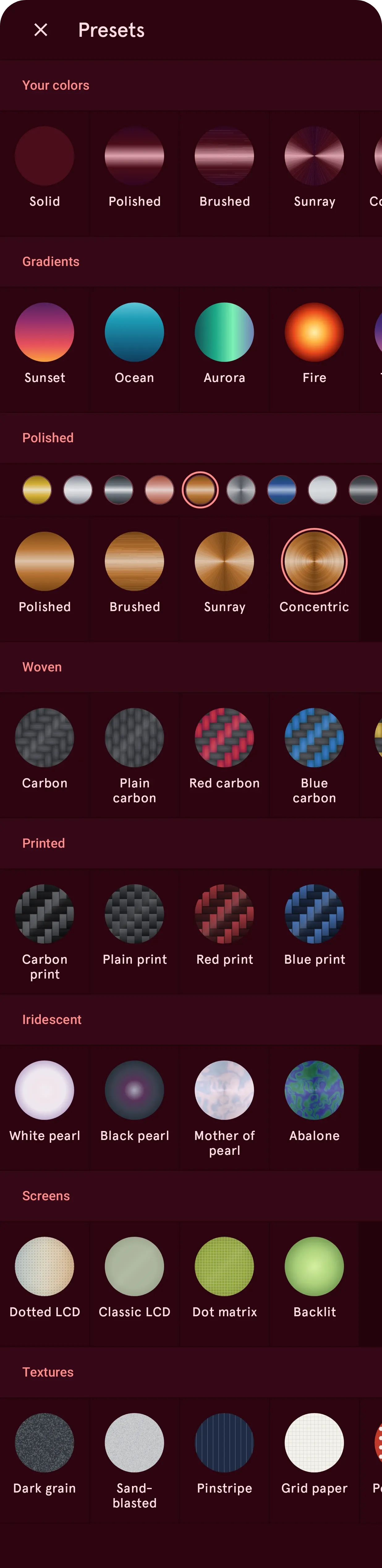
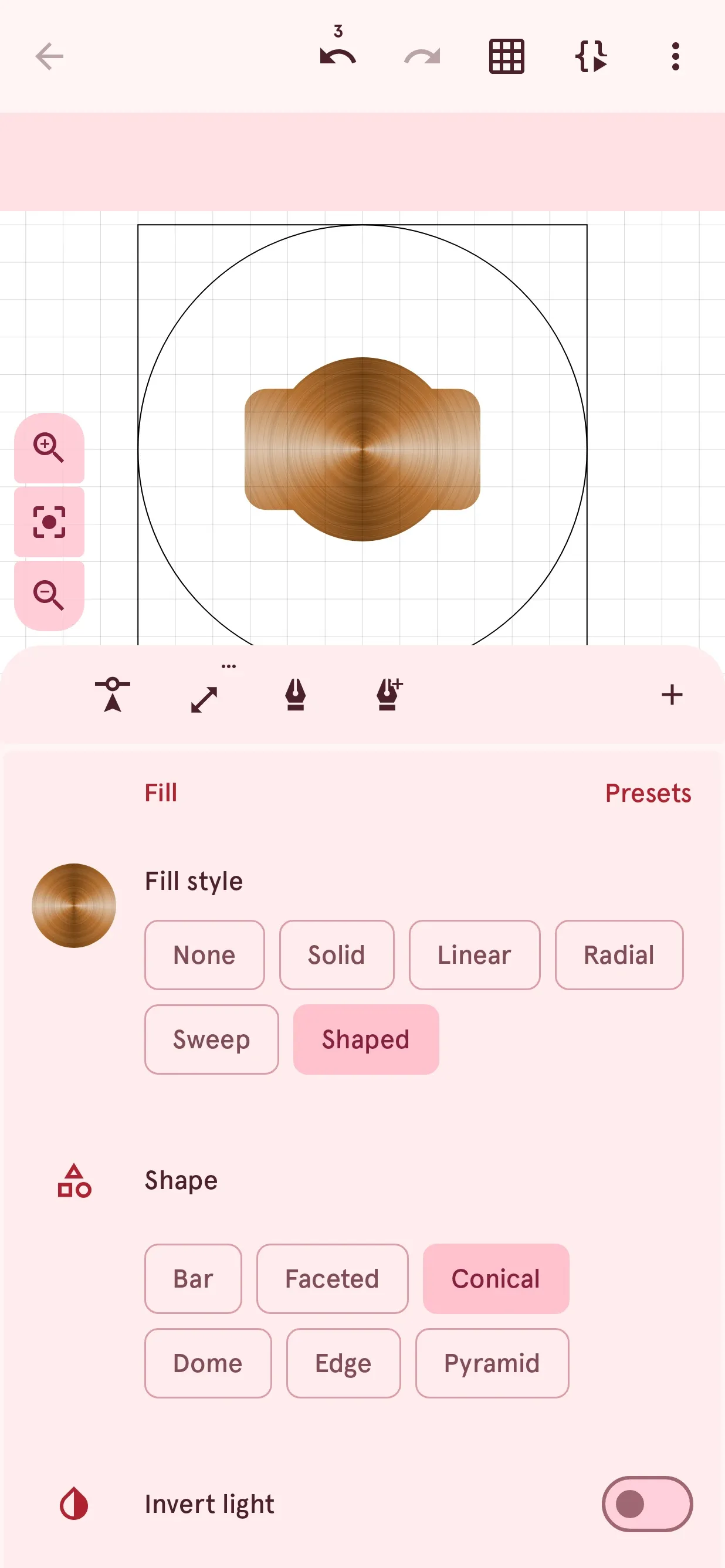
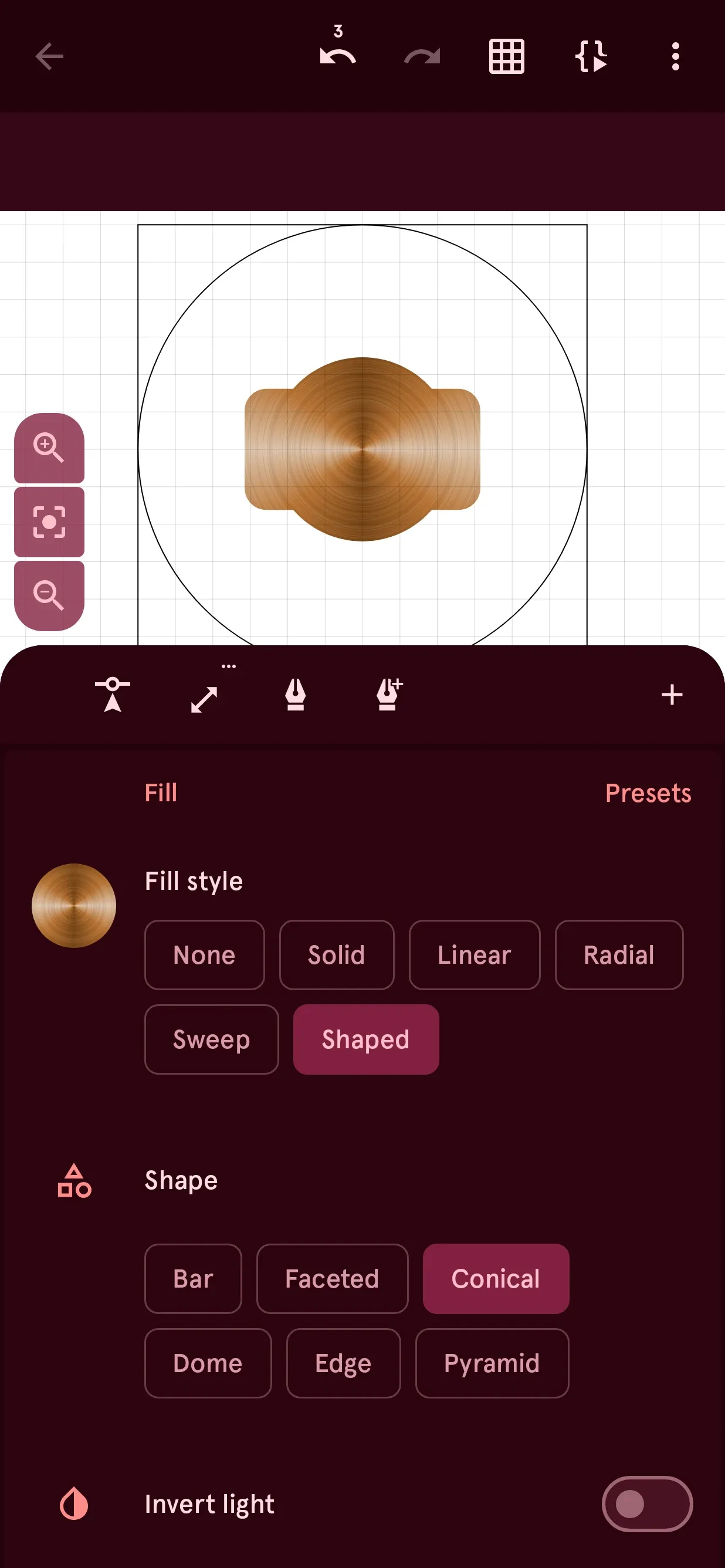
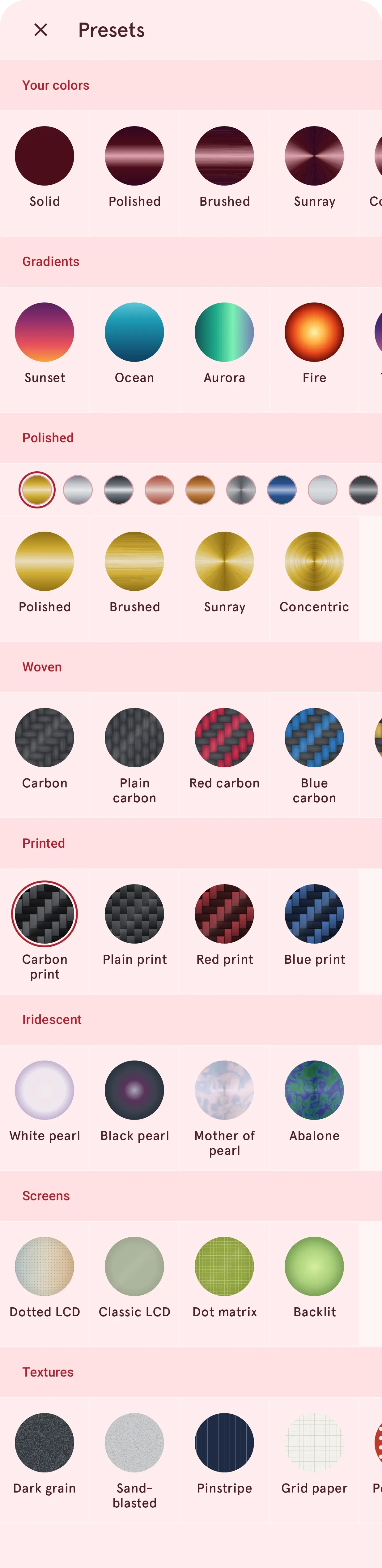
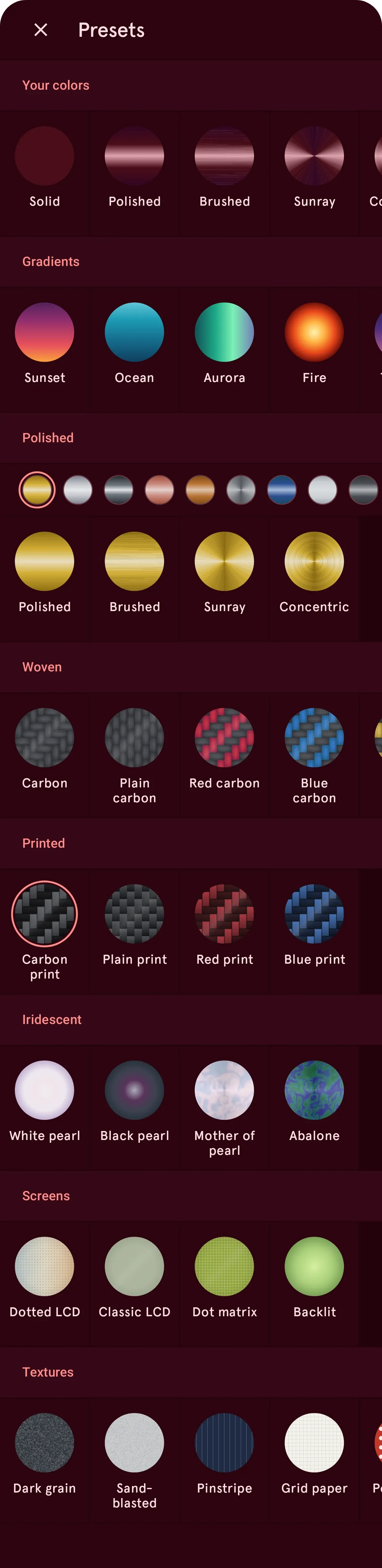
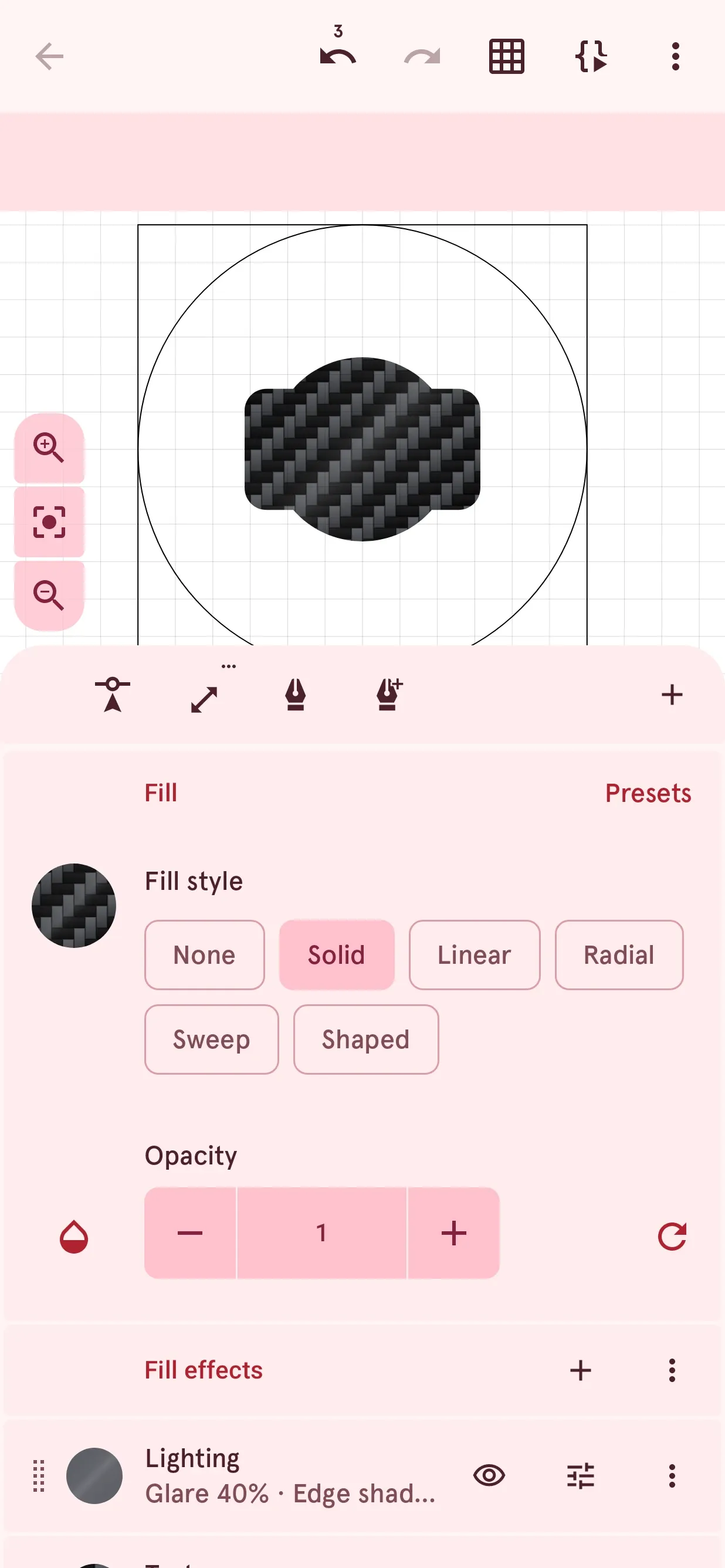
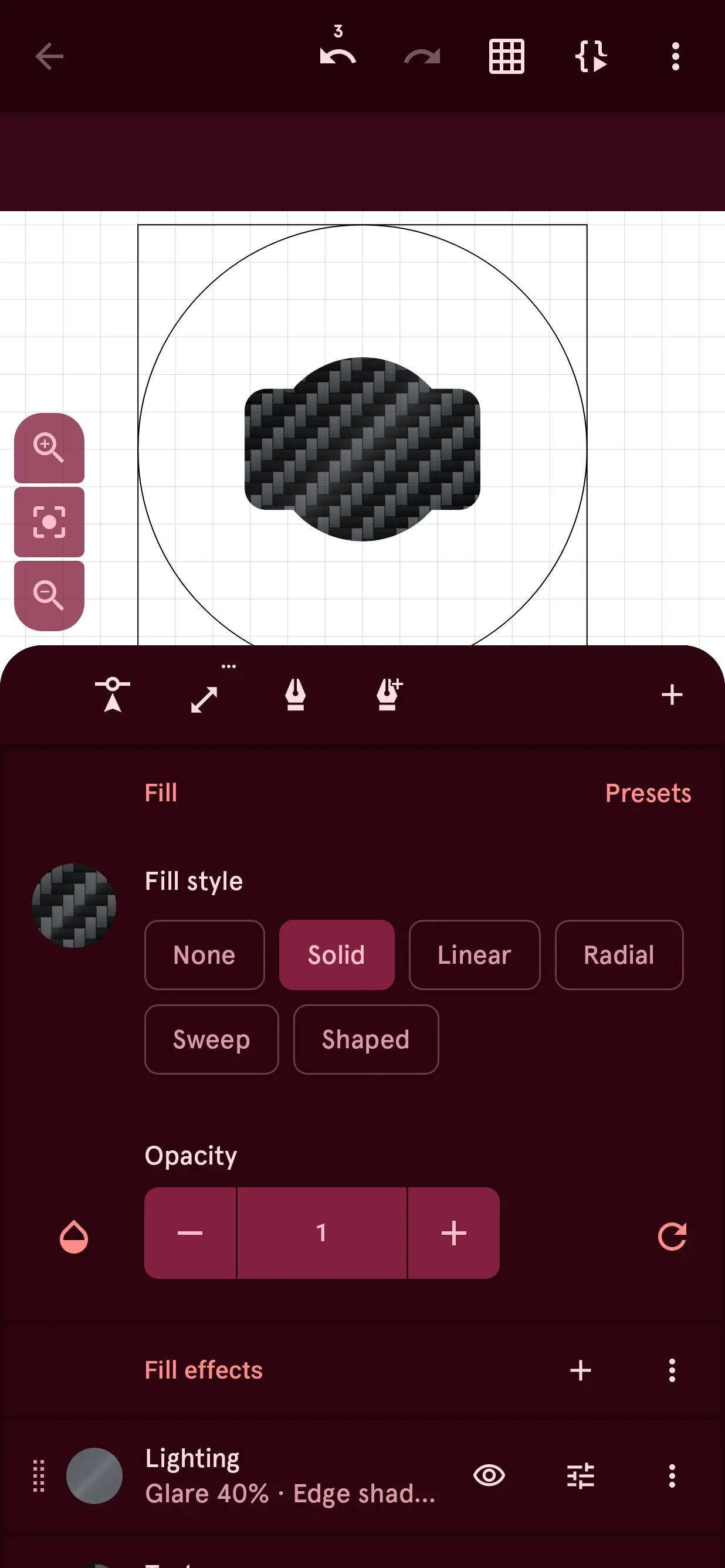
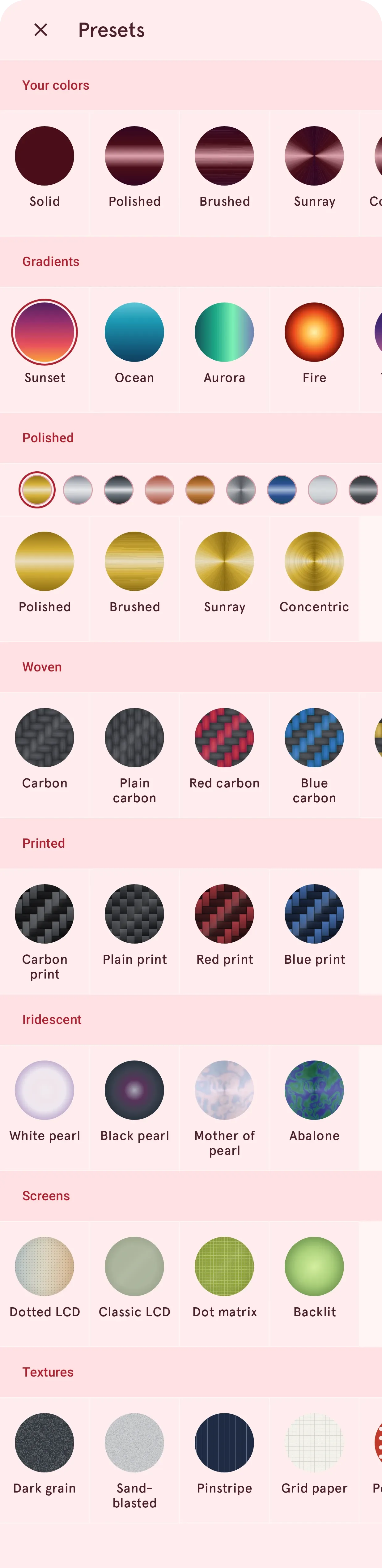
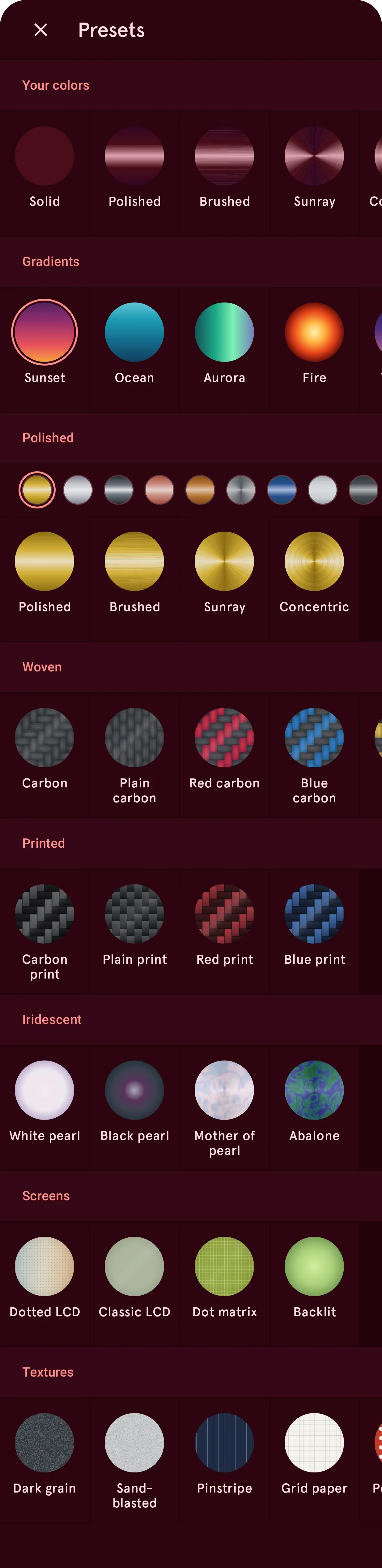
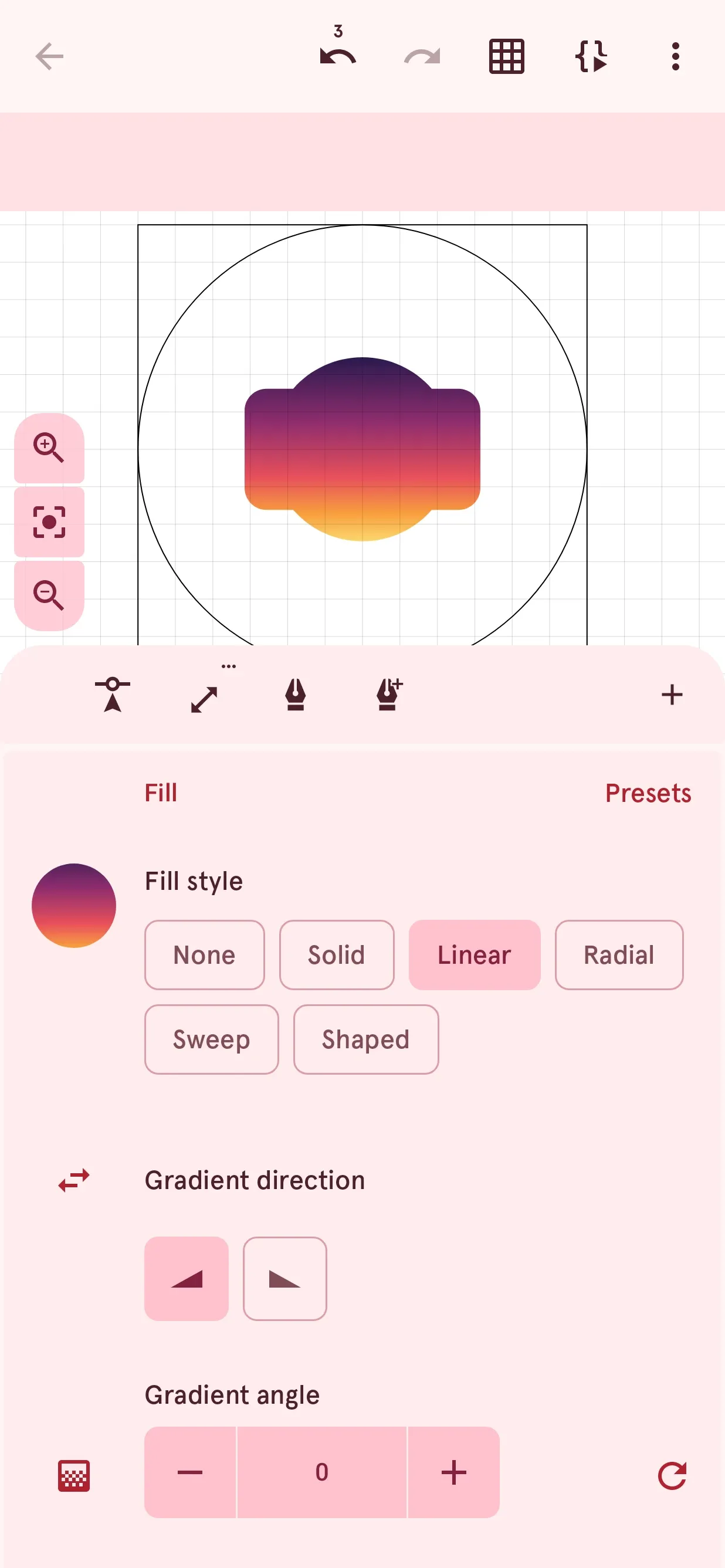
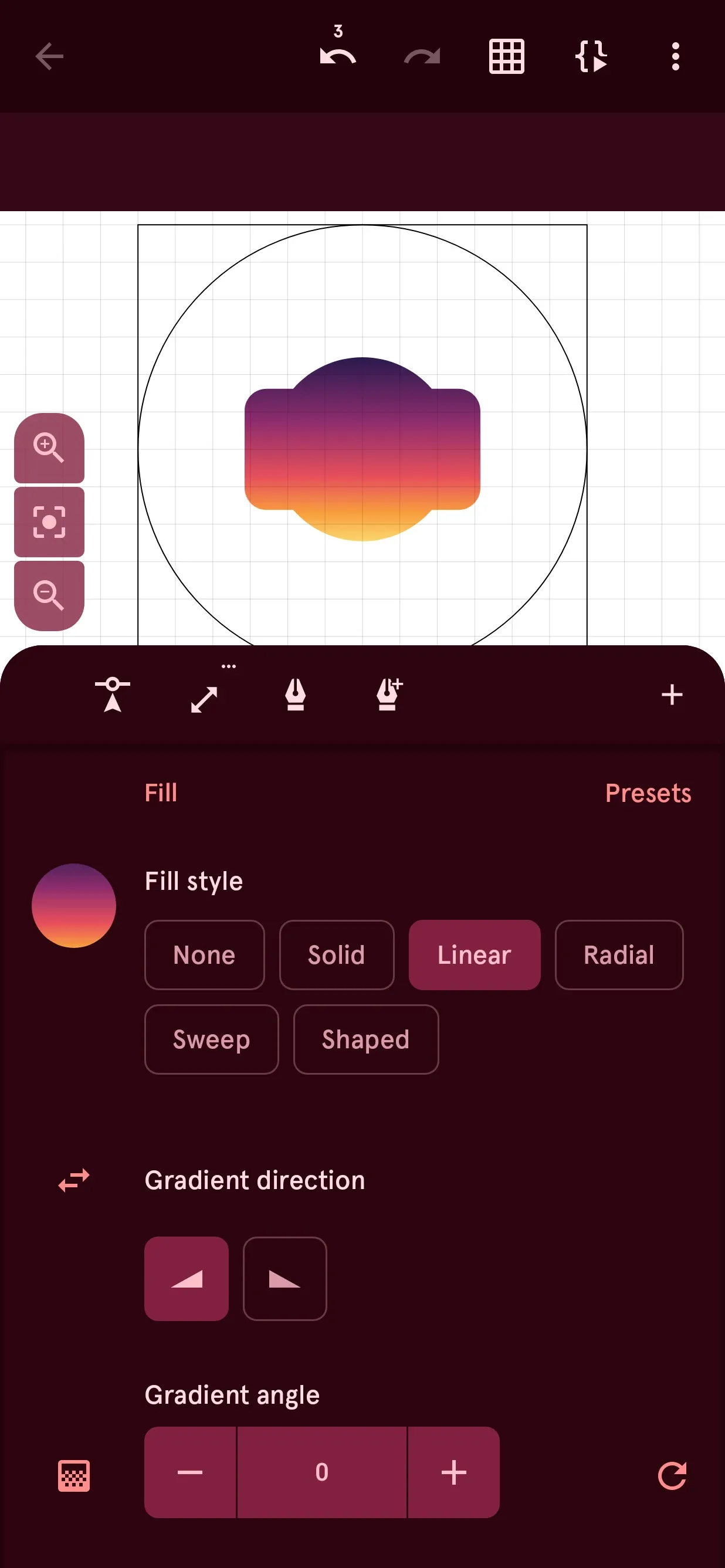
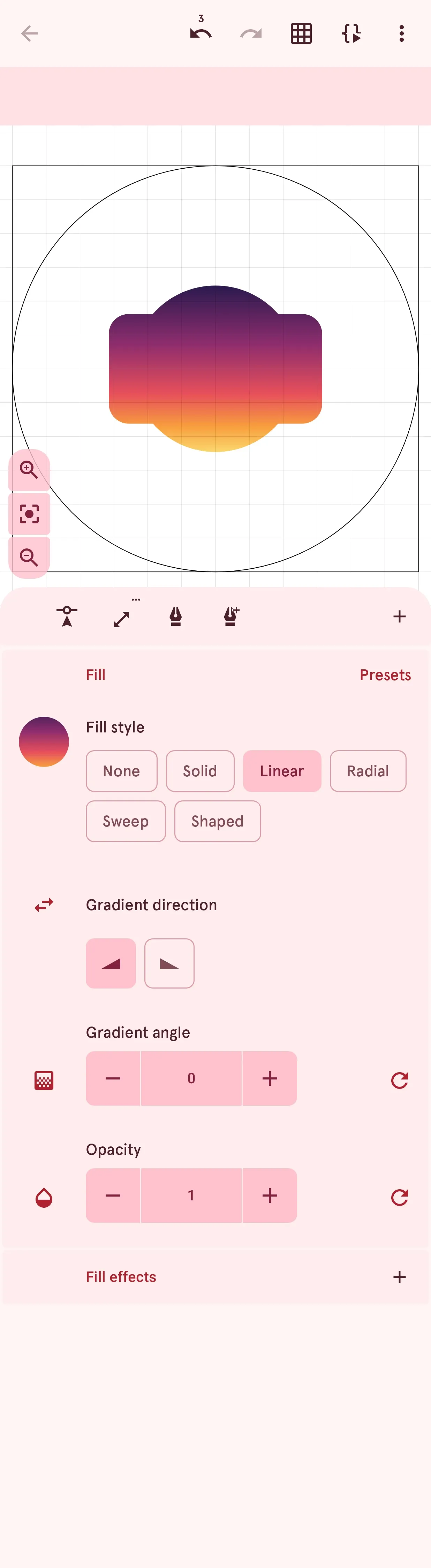
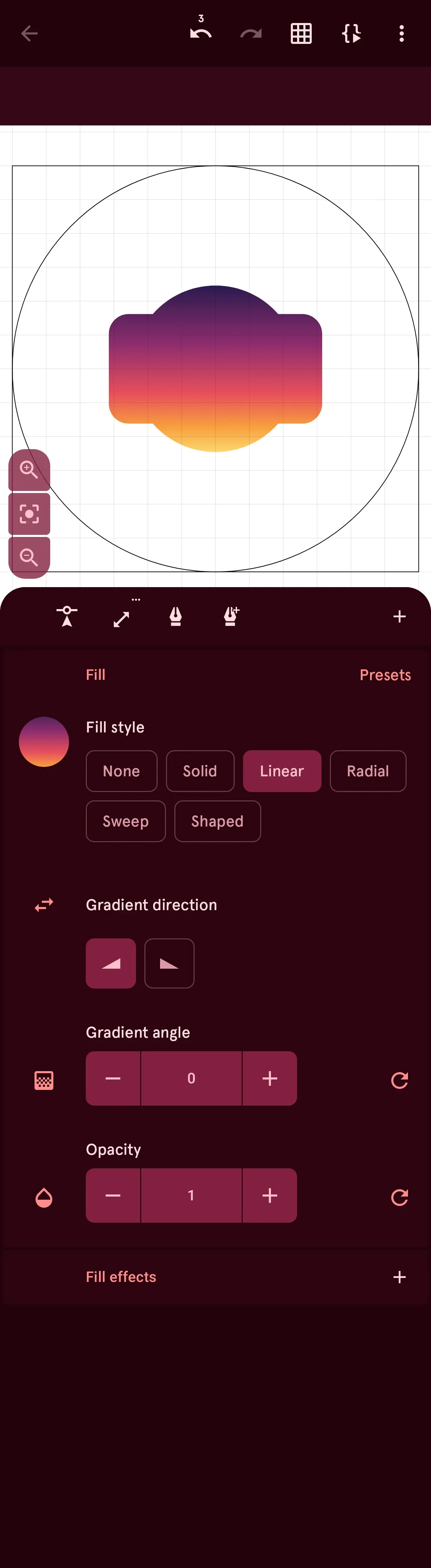
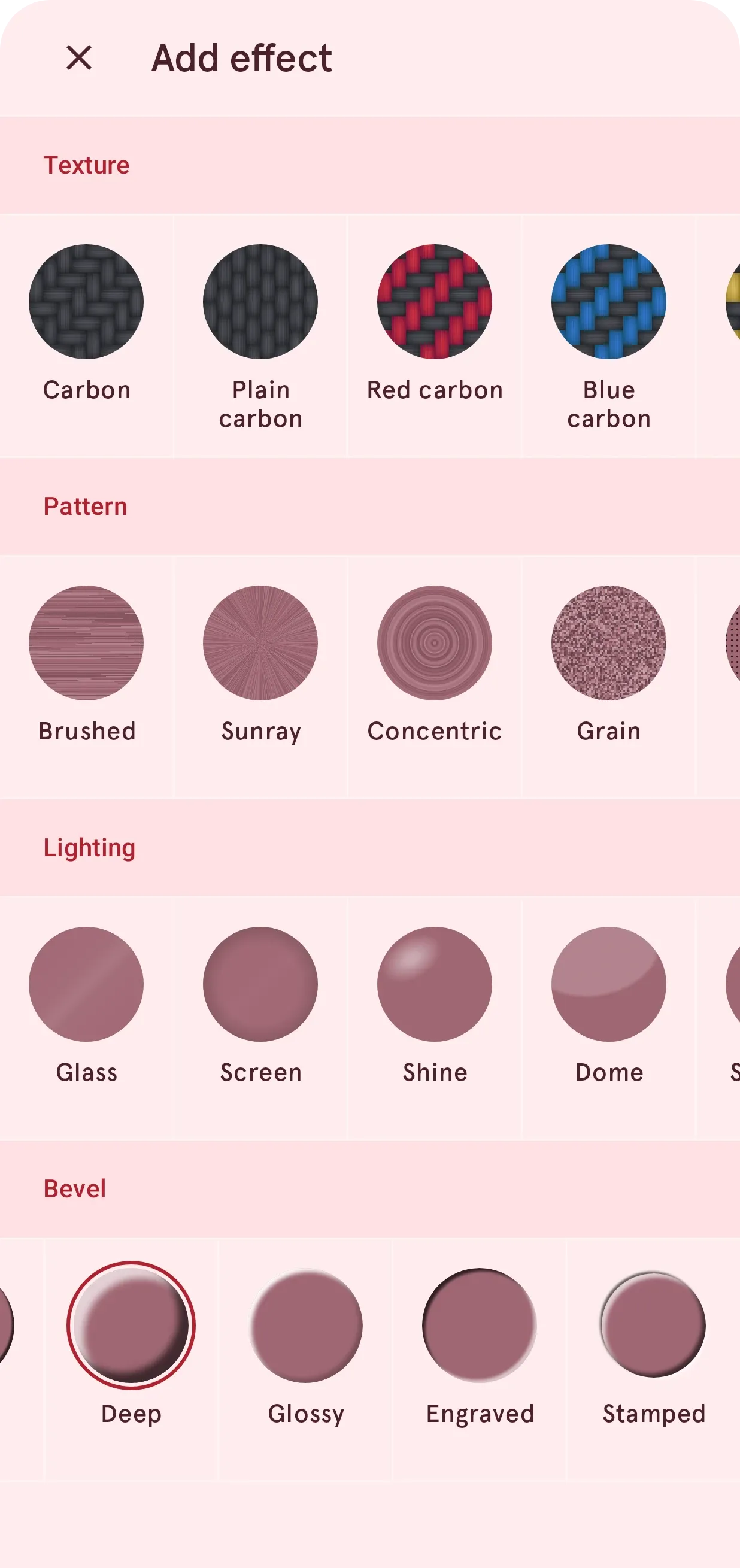
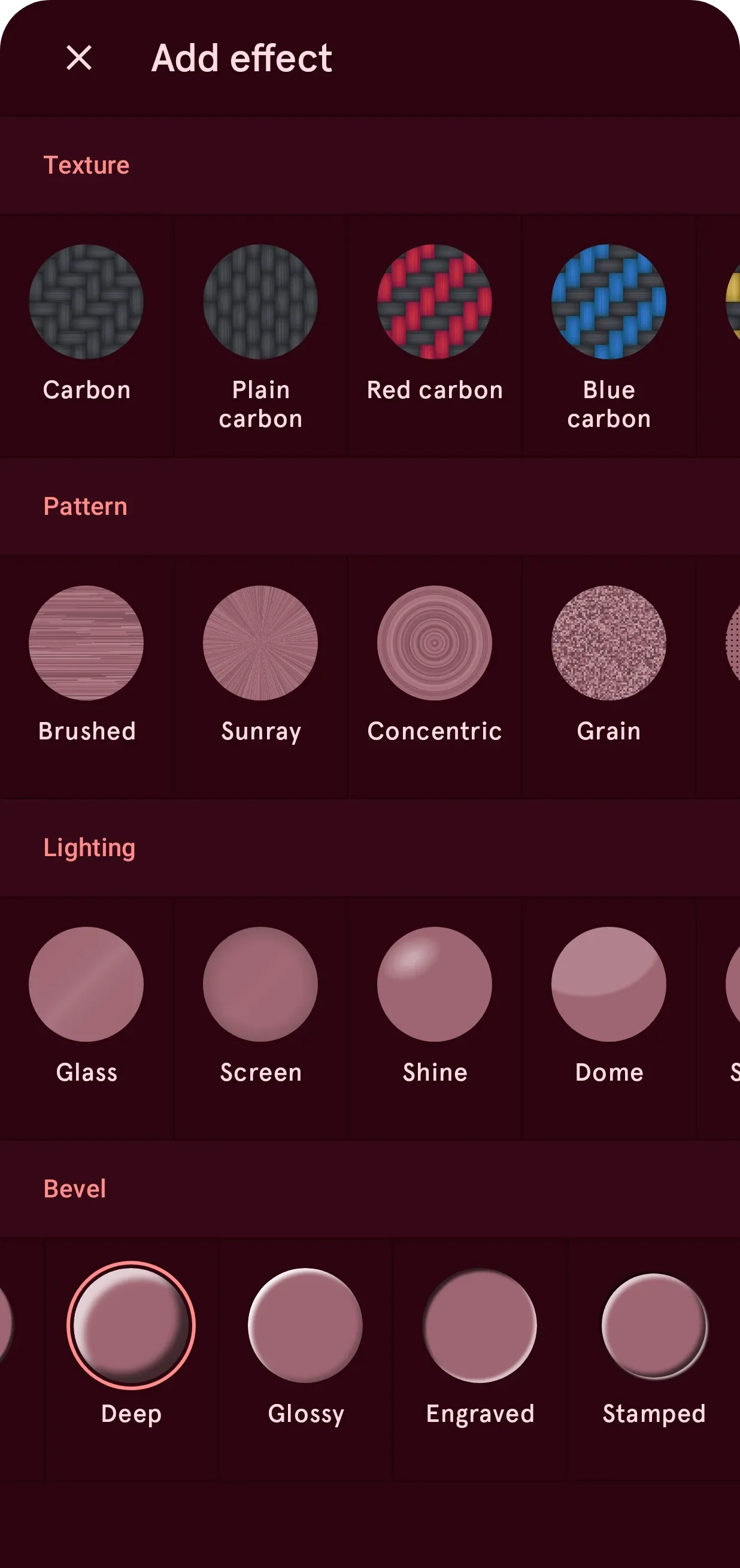
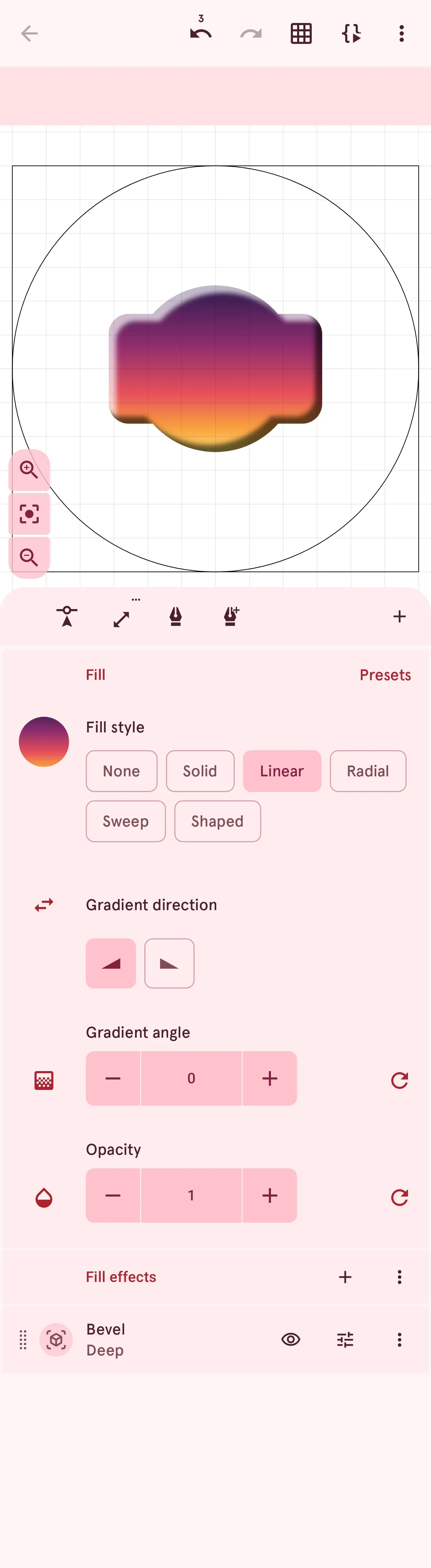
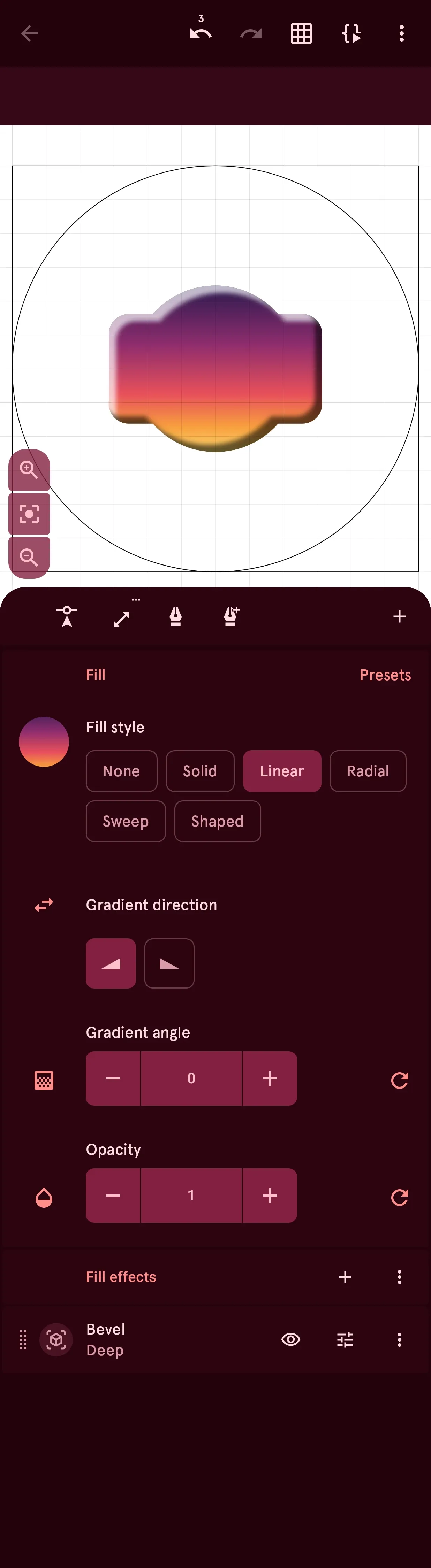
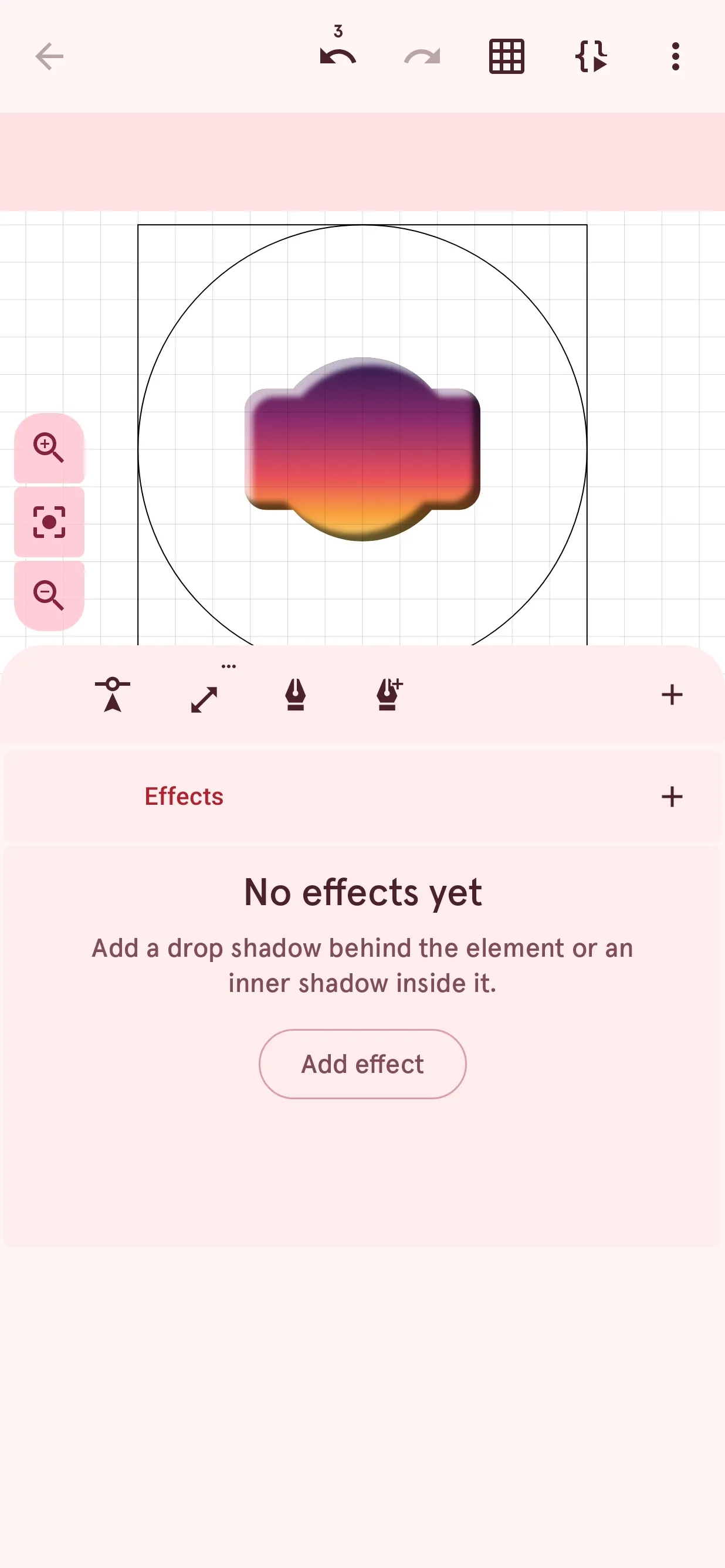
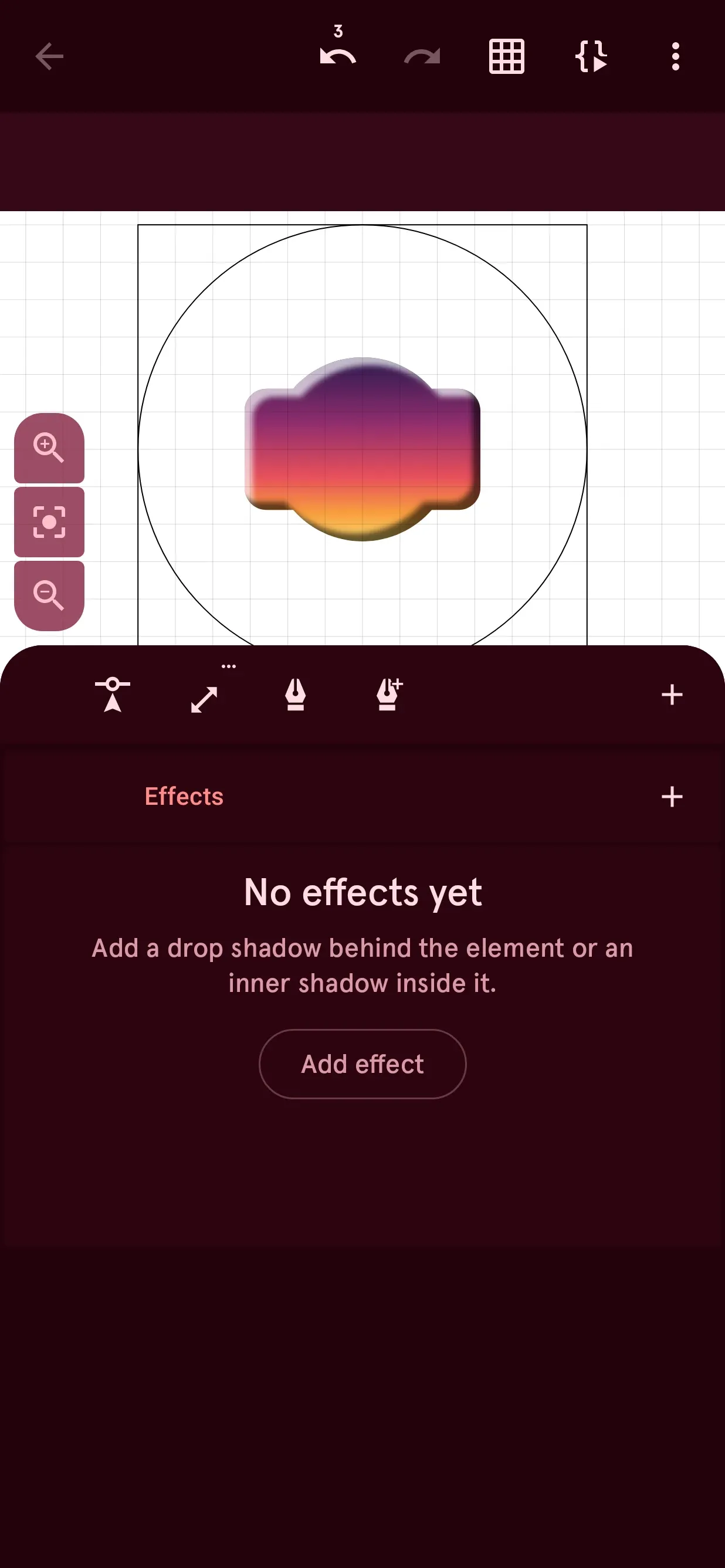
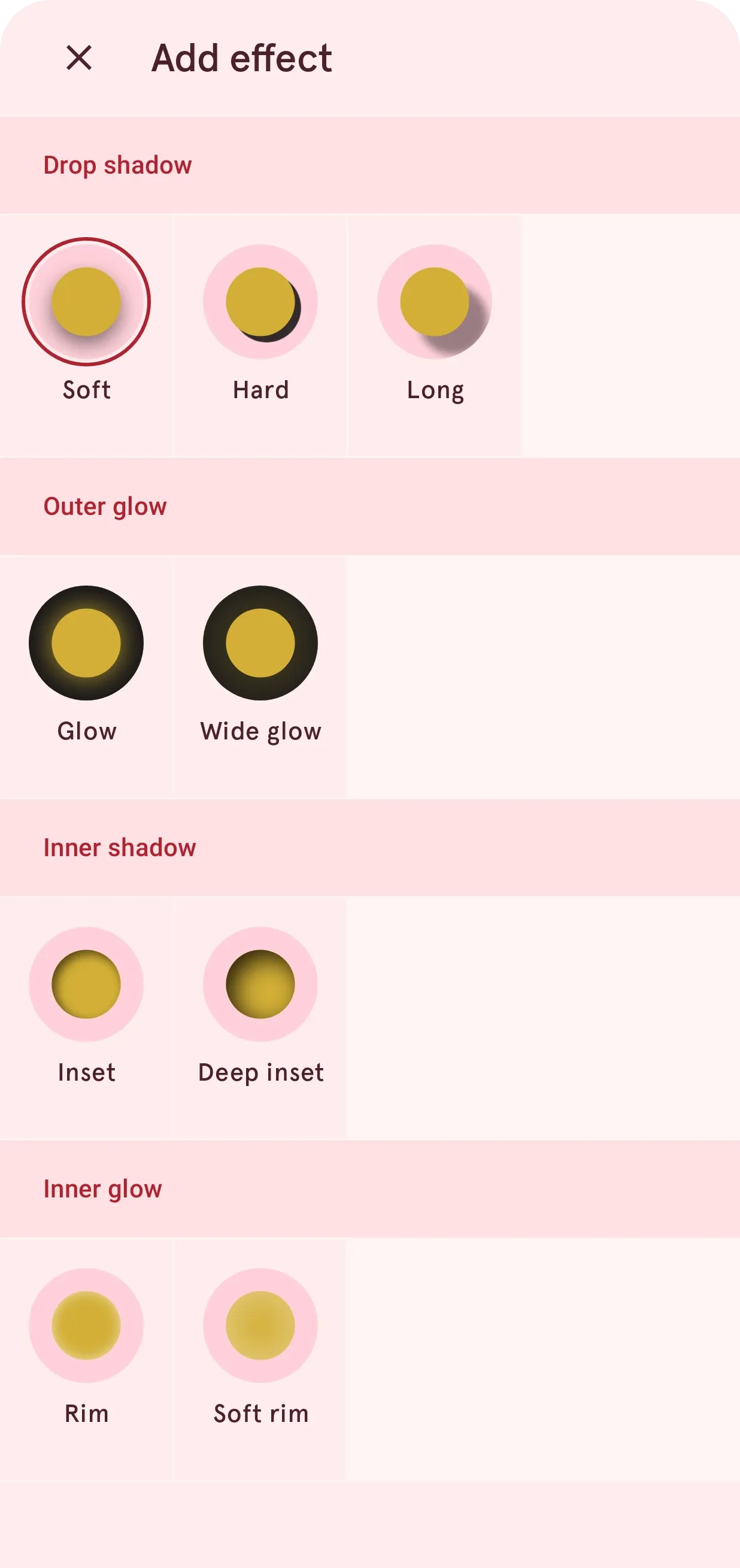
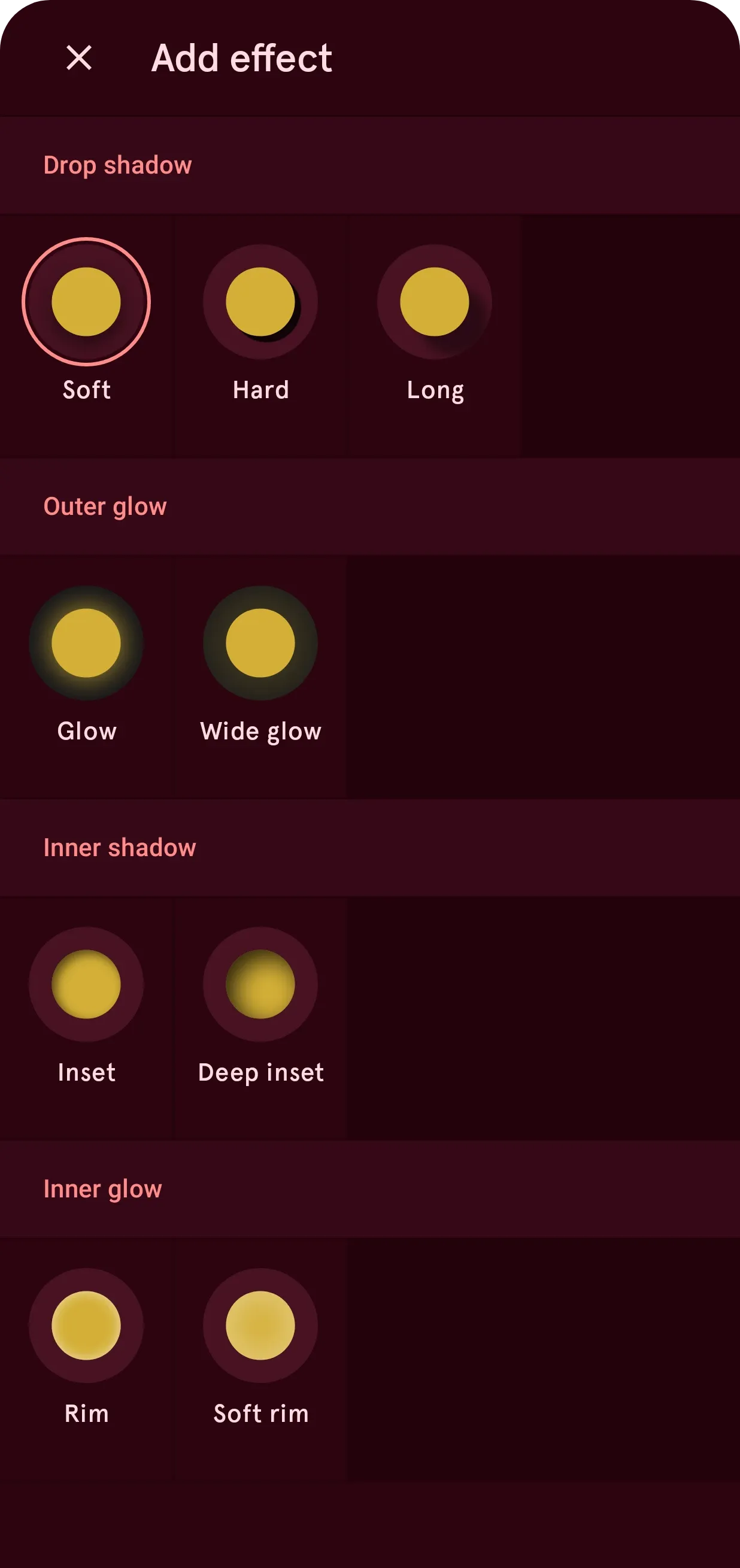
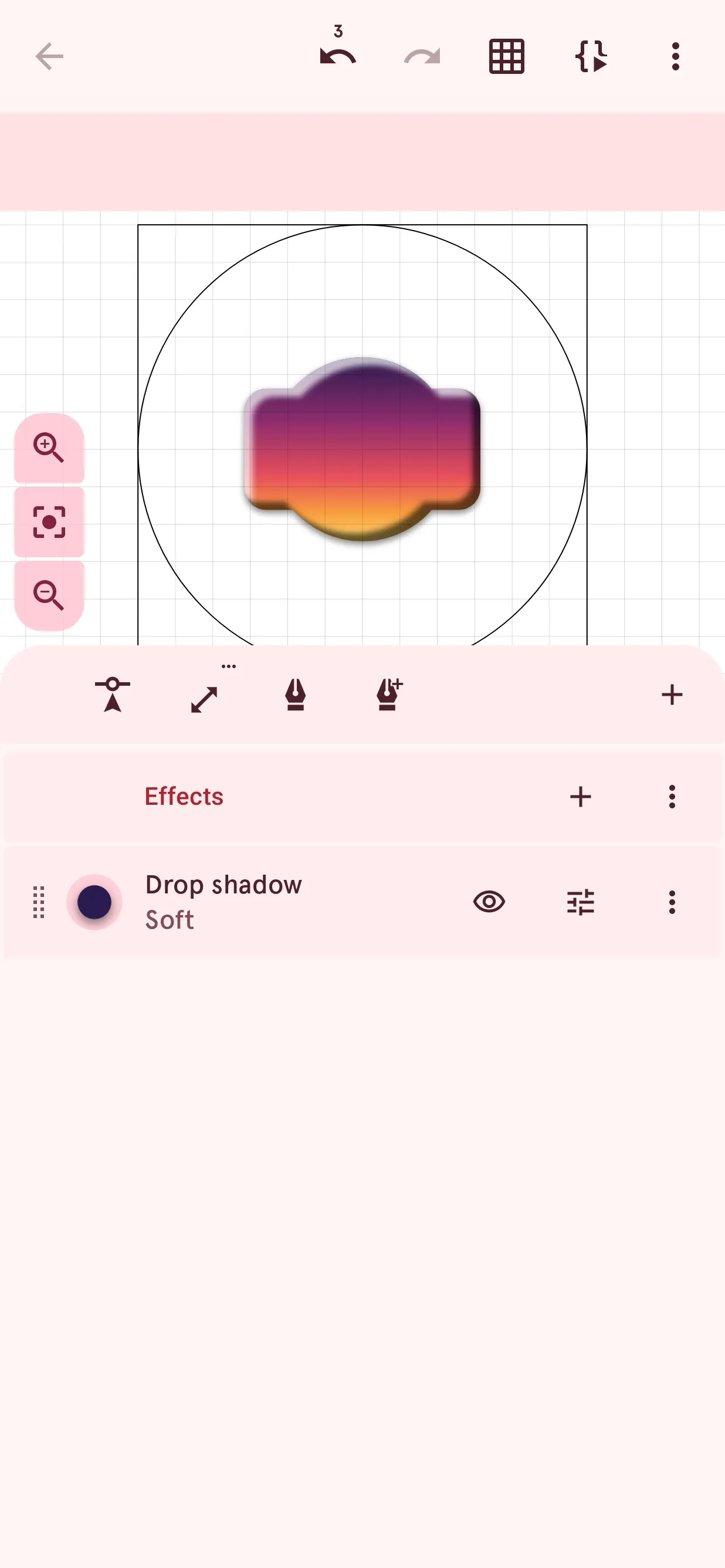
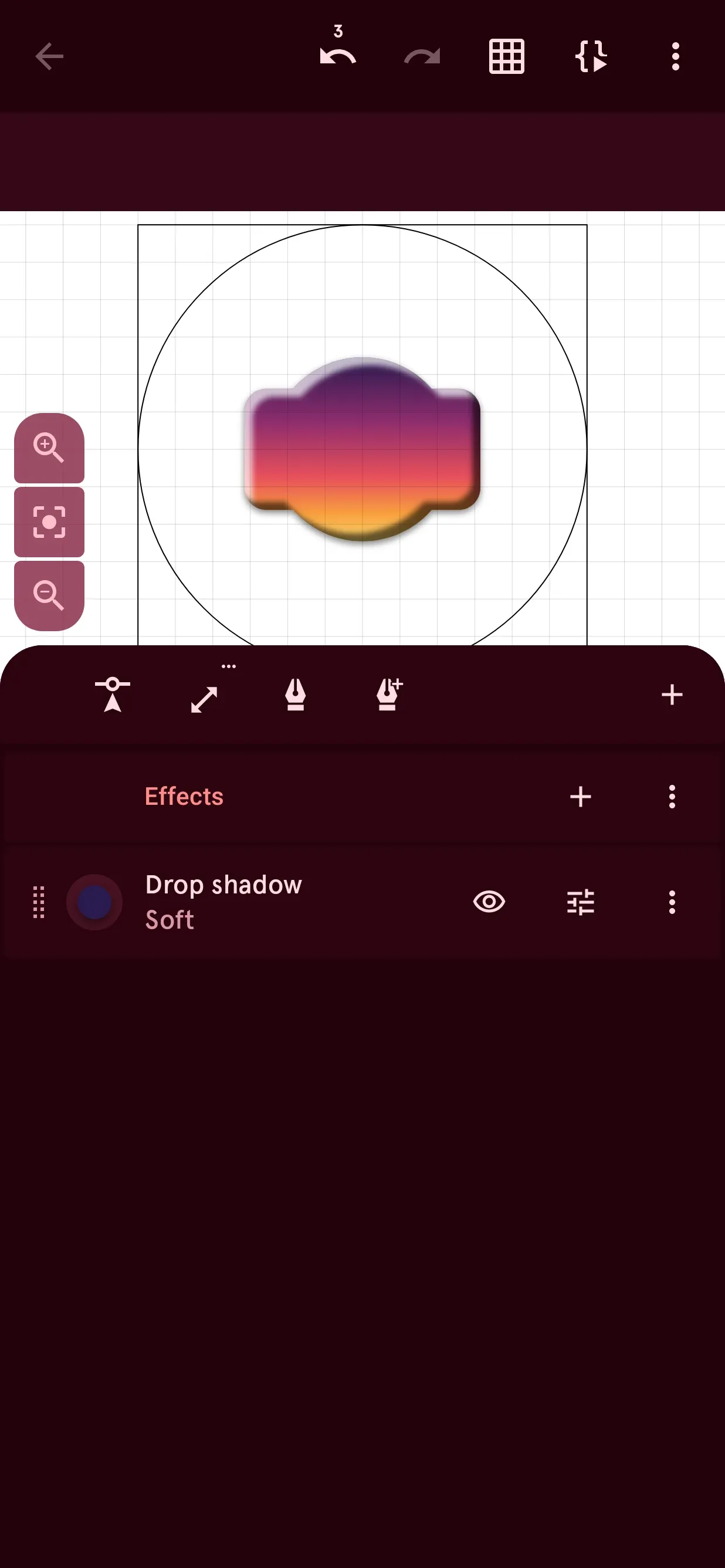
- An improved Watch Element Designer. A whole stack of effects, materials, several shadows and glows, and new shape tools to combine shapes and round corners.
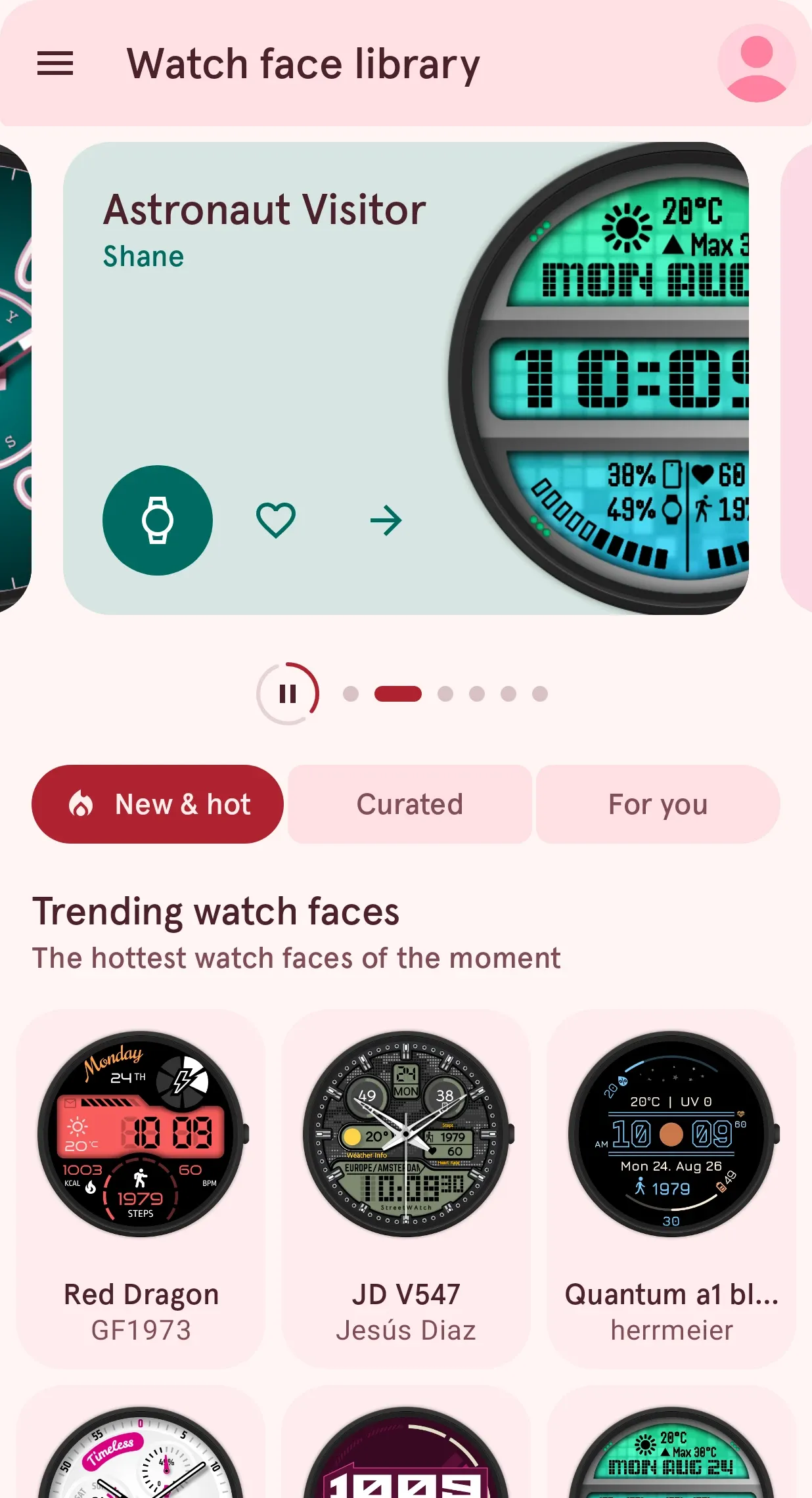
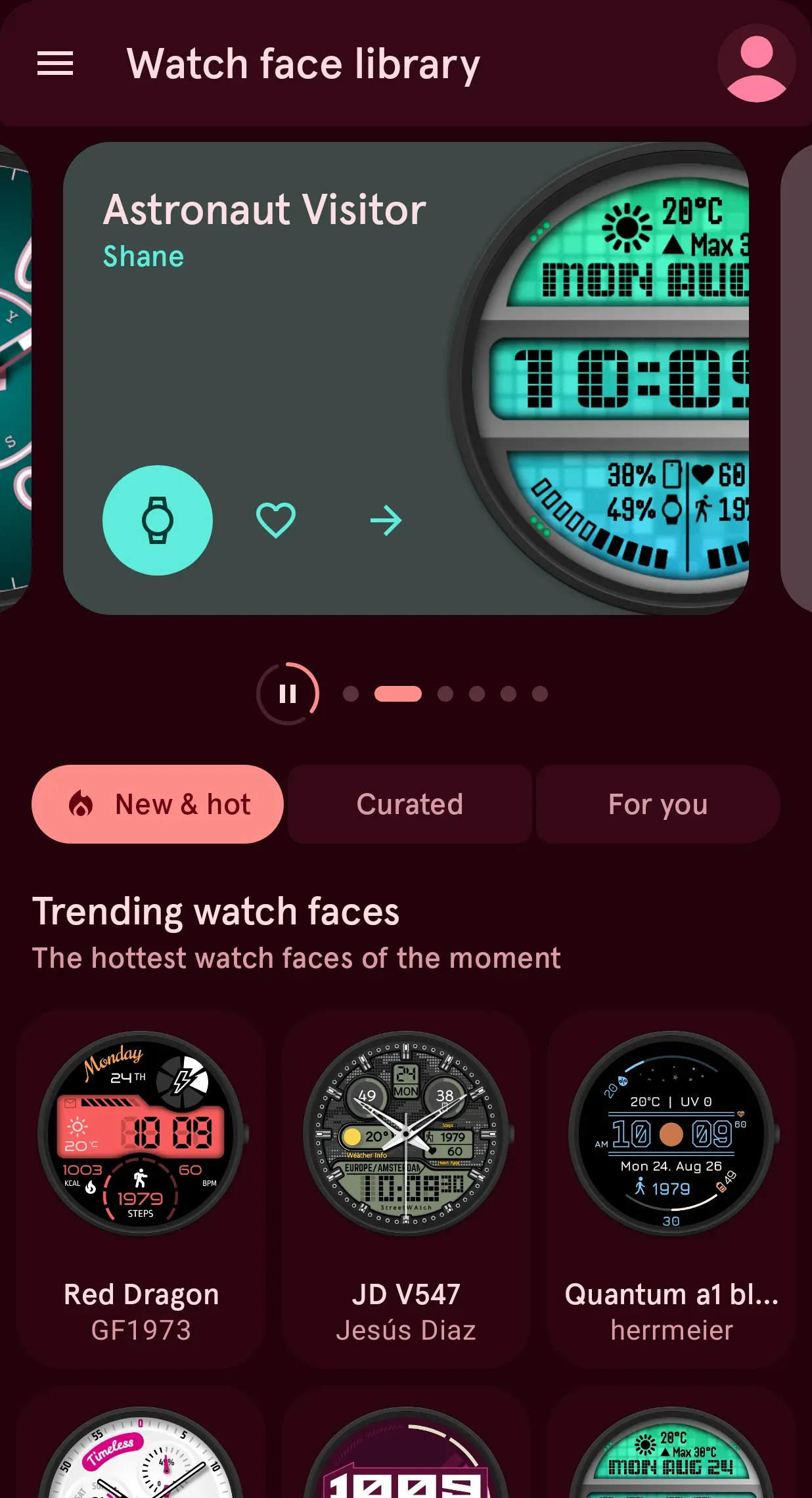
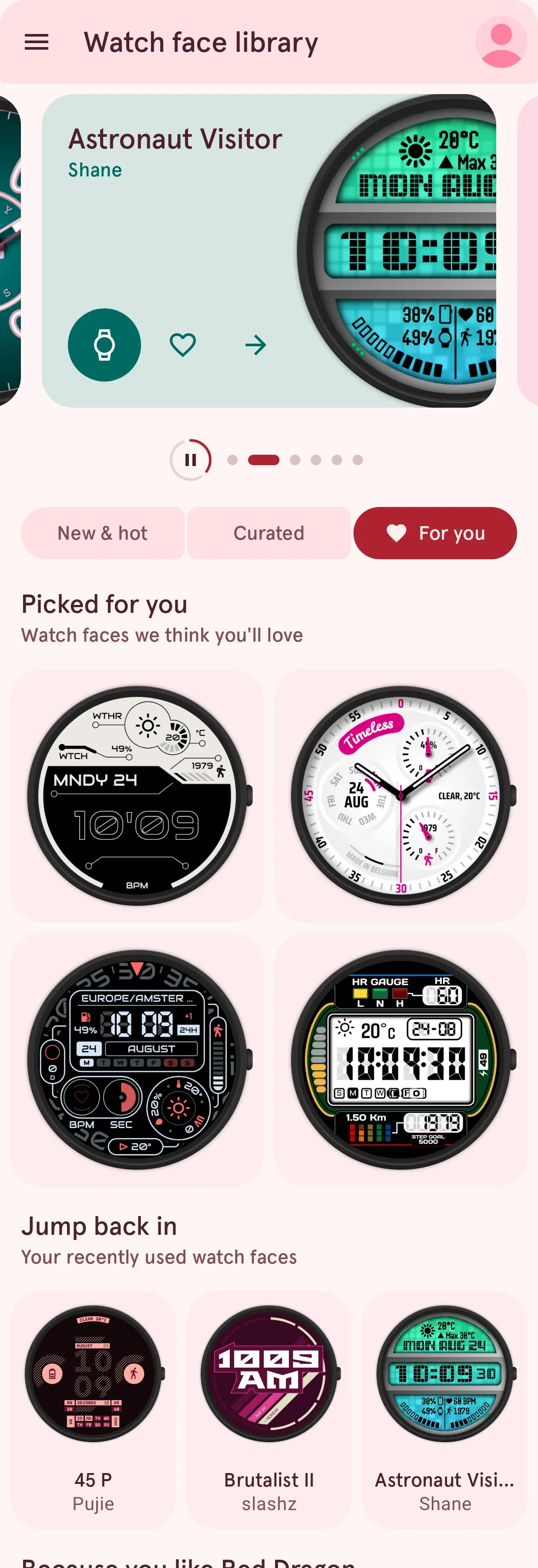
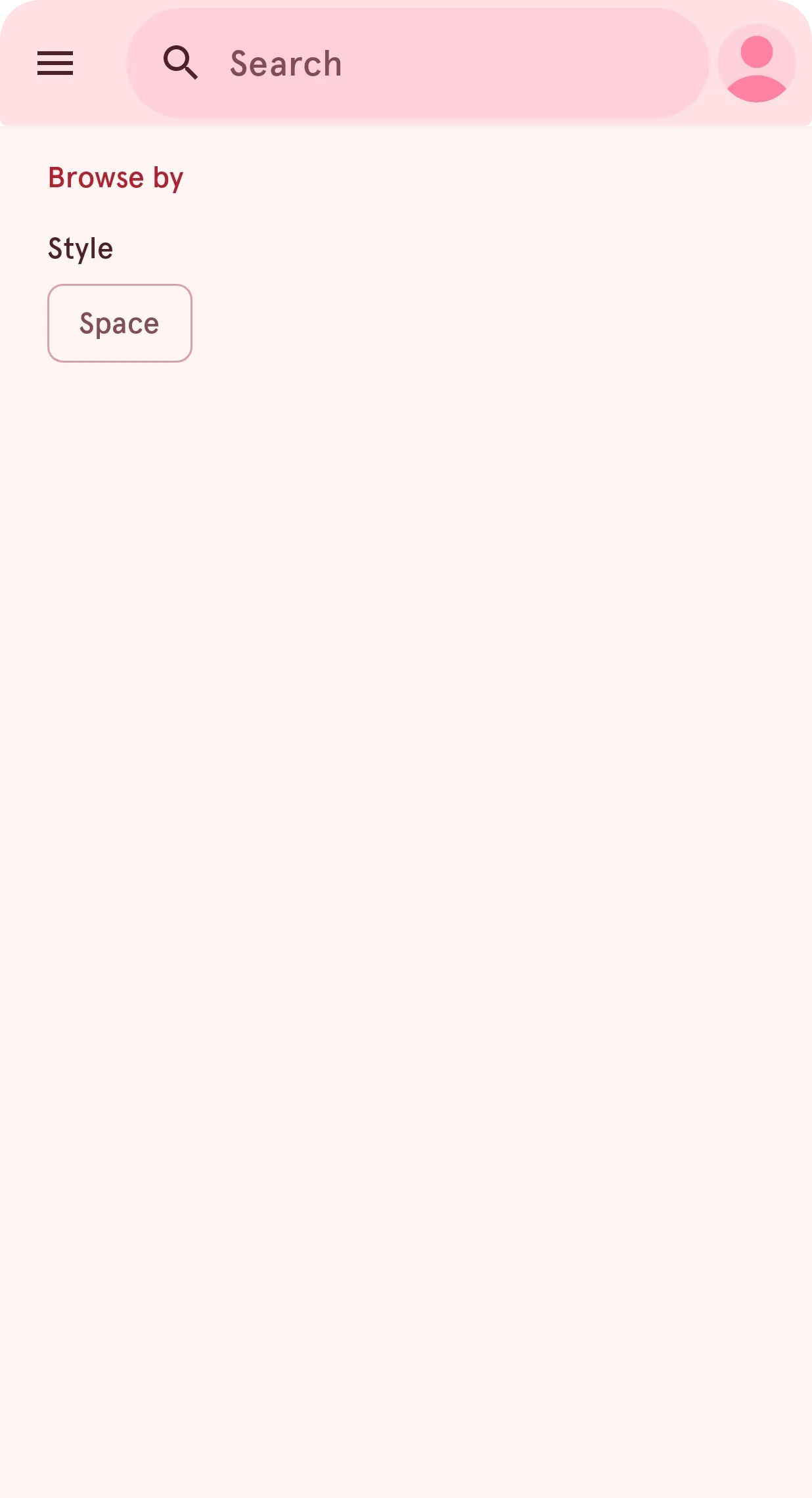
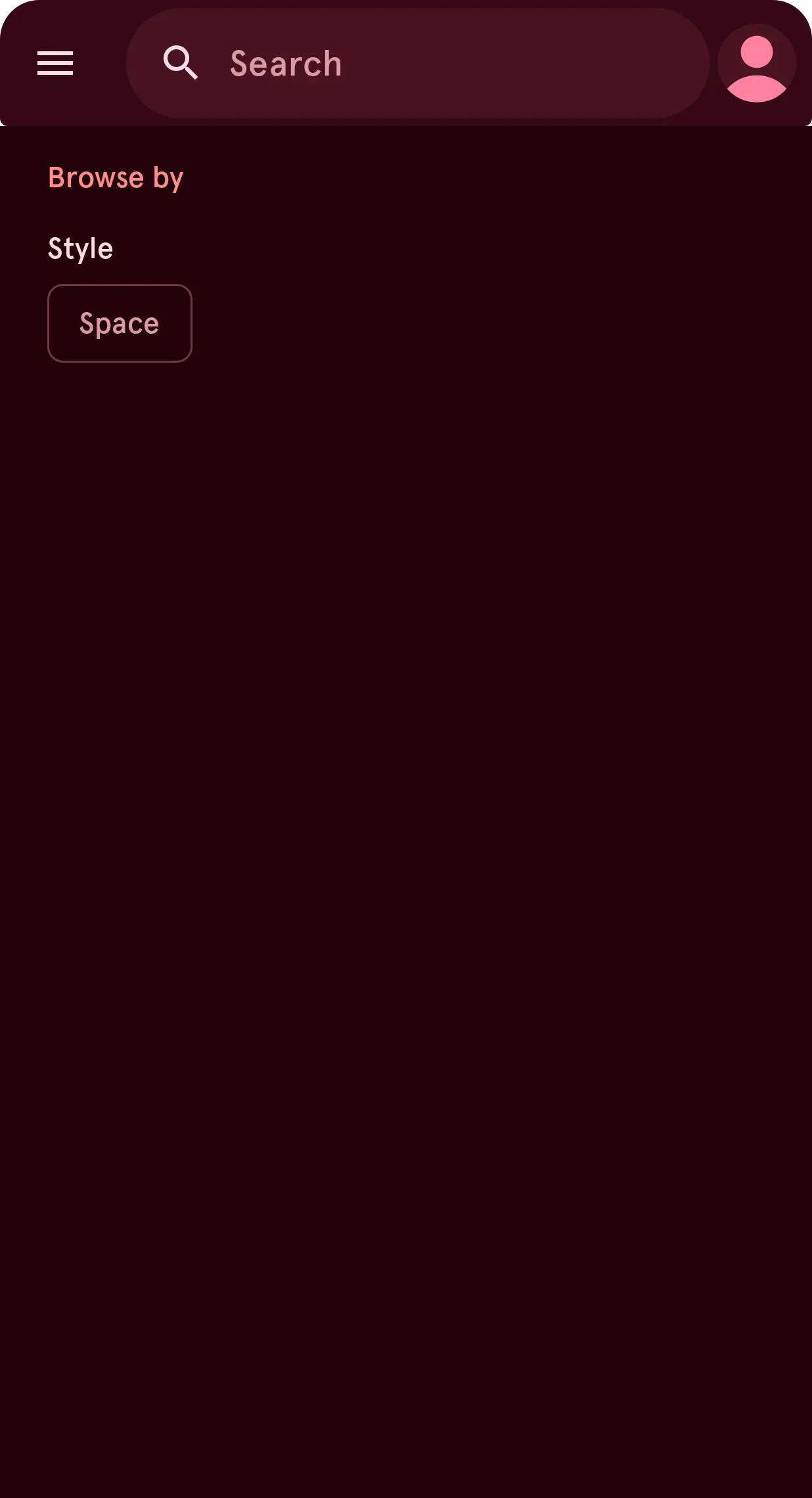
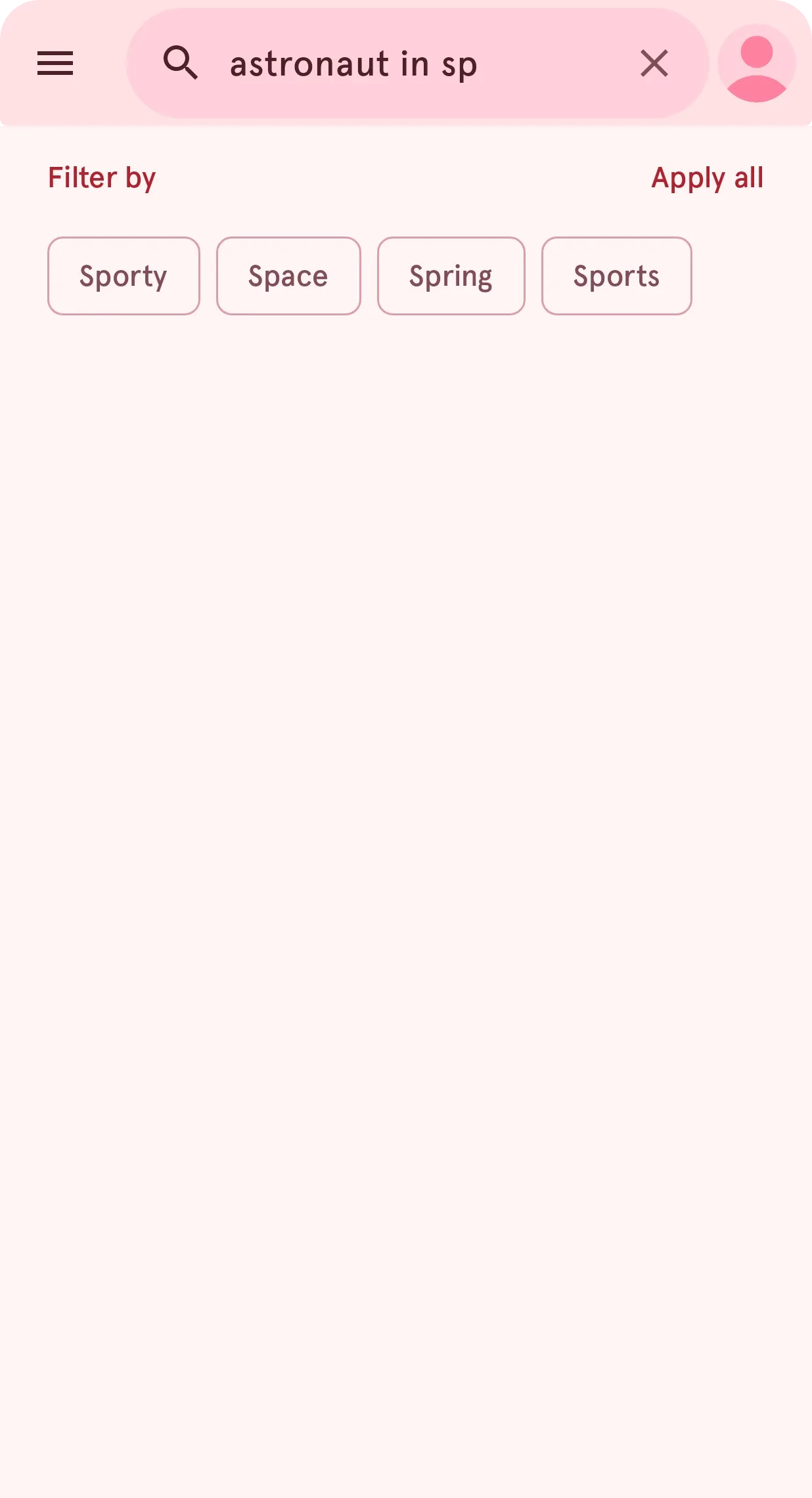
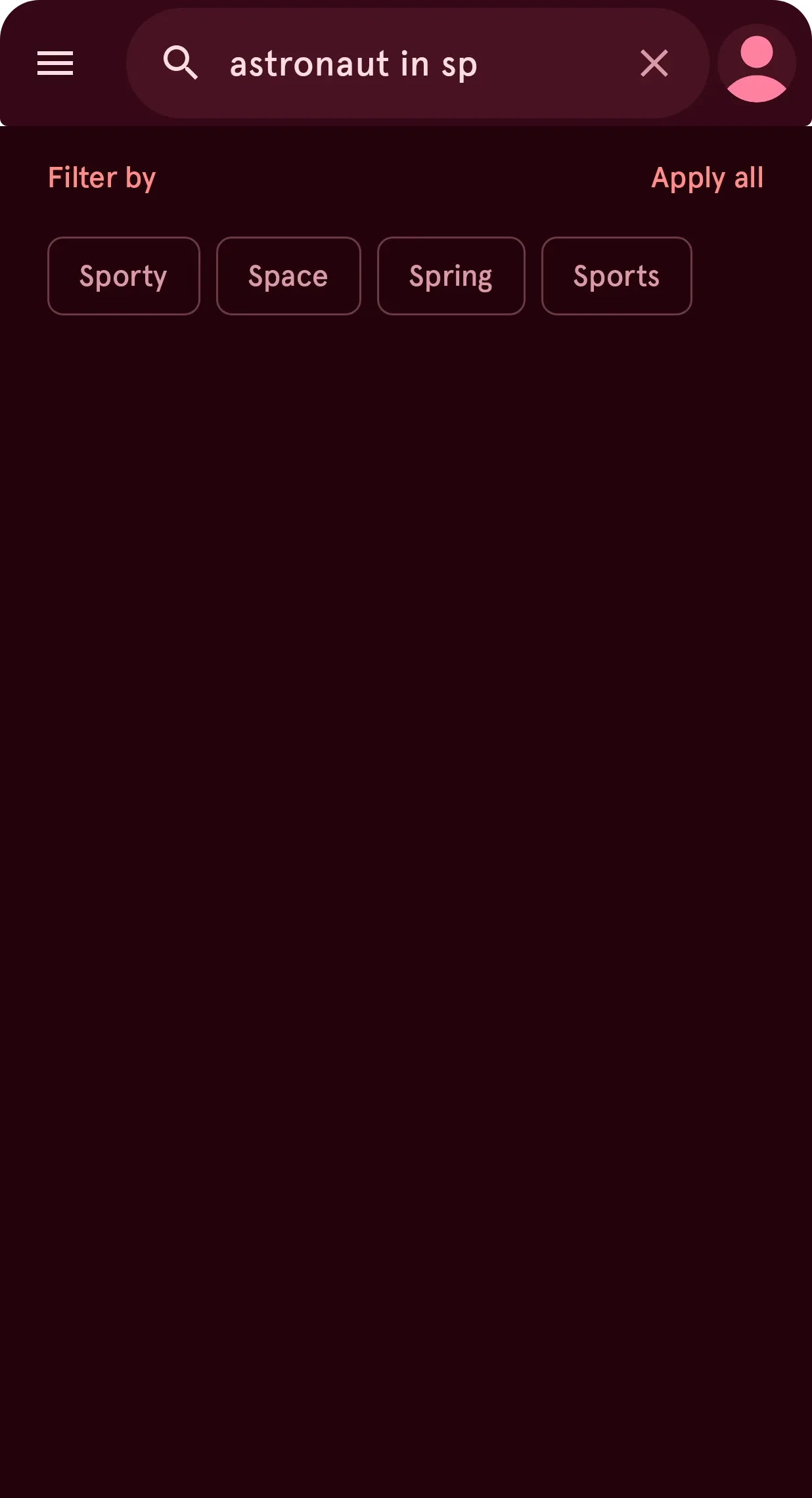
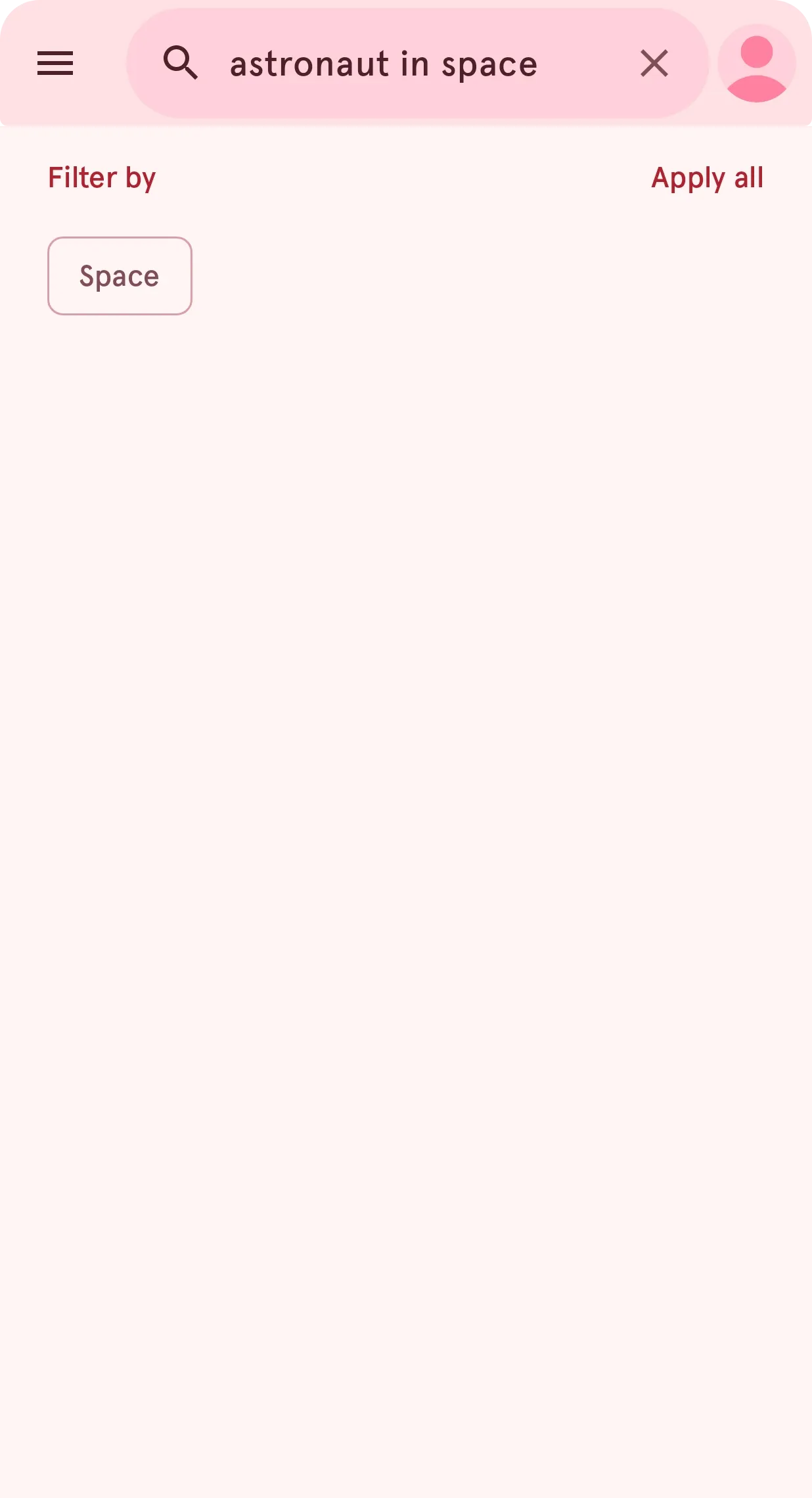
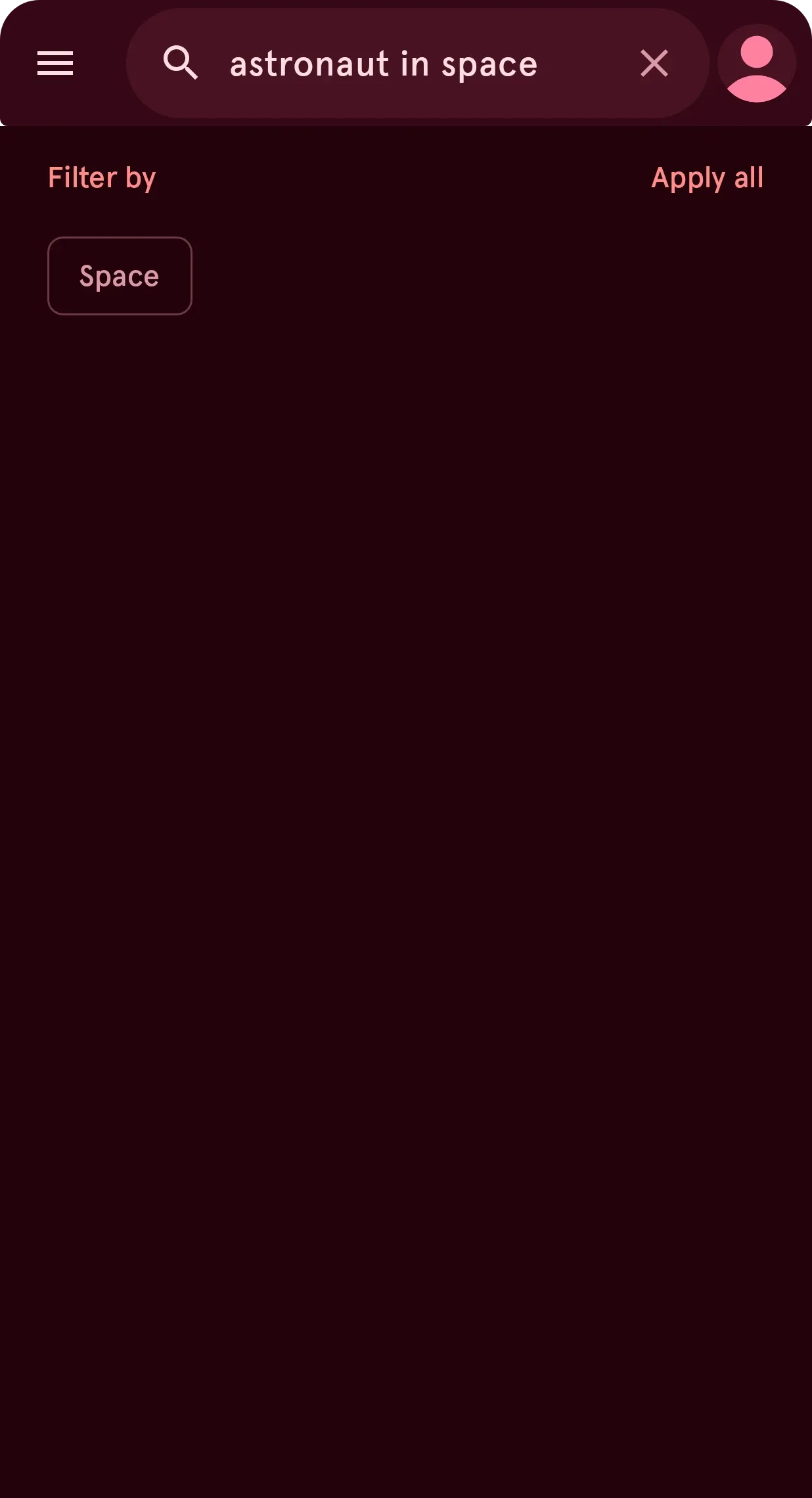
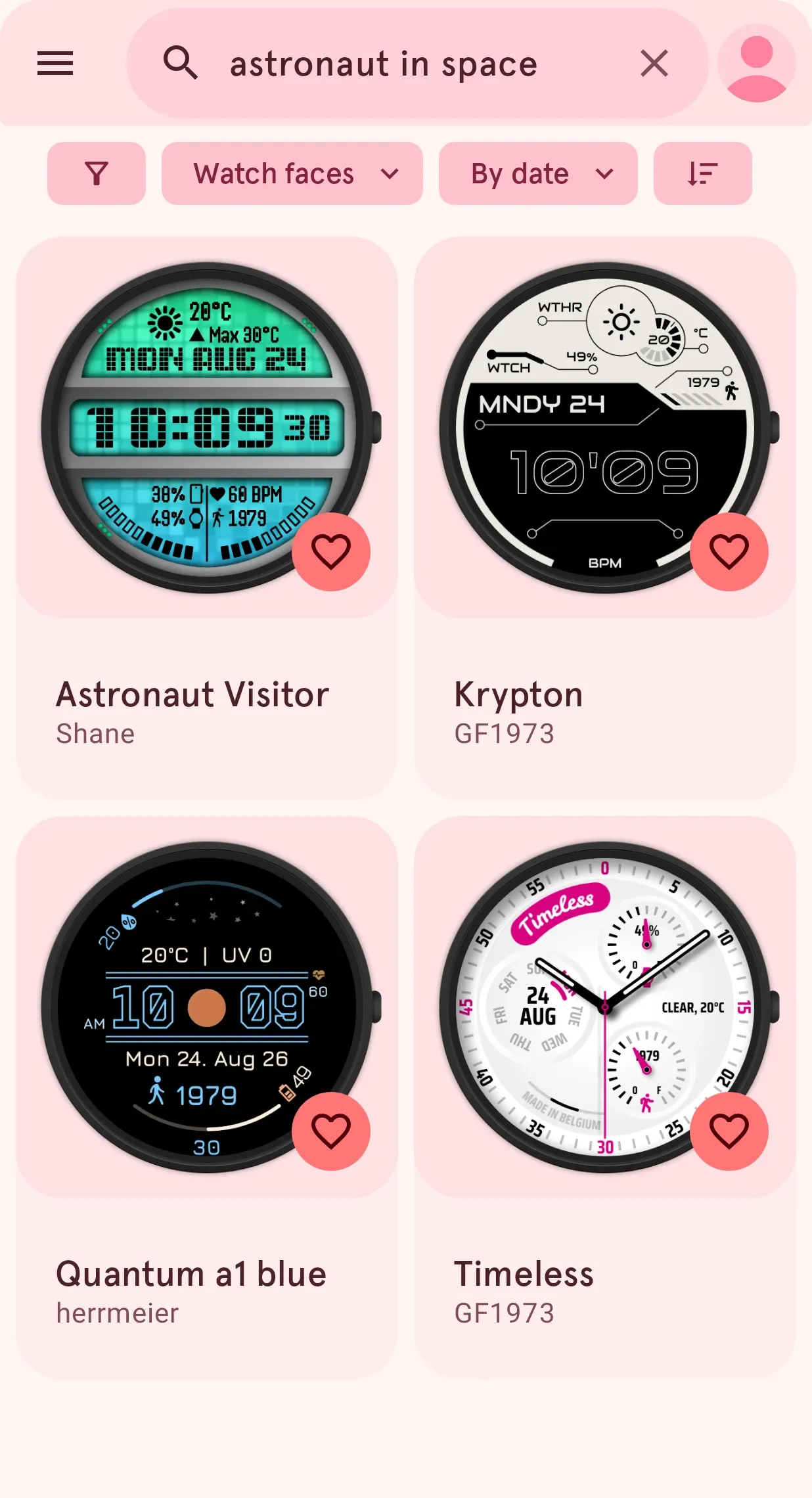
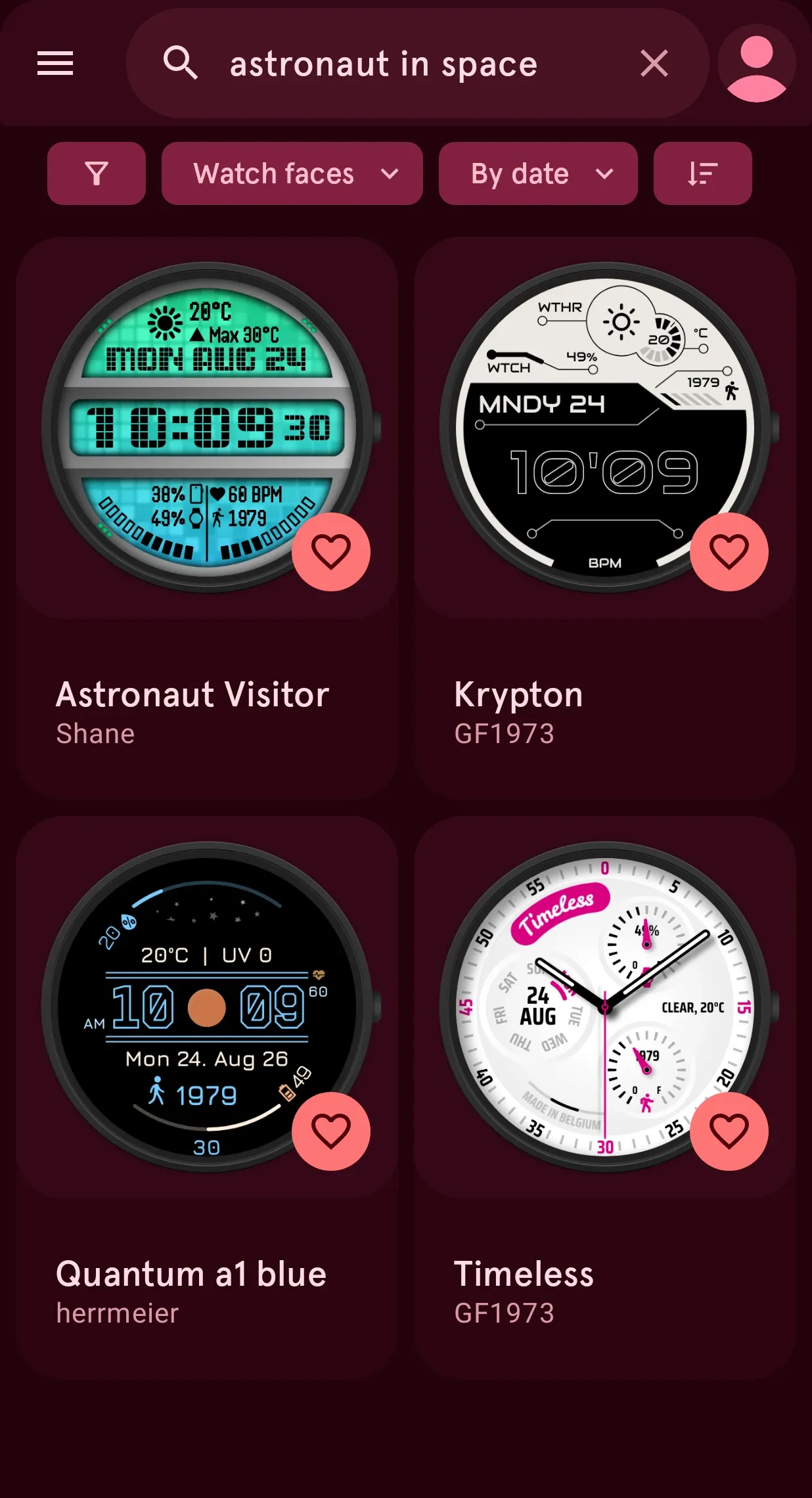
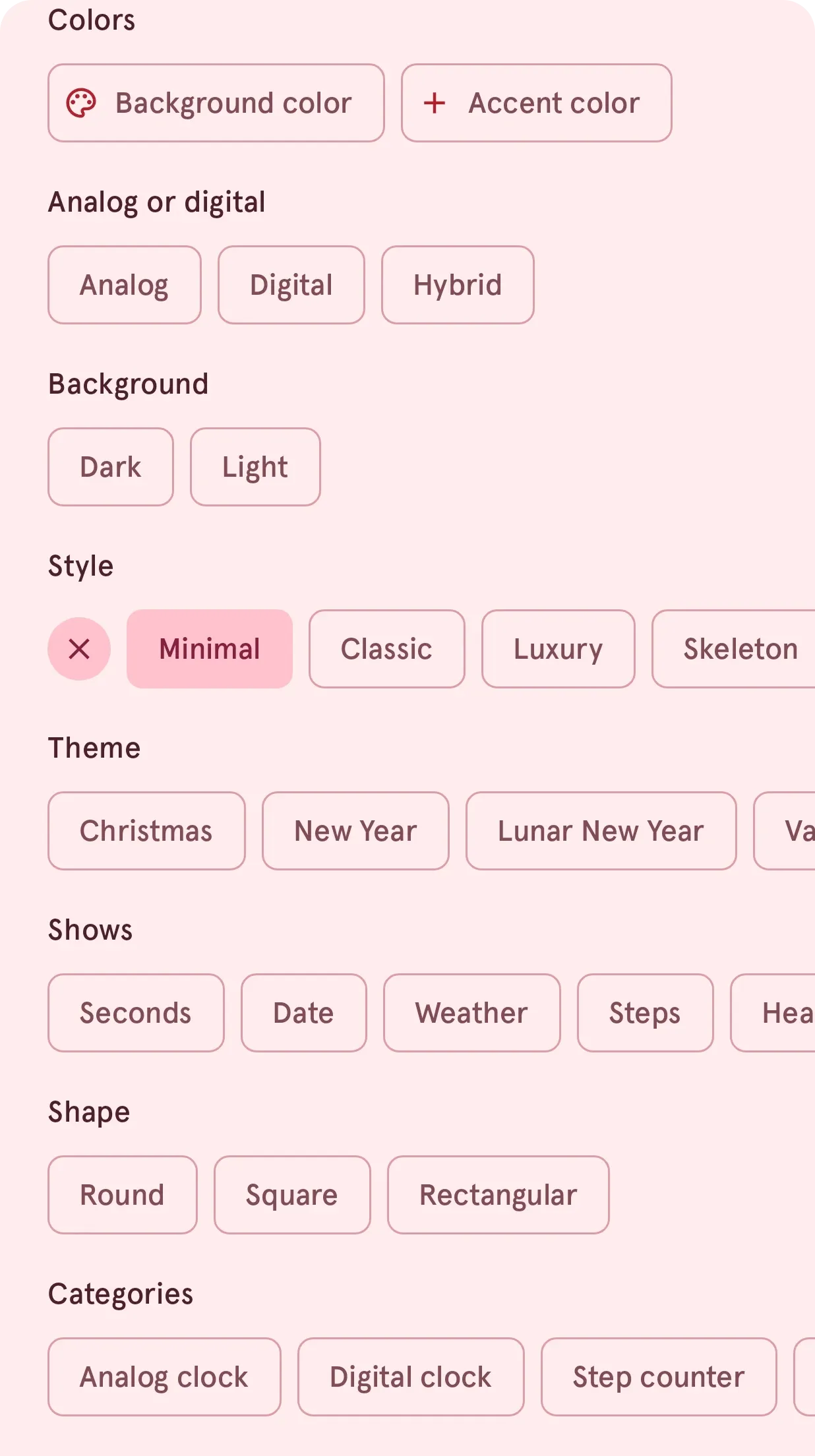
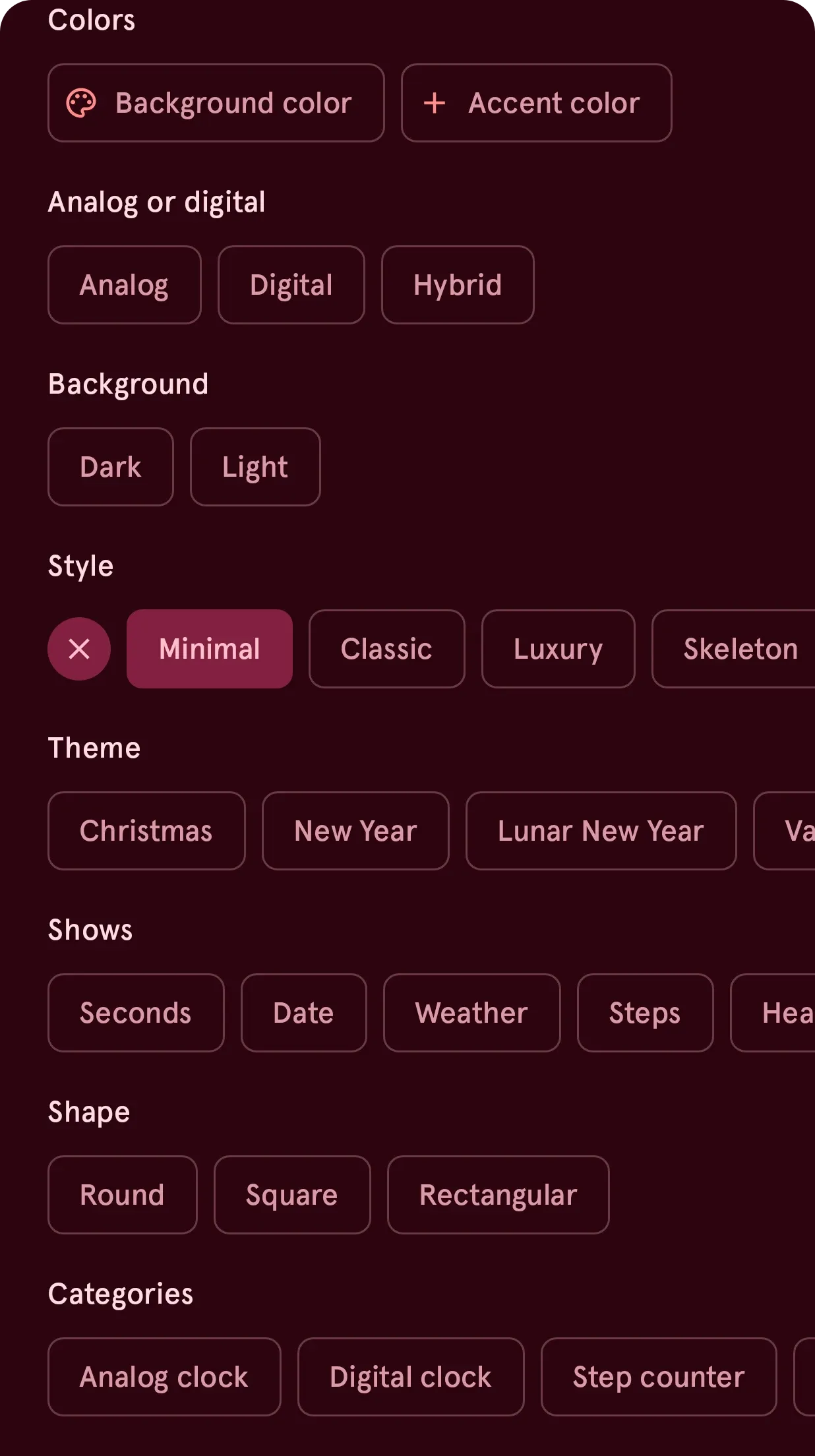
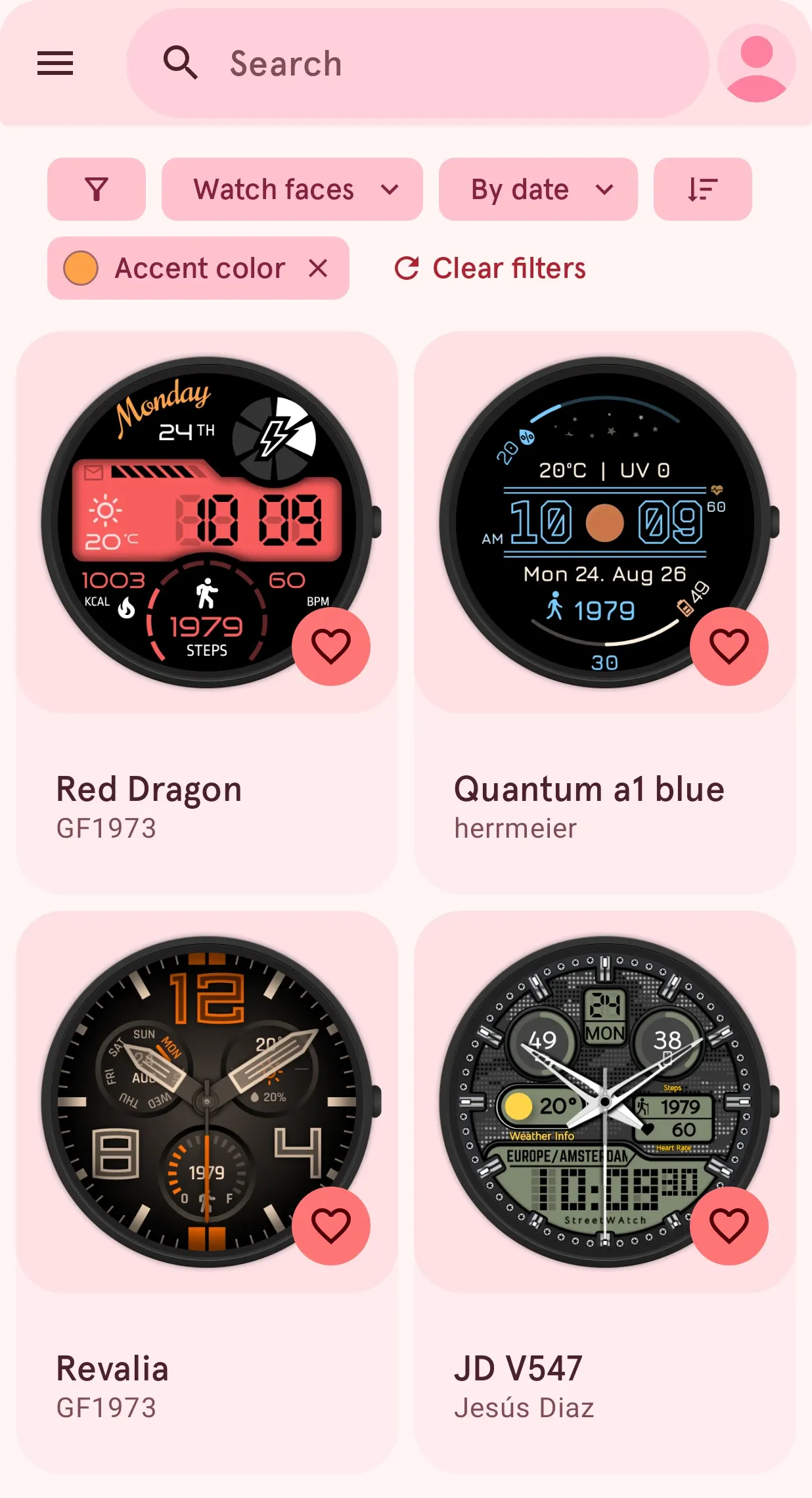
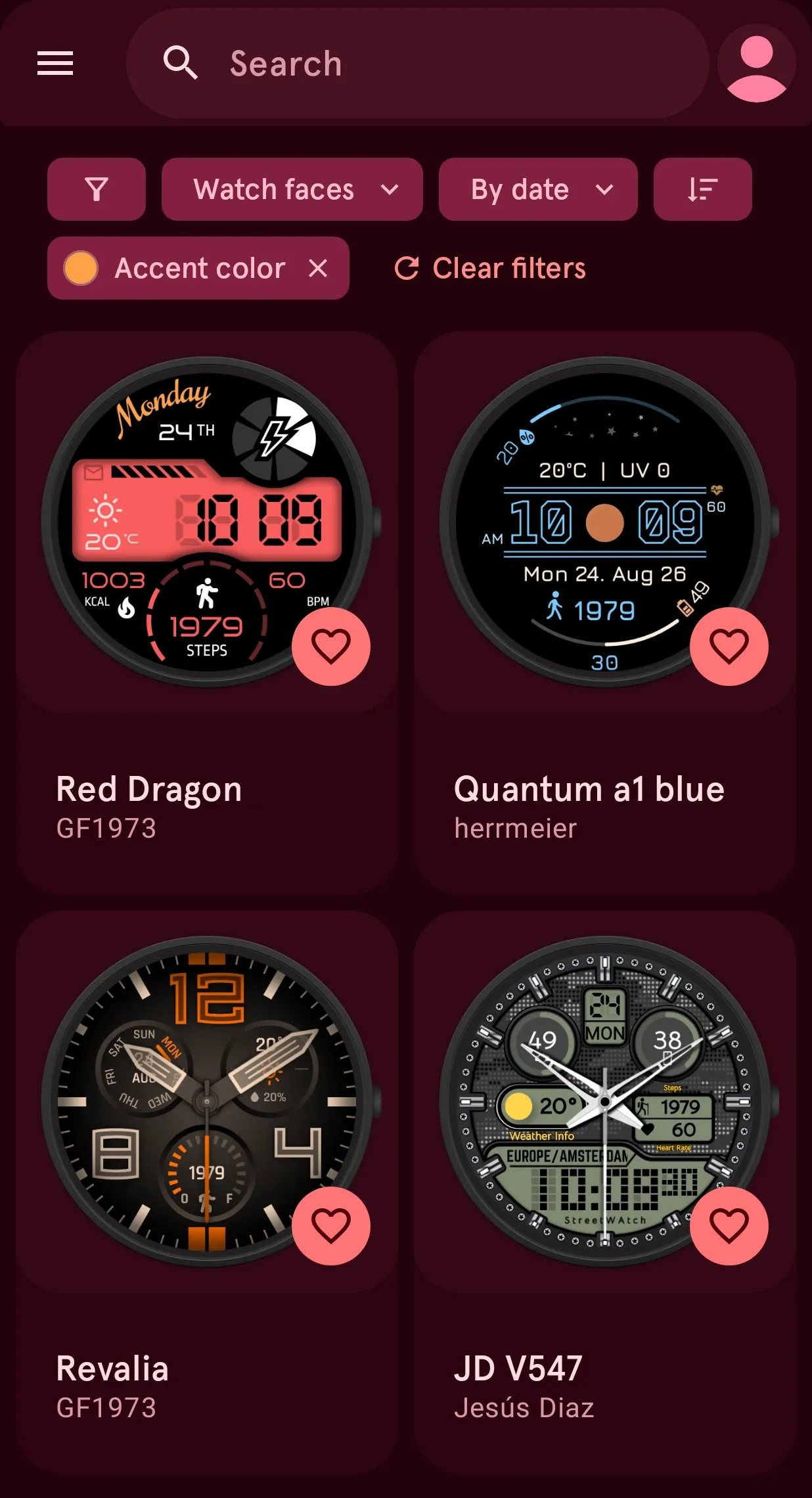
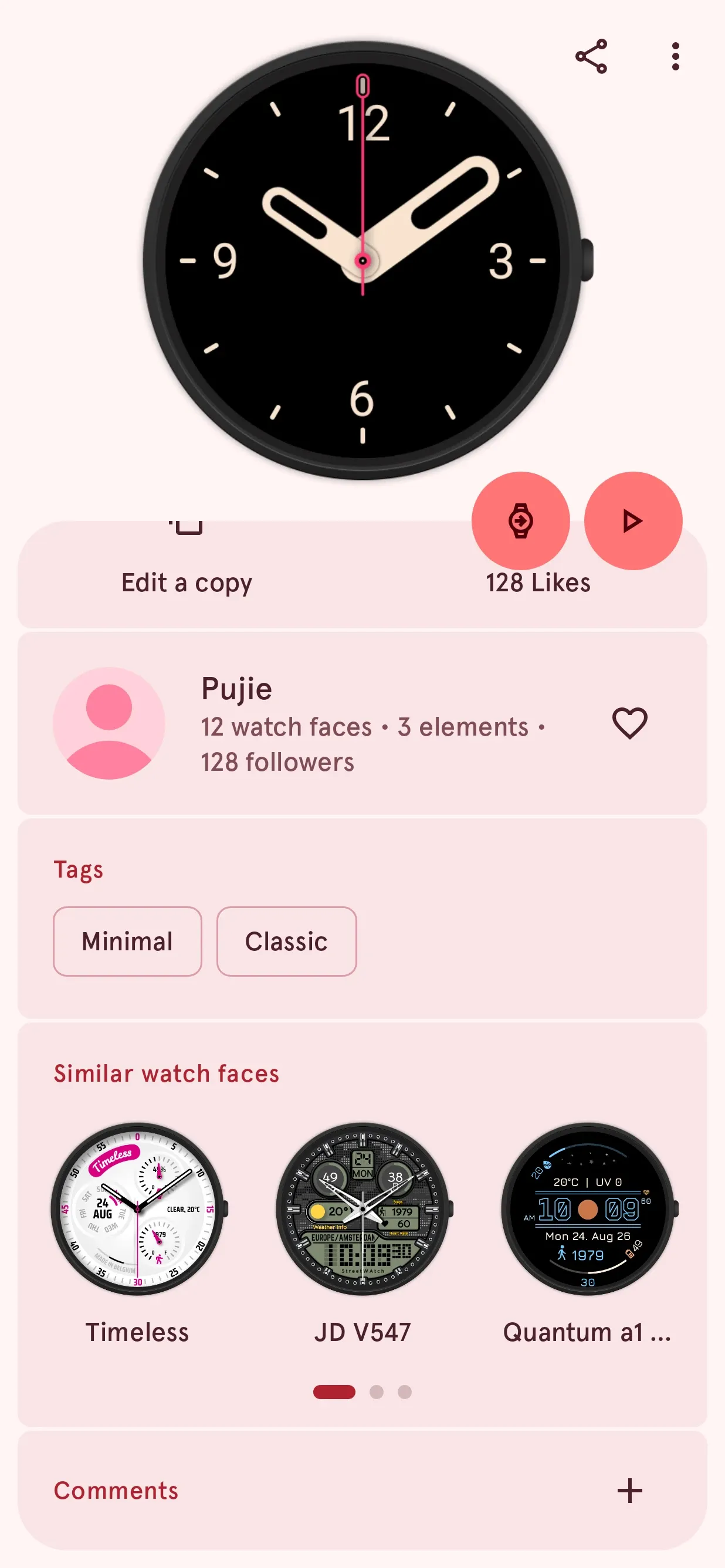
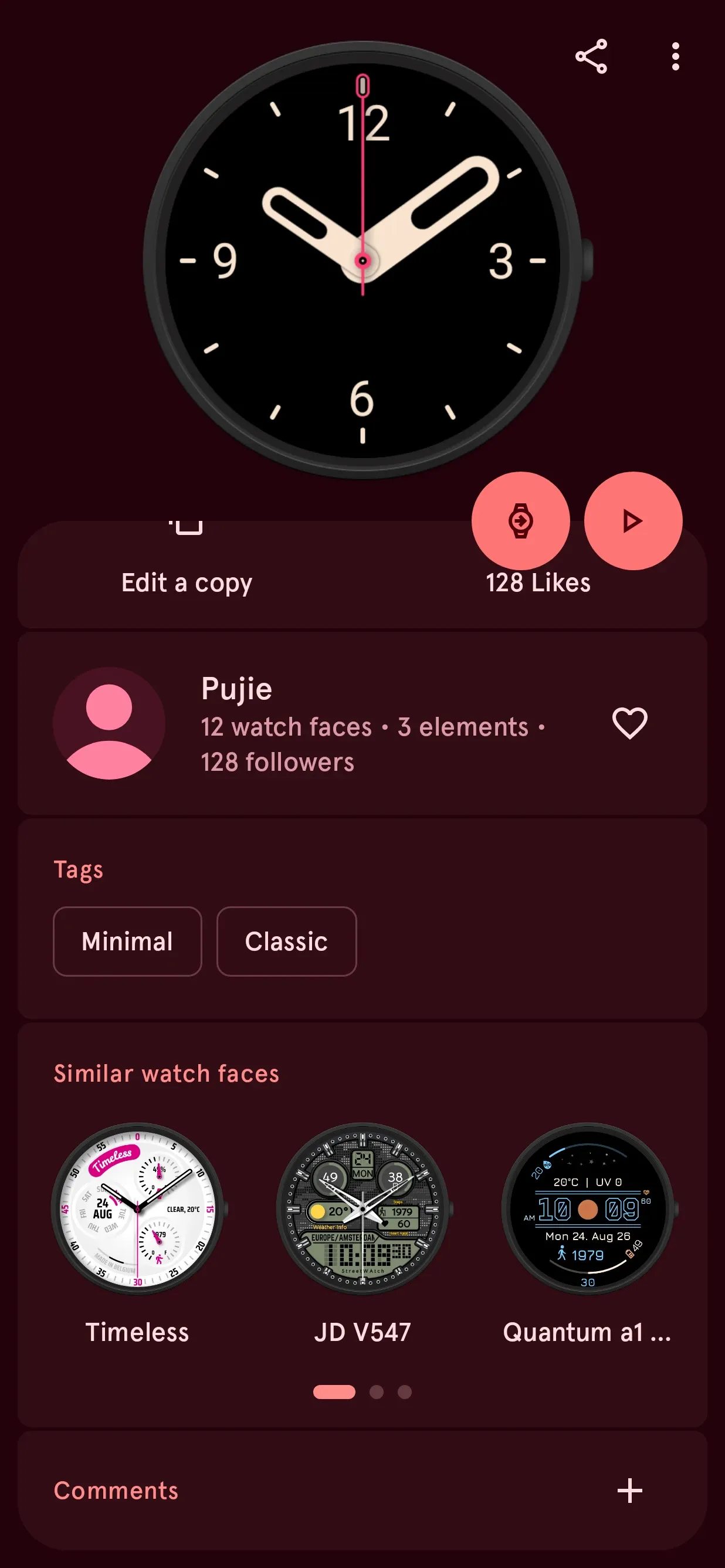
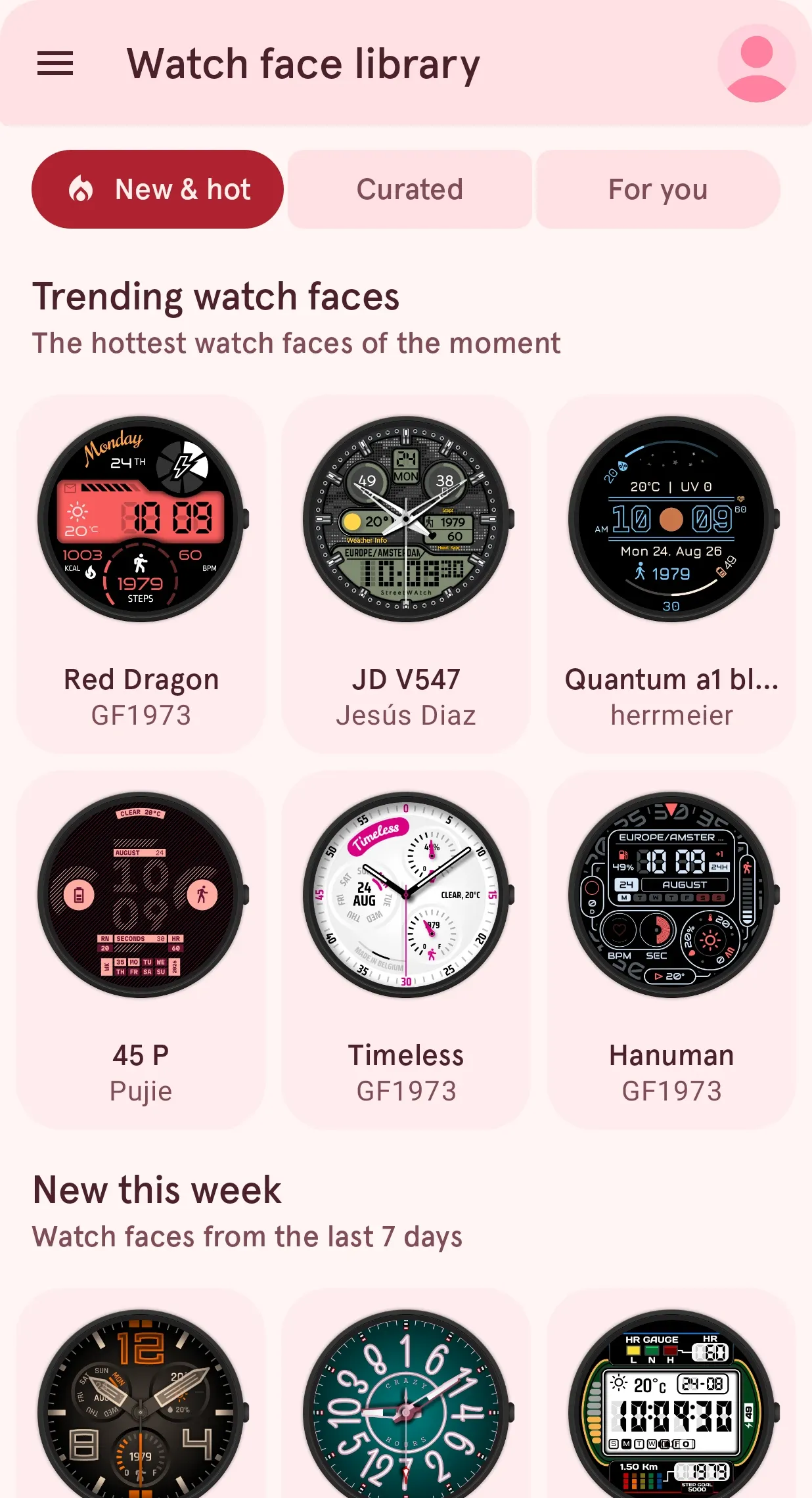
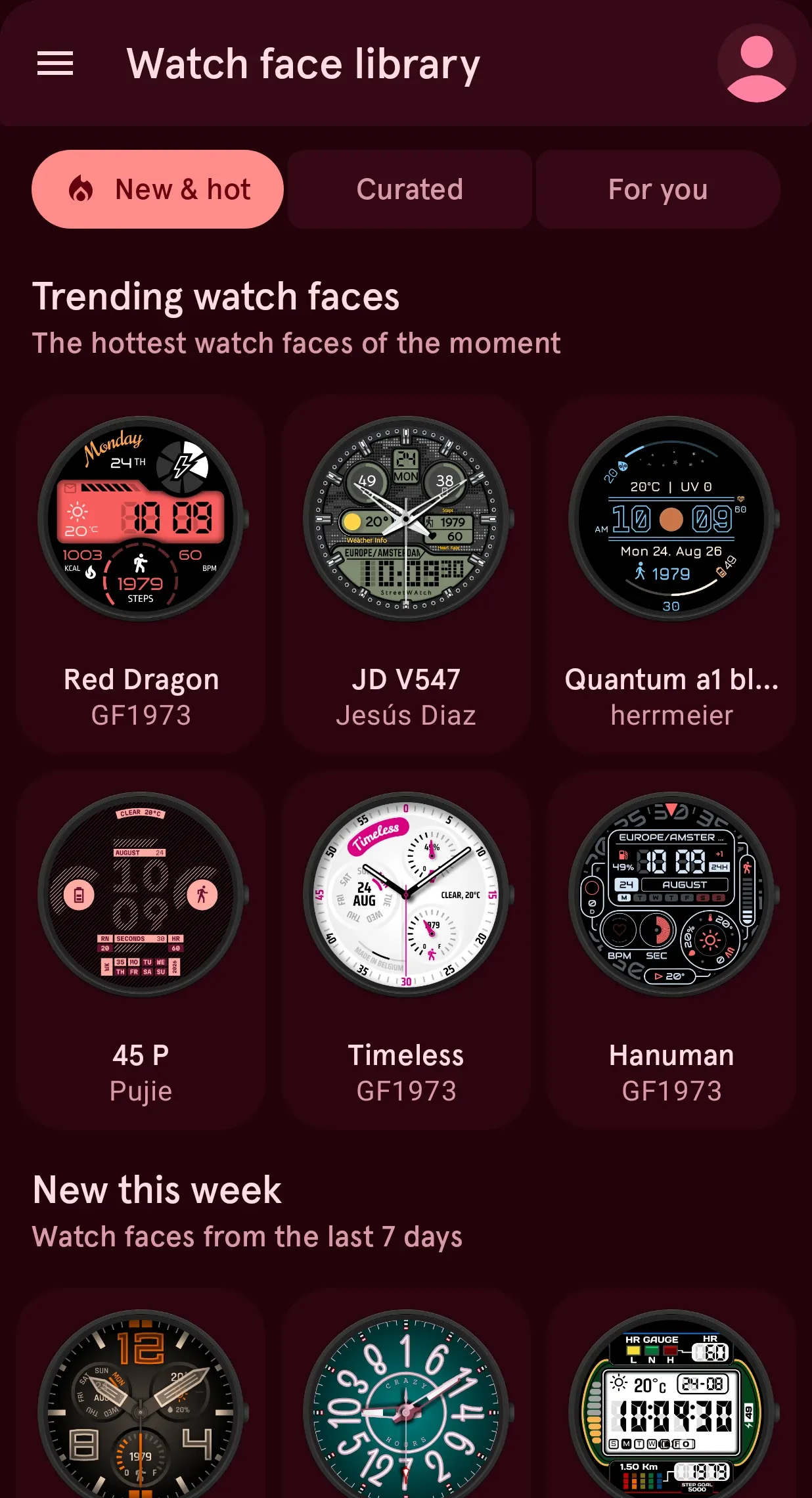
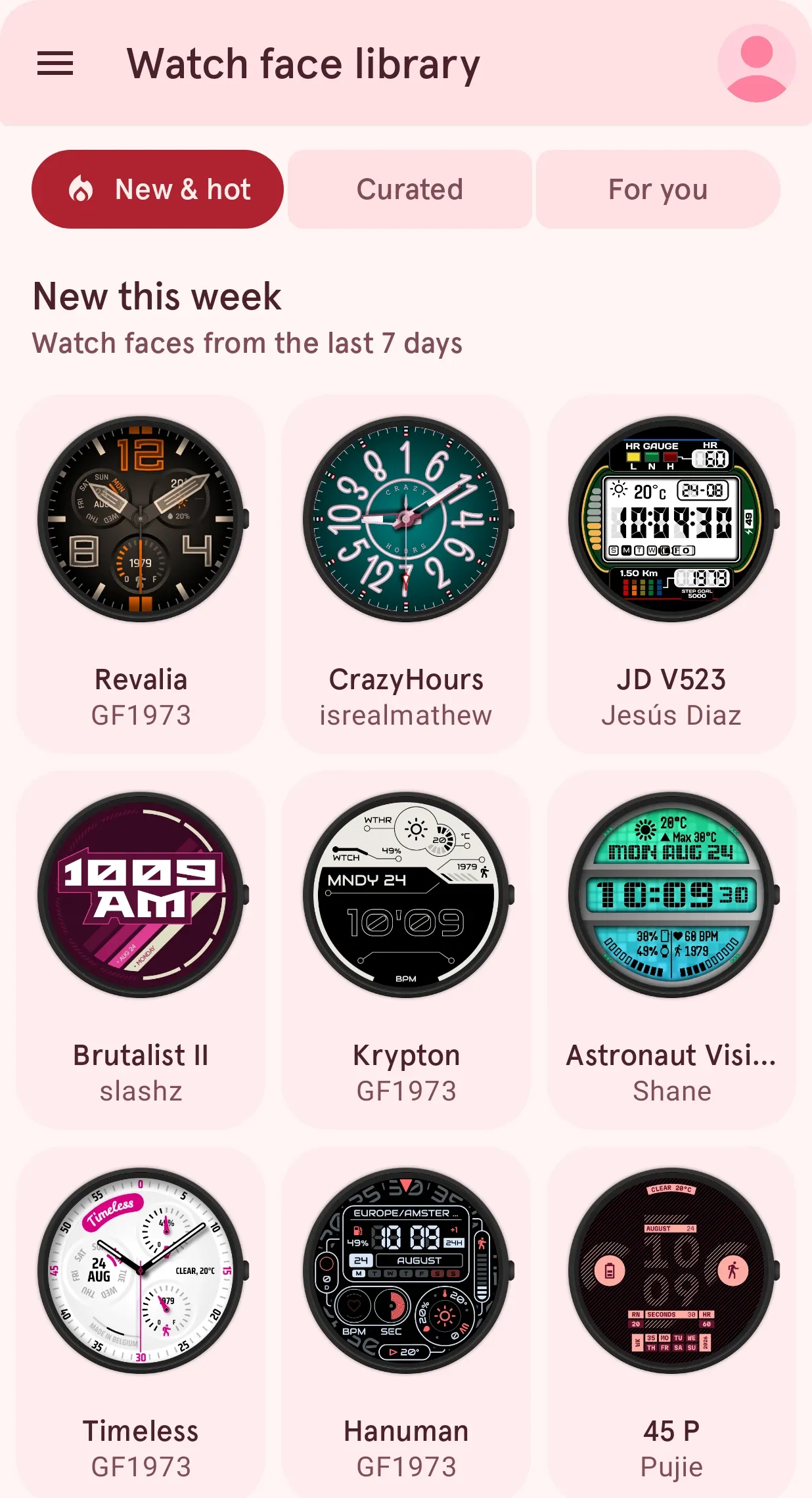
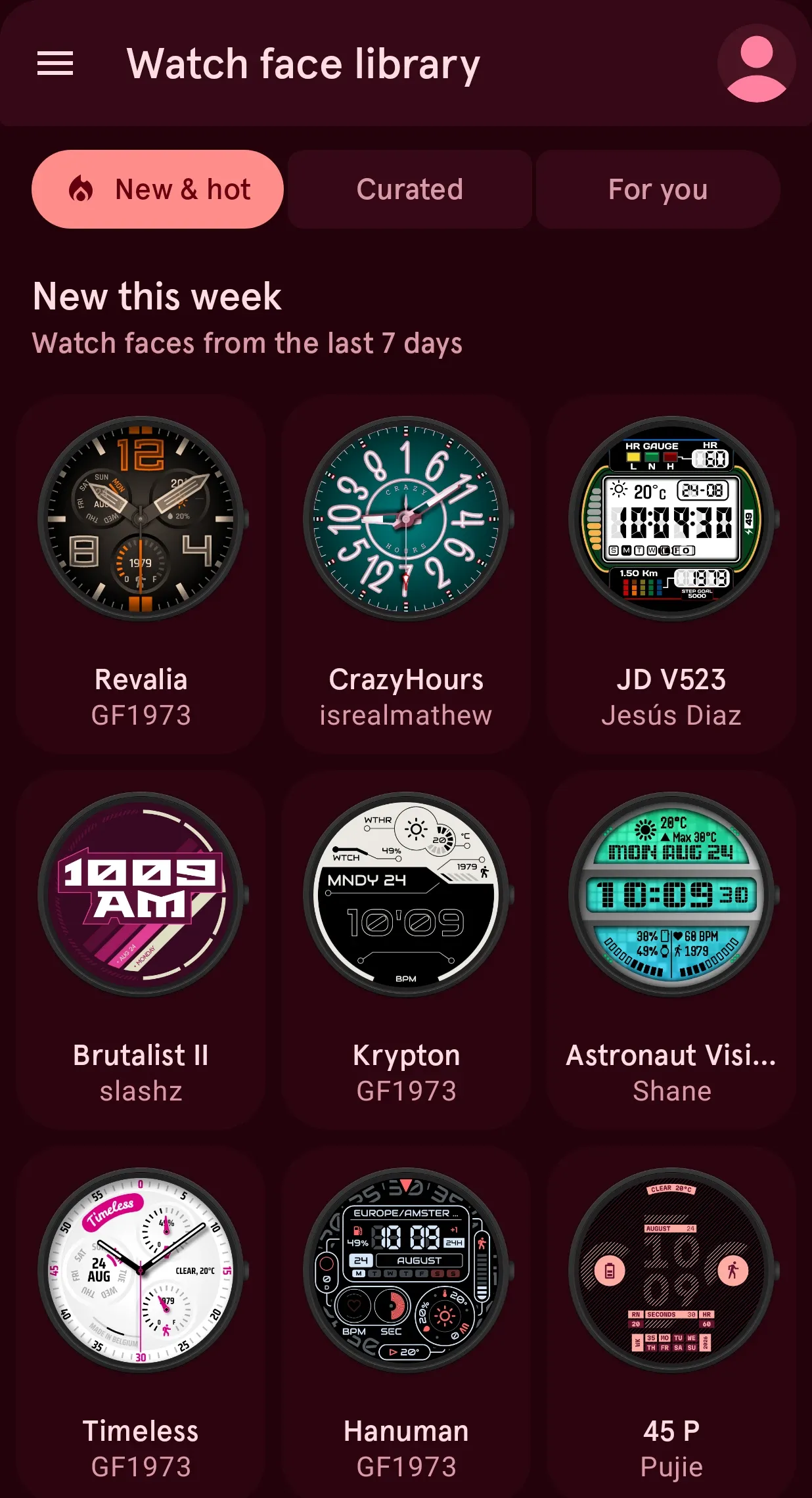
- A smarter Library. Search by meaning, color, style and features, with personal recommendations and similar watch faces.
- Save your designs for free. Edit any free watch face and keep up to three designs without Premium.
Scroll down to read more about each item, or get the app on Google Play:

A completely rebuilt app
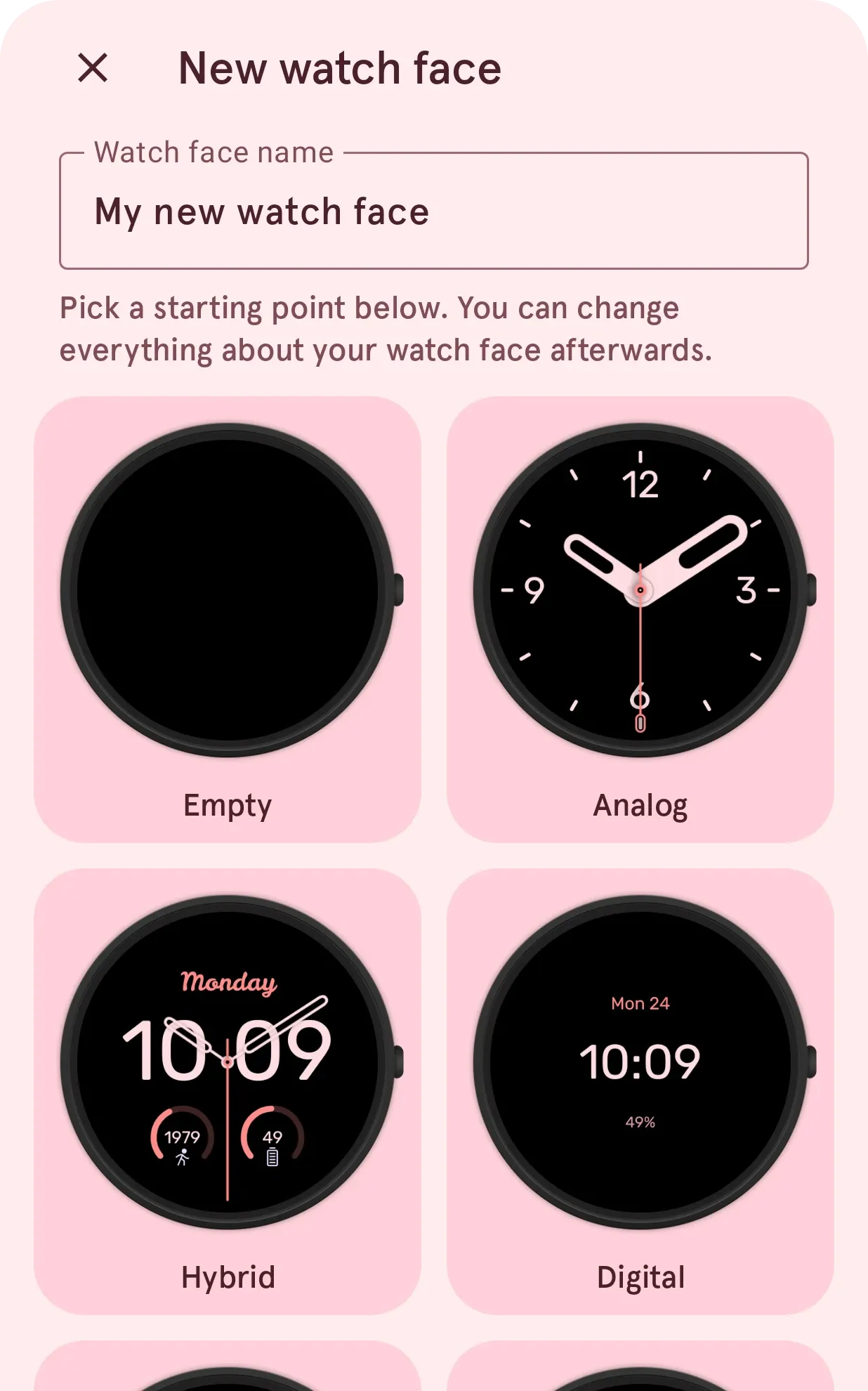
Every screen of the app has been rebuilt, with smoother navigation and new animations, for your Pixel Watch, Galaxy Watch or any other Wear OS watch.
Bring your own AI assistant
Your favorite AI assistant is now your design partner.
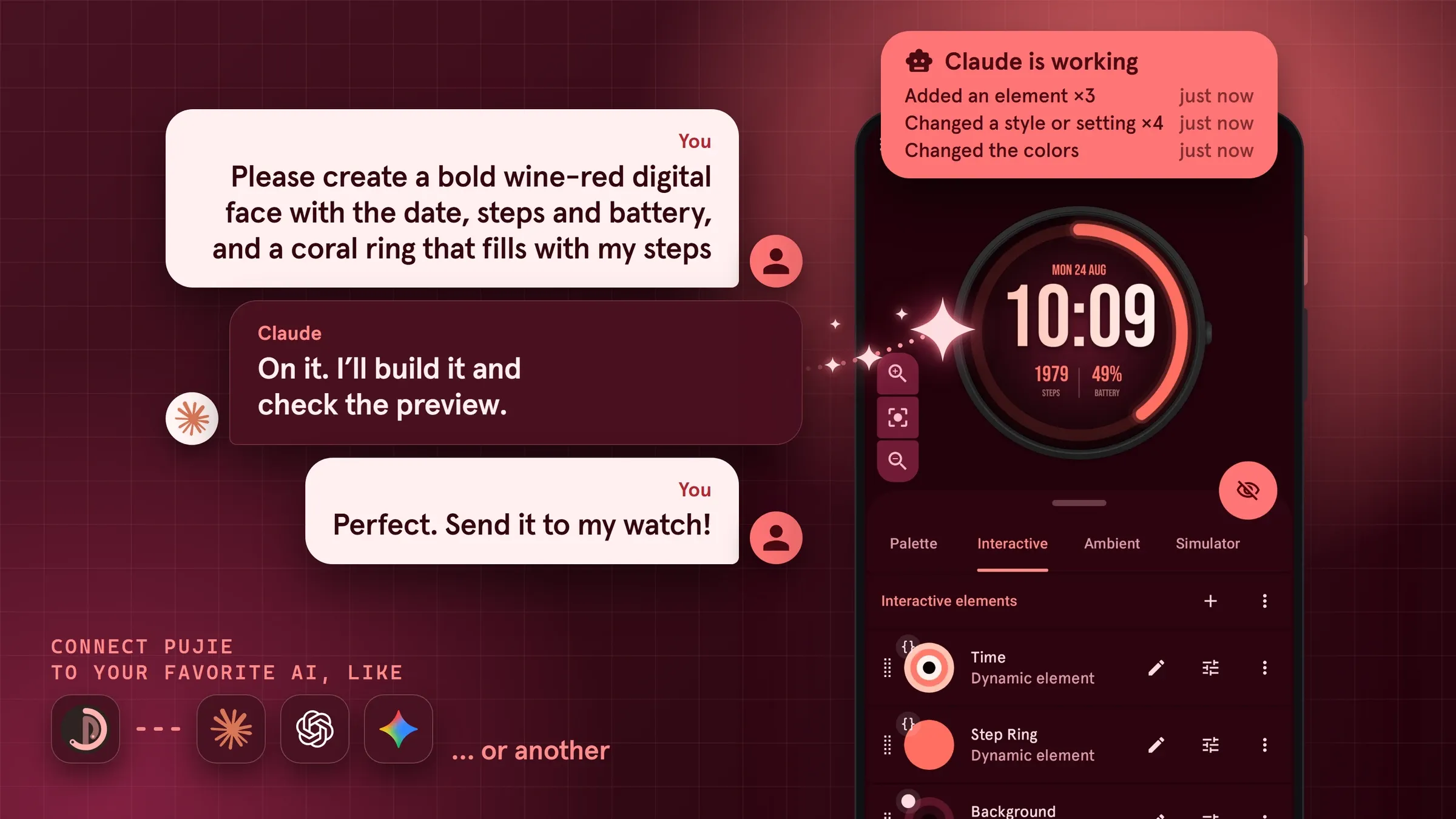
Pujie works with Claude, ChatGPT, Gemini and other assistants that can connect to it*. You bring your own, and it gets to work inside Pujie.
Describe the Wear OS watch face you have in mind and watch it come together. Ask for a different mood, a bolder palette or a cleaner layout, and your assistant makes the changes while you watch.
Stuck on a script? Your assistant can write it, explain it and fix it, right in the automation editor, so an animated gauge or a clever complication no longer takes an evening of trial and error. Nothing changes on your face until you save it.
You stay in charge. You always see what your assistant is doing, Pujie asks you first before anything that throws work away, and one tap stops it. See what you can ask for.
What your assistant can do
Design
- Design a watch face from a description
- Add text, shapes and icons
- Use an SVG as a shape
- Add a complication
- Make a reusable element
Change
- Change the palette
- Restyle every element at once
- Resize and line up elements
- Combine shapes
- Undo a change
Bring it to life
- Show the battery as an arc
- Dim it at night
- Add tap actions
- Simulate the time and battery
Scripts
- Write a script
- Explain a script
- Fix a script
Check
- Check the contrast
- Compare with the original
- Explain how a face works
Library and watch
- Reuse elements from your library
- Search the Library
- Save to your library
- Send it to your watch
*) AI assistants need Pujie Premium and an AI assistant of your own: Pujie doesn’t include an AI, and what it does counts toward your plan with that service. Each assistant sets its own conditions, for example Gemini works only in the US. Check the guide for yours.
A better Watch Face Designer
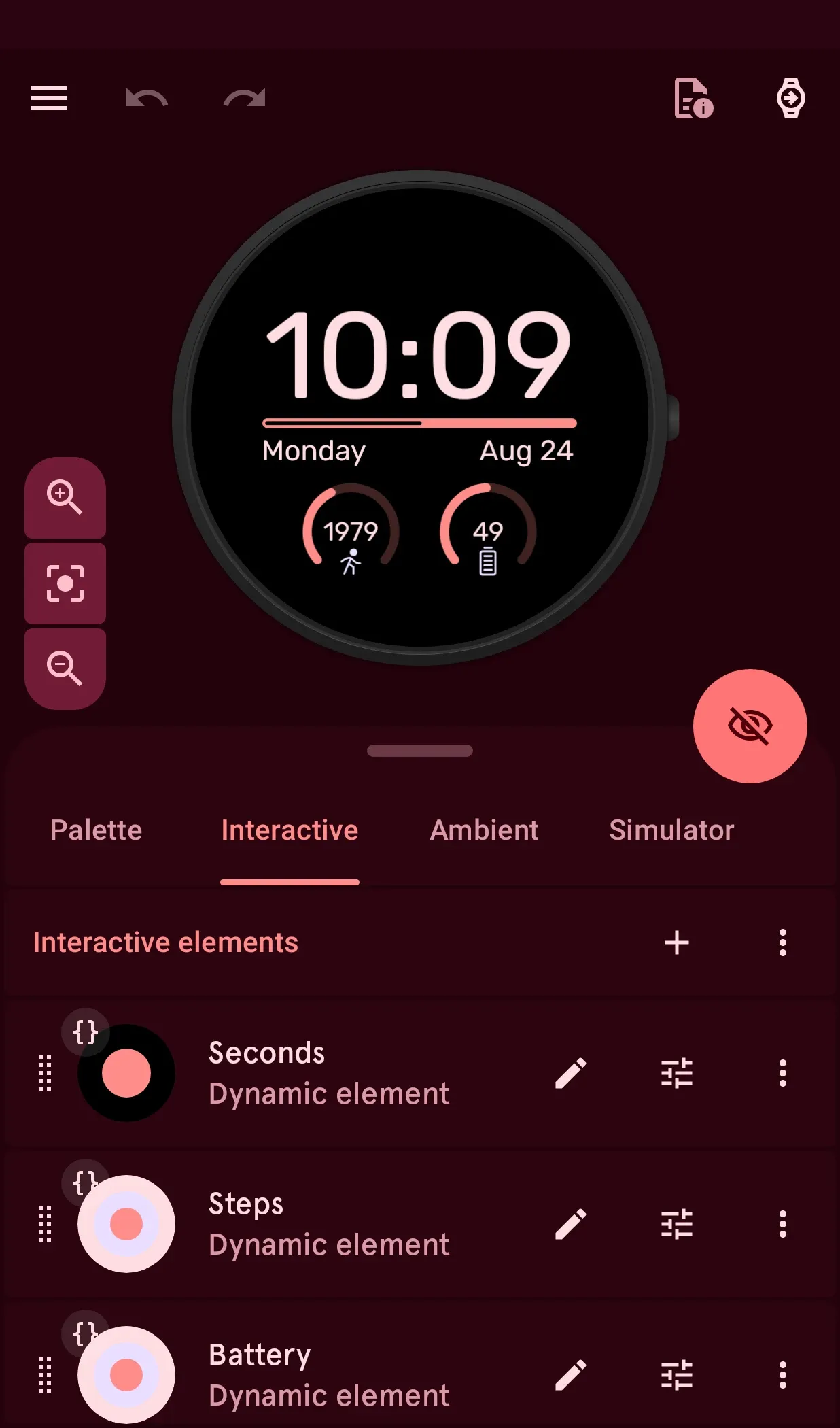
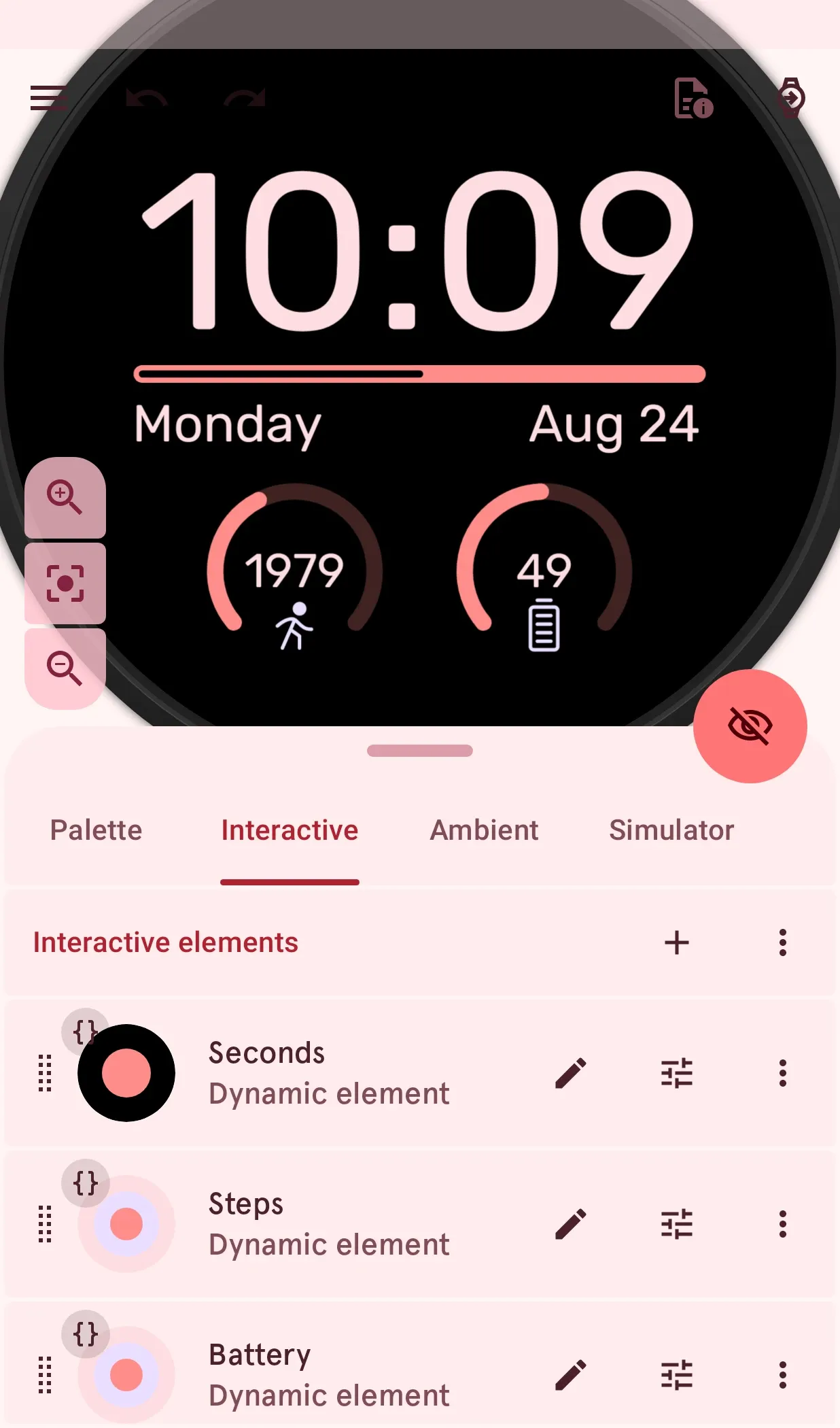
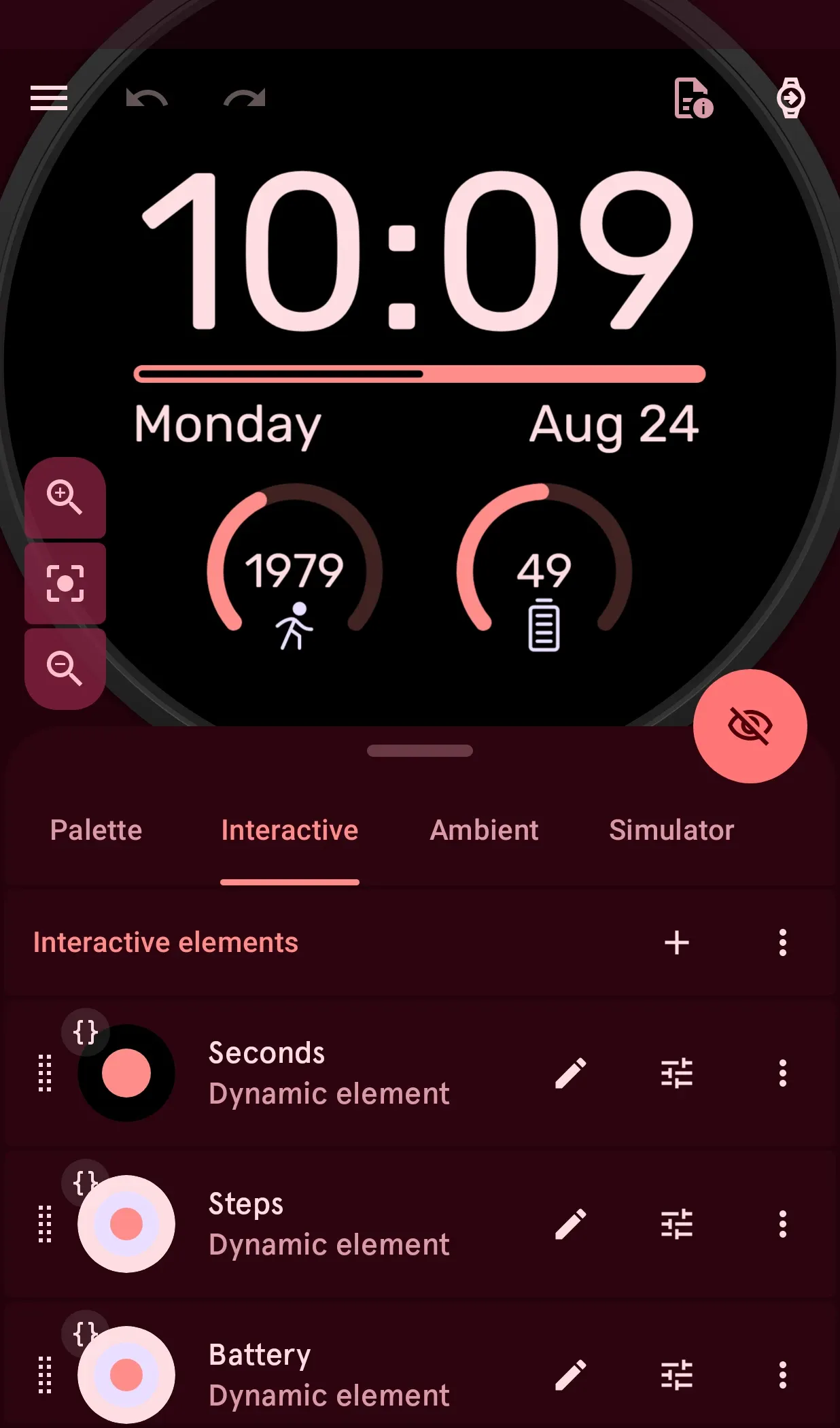
The Watch Face Designer has been rebuilt too: try anything, because you can always go back.
An improved Watch Element Designer
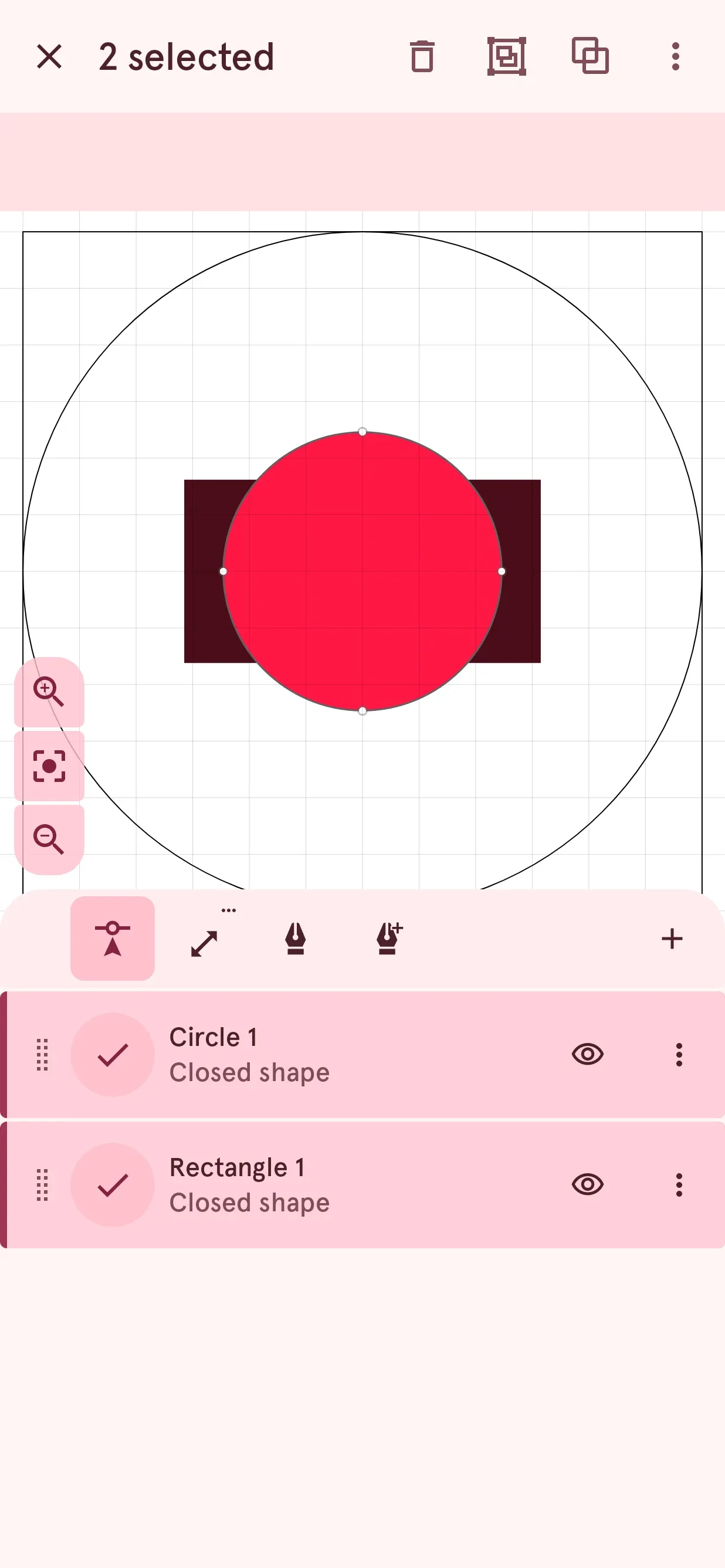
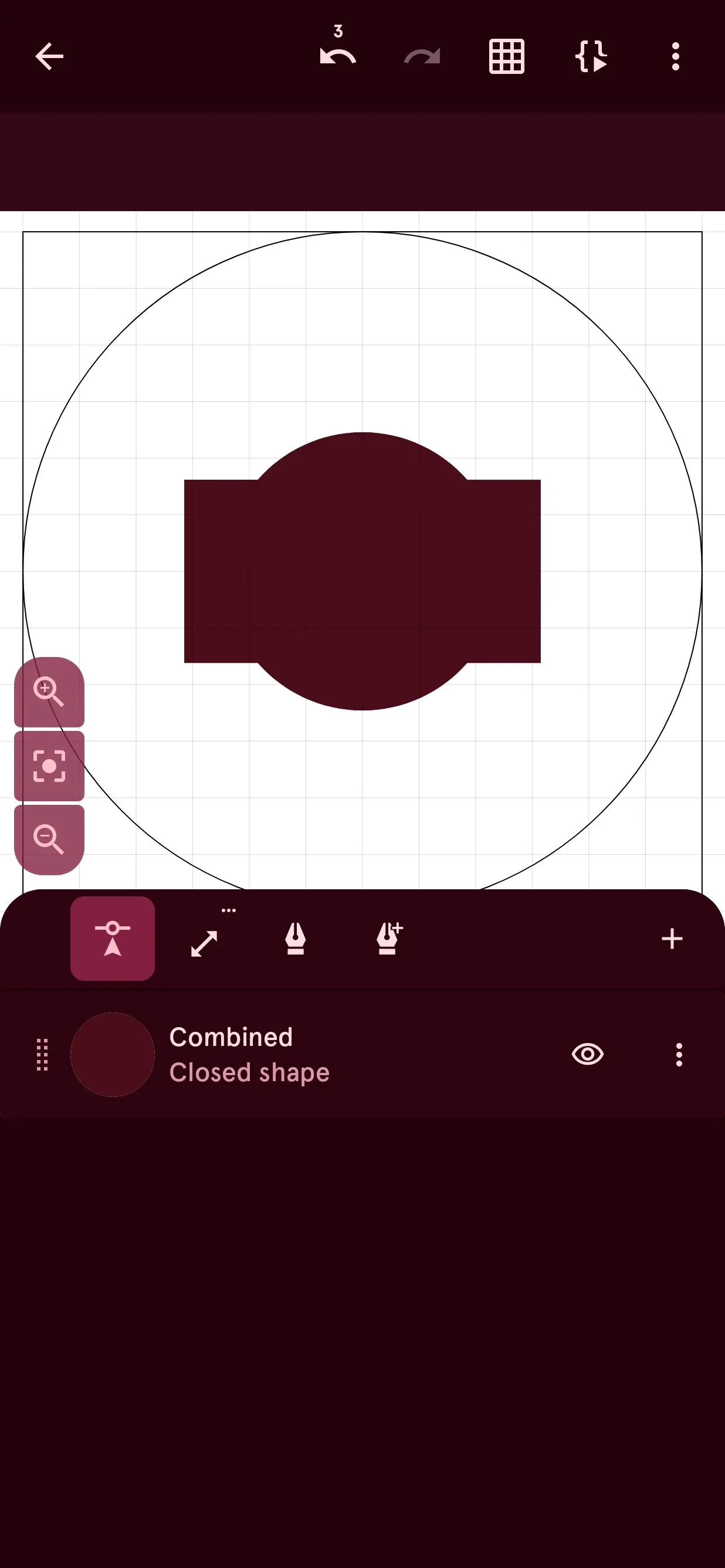
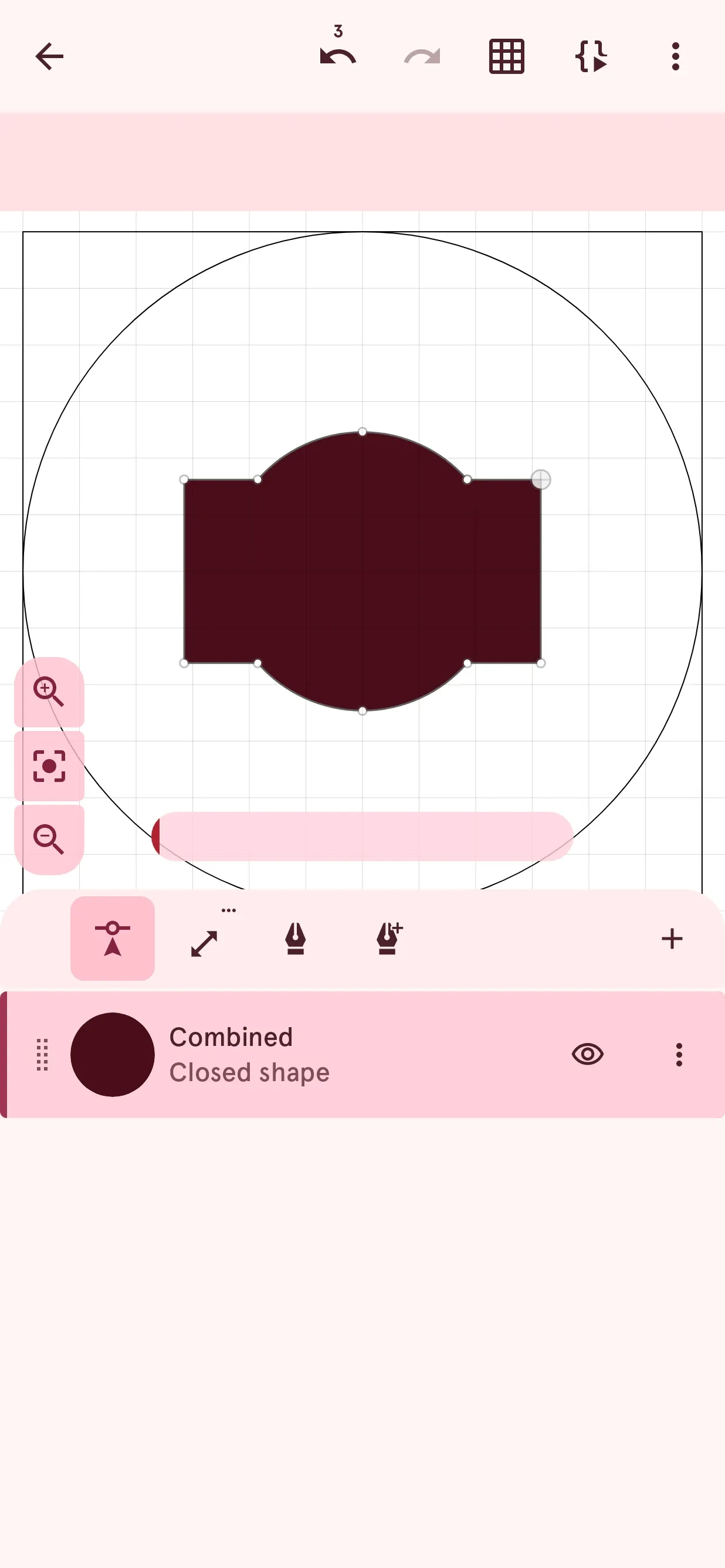
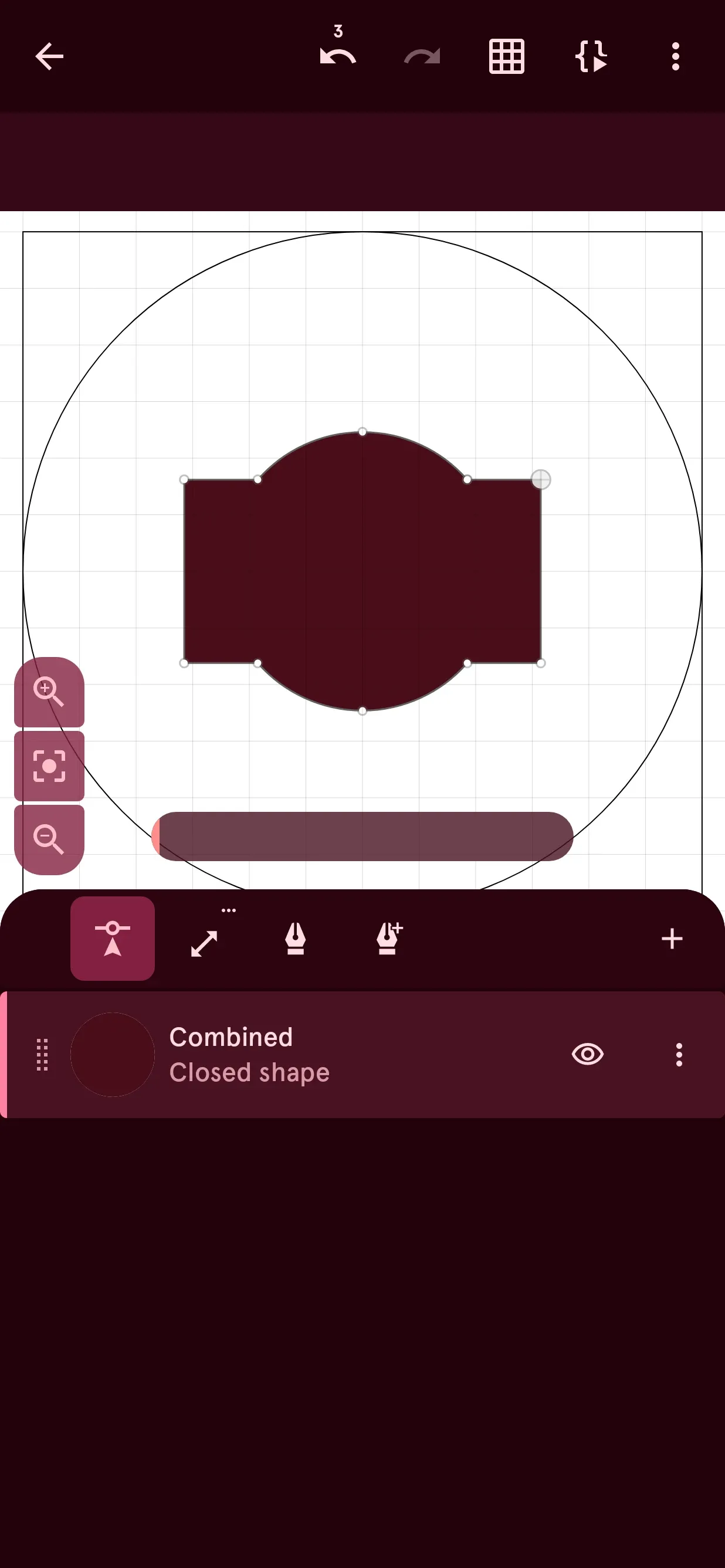
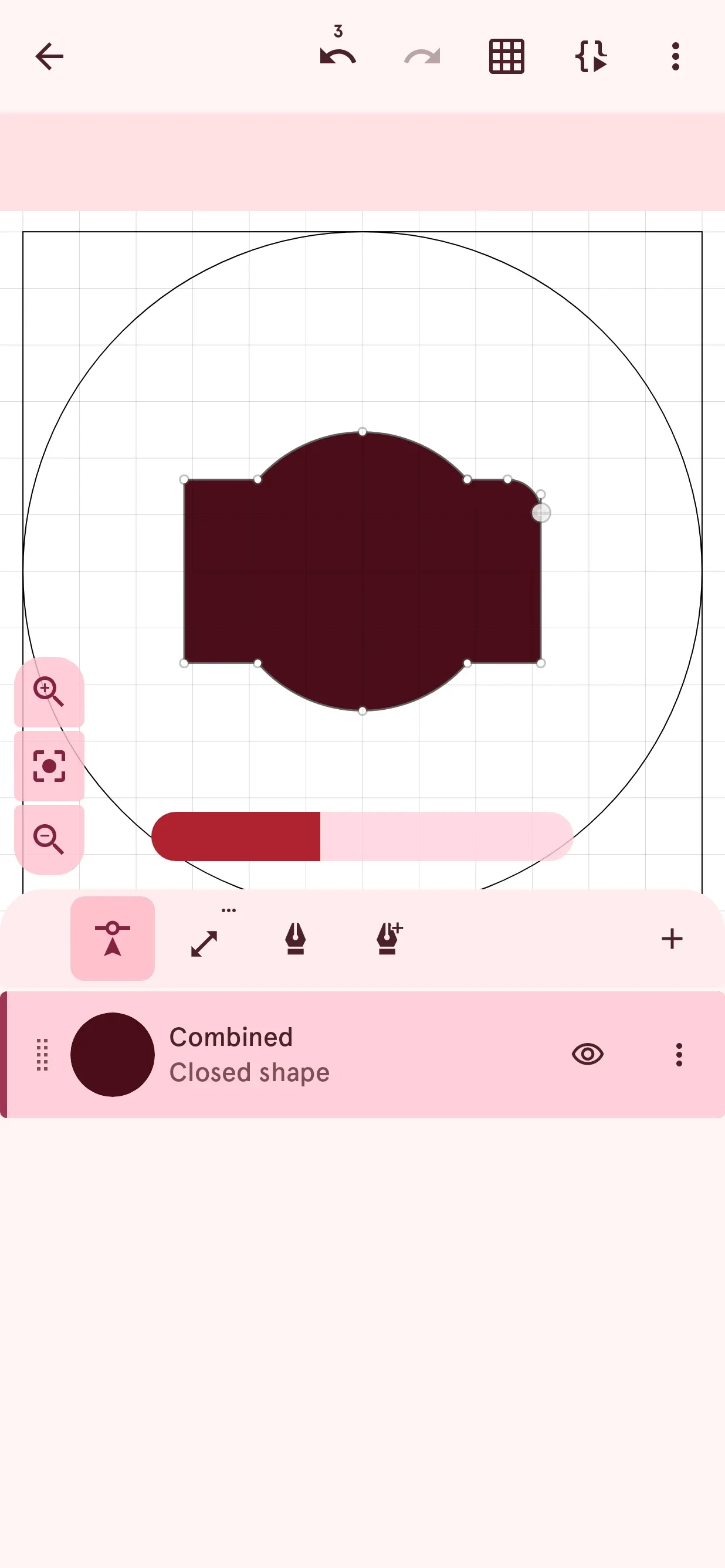
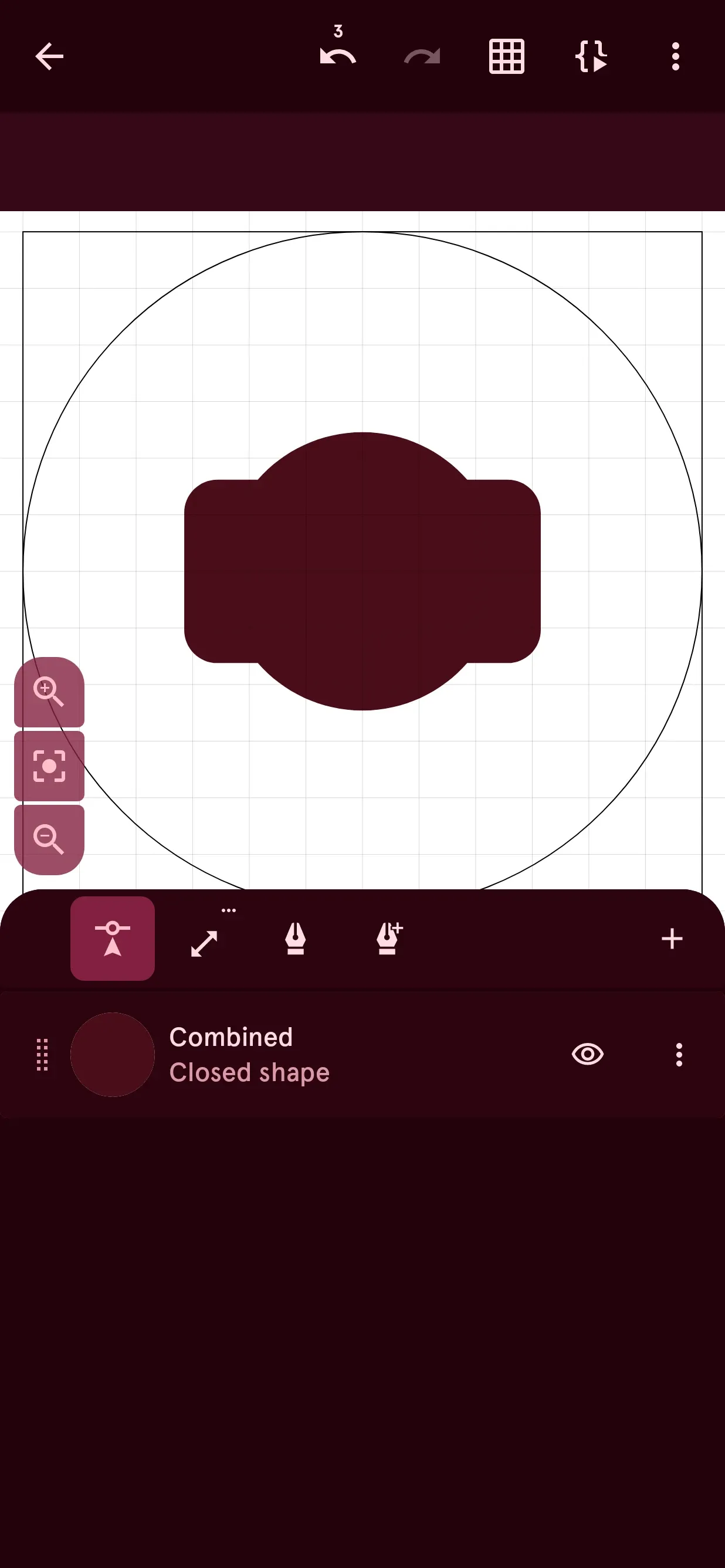
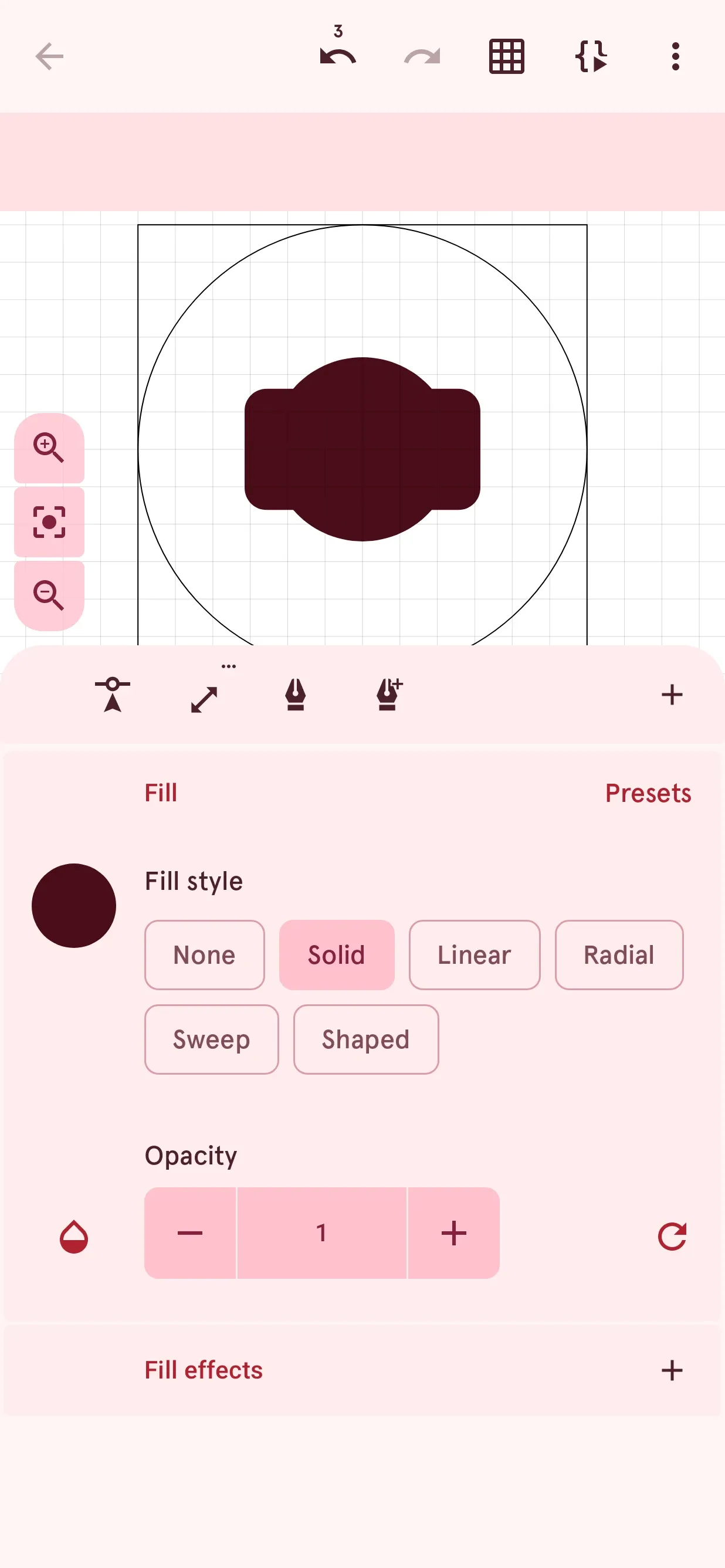
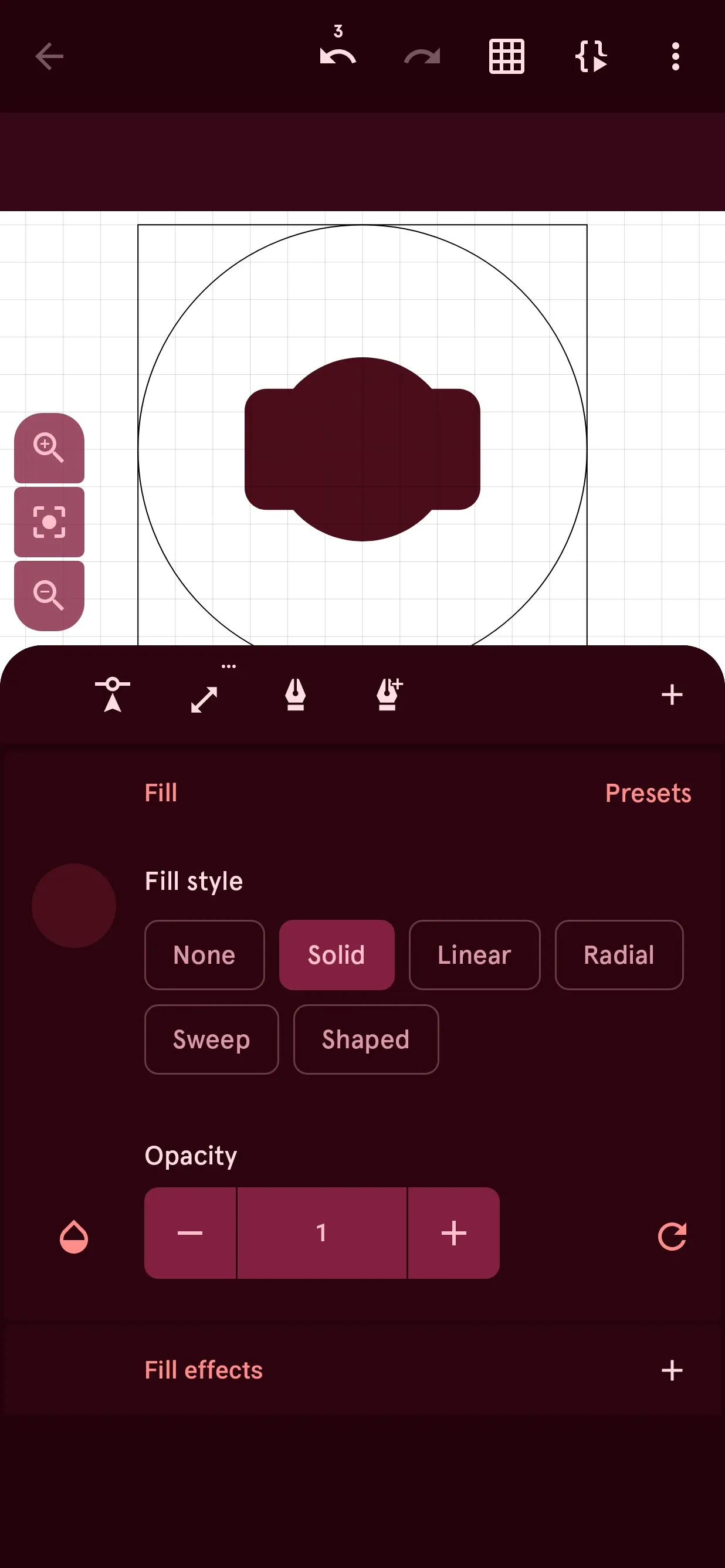
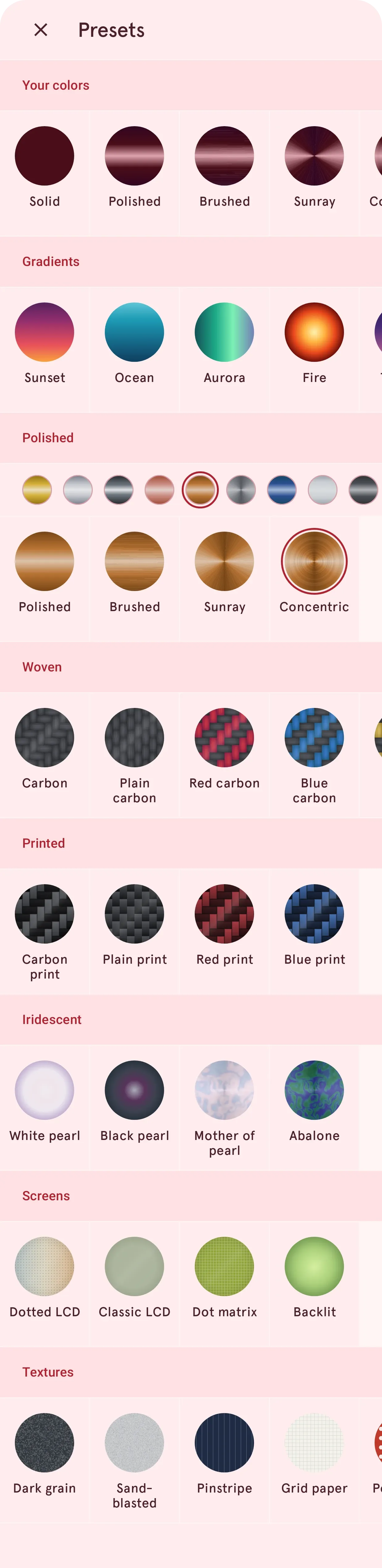
The Watch Element Designer has been rebuilt, with smoother dragging, zooming and selecting. Every fill and stroke can now hold a whole stack of effects, and new shape tools make the shape you need from simple ones.
A smarter Library
Finding the right watch face got a lot easier. The new search understands what you mean, not just the exact words you type, and each watch face’s page shows similar watch faces.



Save your designs for free
Editing watch faces is now free. Without Premium, you can edit any free watch face from the Library, and your own, and keep your work in three save slots.
Premium still unlocks unlimited saves in your own library and uploading to the Library.
And much more
There are many more improvements and fixes. Check out the full changelog on the page below.